


Written by Mo Kahn on
December 10, 2025


When Bard AI launched, it was Google’s answer to the growing wave of artificial intelligence tools. But Bard didn’t stay Bard for long. Google renamed Bard to Google Gemini, rebuilt its capabilities, and released it as a multi-model AI system designed to reason, write, generate images, and integrate directly with Google services.
If you’ve heard people talking about Bard, they’re really talking about Gemini now.
It’s not a simple rename — it’s a full upgrade.

Google Gemini is a large language model AI chatbot built by Google DeepMind. It’s designed to answer questions, generate text, create images, analyze content, and handle complex topics across various tasks. The Gemini app now runs across the Google ecosystem, replacing Google Bard completely and improving natural language processing speed and accuracy.
Gemini is built into:
• Google Search
• Google Workspace (Docs, Gmail, Sheets)
• Google app for Android and iOS
• Google Pixel AI features
• Google Assistant replacement rollout
This is the first time Google AI has felt like a full platform, not just a chatbot.
Gemini isn’t one model. It’s three.
Gemini Nano
A lightweight model version designed to run on mobile devices like Google Pixel. It handles writing suggestions, message summaries, offline text tasks.
Gemini Pro
The default model inside the Google app. Good for everyday Q&A, research, image generation, planning, and follow up questions. This is the “standard” version most users interact with.
Gemini Ultra (Gemini Advanced)
The advanced version with more computing power. Handles longer reasoning chains, coding assistance, image generation at higher quality, and data-dense prompts.
Gemini Advanced is the paid tier, but it unlocks the strongest AI model Google's ever released.

Gemini works by processing text, image input, and user prompts through generative artificial intelligence models trained on huge data sets. The AI model can respond conversationally, write documents, produce images, and even analyze photos you upload.
Users can:
• generate images from text
• answer questions about real photos using Google Lens
• use AI Studio or Vertex AI for development
• integrate Gemini into Google Workspace tools
Gemini pairs creativity with machine learning.
✔ Image generation + creative writing
✔ Works across Google services without setup
✔ Multi-model reasoning for complex topics
✔ Google Gemini Advanced for power users
✔ Generates high-quality text, summaries, insights
✔ AI tool for research, planning, content creation
It’s Google’s AI agent built directly into your daily apps.

Google introduced Bard first, then rebuilt it under a new system. Bard AI wasn’t retired — it evolved.
Reasons for the rename:
• Google wanted one AI identity across products
• The Gemini model is significantly more powerful
• The name unifies Google’s AI ecosystem under one brand
• The new architecture handles more tasks with less computing power
Bard was a launch. Gemini is the platform.
You’ll notice Gemini everywhere.
Google Search → conversational answers
Google Workspace → write emails, fix docs, build spreadsheets
Google Lens → interpret objects and images
Google Assistant replacement → voice AI with reasoning
Gemini app → chat, generate images, research, plan trips
Gemini is AI woven directly into Google’s everyday products.
Where Google Gemini shines
✔ integrated with Google services
✔ fast responses and image generation
✔ suitable for marketing teams, researchers, and students
✔ excellent in Google Workspace productivity flows
Where it struggles
• can output inaccurate or misleading information
• advanced features locked behind Gemini Advanced
• requires a Google account for full access
• not always as creative visually as niche image tools
Reliable, but still needs user verification.
Compared to tools like Bing Chat or ChatGPT, Google Gemini’s competitive advantage is integration. It knows your email, your files, your calendar — if you allow it. Gemini is most powerful when paired with Google apps.
If you want an AI assistant built into your digital life, Gemini is the direction Google is clearly moving.
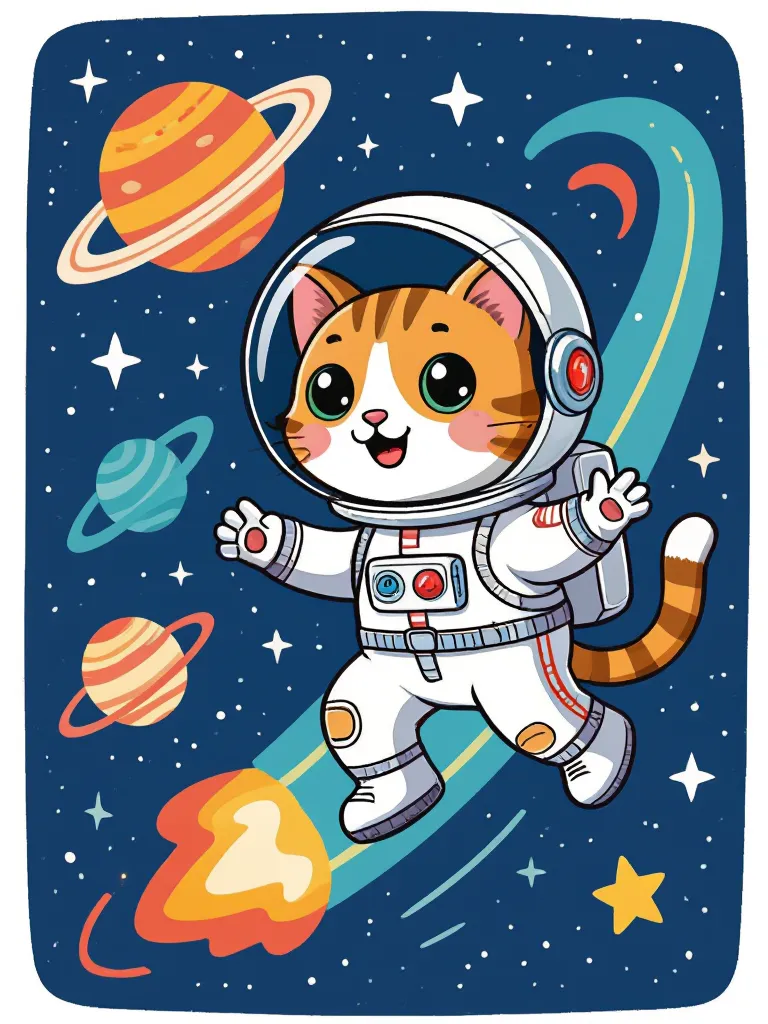
Gemini can generate images, but if you want more artistic control or stylized results, many creators use starryai alongside it. Gemini handles logic and writing well — starryai handles the art. Running both gives you flexibility and moodboard-level creativity beyond a single model.
Bard AI was Google’s beginning.
Google Gemini is the evolution.
If you want AI built inside your search engine, your phone, your workspace, your apps — Gemini delivers. Whether you’re generating images, researching science topics like the James Webb Space Telescope, or building marketing content with AI tools, Gemini has the range Bard never had.
Google didn’t just rename Bard.
They replaced it with something bigger.
The future isn’t Bard.
The future is Gemini.








.svg)