

Written by Mo Kahn on
March 12, 2026


Your headshot is often the first impression you make online. Whether it appears on LinkedIn, a company website, a portfolio, or a speaker profile, a great headshot signals credibility, approachability, and professionalism before you say a single word.
In 2026, the standards for professional headshots have evolved. Candidates and clients alike expect polished, high-quality images - not blurry selfies or awkward group photo crops. The good news: you no longer need to hire a photographer and book a studio session to get a great headshot. AI-powered tools like starryai make it possible to generate studio-quality professional headshots from your own photos in minutes.
This guide covers what makes a professional headshot great, examples across industries, common mistakes to avoid, and how to create your own with starryai.
A truly professional headshot comes down to five key elements: lighting, background, expression, framing, and attire.
Lighting is the most important factor. Soft, even lighting eliminates harsh shadows and makes your face look clear and approachable. Studio lighting or natural window light works best. Avoid harsh overhead lighting or direct flash.
Background should be simple and non-distracting. Neutral tones - white, grey, or soft blue - keep the focus on your face. Some industries allow creative backgrounds, but the rule is: if the background distracts, it detracts.
Expression should feel natural and confident. A slight smile reads as approachable without being overly casual. Avoid forced grins or completely neutral faces, which can come across as stiff.
Framing typically shows your face and shoulders, with your eyes roughly one-third from the top of the frame. The image should feel balanced, not cramped or too distant.
Attire should match your industry and be polished. Wrinkled clothes, casual t-shirts, or distracting patterns undermine even the best lighting setup. When in doubt, dress one step above your daily work outfit.
Corporate and Finance
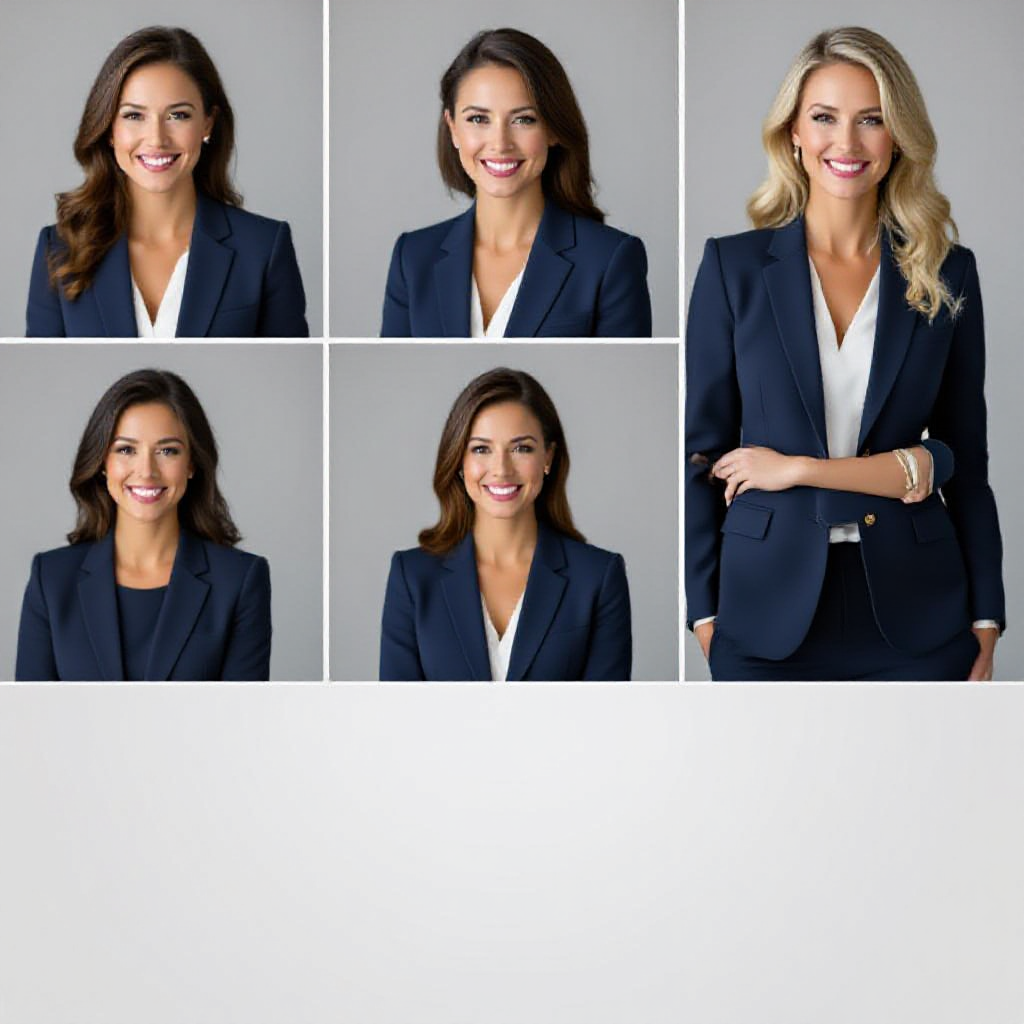
Corporate headshots tend to be formal and conservative. The ideal look features a neutral or dark background, business attire such as a suit or blazer, and a confident, composed expression. Think clean, authoritative, and polished. Sharp focus on the face with soft background blur adds a premium feel. Avoid casual clothing, busy backgrounds, or overly relaxed poses.
Creative and Tech
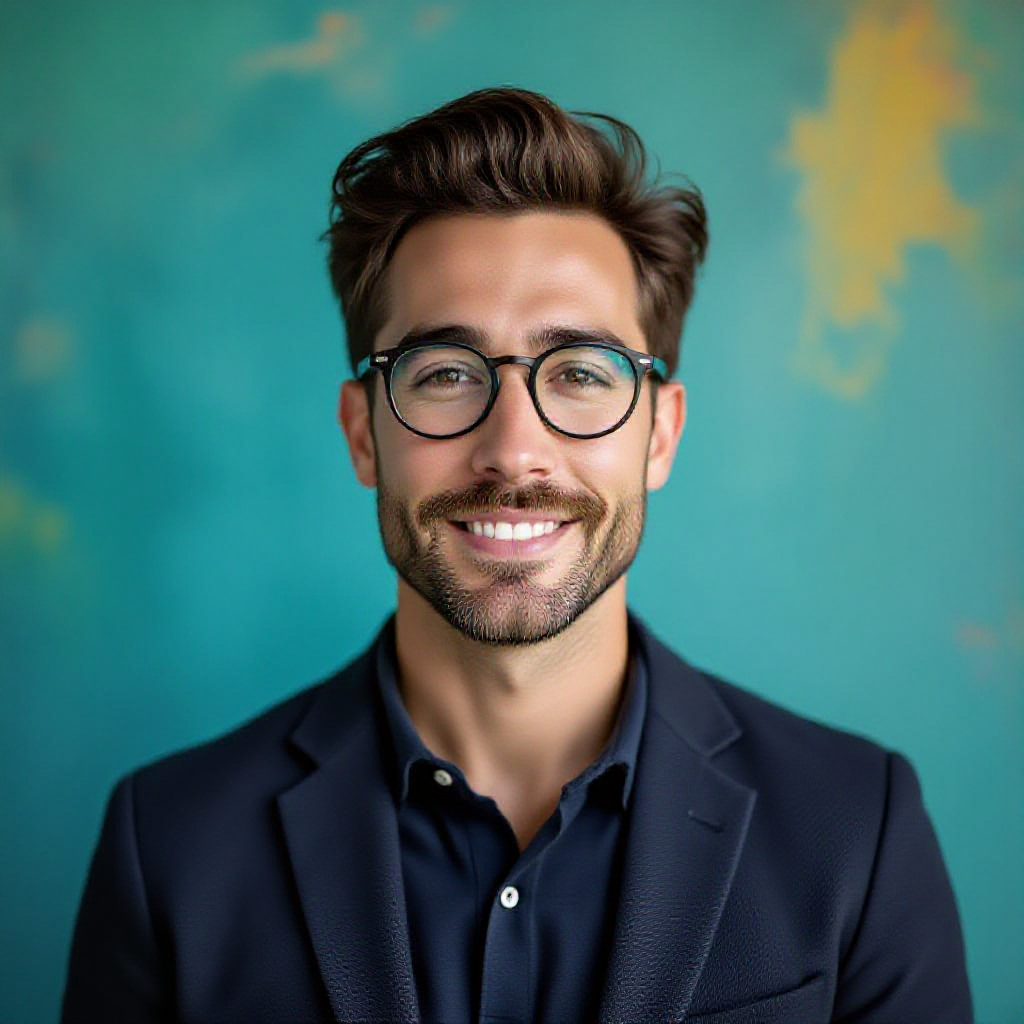
Professionals in creative fields and tech have more flexibility. You can use a slightly warmer background, more casual but polished attire like a neat button-down or sweater, and a friendly, relaxed expression. Some creatives opt for colourful or textured backgrounds that reflect their personality. The goal is approachable expertise - someone who is both competent and easy to work with.
Healthcare
Healthcare headshots prioritize trust and warmth. A clean white or light grey background, professional attire or scrubs, and a warm, reassuring smile work best. Patients and colleagues need to feel they are in capable, caring hands. Keep accessories minimal and hair neat. A friendly but composed expression communicates both competence and empathy.
Real Estate
Real estate headshots need to convey approachability and trustworthiness because clients are making major financial decisions. Business casual attire in neutral tones, a genuine warm smile, and a clean background work well. Some agents use outdoor or architectural backgrounds to subtly reinforce their field. The key is looking like someone clients would feel comfortable inviting into their home.
Actors and Performers
Acting headshots follow different rules entirely. The focus is on personality and range. Expressions should be engaging and emotionally varied across different shots. Clothing is typically simple - solid colours that do not distract from your face. Lighting should be dramatic enough to show depth and character. Actors need headshots that stand out while still reflecting their natural look.
Even with a great setup, common mistakes can undermine your headshot. Here is what to watch out for:
starryai makes it simple to generate a polished, professional headshot without booking a photographer or setting up studio lights. Here is how:
Step 1: Open starryai and choose your style
Go to starryai.com or open the starryai app. Navigate to the image generation section. In the prompt field, describe the style of headshot you want. Be specific: mention the background colour, lighting style, and attire you want to appear in your generated image. For example: "professional corporate headshot, neutral grey background, blue blazer, studio lighting, sharp focus, confident expression."
Step 2: Upload your reference photo
starryai supports image-to-image generation, which means you can upload a photo of yourself as a reference. The AI uses your facial features and likeness as the foundation, applying the professional headshot style you described while keeping you recognisable. Choose a clear, well-lit reference photo for the best results.
Step 3: Generate and refine
Hit generate and let starryai create multiple variations. You can adjust the prompt to fine-tune the background, lighting, expression, or clothing. Try different aspect ratios if you need square crops for LinkedIn or wider formats for websites. Once you find a result you love, download your headshot in high resolution.
The entire process takes minutes and produces results that rival professional studio photography - at a fraction of the cost.
Both options have merit, but the differences are significant in 2026.
Traditional photographers offer a hands-on experience with professional equipment, creative direction, and the ability to capture genuine candid moments. A skilled photographer can coach your expressions and posing, resulting in authentic images. However, sessions typically cost between $150 and $500, require scheduling, travel, and editing time of several days. The final image count is often limited.
AI headshots with starryai offer instant results at a fraction of the cost. You can generate dozens of variations in different styles, backgrounds, and attire without leaving your home. The AI adapts to your reference photo and produces consistent, polished results. The limitation is that AI cannot capture spontaneous, unscripted moments the way a photographer can.
For most professionals updating their LinkedIn profile, website, or portfolio, AI headshots offer an excellent quality-to-cost ratio. For actors who need a range of expressions and personas, or executives who want a deeply personalised session, a traditional photographer remains valuable.
Getting great results from starryai comes down to your inputs. Here are five tips:
1. Use a high-quality reference photo. The clearer and better-lit your reference photo, the more accurate and polished your AI headshot will be. Use a recent photo with your face clearly visible.
2. Be specific in your prompt. Vague prompts produce generic results. Describe exactly what you want - the background colour, lighting type, attire colour, and expression. "Confident businesswoman, light grey background, navy blazer, warm studio lighting" will outperform "professional headshot."
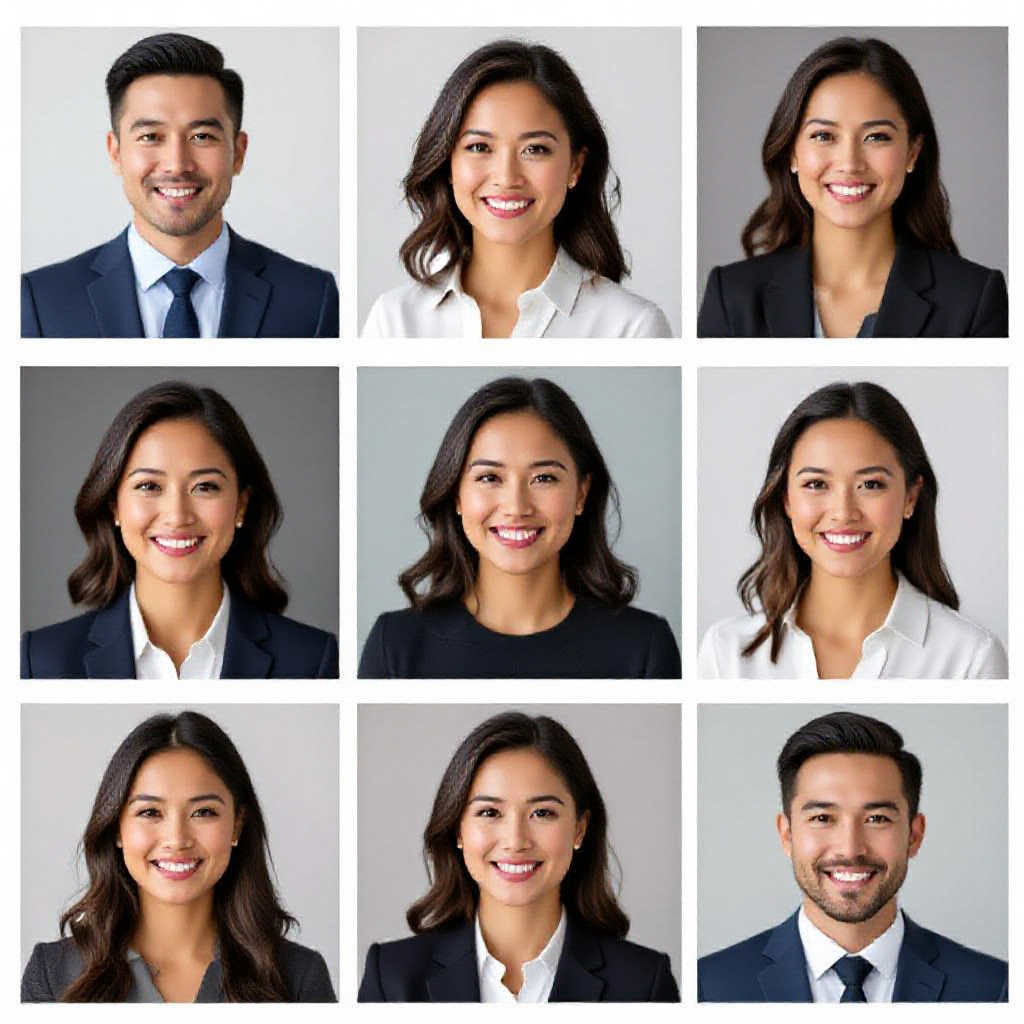
3. Generate multiple variations. Do not settle for the first result. Generate several options and compare. Subtle differences in expression or framing can make a big impact.
4. Match your industry. Choose a style appropriate to your field. A creative professional and a corporate attorney have very different headshot needs - tailor your prompt accordingly.
5. Refine with iteration. If the first results are close but not perfect, adjust your prompt slightly and regenerate. Small tweaks - like changing "bright background" to "soft grey background" - can dramatically improve the output.
How much does a professional headshot cost? Traditional professional headshots typically cost between $150 and $500 depending on the photographer, location, and the number of edited images. AI headshots with starryai can be generated for free or at a very low subscription cost.
Can AI generate professional headshots? Yes. AI tools like starryai can generate high-quality professional headshots from a reference photo. The results are polished enough for LinkedIn, company websites, and speaker profiles.
What background works best for headshots? Neutral backgrounds - white, light grey, or soft blue - work best for most industries. They keep the focus on your face without distraction. Some creative industries allow bolder or more colourful backgrounds.
Should I smile in a professional headshot? A natural, slight smile is generally recommended. It reads as approachable and confident without appearing overly casual. For more conservative industries like law or finance, a composed, neutral expression can also be appropriate.
How often should I update my headshot? Update your headshot every two to three years, or whenever your appearance changes significantly - new hairstyle, glasses, or major change in weight. Your headshot should look like you today.
What should I wear for a professional headshot? Wear something you would wear to an important meeting in your industry. Solid colours work better than busy patterns. Avoid bright whites close to the face, as they can cause overexposure. Navy, charcoal, and deep blues photograph especially well.
A great professional headshot is one of the highest-leverage investments you can make in your personal brand. It builds trust, communicates credibility, and makes a strong first impression before anyone reads a single word of your bio. In 2026, you have options beyond expensive studio sessions. starryai puts professional-quality headshot generation in your hands, fast and affordable. Use the examples and tips in this guide to create a headshot that truly represents you at your best.









.svg)