


Written by Mo Kahn on
March 12, 2026


The line between flat photos and immersive three-dimensional art is disappearing. Thanks to advances in AI, converting a 2D image into a fully rendered 3D model is no longer a task reserved for skilled software engineers or 3D artists. In 2026, anyone with a photo and the right AI tool can generate stunning 3D art, objects, and characters in minutes.
Whether you are a game developer, product designer, architect, or creative hobbyist, AI image-to-3D conversion opens up a world of new possibilities. starryai is at the forefront of this revolution, making 3D creation accessible to everyone.
This guide explains how AI image-to-3D conversion works, the best use cases, and how to get started with starryai today.
An AI image to 3D model converter is a tool that takes a flat, two-dimensional image as input and generates a three-dimensional representation of the subject within it. The AI analyses the image, interprets depth cues, surface textures, lighting, and geometry, and constructs a 3D version that can be viewed from multiple angles.
This technology is powered by deep learning models trained on massive datasets of 3D objects and their 2D counterparts. The AI learns to understand how objects look from different perspectives and uses that understanding to infer the 3D structure from a single flat image.
Modern AI 3D converters have become remarkably accurate. They can handle a wide variety of subjects - from human characters and everyday objects to architectural structures and stylised artwork. The results range from rough geometric approximations to detailed, texture-mapped models that are ready for use in real-time applications.
Tools like starryai push this further by combining 3D conversion with generative AI capabilities, letting you not only convert existing images but also generate new 3D-style artwork from text prompts and reference images.
The applications for AI-generated 3D models are vast and growing across industries.
Gaming and interactive media are perhaps the most obvious use cases. Game developers and indie creators can convert concept art or reference photos into usable 3D assets, dramatically speeding up asset creation pipelines. What once took a modeller days can now take minutes.
Product visualisation has transformed how brands showcase their products. E-commerce companies can convert product photos into 3D models that customers can rotate, zoom, and explore from every angle. This kind of interactive experience has been shown to reduce returns and increase purchase confidence.
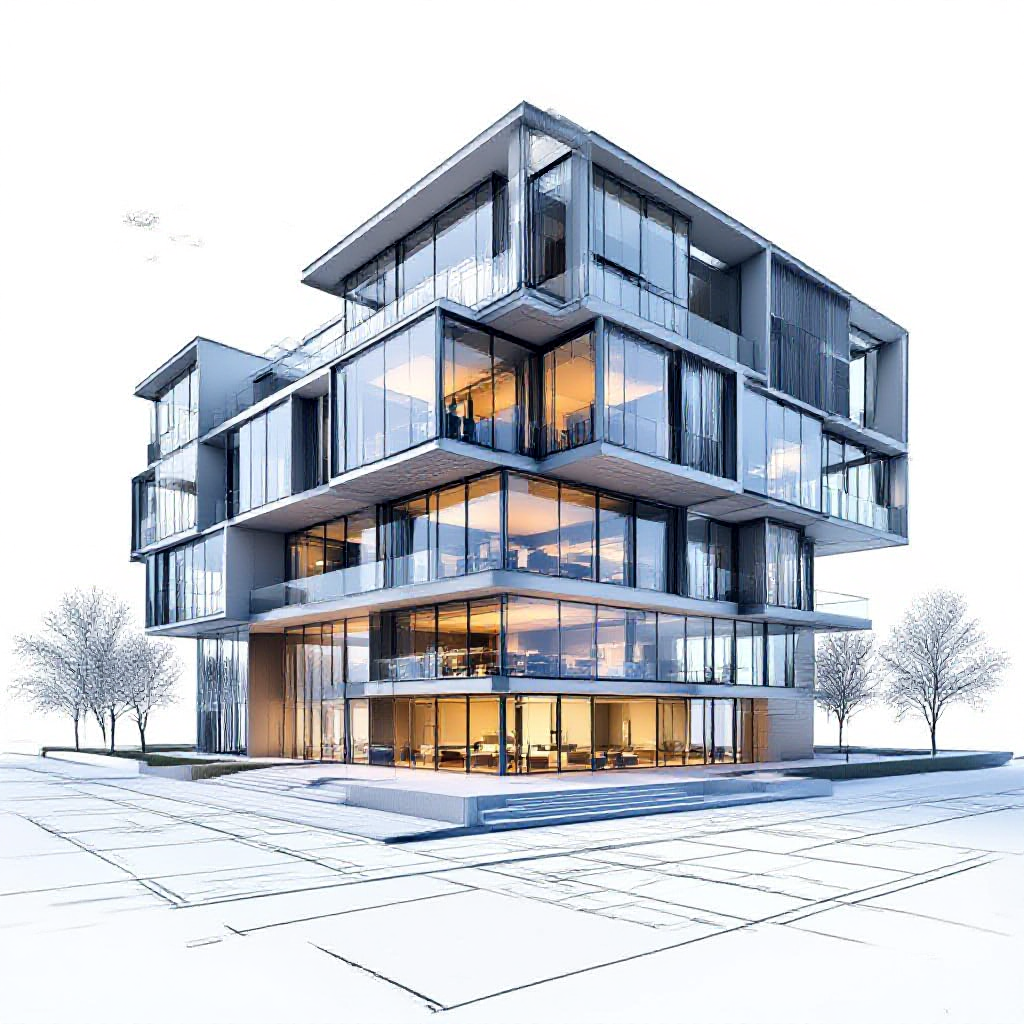
Architecture and interior design benefit enormously from 3D conversion. Architects and designers can take flat blueprints or reference images and generate 3D visualisations for client presentations, walkthroughs, and concept approval - without needing complex CAD software.
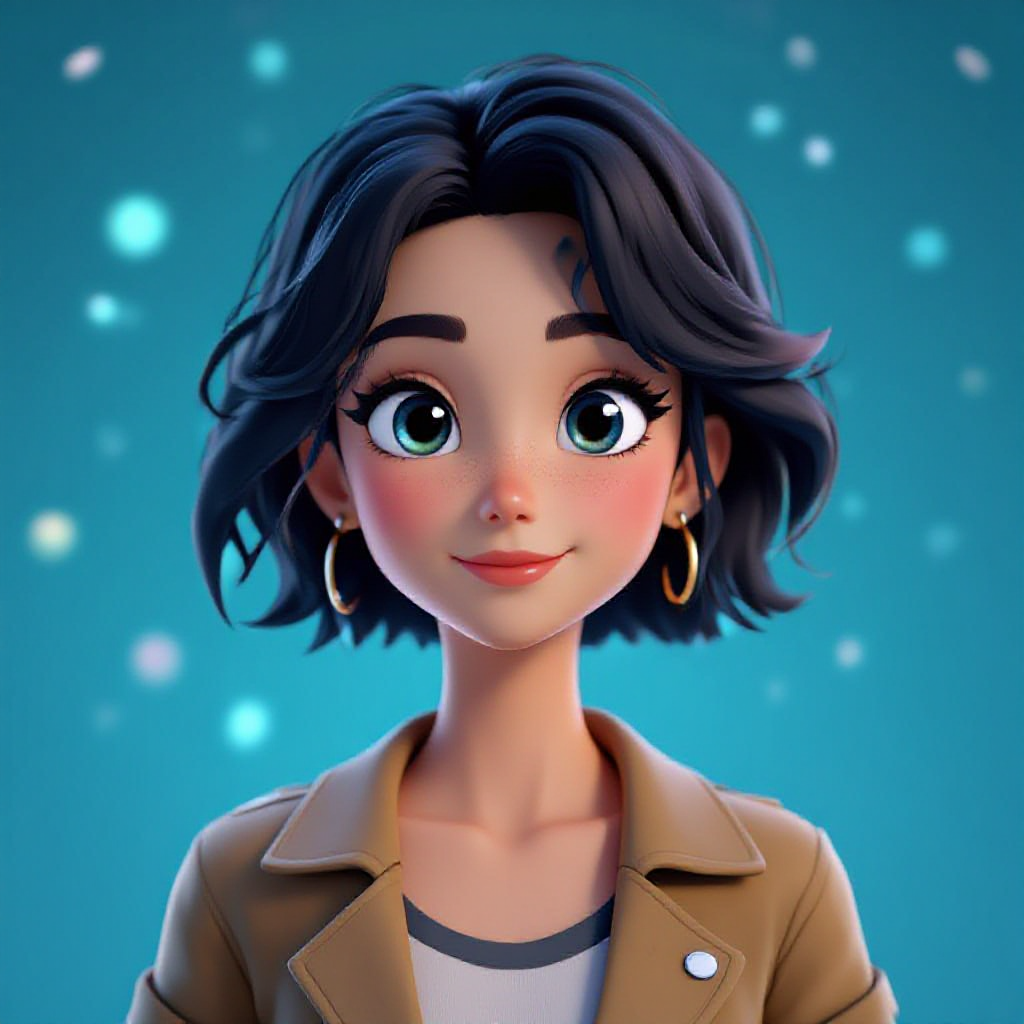
Animation and visual effects studios use AI 3D tools to accelerate character and environment creation. Converting 2D concept art into 3D base models gives artists a head start on rigging and animation workflows.
Digital art and NFTs represent a creative frontier. Artists can take their flat illustrations and breathe new life into them as 3D collectibles, animated art pieces, or immersive experiences.
starryai makes the image-to-3D conversion process straightforward, even if you have never worked with 3D tools before.
Step 1: Choose your source image
Start with a clear, well-composed image of your subject. The best results come from images where the subject is clearly defined against a clean background. Product photos, portraits, character illustrations, and architectural images all work well. Complex scenes with many overlapping elements can produce less predictable results, so start with simpler subjects as you learn.
Step 2: Upload and configure your 3D generation settings
Open starryai and navigate to the image generation or 3D style section. Upload your reference image and choose a 3D style - options typically include realistic 3D renders, stylised clay models, sculptural looks, and more. You can also add a text prompt to guide the 3D style further. For example: "3D rendered character, detailed textures, studio lighting, vibrant colours."
Step 3: Generate, refine, and export
Hit generate and starryai will produce a 3D-style rendering of your subject. You can adjust the prompt, style settings, and lighting to get different results. Generate multiple variations to find the one that best serves your purpose. Once satisfied, download your result in high resolution and use it across your projects - in presentations, social media, game engines, or print.
Not all images produce equally good 3D results. Understanding what works best helps you get better outputs from the start.
What works well:
What works less well:
For best results, start with clear, well-lit, high-resolution images and work up to more complex subjects as you get comfortable with the tool.
The creative possibilities with AI-generated 3D models extend far beyond technical applications.
Product mockups for brands and creators have never been easier. Convert a flat product design into a 3D mockup for marketing materials, social ads, or pitch decks without needing a physical prototype.
NFT and digital collectibles creation is a natural fit. 3D models lend themselves to animated, interactive digital collectibles that fetch higher value in marketplaces than flat 2D artwork.
Game assets and props can be generated rapidly for indie developers working with limited budgets. Convert concept sketches into 3D props, characters, or environment pieces.
Social media content stands out when it features 3D visuals. Rotating 3D product shots, 3D text animations, and sculpted character reveals generate significantly higher engagement than static 2D posts.
Merchandise design benefits from 3D previews. Whether you are selling custom phone cases, apparel, or collectible figures, 3D visualisations help customers understand exactly what they are buying.
Traditional 3D modelling requires years of skill development, expensive software, and significant time investment. A professional 3D artist typically spends hours to days on a single model, depending on complexity. Software like Blender, Maya, or Cinema 4D has steep learning curves that deter most creators.
AI image-to-3D tools democratise this process dramatically. Here is how they compare:
Cost: Traditional 3D modelling can cost hundreds to thousands of dollars when outsourced to professionals. AI tools like starryai make 3D creation available at a fraction of the cost or free.
Speed: Where a traditional modeller might spend a full day on a single asset, AI can produce results in minutes.
Skill requirement: Traditional 3D requires mastery of complex software and spatial thinking. AI tools require only the ability to describe what you want and select from generated options.
Output quality for complex work: Traditional modelling still wins for highly detailed, animation-ready characters and environments that require precise geometry control. But for visualisation, concept art, social media, and most commercial applications, AI quality is more than sufficient.
Getting the most out of AI image-to-3D tools comes down to a few key practices:
1. Start with clean source images. The quality of your input directly affects your output. Use well-lit, high-resolution images with clear subjects.
2. Experiment with style prompts. Adding descriptive style modifiers to your prompts - like "clay render," "hyper-realistic 3D," or "stylised low-poly" - dramatically changes the output.
3. Use multiple generations. Generate several variations and combine insights from each. Sometimes a detail from one version and the overall composition from another can guide your next prompt iteration.
4. Consider your end use. A 3D model for social media has different requirements than one for a game engine. Tailor your generation settings to your intended output.
5. Iterate your prompts. Treat the first generation as a rough draft. Refine your prompt based on what worked and what did not, building toward your ideal result progressively.
Is AI 3D conversion free? starryai offers free generations, making it accessible for creators to experiment without upfront cost. Premium plans unlock higher resolution outputs and additional generation credits.
What file formats are supported? AI-generated 3D images from starryai can be downloaded as high-resolution PNG files. For fully exportable 3D model files (such as OBJ or GLB), dedicated 3D conversion platforms complement starryai's generative capabilities.
Can I use AI 3D models in games? Yes, 3D-style images generated by AI can be used as reference art, concept assets, textures, and promotional material for games. For in-engine 3D meshes, you would typically run the AI output through a dedicated 3D reconstruction tool.
How accurate is AI 3D conversion? Accuracy varies by subject complexity and input quality. For clear, single-subject images with good lighting, AI tools produce very convincing results. Complex scenes or unusual perspectives may require more iteration.
Can I 3D print AI-generated models? AI-generated images can serve as visual references and inspiration for 3D-printed objects. For printable 3D files, you would need to convert the AI image output into a proper 3D mesh using tools like Meshy or Luma AI in conjunction with your AI art workflow.
AI image-to-3D conversion is no longer a niche technical skill - it is a creative superpower available to everyone in 2026. Whether you are building games, designing products, creating digital art, or simply exploring what is possible, tools like starryai make it easier than ever to bring flat images to life in three dimensions. Start with a clear reference photo, experiment with prompts, and discover a whole new dimension of creative possibility.









.svg)