

Written by Mo Kahn on
March 12, 2026


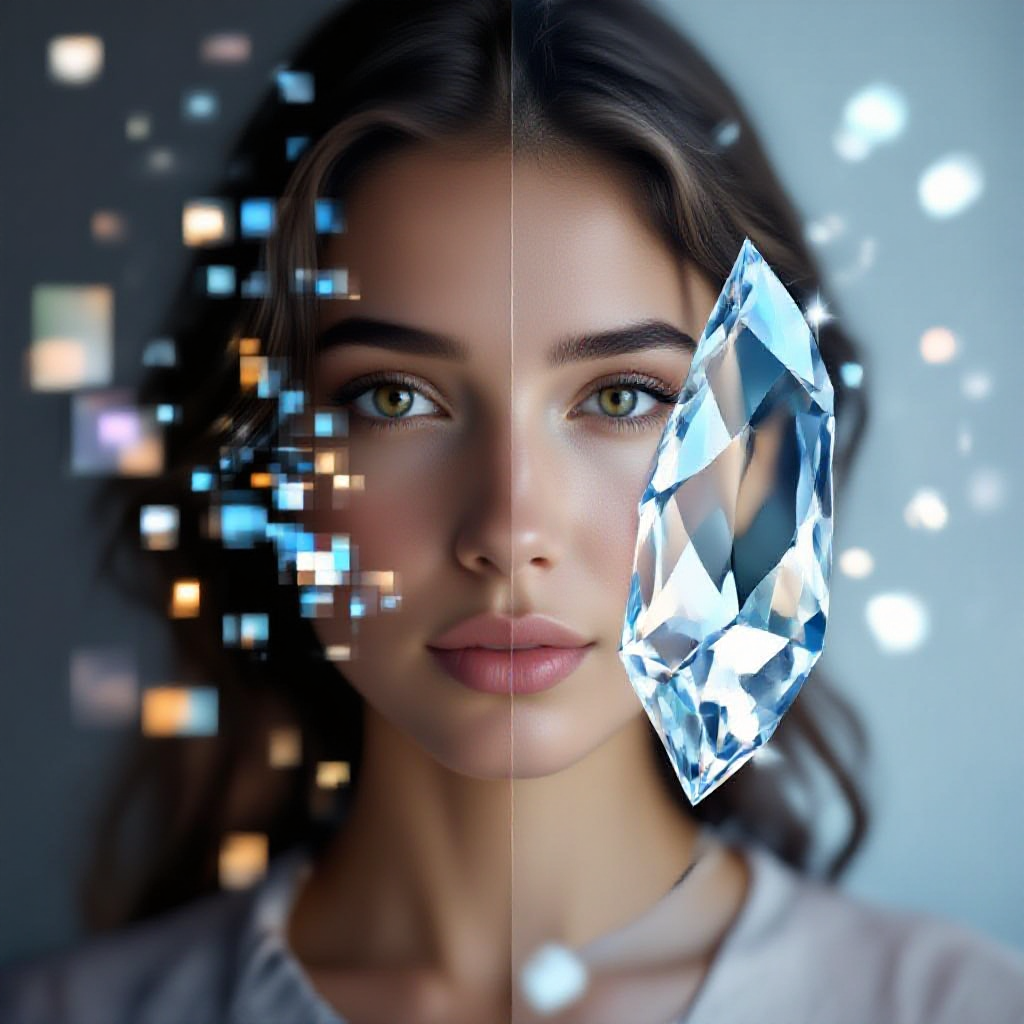
Turn blurry, blocky photos into sharp, stunning visuals - no design skills needed. \[IMAGE: Side-by-side comparison showing a heavily pixelated photo on the left transforming into a crisp, clear version on the right with a starryai interface overlay\]
We have all been there. You find the perfect photo buried in an old chat thread, saved from a screenshot, or pulled from a low-resolution website. But when you zoom in, it is a mess of blocky pixels. The details are gone, the colors are muddy, and the image looks like it belongs in a 1990s video game. The good news? In 2026, you do not have to live with pixelated images anymore. AI-powered tools have made it incredibly easy to unpixelate images, restore lost details, and breathe new life into photos you thought were beyond saving. And the even better news is that you can do it for free. In this guide, we will walk you through everything you need to know about unpixelating images. From understanding why pixelation happens in the first place to step-by-step methods for fixing it, plus creative use cases you probably have not considered. Whether you are a content creator, a designer, or just someone who wants their photos to look good, this one is for you. \[IMAGE: Grid of four example use cases - old family photo, social media screenshot, product image, and digital artwork - all showing before/after unpixelation\]
When we talk about unpixelating an image, we are referring to the process of removing visible pixel blocks and restoring smooth detail to a photo. Pixelation happens when an image does not have enough pixel data to display fine details, so instead of smooth gradients and sharp edges, you see chunky, blocky squares. Think of it like this: a pixelated image is a puzzle with missing pieces. Unpixelating uses AI to intelligently guess what those missing pieces should look like and fill them in.
Why Do Images Become Pixelated?
There are several common reasons images lose their quality:
Understanding why your image is pixelated helps you choose the right approach to fix it and set realistic expectations for the results. \[IMAGE: Diagram showing the progression of image degradation - original high-res photo going through compression, screenshotting, and cropping stages\]
starryai makes it simple to unpixelate images with powerful AI tools that anyone can use. Here is a step-by-step walkthrough:
Step 1: Upload Your Pixelated Image
Head to starryai and open the image editing tools. Upload the pixelated image you want to fix. starryai supports all major file formats including JPG, PNG, and WEBP. You do not need to create an account to get started - just upload and go.
Step 2: Select the Enhancement Tool
Choose the AI image enhancer from starryai's editing suite. The tool automatically detects areas of pixelation, blur, and quality loss in your uploaded image. You will see a preview of what the AI plans to improve.
Step 3: Let AI Work Its Magic
Click enhance and let starryai's AI algorithms analyze your image. The technology works by:
Processing typically takes just a few seconds, even for larger images.
Step 4: Review and Download
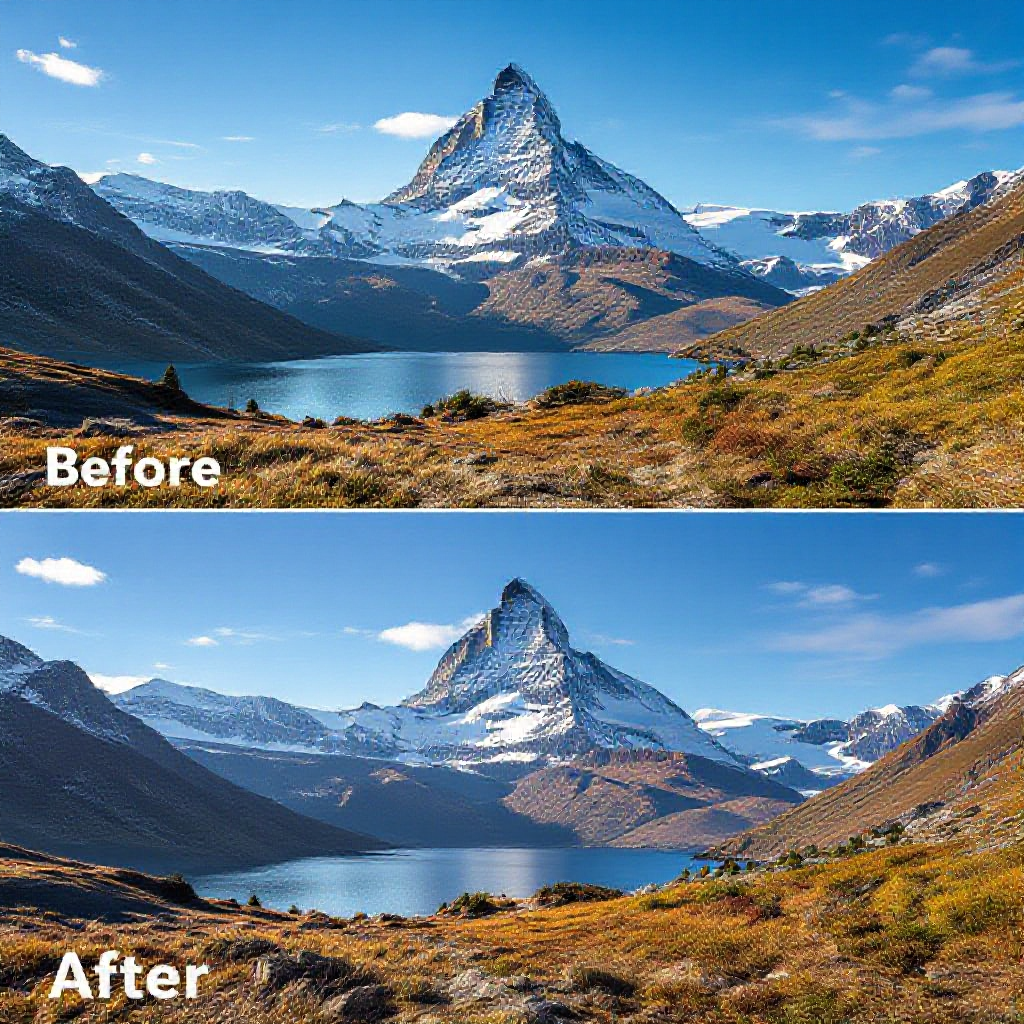
Preview the enhanced result side by side with your original. If you are happy with the outcome, download your newly unpixelated image in high resolution. You can also make further adjustments using starryai's other editing tools. \[IMAGE: Step-by-step screenshot walkthrough of the starryai enhancement process with numbered annotations\]
Pro Tip: Combine with Other starryai Tools
For the best results, consider using starryai's full creative suite after unpixelating:
While starryai offers the most streamlined experience, it helps to understand the full landscape of options available in 2026.
Method 1: AI-Powered Online Tools
Online depixelation tools are the most accessible option. You upload your image through a browser, AI processes it on cloud servers, and you download the result. No software installation needed. Pros:
Cons:
Method 2: Photo Editing Software (Photoshop, GIMP)
Traditional photo editors offer manual approaches to reducing pixelation through filters and blending techniques. Common techniques include:
Pros:
Cons:
Method 3: AI Upscaling Software
Dedicated AI upscaling applications run on your local machine and use neural networks trained on millions of images to reconstruct detail. Pros:
Cons:
Why starryai Stands Out
What makes starryai different is that it combines the convenience of an online tool with the power of advanced AI, and it does not stop at just fixing pixelation. Once your image is restored, you have an entire creative toolkit at your fingertips. Want to turn that restored family photo into a painted portrait? starryai can do that. Want to generate new variations inspired by the original? Easy. It is not just an unpixelation tool - it is a complete creative platform. \[IMAGE: Comparison chart showing starryai vs traditional methods across ease of use, quality, speed, and creative options\]
Fixing pixelation is not just about making blurry photos look better. Here are some creative and practical ways people are using AI depixelation in 2026:
Restore Old Family Photos
Dig out those boxes of old printed photos from the attic. Even if they were scanned at low quality years ago, AI can bring back details you thought were lost forever. Faces become recognizable again, backgrounds reveal forgotten details, and colors come back to life.
Rescue Social Media Content
Screenshots from Instagram stories, compressed TikTok saves, and low-res profile pictures can all be unpixelated and restored. Perfect for repurposing content across platforms where higher quality is expected.
Improve Product Photography
If you run an online store and some of your product photos are not as sharp as they should be, unpixelation can save you from an expensive reshoot. Clean, crisp product images directly impact conversion rates and customer trust.
Enhance Reference Images for Art
Artists and designers often work from reference images found online. When those references are low quality, it is hard to capture the details that matter. Unpixelating reference material gives you a clearer starting point for your creative work. Pair this with starryai's style transfer to take your art in entirely new directions.
Recover CCTV and Security Footage
Security camera footage is notoriously low resolution. While AI enhancement cannot perform miracles on extremely degraded footage, it can often reveal enough additional detail to be useful.
Print Old Digital Photos
That photo from 2005 that looked fine on a flip phone screen? It is going to look terrible printed on a canvas. Unpixelating and upscaling old digital photos makes them print-worthy again, perfect for gifts, wall art, or scrapbooks.
Clean Up Memes and Viral Images
Images that have been shared, screenshotted, and re-shared thousands of times accumulate serious quality loss. If you are curating content or building a collection, unpixelation can restore these images closer to their original quality. \[IMAGE: Collage showing various use cases - restored vintage photo, enhanced product shot, upscaled artwork reference, and cleaned-up social media screenshot\]
Not all pixelated images respond equally to enhancement. Here are some practical tips to maximize your results:
1. Start with the Best Available Version
If the same image exists in multiple places, find the highest quality version before running it through an AI enhancer. A slightly better starting point leads to dramatically better results.
2. Do Not Over-Process
Running an image through multiple enhancement tools back to back can introduce artifacts and make the result look unnatural. One pass through a quality AI tool like starryai is usually sufficient.
3. Set Realistic Expectations
AI is powerful, but it is not magic. An image that is 50x50 pixels will never look like a professional DSLR photo no matter what tool you use. The more pixel data the AI has to work with, the better the output will be.
4. Consider the Final Use Case
A photo destined for a small social media thumbnail does not need the same level of enhancement as one being printed on a large canvas. Match your enhancement effort to the intended use.
5. Preserve the Original
Always keep a copy of the original image before making changes. This lets you try different approaches and compare results without losing your starting point.
6. Use Complementary Edits
After unpixelating, consider subtle additional adjustments:
7. Batch Process When Possible
If you have multiple images to fix, look for tools that support batch processing. starryai's editing tools let you work through collections efficiently without starting from scratch each time. \[IMAGE: Side-by-side showing a "good" enhancement result versus an "over-processed" result with visible artifacts\]
Curious about how unpixelation actually works under the hood? Here is a simplified look at the technology:
Neural Networks and Super-Resolution
Modern depixelation tools use deep learning models trained on millions of image pairs. The AI learns what high-resolution details look like for different types of content - faces, landscapes, text, textures - and applies that knowledge to reconstruct missing information.
How It Differs from Simple Upscaling
Traditional upscaling (like bicubic interpolation) just stretches existing pixels to fill a larger canvas. It makes the image bigger but does not add new detail. AI super-resolution actually generates new pixel data based on learned patterns, which is why AI-enhanced images look genuinely sharper rather than just smoother.
The Role of Training Data
The quality of an AI depixelation model depends heavily on what it was trained on. Models trained on diverse, high-quality datasets perform better across a wider range of image types. This is where platforms like starryai have an advantage, with access to extensive image datasets that help their AI understand and reconstruct an enormous variety of visual content.
Generative vs. Reconstructive Approaches
Some AI tools focus purely on reconstruction, trying to recover the original image as accurately as possible. Others take a generative approach, filling in missing details with plausible but not necessarily accurate information. The best tools in 2026, including starryai's enhancer, use a hybrid approach that reconstructs what it can and intelligently generates the rest. \[IMAGE: Simple infographic showing the AI pipeline - pixelated input going through neural network layers and emerging as enhanced output\]
Can you really unpixelate an image for free?
Yes. Several AI tools, including starryai, offer free tiers that let you unpixelate images without paying. Free plans typically have some limitations on the number of images you can process or the maximum resolution, but they are more than enough for occasional use.
How much detail can AI actually recover from a pixelated image?
It depends on how severely pixelated the image is. Mildly pixelated images (from light compression or slight enlargement) can often be restored to near-original quality. Heavily pixelated images (very low resolution or extreme compression) will show improvement but cannot be fully restored to photographic quality. The AI is filling in educated guesses, not recovering data that no longer exists.
Is it safe to upload my photos to online unpixelation tools?
Reputable tools use encryption and automatically delete uploaded images after processing. However, if you are working with sensitive or private images, look for tools that process locally on your device, or check the privacy policy carefully before uploading. starryai takes user privacy seriously and does not use uploaded images for training.
What image formats work best for unpixelation?
PNG files tend to produce the best results because they use lossless compression, meaning no additional quality loss from the file format itself. JPEG files work well too, but keep in mind that JPEG compression has already removed some data. Avoid using heavily compressed formats or very small file sizes as your starting point.
Can I unpixelate a video or just still images?
Most online tools currently focus on still images. Video depixelation exists but requires significantly more processing power and is typically available through dedicated software rather than browser-based tools. For video, you would generally extract individual frames, enhance them, and reassemble the video.
Will unpixelating an image make it look AI-generated?
Good depixelation tools produce results that look natural and photographic. However, extreme enhancement of very low-quality images can sometimes create a slightly "smoothed" or artificial appearance. The key is using high-quality tools like starryai that are trained to maintain natural textures and details during enhancement.
How is unpixelating different from unblurring an image?
Pixelation and blur are different types of quality loss. Pixelation creates blocky, grid-like artifacts where individual pixels become visible. Blur creates a soft, out-of-focus effect where details merge together. The AI approaches for fixing each are related but distinct. Many modern tools, including starryai, handle both types of degradation.
Can I unpixelate images on my phone?
Absolutely. Browser-based tools like starryai work on any device with a web browser, including smartphones and tablets. No app installation is required. Just open the website, upload your image, and let the AI handle the rest. \[IMAGE: FAQ section visual with question mark icons and a phone/desktop showing the starryai interface\]
Pixelated photos used to mean game over. Once the quality was gone, it was gone. But in 2026, AI has changed the rules entirely. Whether you are restoring a cherished family photo, polishing product images for your online store, or just trying to make a screenshot look presentable, the tools to fix pixelation are free, fast, and accessible to everyone. starryai gives you everything you need to unpixelate images and then some. Beyond just fixing pixelation, you get access to a full suite of AI-powered creative tools that let you enhance, transform, and reimagine your images in ways that were not possible even a year ago. Ready to bring your pixelated photos back to life? Head to starryai and try it for free. Your images deserve better than blocky pixels. \[IMAGE: Final hero image showing a dramatic before/after transformation with starryai branding and a clear CTA button\]








.svg)