


Written by Mo Kahn on
December 11, 2025


Stable Diffusion is one of the most popular AI image generator systems in the world. It uses a diffusion model trained on large datasets, allowing it to transform text prompts into high quality images. Whether you’re creating digital art, product visuals, portraits or experimental concepts, Stable Diffusion online makes it possible to generate images quickly with nothing more than words.
The model works by converting noise into structured visuals. With the right text prompt and guidance, you can produce realistic images, stylized character art, landscapes, product renders and more. Stable Diffusion is built to generate detailed images and artistic concepts while maintaining high sampling fidelity.
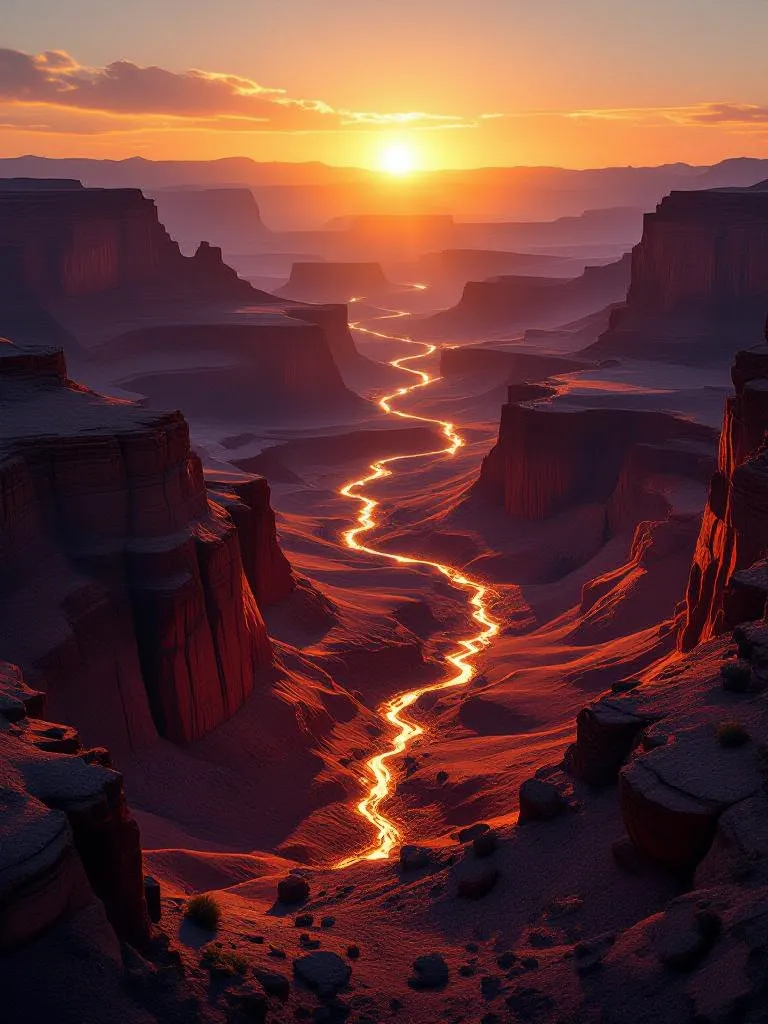
Stable Diffusion is powered by advanced deep learning models. Instead of rendering directly in pixel space, it works within a latent diffusion model, allowing much faster processing and more controlled composition. The result is an AI system capable of producing professional quality images using simple descriptive text inputs.
✔ Generate high quality images from text
✔ Create AI images in multiple visual styles
✔ Fast image generation through diffusion online tools
✔ Supports negative prompt input to filter unwanted elements
✔ Works with fine-tuned weights and model variations
Different versions exist, including Stable Diffusion XL (SDXL), Stable Diffusion XL Turbo, and models tailored for ultra-realistic output, fantasy art, anime styles and more. With improved context awareness and a larger UNet backbone network, the Stable Diffusion XL model produces even higher quality images and enhanced facial structure.
This process allows for a wide range of visual styles generated from plain text, making the model valuable for design, illustration, concept art and AI generated art workflows.
You can run Stable Diffusion locally, install weights, load checkpoints and generate high quality images directly on your machine. This offers control but requires machine learning models, GPU power and storage.
Online platforms remove the friction:
• No setup or install stable diffusion locally
• Works instantly in the browser
• Faster access to models + sampling options
• Generate images quickly with one prompt
For many users, online tools provide the simplest experience, since the diffusion model is already configured and cloud-powered for high dimensional image space output.
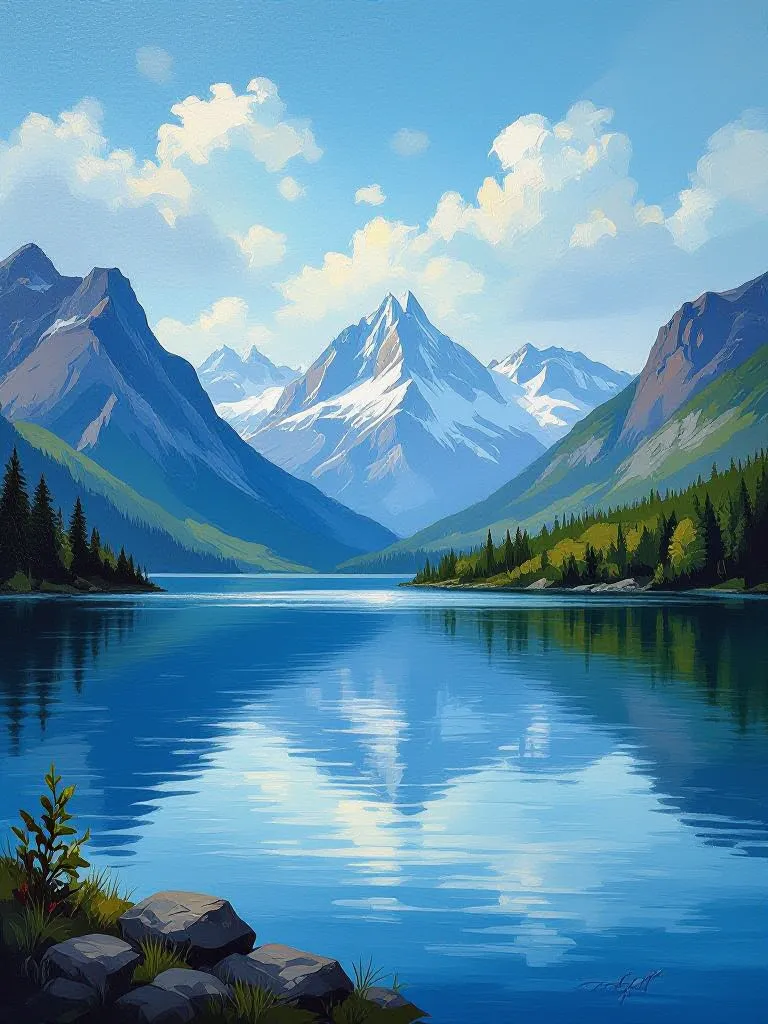
Better prompts = better art.
Tips for good prompt writing:
• Use a high quality prompt with specifics
• Mention style, lighting, composition
• Add descriptors like “ultra-realistic”, “detailed skin”, “sharp focus”
• Use negative prompt to avoid unwanted features (extra limbs, distortions)
Example:
highly detailed portrait of a silver-haired woman, cinematic lighting, 85mm lens, ultra realistic skin, dramatic contrast — negative prompt: low quality, distorted eyes, extra limbs
Small improvements in prompt clarity can produce even higher quality images.
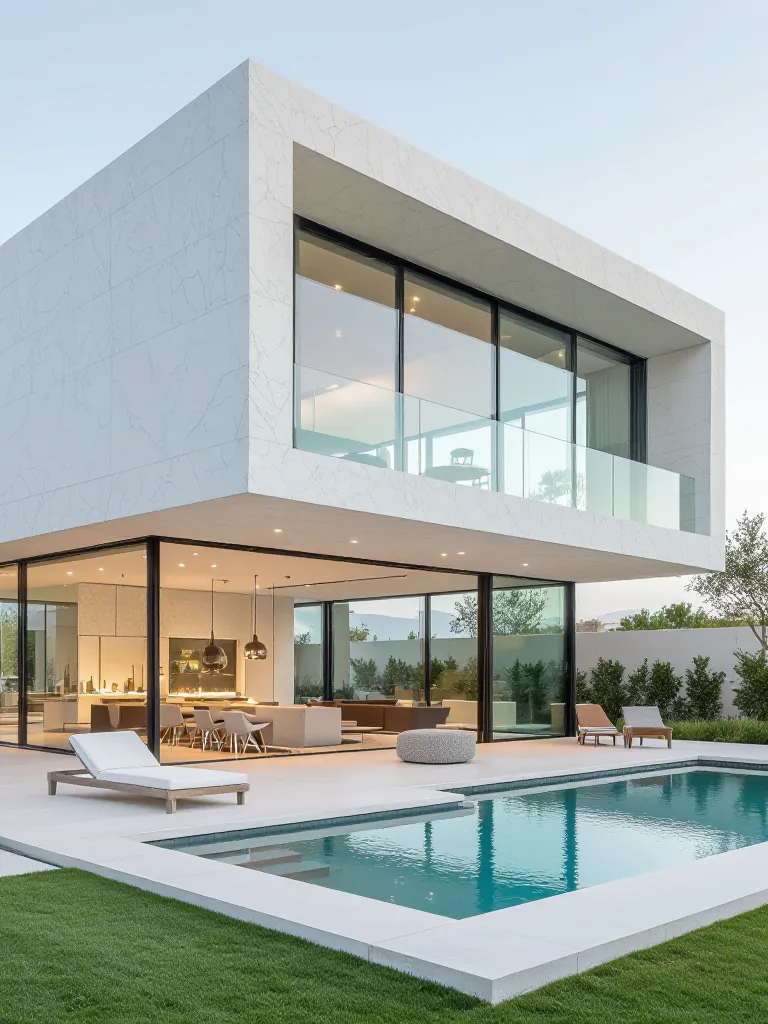
Stable Diffusion is powerful, but some users want faster, cleaner image generation without handling model weights or technical setup. In those cases, starryai is a strong option.
⭐ Works instantly online — no installation
⭐ Beginner-friendly text to image + video creator
⭐ Real-time editing with the Edit Tool
⭐ Create AI images or generate videos with one prompt
⭐ Faster workflow than typical Stable Diffusion UI setups
How to generate using starryai:
If you want speed, simplicity, and creation without technical layers, starryai delivers high quality outputs with less effort.








.svg)