

Written by Mo Kahn on
March 12, 2026


Photo effects have come a long way from the days of slapping a sepia filter on a snapshot and calling it art. In 2026, AI-powered tools are rewriting the rules of image transformation, giving everyone from casual smartphone photographers to professional content creators the ability to turn ordinary photos into extraordinary visual pieces. Whether you want to make a travel photo look like it was shot on 1970s film, transform a selfie into a watercolor portrait, or add Hollywood-grade cinematic color grading to a cityscape, photo effects let you reshape reality with a few clicks. This guide covers everything you need to know about photo effects in 2026: the different types, how they work, practical tips for getting the best results, and how AI tools like starryai are making professional-grade transformations accessible to everyone.
Photo effects are visual transformations applied to images that alter their appearance, mood, or artistic style. At the simplest level, think of brightness adjustments or color filters. At the most complex end, you have AI-driven transformations that can turn a photograph into a completely different medium, like an oil painting or a pencil sketch, while preserving the composition and subject of the original. The term "photo effects" covers a broad spectrum:
What separates modern photo effects from the basic Instagram filters of a decade ago is intelligence. AI models in 2026 do not just apply a uniform color overlay. They understand the content of your image - recognizing faces, landscapes, textures, and lighting - and apply transformations that respect the structure of the original photo while dramatically changing its visual character.
Artistic and Painting Effects
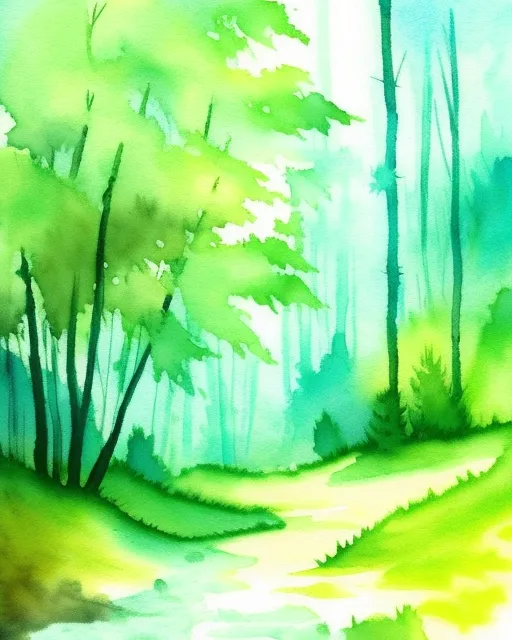
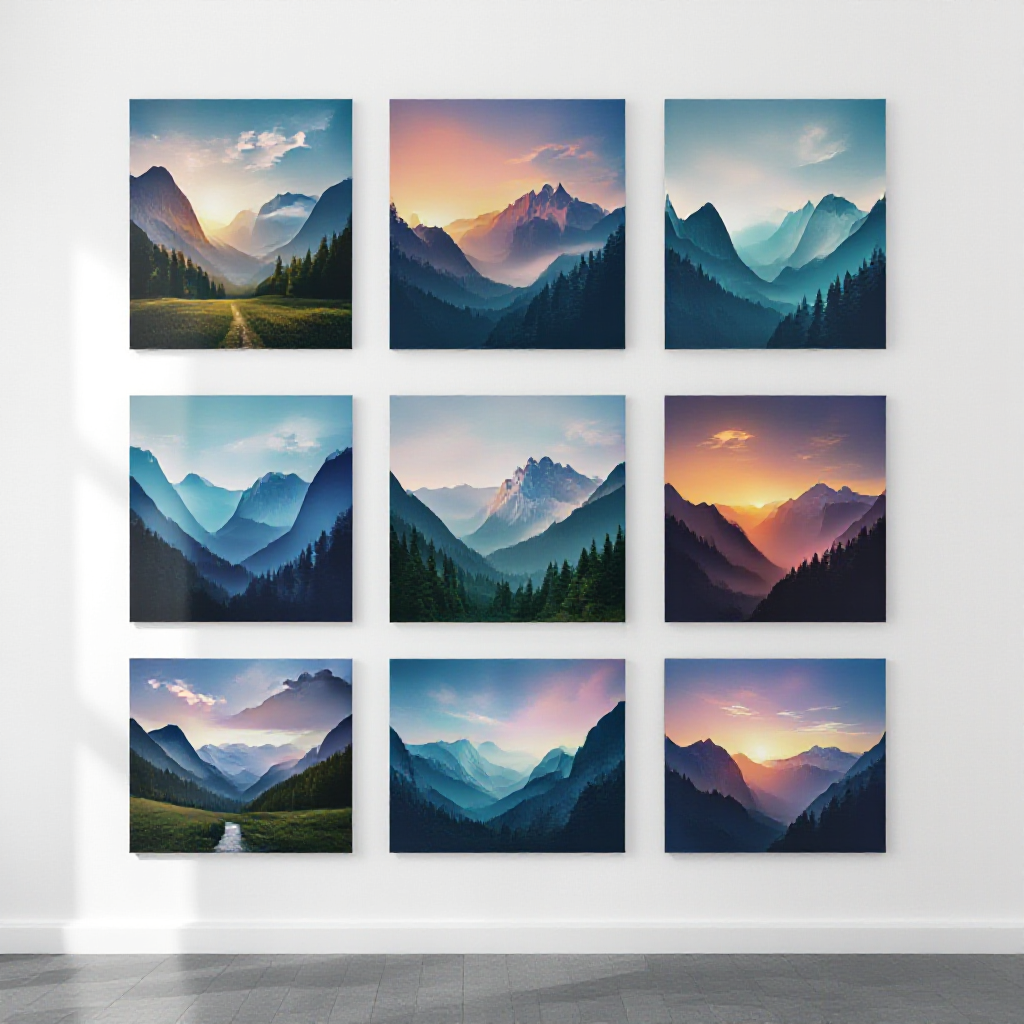
Artistic effects transform photographs into works that look hand-painted or hand-drawn. This category includes oil painting, watercolor, impressionist, pointillist, and acrylic styles, among many others. What makes them special: Unlike a simple Photoshop filter that runs a texture overlay, AI-powered artistic effects actually reinterpret your image. The AI analyzes brushstroke patterns, color palettes, and compositional techniques associated with specific art movements, then applies those principles to your photo. The result looks like an artist spent hours creating the piece, not like software smeared some pixels around. Practical use cases:
Tips for great results: Photos with strong subjects and clear compositions work best. A landscape with a dramatic sky translates beautifully into an impressionist painting. A close-up portrait with good lighting makes a striking oil painting. Avoid overly busy or cluttered images, as the artistic transformation can lose the focal point.
Vintage and Retro Effects
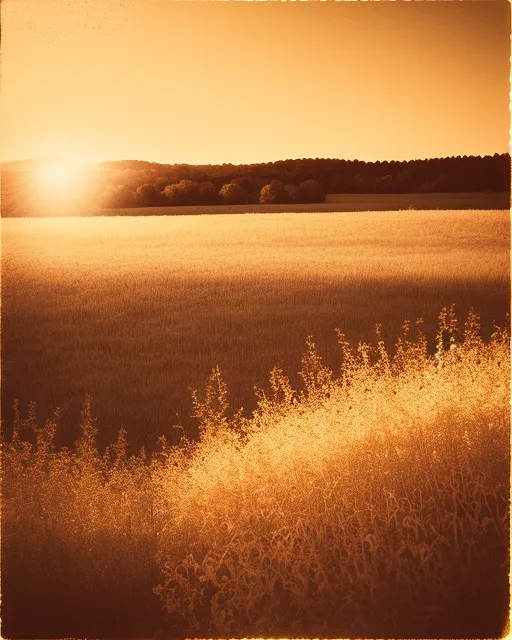
Vintage effects recreate the look of analog photography from specific eras. From the warm, faded tones of 1970s Kodachrome to the high-contrast grain of black-and-white darkroom prints, retro effects add nostalgia and character to digital photos. Popular vintage styles:
Why people love them: Vintage effects tap into emotion. A beach photo with a faded film look instantly feels more personal and intimate than a sharp, digitally perfect version. Retro effects work particularly well for lifestyle content, wedding photography, travel blogs, and personal social media where warmth and authenticity matter more than clinical precision. Practical use cases:
Cartoon and Sketch Effects
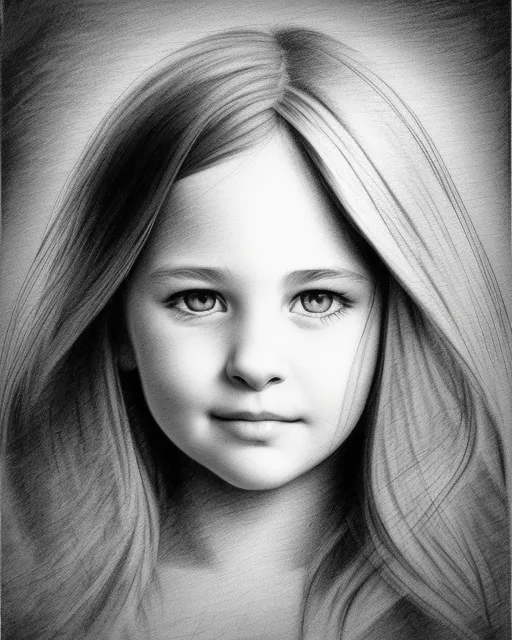
Cartoon and sketch effects transform photographs into illustrations, ranging from bold comic-book style art to delicate pencil drawings. This category also includes anime/manga styles, caricature effects, and line-art conversions. Styles within this category:
Practical use cases:
Tips for best results: Clear, well-lit photos with strong contrast between subject and background produce the cleanest cartoon transformations. For sketch effects, images with interesting textures and detail give the AI more to work with. Profile shots and three-quarter views tend to work better for caricature-style effects than straight-on portraits.
Cinematic Color Grading
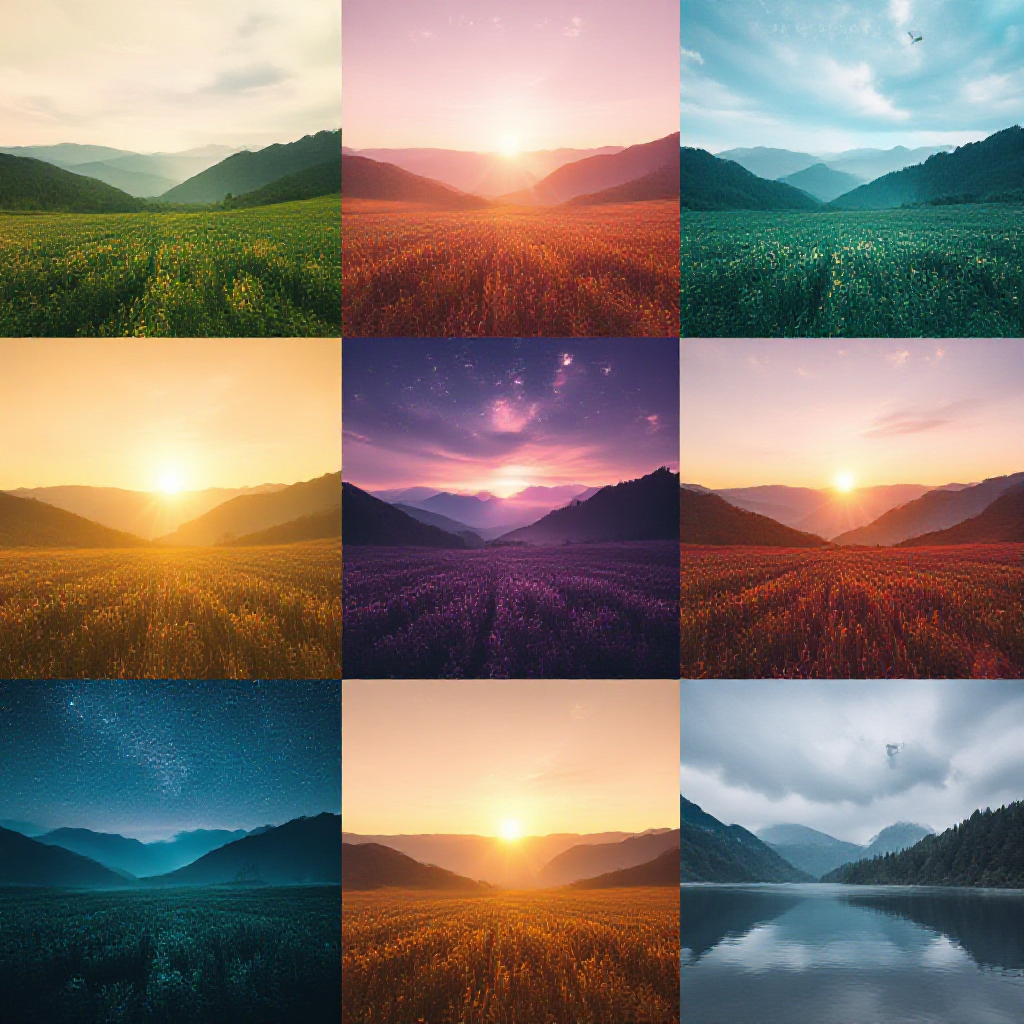
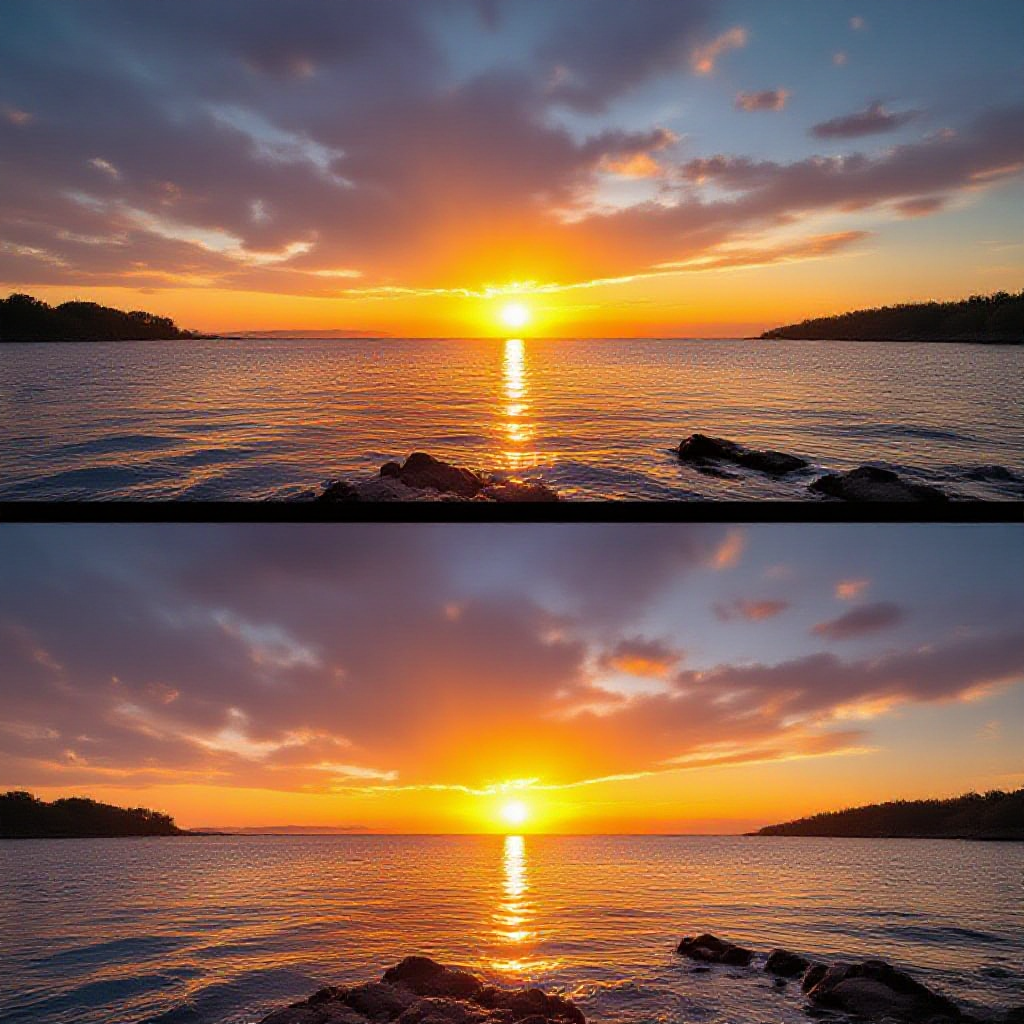
Cinematic color grading applies the color science and tonal adjustments used in film production to your photographs. This goes far beyond basic color filters. It involves manipulating shadow tones, highlight colors, midtone balance, contrast curves, and color relationships to evoke specific moods. Common cinematic grades:
Why it matters for photographers: Color grading is what separates a snapshot from a cinematic image. The same photo of a city street can feel like a vacation memory with warm tones, a thriller movie still with desaturated blues, or a nostalgic moment with faded golden grading. Professional colorists charge hundreds of dollars per project. AI tools democratize this by letting anyone apply sophisticated grades instantly. Practical use cases:
Bokeh and Blur Effects
Bokeh and blur effects manipulate depth-of-field to control focus within an image. The word "bokeh" comes from the Japanese word for "blur" or "haze," and it specifically refers to the aesthetic quality of out-of-focus areas, especially the circular or hexagonal light shapes that appear in blurred highlights. Types of blur effects:
Why they are important: Depth-of-field control is one of the biggest differences between photos from professional cameras with large sensors and expensive lenses, and photos from smartphones. AI-powered bokeh effects bridge this gap, analyzing your image to identify the subject and background, then applying realistic blur that would normally require a \$2,000 lens. Practical use cases:
Color Grading and Filter Effects
While cinematic grading is its own deep category, broader color grading and filter effects cover the full range of color-based transformations you can apply to photos. Types include:
Practical use cases:
Glitch and Abstract Effects
Glitch effects embrace digital imperfection as an art form. Inspired by corrupted data, signal interference, and analog video distortion, these effects add a raw, edgy, futuristic feel to images. Popular glitch and abstract styles:
Practical use cases:
HDR and Enhancement Effects
Enhancement effects focus on improving the technical quality and visual impact of photos rather than transforming their style. High Dynamic Range (HDR) is the most well-known, but this category also covers sharpening, noise reduction, and detail enhancement. Key enhancement effects:
Practical use cases:
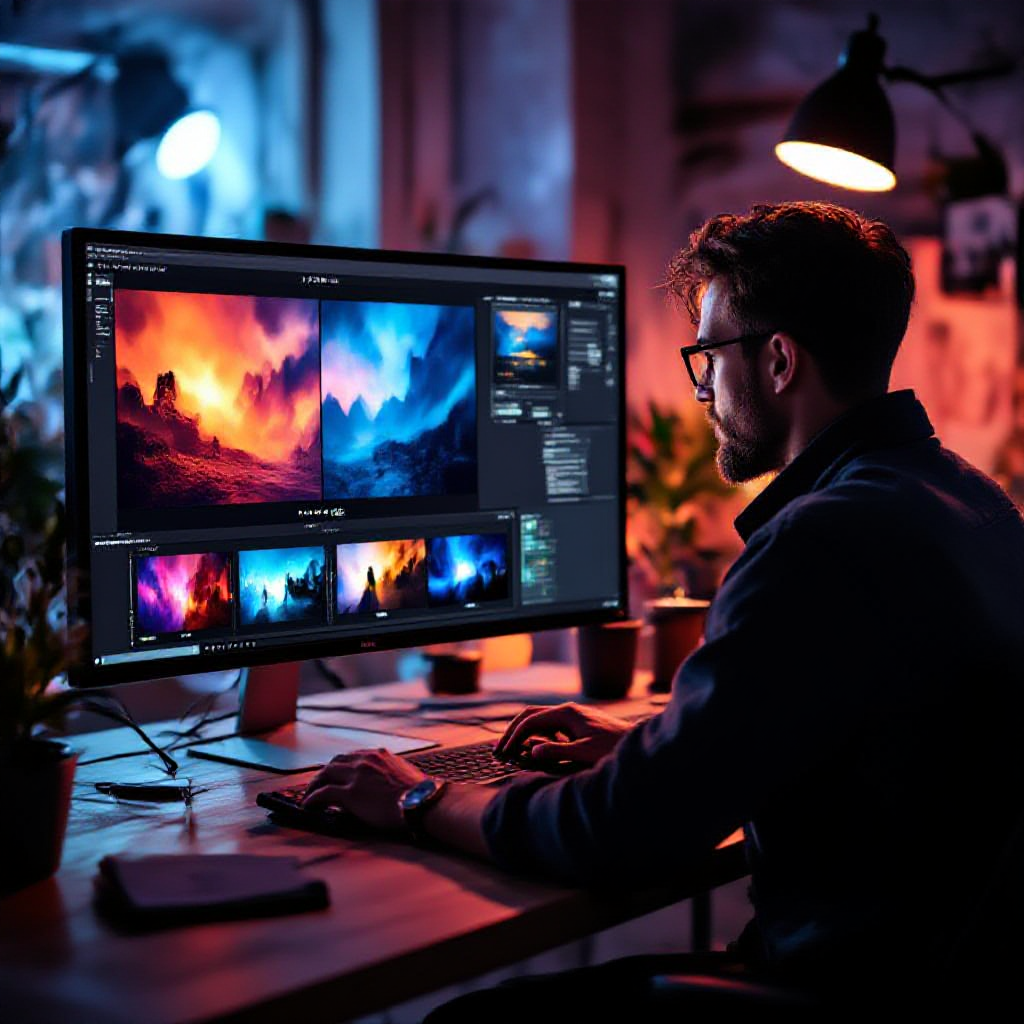
Creating stunning photo effects with starryai is straightforward and takes just a few steps. You do not need any design experience, expensive software, or technical knowledge.
Step 1: Upload Your Photo
Head to starryai and select the Edit tool. Upload any image from your device - portraits, landscapes, food shots, architecture, pets, anything. starryai supports common image formats and handles the rest.
Step 2: Describe the Effect You Want
This is where starryai differs from traditional editors. Instead of scrolling through a library of preset filters, you type a natural language description of the effect you want. The AI interprets your words and applies a custom transformation. Example prompts to try:
The more specific your prompt, the more targeted the result. Mentioning particular color tones, art movements, film stocks, or visual qualities helps the AI nail your vision.
Step 3: Review and Download
starryai generates your transformed image in seconds. Preview the result, and if you want to explore variations, tweak your prompt and regenerate. Once you are happy, download the high-quality result. No watermarks, no hidden fees. Pro tip: Try running the same photo through multiple effects to see which style resonates. A single travel photo can look completely different as a watercolor, a vintage film shot, or a cinematic still, and each version might be perfect for a different use.
Photo Effects for Social Media
Social media rewards visually distinctive content. Here are the effects that perform best across platforms:
Photo Effects for Portraits
Portraits benefit from effects that enhance the subject while adding artistic flair:
Tip: When applying artistic effects to portraits, start with well-lit photos where the face is clearly visible. AI handles these best and produces the most striking results.
Photo Effects for Landscapes and Travel
Landscape and travel photos are ideal canvases for dramatic effects:
Tip: Landscapes with strong leading lines, dramatic skies, or rich color contrasts respond best to effects. A photo of a sunset over mountains will produce a far more impressive oil painting than a photo of a flat parking lot.
The difference between traditional photo filters and AI-powered effects is not just incremental. It is a fundamental shift in how image transformation works.
Traditional Filters: The Old Approach
Traditional photo editing tools, from Instagram's built-in filters to Photoshop presets, work by applying uniform mathematical adjustments to your image. A "warm" filter increases red and yellow values across the entire image. A "vintage" preset reduces saturation, adds a color overlay, and applies a vignette. These operations are predictable and identical regardless of the image content. Limitations of traditional filters:
AI Photo Effects: The 2026 Standard
AI-powered effects analyze your image before transforming it. The model understands what is in the photo - faces, skies, textures, depth, lighting - and applies transformations intelligently. Advantages of AI effects:
When Traditional Editing Still Wins
To be fair, traditional editing tools still have advantages for precise, technical work. If you need to adjust exposure by exactly 0.5 stops, remove a specific blemish, or composite multiple images with pixel-perfect accuracy, manual tools in Lightroom or Photoshop give you that control. AI effects are not about replacing those tools entirely. They are about making creative transformations fast, accessible, and expressive for the vast majority of use cases. The sweet spot for most people in 2026: use AI for creative effects and artistic transformations, and traditional tools for technical corrections when precision matters.
What are photo effects and how do they work?
Photo effects are visual transformations that change the look and feel of an image. They range from simple color adjustments to complex artistic conversions. Traditional effects work by applying mathematical operations uniformly across pixels, while AI-powered effects analyze the image content and apply intelligent, context-aware transformations. With tools like starryai, you describe the effect you want in plain language, and the AI generates it.
What is the best free photo effects app in 2026?
starryai is one of the best free photo effects apps available in 2026. It is available on iOS, Android, and web, and lets you create unlimited effects using AI-powered text prompts. There are no watermarks on your creations, and you can get started without a credit card. What sets it apart from other apps is the ability to describe any effect in words rather than being limited to preset filters.
Can I turn a photo into a painting or drawing?
Yes. AI-powered tools like starryai can transform any photograph into a realistic oil painting, watercolor, pencil sketch, charcoal drawing, or virtually any other artistic style. Simply upload your photo and describe the artistic style you want. For example, "turn this into an impressionist oil painting" or "make this look like a detailed pencil sketch." The AI handles the transformation while preserving the composition and subject of your original image.
How do I add cinematic color grading to my photos?
With starryai, adding cinematic color grading is as simple as describing the look you want. Try prompts like "apply cinematic teal and orange color grading" or "make this look like a scene from a thriller film with desaturated cool tones." The AI understands cinematic color science and applies professional-grade grading that would normally require expertise in tools like DaVinci Resolve or Adobe Lightroom.
Are AI photo effects better than Instagram filters?
For creative transformations, yes. Instagram filters apply the same uniform adjustments to every photo regardless of content. AI photo effects analyze your specific image and apply intelligent, content-aware transformations. The creative range is also incomparably larger. Instead of choosing from a fixed set of 20-30 filters, you can describe any effect you imagine. That said, Instagram filters are convenient for quick, consistent adjustments within the app, so each has its place.
Can I use photo effects for professional work?
Absolutely. Photo effects are widely used in professional contexts including social media marketing, content creation, branding, real estate photography, event coverage, and fine art. AI-powered effects from starryai produce high-quality results suitable for professional use. Many content creators, marketers, and small business owners use AI effects to produce polished visuals without hiring a designer or photographer.
Do photo effects reduce image quality?
Quality depends on the tool and the effect. Low-quality apps that over-compress images can degrade quality, but starryai is designed to produce high-resolution results. AI enhancement effects can actually improve quality by upscaling resolution, reducing noise, and sharpening details. For artistic effects like painting or sketch conversions, "quality" is less about pixel count and more about how convincing and visually appealing the transformation looks.
What types of photos work best with AI effects?
Well-lit photos with clear subjects and good composition produce the best results across all effect types. For artistic effects like paintings, landscapes with dramatic skies and portraits with good lighting are ideal. For vintage effects, lifestyle and street photography respond well. For cartoon effects, clear portraits with good contrast between subject and background work best. That said, experimenting is half the fun. Sometimes unexpected photos produce the most interesting transformations.
You have seen what is possible with photo effects in 2026, from vintage film looks to cinematic color grades to full artistic transformations. The barrier to creating these visuals used to be expensive software, years of editing experience, or hiring a professional. Now it is a text prompt. Head to starryai, upload a photo, and describe the effect you want to see. In seconds, you will have a transformed image ready to share, print, or use however you like. No design skills required, no subscription needed, no limits on what you can create. Your photos are the canvas. AI is the brush. The only question is what you will make first.











.svg)