

Written by Mo Kahn on
December 10, 2025


Pixlr is one of the most popular online photo editors for quick and flexible image editing. Developed by Pixlr Pte Ltd, a company committed to user experience and security, Pixlr is a web-based platform that runs inside the browser and is powered by advanced AI technology. As an AI photo editor, it offers AI-powered features alongside traditional editing tools, supporting image layers, cropping, resizing, canvas size adjustments, brightness control, filters, background removal, portrait retouching, and graphic design with text layers. No installation, no heavy setup. You open, edit, export.
Pixlr operates as a cloud-based suite accessible via web browsers and mobile apps for iOS and Android. It offers two interfaces: Pixlr X for quick, simple edits and Pixlr E for more advanced work, similar to Photoshop. Because Pixlr works with layers, you can build complex visuals the way professionals do in Photoshop but with fewer steps. Drag-and-drop an image, add a new layer, blend it, mask parts, adjust softness or color balance, and you’re done. Anyone can stack elements like photos, text, graphics, and PNG overlays using the right-hand layer bar, and easily adjust the canvas size for different projects.
A photo editor is at its best when it’s fast and intuitive. Pixlr’s user-friendly interface is designed for both beginners and seasoned photographers, making it accessible for amateur users who seek Photoshop-like functionality at a lower cost. Pixlr fits that perfectly.

Photo editing is a creative journey that transforms ordinary photos into eye-catching visuals, whether you’re enhancing a portrait, building a graphic, or preparing images for social networks. With a modern photo editor like Pixlr, you can start editing in just a few clicks—simply open an image or paste an image URL, and you’re ready to go.
The right-hand layer bar is your command center for managing image layers. Here, you can add images as individual layers, create new documents, or insert transparent images for overlays and effects. Each layer can be adjusted independently: change layer settings such as opacity, blend mode, or visibility to achieve the perfect look. This flexibility lets you make subtle adjustments, like applying a gentle Gaussian blur or removing unwanted objects, without affecting the rest of your composition.
Pixlr’s editing tools are designed for both precision and creativity. Tool modes like Paint and Source offer options such as Blur, Sharpen, and Smudge, with customizable brushes—adjust the hard tip, scatter, mirror, or use pen pressure for detailed work. The crop panel supports both free and fixed aspect ratios, including popular presets like 1:1, 4:3, and 16:9, making it easy to crop or trim your images for any platform.
Advanced AI technology has revolutionized photo editing, bringing powerful features to your fingertips. With Pixlr Express and other AI-powered tools, you can create stunning photo collages, remove backgrounds, and apply effects with just a few clicks. AI photo editors can also remove noise, spots, and blemishes, or help you push parts of an image, grow or shrink elements, and make subtle portrait adjustments using advanced features like the liquify tool.
Text editing is equally flexible—add text with new text layers or use text templates, then customize fonts, styles, and effects to match your vision. Whether you want to lighten, darken, or add shadow to your text, the options are all there. When your masterpiece is complete, simply resize and save your photo in the format and quality you need, ready to share across your favorite social networks.
In essence, photo editing with Pixlr is about unlocking your creative potential. By leveraging image layers, advanced AI technology, and a suite of intuitive tools, you can transform, adjust, and enhance your images—creating professional results every time. Whether you’re a beginner or a seasoned creator, the right tools make it easy to bring your ideas to life and produce images that truly stand out.
Pixlr supports most standard editing tasks:
• Photo editing (exposure, brightness, curves, highlights, shadows)
• Add image from local files, URLs, or stock sources directly into your project
• Crop / resize / trim with free or fixed aspect ratios, including crop trim for precise size aspect control
• Layers system for building compositions and collages, with the ability to add layer of various types
• New text layer creation and full text layer customization, including adding text with various font options and styles
• Color lookup tools for advanced color grading and stylistic effects
• Gaussian blur & soften tools
• Remove background using AI one-click cutout
• Remove spots and blemishes with dedicated retouching tools
• Add text, shapes, stickers, overlays
• Free effects: Access a huge library of overlays and filters, with over 2 million combinations of free effects, overlays, and filters available
• Drawing tools: Use a variety of brushes and shapes for custom artwork
• Liquify tool for pushing, pulling, and distorting parts of an image
• Remove noise and unwanted objects
• Generative Fill in Pixlr E for smart content-aware edits
• Transparent PNG editing + exporting
• File management: Open, save, and export in multiple formats, including compatibility with Photoshop (.psd) files
• Tool mode: Switch between Paint, Blur, Sharpen, Smudge, Mask, and more for different editing needs
• Keybord shortcut support for efficient workflow
• Work with other images by opening, loading, and editing multiple images in your workspace
• Create stunning photo collages in minutes
Pixlr works well for posters, social graphics, product images, thumbnails, marketing assets, and simple creative edits.
Note: Free usage is limited to only a few saves per day, and some users have reported frustration with aggressive ads that can disrupt the editing experience.
Just a few clicks, and your image becomes cleaner, brighter, more polished.
Think of layers like stacked sheets. You can adjust each one without affecting others.
You can:
• Add/replace backgrounds
• Add layer: Insert new layers of various types to build up your project
• Add image: Load images as new layers from files, URLs, or stock sources
• Add a text layer or new text layer: Create and customize text elements as separate layers
• Change layer settings
• Move elements independently
• Use layer masks to hide or reveal
• Mix multiple images into one scene
This is why Pixlr feels powerful but not complicated — visual editing is modular.
Pixlr includes AI photo editing features like:
• AI Remove Background• AI Remove Object (healing)• Auto Fix color + tone• Generative Fill for missing areas
These tools save time by skipping manual masking and cleanup. However, some users are dissatisfied with Pixlr as an AI photo editor because features that were previously free are now behind paywalls. As a result, many users are seeking alternatives to Pixlr after these recent changes. Photopea is frequently recommended as a viable alternative to Pixlr.
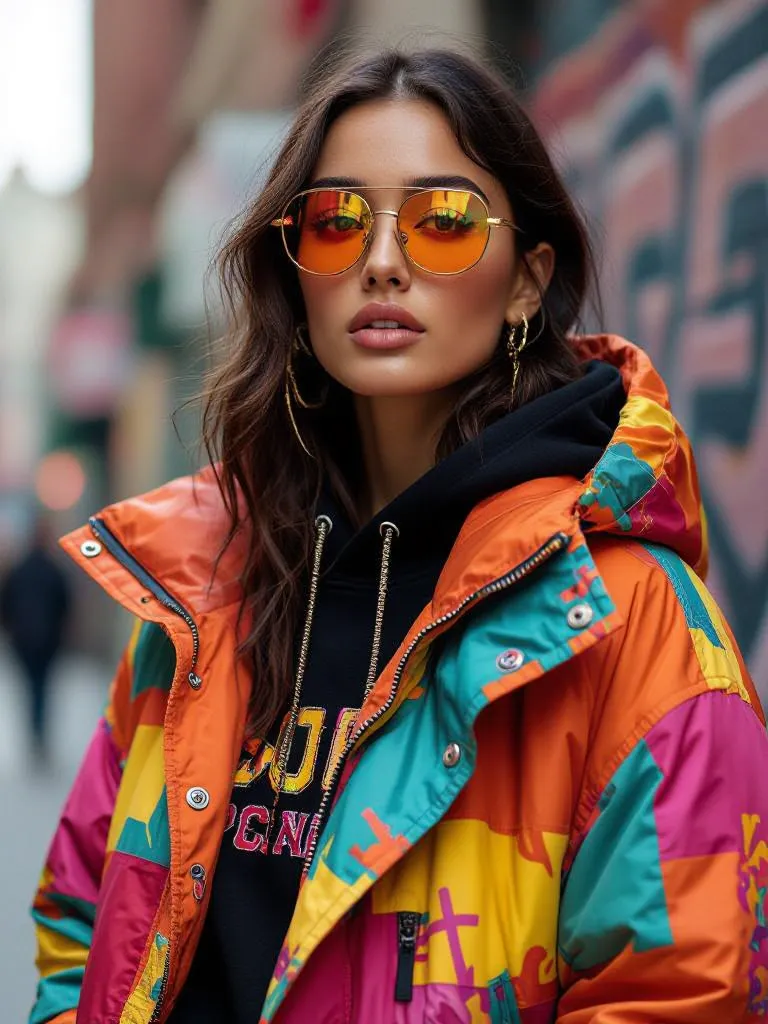
Pixlr is great for editing, but what if you need to generate images from scratch, add new elements, or transform the image visually beyond simple retouching?
That’s where starryai Edit Tool becomes the perfect match.
You’re not limited to what you already have. You can change it using text.
Create, modify, and stylize images using prompts — then refine in Pixlr.
You don’t paint manually.
Your text becomes the brush.
• Replace or redesign backgrounds with one sentence
• Add elements that didn’t exist before
• Change clothing, lighting, props, furniture
• Generate cinematic atmosphere around a product
• Fix or enhance images when editing alone isn’t enough
• No need for advanced Photoshop masking skills
This lets creators blend AI generation + manual control for clean final results.
starryai Handles The Imagination
Together, they form a workflow like this:
You don’t choose one. You pair them.
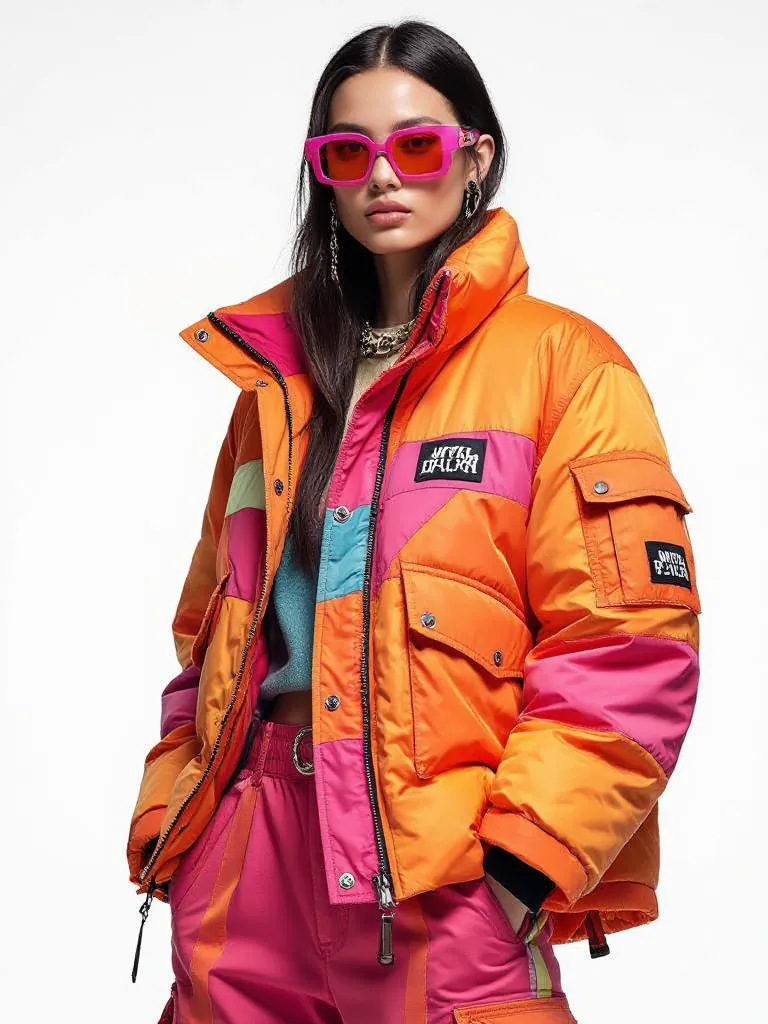
Copy, paste, generate:
• replace background with neon cyberpunk street, vibrant, glowing signs
• turn product photo into glossy high-end advertisement aesthetic
• enhance lighting, cinematic shadows, reflective floor, dark ambience
• add floating particles, dreamy haze, soft rimlight around subject
• vintage art deco makeover, gold geometric patterns, velvet textures
Each prompt edits the image according to your instructions, and Pixlr finishes the polish.
Pixlr is one of the easiest ways to edit photos online — image layers, AI tools, and fast workflow make it perfect for daily creative work. But when you need deeper transformation, new visual elements, or imaginative redesigns, the starryai Edit Tool expands what you can do beyond traditional editing.
Upload → prompt → transform → refine → export.
That’s a modern workflow creative teams are starting to depend on.








.svg)