

Written by Mo Kahn on
December 2, 2025


The Meta AI image generator has quickly become one of the easiest ways to turn ideas into visuals. You type what you want, and Meta AI generates a picture, animation, or even short videos based on your prompt. No drawing skills, no editing nightmare, just a simple chat-style interface that converts text into art instantly.
It works directly through Meta AI inside Messenger, WhatsApp, Instagram, and the standalone meta.ai platform. Users can access the Meta AI image generator service on these platforms, though availability may vary by region. This service enables you to generate images, videos, and animations from prompts. You can create an image, edit images, and even animate scenes without installing extra software.
If you’ve been curious about how people are generating hyper-specific visuals straight from a chat, this guide breaks it down.
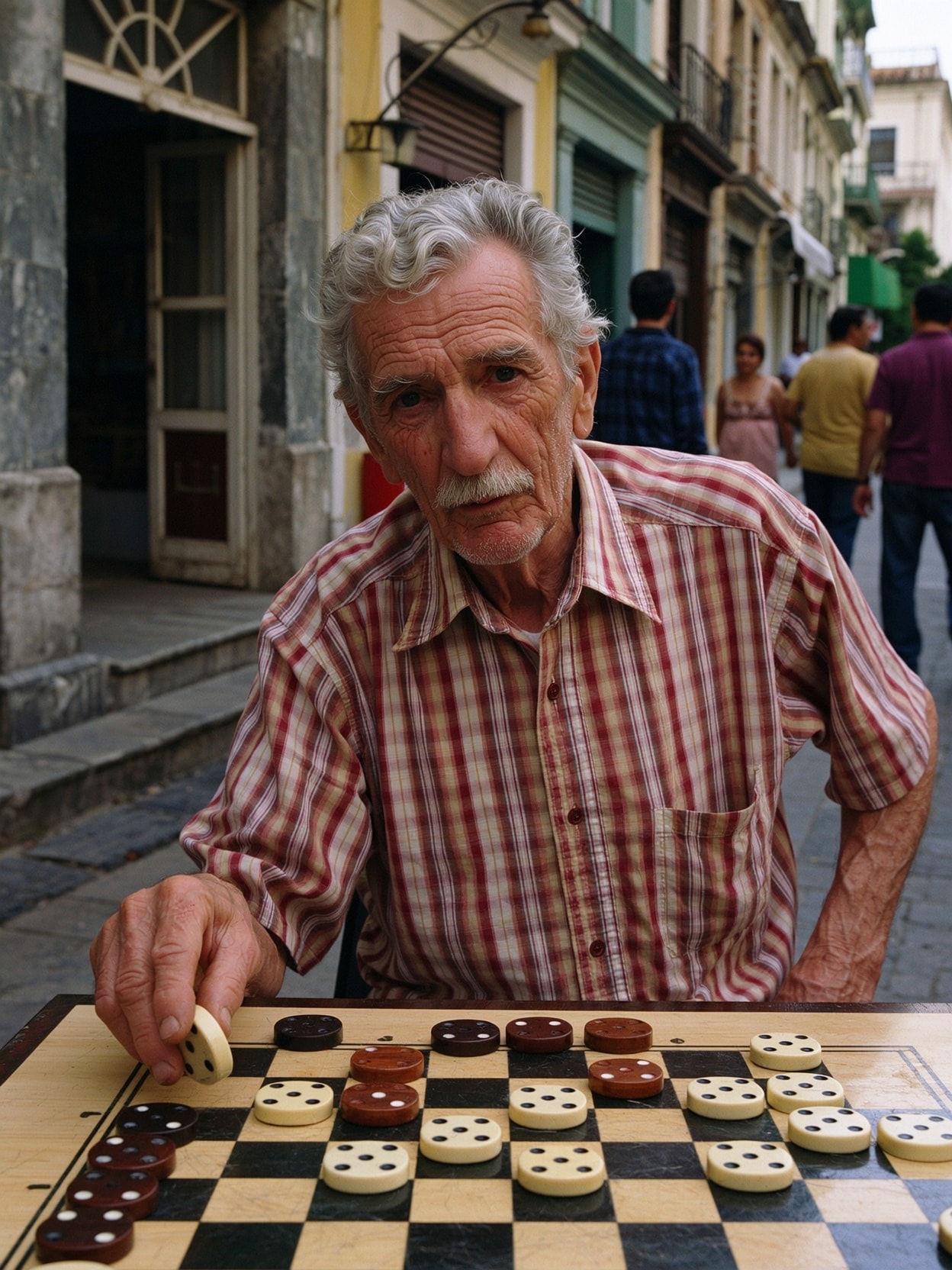
The Meta AI image generator is a creative engine that lets users produce AI generated visuals from simple text prompts. You describe what you want, hit enter, and a generated image appears in seconds.
You can use it to:
✔ create characters, environments, posters, concepts
✔ modify or edit images by describing changes
✔ animate scenes into looping videos
✔ add new elements, change lighting, or re-render style
Using Meta AI feels like talking to someone that paints instantly from your words.
The entire workflow is beginner friendly.
You can also upload a reference photo to guide the final output.
Example prompts:
"hyper-realistic dragon soaring over neon city at night"
"minimal flat design poster of coffee cup and sunlight"
"retro gaming mascot in pixel style, vibrant colors"
The more details you add, the better the result.
Although it looks like a simple chat window, there’s a lot built in.
You can create content for ads, social posts, reels, thumbnails, storyboards, and more.

Meta AI isn’t just about generating images from scratch—it’s also a powerful tool for editing and refining your creations. Whether you want to tweak a generated image, add music, or animate your visuals, using Meta AI makes the process simple and intuitive.
To start editing, just select the image you want to refine within your chat or on the Meta AI website. You’ll find a suite of editing features designed to help you customize your AI images with ease. You can add text overlays, insert shapes, or even bring your images to life with gentle animations and music—perfect for creating engaging videos or social media posts.
Adjusting your image is straightforward: change brightness, contrast, saturation, or other settings to match your vision. If you want to experiment, you can generate new versions of your image based on your edits, giving you endless creative possibilities. Each edit can inspire a fresh take, letting you explore different styles and effects in seconds.
Sharing your finished content is just as easy. With a few taps, you can post your edited images or videos directly to your favorite platforms, or download them to your device for later use. Meta AI’s editing features are designed for everyone—from casual creators to those looking to make standout ads or media content.
For the best experience, Meta AI may prompt you to allow cookies. This helps Meta provide personalized features, such as tailored content recommendations and ads, while keeping your experience secure. You can review or change your cookie settings at any time by visiting the Meta AI website and selecting your preferences.
If you’re looking to learn more about editing with Meta AI, there’s a growing community and plenty of resources available. Search for tutorials, follow the Meta AI community on social media, or visit the Meta AI website for tips on using prompts, editing features, and more. As Meta AI continues to evolve, expect new features and creative tools to roll out in the weeks ahead.
Unlock the full power of AI-generated content by exploring Meta AI’s editing tools today. Whether you want to refine a single image or create a dynamic video with music, Meta AI gives you the flexibility and creative freedom to bring your ideas to life—quickly, easily, and from any device. Start editing, experimenting, and sharing your unique creations with Meta AI now!
One of the standout tools is the ability to animate generated visuals.
To turn static art into motion:
Perfect for Instagram reels, TikTok posts, and fast-moving content.

You can generate visuals directly from:
• Messenger or WhatsApp chats
• The Meta AI app and desktop site
• Instagram messages for direct creative sharing
• Facebook browser tools
Just type, tap, and wait a few seconds.
No downloads, no plugins, no configuration settings needed.
Good images rely on good prompts. Try this structure:
Subject + Style + Lighting + Environment + Specific details
Example:
"A medieval blacksmith forging weapons, cinematic lighting,
volumetric smoke, ultra-detailed portrait artwork"
Add keywords like realistic, stylized, line-art, cyberpunk, oil painting, etc. to shape the output.
• Fast generation with minimal instructions
• Works inside messaging apps you already use
• Great for quick visuals, reels, and memes
• No payment required to start
• Less control than advanced pro generators
• Output can vary depending on prompts
• Not ideal for commercial production scale yet
• Harder to mimic exact art style consistently
It shines when you want fast creation without friction.
Final Thoughts
The Meta AI image generator is ideal for anyone who wants to make visuals quickly — no deep software knowledge required. You can create, remix, upload, and animate anything with just words. Whether you’re building a post, testing ideas, or experimenting for fun, Meta makes it easy to watch your imagination become real in seconds.
If you want more control, deeper style accuracy, or high-end commercial work, you may eventually look beyond Meta — but for everyday content, it's one of the most accessible tools available right now.








.svg)