


Written by Mo Kahn on
December 11, 2025


Curious how blue eyes, green eyes, or even fantasy colors might look on you? With our AI eye color generator, you can change eye color in any photo within seconds. No lenses, no complex software, just upload an image and preview different eye colors with stunning realism.
This online AI eye color changer lets you experiment with brown, hazel, amber, violet, and countless eye color shades while preserving natural texture and depth. Perfect for creative projects, makeup testing, character design, cosplay, or simply curiosity.
✨ Try it free. No editing experience required.
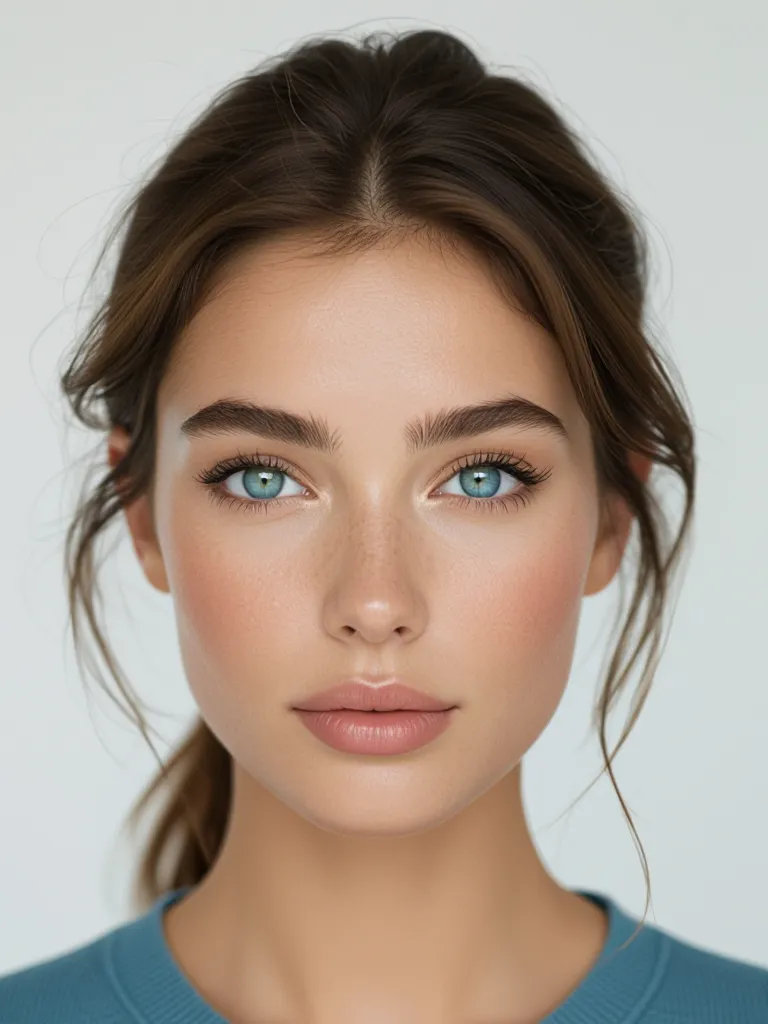
AI makes subtle details matter — texture, lighting, reflection, iris shape — all processed automatically to generate realistic results.
With this tool you can:
• Change eye color from brown to blue, green, hazel, amber, red, fantasy and more
• Preview various shades before committing to lenses or styling
• Correct eye color affected by lighting issues in photos
• Create custom looks for cosplay characters and storytelling
• Adjust tone, brightness and intensity for a perfect natural blend
• Explore eye color variations for art and character concepts
Just upload your image, pick a color or type your desired shade, and get results in seconds.
Choose from natural tones to full creative transformations — even non-human aesthetics.
✔ Blue
✔ Green
✔ Brown
✔ Hazel
✔ Amber
✔ Violet
✔ Red
✔ Gold
✔ Silver
✔ Multi-tone & gradient shades
Perfect for photographers, writers building character design, or anyone exploring new identity visuals.
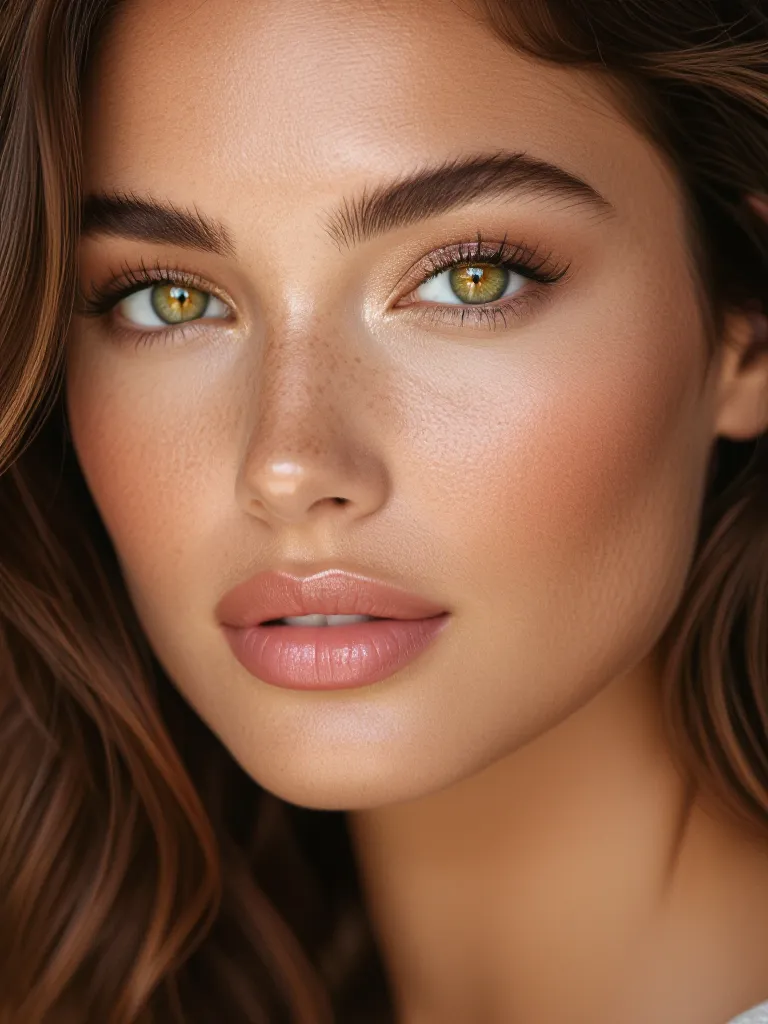
No Photoshop. No manual masking. Just precision AI.
This service is built for:
• Artists designing characters for digital art
• Cosplayers testing fantasy eye designs
• Photographers who need natural correction
• Writers visualizing story characters
• Anyone curious about how new eye colors would look
From subtle enhancement to dramatic transformation — it matches real human eyes with accuracy.
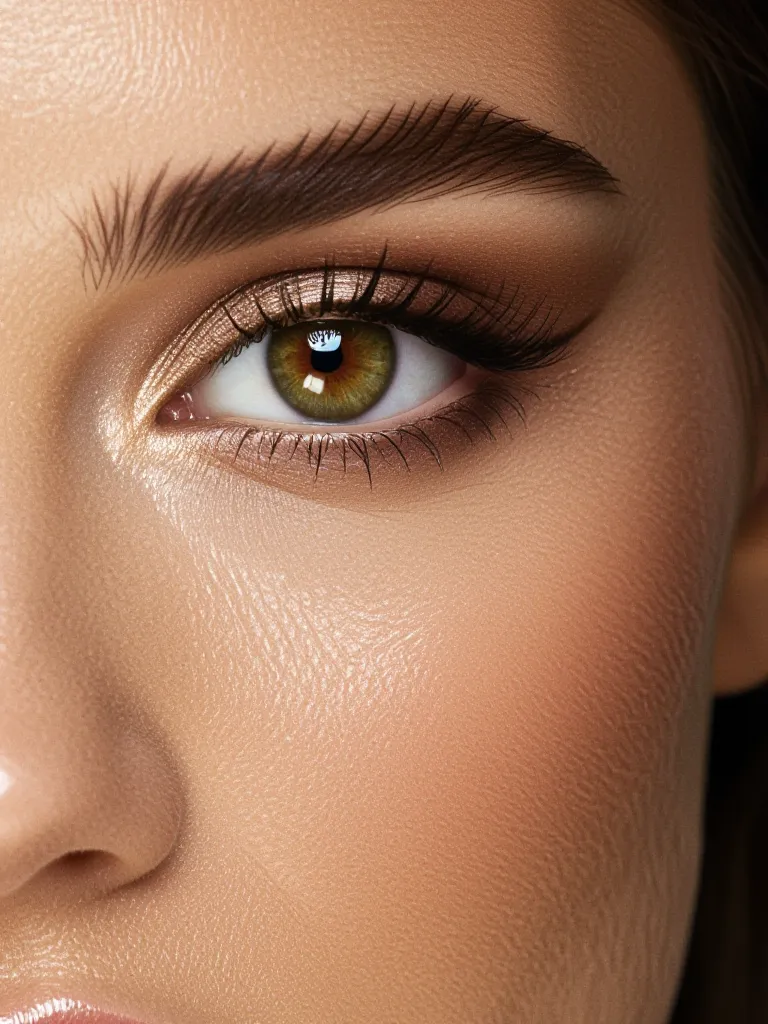
A simple eye color change can alter:
• Character mood
• Depth and realism
• Emotional tone
• Personality and story presence
Use it for posters, edits, novel characters, branding visuals, portrait enhancement — endless possibilities.








.svg)