

Written by Mo Kahn on
December 2, 2025


AI generated images are everywhere now. Hyper-real portraits, impossible landscapes, product mockups, even photos of people who don’t exist. With AI models like Stable Diffusion, Midjourney, and DALL·E improving fast, it’s getting harder to tell real images from AI generated ones.
But there are signs, patterns, and digital artifacts that give an AI generated photo away. This guide breaks down how to detect AI generated images with your eyes, and how AI image detection tools can help when things get tricky.
AI generated content now spans far beyond just images—artificial intelligence can create everything from hyper-realistic photos and portraits to convincing videos and even audio clips. However, ai generated images remain the most common and widely shared form of AI content online. These images are produced using powerful ai models like stable diffusion and other deep learning techniques, which use advanced algorithms to generate detailed, lifelike digital artifacts.
With the rise of these technologies, it’s become easier than ever to create images that look real but are entirely fabricated. Ai generated photos can be used to make fake profiles, fake IDs, and even fake insurance claims—all of which can have serious consequences in real life. The ability to generate ai generated faces and other realistic visuals has also fueled the spread of fake news and digital fraud, making it harder for users to trust what they see online.
That’s where ai image detection comes in. Modern ai image detector tools and ai image checkers are designed to help users detect ai generated images and distinguish them from real images. These tools work by analyzing the image’s data, looking for telltale patterns, inconsistencies, and digital fingerprints left behind by AI models. By simply uploading or dropping an image into an ai image detector, users can receive a detailed report on whether the image is likely AI generated or authentic.
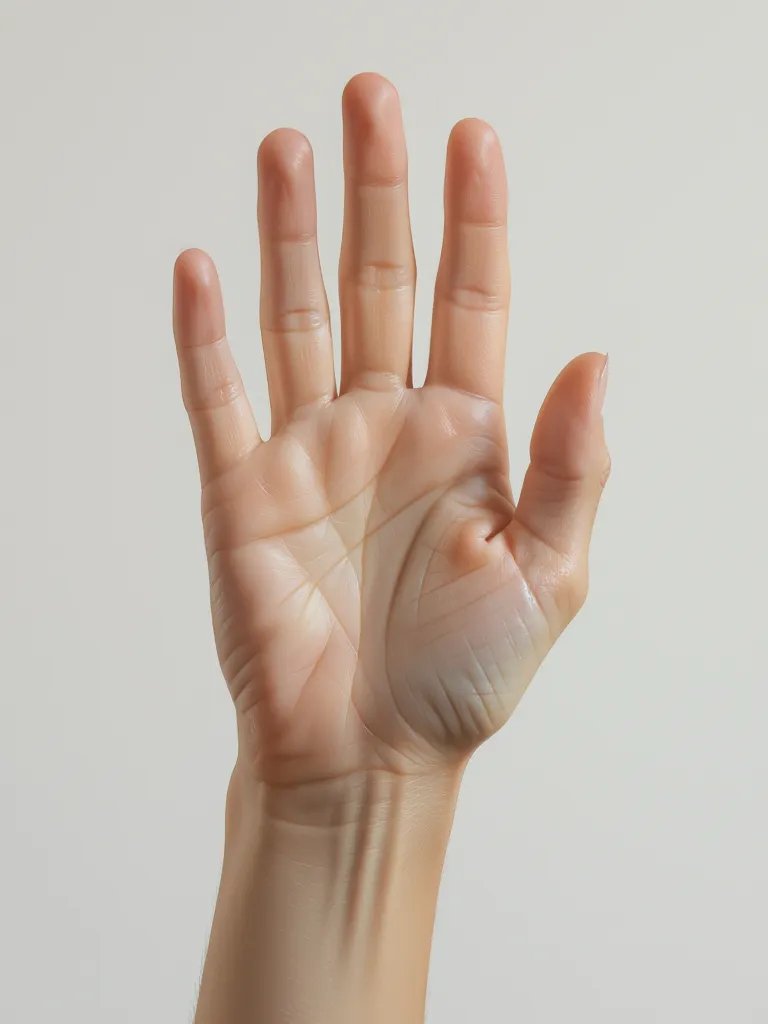
The fastest way to detect AI generated images is to zoom in and observe small details.
AI often struggles with the parts humans overlook.
Check for:
AI generated faces improved fast, but hands still glitch often.
Fabric folds, jewelry placement, and logos tend to not mirror correctly.
AI generated photos sometimes show blurred, fused or repeating teeth.
Light direction and reflection often collapse under deep scrutiny.
If something feels “off but you don’t know why,” there’s a good chance the image is AI generated.
AI image generation models often create stunning subjects but messy surroundings.
Look for:
The background reveals more than the subject.
Real images have pores, wrinkles, bumps, and texture.
AI generated faces often look too flawless.
Perfection is suspicious.

Human observation helps, but an AI image detector / AI image checker is more precise.
These tools analyze pixels, patterns, compression noise, and deep learning signatures to determine if an image is AI generated.
An AI image checker can help detect:
✔ AI generated images
✔ deepfakes
✔ fake insurance claims
✔ AI generated photos used for fraud
✔ fake profiles, fake IDs & fake news content
You simply upload an image and let the detection model analyze it.
Tools detect statistical inconsistencies invisible to the human eye—especially helpful for professional verification, journalism, authentication, and truth seekers.
AI created images occasionally produce artifacts like:
These small mistakes are your biggest signal.
AI generated images sometimes show scenes that feel real, yet something breaks reality.
Example questions to test authenticity:
If the realism collapses under logic, it’s likely AI generated.
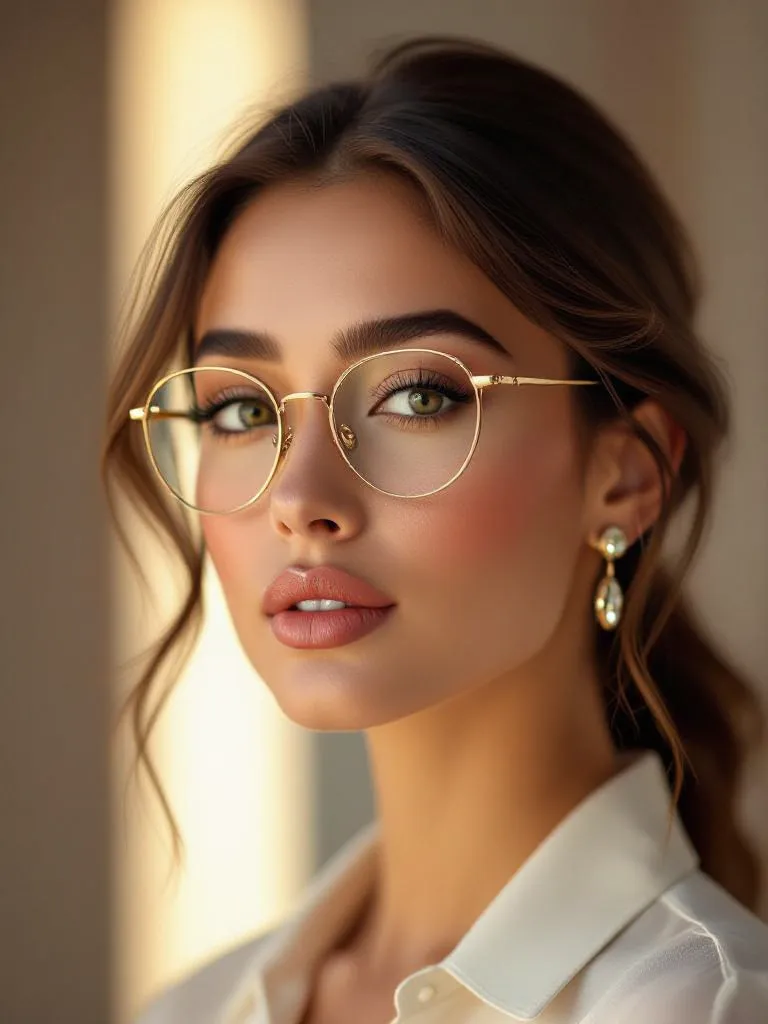
If you want to experiment from both sides—creating AI generated images and learning to detect them—starryai is a useful sandbox environment. You can generate images, adjust models, observe patterns and learn what AI artifacts look like in real output. Many people improve detection skills by watching how AI systems create and modify images over time.
AI generated images are becoming lifelike fast, but not undetectable.
The trick is to slow down and look deeper.
Check the details. Check the background. Check the logic.
When in doubt, an AI image detection tool or AI image checker can help verify authenticity with higher accuracy.
We’re entering a world where seeing is no longer always believing.
Knowing how to detect AI generated content is a skill that will only matter more moving forward.








.svg)