


Written by Mo Kahn on
December 2, 2025


AI visuals are everywhere now, and Microsoft Copilot has quickly become one of the most talked-about tools for AI image generation. It sits inside the apps millions already use, making it one of the easiest ways to generate images, explore ideas, visualize concepts, and produce AI-generated art without leaving your browser.
If you’ve seen people on Reddit recommend the "reddit best ai image generator" list, Copilot is always found near the top — mostly because it’s accessible, fast, and great for beginners. With the right text prompt, you can create images, iterate, and output styles ranging from photorealistic images to stylized artwork and character design.
Below is a full breakdown of how the Copilot image generator works, how to get optimal results, and where an alternative like starryai can complement your workflow.
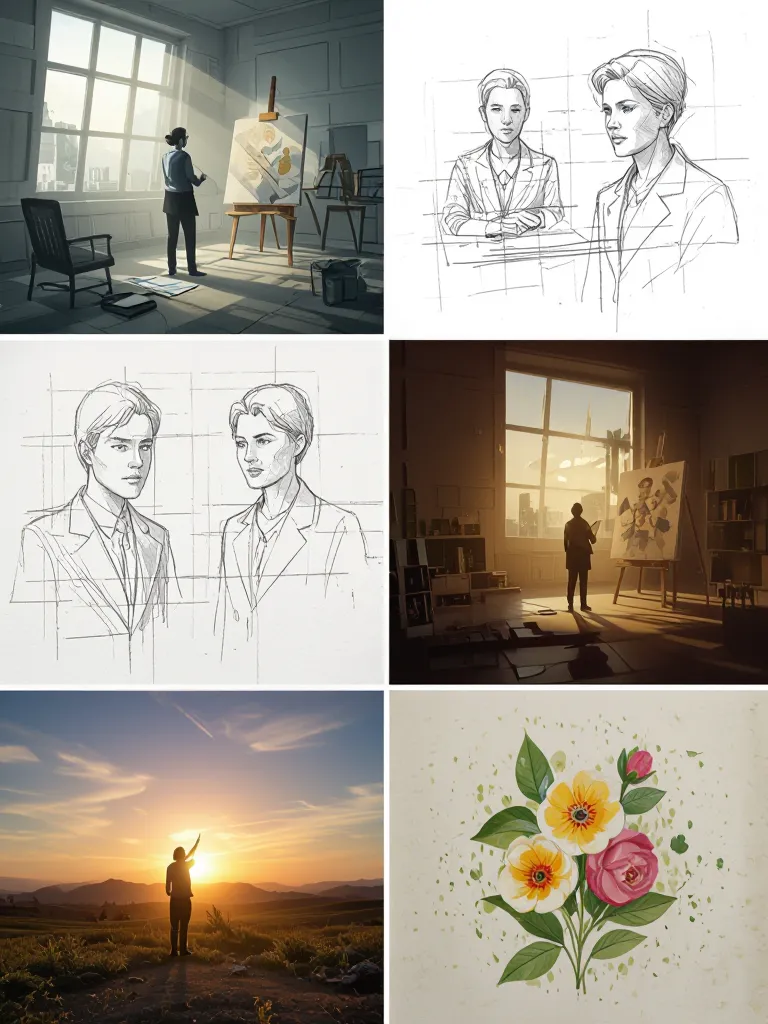
Copilot is built for everyday creativity. With a single descriptive prompt, you can instantly generate images or refine existing concepts using uploaded images or reference images.
Use it to:
Copilot won’t always match specialized generators, but it’s one of the best AI image generators for speed, usability, and learning the basics of AI-generated images.
The better prompts you write, the better the output you’ll get.
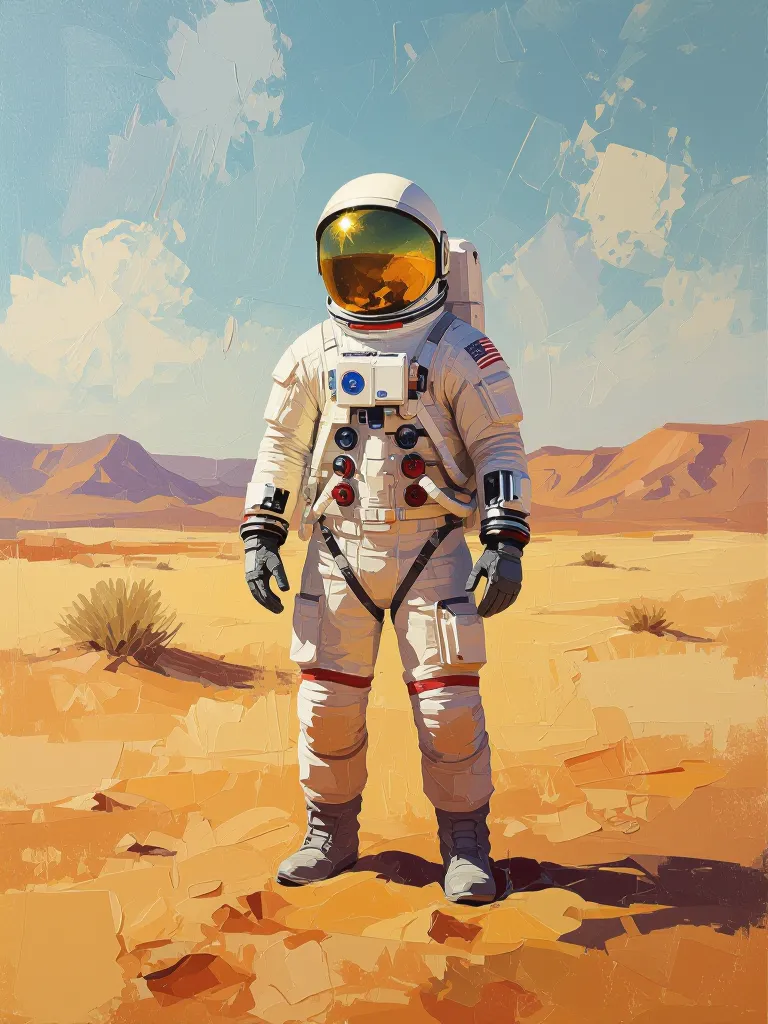
Copilot stands out mostly because of access + speed. You don’t need graphic skills — you type, wait seconds, and get usable visuals.
✔ No setup, no installs
✔ Great AI image generation speed
✔ Works inside Word, PowerPoint, and Edge
✔ Friendly for all skill levels
✔ Good for rapid image creation and drafts
✔ A clean interface with fast refinements
If you just want to create art, test concepts, or generate visuals for presentations, Copilot works without friction.
For quick drafts, Copilot is great. For advanced control, it’s limited.
You may hit walls if you want:
Copilot is fast, but it’s not always deep.
That’s where an alternative becomes useful:
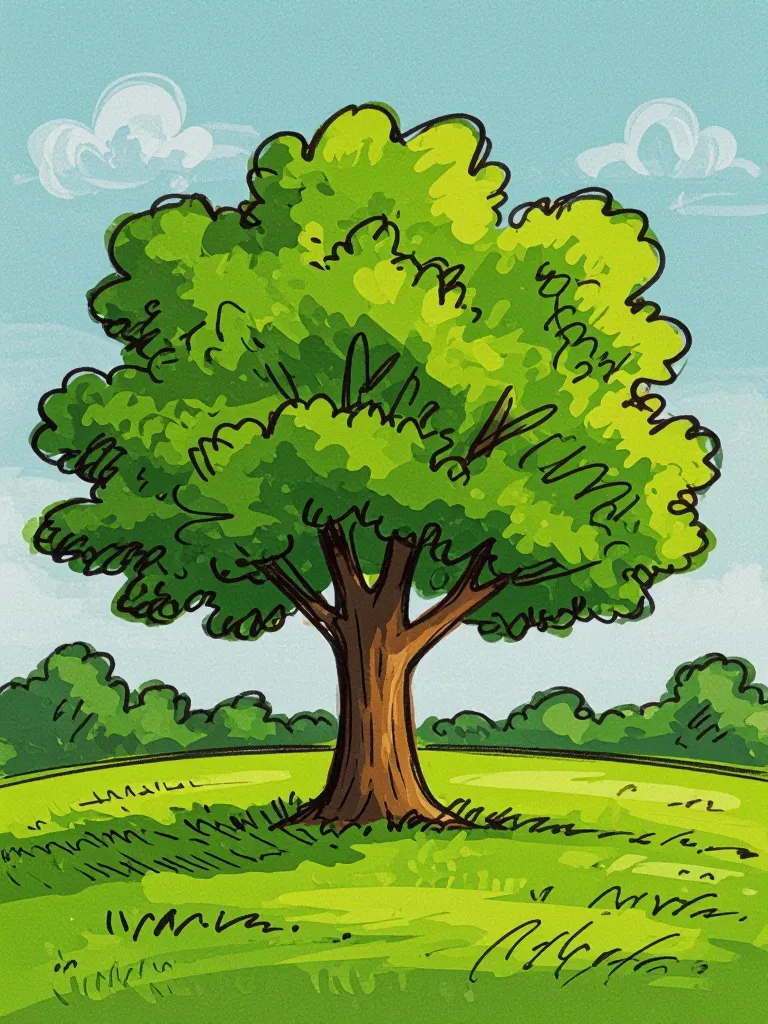
If Copilot is the fast generator, starryai is the refiner + expander. It lets you push ideas further, especially when you want consistency, style variation, or high-control experimentation.
With starryai you can:
✔ upload reference images to maintain identity
✔ generate photorealistic images with deeper styling
✔ experiment with surreal, cinematic or artistic visuals
✔ scale concepts from one prompt into full character sets
✔ get better precision for portraits, fashion, products
This makes the two tools complement each other rather than compete.
Use Copilot to sketch your imagination.
Use starryai to shape it into something finished.
Small changes in language = big changes in image generation output.
Microsoft Copilot is an easy, accessible AI image generator with the speed to help anyone create images, explore ideas, and generate visuals instantly. It’s beginner-friendly, useful, and packed with features — making it one of the best AI image generators Reddit often recommends.
But creativity doesn’t have to live in one tool.
Copilot gives you quick sparks.
starryai helps you build the fire.
Use both and you’ll produce better AI image creation results in less time, with more style control, flexibility, and artistic freedom.








.svg)