

Written by Mo Kahn on
March 12, 2026


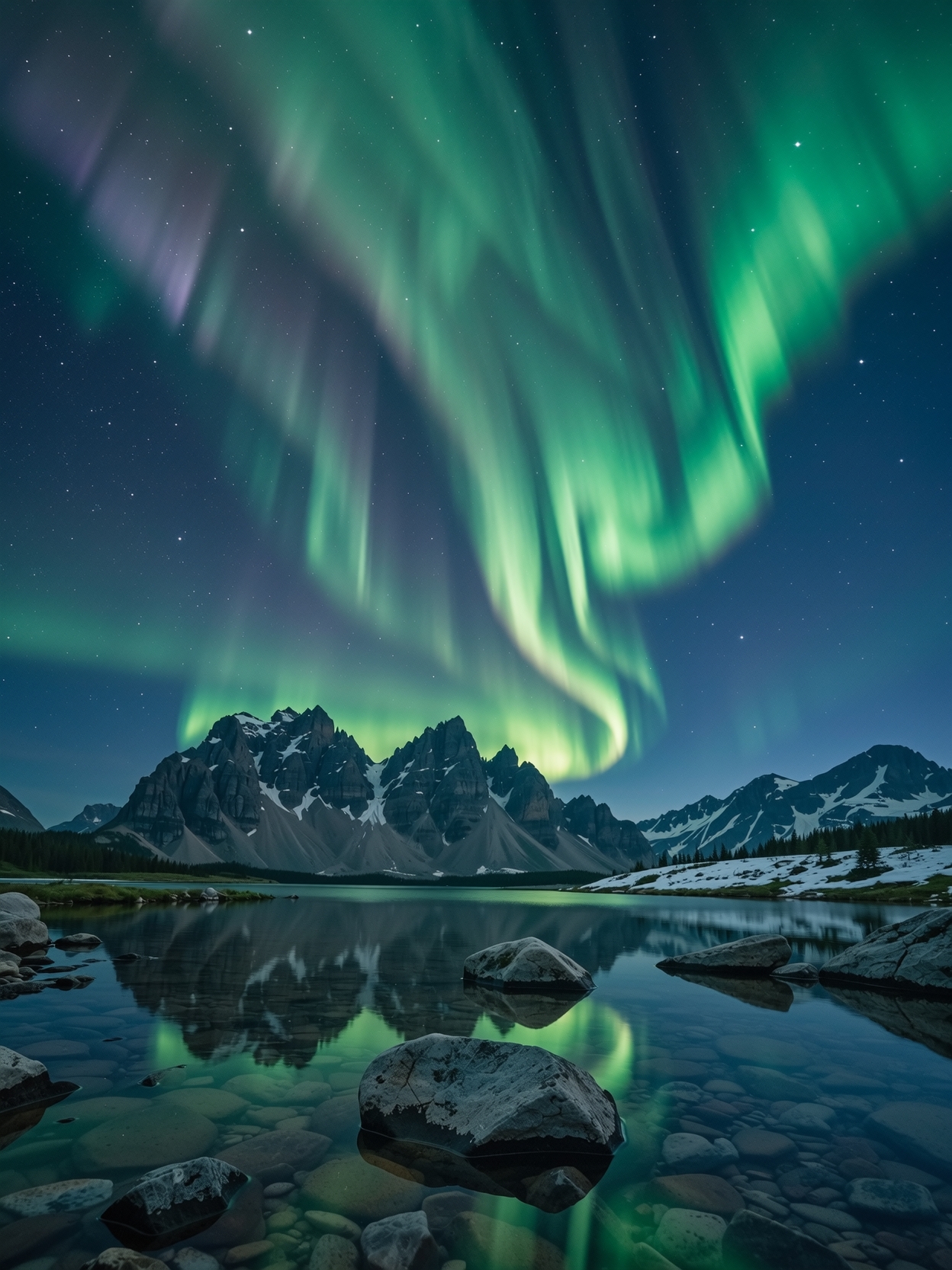
Scenery is one of the most visually rewarding use cases in AI image generation. Landscapes, fantasy worlds, cinematic backdrops, dreamy nature scenes, and atmospheric environments all perform well because they give AI room to build mood, depth, lighting, and texture. That is why the keyword ai scenery generator has become more valuable in 2026.
Creators use scenic imagery everywhere - desktop wallpapers, concept art, storyboards, YouTube thumbnails, product backdrops, poster art, and social posts. Instead of searching through generic stock backgrounds, users can generate scenes built around the exact feeling they want. With starryai, that means turning a prompt into a world.
An ai scenery generator is a tool that creates environmental and landscape-style imagery from prompts. The output can be realistic, painterly, cinematic, fantasy-driven, or surreal depending on the model and prompt style.
This is useful for generating:
The best results come from prompts that clearly describe location, weather, lighting, mood, and visual style.
Scenic images are ideal for AI because the model can focus on composition, atmosphere, and detail without needing perfect human anatomy or brand-specific structure.
Strong Visual Variety
A single prompt idea can generate many directions - sunset mountain valley, misty forest lake, neon cyberpunk skyline, or ancient fantasy ruins.
Great for Mood and Storytelling
Backgrounds are not just decorative. They create emotion and context.
Useful Across Many Formats
Scenery can become wallpapers, headers, thumbnails, posters, reference art, and social visuals.
Describe the Environment Clearly
Instead of saying “beautiful landscape,” describe the scene with more precision.
For example:
“Cinematic misty forest at sunrise, tall pine trees, golden light rays, soft fog, ultra-detailed fantasy realism.”
Specify the Lighting
Lighting shapes the scene as much as the location. Terms like golden hour, overcast, moonlit, neon-lit, stormy, or soft dawn light all change the outcome dramatically.
Add Atmosphere
Fog, snow, rain, glowing particles, dramatic clouds, and reflections can make scenery feel far more immersive.
Pick a Style Direction
You can guide the result toward:
Wallpapers and Backgrounds
One of the most common uses. Scenic outputs work naturally as phone and desktop backgrounds.
Concept Art
Writers, designers, and game creators use AI scenery to visualize worlds and environments quickly.
Marketing and Social Design
Scenic art can support ad creative, blog headers, and visual storytelling.
Video and Thumbnail Support
A compelling environment can make a post or thumbnail feel more cinematic even before text is added.
Strong scenic images usually come from one clear world, one clear mood, and one clear visual direction.
starryai works especially well for scenic exploration because users can move quickly through multiple visual directions without being boxed into fixed templates. That matters when the goal is not just “a landscape,” but a very specific emotional result.
Whether the user wants a peaceful natural scene or a cinematic fantasy background, starryai gives room to iterate until the scene feels right.
What kinds of environments can the AI generate?
starryai can generate virtually any environment - natural landscapes (mountains, forests, oceans, deserts, tundra, jungles, meadows), architectural environments (ancient ruins, medieval castles, futuristic cities, cozy cottages), fantastical settings (floating islands, underground crystal caverns, magical forests, alien planets), and abstract or surreal environments. If you can describe it, the AI can create it.
How do I get the right mood and atmosphere in my scenery?
Atmosphere is primarily set by lighting and weather conditions. Include specific details about the time of day (golden hour produces warm, dramatic light; overcast produces soft, even light; night produces moody, high-contrast scenes), weather (clear, misty, stormy, snowy), and color temperature (warm/golden, cool/blue, neutral). These variables affect the entire emotional tone of the generated scene.
Can I generate wide panoramic or landscape format scenes?
Yes. Specify the format in your prompt - "wide cinematic format," "panoramic landscape," "16:9 ratio," or "ultra-wide" - and starryai will generate accordingly. Wide format is actually ideal for scenery generation since landscapes benefit from the extra horizontal space to develop the scene's depth and breadth.
Is the AI scenery generator useful for game development?
Absolutely. Background art, environment concept sketches, biome reference images, and level design inspiration are all common use cases for AI scenery generation in game development. Many indie developers use AI-generated scenery as placeholder art or as reference material for their human artists. The generation quality is also high enough that some projects use AI scenery directly as final background art.
Can I generate multiple scenes with a consistent visual style?
Yes, and this is one of the most powerful capabilities. By using consistent style keywords across multiple prompts - same art style, same color palette, same quality markers - you can generate a series of environments that feel like they belong in the same world. This is particularly useful for world-building projects, book illustration series, game environments, and any project that needs visual cohesion across multiple scenes.
An ai scenery generator is one of the strongest and most flexible use cases in image AI. It helps creators build mood, context, and worldbuilding much faster than traditional workflows.
With starryai, users can create scenic backgrounds that feel more personal, more atmospheric, and more visually rich than generic stock imagery.








.svg)