

Written by Mo Kahn on
March 12, 2026


Transform your everyday photos into stunning cartoon art using AI - no design skills needed. \
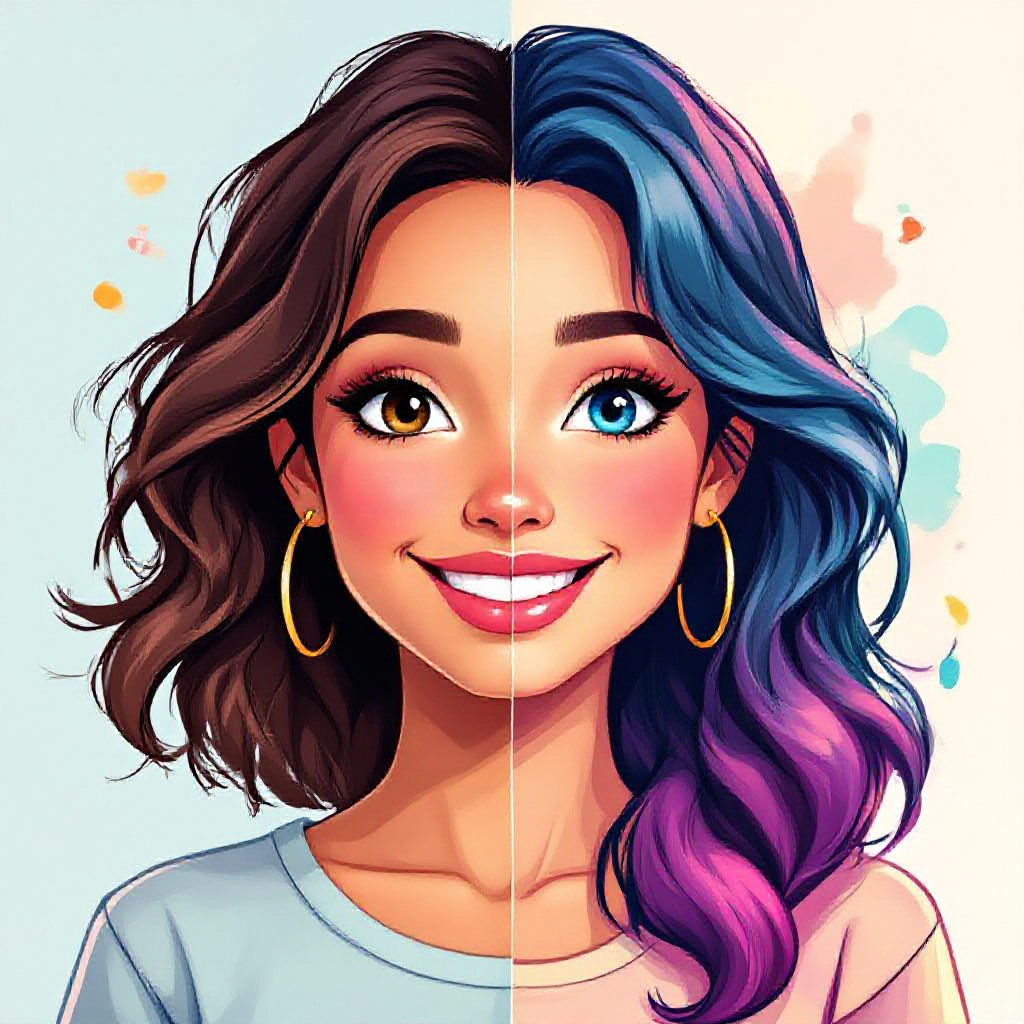
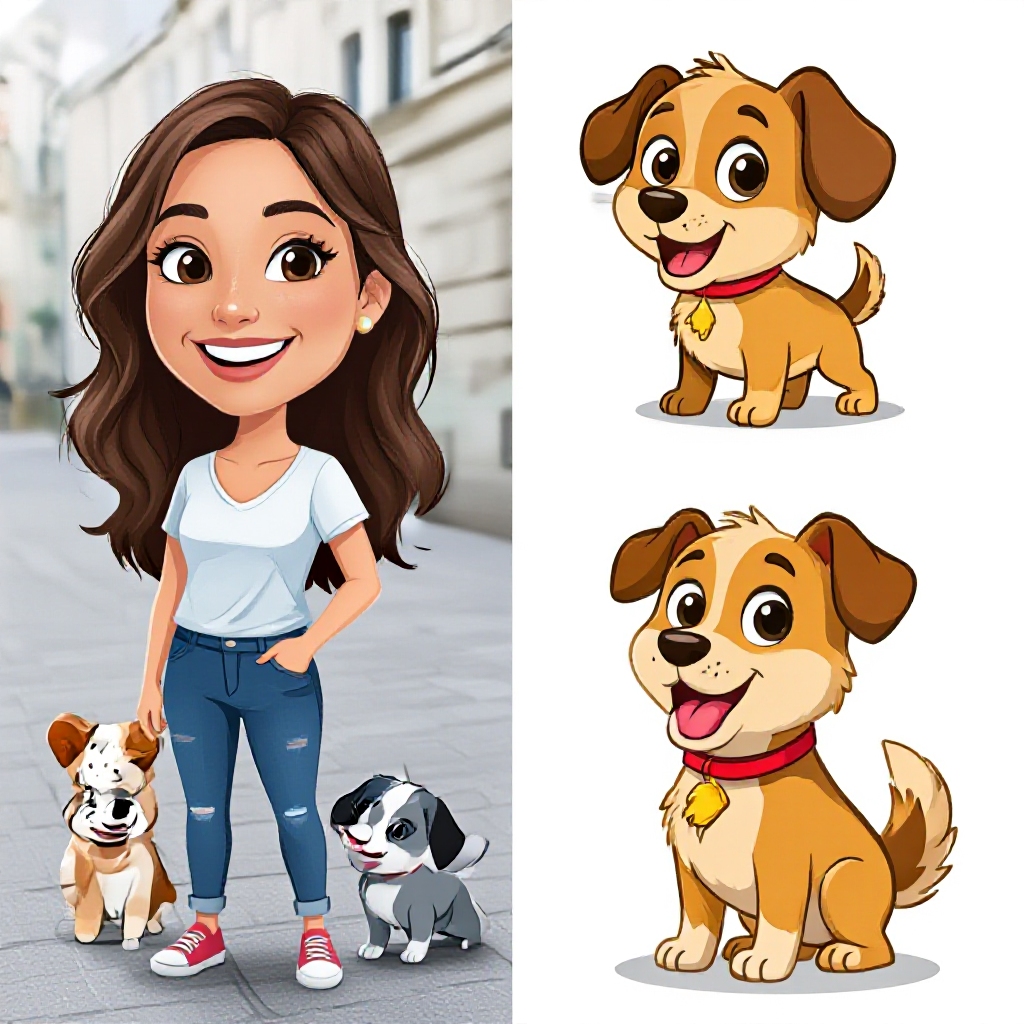
Ever looked at a photo and thought, "this would look incredible as a cartoon"? Maybe it is a portrait of your best friend, a snapshot of your dog, or a travel photo from your last trip. Whatever the image, turning it into cartoon art used to mean hiring an illustrator or spending hours in Photoshop. Not anymore. In 2026, ai photo to cartoon tools have made the process ridiculously simple. You upload a photo, pick a style, and within seconds you have a cartoon version that looks like it was hand-drawn by a professional artist. And with starryai, you can do it all for free. Whether you want to cartoonize yourself for a social media avatar, create cartoon versions of family photos as gifts, or generate cartoon-style art for a creative project, this guide covers everything you need to know. We will walk through how the technology works, show you exactly how to turn a photo into a cartoon with starryai, explore popular use cases, and share tips to get the best results every time. \
AI photo to cartoon is the process of using artificial intelligence to convert a regular photograph into a cartoon-style image. The AI analyzes the shapes, colors, textures, and features in your photo, then reinterprets them through a cartoon lens - simplifying details, adding bold outlines, adjusting color palettes, and applying stylistic effects. Modern ai photo to cartoon tools use deep learning models (often diffusion-based) that have been trained on massive datasets of real photos paired with their cartoon equivalents. This training teaches the AI to map realistic features into stylized cartoon forms while preserving what makes the original image recognizable. The result? A cartoon version of your photo that looks polished, professional, and uniquely yours - created in seconds without any manual editing.
Why It Is So Popular in 2026
The demand for ai photo to cartoon conversion has exploded for a few reasons:
\
Turning your photos into cartoons with starryai is straightforward. Here is a step-by-step walkthrough to get you from photo to cartoon in minutes.
Step 1: Open starryai and Start a New Project
Head to starryai and create a free account if you have not already. Once you are in, start a new image generation project. You will see options for creating art from scratch or working with existing images.
Step 2: Upload Your Photo
Select the option to use an existing image as your starting point. Upload the photo you want to cartoonize. starryai accepts common formats like JPG and PNG, so virtually any photo from your camera roll or computer will work. Pro tip: Choose a photo with good lighting, a clear subject, and minimal clutter in the background. The AI produces better cartoon results when it can clearly identify the main elements of your image.
Step 3: Choose Your Cartoon Style
This is where the fun begins. starryai offers multiple artistic styles and models that can transform your photo in different directions:
Use starryai's style transfer and prompt features to guide the AI toward the exact look you want. You can type a description like "convert this photo into a colorful anime-style cartoon with bright colors" to give the AI clear direction.
Step 4: Generate and Refine
Hit generate and let the AI work its magic. In most cases, you will have your cartoon result within seconds. starryai typically produces multiple variations, so you can pick the one that best matches your vision. Not quite right? You can:
Step 5: Download and Share
Once you are happy with your cartoon creation, download it in high resolution. From there, share it on social media, use it as a profile picture, print it, or incorporate it into any creative project you have in mind. \
One of the best things about using ai photo to cartoon tools is the sheer variety of styles available. Here are some of the most popular cartoon styles people love creating with starryai:
Anime and Manga
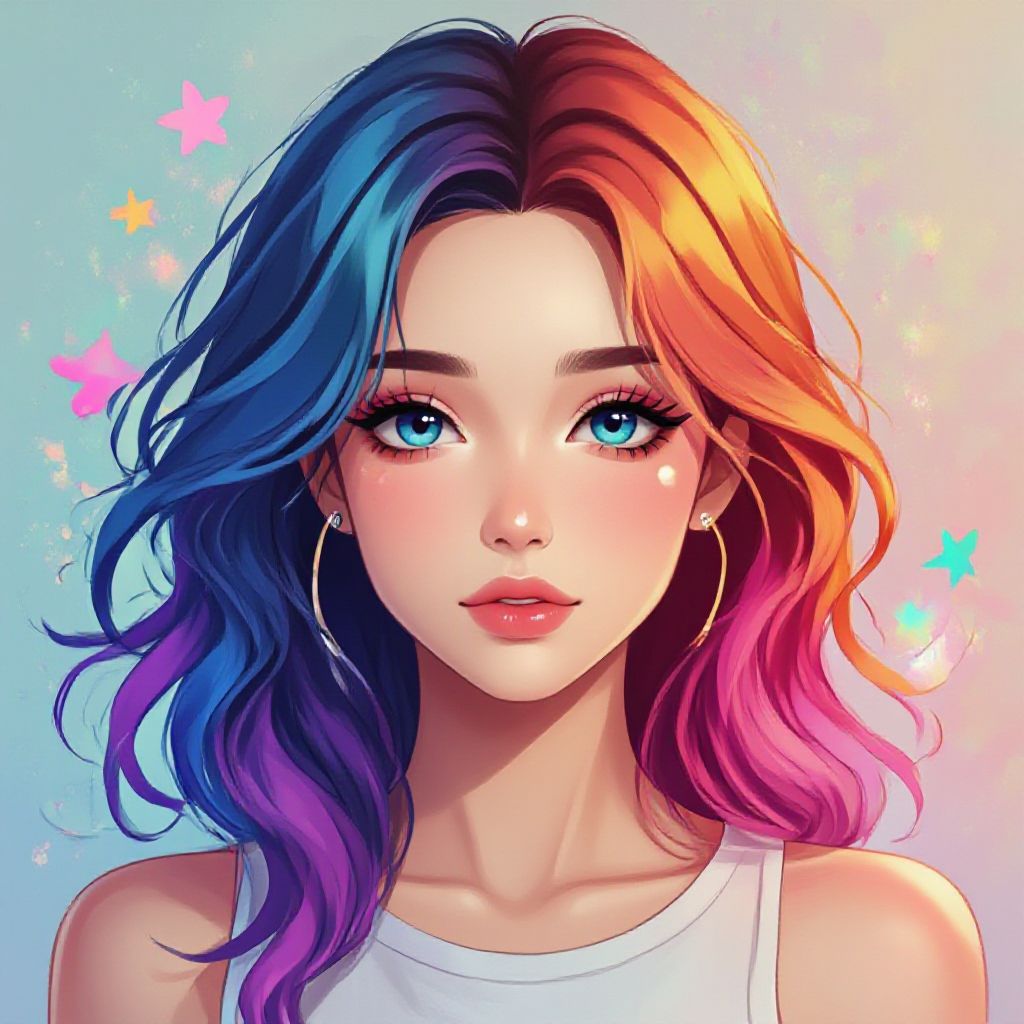
The anime aesthetic is one of the most requested cartoon styles worldwide. Big eyes, dynamic hair, and vivid color palettes give photos an instantly recognizable Japanese animation look. Perfect for profile pictures, fan art, or just exploring what you would look like as an anime character.
3D Cartoon (Pixar/Disney Style)
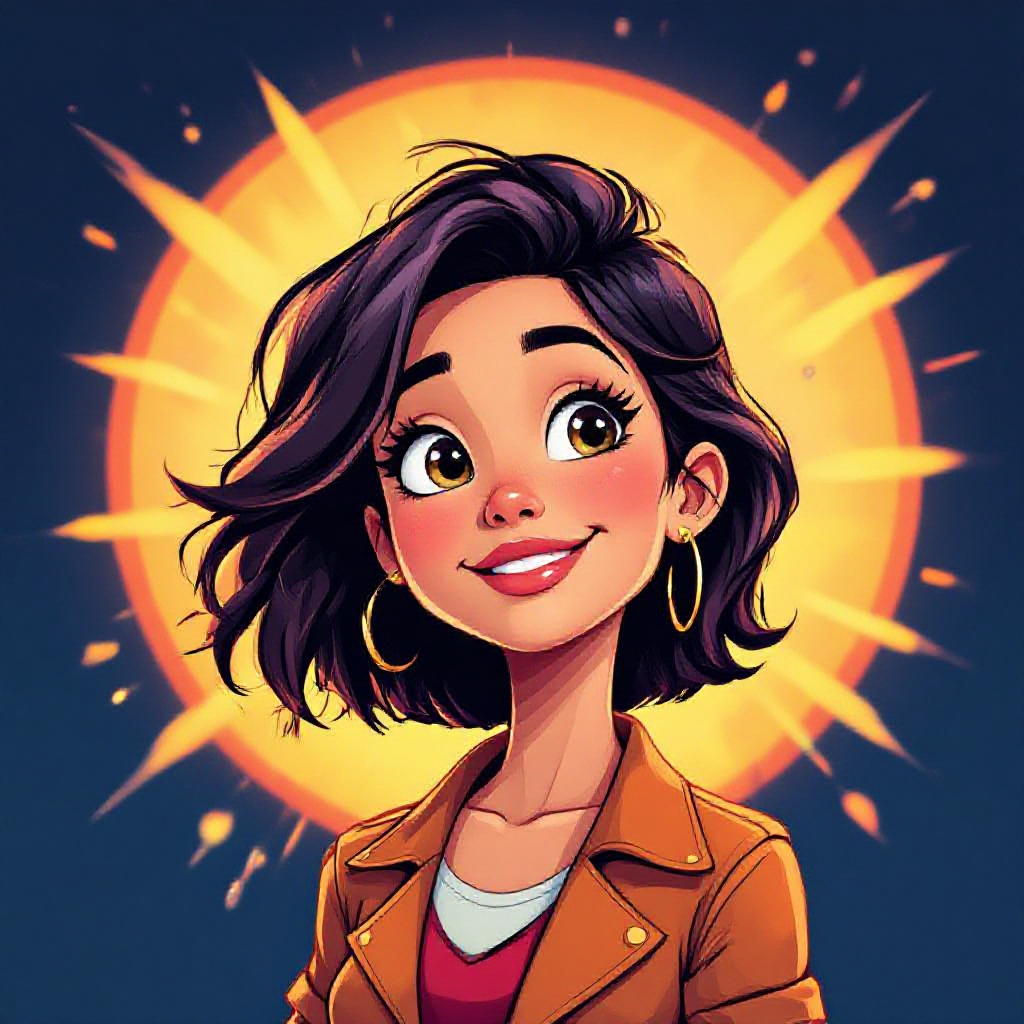
This style gives your photos a polished, three-dimensional look inspired by animated films. Smooth skin textures, soft lighting, and rounded features make this style feel warm and approachable. Great for family photos and portraits.
Comic Book
Bold outlines, dramatic shadows, and halftone patterns transform your photos into pages straight out of a graphic novel. This style works especially well for action shots, group photos, or anyone who wants to look like a superhero.
Watercolor Cartoon
A softer, more artistic take on cartooning. Watercolor cartoon effects blend gentle brushstrokes with cartoon simplification for a result that feels handcrafted and elegant. Ideal for landscapes, pet portraits, and sentimental photos.
Caricature
Exaggerated features, oversized heads, and playful proportions make caricature-style cartoons endlessly entertaining. Turn yourself or your friends into hilarious caricatures for gifts, party invitations, or pure fun.
Flat Vector Illustration
Clean lines, bold colors, and minimal detail create a modern, design-forward look. This style is popular for professional headshots, brand avatars, and marketing materials. \
The creative possibilities go far beyond just making a funny profile picture. Here are some of the most popular ways people use ai photo to cartoon conversion:
Social Media Avatars and Content
Cartoon avatars instantly make your profile memorable. Stand out on Instagram, TikTok, X, LinkedIn, or Discord with a stylized version of yourself. You can also create cartoon-style content for posts, stories, and reels that grab attention in crowded feeds.
Personalized Gifts
Turn a photo of a couple, family, or friend group into cartoon art and print it on a canvas, mug, phone case, or greeting card. It is a thoughtful, one-of-a-kind gift that people actually want to keep.
Professional Branding
Freelancers, creators, and small business owners use cartoon avatars for consistent personal branding across platforms. A cartoon version of yourself can feel more approachable and memorable than a standard headshot.
Marketing and Advertising
Businesses use cartoon-style imagery to create eye-catching ad creatives, social media graphics, mascots, and promotional materials. Cartoon visuals tend to be more engaging and shareable than standard photography.
Stickers and Emojis
Create custom cartoon stickers of yourself, your friends, or your pets for messaging apps and social platforms. These are fun to make and even more fun to use.
NFTs and Digital Art
The digital art and collectibles space continues to thrive in 2026. Cartoon-style portraits and illustrations remain popular as profile picture collections and digital art pieces.
Content Creation and Storytelling
Bloggers, YouTubers, and podcasters use cartoon-style imagery for thumbnails, illustrations, and visual storytelling elements that complement their content. \
The quality of your output depends a lot on what you put in. Here are practical tips to help you get stunning cartoon results every time:
Start With a High-Quality Photo
The AI can only work with what you give it. Photos with good lighting, sharp focus, and clear subjects produce dramatically better cartoon results than blurry, dark, or cluttered images.
Keep the Background Simple
Busy backgrounds can confuse the AI and result in messy cartoon outputs. If possible, use a photo with a clean or simple background, or crop your image to focus on the main subject.
Experiment With Different Styles
Do not settle for the first result. Try multiple cartoon styles and compare them. A photo that looks average as an anime conversion might look incredible as a watercolor cartoon.
Use Descriptive Prompts
When using starryai, your text prompt matters. Be specific about the style you want. Instead of "cartoon," try "vibrant anime-style cartoon with bold outlines and pastel background." The more detail you provide, the better the AI can match your vision.
Try Multiple Variations
Generate several versions of the same photo and pick your favorite. AI generation involves some randomness, so each result will be slightly different. Sometimes the third or fourth attempt is the one that nails it.
Fine-Tune With Editing Tools
After generating your cartoon, use starryai's built-in editing tools to adjust colors, crop, or enhance specific areas. Small tweaks can take a good result and make it great.
Match Style to Purpose
Think about where you will use the final image. A playful caricature works for a Discord avatar but might not suit a LinkedIn profile. A clean flat illustration works for business branding but might feel too minimal for a personal gift. Choose your style intentionally. \
There are plenty of ai photo to cartoon tools out there, so why choose starryai? Here is what sets it apart:
Free to Use
starryai lets you create ai photo to cartoon conversions for free. You get daily credits to generate images without spending a dime, making it accessible to everyone regardless of budget.
Multiple AI Models
Unlike basic one-click cartoonizers that only offer a single filter, starryai gives you access to multiple AI models. This means more variety, more control, and more creative possibilities for your cartoon transformations.
Full Creative Control
With starryai, you are not limited to a fixed set of filters. You can write custom prompts, adjust styles, combine influences, and use advanced settings to get exactly the cartoon look you envision.
Built-In Editing Suite
starryai is not just a generator. It includes editing tools that let you refine your cartoon creations after generation. Adjust colors, enhance details, and perfect your image all within the same platform.
Style Transfer Capabilities
Beyond basic cartoonization, starryai's style transfer feature lets you apply the aesthetic of any reference image to your photo. Found a cartoon style you love online? Use it as a reference and let starryai apply that look to your own photos.
No Watermarks
Your creations are yours. starryai delivers clean, watermark-free outputs that are ready to share, print, or use in any project.
Works on Any Device
starryai is available on web, iOS, and Android, so you can turn photos into cartoons wherever you are - at home, on the go, or anywhere inspiration strikes. \
How does AI cartoon conversion compare to doing it the old-fashioned way?
| Aspect | AI Photo to Cartoon | Traditional (Manual) |
| Time | Seconds to minutes | Hours to days |
| Cost | Free or low cost | \$50-500+ for an artist |
| Skill required | None | Advanced illustration skills |
| Consistency | Reliable, repeatable | Varies by artist |
| Style variety | Unlimited styles instantly | Limited to artist's expertise |
| Customization | Prompt-based, iterative | Full creative control |
| Uniqueness | AI-generated, semi-unique | Fully hand-crafted |
How do I turn a photo into a cartoon for free?
The easiest way is to use starryai. Create a free account, upload your photo, choose a cartoon style, and generate your result. starryai provides free daily credits so you can create cartoon art without any cost.
What is the best AI tool to convert photos to cartoons?
starryai is one of the best options available in 2026. It offers multiple AI models, a range of cartoon styles, full prompt customization, built-in editing tools, and free daily credits. Unlike basic filter apps, starryai gives you real creative control over the final result.
Can I cartoonize a photo without an app?
Yes. starryai has a web-based platform that works directly in your browser. There is nothing to download or install. Just visit the site, upload your photo, and start creating cartoon art immediately.
What types of photos work best for AI cartoon conversion?
Photos with good lighting, clear subjects, and simple backgrounds produce the best results. Portraits and selfies tend to convert beautifully, but landscapes, pet photos, and group shots also work well. Avoid blurry, dark, or extremely cluttered images for the best output.
Is AI photo to cartoon safe to use?
Yes. Reputable platforms like starryai process your images securely. Your uploaded photos are used solely for generating your cartoon art and are not shared publicly or used without your permission.
Can I use AI cartoon images commercially?
With starryai, images you create are yours to use. Whether you want to use your cartoon art for personal projects, social media, marketing materials, or merchandise, you have the freedom to do so. Check the specific terms of service for detailed licensing information.
How is AI photo to cartoon different from a simple cartoon filter?
Basic cartoon filters (like those on Instagram or Snapchat) apply a fixed overlay to your image. AI photo to cartoon tools like starryai actually reinterpret and reconstruct your image in a cartoon style using deep learning. The result is far more detailed, varied, and customizable than any filter can produce.
Can I convert group photos or photos with multiple people?
Absolutely. AI cartoon tools can handle group photos, though results tend to be best when faces are clearly visible and not too small in the frame. For large group shots, you may get better results by cropping to focus on smaller groups or individual faces.
The barrier between a regular photo and stunning cartoon art has never been lower. With ai photo to cartoon tools powered by advanced AI, anyone can create professional-quality cartoon images in seconds - no artistic training, no expensive software, no waiting for a freelancer. starryai makes the entire process free, fast, and fun. Whether you want to cartoonize yourself for social media, create personalized gifts, build your brand, or just explore your creative side, everything you need is right here. Upload a photo. Pick a style. Watch the AI work its magic. Your cartoon self is waiting. \










.svg)