

Written by Mo Kahn on
April 13, 2026


Icons look small, but they carry a lot of visual responsibility. They guide interfaces, support branding, improve recognition, and help digital products feel polished. That is why the keyword ai icon generator has become more important in 2026. Designers, founders, marketers, and creators all want faster ways to make icons that still feel custom.
The old workflow was slower. You either bought a pack, designed everything manually, or tried to adapt generic shapes that did not quite fit your brand. AI changes that. With a tool like starryai, users can explore icon concepts, visual directions, and stylistic systems more quickly before refining the final result.
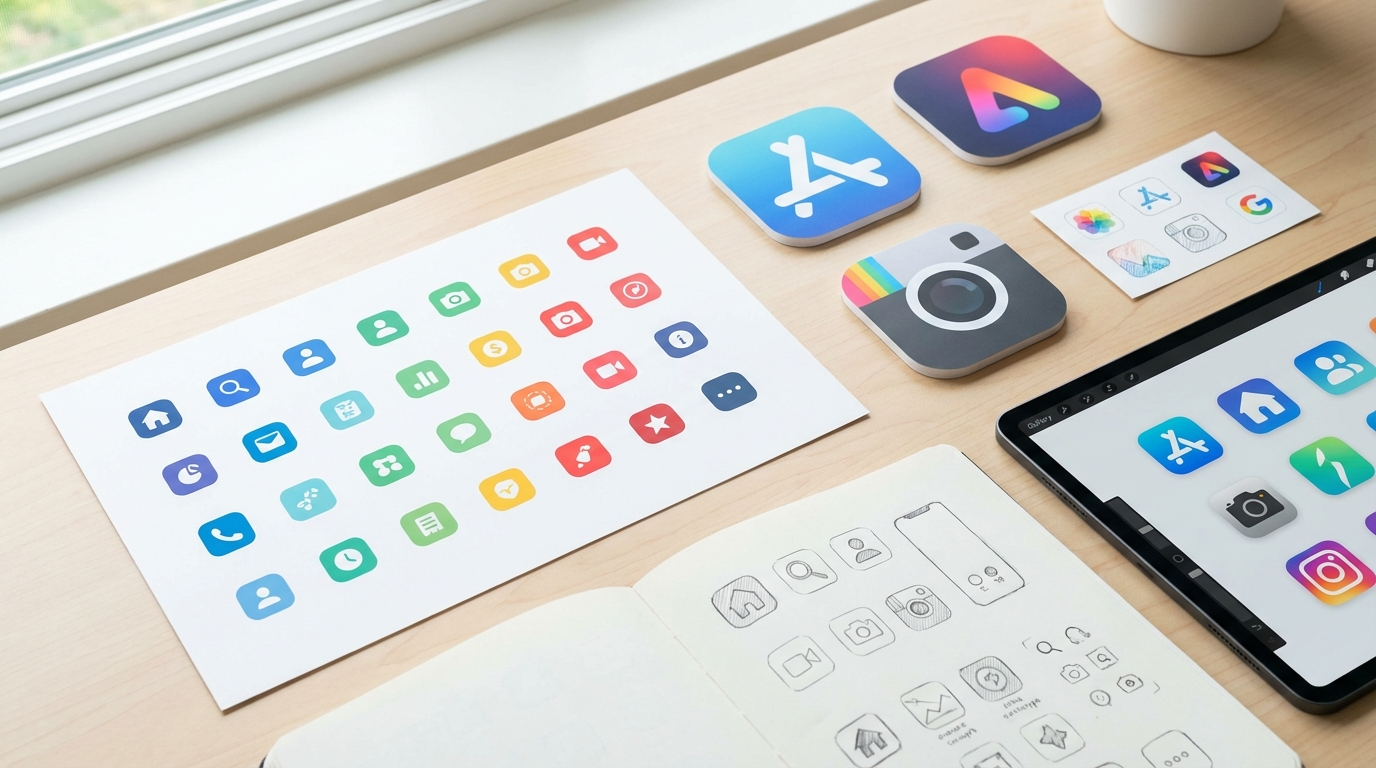
An ai icon generator is a tool that helps create icons from prompts or visual direction. Depending on the workflow, it can be used for:
Some use cases are functional and minimalist. Others are more visual and expressive. The main advantage is being able to test multiple directions quickly.
Faster Ideation
Instead of sketching every direction manually, AI helps you test style options much faster.
Better Style Exploration
You can compare flat, 3D, gradient, outlined, rounded, or branded directions without rebuilding each one from zero.
Useful for Non-Designers Too
Founders and creators who are not full-time designers can still explore good visual starting points.
App Icons
A strong app icon can affect first impressions immediately. AI can help explore cleaner visual directions faster.
Website and Product UI
Teams building interfaces often need multiple icons that feel consistent as a system.
Brand Assets
Icons can support blog visuals, marketing graphics, decks, and social content.
Concept Work
AI is especially helpful early in the design process when the goal is exploration rather than final production.
Keep Prompts Simple but Specific
Icons work best when the concept is clear. For example:
“Minimal rounded cloud storage icon, blue gradient, modern SaaS style, clean app icon aesthetic.”
Define the Style System
Mention whether you want:
Think in Sets, Not Just Singles
If the icon will live in a product, it should feel like part of a larger family.
Refine for Clarity
Icons need to stay readable at small sizes. Simpler shapes usually work better.
A strong icon should be simple, memorable, and readable quickly.
starryai is useful here because it helps creators move fast through the exploration stage. Instead of staying locked in one style too early, users can test multiple approaches and figure out what actually fits their product or brand.
That makes it useful for both visual discovery and creative acceleration, especially when people need a starting point before polishing the final asset set.
What icon styles can starryai generate?
starryai can generate icons in virtually any visual style - flat design, Material Design, iOS-style rounded, outlined (stroke-based), filled/solid, isometric 3D, pixel art, hand-drawn, duotone, gradient fill, and more. Specifying the style clearly in your prompt is the most important factor in getting a result that fits your design system.
Can I generate an entire consistent icon set, or just individual icons?
Both are possible. For individual icons, describe exactly what you need and generate one at a time. For icon sets, describe the visual language (style, palette, weight) and specify multiple icons in a single prompt, or generate them with the same prompt template across multiple sessions to maintain consistency.
Are AI-generated icons good enough for professional apps?
Yes, with proper execution. The key is maintaining consistency across your icon set. Define a clear visual style, use the same prompt parameters across all icons in the set, and review each generated icon to ensure it meets your quality standards. Many professional design teams now use AI generation for initial icon concepts that are then refined in vector tools.
Can I use these icons in commercial products?
Yes. Icons generated with starryai can be used in commercial products. Check the current terms of service for the most up-to-date details on commercial usage rights, as these can vary.
Do I need to convert the icons to SVG for use in apps?
For most web and mobile app use cases, SVG format is preferred because it scales to any resolution without quality loss. starryai generates raster images (PNG format) that can be used directly at the appropriate resolution, or traced to SVG using tools like Adobe Illustrator, Inkscape, or online SVG conversion services.
An ai icon generator is most powerful when it is used to speed up ideation without killing creativity. In 2026, that matters because teams need assets faster, but still want them to feel intentional.
With starryai, creators can explore icon directions quickly, compare styles, and move toward cleaner visual systems without starting from scratch every time.








.svg)