


Written by Mo Kahn on
March 12, 2026


Turn ordinary property shots into scroll-stopping listing photos with AI - no professional photographer required. \
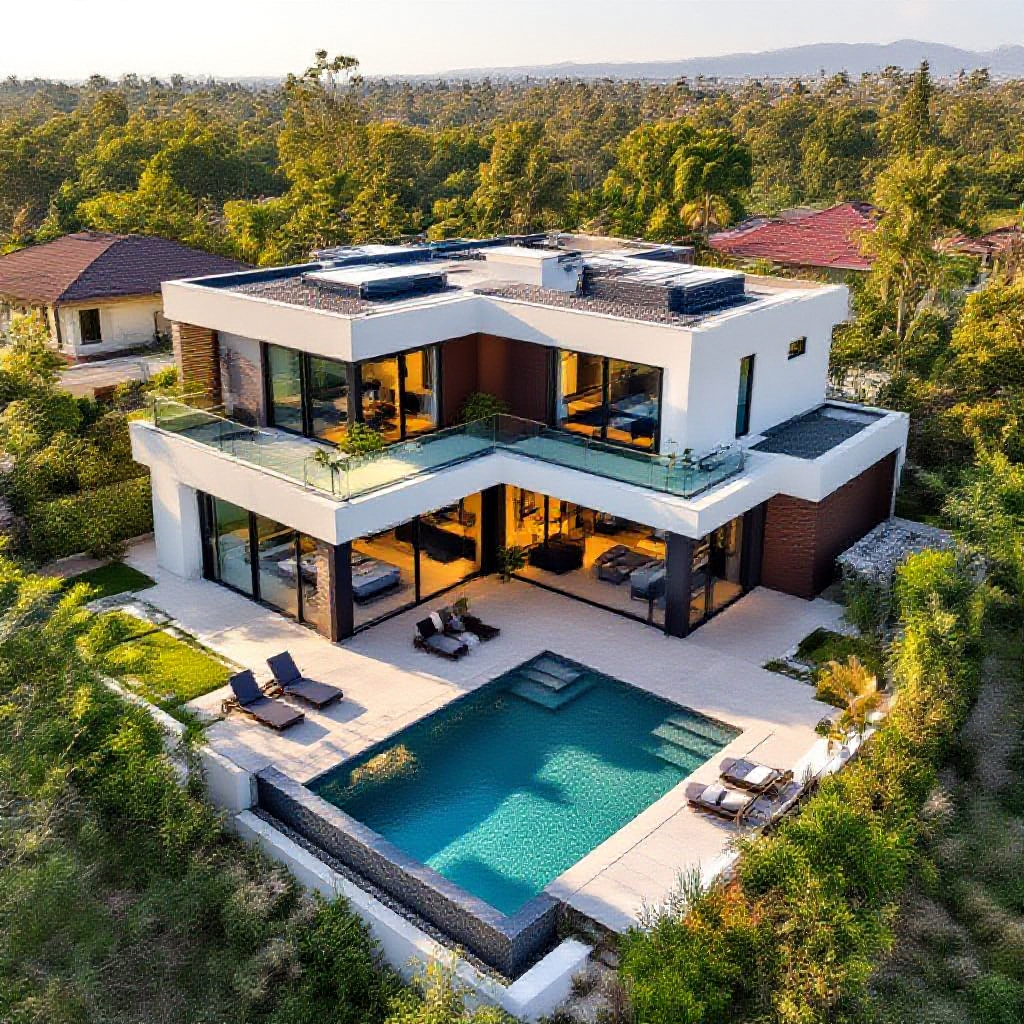
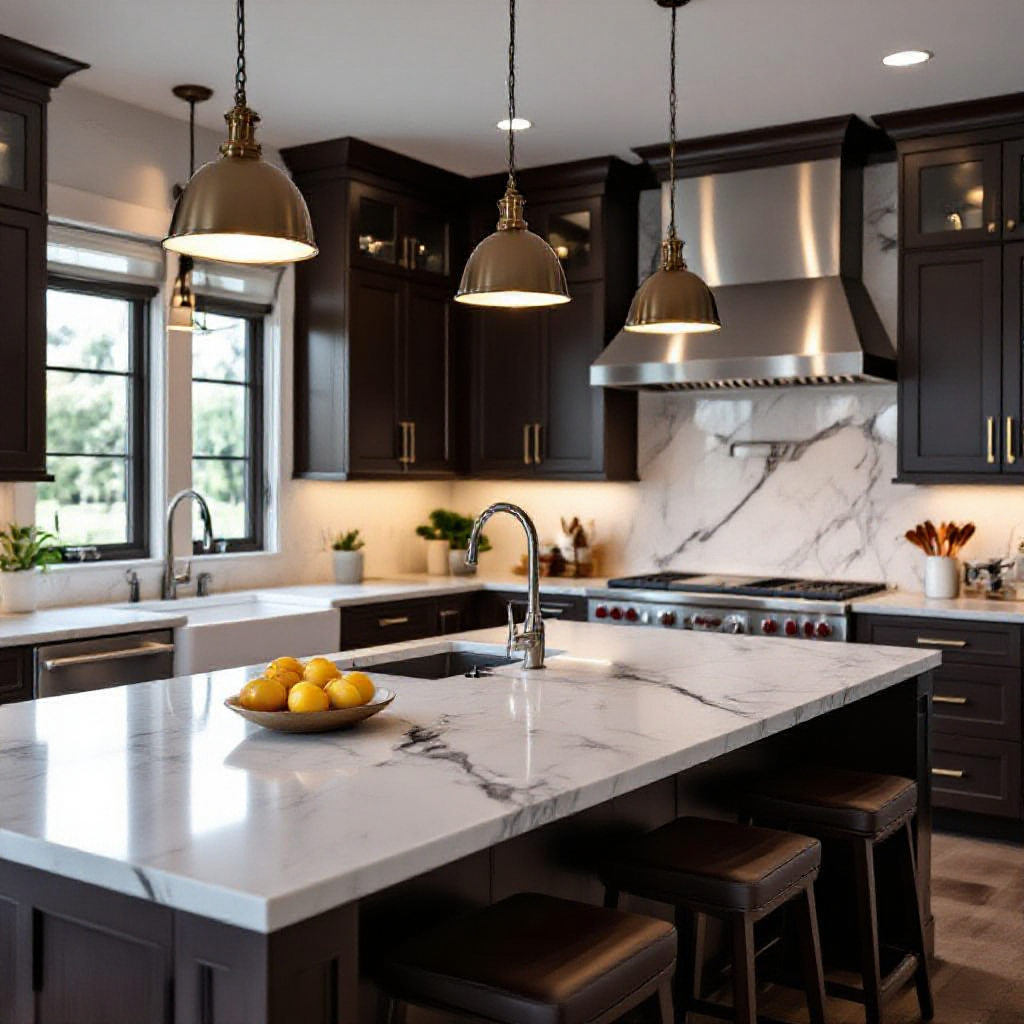
First impressions sell houses. And in 2026, that first impression almost always happens on a screen. Buyers scroll through dozens of listings before they ever step foot inside a property. The photos that stop them mid-scroll are the ones that get clicks, showings, and offers. But here is the problem: not every agent, investor, or homeowner can afford a professional real estate photographer for every listing. That is where ai for real estate photos changes everything. AI-powered tools now let anyone transform basic property shots into magazine-quality listing images. We are talking sky replacements, virtual staging, lighting corrections, and even full room redesigns - all done in minutes, not days. And the best part? Many of these tools are completely free to start with. In this guide, we will walk you through exactly how to use AI for real estate photos, cover the best use cases, share practical tips, and show you how starryai's creative tools can give your listings an edge that stands out in a crowded market.
The real estate photography landscape has shifted dramatically. Speed is the new currency.
Listings with high-quality photos sell 32% faster.
Step 1: Capture Your Base Photos
A modern smartphone works perfectly fine.
Step 2: Enhance Lighting and Color Balance
With starryai, you can adjust lighting, enhance colors, and bring out details that make a room feel alive.
Step 3: Replace Dull Skies
starryai's image generation capabilities make sky replacement effortless.
Step 4: Virtually Stage Empty Rooms
Traditional staging costs \$2,000-\$5,000. AI virtual staging achieves photorealistic results for under \$50.
Step 5: Remove Clutter and Unwanted Objects
AI decluttering tools remove unwanted objects seamlessly.
Step 6: Create Day-to-Dusk Conversions
Convert daytime exteriors to stunning twilight shots.
Step 7: Upscale and Sharpen
AI upscaling ensures crisp images at any size.
For Real Estate Agents
For Property Investors
For Airbnb Hosts
For Photographers
1. Always disclose AI enhancement 2. Keep it realistic 3. Maintain consistency 4. Optimize for different platforms 5. Start with good base photos 6. Use AI for video too 7. Build a repeatable workflow
Is AI for real estate photos free?
Yes, many tools offer free tiers. starryai lets you start for free.
Can AI replace a professional photographer?
AI works best as a complement to good photography.
Is virtual staging legal?
Yes, but label virtually staged photos clearly.
How much does it cost?
Free for basic features, \$10-\$50/month for professional plans.
Will buyers feel misled?
Not if enhancements are realistic and disclosed.
What properties benefit most?
Vacant homes, older properties, investment properties, and rentals.
Can I use it for commercial real estate?
Absolutely. Same techniques apply.
How long does enhancement take?
25-30 listing photos can be enhanced in under 30 minutes.
Ready to see what AI can do for your real estate photos? Try starryai for free and start transforming your property images today.









.svg)