

Written by Mo Kahn on
March 12, 2026


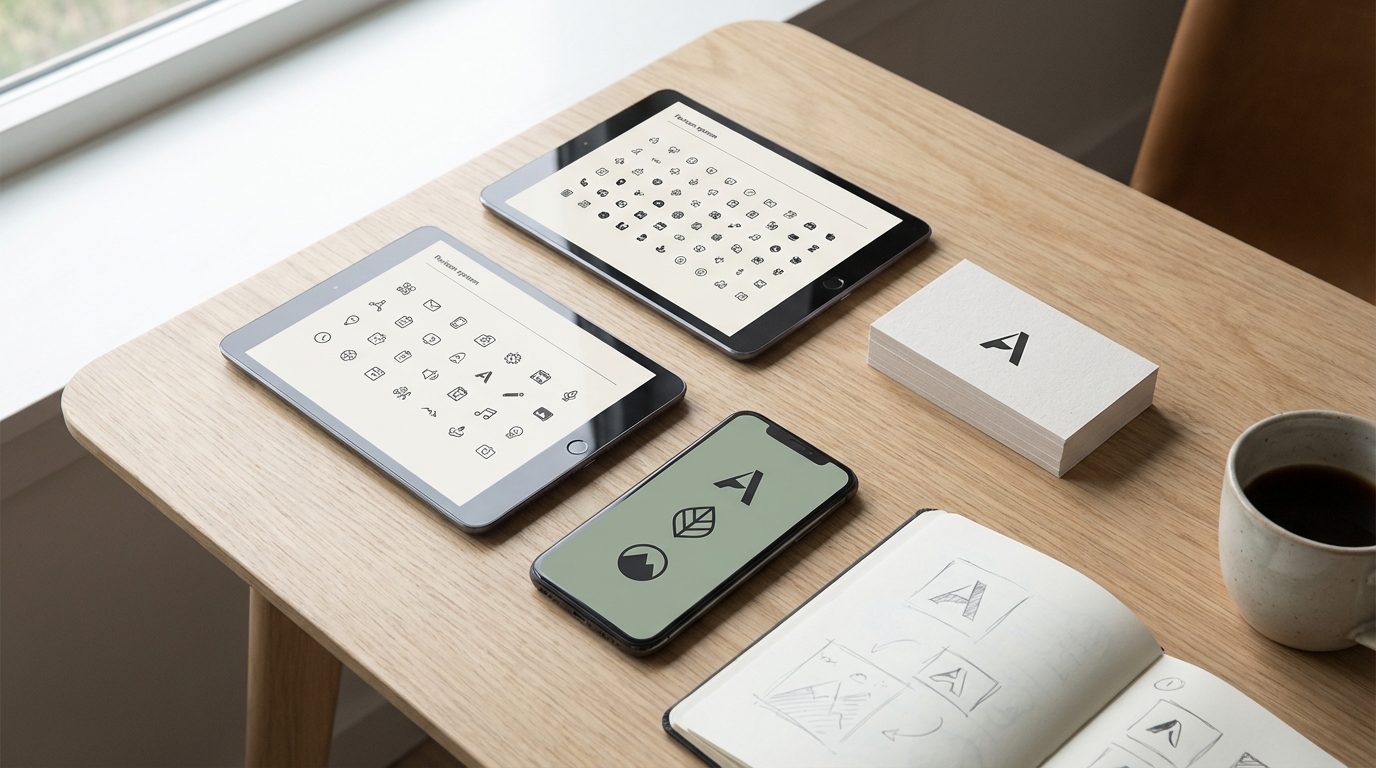
Favicons are tiny, but they matter more than people think. They show up in browser tabs, bookmarks, search results, app shortcuts, and saved pages. A strong favicon makes a site feel more polished and memorable. That is why the keyword ai favicon generator matters in 2026. People want faster ways to create icons that feel distinct without spending hours designing from scratch.
With AI, creators can test favicon directions quickly, especially at the idea stage. With starryai, users can explore symbol-led brand marks, simplified icon ideas, and visual directions that can later be refined into a final favicon system.
An ai favicon generator is a tool that helps create favicon concepts or icon-ready visuals for a brand, site, or app. These are usually small symbolic marks designed to stay recognizable even at tiny sizes.
Common uses include:
The key challenge is clarity. A favicon has to read at very small size, so simpler is usually better.
Fast Concept Exploration
You can quickly test whether a brand should lean geometric, playful, minimal, premium, or illustrative.
Better Early Iteration
AI is useful for generating starting points before final cleanup.
Helpful for Non-Designers
Founders and small teams can explore directions before handing off to a designer or refining the final asset themselves.
A good favicon is:
A complicated scene or detailed illustration usually fails as a favicon. The strongest favicon is often one symbol, one letterform, or one highly reduced mark.
Focus on Simplicity
Ask for minimal icon directions rather than complex logo art.
Mention Shape and Style
Useful prompt language might include:
Think About Small-Size Readability
If the idea would not work in a tiny browser tab, it is probably too detailed.
Use AI for Direction, Then Refine
AI works best here as a concept engine. Final favicon assets usually benefit from simplification and polish.
Startup Branding
Early-stage products need a recognizable favicon quickly.
Website Refreshes
A favicon update can make a site feel more polished with very little design overhead.
Side Projects and Creator Sites
Creators often need quick brand systems for portfolios, landing pages, and personal projects.
Product Concept Work
Teams can test icon directions before finalizing a visual system.
Favicons are about reduction, not complexity.
starryai is useful at the favicon ideation stage because it helps users move through multiple brand directions quickly. Instead of staring at a blank page, users can test symbols, shapes, and stylistic directions fast.
That makes it easier to discover a direction that can later be simplified into a strong final favicon.
What size should a favicon be?
The standard favicon size is 16x16 or 32x32 pixels, though modern browsers support larger sizes (up to 512x512) for high-DPI displays and PWA (Progressive Web App) icons. When designing and generating a favicon, start at a larger size (at least 512x512) and then scale down to ensure the design remains readable at small sizes. Strong contrast and simple shapes are essential for small-size legibility.
What makes a good favicon design?
Good favicons are simple, distinctive, and readable at tiny sizes. A single letter, a simple symbol, a geometric shape, or a minimal logo mark all work well. Avoid fine details, thin lines, or complex illustrations that become unrecognizable when scaled to 16x16 pixels. High contrast between the icon and its background ensures visibility in both light and dark browser chrome.
How do I convert the generated image to a .ico file?
.ico files can be created from PNG images using free online converters like favicon.io, favicon-generator.org, or RealFaviconGenerator.net. These tools accept a PNG input and output the correctly formatted .ico file (and related sizes for different devices). Most modern websites actually use PNG favicons rather than .ico, simplifying the process.
Can I create favicons that work well in dark mode?
Yes. If your site supports users who use dark mode browsers, consider generating favicon variations with different backgrounds - one for light browser chrome and one for dark. Some modern favicon implementations support media queries that serve different favicon versions based on the user's color scheme preference.
Is a favicon important for SEO?
While favicons don't directly impact search engine rankings, they contribute to brand recognition and user experience. A distinctive favicon helps users find and return to your site in crowded tab rows, and it appears in Google Search results for branded searches in some cases. It's one of those small professional details that builds trust and recognition over time.
An ai favicon generator is most useful when it helps shorten the path from idea to recognizable symbol. In 2026, that matters because every website, product, and project needs a more polished digital identity.
With starryai, users can explore favicon ideas quickly, test brand directions, and move toward cleaner icon systems without starting from zero.








.svg)