

Written by Mo Kahn on
March 12, 2026


Turn faded black-and-white photos into vivid, full-color images using AI - no editing skills required. \
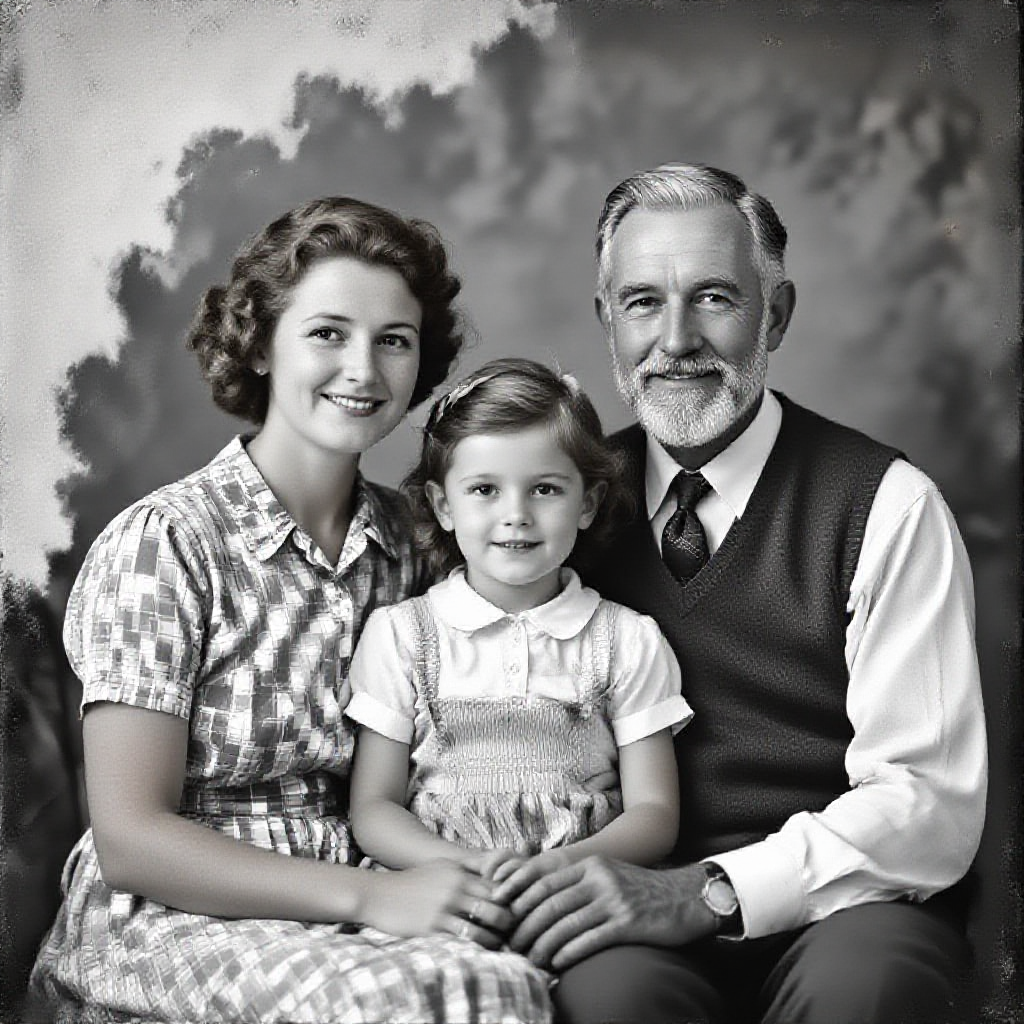
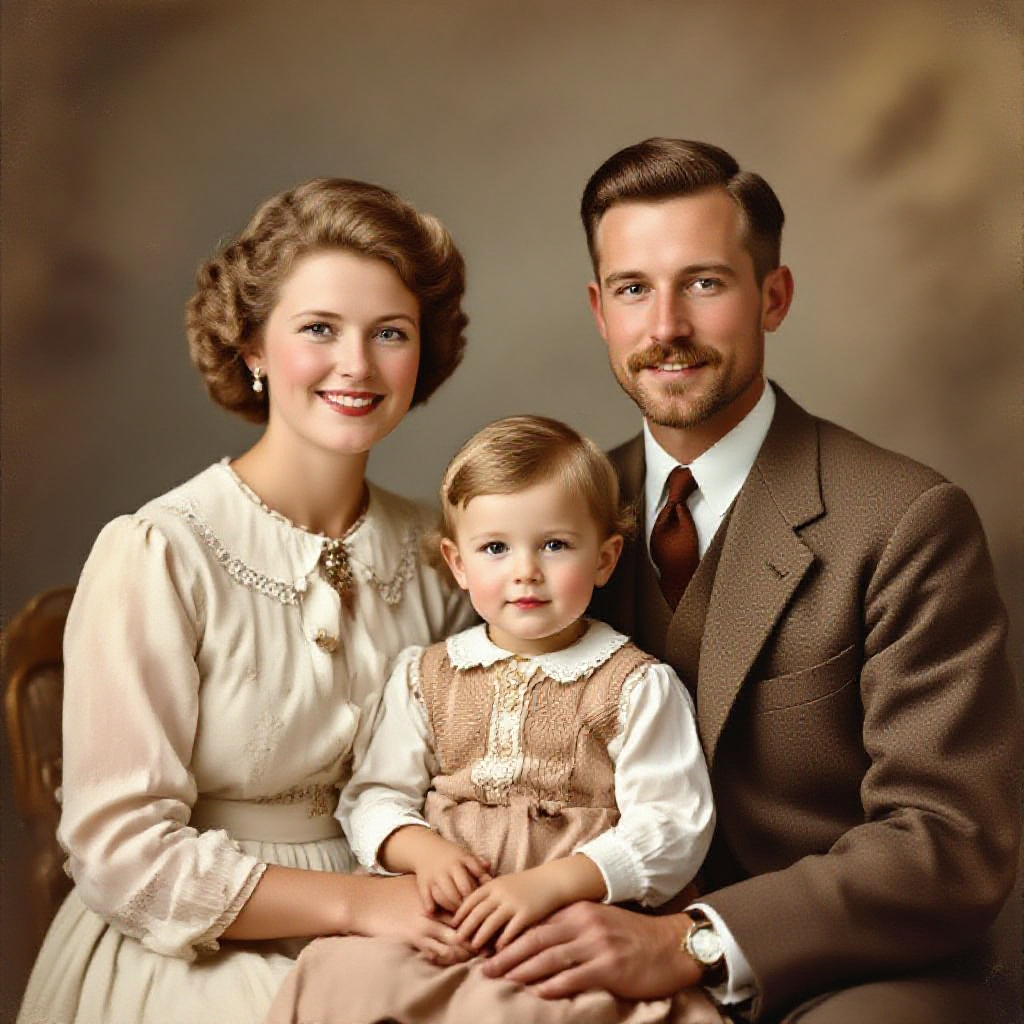
Old photos hold stories that color can bring to life. Whether it's your grandparents' wedding day, a childhood snapshot from decades ago, or a historical image you stumbled across online, black-and-white photos carry a certain distance. They feel like artifacts. But when you AI colorize old photos, something shifts. The people in them suddenly feel closer, more real, more present. In 2026, AI colorization technology has reached a point where anyone can transform grayscale images into realistic, full-color photographs in seconds. You don't need Photoshop expertise. You don't need to hire a professional retoucher. And with starryai, you don't even need to spend money to get started. This guide walks you through everything you need to know about using AI to colorize old photos, from how the technology works to step-by-step instructions, creative use cases, pro tips, and answers to the most common questions.
AI colorization tools use deep learning models, typically convolutional neural networks (CNNs) and generative adversarial networks (GANs), trained on millions of paired color and grayscale images. The AI learns patterns: skin tones under different lighting, the blue of a clear sky, the green of mid-century lawns, the warm brown of wooden furniture. When you upload a black-and-white photo, the model analyzes:
The result is a colorized image that looks natural, not like someone slapped a filter over it.
It's free to start
starryai gives you free credits to generate and edit images, so you can experiment with colorizing your old photos without any upfront cost.
Creative control beyond colorization
Works on any device
starryai runs in your browser and as a mobile app. No software installation required.
Built for creative exploration
starryai isn't just a one-trick tool. It's a full creative platform where colorization is one piece of a larger toolkit.
Step 1: Prepare Your Photo
Step 2: Upload to starryai
Head to starryai.com or open the starryai app. Navigate to the image editing tools and upload your black-and-white photo.
Step 3: Apply AI Colorization
Select the colorization or enhancement option. starryai's AI will analyze your image and apply realistic colors based on the content it detects. The process typically takes just a few seconds.
Step 4: Fine-Tune and Enhance
Step 5: Download and Share
Download your colorized photo in high resolution. Share it with family, post it on social media, print it as a gift, or add it to your digital family archive.
1. Start with the highest quality source possible 2. Clean up damage first using restoration tools 3. Try multiple passes 4. Use style transfer for period-accurate looks 5. Pay attention to skin tones 6. Combine colorization with upscaling 7. Manage expectations with heavily damaged photos
Can AI accurately colorize old photos?
Yes. Modern AI models predict realistic colors with impressive accuracy. Tools like starryai produce authentic rather than artificially tinted results.
Is it free to colorize old photos with AI?
starryai offers free credits that let you colorize photos without paying anything.
How do I get the best results?
Start with a high-resolution scan (300 DPI+). Fix damage before colorizing. Use editing tools to enhance after colorization.
Can AI colorize photos with accurate skin tones?
Modern models handle diverse skin tones well. starryai's editing tools let you fine-tune if needed.
Does it work on damaged or faded photos?
Yes, but restore the photo first for best results. starryai supports both steps in one workflow.
What types of photos work best?
Clear, well-exposed photos with good contrast. Portraits, landscapes, and architectural photos colorize beautifully.
Can I use colorized photos commercially?
Generally yes, if you own the original or it's in the public domain.
How is this different from photo filters?
AI colorization analyzes content and assigns contextually appropriate colors to individual elements, unlike uniform filter overlays.
With starryai, the process is simple, free to start, and packed with creative options. Upload your first photo today and see what your memories look like in color.









.svg)