

Written by Mo Kahn on
April 13, 2026


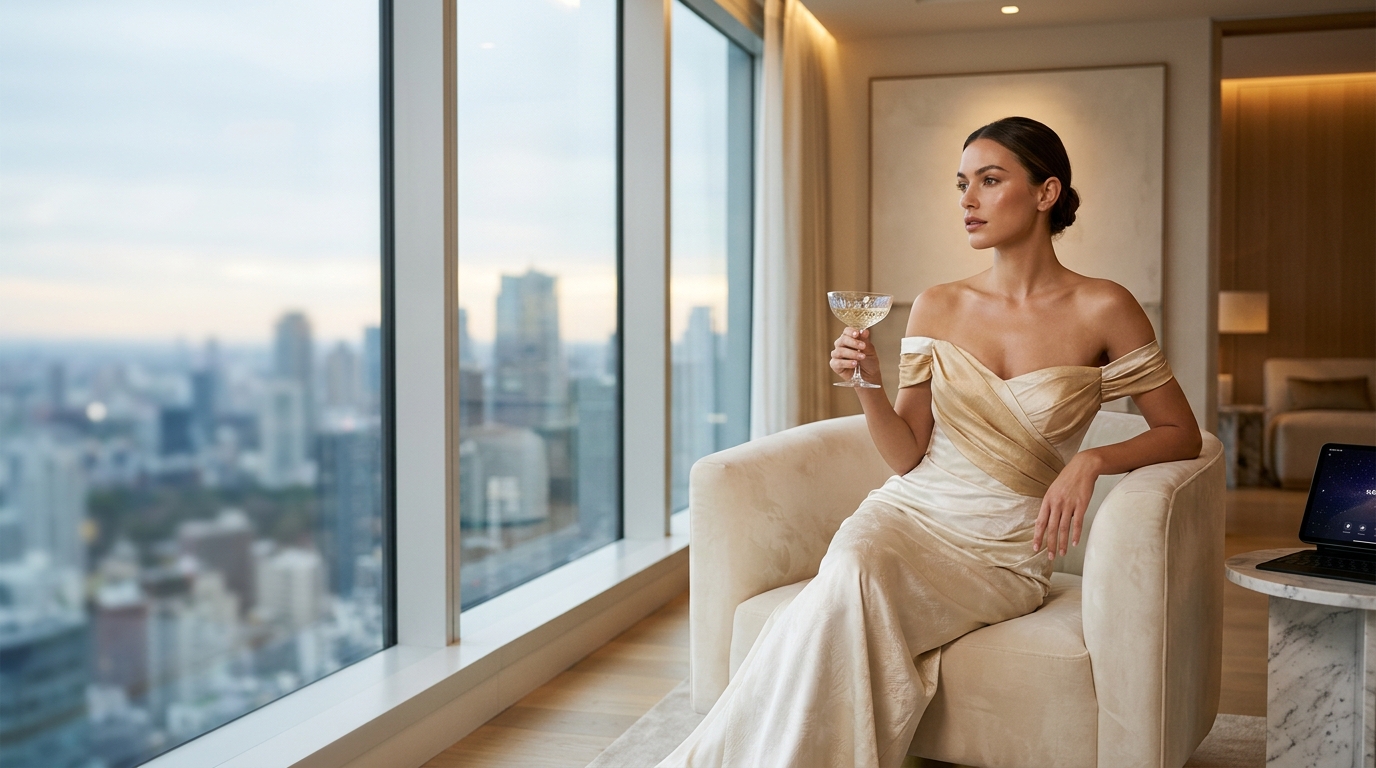
Luxury photoshoot is one of the most recognizably aspirational visual keywords. People searching for it usually want something that feels polished, expensive, refined, and intentionally styled. That does not always mean diamonds and dramatic gowns, although it can. Luxury can also mean quiet elegance, soft premium beauty lighting, a penthouse or hotel mood, or a clean editorial image that simply looks costly. If this page is going to work as a full blog, it should explain the actual visual logic behind the luxury look and how starryai users can create it. The practical question most people have is simple: how do I take a photo I already have, upload it, and make it feel like a real luxury editorial?
Luxury is usually built from a few repeating visual cues:
People often think luxury means adding more, but a lot of luxury imagery actually comes from editing things down.
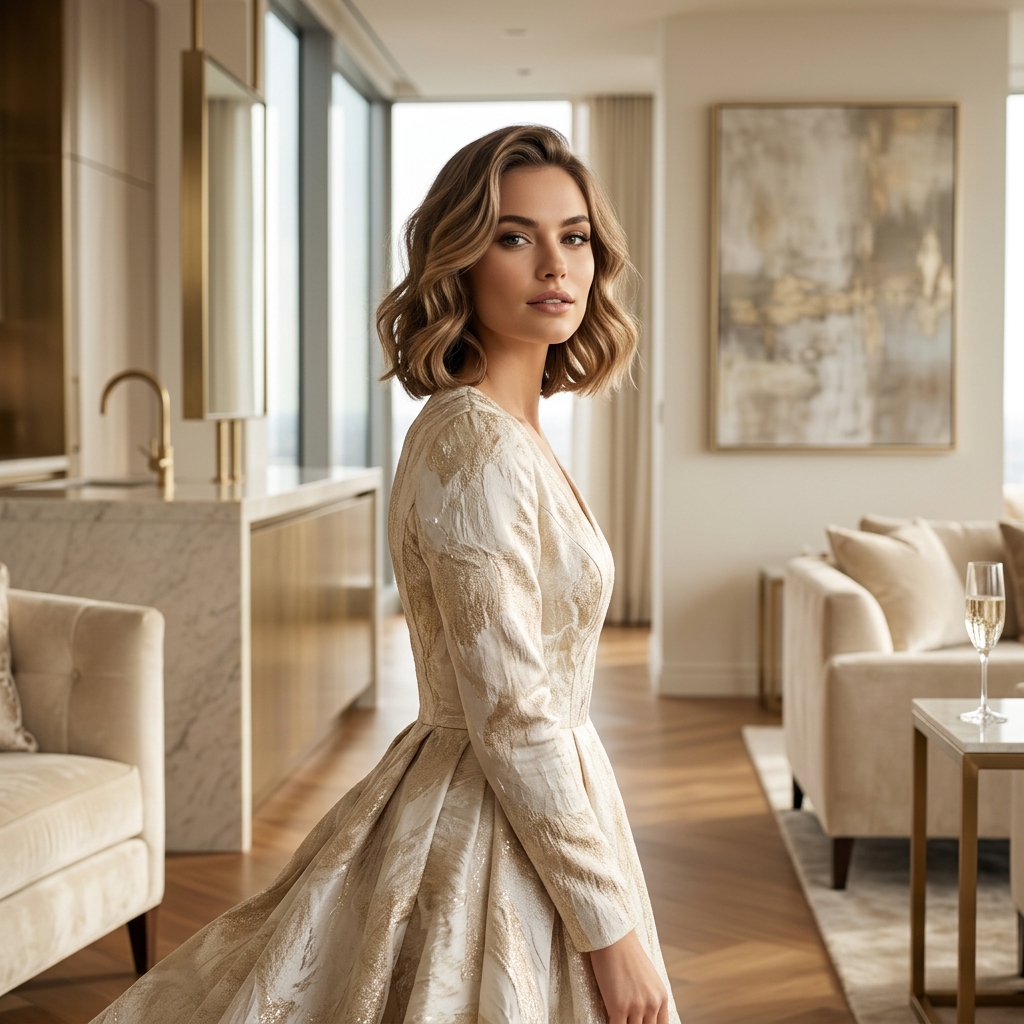
Red-carpet glam
This is dramatic, glossy, and high-impact. Great for birthdays, milestones, and event-style content.
Soft luxury beauty
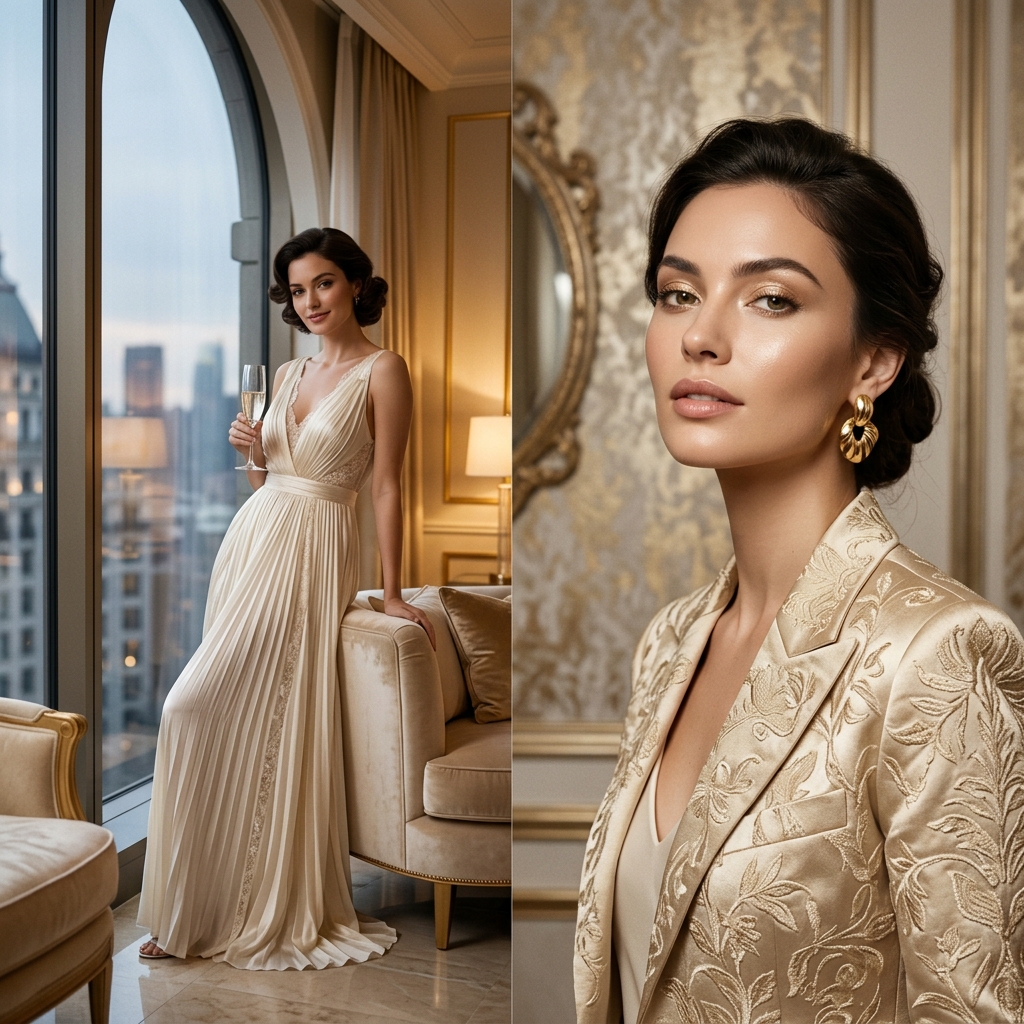
Close-up portraits, dewy skin, refined makeup, and controlled lighting dominate this look.
Old-money elegance
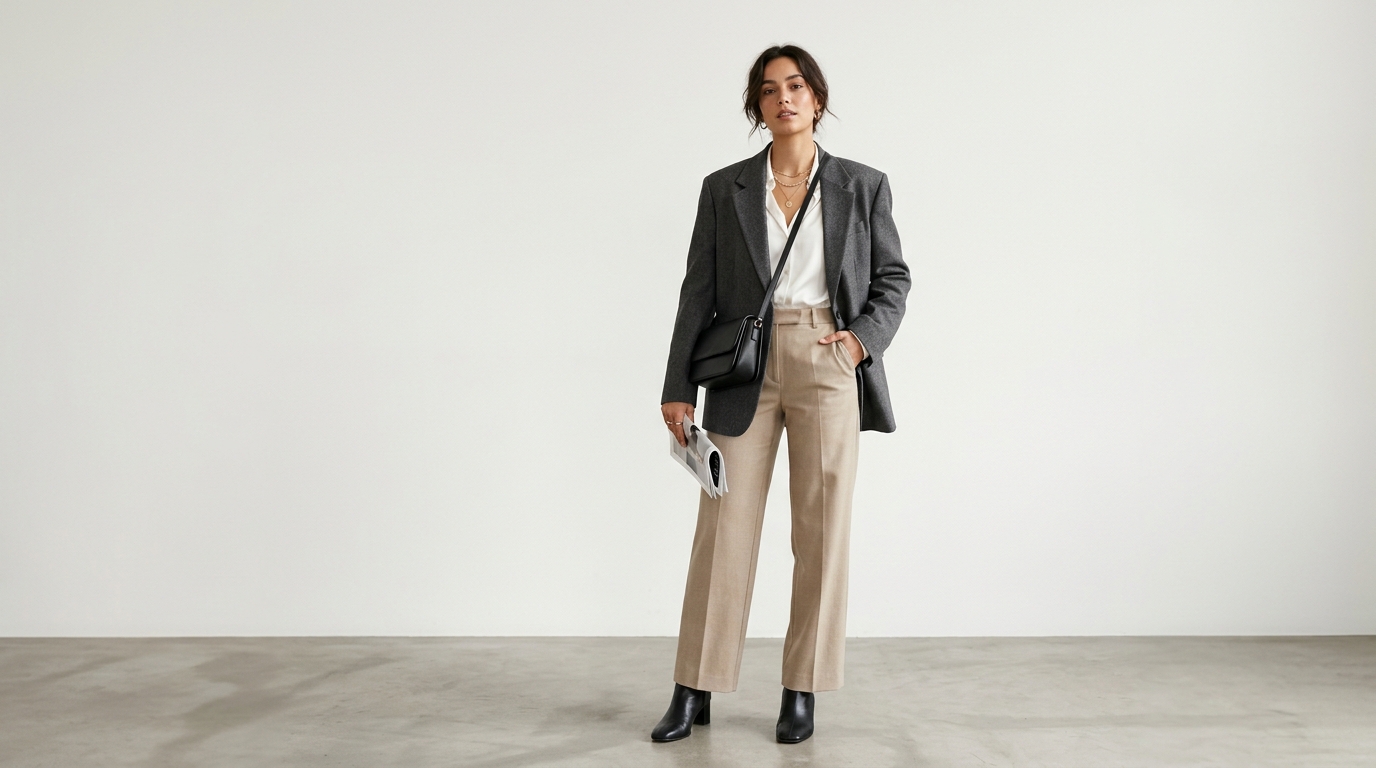
Muted tones, tailored clothing, and understated confidence make this direction feel expensive.
Hotel or penthouse editorial
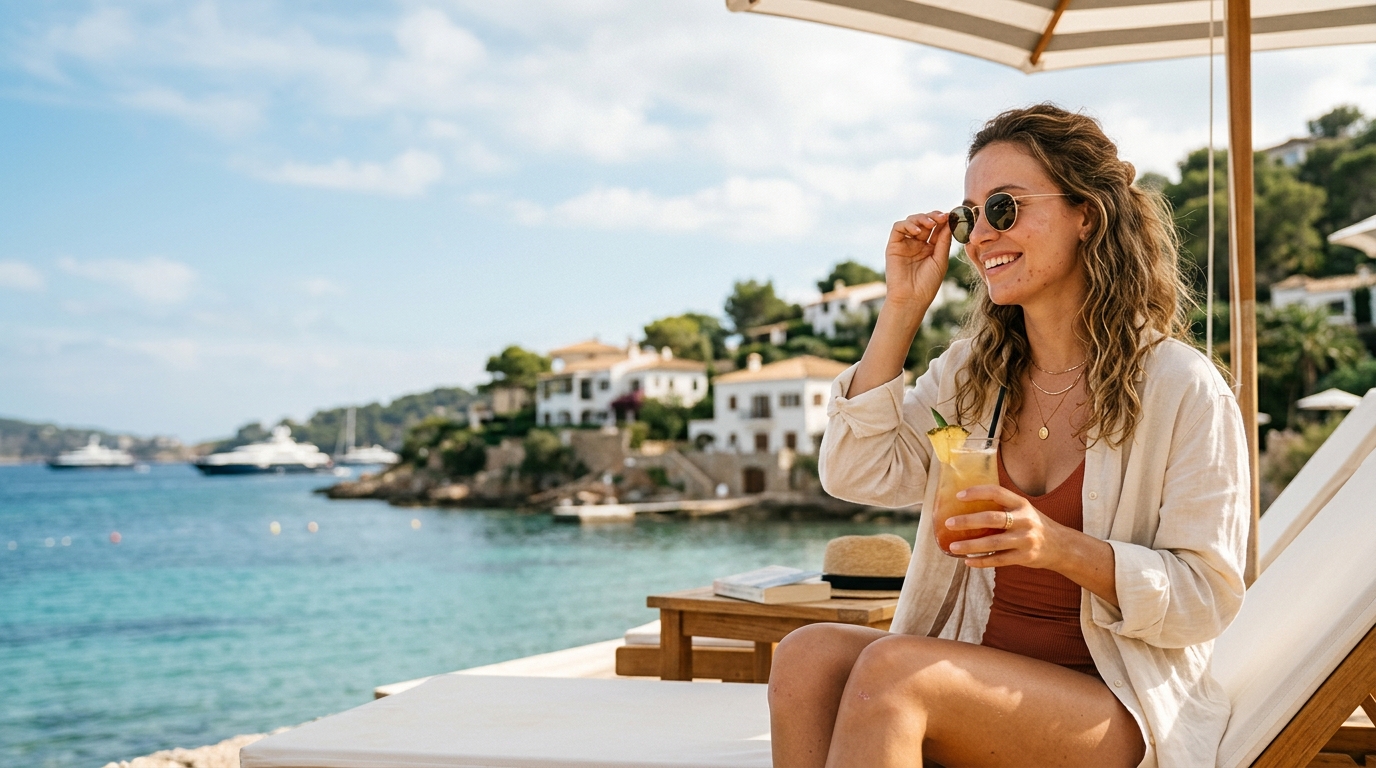
A lifestyle-luxury approach that blends fashion and environment.
Fine-jewelry or eveningwear portrait
This version focuses heavily on styling and detail.
Luxury visuals have immediate readability. Even on a quick scroll, viewers understand the aspiration. That is useful for:
People respond because the visual promise is clear.
1. Choose the exact type of luxury
Do not stop at the word luxury. Decide whether you want:
2. Pick one visual palette
Luxury gets stronger when the colors feel disciplined. Black, gold, cream, jewel tones, silver, and soft neutrals often work well.
3. Let the styling feel intentional
Dress shape, makeup, hair, jewelry, and pose all signal the final quality level.
4. Keep the image believable
Too much visual noise can make the image feel costume-like instead of premium.
This is one of the clearest starryai use cases because many users already have a portrait or event image that only needs a more elevated finish.
Step 1: Upload a sharp portrait or full-body image
Clear lighting and readable styling help a lot.
Step 2: Define the luxury lane
Tell starryai whether this should feel like a red-carpet portrait, penthouse editorial, or beauty-campaign close-up.
Step 3: Prompt the high-end details
Useful prompt cues include:
Step 4: Generate multiple versions
One version may feel too dramatic. Another may be just right for profile or campaign use.
Step 5: Choose the version that actually fits the moment
Birthday, personal brand, beauty campaign, and event content each benefit from slightly different luxury images.
Making it too busy
Luxury often reads better when the image is selective and controlled.
Using only generic words
Specific cues like satin, penthouse, editorial light, or refined makeup work better than vague language.
Forgetting the source photo still matters
Edit can transform a lot, but starting with a clear image helps preserve realism.
Mixing too many luxury styles together
Soft-luxury beauty and bold nightlife glam should not be forced together in the same prompt.
Overprocessing the image
Too much obvious effect can make the result look less believable.
The practical benefit of starryai is that it lets users work from reality. Instead of inventing a random face or scene, they can upload a photo they already like and guide it toward a luxury outcome. That makes the workflow especially useful for:
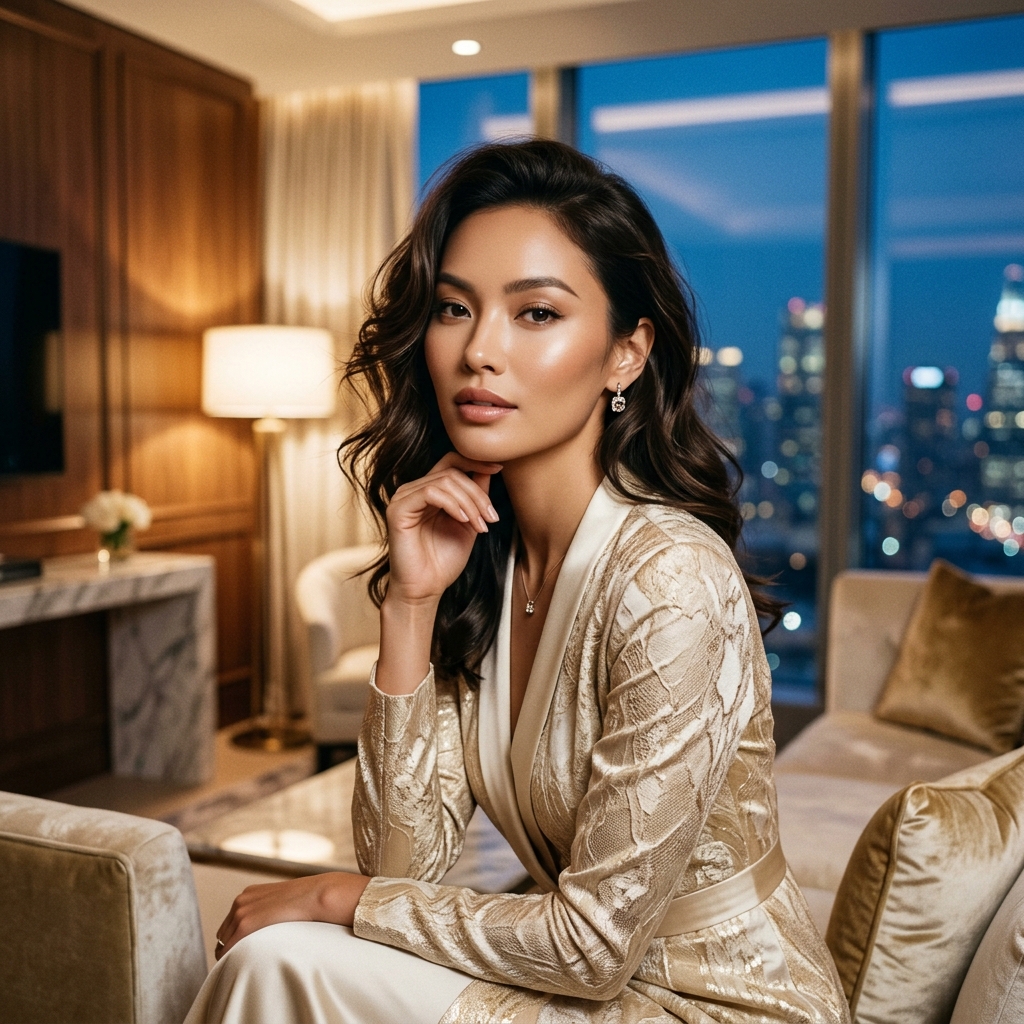
Luxury photoshoot content performs because the payoff is immediate. Viewers can instantly tell when an ordinary portrait has been transformed into something more glamorous, premium, or editorial. This kind of content also fits naturally into birthday posts, creator branding, and aspirational visual trends that do well on TikTok.
Useful ways to frame it:
A real blog version of luxury photoshoot should explain that the look is not magic. It is a combination of styling, composition, mood, and restraint. With starryai, the workflow is direct: upload a strong image, open Edit, choose the exact kind of luxury you want, prompt the premium details clearly, and compare a few variations. That is how you turn a decent portrait into something that feels much more expensive and much more intentional.



.svg)