

Written by Mo Kahn on
April 13, 2026


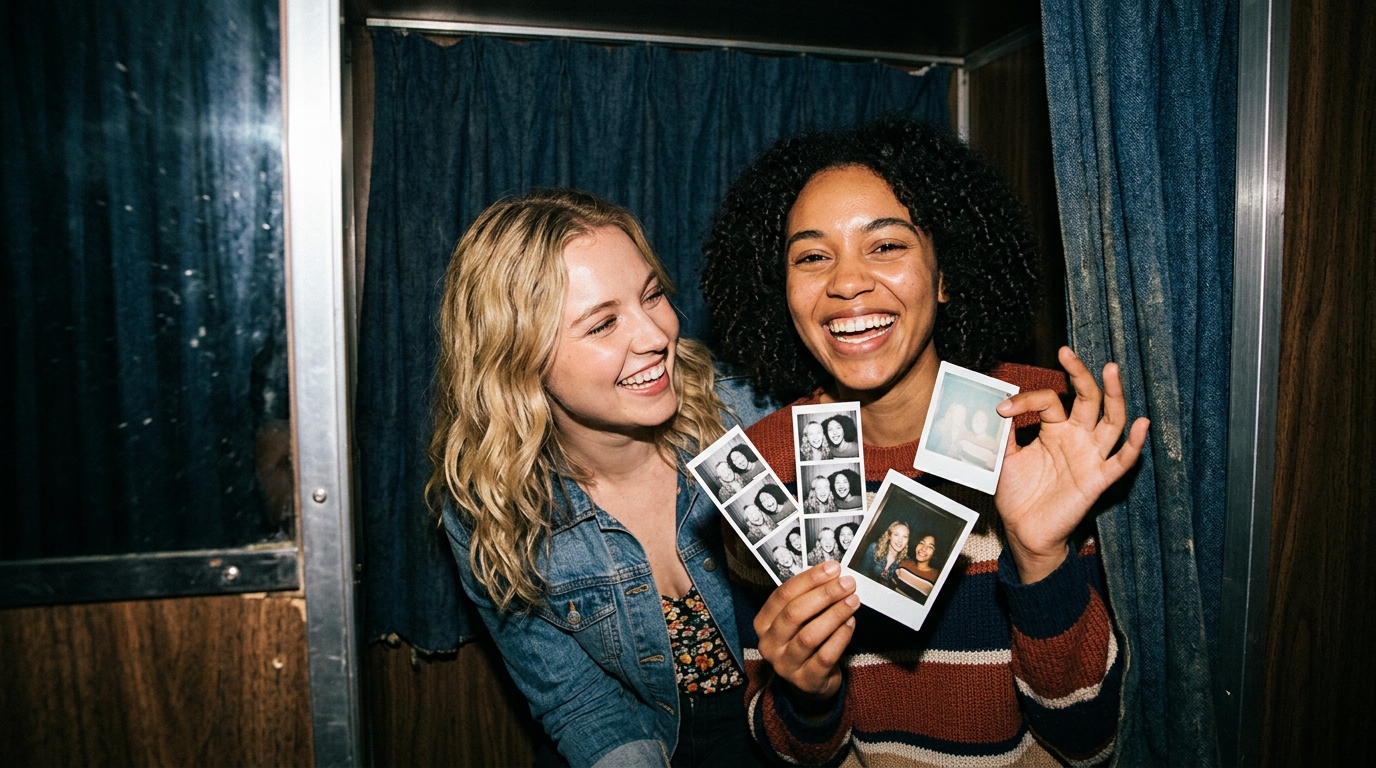
Photobooth is one of those visual styles that works because it feels instantly personal. Even when the image is polished, the format suggests memory, spontaneity, and something human. People searching this keyword usually want more than a generic retro effect. They want a look that feels like a real moment: flash-lit, playful, maybe a little grainy, a little imperfect, and emotionally familiar. That makes this a strong blog topic for starryai. A lot of users already have the core ingredient: a real photo. What they need is a way to upload it, use Edit, and steer it into a photobooth, photo-strip, or Polaroid-like direction that feels warm and shareable.
The photobooth category includes several closely related styles:
The common thread is emotional familiarity. The image should feel like a memory, not just an effect.
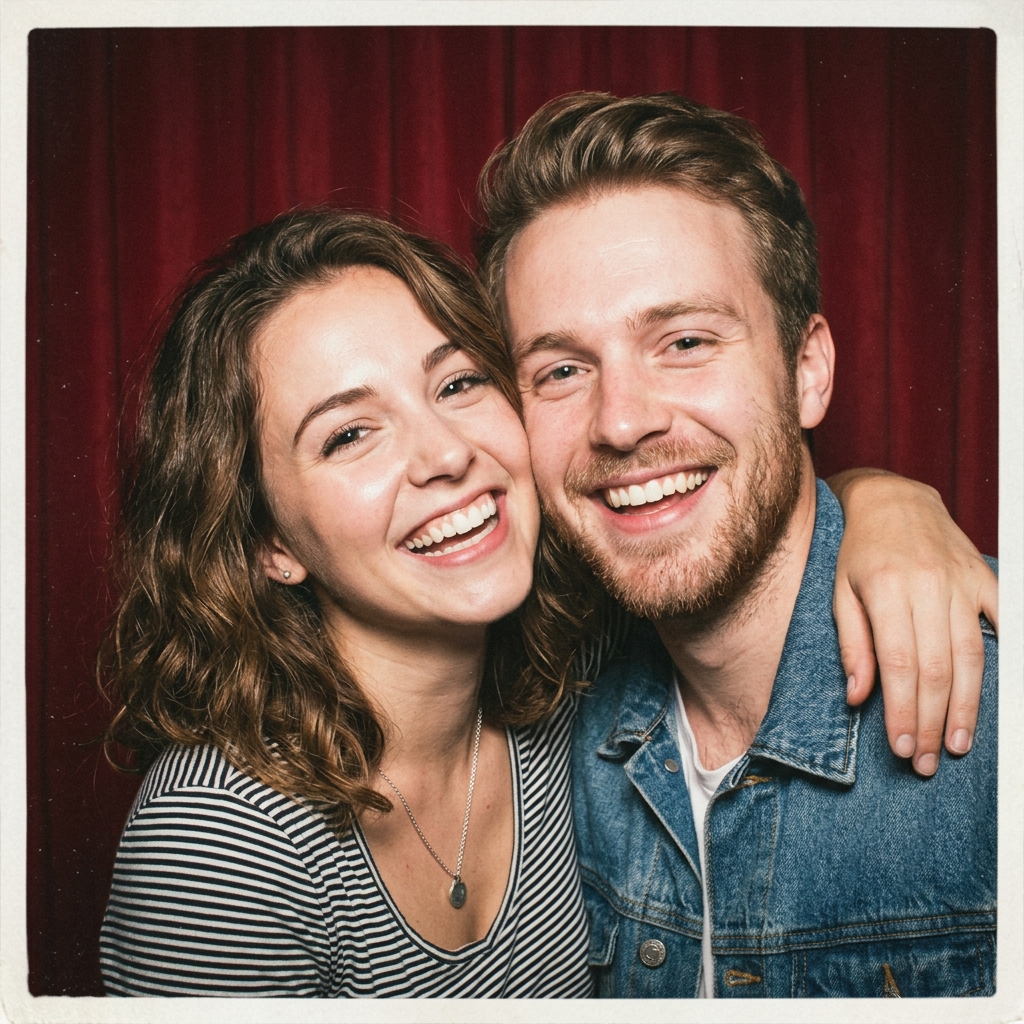
Photobooth imagery performs because it feels lighter and more human than a lot of polished creator content. It works especially well for:
The visual appeal is not just nostalgia. It is intimacy.
Flash lighting
This is one of the most important cues. It gives the image that recognizable booth or instant-camera energy.
Slight imperfection
A little grain, small off-center framing, or casual expression can help.
Playful or candid emotion
Photobooth images often feel stronger when the people look relaxed rather than overly posed.
Simple styling
The format usually works better when it does not try too hard.
Cute and playful photo strip
Best for friends, couples, and birthdays.
Polaroid-style nostalgia
More sentimental and memory-oriented.
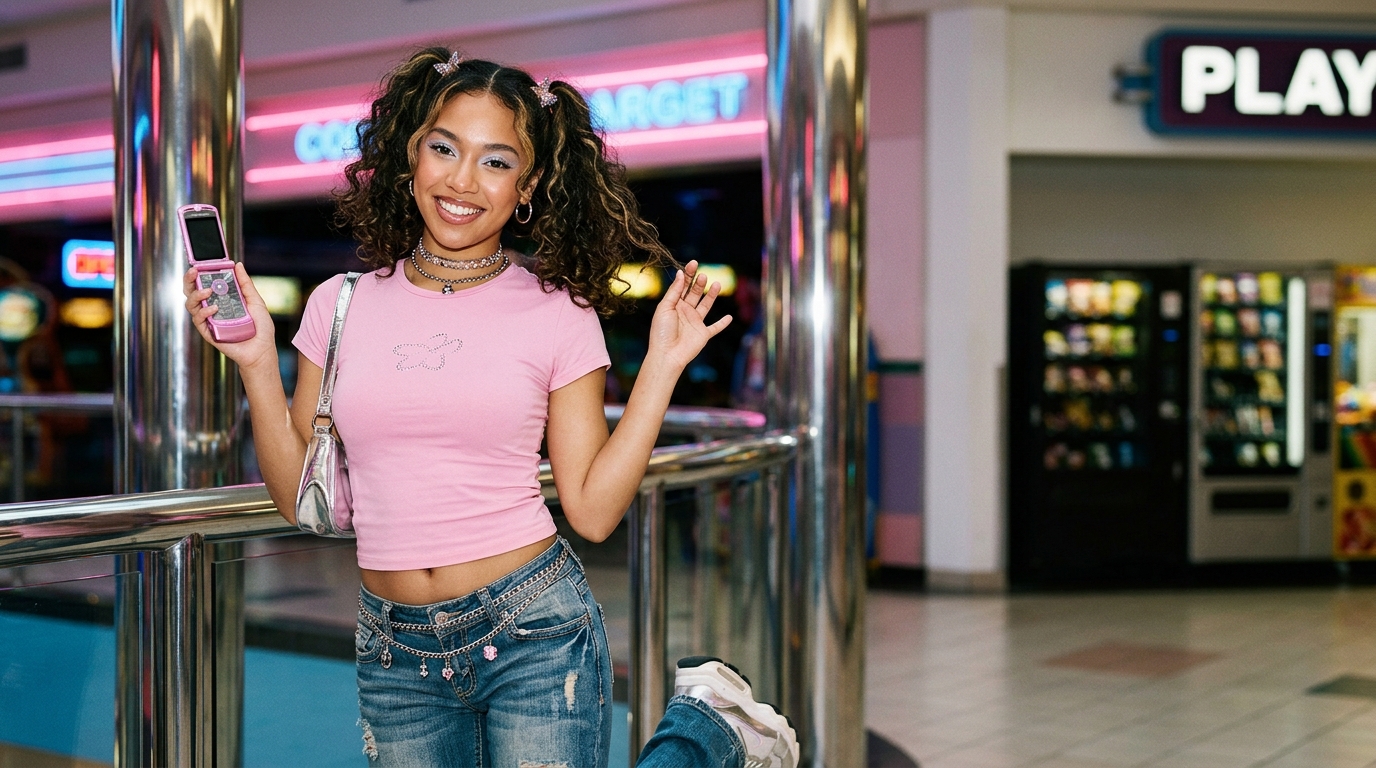
Flash-lit fashion booth
A little more stylized while keeping the retro emotional feel.
Scrapbook aesthetic
Works well when the goal is personal storytelling or a collage post.
1. Start with a real moment if possible
This style works especially well when the source photo already feels human.
2. Choose the emotional tone
Do you want fun, romantic, messy, sentimental, or vintage?
3. Keep the visual cues consistent
Flash, grain, faded tone, and candid posture should support each other.
4. Avoid making it too polished
A photobooth image can lose its charm if it becomes overly sleek.
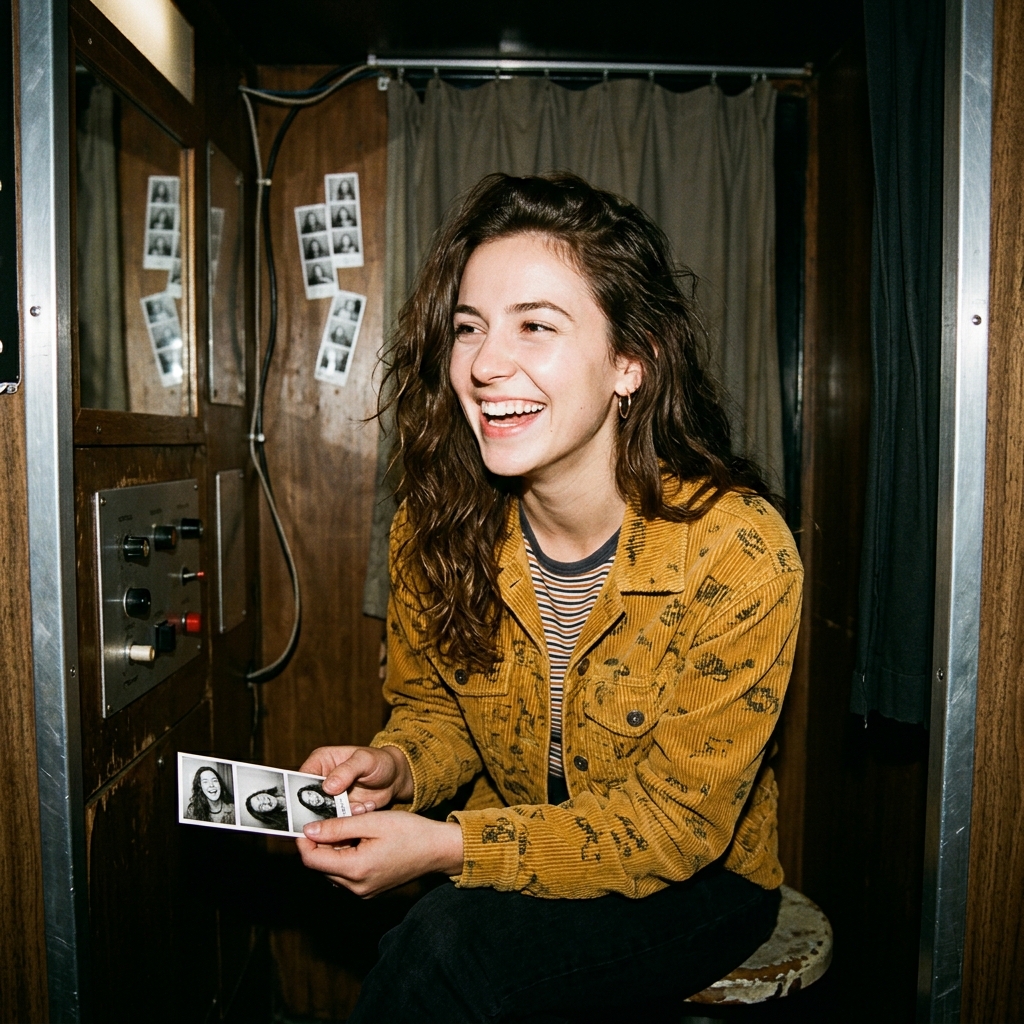
This is one of the most intuitive Edit workflows.
Step 1: Upload a selfie, couple photo, or friend image
Readable faces and a natural pose work well.
Step 2: Define the nostalgia direction
Tell starryai whether you want a booth strip, Polaroid feel, or flash-memory look.
Step 3: Add the right texture cues
Helpful prompt elements include:
Step 4: Generate multiple versions
One may feel cuter, another more romantic, another more vintage.
Step 5: Pick the version that best matches the post or memory tone
This matters because birthday, couple, and scrapbook content all want slightly different emotional outcomes.
Overpolishing the image
If it feels too clean, it can lose the memory effect.
Ignoring the emotional goal
Photobooth is as much about feeling as it is about appearance.
Using too many heavy retro effects
A lighter hand often works better.
Making the pose too formal
This style usually benefits from looseness.
Treating all nostalgia the same
Polaroid sentimentality and fun party booth energy are related, but not identical.
People searching photobooth ideas are usually trying to make something that feels specific and personal. starryai is useful because it can start with a real uploaded image rather than inventing a random one. That makes the final result feel more connected to the person, event, or memory behind the post.
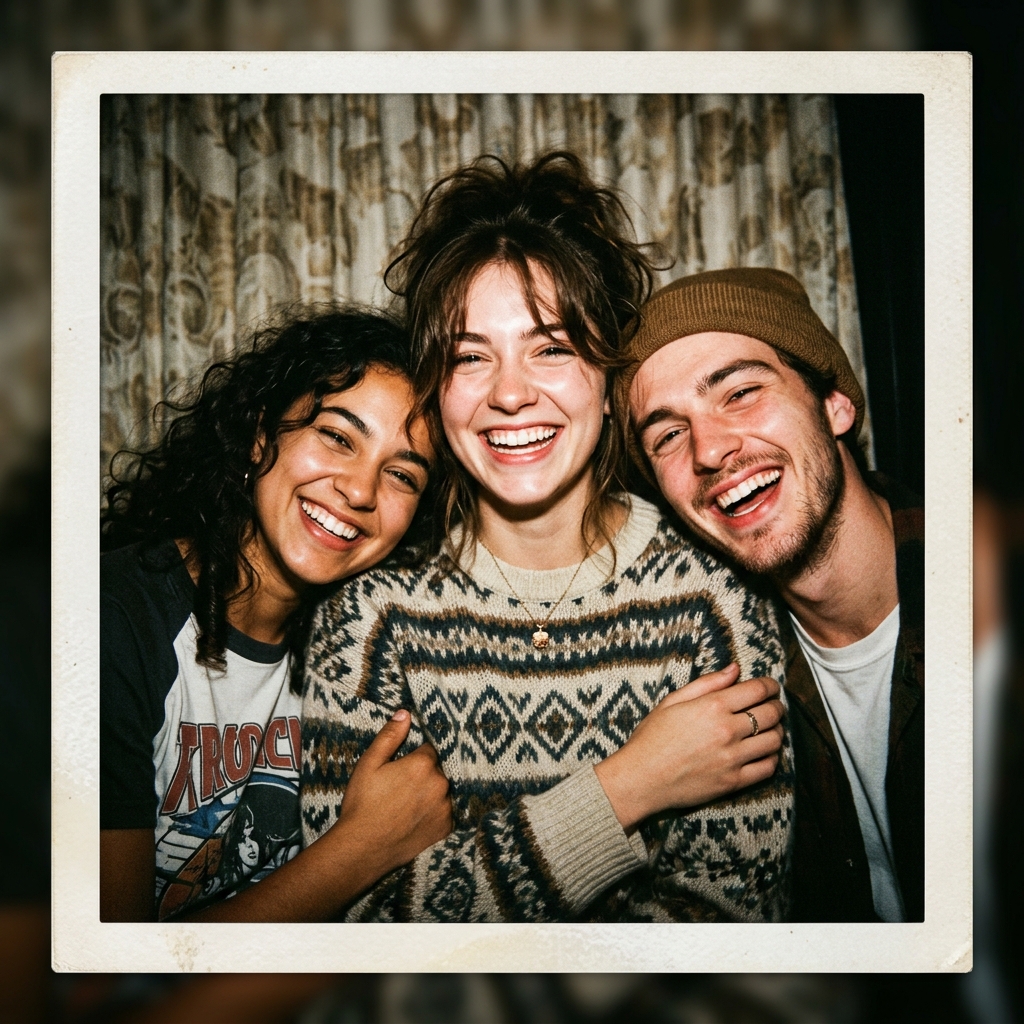
Photobooth trends work on TikTok because they feel personal and low-pressure. People like content that looks like a memory instead of a highly produced ad, and this style gives them that emotional softness. It also works for friendship posts, birthday recaps, couple content, and scrapbook-style slideshows.
A few strong creator angles:
A stronger blog version of photobooth should focus on why the style works: it makes images feel like keepsakes. For starryai users, the path is simple. Upload a real photo, use Edit, prompt the flash-lit nostalgic direction clearly, generate a few mood variations, and choose the version that feels most like a memory. That is what makes the style more than just a retro filter.




.svg)