

Written by Mo Kahn on
April 13, 2026


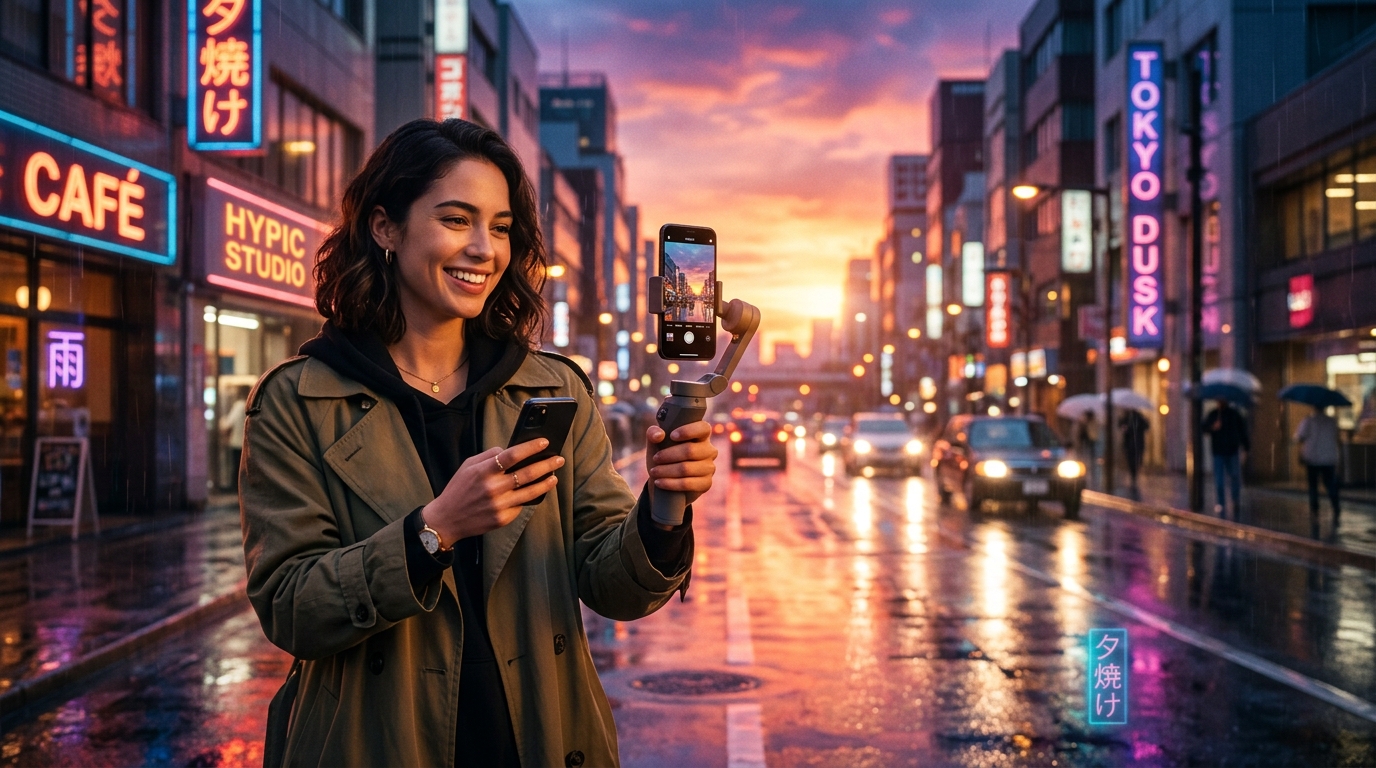
The Hypic rainy sunset filter tutorial trend is everywhere on TikTok for one reason: it makes ordinary photos feel warm, emotional, and cinematic at the same time. The look blends sunset glow with rain, soft haze, dreamy color, and a nostalgic mood that feels made for scroll-stopping edits.
The strongest versions do not only look “warm.” They feel like complete scenes, with atmosphere, light, and emotional framing all working together.
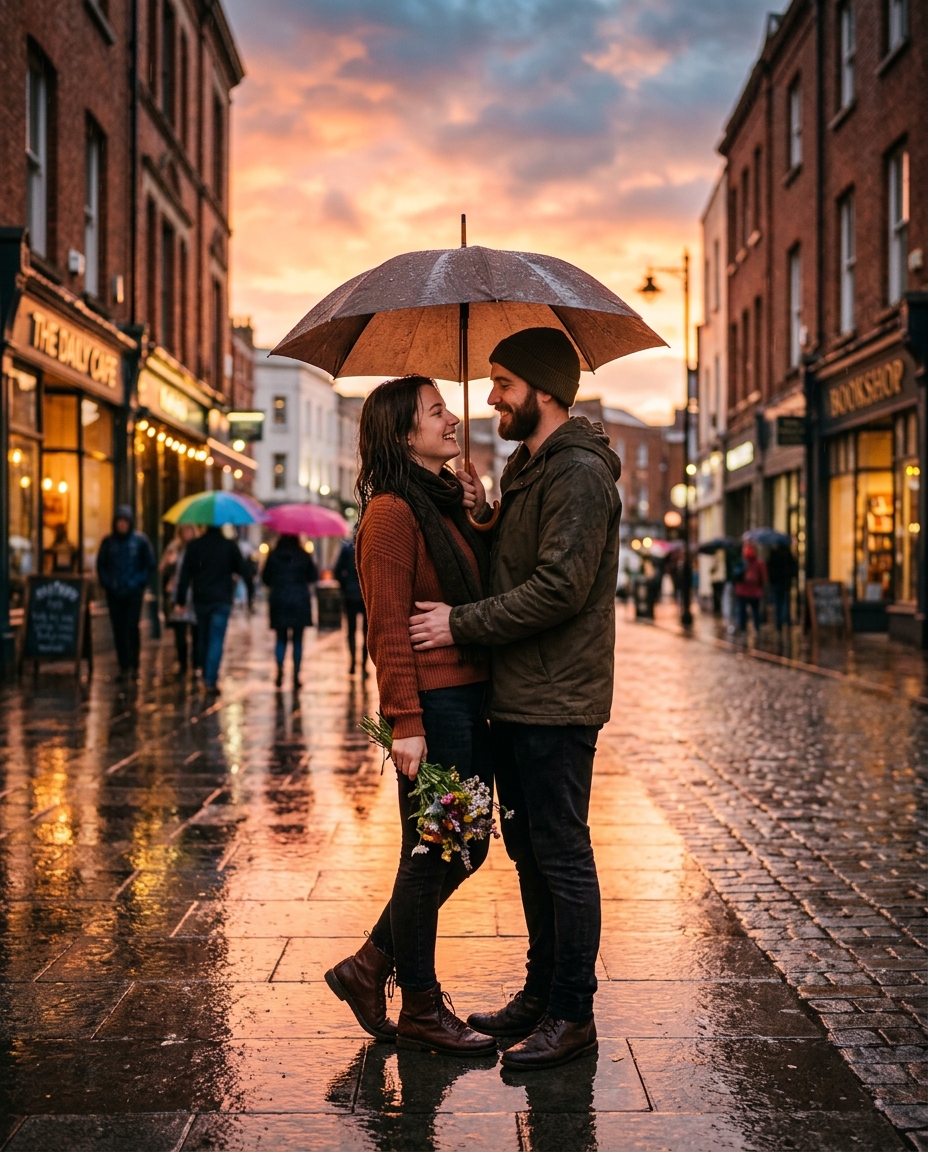
This trend centers on transforming a photo into a glowing rainy sunset scene. It often includes orange and pink sunset tones, rain or mist, soft blur and glow, reflective surfaces, and a cozy melancholic vibe.
That is why it works so well for selfies, couple photos, travel images, street portraits, and aesthetic creator content.
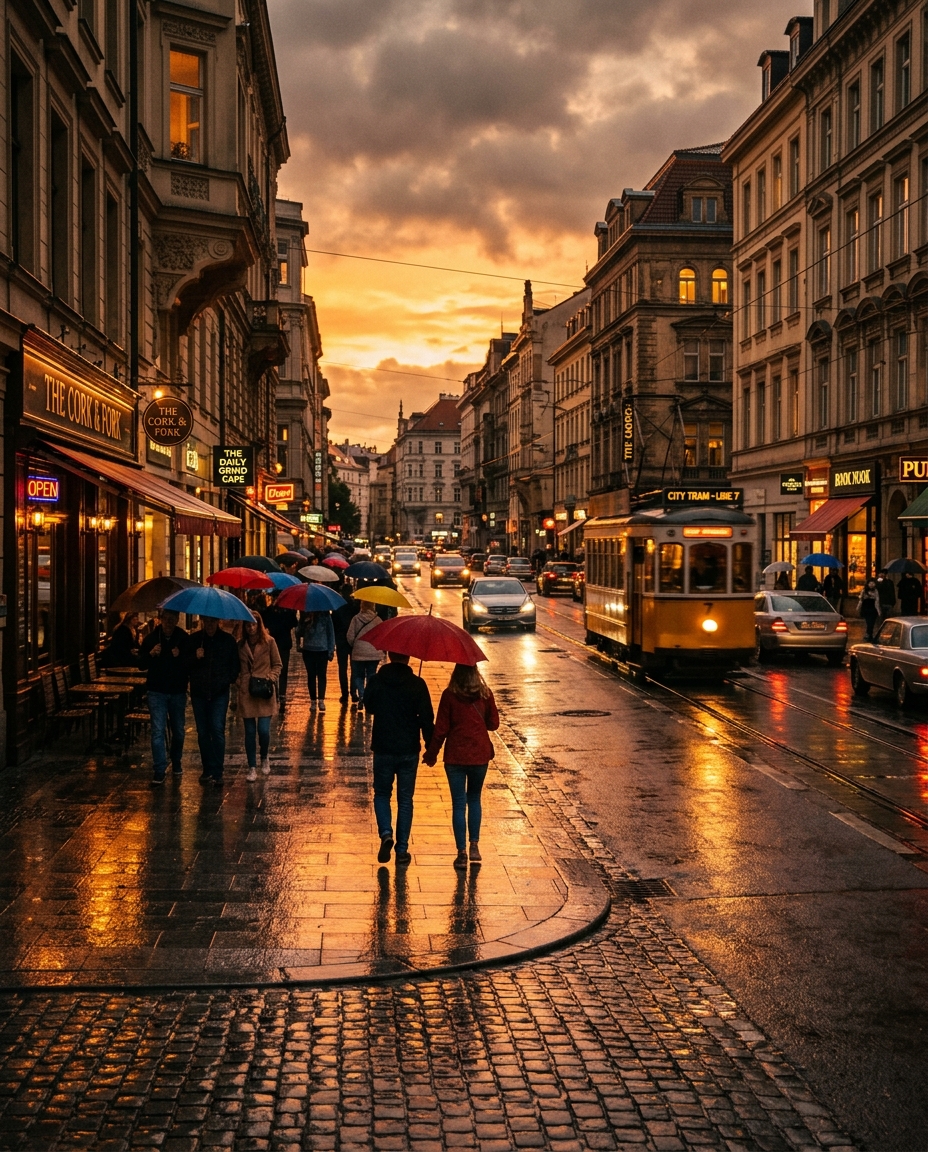
The rainy sunset aesthetic sits in a sweet spot between dramatic and soft. It feels emotional without being too dark, and stylized without looking totally unreal.
That makes it useful for before-and-after edits, aesthetic slideshows, couple content, fashion portraits, travel recaps, and moodboard-style posts.
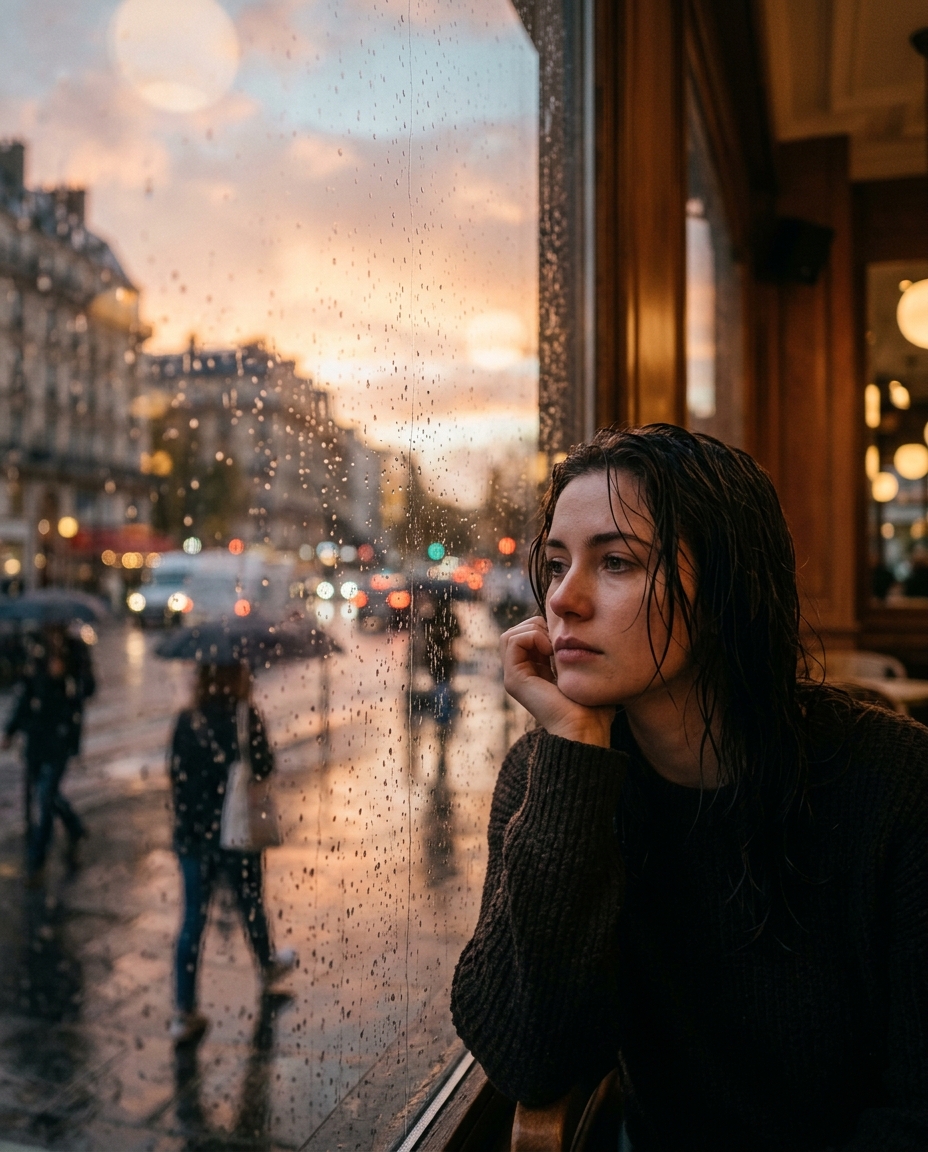
The best rainy sunset edits usually work in layers: sunset color, rain or mist, glow and bloom, contrast control, and a final mood pass.
That layered approach is what separates a polished visual from a single overused preset. Creators who treat the look like a scene instead of a filter usually get stronger results.
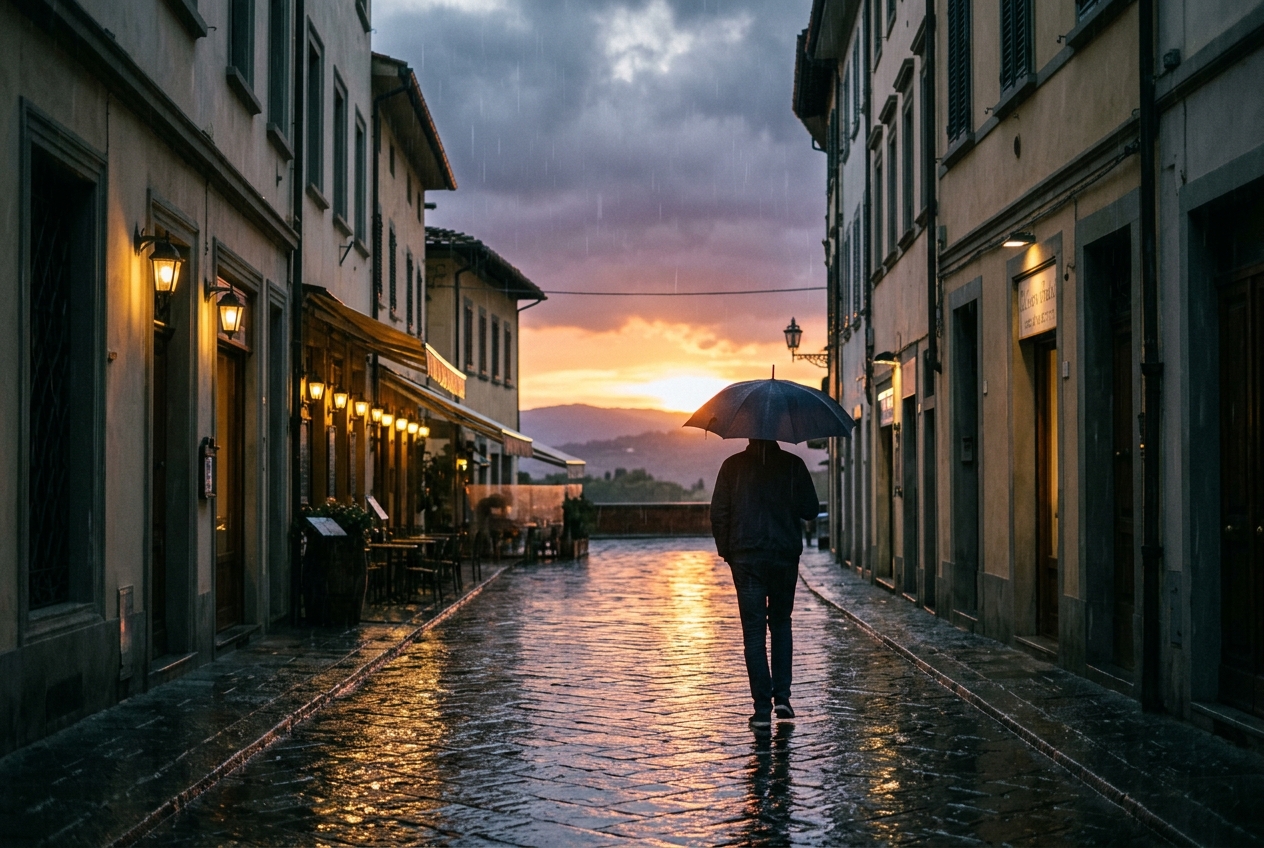
One of the strongest upgrades is emphasizing environmental detail. Wet pavement, reflected light, glowing windows, silhouettes against the sky, or haze near the horizon all help make the edit feel immersive.
In practice, those small details often matter more than piling on stronger color effects.
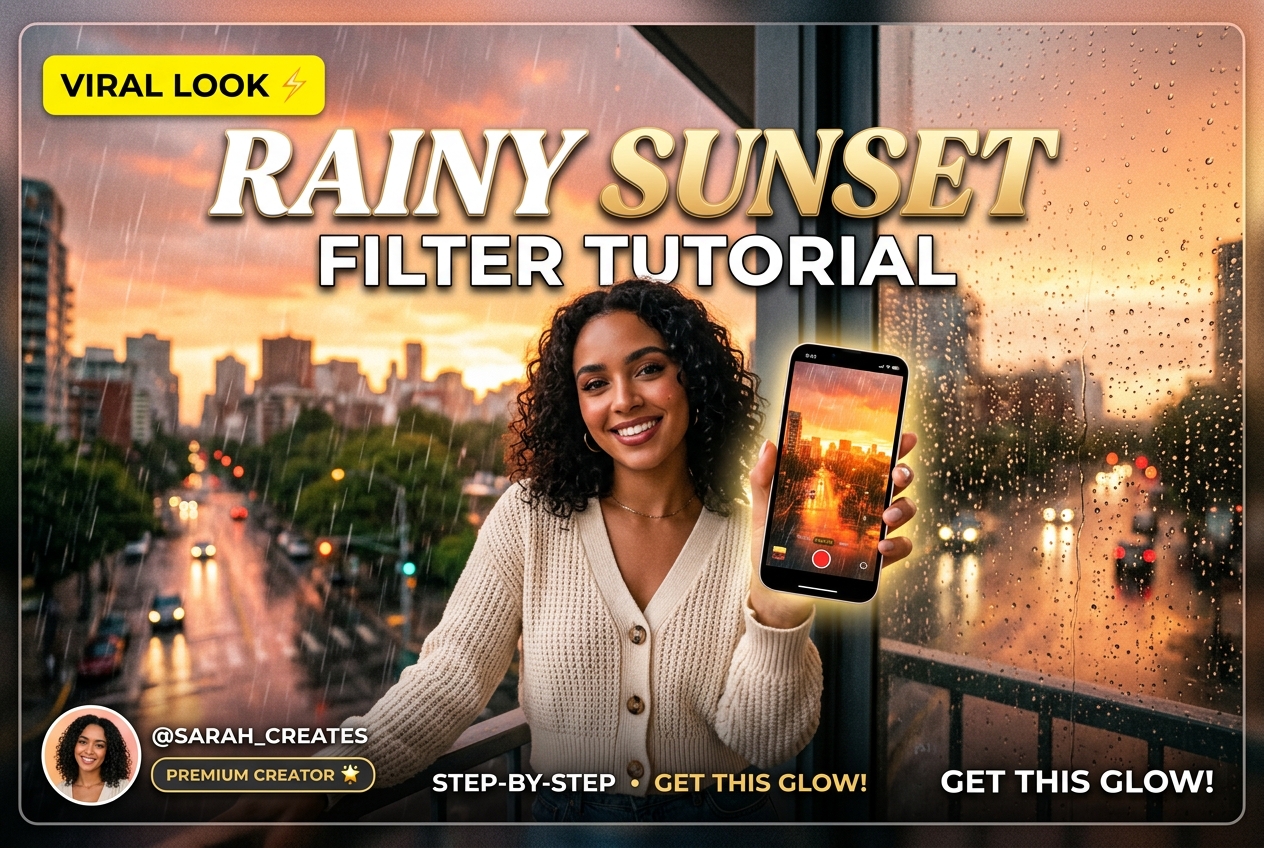
starryai fits naturally into this kind of workflow when creators want to go beyond editing one existing photo and build a fuller rainy-sunset aesthetic. It can help generate moodboards, alternate directions, background references, and stronger concept visuals before the final edit is made.
That makes it easier to move from a simple filter experiment to something that feels like a clear creator style.
What is the Hypic rainy sunset filter tutorial trend?
It is a TikTok editing trend focused on combining sunset glow, rain, haze, and cinematic mood in a single photo.
What photos work best for this look?
Portraits, travel images, street shots, and scenes with readable light sources tend to work especially well.
How can the effect look less fake?
Use the look in layers, keep the subject clear, and avoid overdoing blur, rain overlays, or saturation.
Can starryai help with this trend?
Yes. It can help creators build moodboards, visual references, and stronger rainy sunset concepts before editing.
Is this better for selfies or scenery?
Both can work, but the strongest results usually come from photos with clear lighting and emotional composition.
The Hypic rainy sunset filter tutorial trend is popular because it makes everyday photos feel immediately more emotional and more cinematic. The strongest versions do not only apply a warm filter. They create a full visual atmosphere that feels worth sharing.



.svg)