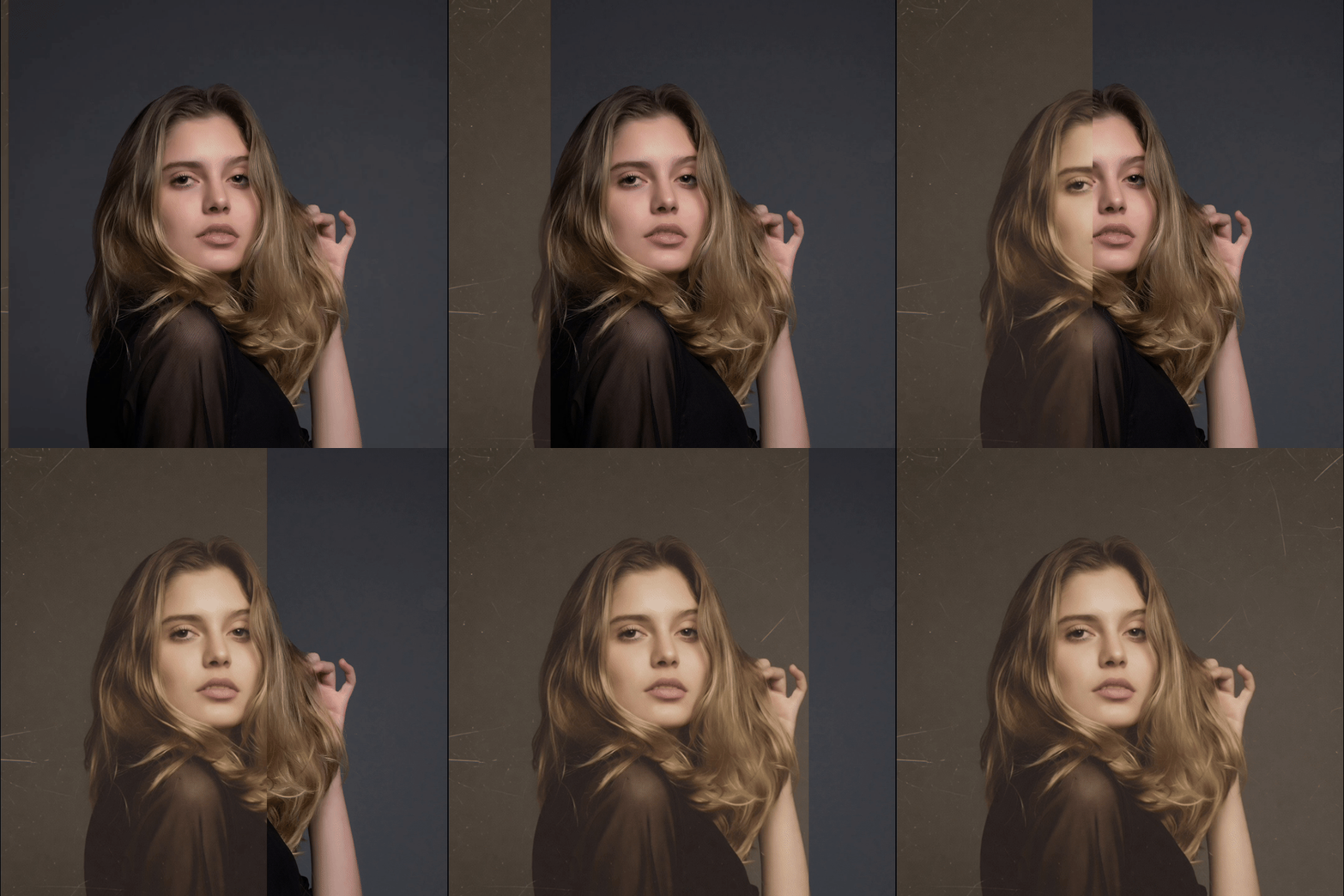
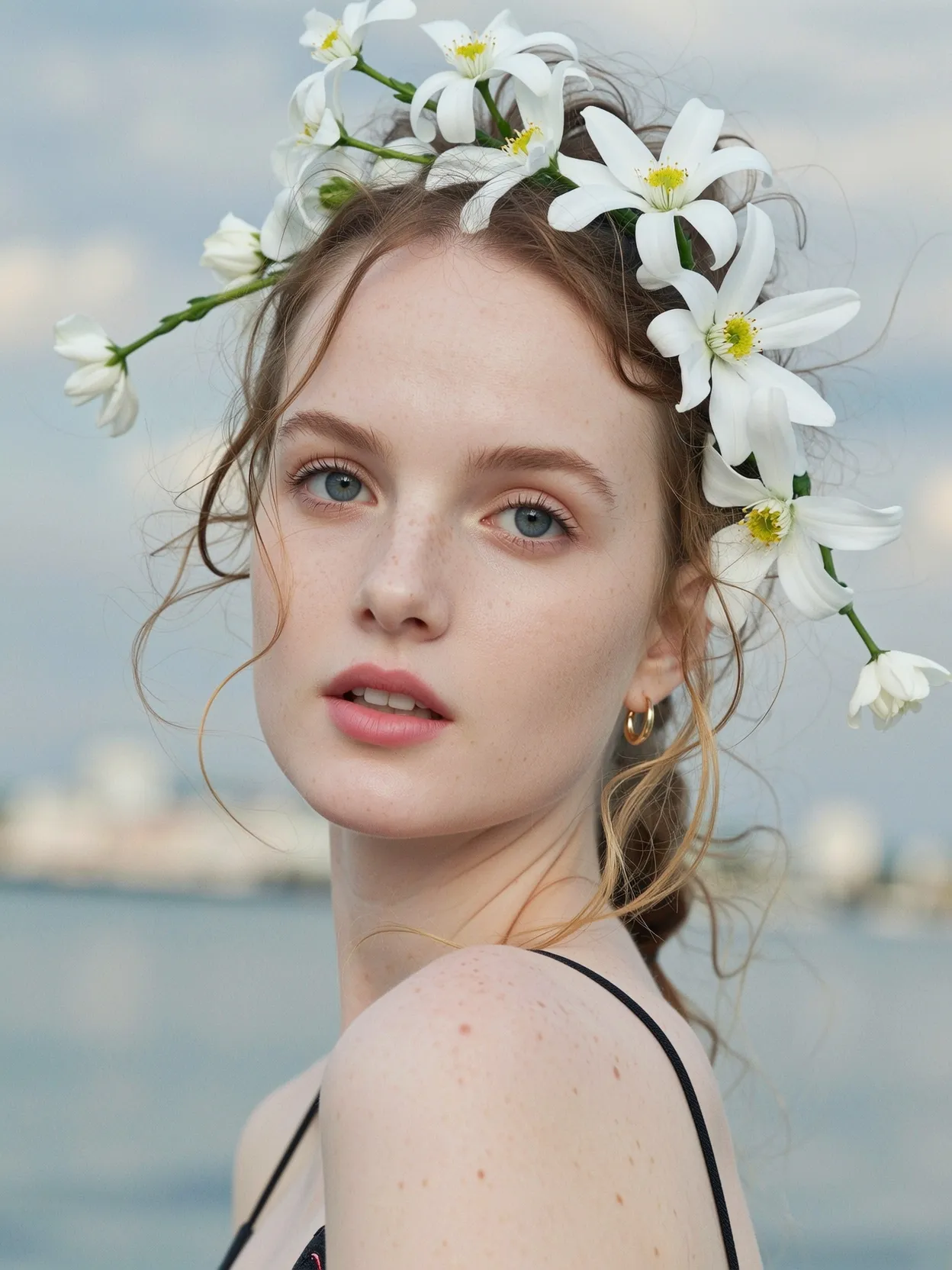
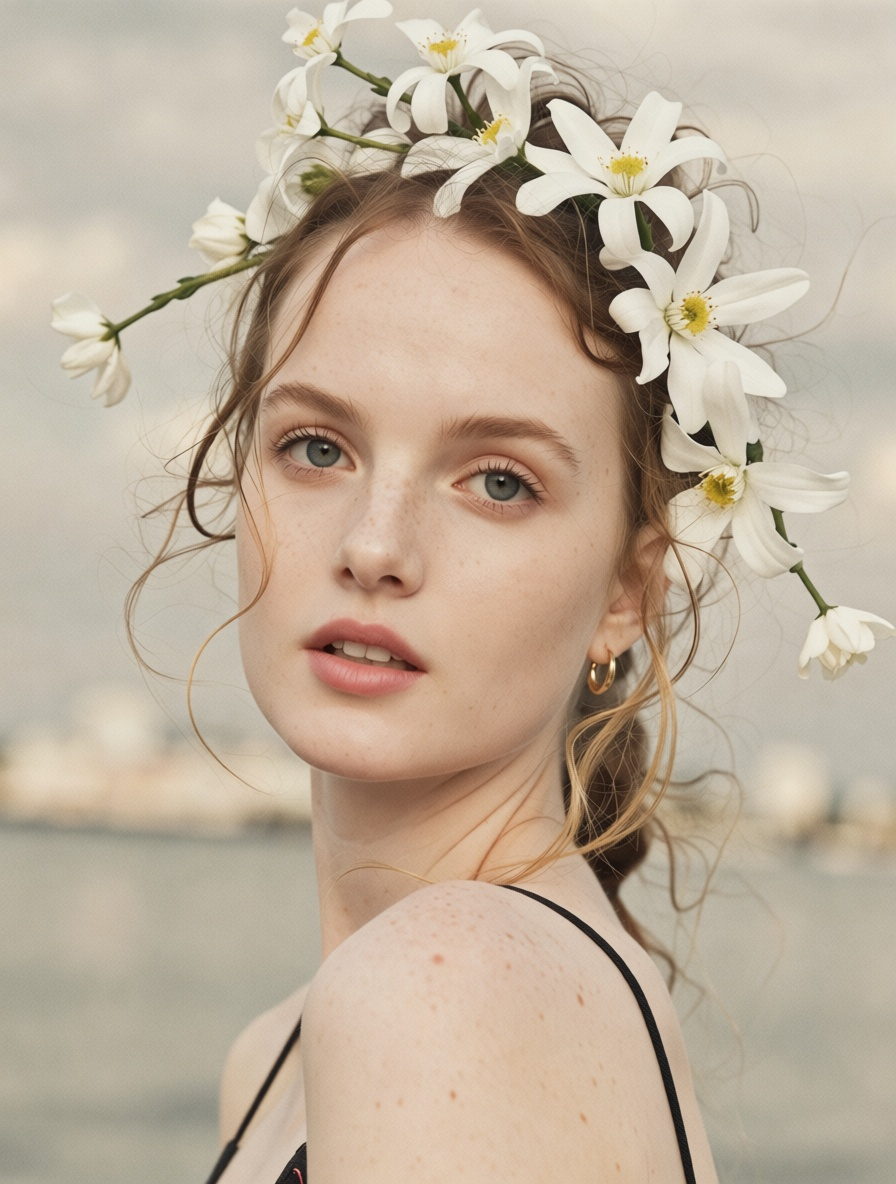




Use starryai’s AI Edit tool to apply vintage filters to photos. Upload an image, prompt a vintage effect, and turn modern photos into classic, timeless styles.
Upload your photo to the Edit tool. The vintage filter works on photos online across common image formats and supports portraits, pictures, and photography shots.
Describe the look you want. For example, apply a vintage film filter, add retro photo effects, create a faded vintage look, or convert the photo into a classic black and white style.
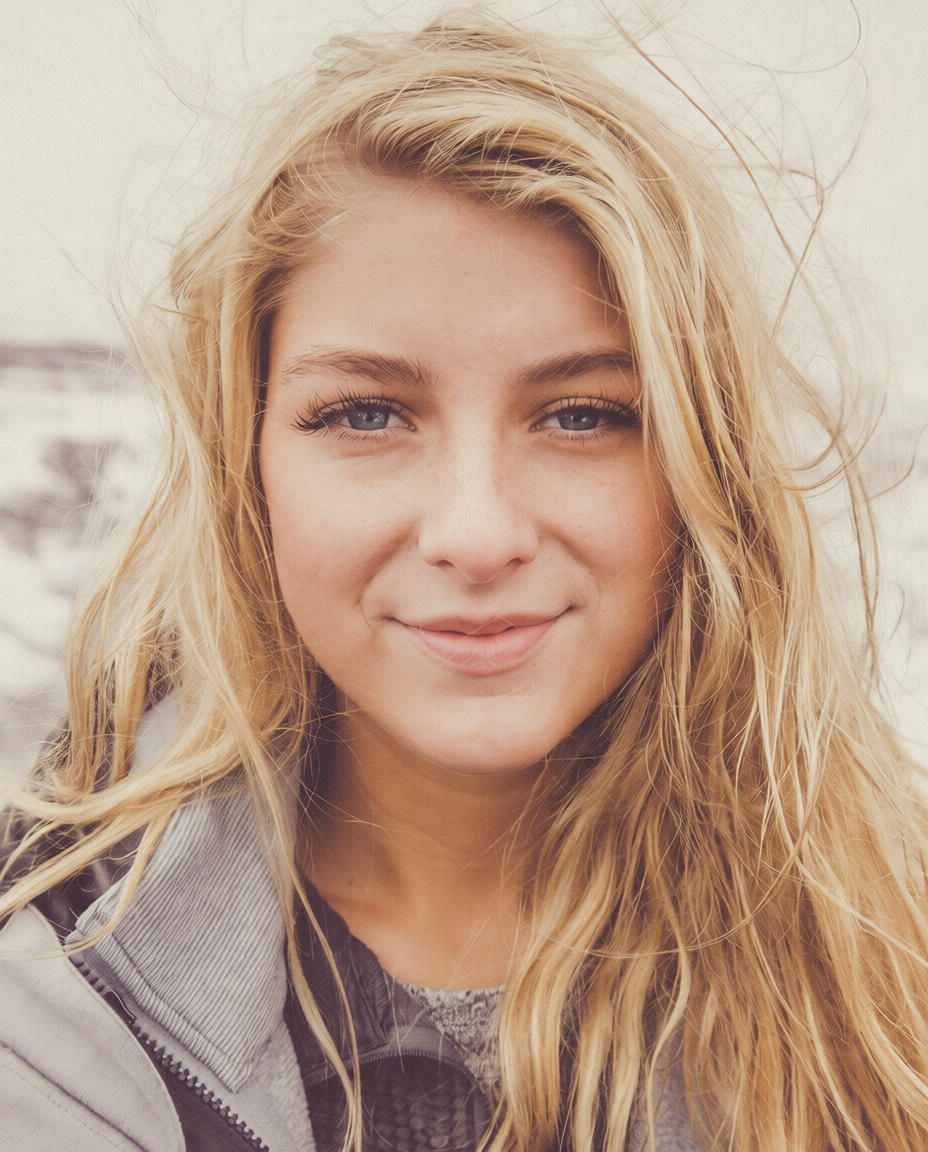
Download the edited photo instantly. The result keeps the original image intact while adding a vintage look with soft tones, glow, and timeless appeal, ready for prints, social media, or creative projects.
starryai works as a vintage filter online through its Edit tool. You can apply vintage photo effects, retro filters, and classic styles without switching apps or using complex editing tools.


starryai works as a vintage filter online through its Edit tool. You can apply vintage photo effects, retro filters, and classic styles without switching apps or using complex editing tools.
Create vintage film looks with subtle grain, faded textures, warm sepia tones, and classic contrast. These effects help photos look aged, cinematic, and visually rich without overprocessing.


Create vintage film looks with subtle grain, faded textures, warm sepia tones, and classic contrast. These effects help photos look aged, cinematic, and visually rich without overprocessing.
Use prompts to fine tune the mood, intensity, warmth, contrast, and texture. This makes it easy to customize vintage effects for different styles, from soft and warm to bold and dramatic.


Use prompts to fine tune the mood, intensity, warmth, contrast, and texture. This makes it easy to customize vintage effects for different styles, from soft and warm to bold and dramatic.
Apply vintage filters directly in your browser or use starryai on iOS and Android devices. Start editing on one device and continue across platforms seamlessly.


Apply vintage filters directly in your browser or use starryai on iOS and Android devices. Start editing on one device and continue across platforms seamlessly.
starryai is an AI image creation and photo editing app. Vintage filters are a supported creative use case within the Edit tool, not a physical camera or lens replacement.
Yes. The vintage filter works well on modern photos, adding retro photo effects and film-inspired styles.
Yes. You can prompt the tool to create classic black and white photos or sepia-toned vintage looks.
Yes. starryai offers free credits so you can try vintage photo filters before upgrading.
No. The process is simple and prompt-based, with no learning curve or advanced photo editing skills required.


Want to unlock even more features to make your photos shine? With starryai Pro, you get more generations, faster results, higher quality outputs, and priority access to advanced creation settings.

