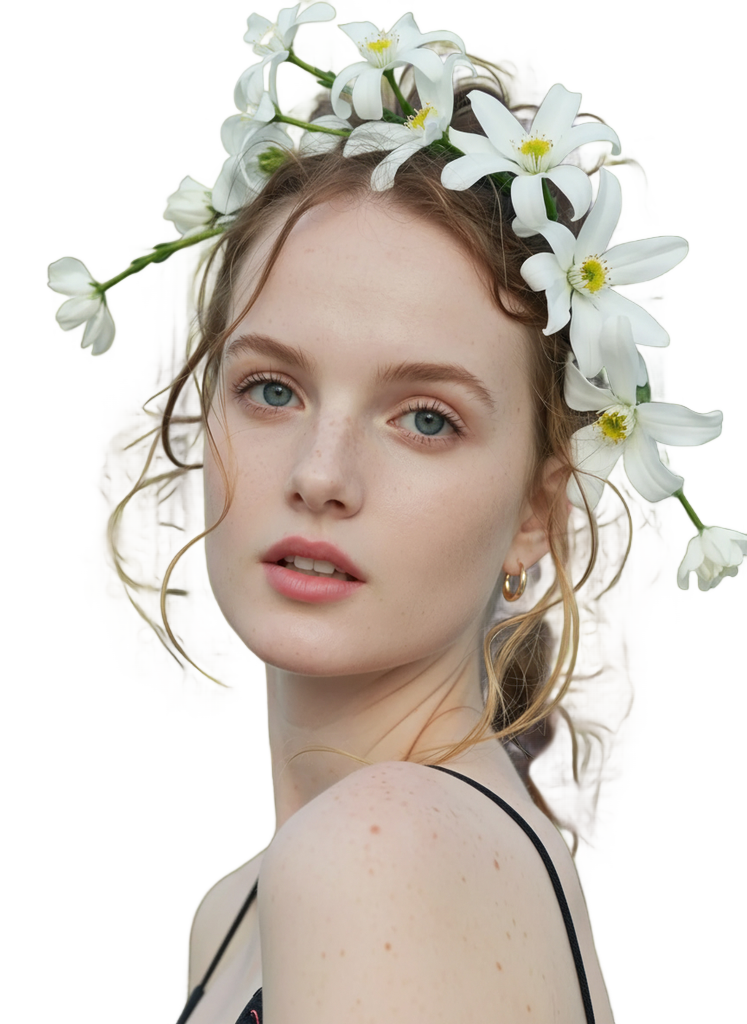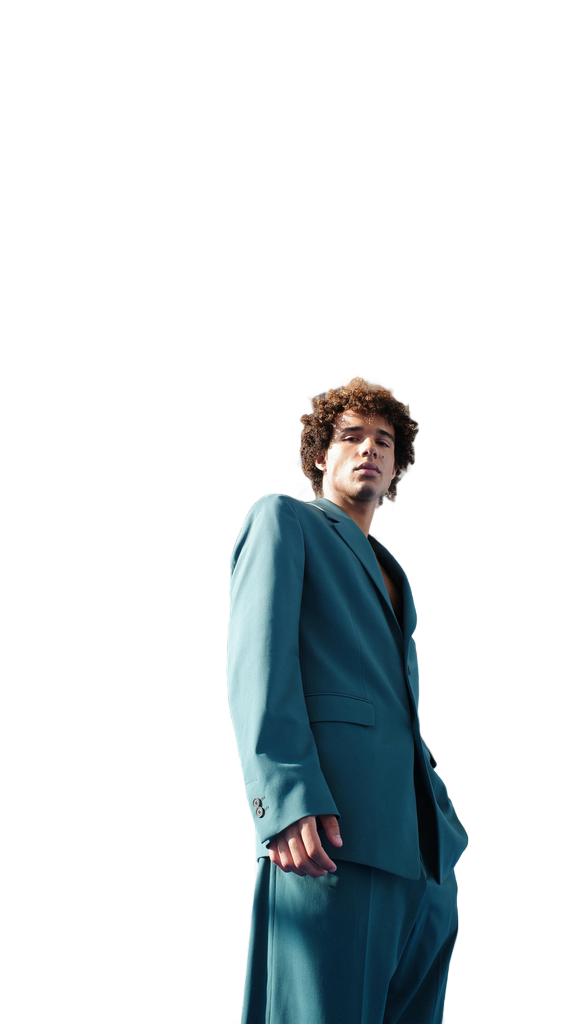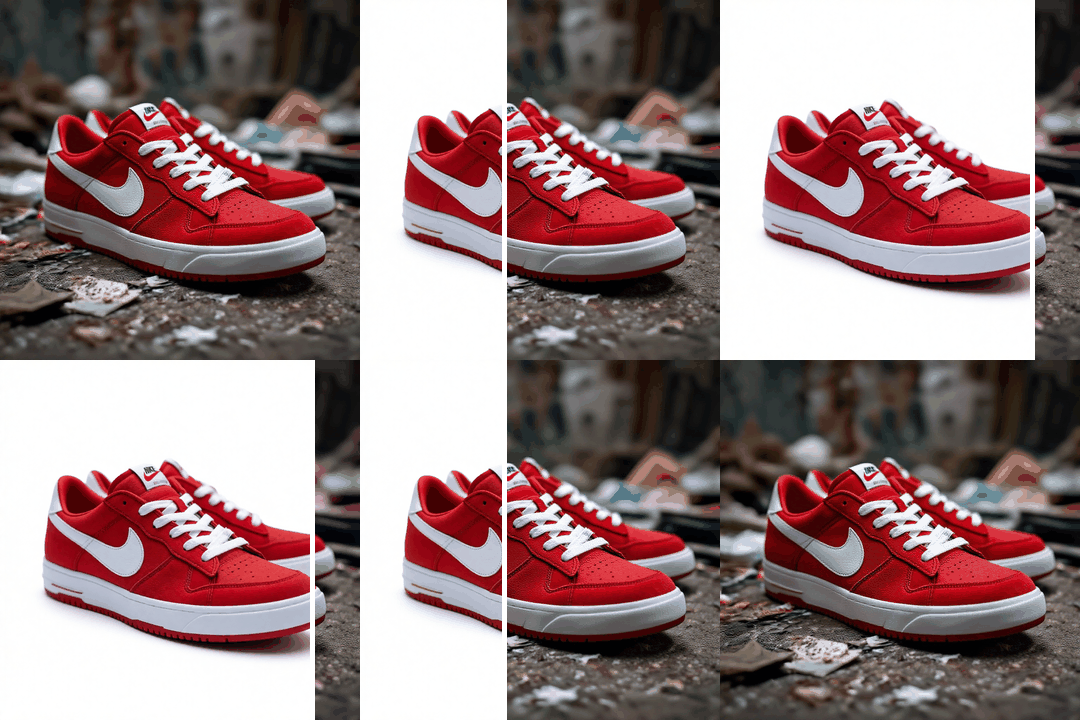

Use starryai as a transparent background maker through the Edit tool. Upload your image, prompt the tool to remove the background, and get a transparent background image in one click. It works fully online and delivers clean results without Photoshop or manual work.
Upload an image file using the Edit tool. You can upload your image from any device and work with photos, pictures, logos, and product images across common formats like JPG and PNG.
Prompt the tool to remove the background or make the image background transparent. The AI automatically detects the subject and separates the foreground from the background, handling complex edges like hair and shadows.
Download the new image as a PNG file with full transparency. The transparent background image is ready for product photos, icons, presentations, templates, or web use.

%201%20(1).png)
starryai works as a transparent background tool using the same Edit workflow. Upload, edit, and create transparent backgrounds without switching tools.

%201%20(1).png)


The AI focuses on clear edges, accurate subject detection, and smooth foreground separation for professional visuals and product photography.


After background removal, you can replace the backdrop with a solid color, resize the image, or reuse it across layouts, templates, and design tools.


Create transparent backgrounds for logos, icons, product photos, graphics, and marketing visuals with consistent quality.


.png)
The tool runs in your browser and app. Upload, edit, and download with free access and no design experience required.

.png)
Yes. starryai offers free access so you can create transparent backgrounds without paying upfront.
You can upload JPG and PNG images. Downloads are provided as PNG files with transparency.
Yes. The tool works well for logos and icons, even with complex edges.
No. Everything is prompt-based and works in one click.
Yes. Transparent images work for websites, presentations, templates, and other visuals.


Want to unlock even more features to make your photos shine? With starryai Pro, you get more generations, faster results, higher quality outputs, and priority access to advanced creation settings.