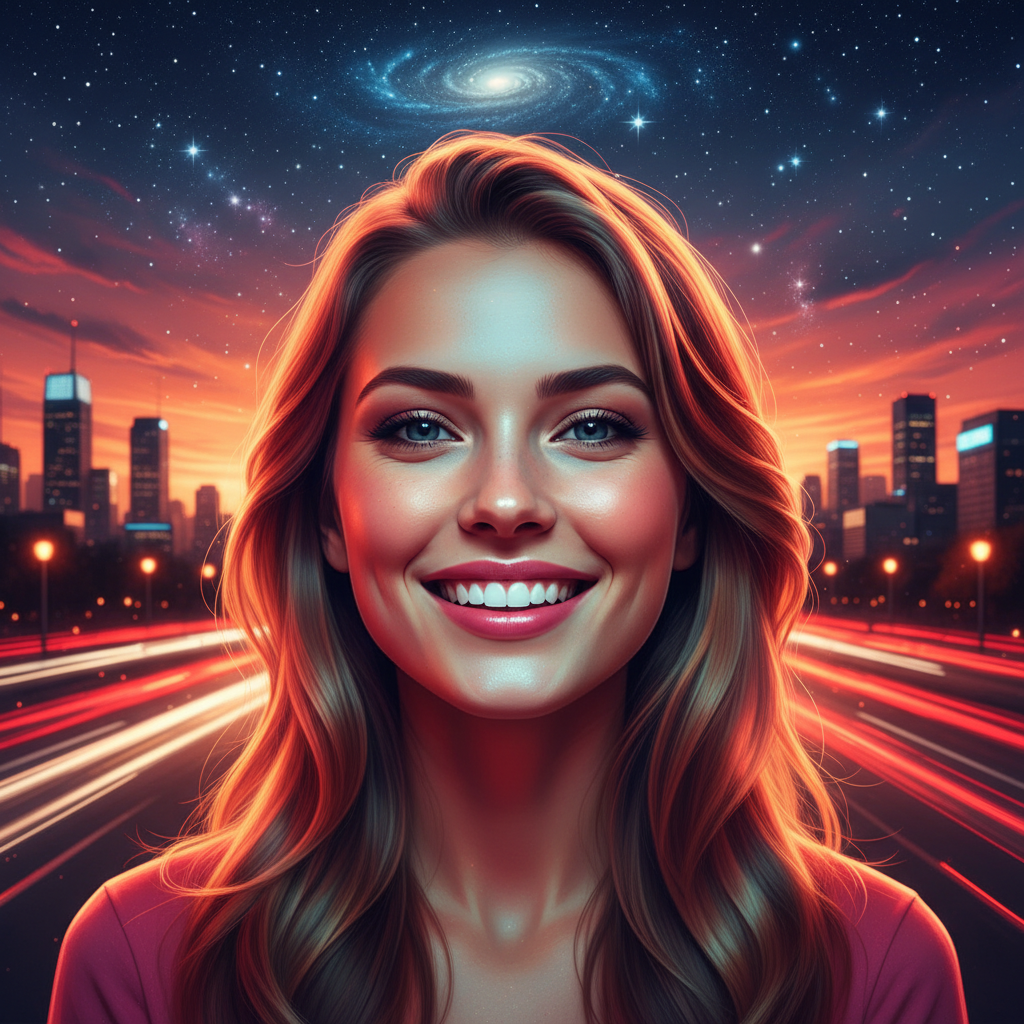
Perfect Your Selfies with AI - No Filters Needed

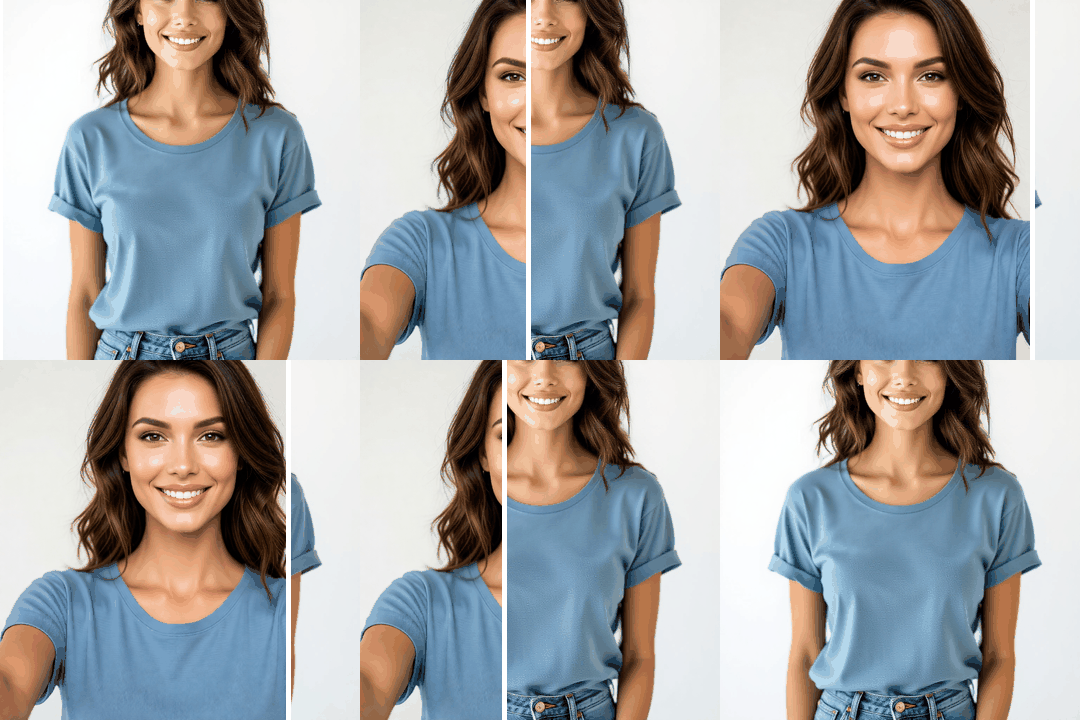
Edit and enhance your selfies with starryai's AI-powered Edit tool. Fix lighting, smooth skin, adjust backgrounds, remove blemishes, or completely transform your selfie style - all by describing what you want in plain language. Get professional-quality selfie edits without any photo editing skills.

Free HD Download
No Watermark
upload or drag image here
Trusted by 30 million users
205,650 Reviews
Available on iPhone & Android

How to Edit Selfies with starryai

Step 1

Upload Your Selfie

Open starryai and select the Edit tool. Upload the selfie you want to enhance or transform.

Step 2

Describe Your Edit

Tell the AI what to do - "fix the lighting," "smooth my skin naturally," "remove the background," or "make this look like a professional headshot." The AI handles it all.

Step 3

Download Your Enhanced Selfie

Preview the result and download your perfected selfie in high resolution. Ready to post or share anywhere.

Before
After

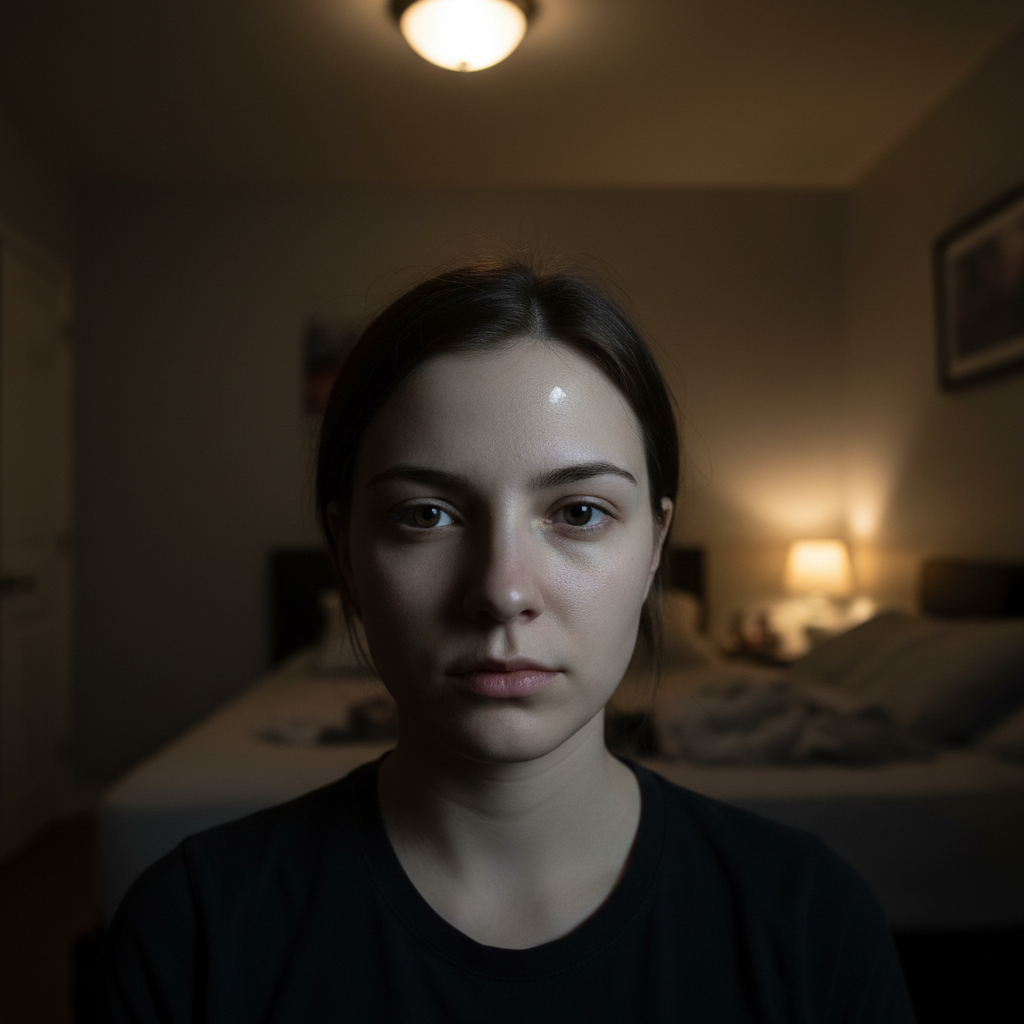
Fix Selfie Lighting Instantly

Transform poorly lit selfies into studio-quality shots. The AI balances shadows, adds natural highlights, and creates flattering illumination.

Fix Selfie Lighting Instantly

Transform poorly lit selfies into studio-quality shots. The AI balances shadows, adds natural highlights, and creates flattering illumination.

Before
After
Before
After

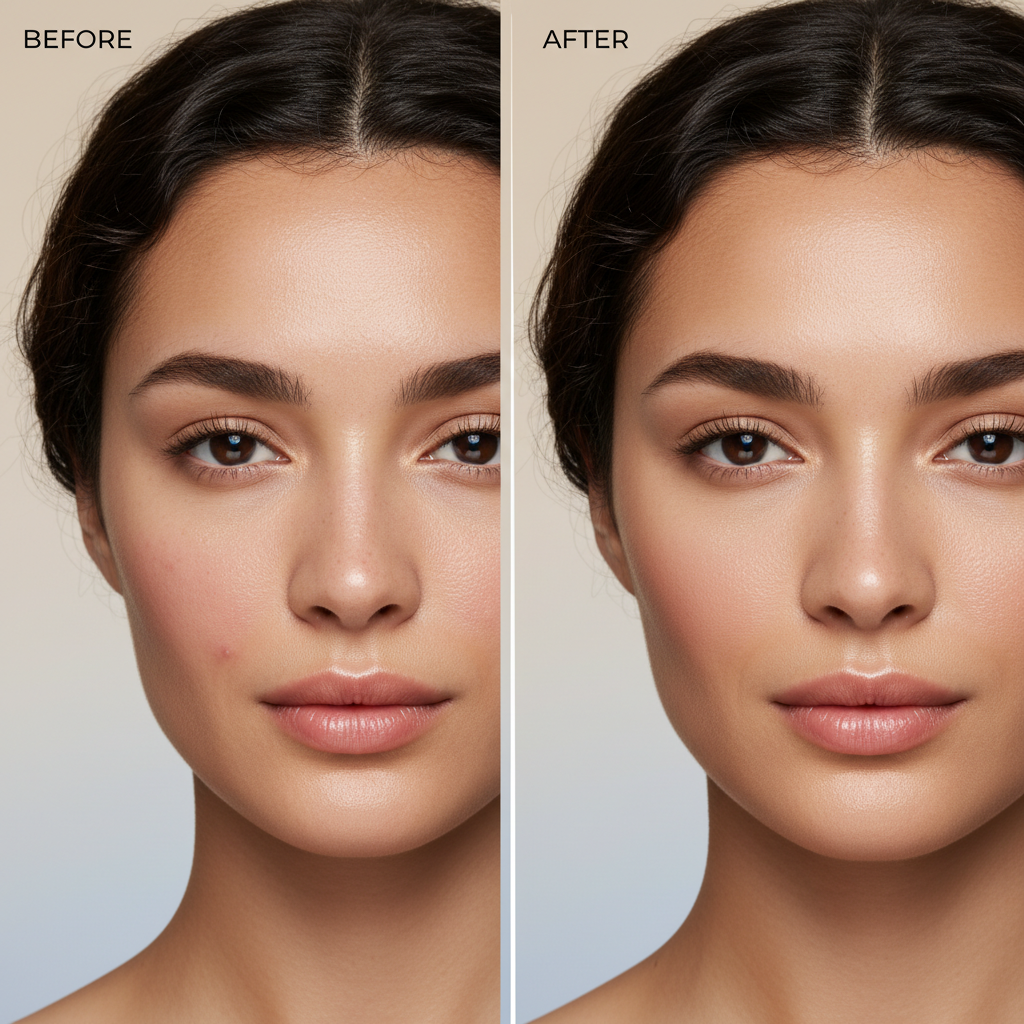
Natural Skin Smoothing

Smooth skin texture without the plastic look. starryai's AI reduces blemishes and evens skin tone while preserving natural texture and pores.

Natural Skin Smoothing

Smooth skin texture without the plastic look. starryai's AI reduces blemishes and evens skin tone while preserving natural texture and pores.

Before
After
Before
After

Professional Headshot from a Selfie

Turn a casual selfie into a polished professional headshot. The AI adjusts background, lighting, and color grading for a LinkedIn-ready result.

Professional Headshot from a Selfie

Turn a casual selfie into a polished professional headshot. The AI adjusts background, lighting, and color grading for a LinkedIn-ready result.

Before
After
Before
After

Remove Selfie Backgrounds

Swap messy or distracting backgrounds for clean, attractive ones. Choose solid colors, blurred bokeh, or entirely new scenic backgrounds.

Remove Selfie Backgrounds

Swap messy or distracting backgrounds for clean, attractive ones. Choose solid colors, blurred bokeh, or entirely new scenic backgrounds.

Before
After
Before
After

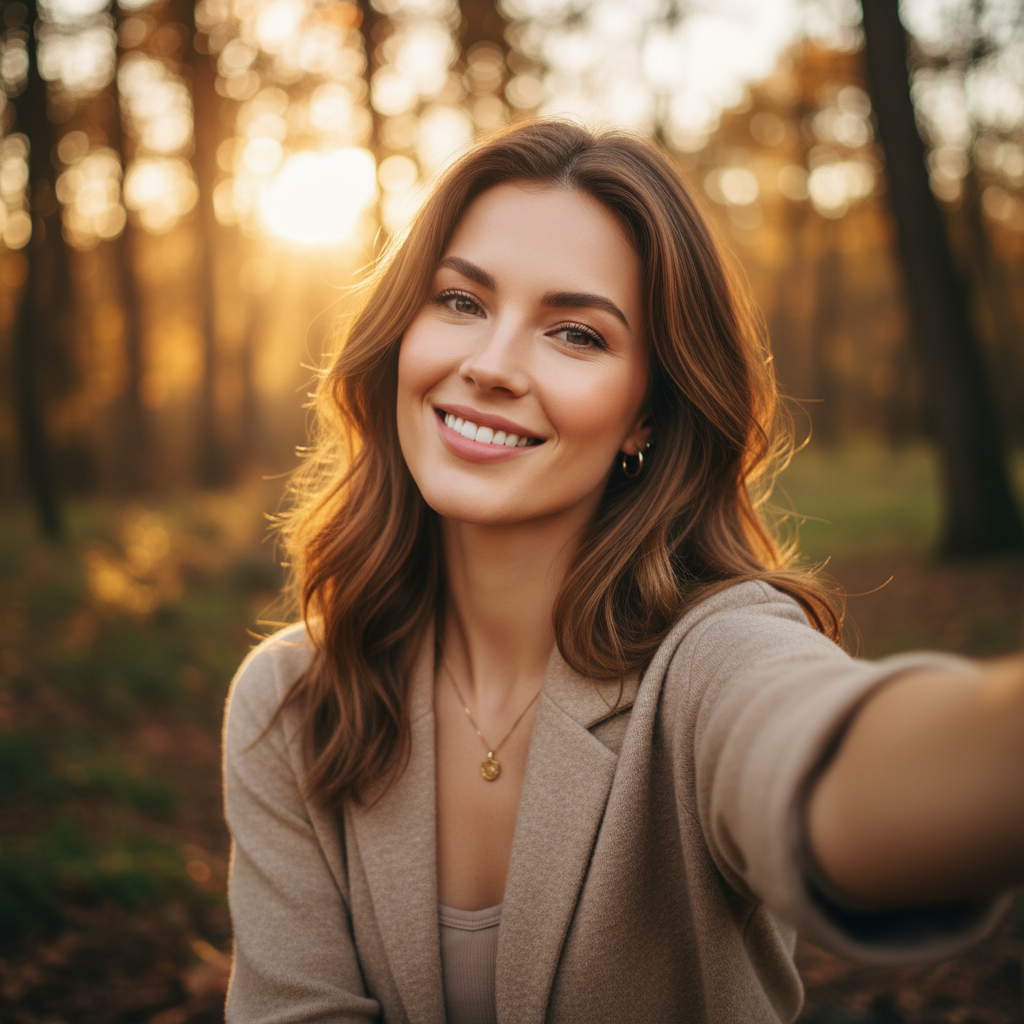
Enhance Selfie Colors and Mood

Add vibrant color grading, warm tones, or cinematic mood to your selfies. Transform the entire feel of your photo with a single prompt.

Enhance Selfie Colors and Mood

Add vibrant color grading, warm tones, or cinematic mood to your selfies. Transform the entire feel of your photo with a single prompt.

Before
After

Frequently Asked Questions

Answers to all your pressing questions about starryai
How can I edit my selfies with AI for free?

Upload your selfie to starryai's Edit tool and describe the changes you want. starryai offers free daily credits so you can edit selfies at no cost.

Can AI fix bad lighting in selfies?

Yes. starryai's AI can brighten dark selfies, balance harsh shadows, and add studio-quality lighting effects with a simple prompt.

Is there an AI selfie editor that looks natural?

starryai's AI produces natural-looking edits that enhance your features without the overdone, filtered look. You control the level of enhancement through your prompt.

Can I remove blemishes from selfies with AI?

Absolutely. Prompt starryai to "remove blemishes" or "clear up skin" and the AI removes imperfections while keeping your skin texture natural.

How do I make my selfie look professional?

Upload your selfie to starryai and prompt "make this look like a professional headshot." The AI adjusts lighting, background, and color grading for a polished result.

Background Texture

starryai is loved by millions

See what our users are saying about starryai
Almost don’t wanna give it a review so It doesn’t get more attention, but it is deserved. Great range of art styles and every one looks so cool I love it.
saltybigboi
App Store User
Very intuitive and has a great community! This app just keeps getting better with each update! The UI is a lot smoother and quicker, and there are always more features being added, expanding your options...Such a fun app!
Blenston Shandor
App Store User
This is actually a very nice ai text to image app. I use it quite a bit when I'm mobile and can't access my home Stable Diffusion setup.
ɘlbe spurling
App Store User
Background Texture

Go further with starryai

Want to unlock even more features to make your photos shine? With starryai Pro, you get more generations, faster results, higher quality outputs, and priority access to advanced creation settings.

Explore more

