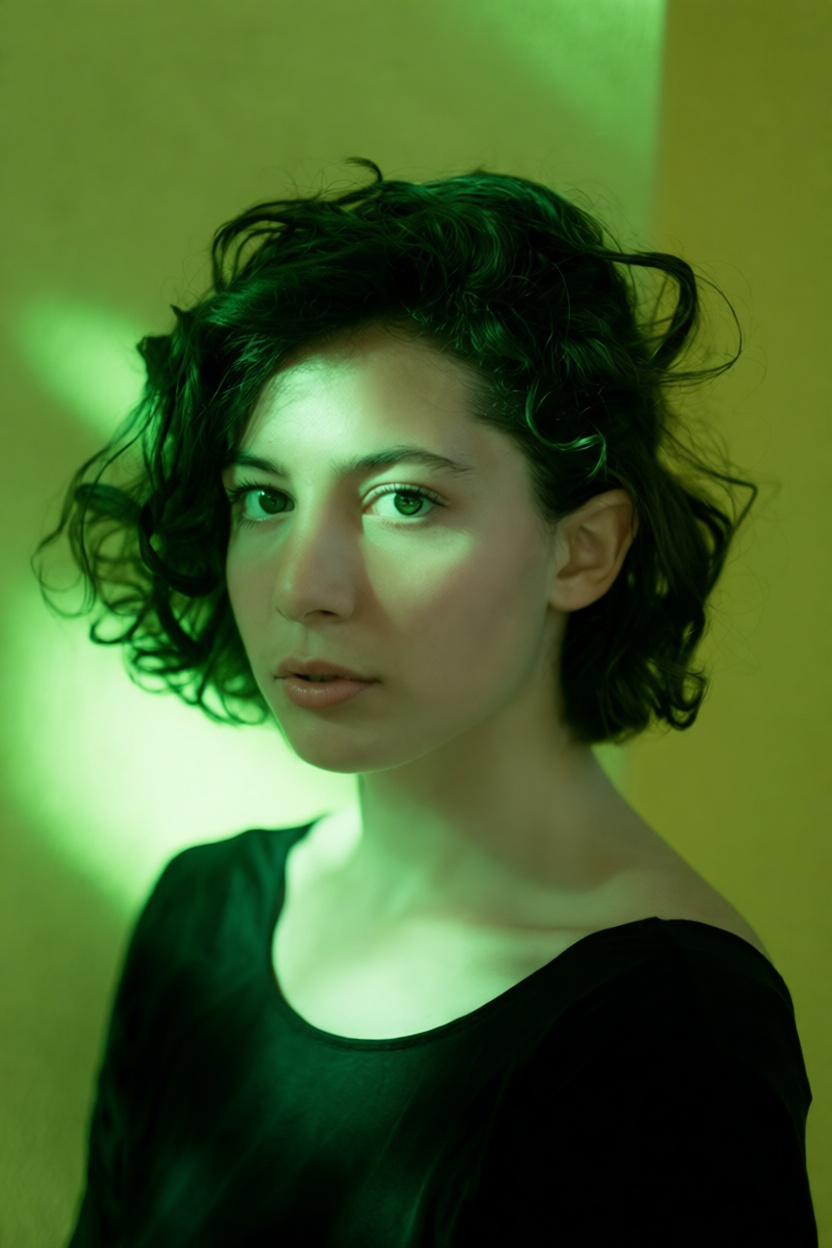
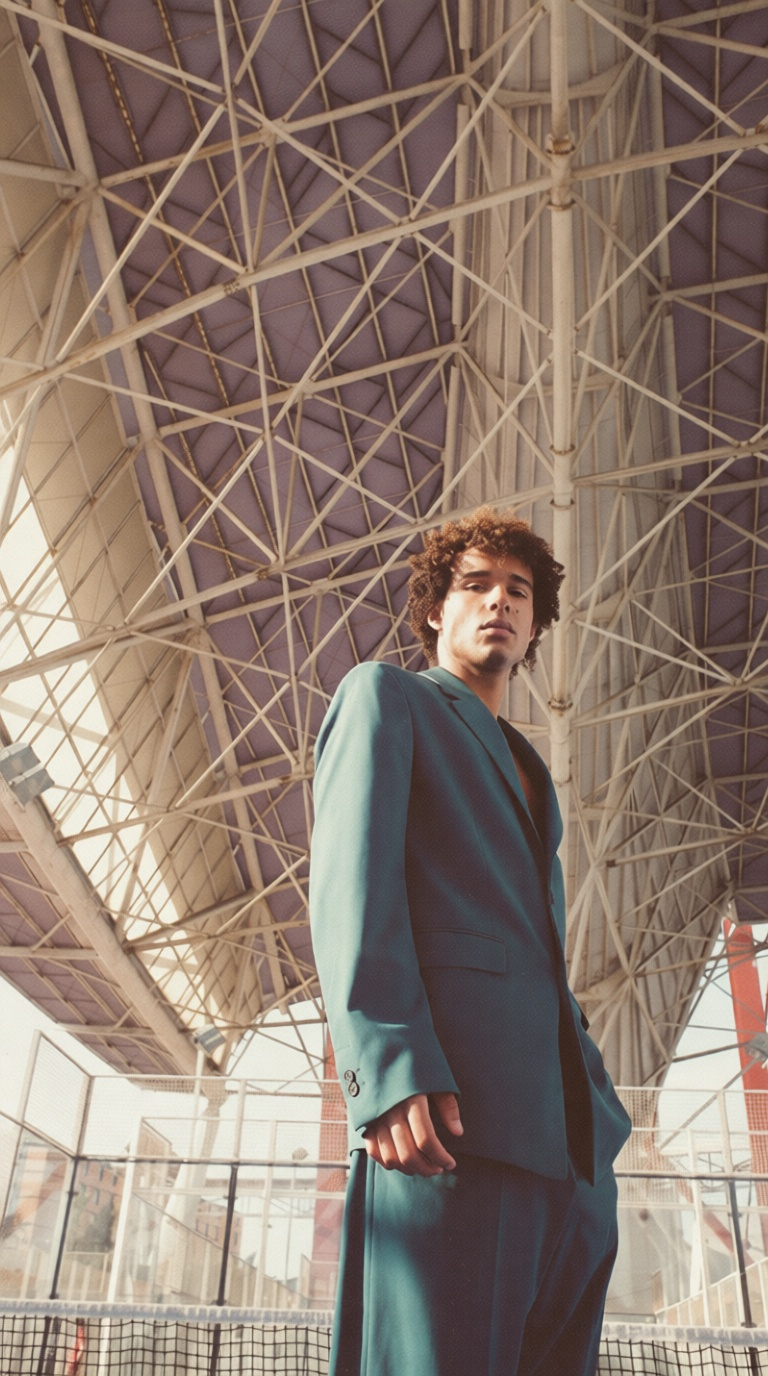
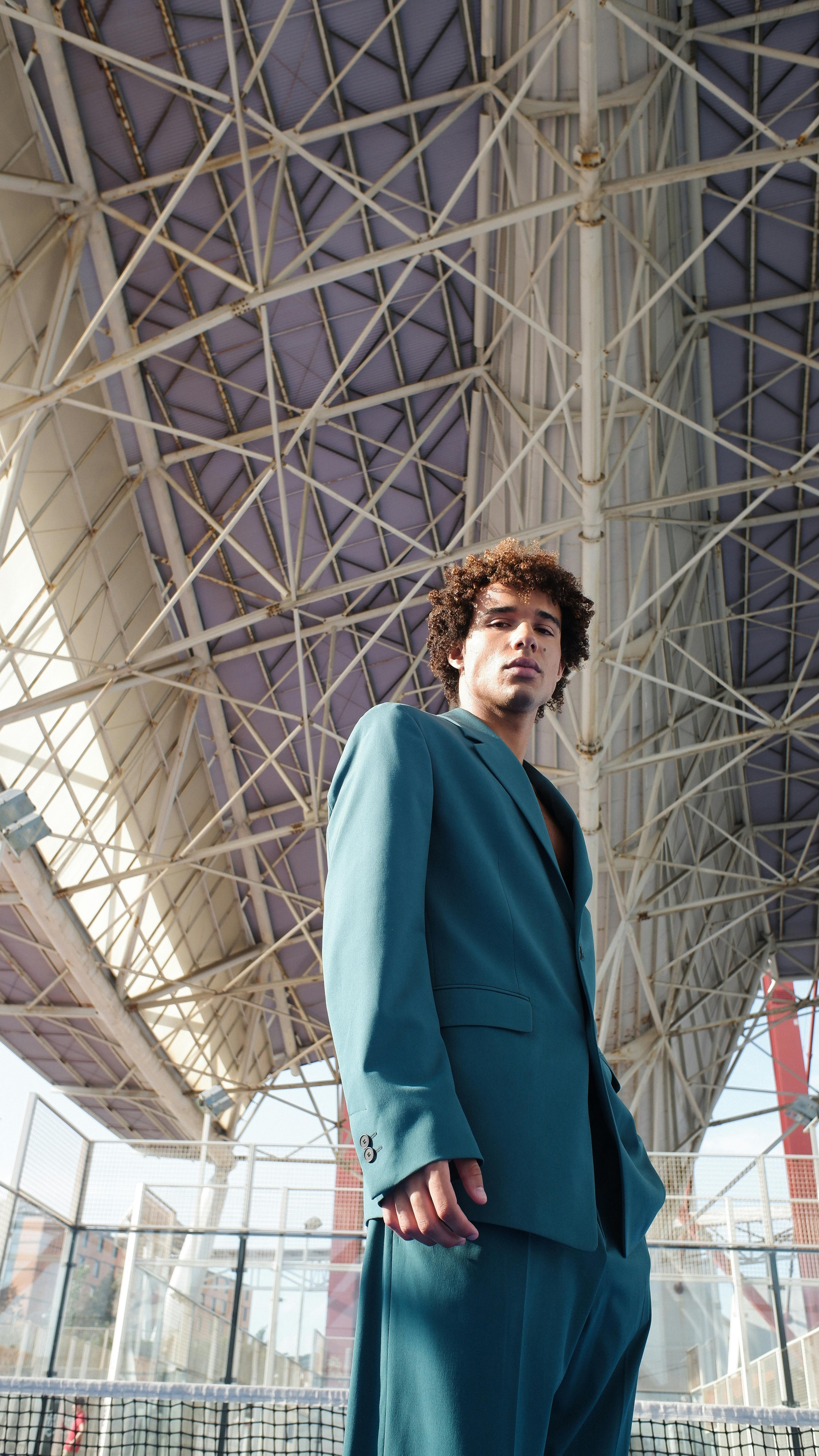


Apply photo filters and effects in one click

Use starryai to apply photo filters and photo effects using the Edit tool. Upload a photo, prompt the style or effect you want, and transform images instantly.

Free HD Download
No Watermark
upload or drag image here
Trusted by 30 million users
205,650 Reviews
Available on iPhone & Android

How to Apply Photo Filters with starryai

Step 1

Upload a photo

Upload a single photo or image to the starryai photo editor. The tool works directly in your browser or mobile device and supports common image formats.

Step 2

Choose a filter or effect

Prompt the Edit tool to apply photo effects and filters like vintage, glitch filter, golden hour lighting, blur, tilt shift, or aesthetic styles.

Step 3

Download the result

Preview the edited photo and download it in high quality. Your image is ready for social media, album covers, portraits, or creative projects.

Before
After

Wide range of photo filters

Access a growing library of photo filters, effects and filters, and online photo effects. Explore vintage looks, glitch effects, soft portraits, and cool modern styles in one place.

Wide range of photo filters

Access a growing library of photo filters, effects and filters, and online photo effects. Explore vintage looks, glitch effects, soft portraits, and cool modern styles in one place.

Before
After
Before
After

One-click editing, more control

Apply photo effects with a single click, then refine settings like intensity, blur, contrast, and saturation. Simple for quick edits, flexible for creative control.

One-click editing, more control

Apply photo effects with a single click, then refine settings like intensity, blur, contrast, and saturation. Simple for quick edits, flexible for creative control.

Before
After
Before
After

Free photo effects, online

Use free photo filters directly online with no setup. The free version lets you experiment with multiple effects and transform photos quickly.

Free photo effects, online

Use free photo filters directly online with no setup. The free version lets you experiment with multiple effects and transform photos quickly.

Before
After
Before
After

Works on web and mobile

Edit photos on desktop, browser, or mobile app. Apply filters anywhere and save results instantly for Instagram or other platforms.

Works on web and mobile

Edit photos on desktop, browser, or mobile app. Apply filters anywhere and save results instantly for Instagram or other platforms.

Before
After

Frequently Asked Questions

Answers to all your pressing questions about starryai
Are these free photo filters?

Yes. starryai offers free photo filters and photo effects, with optional upgrades for more features.

Can I apply multiple filters to one photo?

Yes. You can layer multiple filters and effects on a single photo and adjust each one.

Do filters reduce image quality?

No. starryai preserves image quality while applying photo effects and enhancements.

What styles are available?

You can apply vintage filters, glitch effects, aesthetic filters, blur, light adjustments, and many other photo effects.

Is this beginner friendly?

Yes. The photo editing tools are prompt-based and designed for quick, one-click edits without a learning curve.

Background Texture

starryai is loved by millions

See what our users are saying about starryai
Almost don’t wanna give it a review so It doesn’t get more attention, but it is deserved. Great range of art styles and every one looks so cool I love it.
saltybigboi
App Store User
Very intuitive and has a great community! This app just keeps getting better with each update! The UI is a lot smoother and quicker, and there are always more features being added, expanding your options...Such a fun app!
Blenston Shandor
App Store User
This is actually a very nice ai text to image app. I use it quite a bit when I'm mobile and can't access my home Stable Diffusion setup.
ɘlbe spurling
App Store User
Background Texture

Go further with starryai

Want to unlock even more features to make your photos shine? With starryai Pro, you get more generations, faster results, higher quality outputs, and priority access to advanced creation settings.

Explore more