Visualize your dream wedding before the big day

Create romantic wedding concept images with starryai to plan aesthetics, build mood boards, and explore photo directions before the real event.

Free HD Download
No Watermark
upload or drag image here
Trusted by 30 million users
205,650 Reviews
Available on iPhone & Android

How to create wedding imagery with AI

Step 1

Describe your wedding vision

Tell starryai about the setting, lighting, style, colors, wardrobe, florals, and décor details that define the wedding look you want to explore.

Step 2

Generate your imagery

starryai creates wedding visuals based on your description so you can compare different interpretations of the same mood, venue, or romantic atmosphere.

Step 3

Use the images for planning

Download the results for mood boards, vendor briefs, inspiration decks, social posts, and save-the-date planning references that make your vision easier to communicate.

Before
After

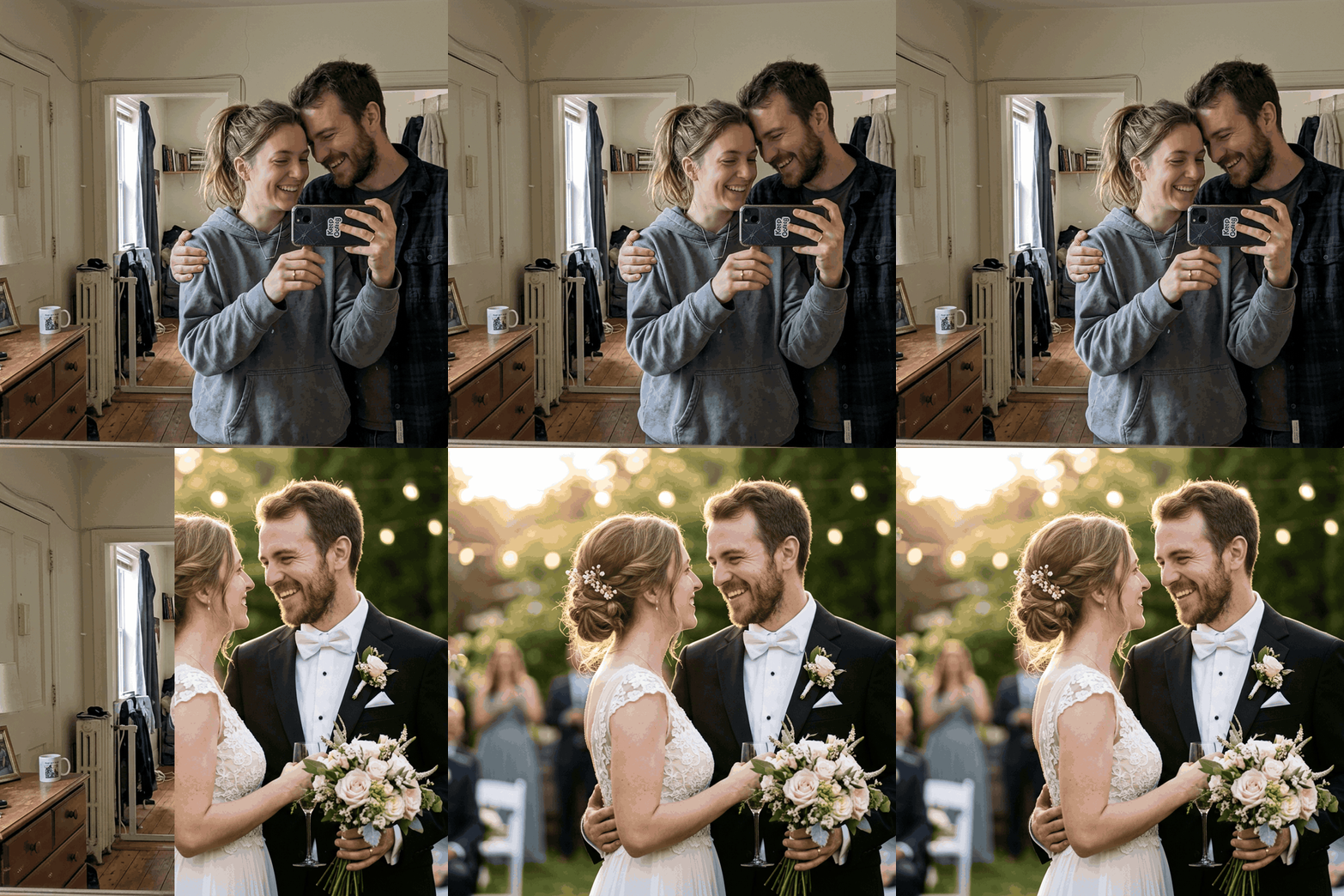
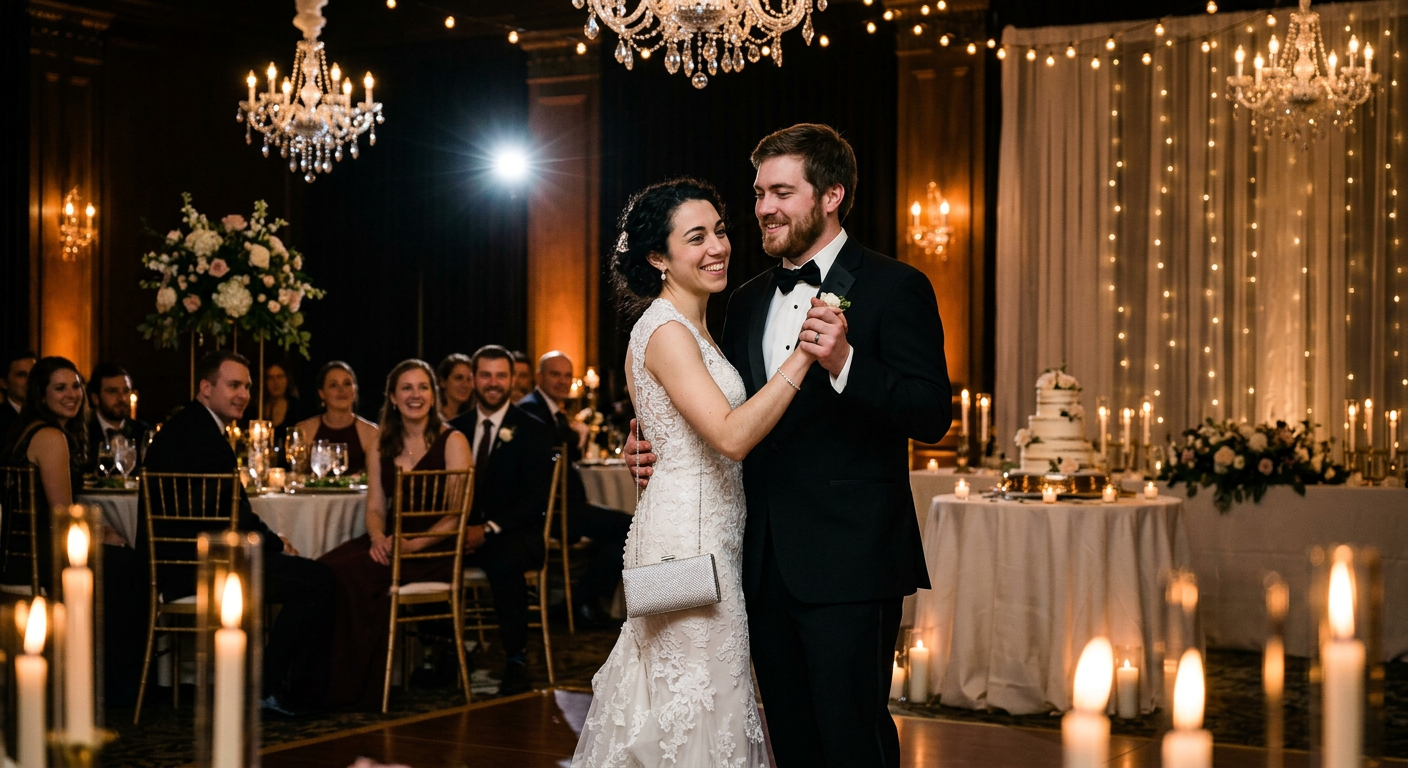
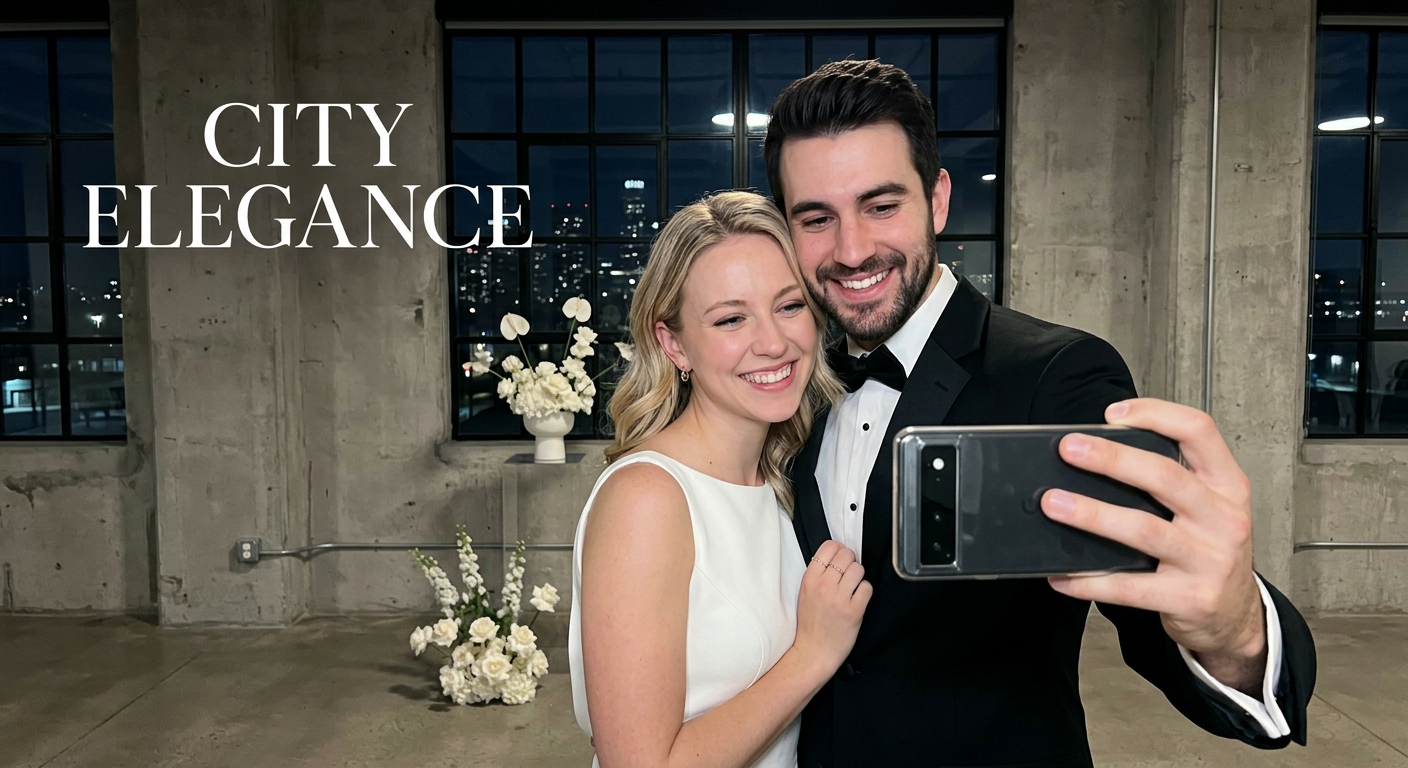
Visualize wedding photos before the event happens

Explore portrait styles, settings, and moods before choosing a venue, photographer, or visual direction for the real shoot.

Visualize wedding photos before the event happens

Explore portrait styles, settings, and moods before choosing a venue, photographer, or visual direction for the real shoot.

Before
After
Before
After

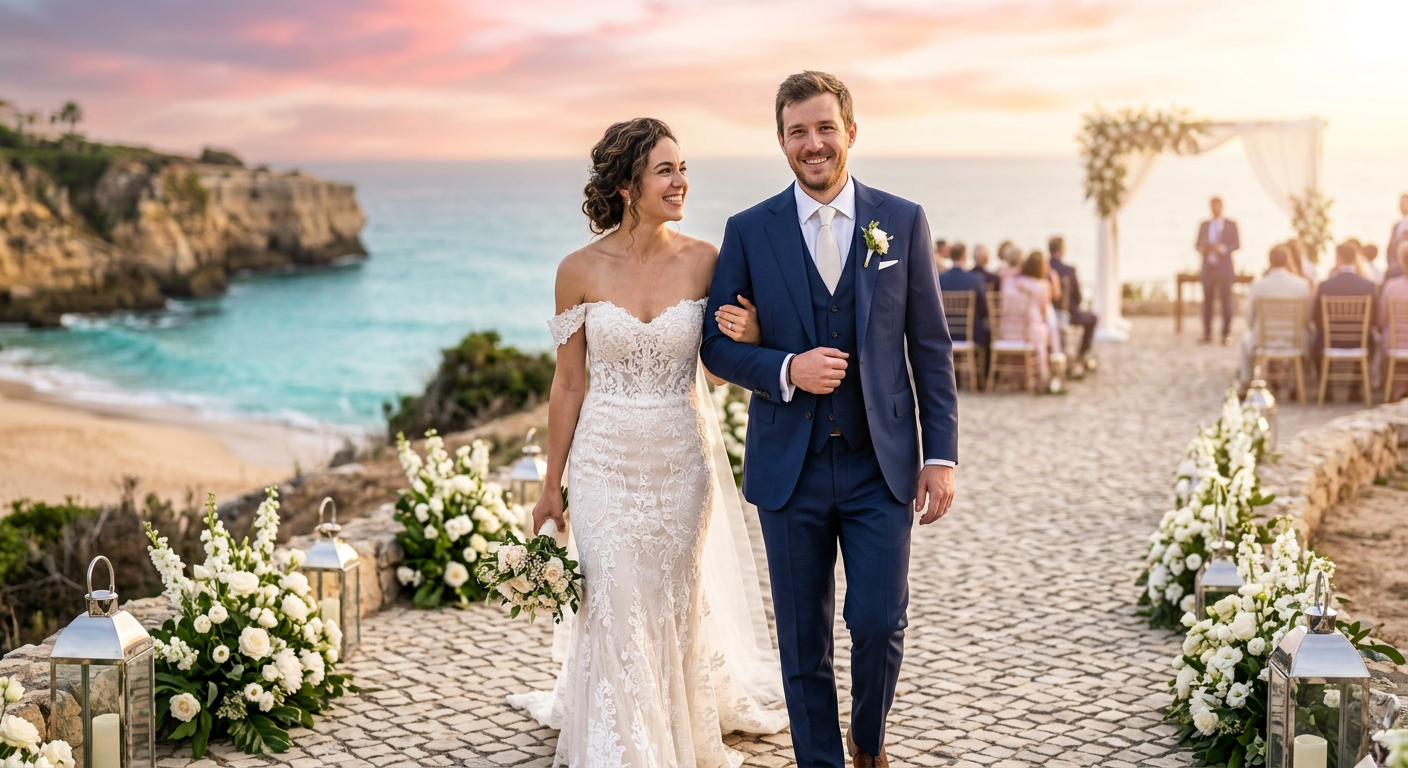
Create romantic concept images from simple prompts

Generate dreamy ceremony scenes, couple portraits, golden-hour visuals, or editorial wedding concepts without a large production setup.

Create romantic concept images from simple prompts

Generate dreamy ceremony scenes, couple portraits, golden-hour visuals, or editorial wedding concepts without a large production setup.

Before
After
Before
After

Test different themes and aesthetics

Compare classic luxury, outdoor garden, beach, vintage, or cinematic wedding directions to refine what feels right.

Test different themes and aesthetics

Compare classic luxury, outdoor garden, beach, vintage, or cinematic wedding directions to refine what feels right.

Before
After
Before
After

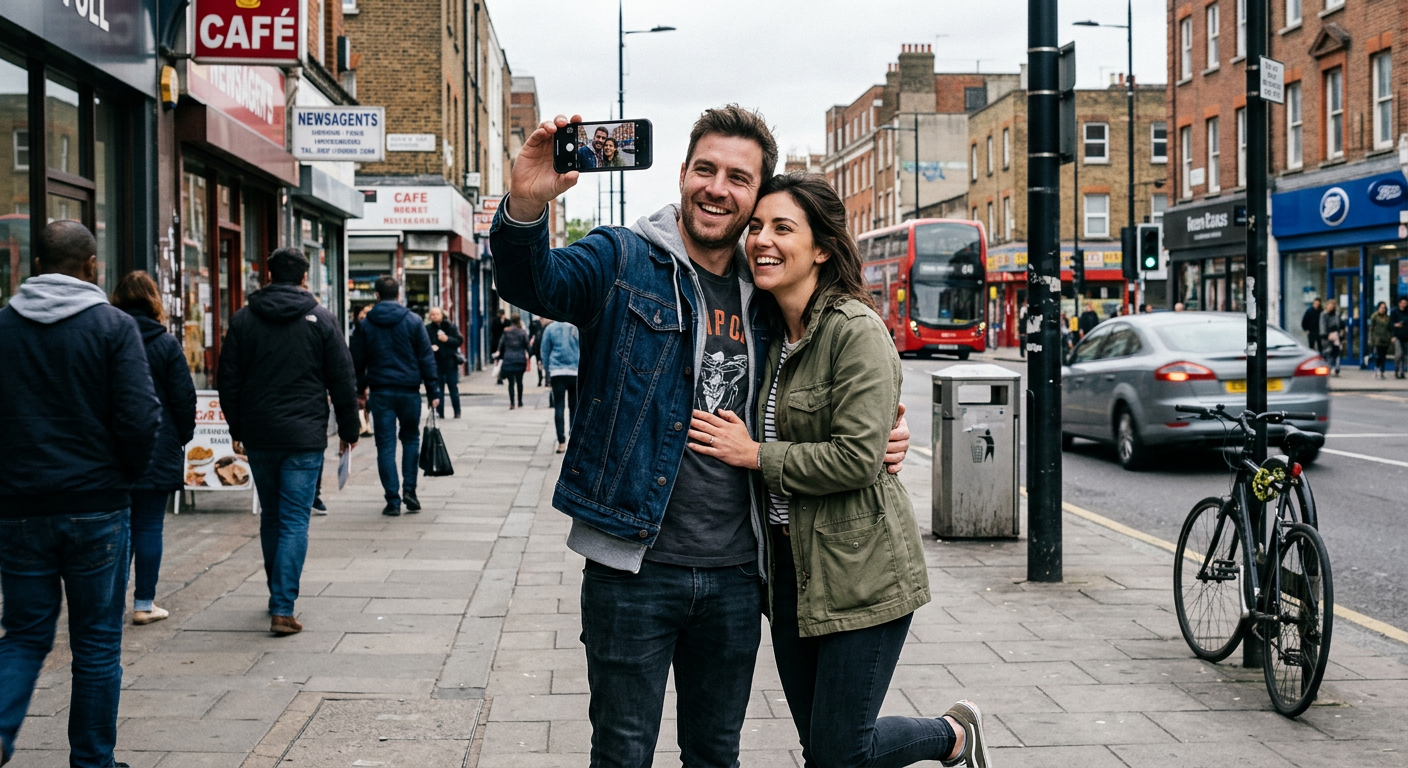
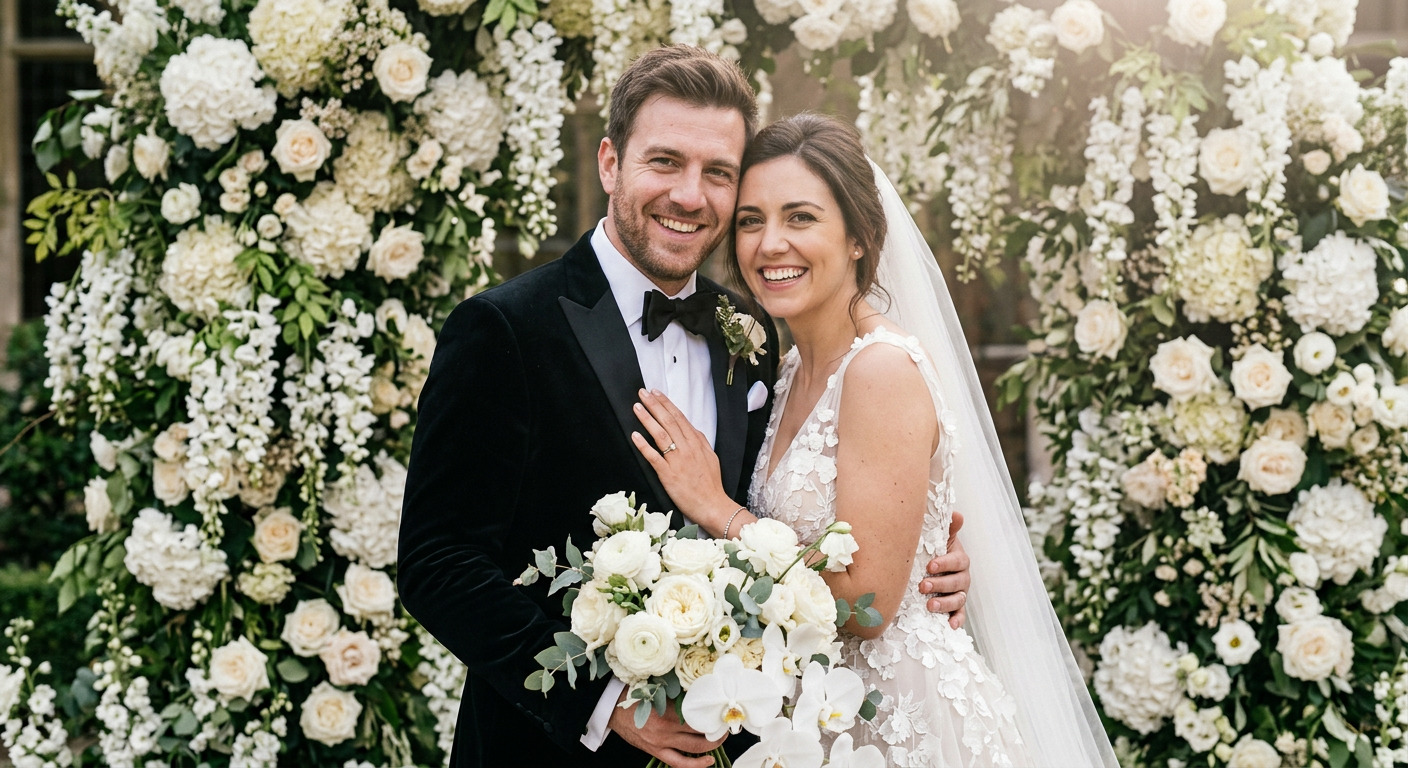
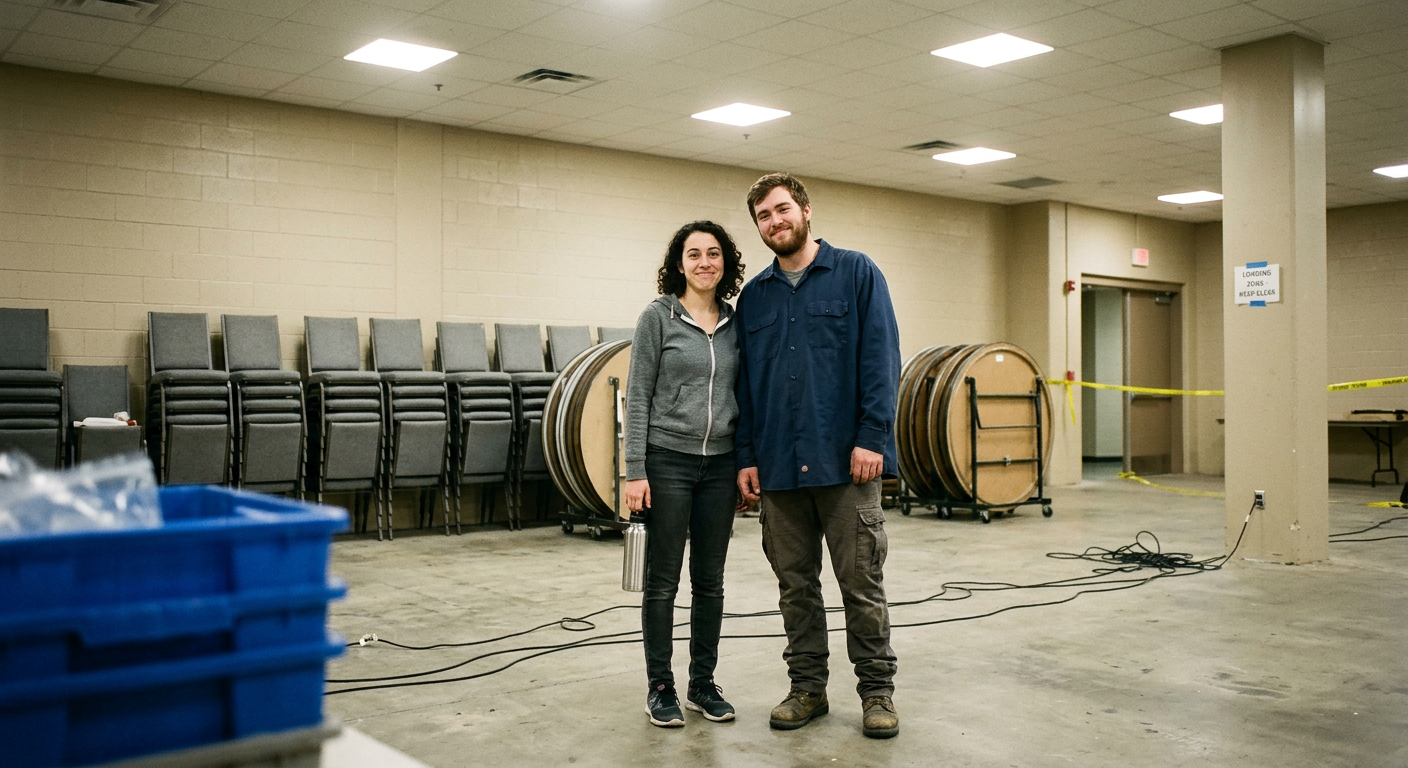
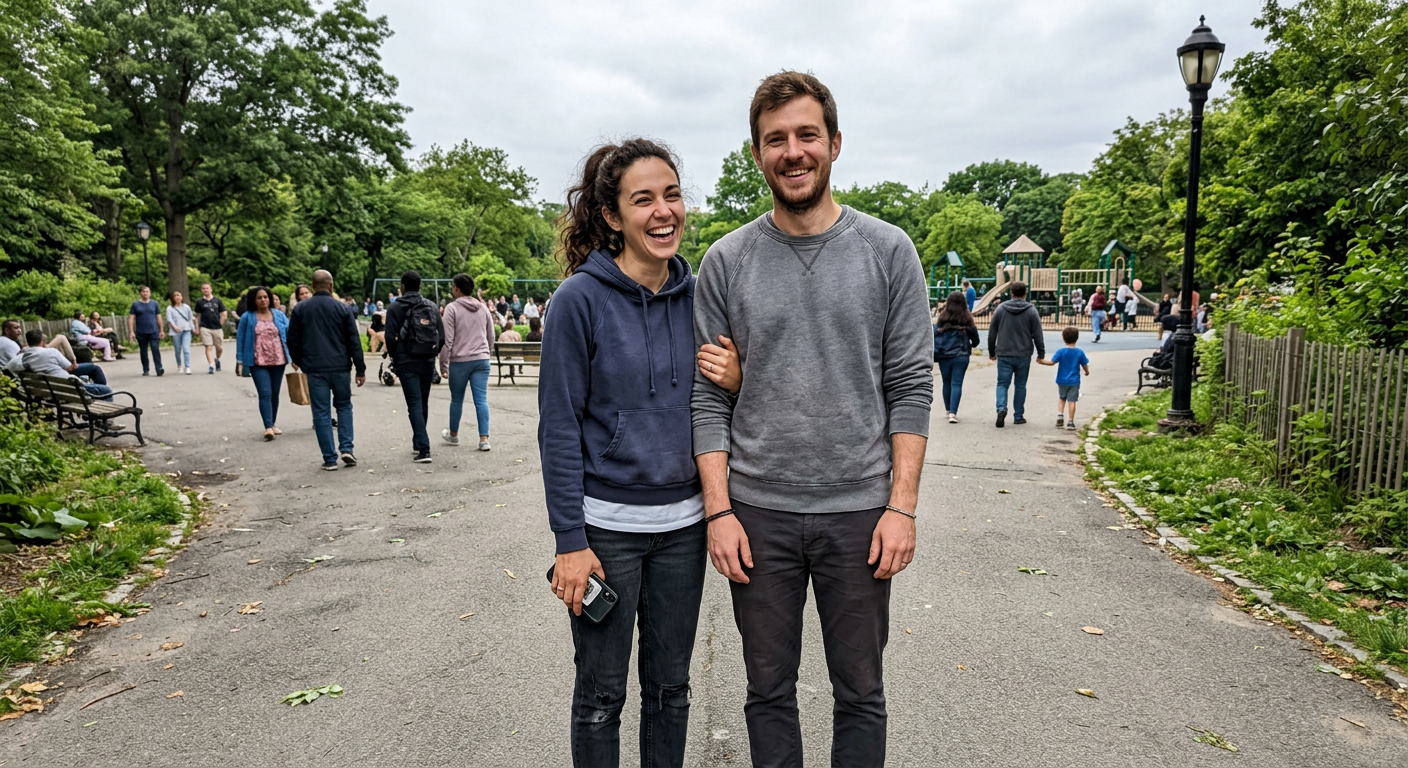
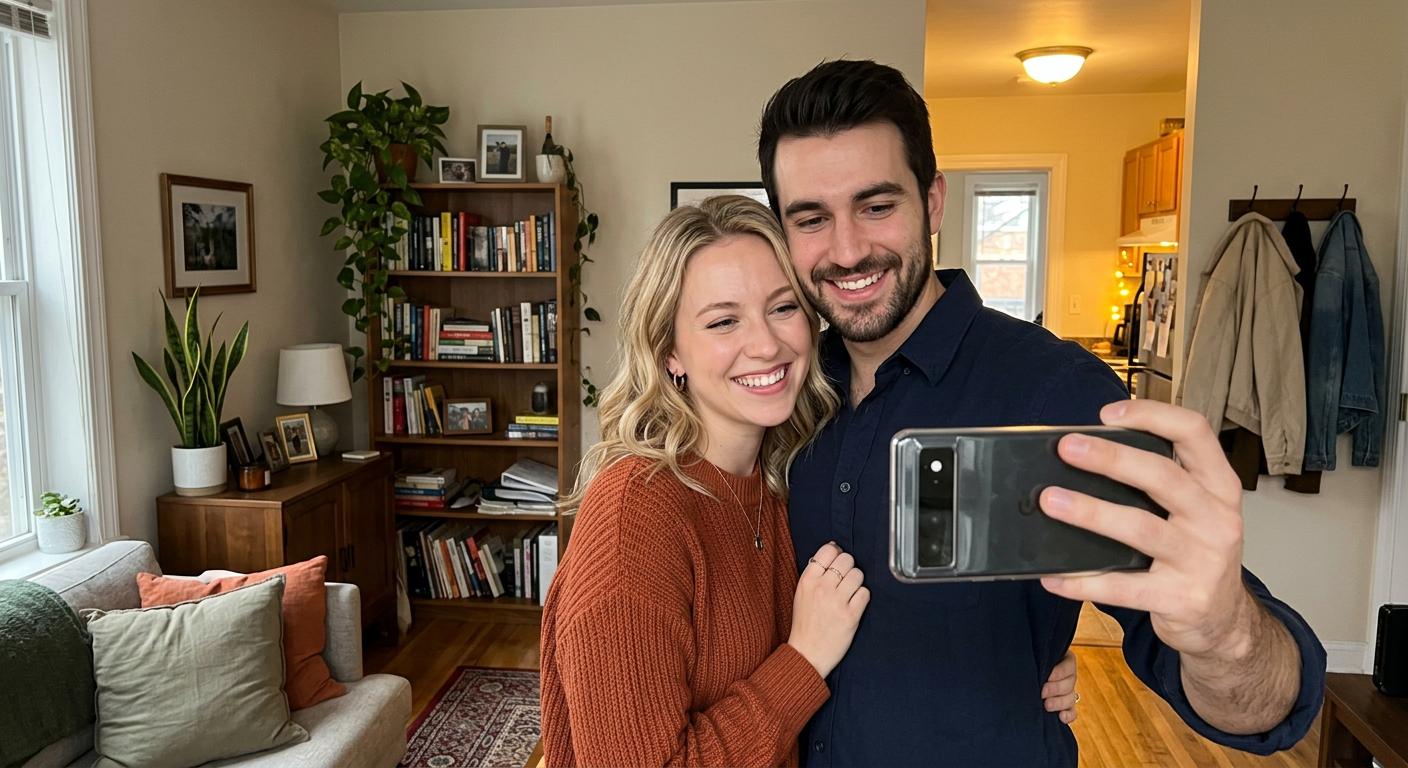
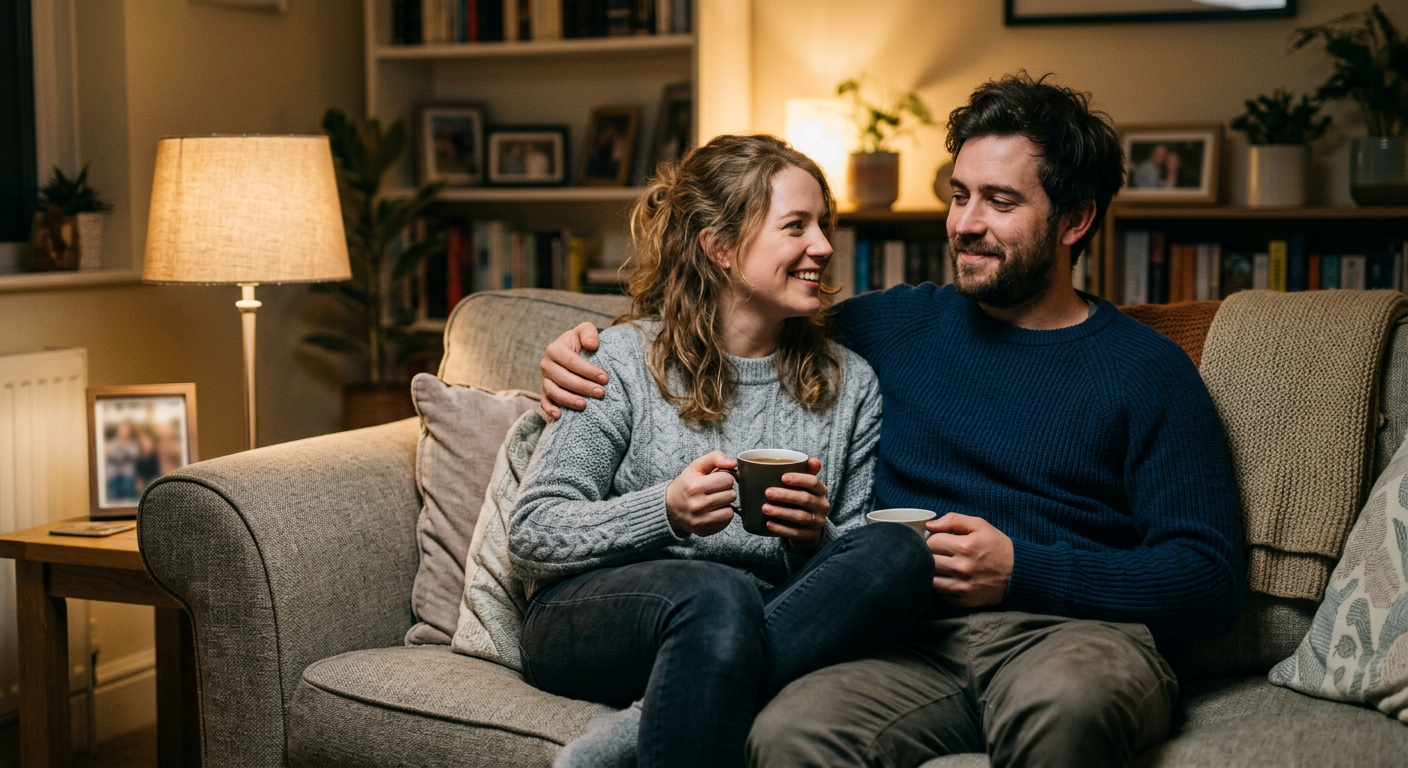
Enhance existing engagement or couple photos

A good source image can be pushed toward a more polished wedding-inspired result with stronger lighting, atmosphere, and styling.

Enhance existing engagement or couple photos

A good source image can be pushed toward a more polished wedding-inspired result with stronger lighting, atmosphere, and styling.

Before
After
Before
After

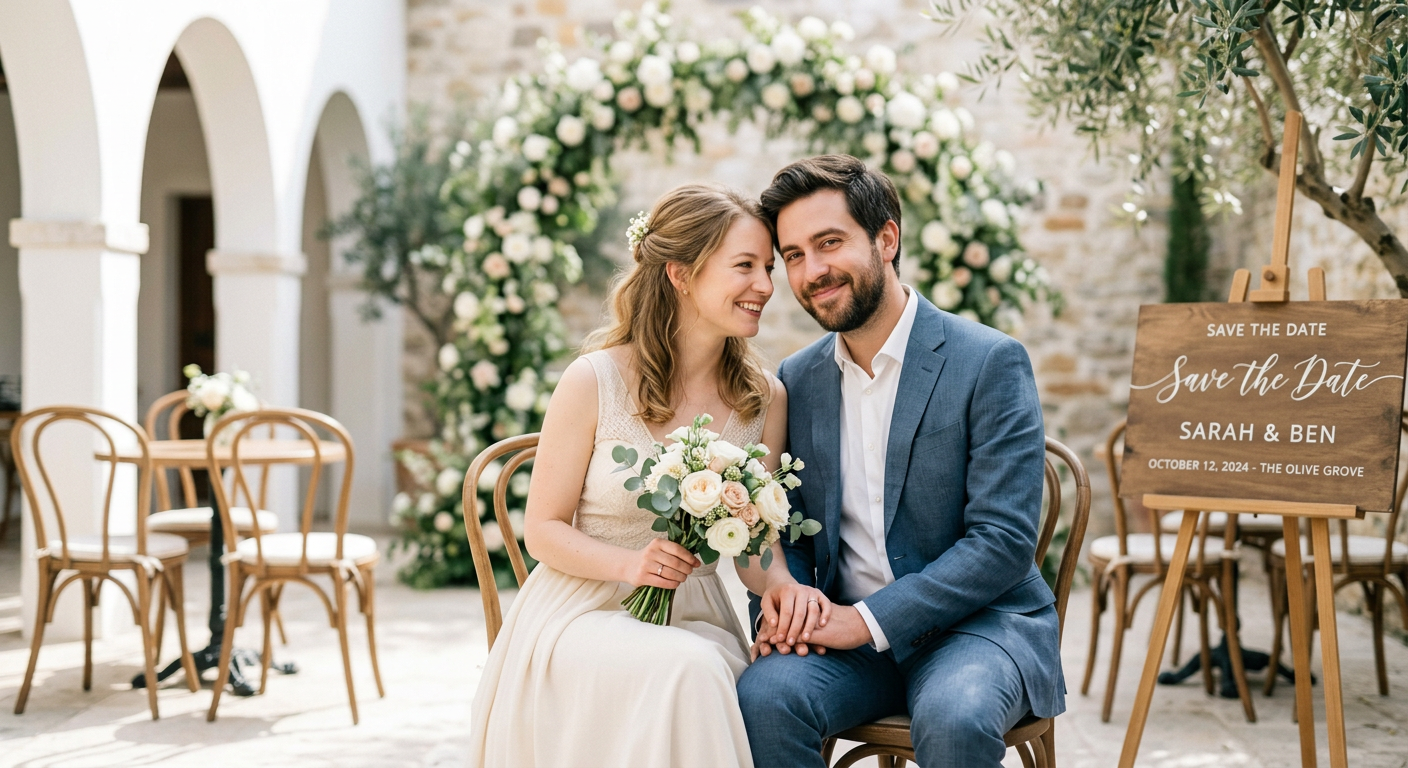
Make shareable visuals for planning and celebration

These images work well for save-the-dates, mood boards, inspiration decks, social posts, and event storytelling.

Make shareable visuals for planning and celebration

These images work well for save-the-dates, mood boards, inspiration decks, social posts, and event storytelling.

Before
After

Frequently Asked Questions

Answers to all your pressing questions about starryai
Can AI-generated wedding photos replace real wedding photography?

No. AI wedding imagery is best used for planning, inspiration, and communication. Real wedding photography captures the actual moments, while AI helps visualize the aesthetic before the day arrives.

How detailed should my prompt be for the best results?

The more detail you give about the venue, attire, florals, lighting, and photographic style, the more closely the generated image will match your desired wedding look.

Can I use AI-generated wedding images on social media?

Yes. Couples, wedding bloggers, planners, and vendors often use AI-generated wedding images in social content, inspiration posts, and marketing materials.

Can wedding vendors use this for marketing?

Yes. Vendors can use AI wedding imagery to visualize concepts and support content marketing, as long as they are transparent about which images are AI-generated.

What settings create the best AI wedding images?

Natural and atmospheric settings such as golden-hour gardens, beaches, forests, and candlelit interiors often produce the most distinctive and emotionally rich results.

Background Texture

starryai is loved by millions

See what our users are saying about starryai
Almost don’t wanna give it a review so It doesn’t get more attention, but it is deserved. Great range of art styles and every one looks so cool I love it.
saltybigboi
App Store User
Very intuitive and has a great community! This app just keeps getting better with each update! The UI is a lot smoother and quicker, and there are always more features being added, expanding your options...Such a fun app!
Blenston Shandor
App Store User
This is actually a very nice ai text to image app. I use it quite a bit when I'm mobile and can't access my home Stable Diffusion setup.
ɘlbe spurling
App Store User
Background Texture

Go further with starryai

Want to unlock even more features to make your photos shine? With starryai Pro, you get more generations, faster results, higher quality outputs, and priority access to advanced creation settings.

Explore more

