
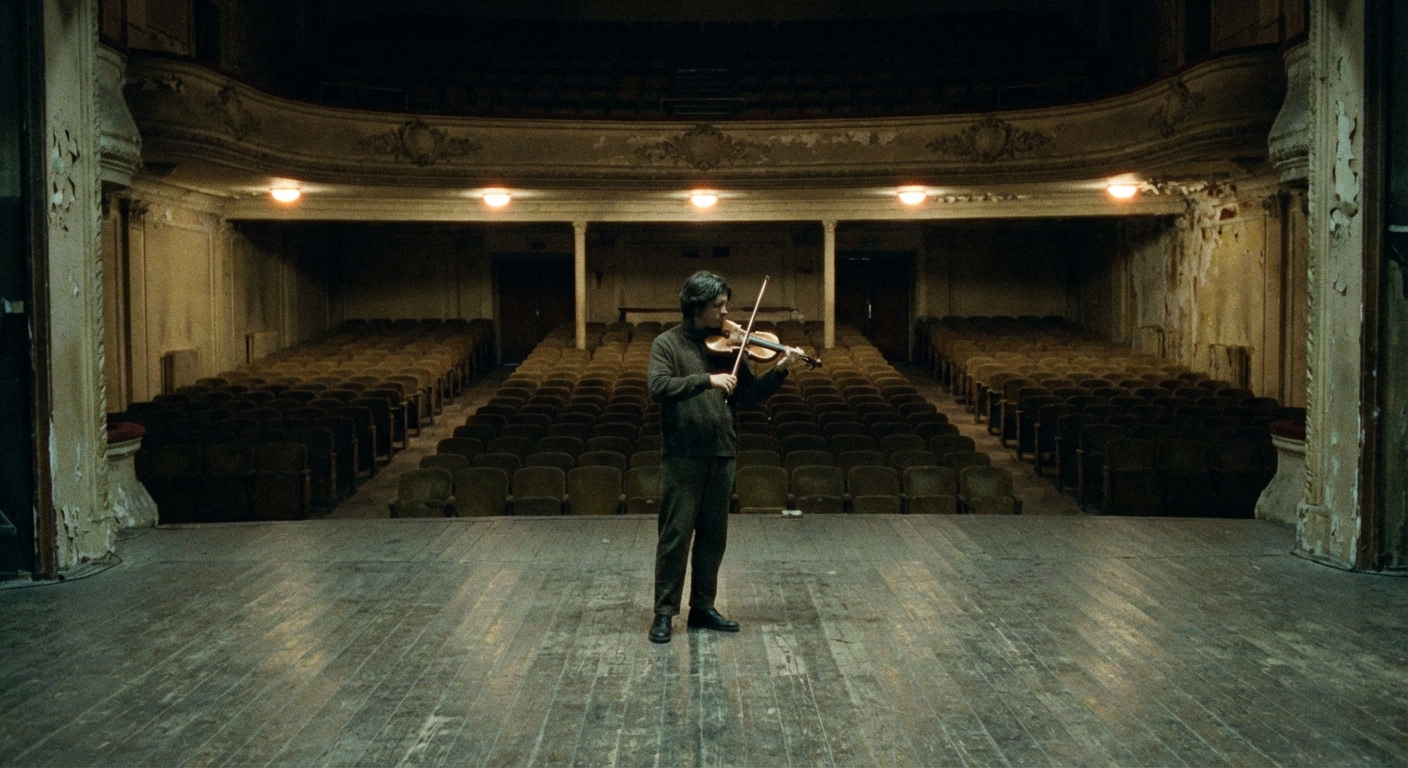
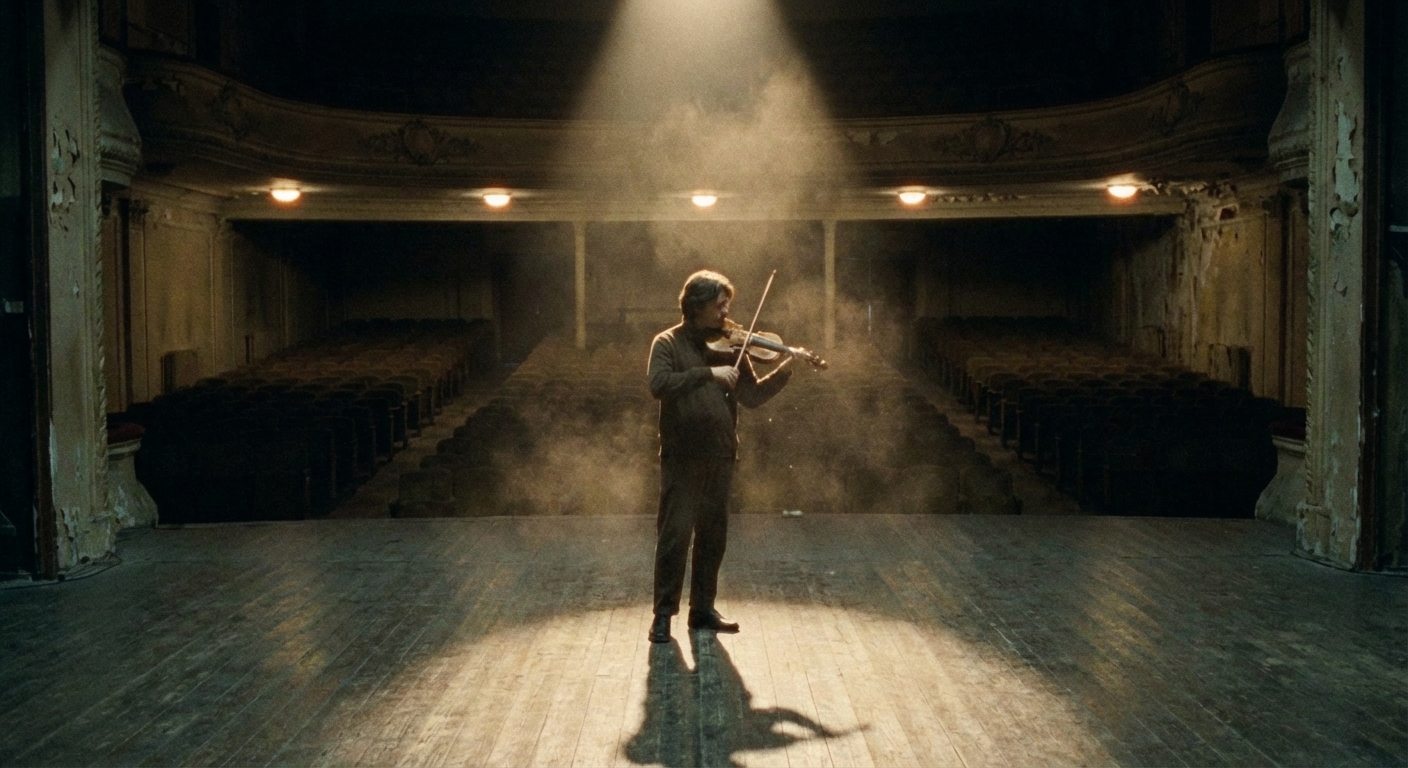
Give story ideas motion, atmosphere, and visual stakes

Use starryai to create story-led video concepts for trailers, scenes, mood pieces, and narrative experiments. It is a practical way to visualize a story beat before a full animation or live-action production pipeline exists.

Free HD Download
No Watermark
upload or drag image here
Trusted by 30 million users
205,650 Reviews
Available on iPhone & Android

How It Works

Step 1

Start with the story beat

Describe the character, setting, moment, and emotional shift you want to show rather than trying to explain the full plot at once.

Step 2

Define the visual tone

Choose whether the scene should feel cinematic, dreamy, dark, magical, dramatic, or stylized so the story mood comes through clearly.

Step 3

Generate scene variations

Use starryai to test several interpretations of the same moment until one feels strongest for a trailer, pitch, or narrative clip.

Before
After

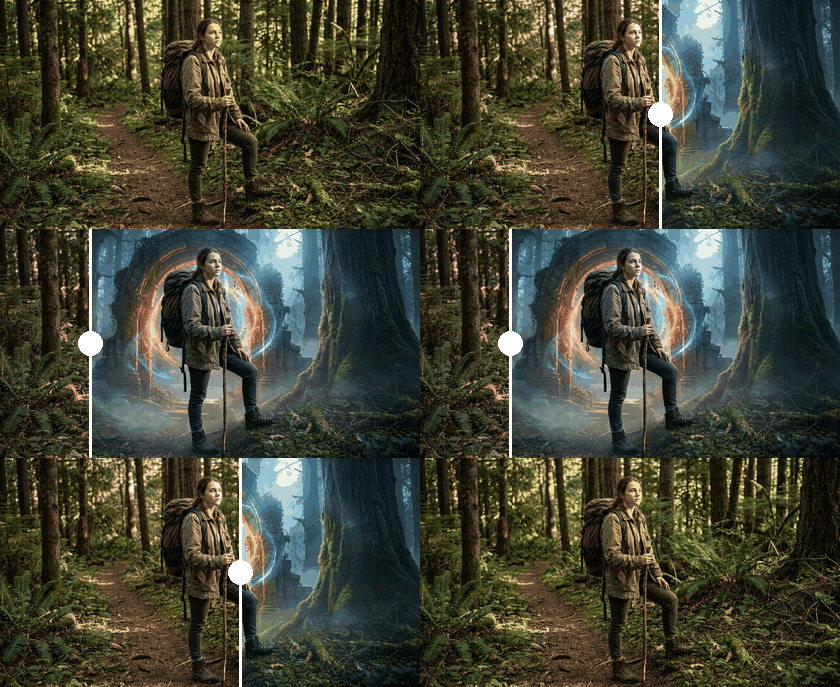
Visualize narrative moments quickly

A short story beat is often enough to create something useful for concepting and presentation.

Visualize narrative moments quickly

A short story beat is often enough to create something useful for concepting and presentation.

Before
After
Before
After

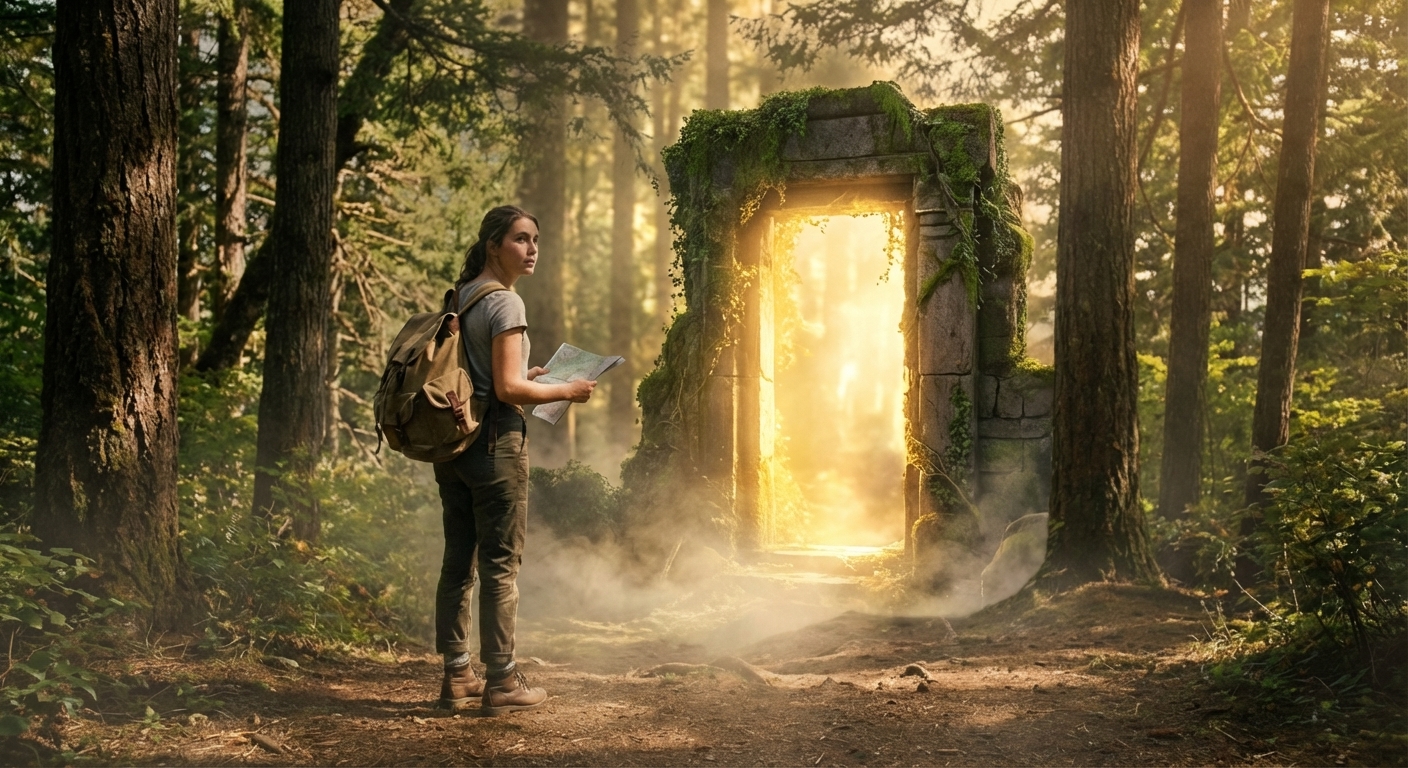
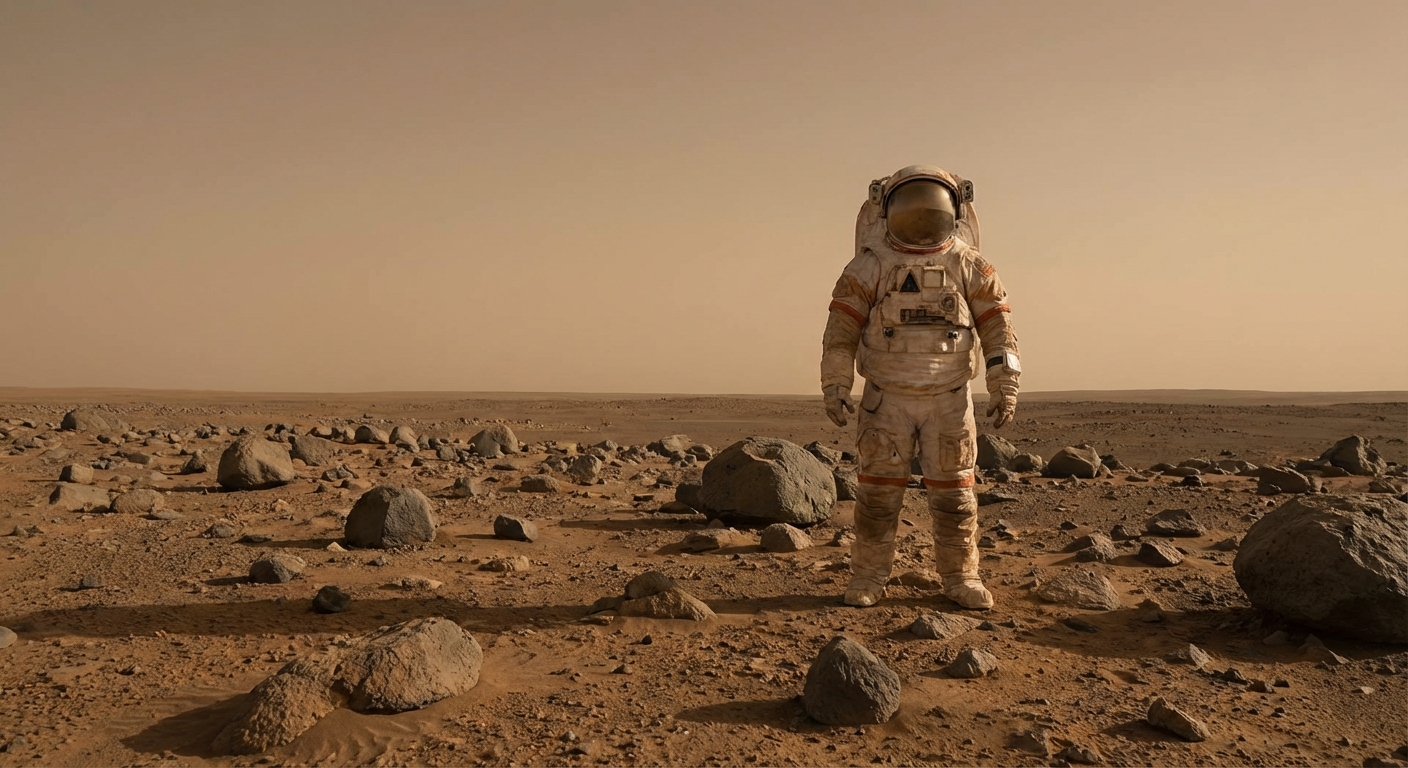
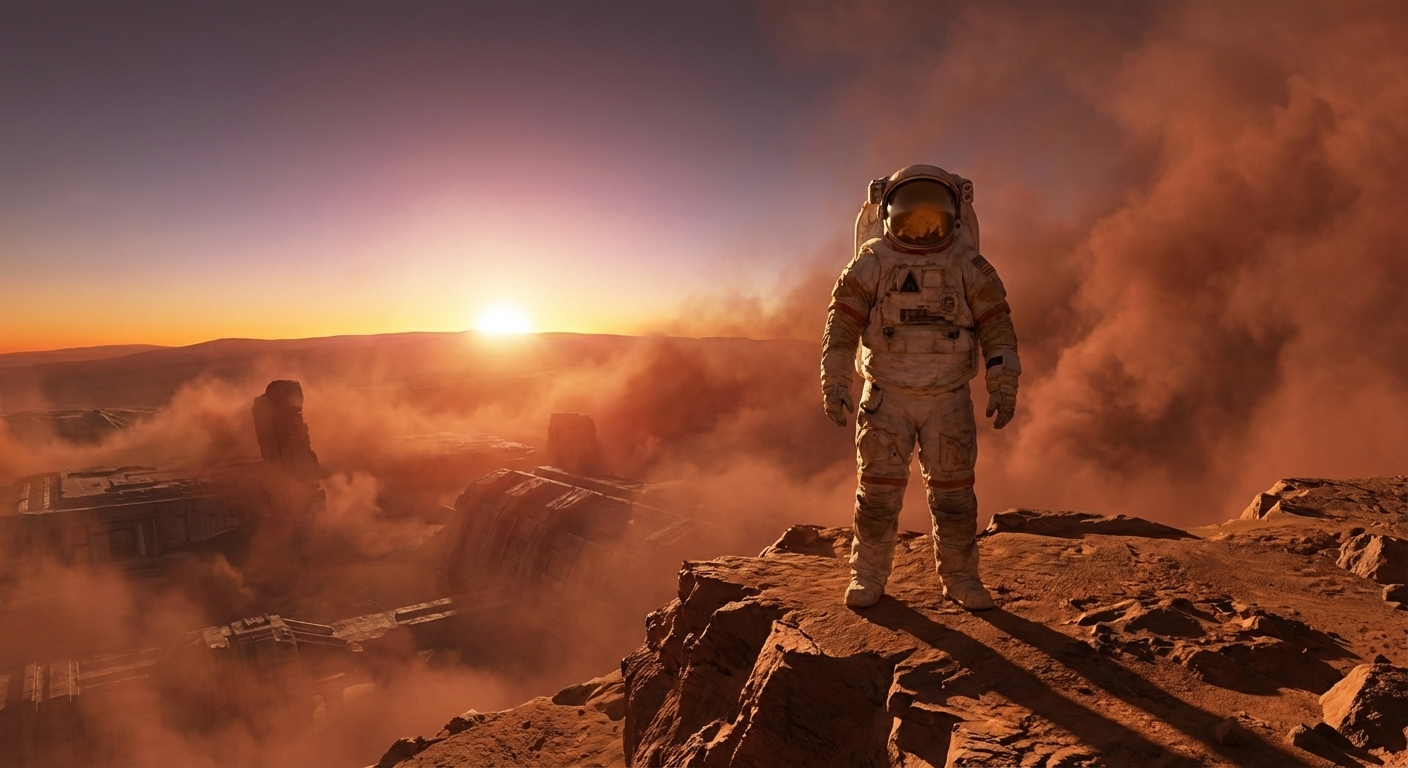
Explore worldbuilding through motion

Story videos are useful for testing not just characters, but atmosphere, scale, and setting.

Explore worldbuilding through motion

Story videos are useful for testing not just characters, but atmosphere, scale, and setting.

Before
After
Before
After

Build teaser-style sequences from a simple idea

This works especially well for pitches, short trailers, and creator storytelling experiments.

Build teaser-style sequences from a simple idea

This works especially well for pitches, short trailers, and creator storytelling experiments.

Before
After
Before
After

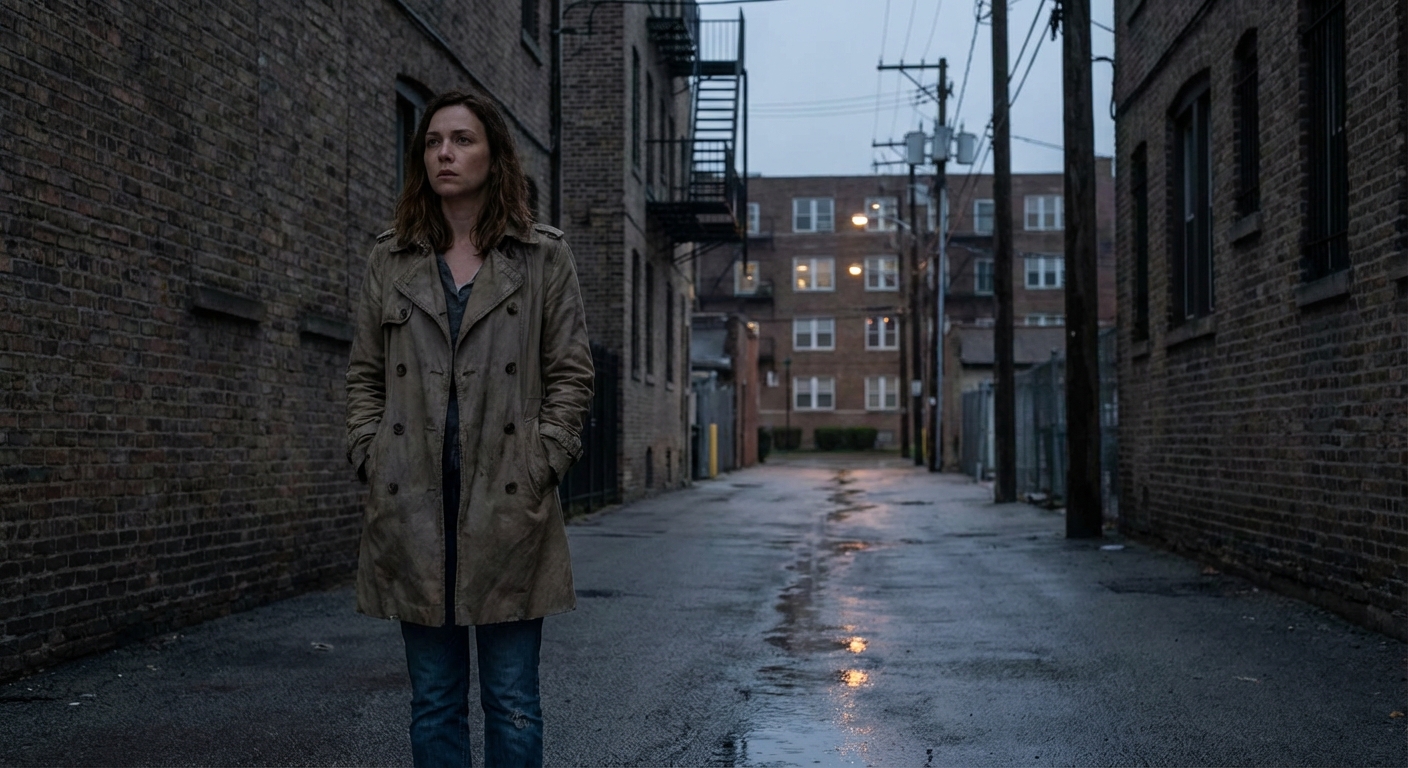
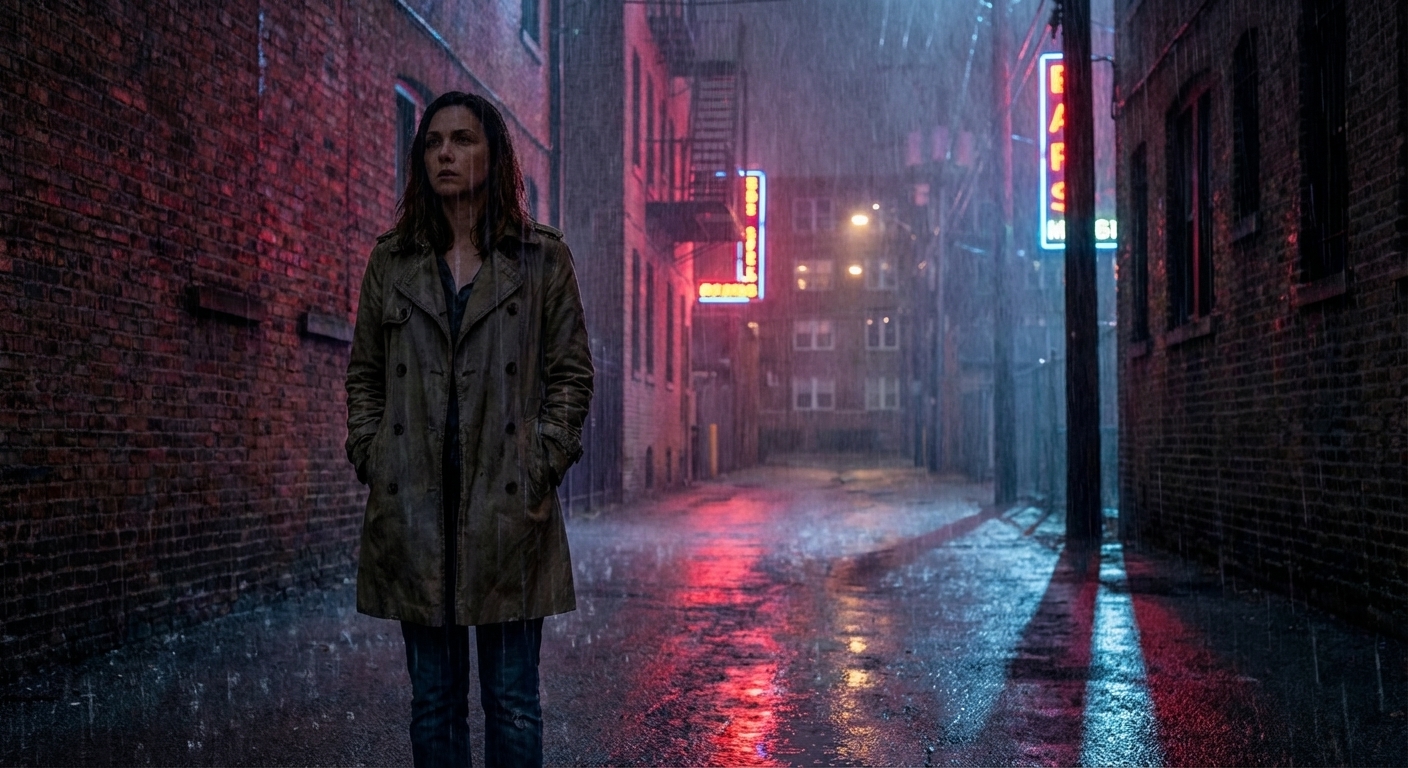
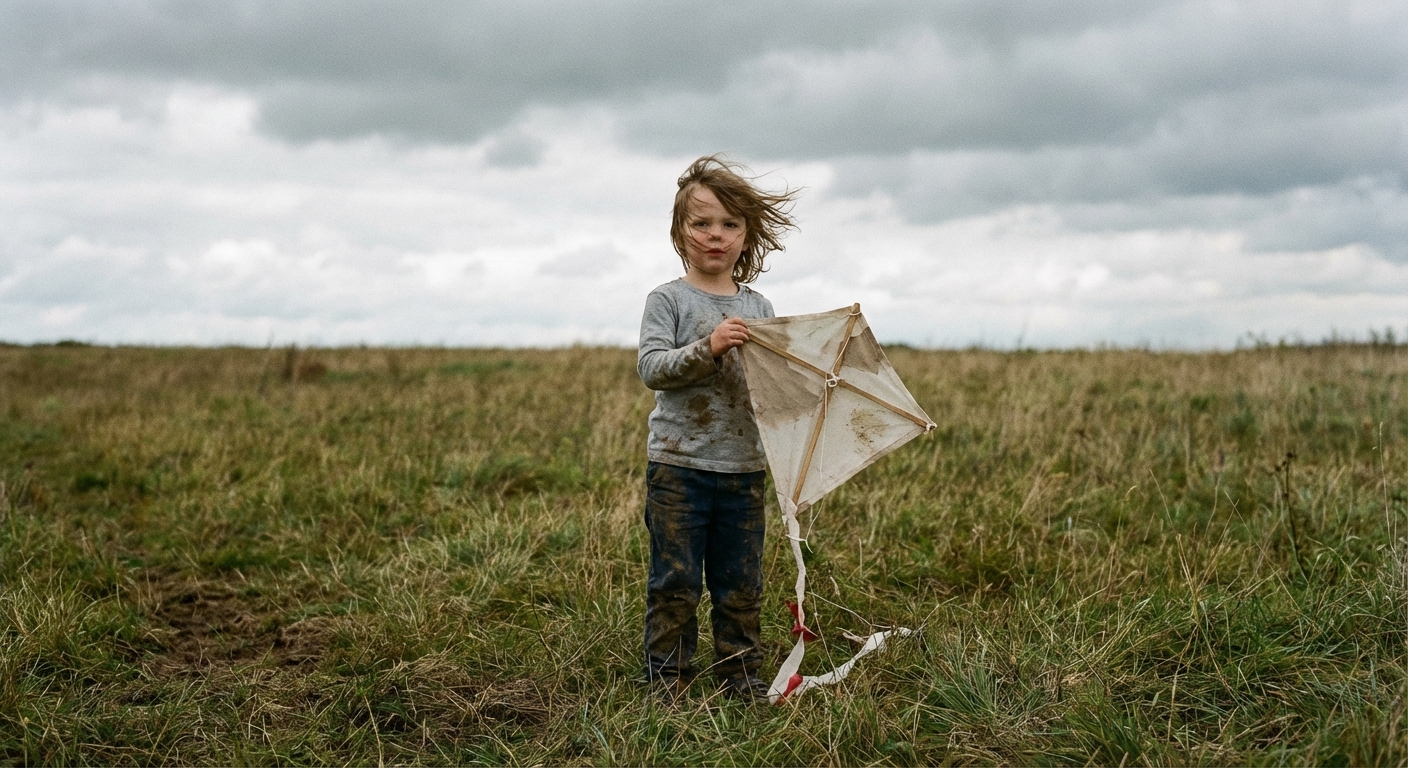
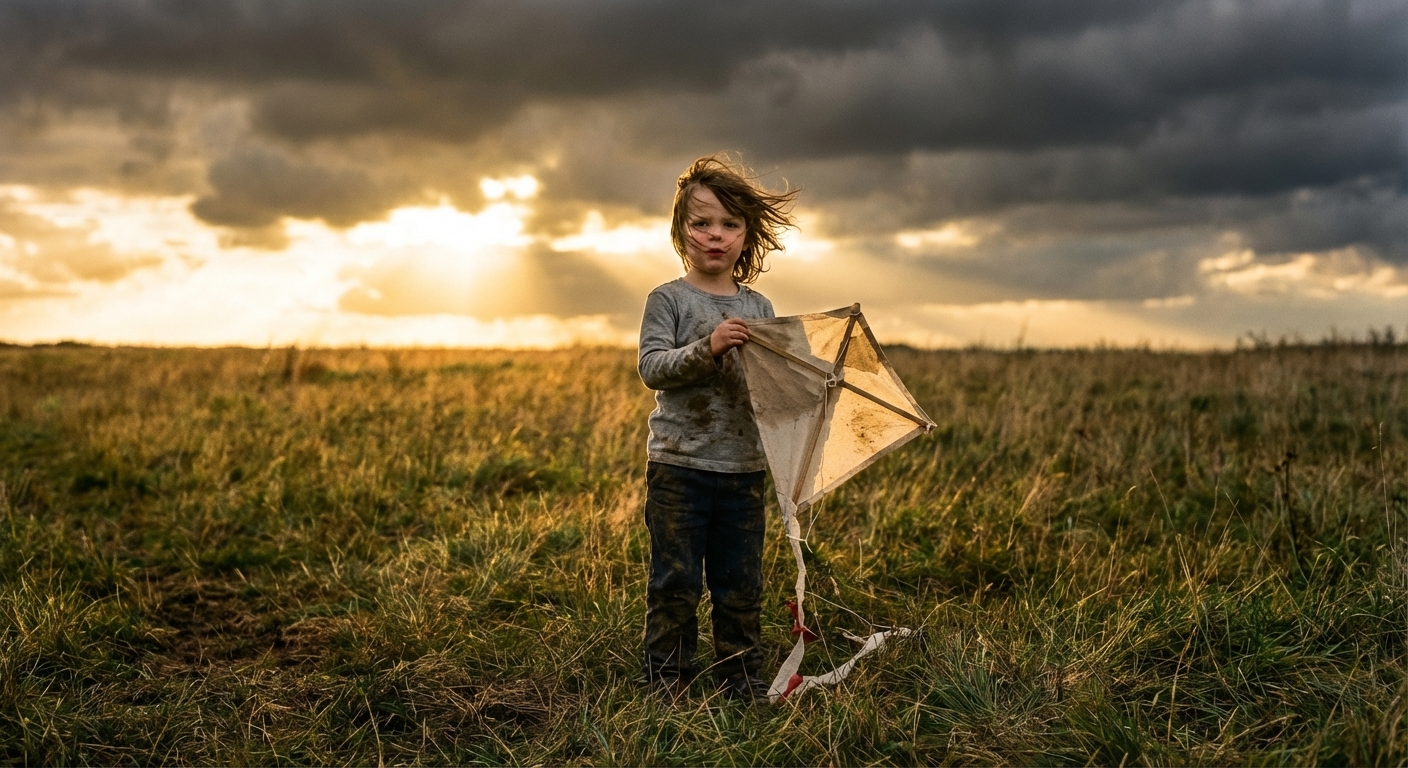
Find the strongest tone before full production

The same scene can feel completely different depending on pacing, light, and camera movement.

Find the strongest tone before full production

The same scene can feel completely different depending on pacing, light, and camera movement.

Before
After
Before
After

Turn written ideas into clearer visual references

That makes story development easier for creators, teams, and collaborators.

Turn written ideas into clearer visual references

That makes story development easier for creators, teams, and collaborators.

Before
After

Frequently Asked Questions

Answers to all your pressing questions about starryai
What is an AI story video generator best for?

It works best for scene visualization, trailers, mood videos, and narrative concept exploration.

Do I need a finished script?

No. A single strong moment or premise is enough to begin.

What prompts work best?

Prompts that include character, setting, mood, action, and camera feel usually produce stronger story moments.

Is this useful for creators and writers?

Yes. Writers, filmmakers, worldbuilders, and creative teams can all use it to explore ideas visually.

Why use starryai?

starryai helps turn abstract story ideas into images and motion faster, which is especially helpful early in development.

Background Texture

starryai is loved by millions

See what our users are saying about starryai
Almost don’t wanna give it a review so It doesn’t get more attention, but it is deserved. Great range of art styles and every one looks so cool I love it.
saltybigboi
App Store User
Very intuitive and has a great community! This app just keeps getting better with each update! The UI is a lot smoother and quicker, and there are always more features being added, expanding your options...Such a fun app!
Blenston Shandor
App Store User
This is actually a very nice ai text to image app. I use it quite a bit when I'm mobile and can't access my home Stable Diffusion setup.
ɘlbe spurling
App Store User
Background Texture

Go further with starryai

Want to unlock even more features to make your photos shine? With starryai Pro, you get more generations, faster results, higher quality outputs, and priority access to advanced creation settings.

Explore more

