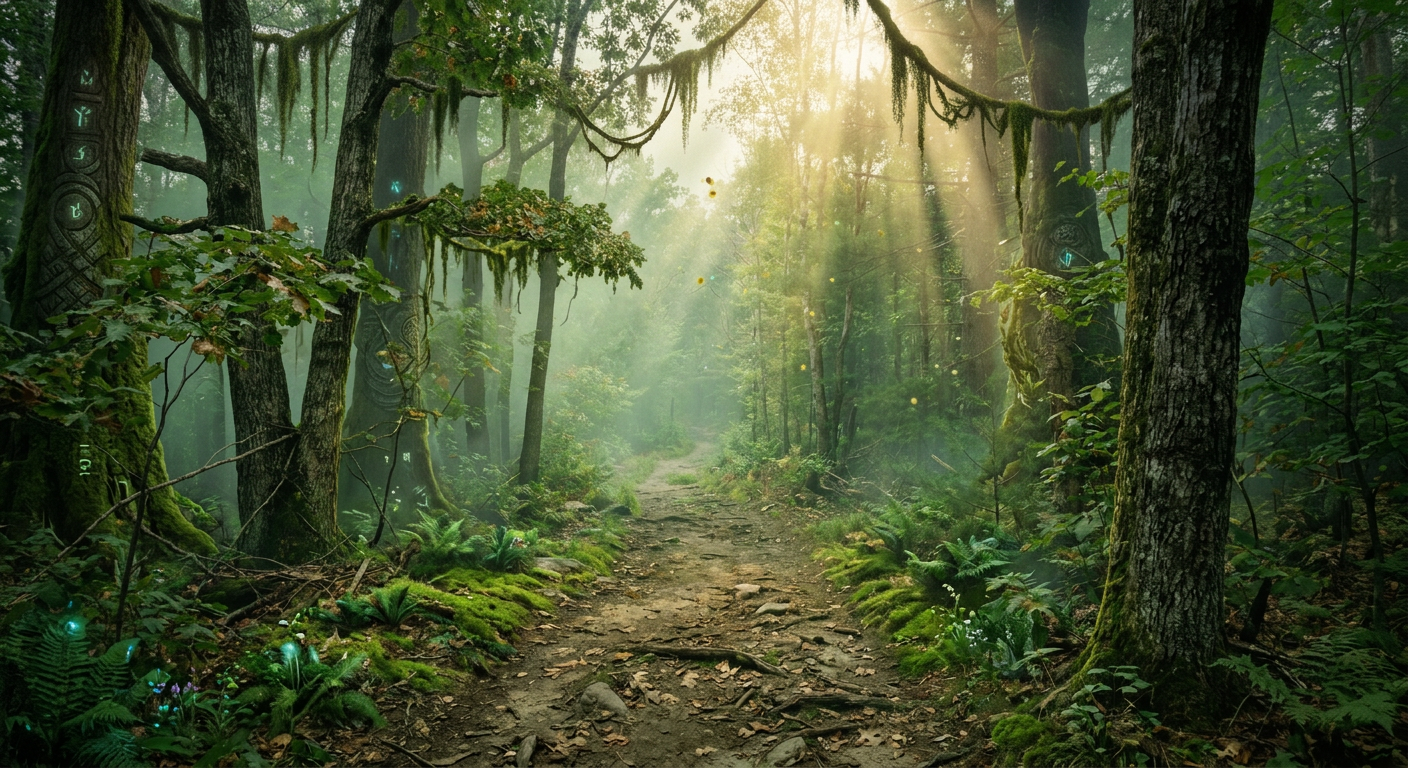
Generate breathtaking landscapes and environments from your imagination

Create cinematic landscapes, wallpapers, worldbuilding scenes, and atmospheric environments with starryai's AI scenery generator.

Free HD Download
No Watermark
upload or drag image here
Trusted by 30 million users
205,650 Reviews
Available on iPhone & Android

How to create scenery with AI

Step 1

Describe your scene

Write out the environment, time of day, weather, season, mood, and artistic style so starryai understands the exact kind of place you want to generate.

Step 2

Generate and explore variations

Use starryai to compare different interpretations of the same location by changing atmosphere, lighting, time of day, or visual style until the scene feels right.

Step 3

Download your scenery

Save the final image in high resolution for wallpapers, backgrounds, concept art, presentations, storyboards, or standalone art.

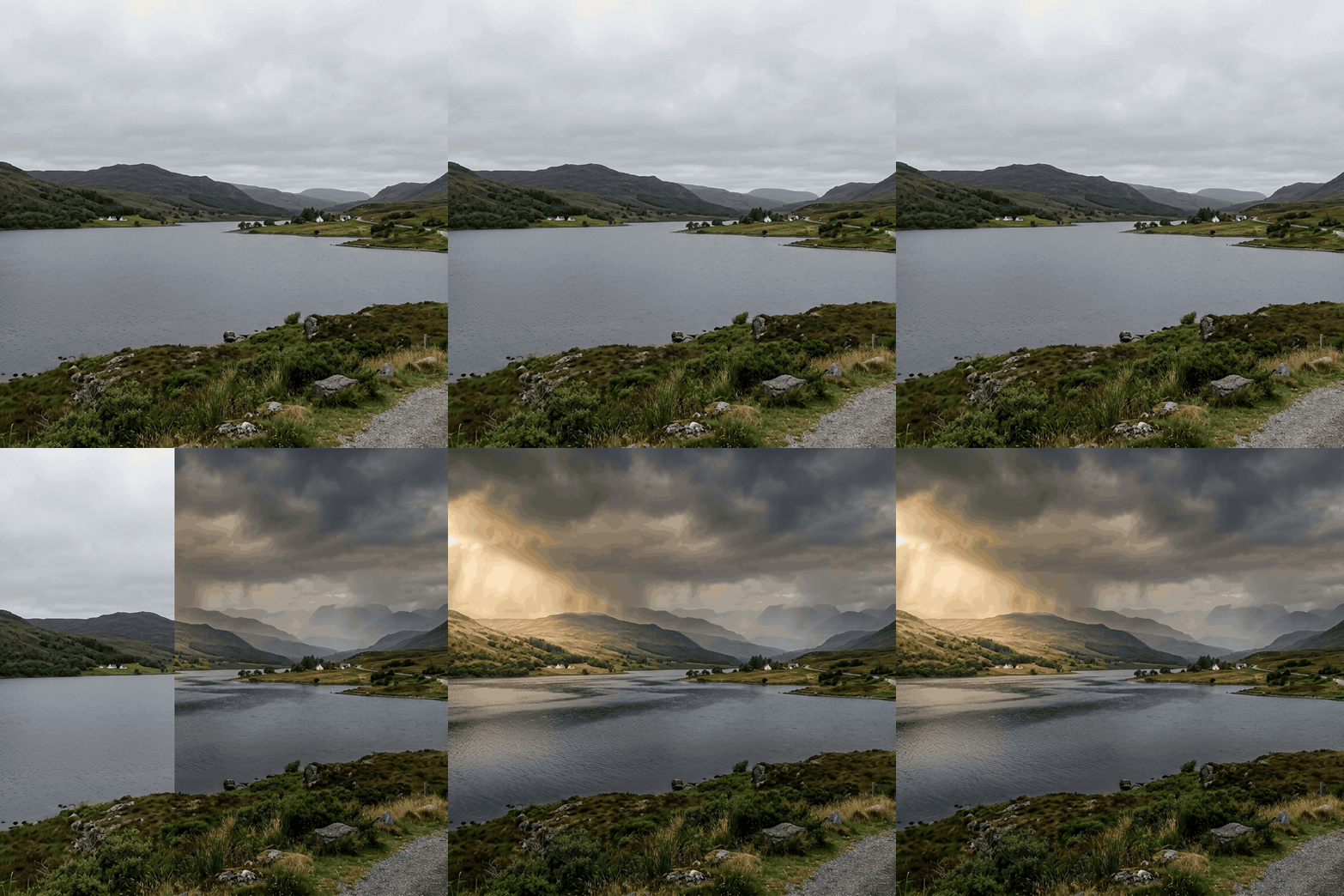
Before
After

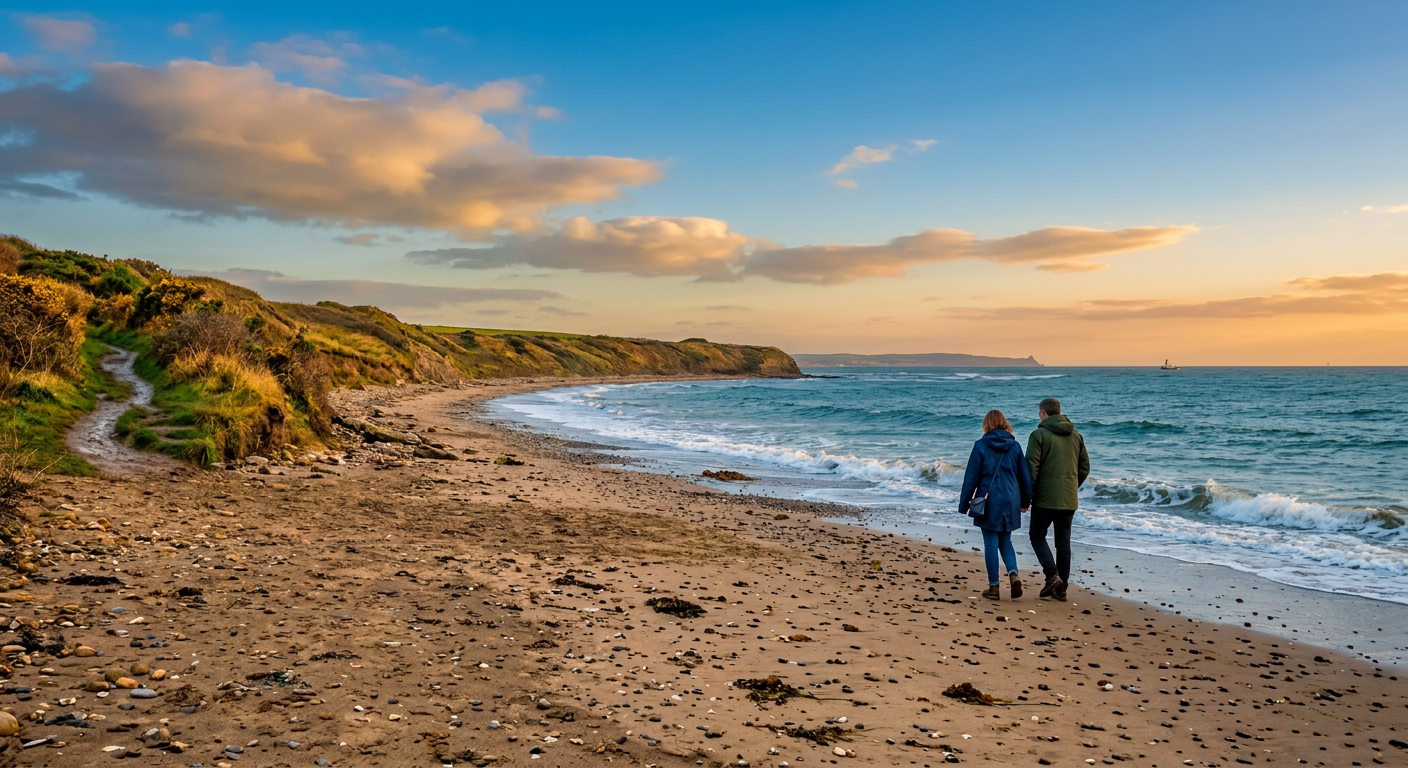
Create landscapes for wallpapers and backgrounds

Generate scenery that works for desktops, phones, presentations, and social posts while staying more distinctive than stock art.

Create landscapes for wallpapers and backgrounds

Generate scenery that works for desktops, phones, presentations, and social posts while staying more distinctive than stock art.

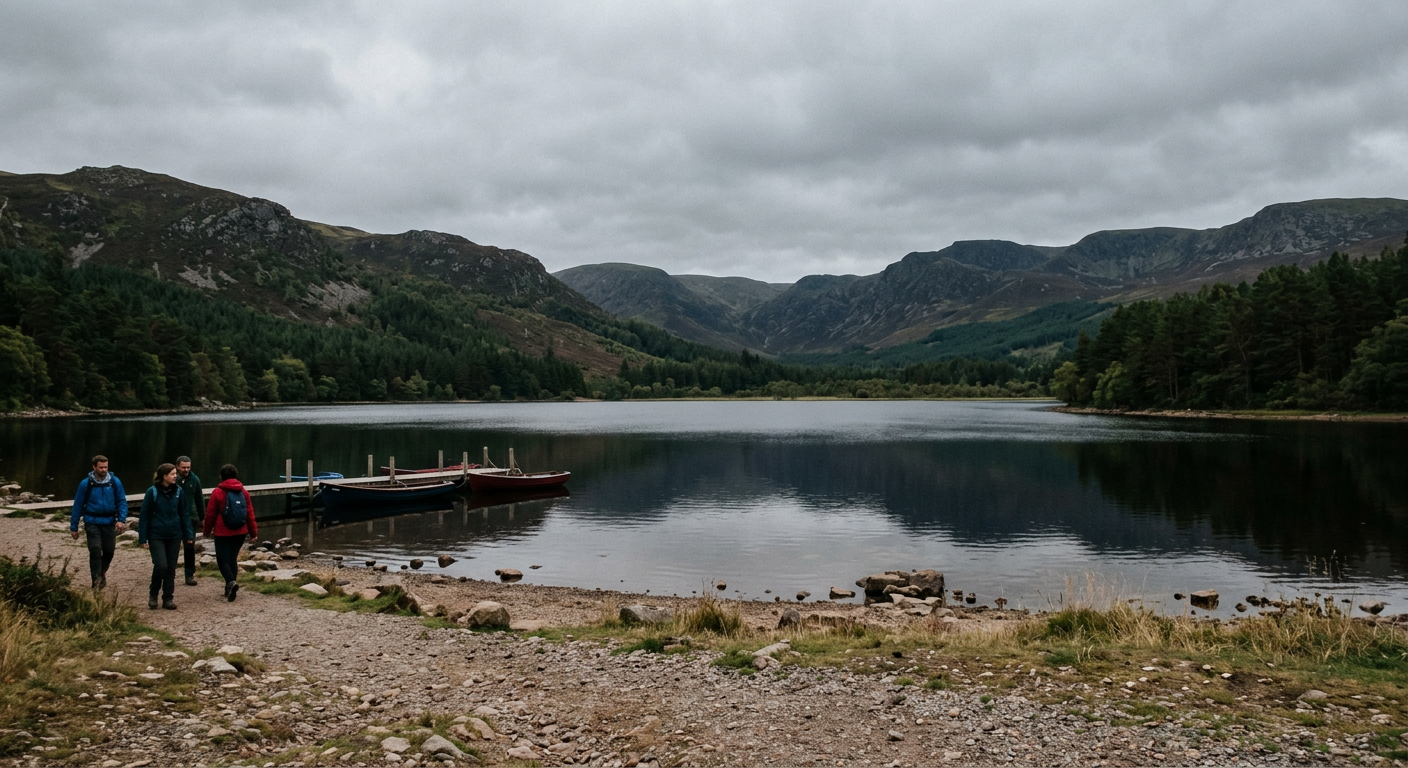
Before
After
Before
After

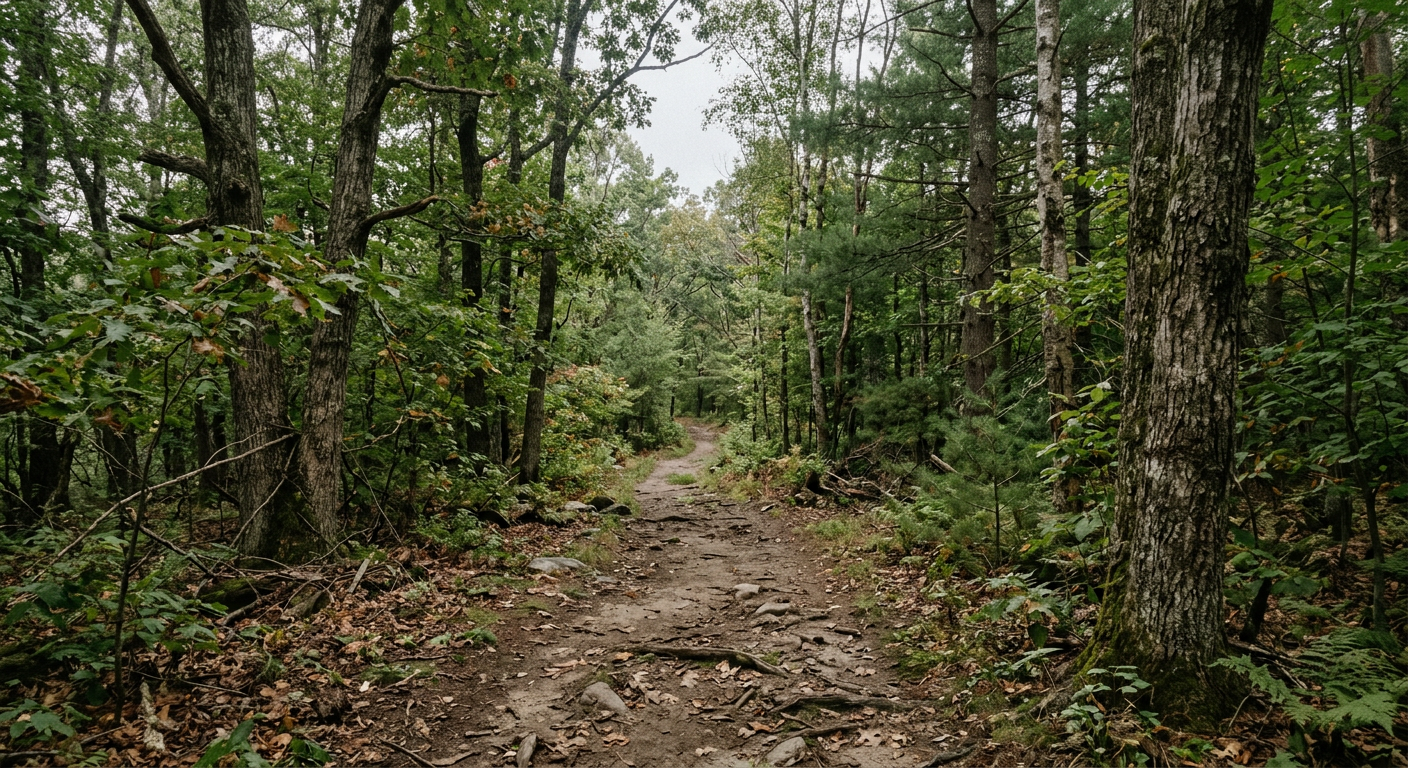
Explore many environmental styles fast

Prompt for alpine peaks, fantasy valleys, desert sunsets, misty forests, coastal cliffs, or sci-fi worlds and compare directions quickly.

Explore many environmental styles fast

Prompt for alpine peaks, fantasy valleys, desert sunsets, misty forests, coastal cliffs, or sci-fi worlds and compare directions quickly.

Before
After
Before
After

Build concept art and mood board visuals

Scenery generation is useful for worldbuilding, storytelling, brand mood boards, and visual brainstorming where atmosphere matters.

Build concept art and mood board visuals

Scenery generation is useful for worldbuilding, storytelling, brand mood boards, and visual brainstorming where atmosphere matters.

Before
After
Before
After

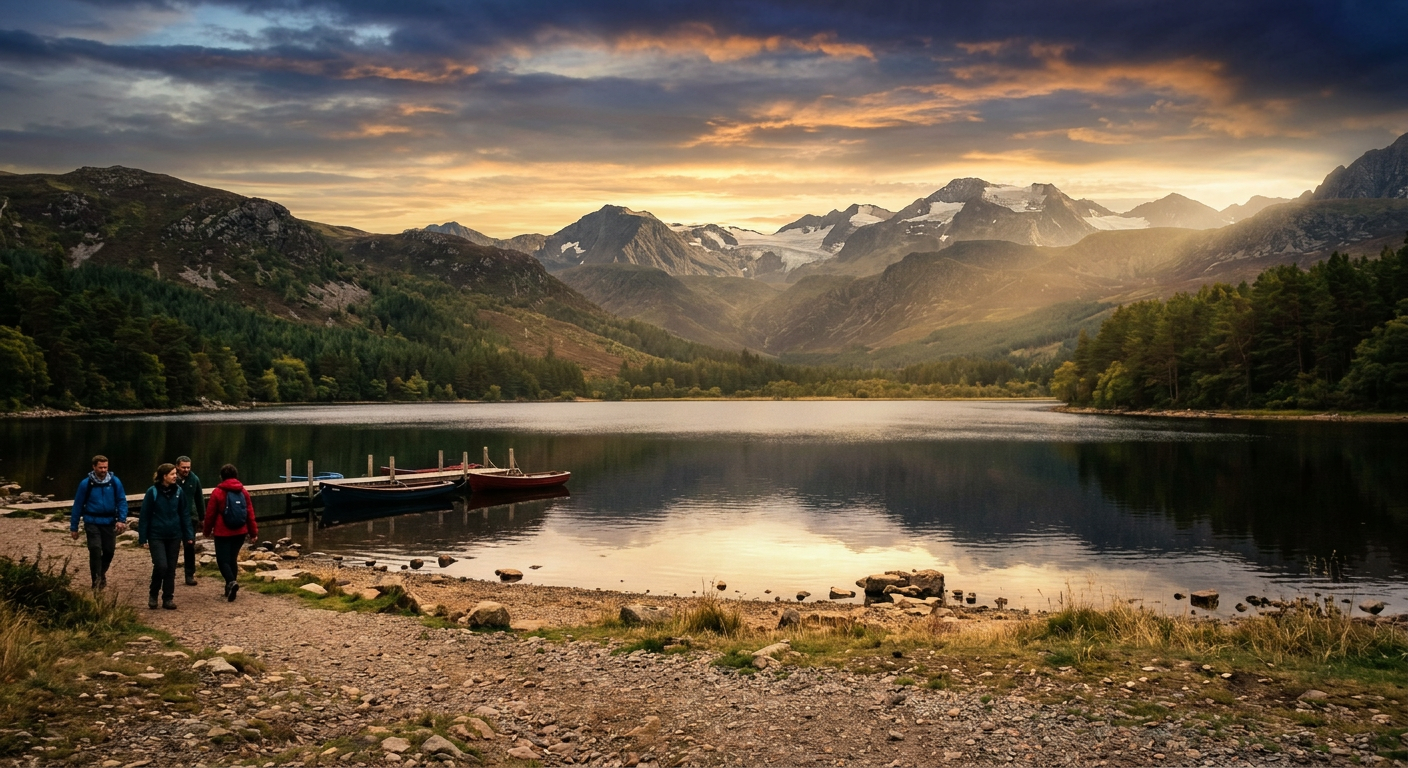
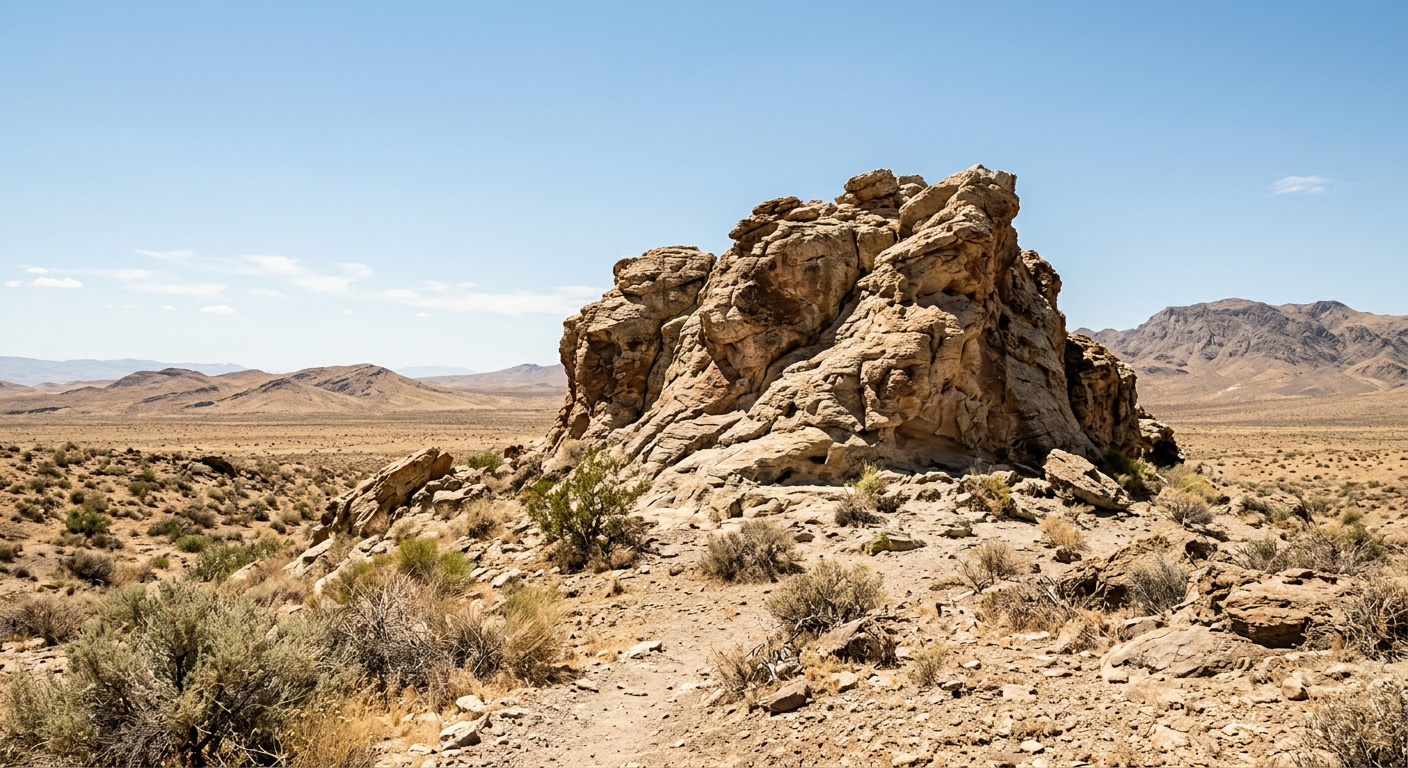
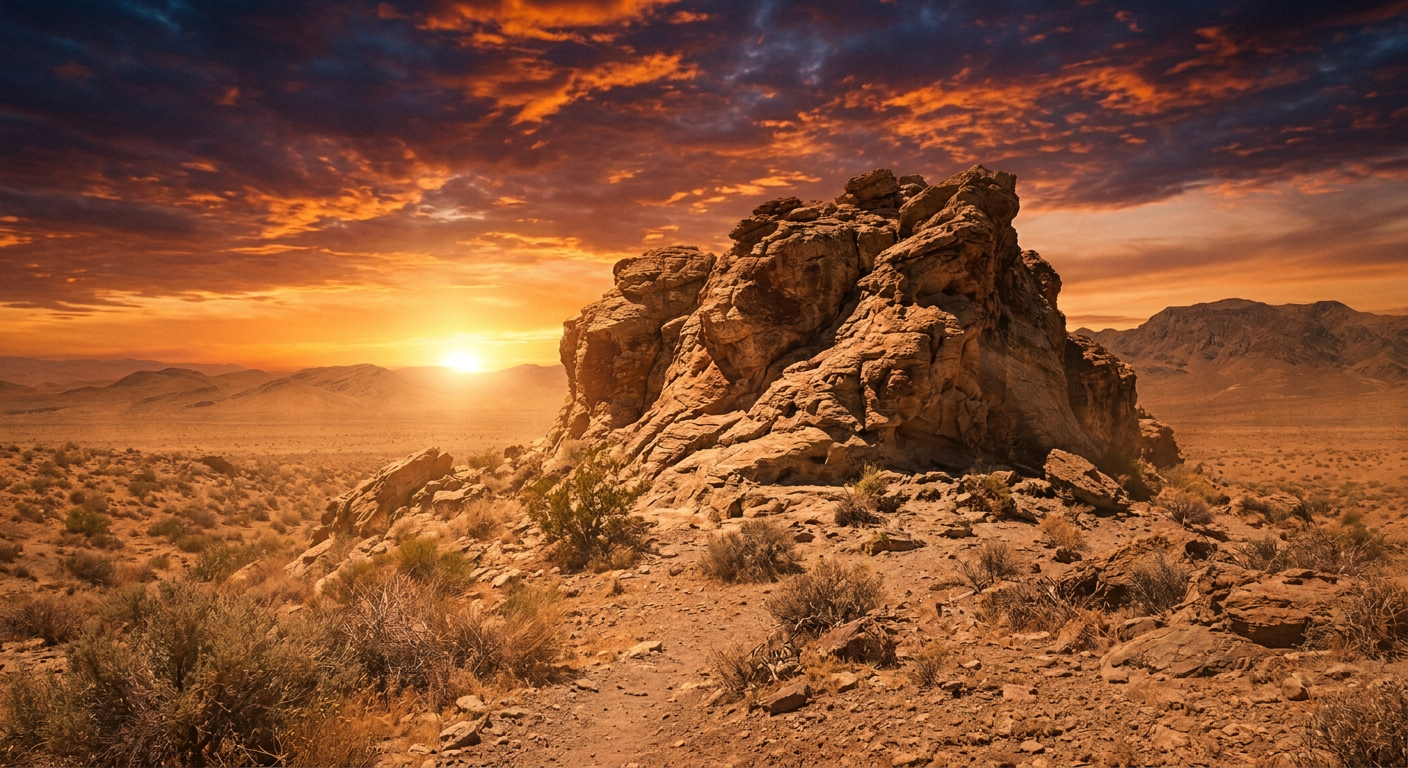
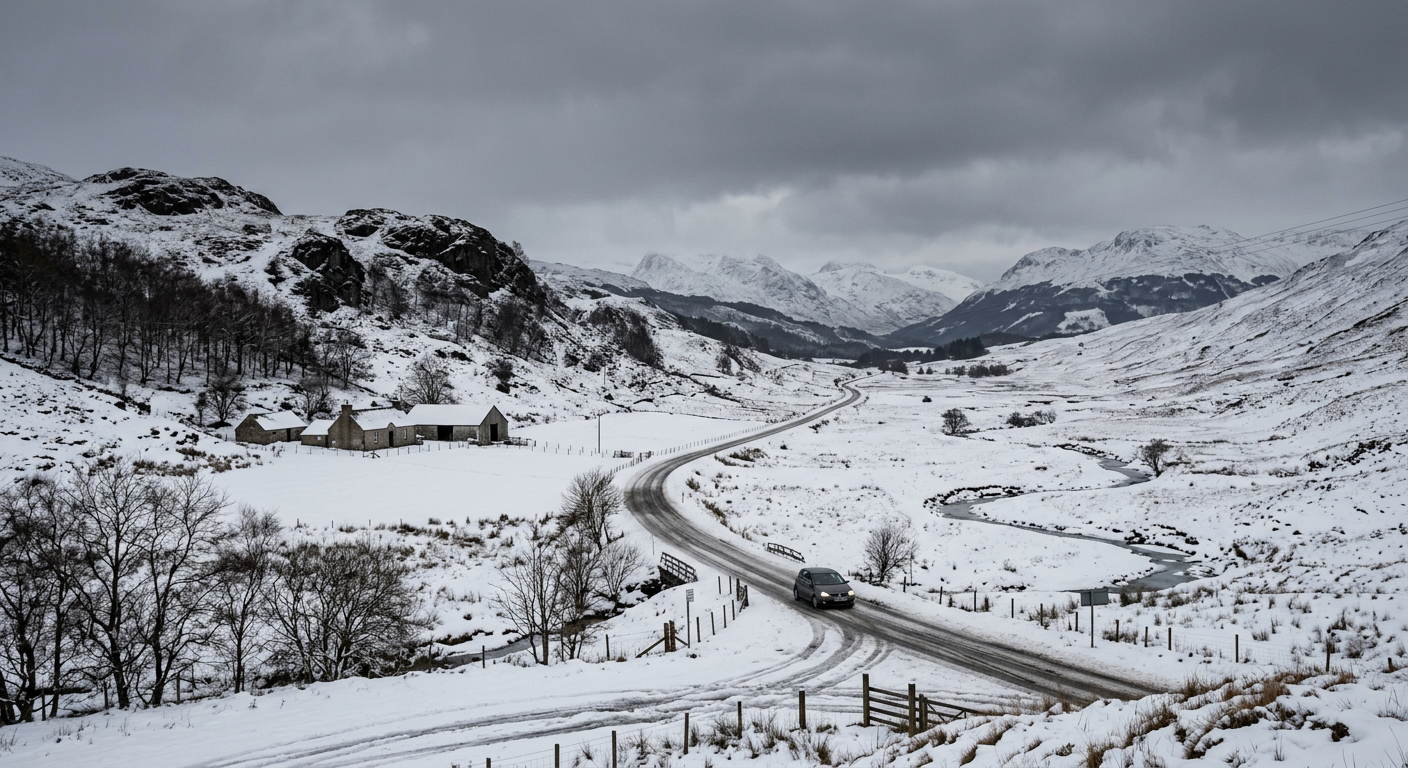
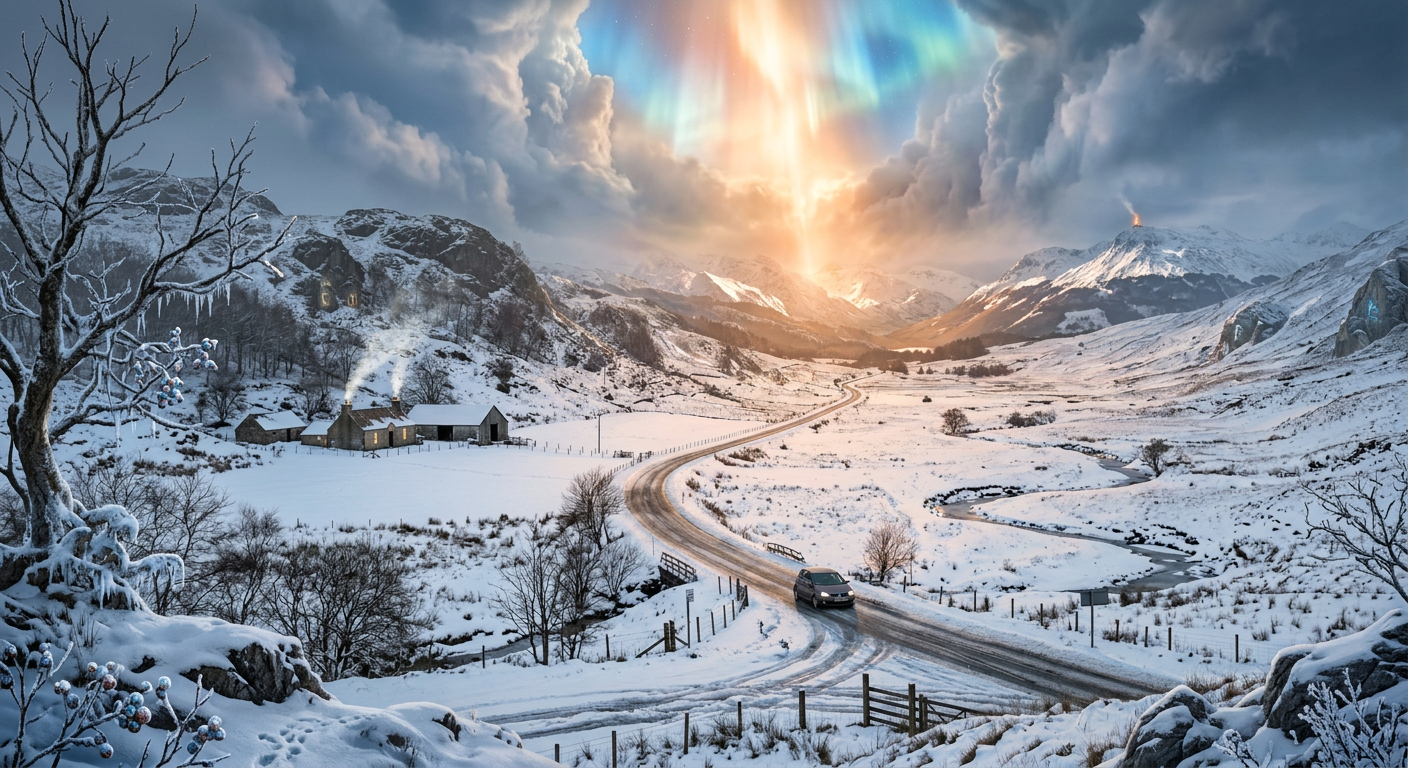
Control lighting, weather, and time of day

Descriptions around golden hour, stormy skies, winter fog, moonlight, or cinematic haze can drastically reshape the feel of the image.

Control lighting, weather, and time of day

Descriptions around golden hour, stormy skies, winter fog, moonlight, or cinematic haze can drastically reshape the feel of the image.

Before
After
Before
After

Turn vague ideas into specific places

Even a simple idea can become a convincing scene once you define terrain, scale, palette, and mood more clearly.

Turn vague ideas into specific places

Even a simple idea can become a convincing scene once you define terrain, scale, palette, and mood more clearly.

Before
After

Frequently Asked Questions

Answers to all your pressing questions about starryai
What kinds of environments can the AI generate?

starryai can generate natural landscapes, architectural settings, fantasy worlds, futuristic cityscapes, surreal scenes, and many other environment types as long as you describe them clearly.

How do I control the mood and atmosphere of the scene?

Lighting and weather do most of the work. Details such as golden hour, storm clouds, winter fog, moonlight, or neon haze dramatically change the feeling of the final image.

Can I generate wide panoramic scenes?

Yes. Ask for cinematic, panoramic, or landscape formats in the prompt, especially when you want broader environments that feel immersive or wallpaper-ready.

Is this useful for game development or worldbuilding?

Absolutely. AI scenery is very useful for concept art, biome references, background ideas, and visualizing worlds early in a project.

Can I create multiple scenes in a consistent style?

Yes. Reusing the same style language, palette, and mood across prompts helps create a set of scenes that feel like they belong in the same world.

Background Texture

starryai is loved by millions

See what our users are saying about starryai
Almost don’t wanna give it a review so It doesn’t get more attention, but it is deserved. Great range of art styles and every one looks so cool I love it.
saltybigboi
App Store User
Very intuitive and has a great community! This app just keeps getting better with each update! The UI is a lot smoother and quicker, and there are always more features being added, expanding your options...Such a fun app!
Blenston Shandor
App Store User
This is actually a very nice ai text to image app. I use it quite a bit when I'm mobile and can't access my home Stable Diffusion setup.
ɘlbe spurling
App Store User
Background Texture

Go further with starryai

Want to unlock even more features to make your photos shine? With starryai Pro, you get more generations, faster results, higher quality outputs, and priority access to advanced creation settings.

Explore more

