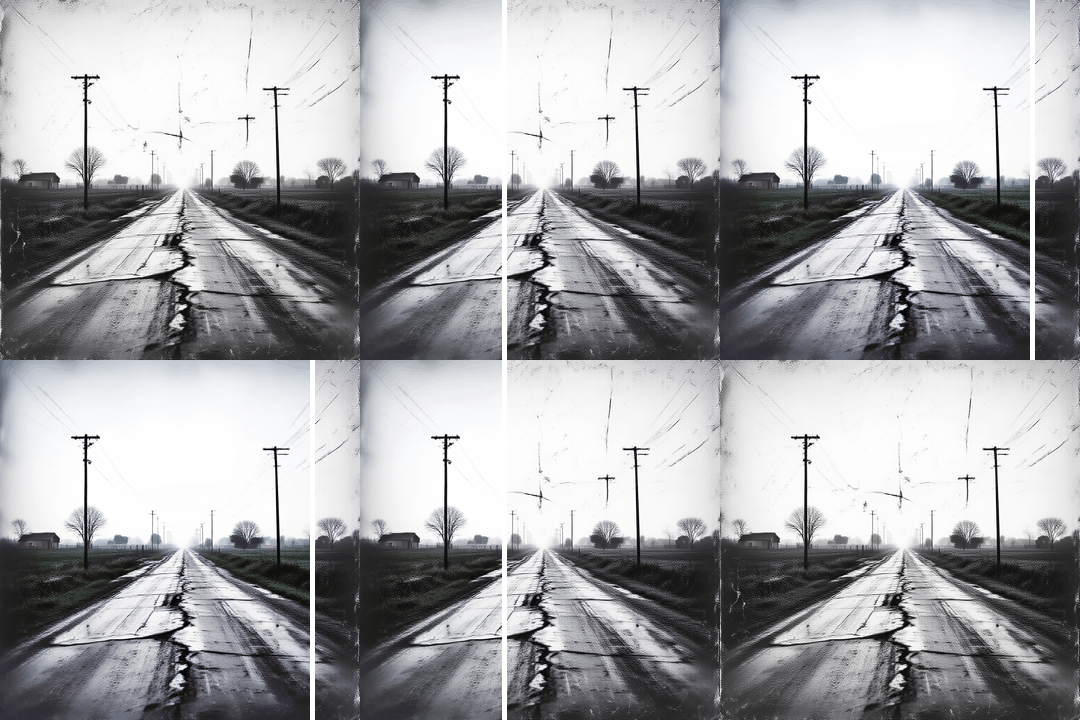


Restore old photos and repair damaged images using AI

Use starryai for AI repair and photo restoration. Upload an image, prompt the Edit tool, and restore clarity and detail to old, damaged, or faded photos in just a few seconds.

Free HD Download
No Watermark
upload or drag image here
Trusted by 30 million users
205,650 Reviews
Available on iPhone & Android

How to Repair Photos with starryai

Step 1

Upload your photo

Upload your image to the Edit tool. You can upload old photos, vintage pictures, damaged photos, or blurry photos. The tool works on photos online and supports multiple image formats and files.

Step 2

Prompt the repair

Describe what needs fixing. For example, restore old photos, repair scratches, reduce noise, fix blurry or pixelated photos, or enhance faded details.

Step 3

Download the restored image

Download the repaired image instantly. The result improves image quality and detail without losing quality, helping preserve precious memories and old moments in a clean, high quality image.

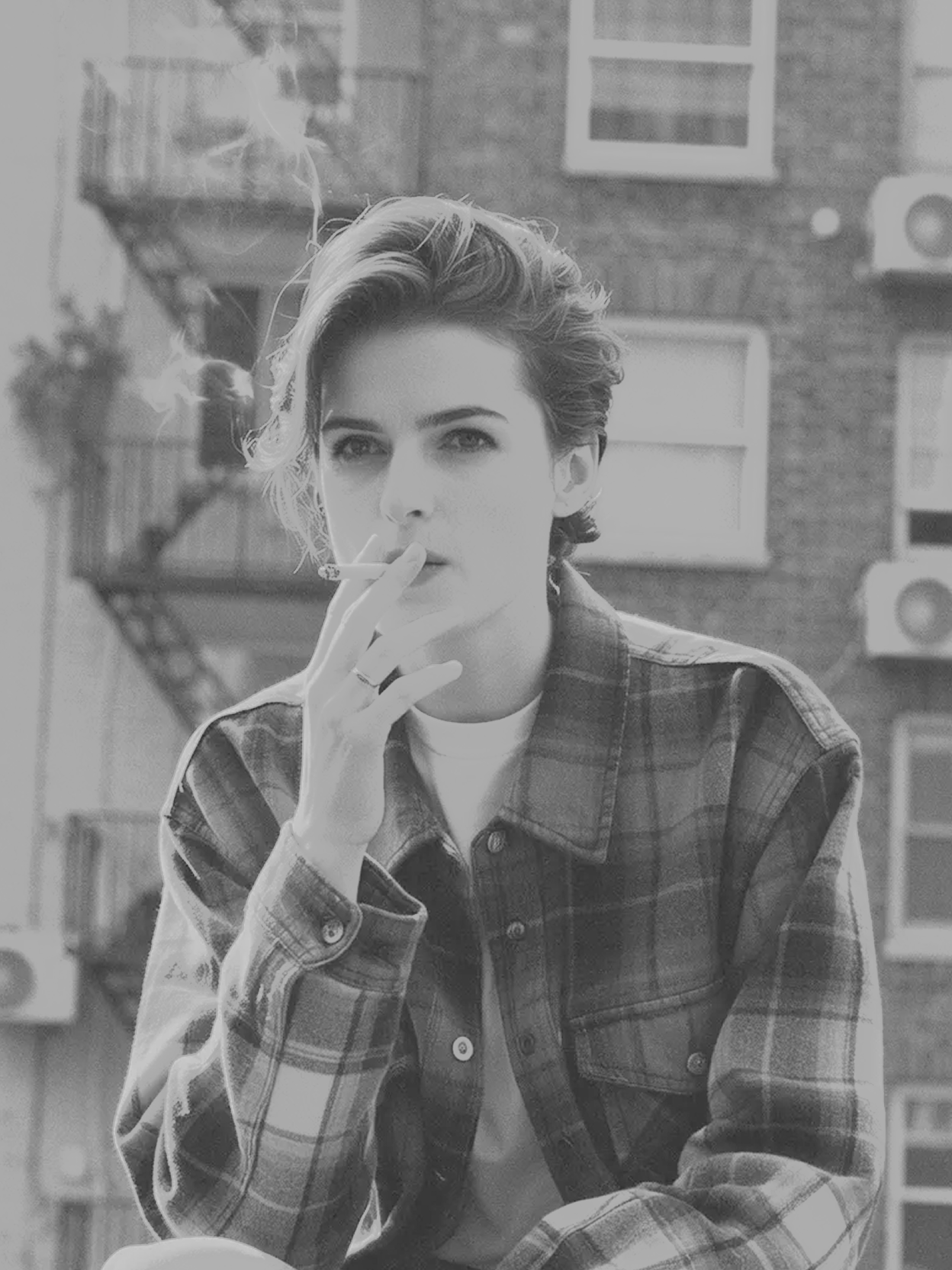
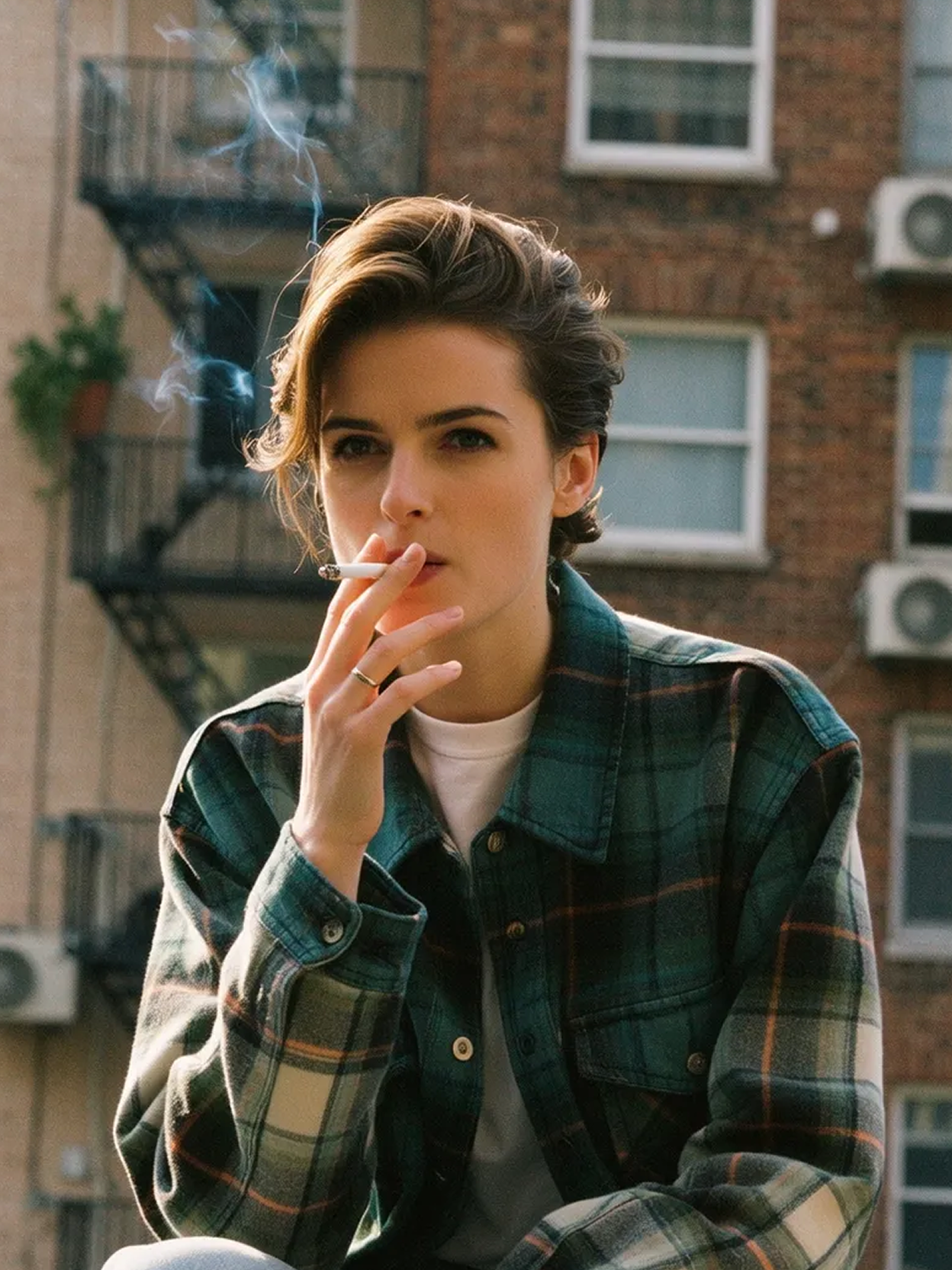
Before
After

AI photo restoration for old and damaged photos

starryai works as an AI photo repair tool through its Edit tool. It supports old photo restoration, damaged photo repair, and restoring faded or scratched images without technical skills.

AI photo restoration for old and damaged photos

starryai works as an AI photo repair tool through its Edit tool. It supports old photo restoration, damaged photo repair, and restoring faded or scratched images without technical skills.

Before
After
Before
After

Enhance clarity and detail automatically

The AI enhances photos by improving clarity, reducing noise, fixing scratches, and refining details. This helps restore old images while keeping them natural and close to the original look.

Enhance clarity and detail automatically

The AI enhances photos by improving clarity, reducing noise, fixing scratches, and refining details. This helps restore old images while keeping them natural and close to the original look.

Before
After
Before
After

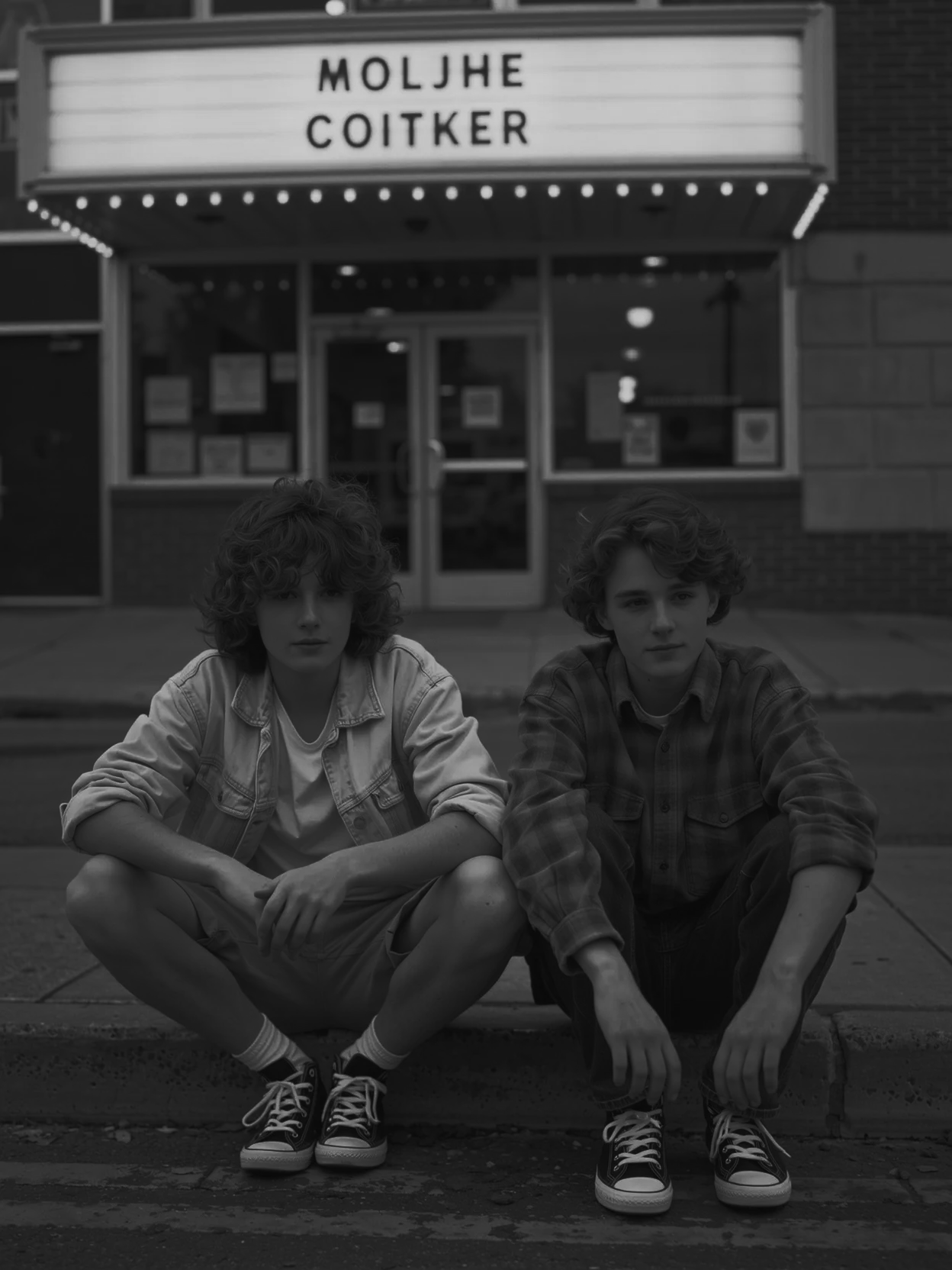
Restore memories without quality loss

Photo restoration focuses on preserving the original appearance of images. The process avoids losing quality while enhancing sharpness, contrast, and resolution for vivid, restored photos.

Restore memories without quality loss

Photo restoration focuses on preserving the original appearance of images. The process avoids losing quality while enhancing sharpness, contrast, and resolution for vivid, restored photos.

Before
After
Before
After

Works on browser, iOS, and Android

Repair photos directly in your browser or use starryai on iOS and Android devices. Restore images on any device and download results easily.

Works on browser, iOS, and Android

Repair photos directly in your browser or use starryai on iOS and Android devices. Restore images on any device and download results easily.

Before
After

Frequently Asked Questions

Answers to all your pressing questions about starryai
Is starryai an AI photo restoration tool?

starryai is an AI image creation and editing platform. Photo repair and restoration are supported use cases within the Edit tool, not a standalone restoration service.

Can I restore very old or damaged photos?

Yes. You can use AI photo restoration to repair old photos, faded images, and damaged photos, though results may vary depending on image condition.

Does photo repair reduce image quality?

No. The tool is designed to improve image quality and clarity while avoiding unnecessary quality loss.

Can I repair multiple photos?

Yes. You can upload and process multiple photos, making it easier to restore large collections of old images.

Is this free to try?

Yes. starryai offers free credits so you can try AI photo repair before upgrading.

Background Texture

starryai is loved by millions

See what our users are saying about starryai
Almost don’t wanna give it a review so It doesn’t get more attention, but it is deserved. Great range of art styles and every one looks so cool I love it.
saltybigboi
App Store User
Very intuitive and has a great community! This app just keeps getting better with each update! The UI is a lot smoother and quicker, and there are always more features being added, expanding your options...Such a fun app!
Blenston Shandor
App Store User
This is actually a very nice ai text to image app. I use it quite a bit when I'm mobile and can't access my home Stable Diffusion setup.
ɘlbe spurling
App Store User
Background Texture

Go further with starryai

Want to unlock even more features to make your photos shine? With starryai Pro, you get more generations, faster results, higher quality outputs, and priority access to advanced creation settings.

Explore more

