Studio-quality passport photos - no appointment needed

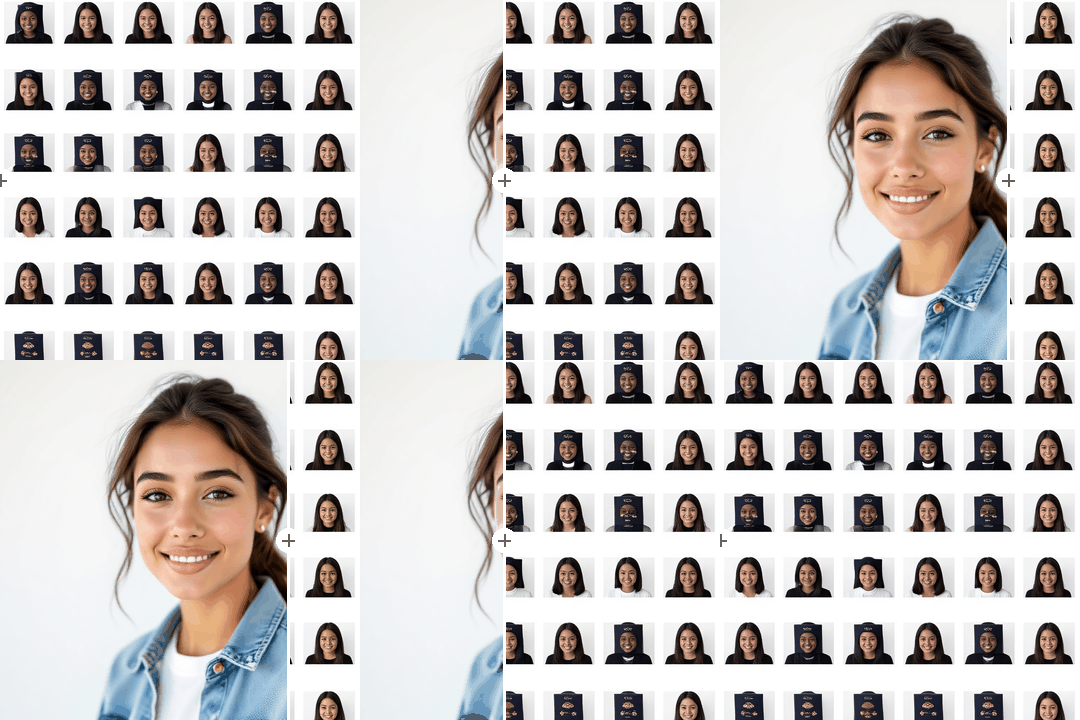
Getting a passport photo used to mean booking a slot at a pharmacy or photo studio. With starryai's AI passport photo generator, you can create a compliant, professional-quality passport photo from your phone or desktop in under a minute. Upload your photo, let the AI handle the background, lighting, and cropping, and download a print-ready result.

Free HD Download
No Watermark
upload or drag image here
Trusted by 30 million users
205,650 Reviews
Available on iPhone & Android

How to create a passport photo with AI

Step 1

Upload your photo

Take a clear selfie or upload an existing photo. Make sure your face is fully visible, well-lit, and facing the camera directly. The AI works best with photos taken against a plain background, but it can handle most conditions.

Step 2

Let AI optimize the shot

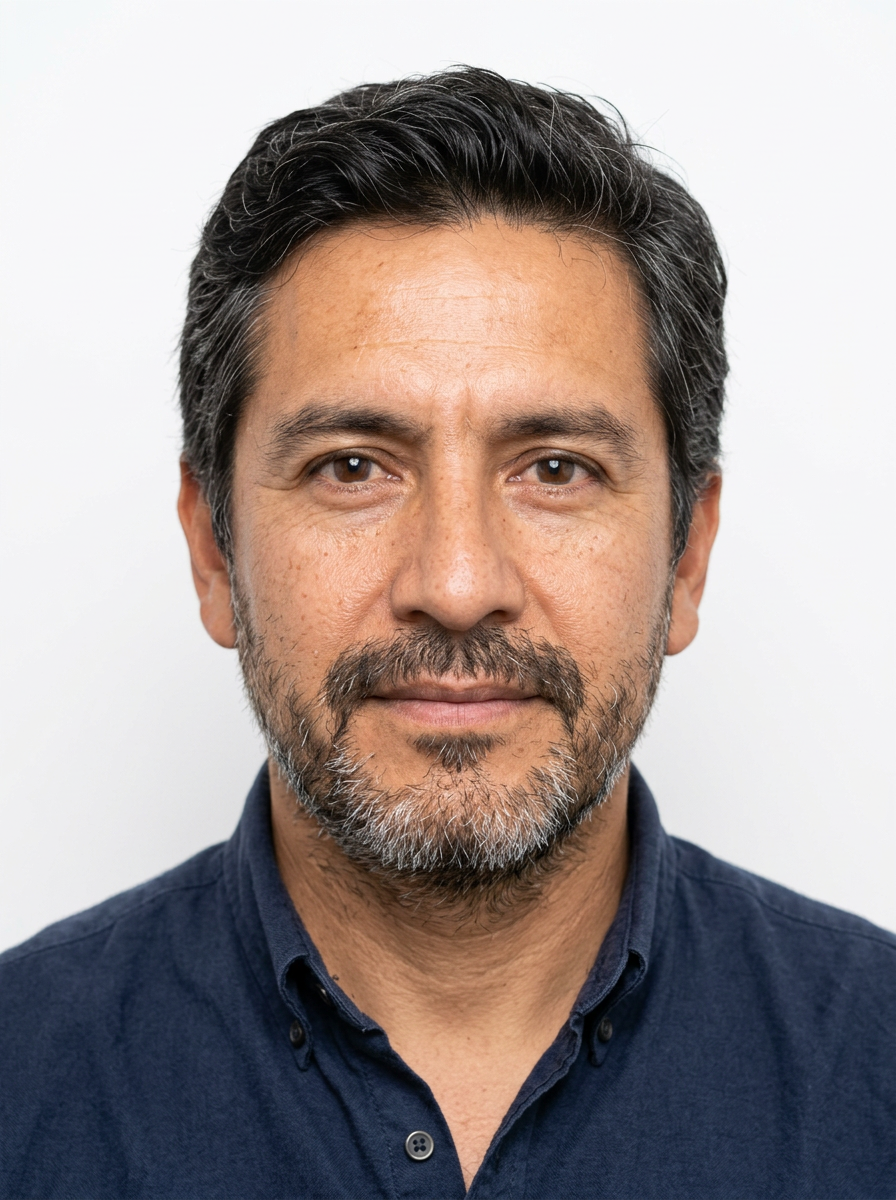
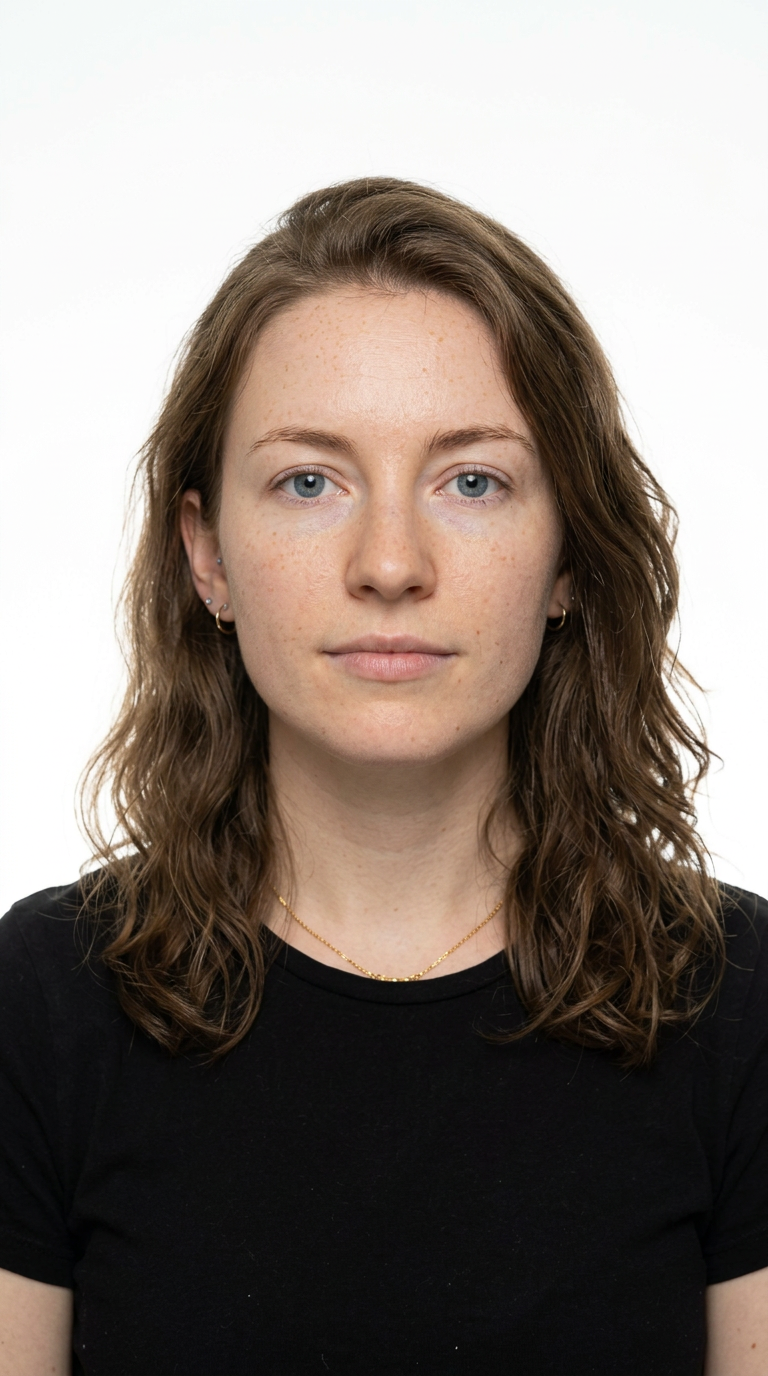
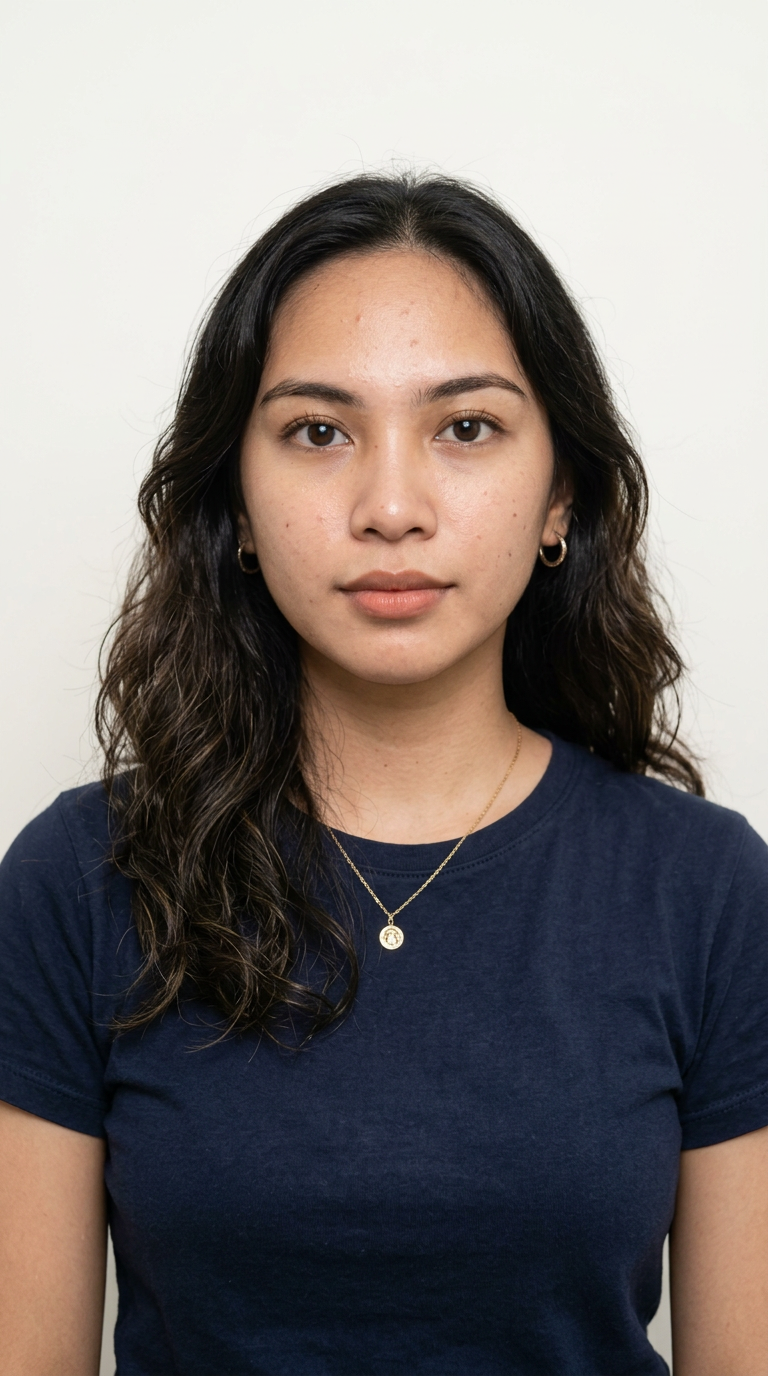
starryai automatically removes the background, replaces it with the standard white or off-white required by most passport authorities, adjusts brightness and contrast for even lighting, and centers your face to meet official crop requirements.

Step 3

Download and print

Download your photo in the correct dimensions for your country. Print at home or use any photo printing service. Most countries accept 35x45mm or 2x2 inch formats, and starryai helps you get a clean result fast.

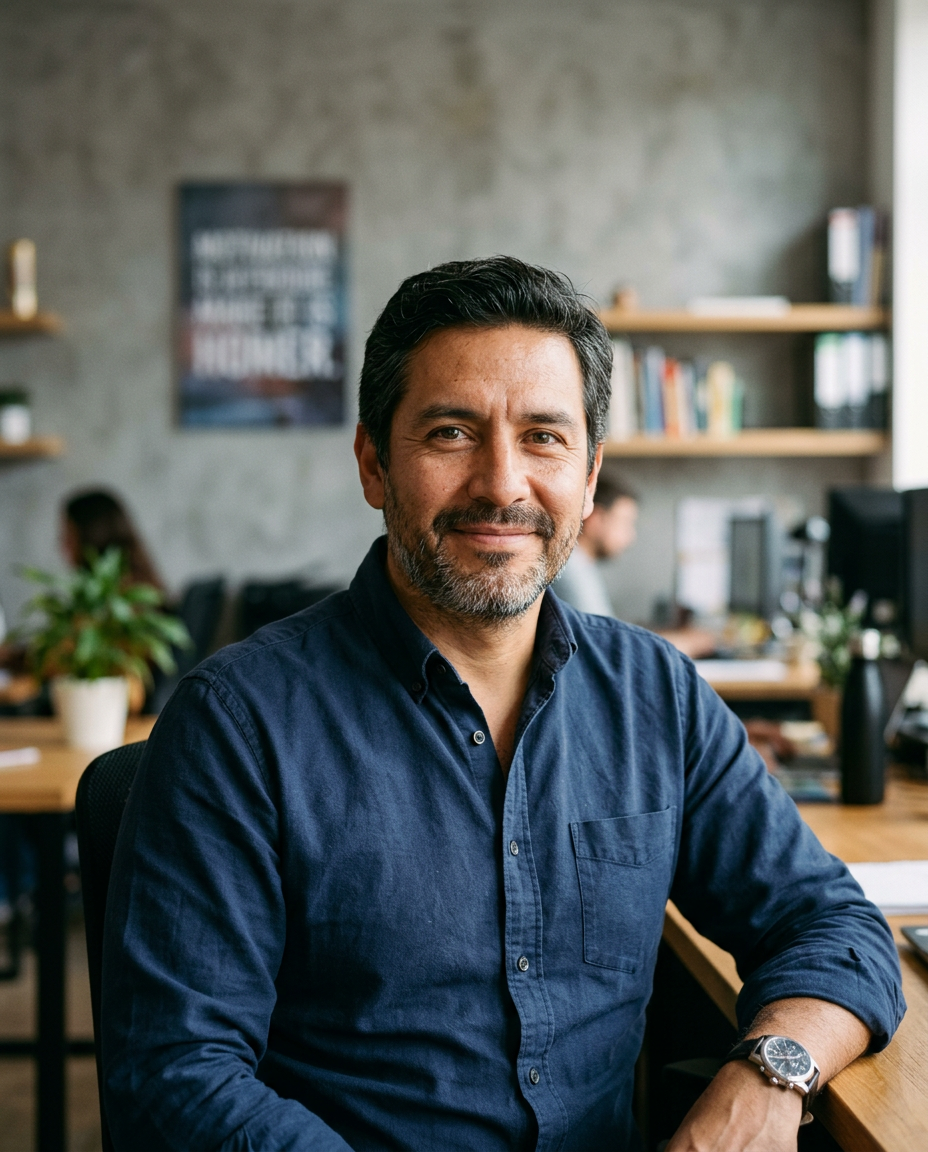
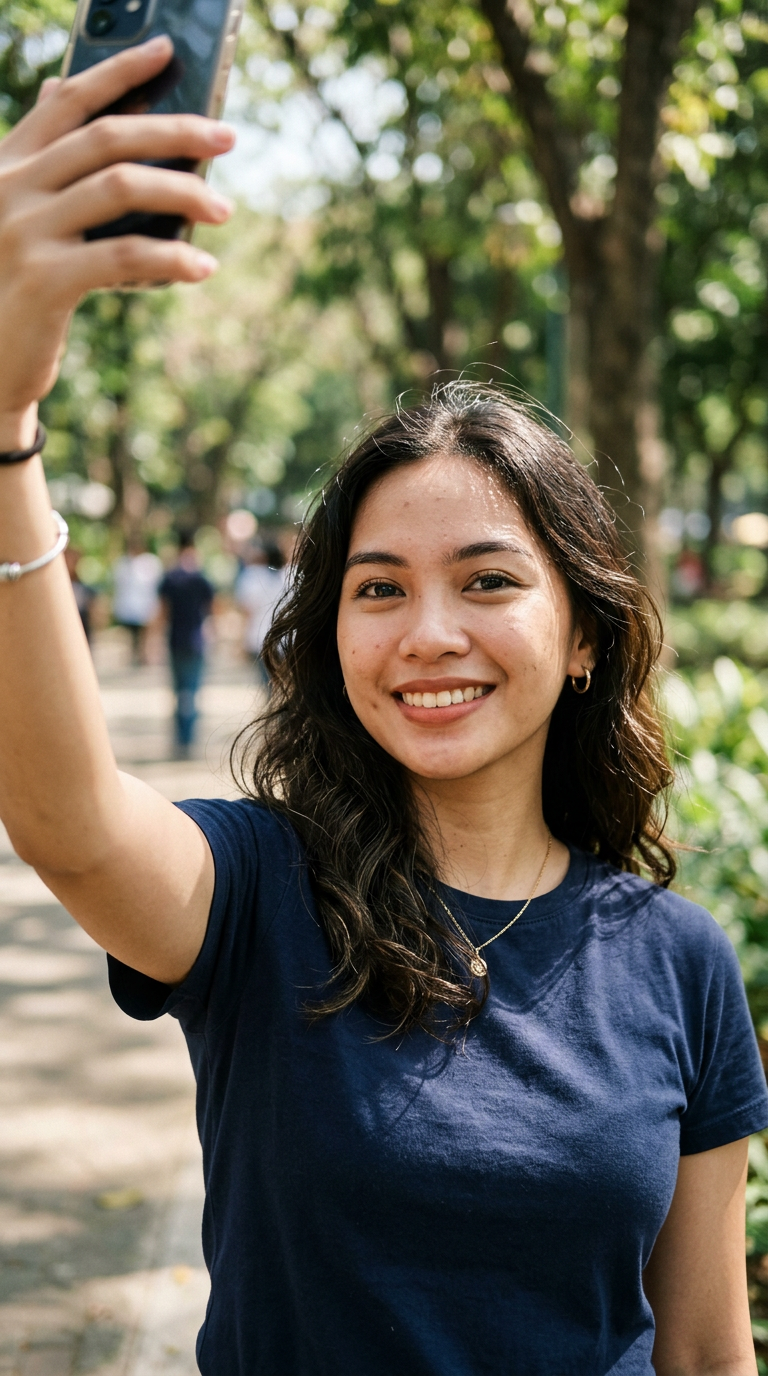
Before
After

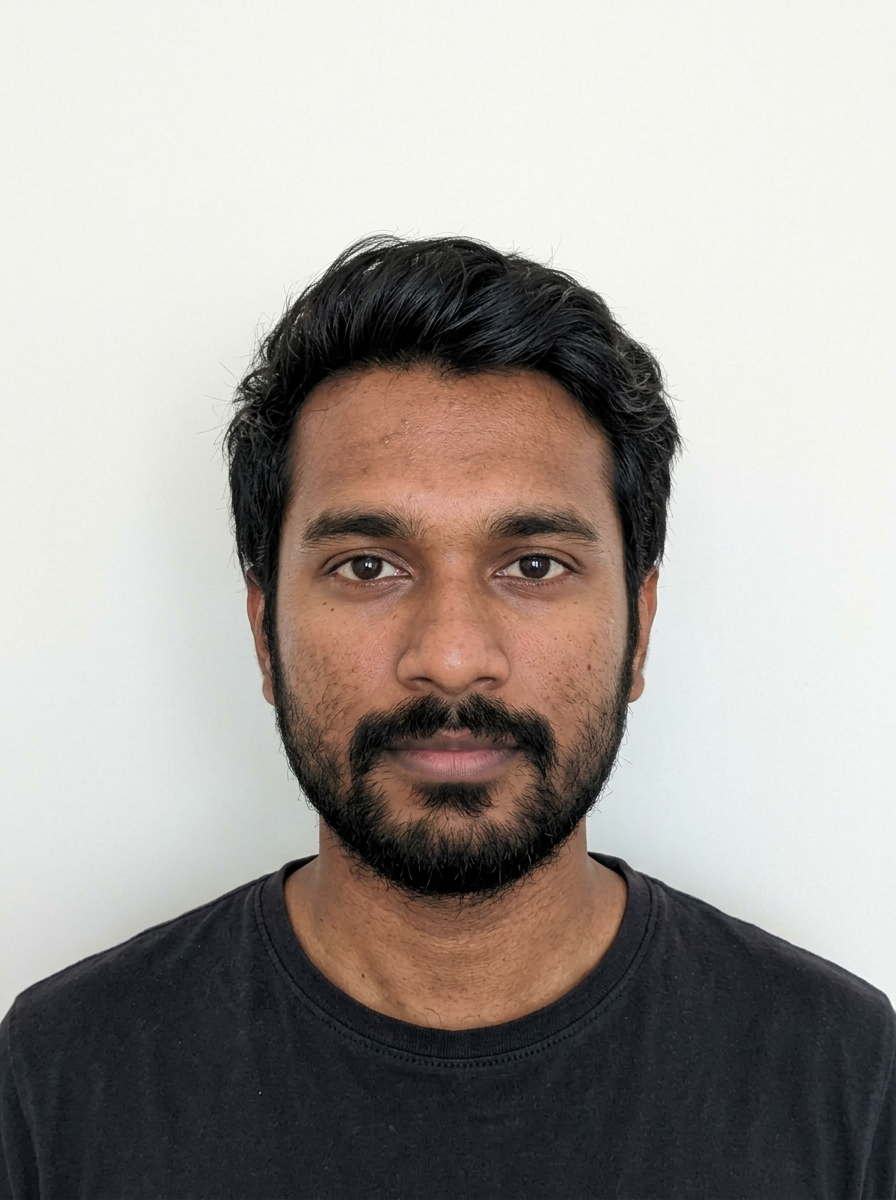
Meet passport photo requirements faster

Skip the trip to a photo booth and create a passport-style image from home. starryai helps you clean up the background, improve lighting, and frame your face for a more compliant result in minutes.

Meet passport photo requirements faster

Skip the trip to a photo booth and create a passport-style image from home. starryai helps you clean up the background, improve lighting, and frame your face for a more compliant result in minutes.

Before
After
Before
After

Fix lighting and background automatically

Bad shadows, messy walls, and uneven exposure can ruin an otherwise good photo. With starryai, you can guide the edit with a simple prompt and get a cleaner, brighter result that looks more professional.

Fix lighting and background automatically

Bad shadows, messy walls, and uneven exposure can ruin an otherwise good photo. With starryai, you can guide the edit with a simple prompt and get a cleaner, brighter result that looks more professional.

Before
After
Before
After

Create photos for passports, visas, and IDs

The same polished headshot can often work across passport renewals, visa forms, student IDs, and other official documents. starryai helps you generate a neat, document-ready image without needing advanced editing skills.

Create photos for passports, visas, and IDs

The same polished headshot can often work across passport renewals, visa forms, student IDs, and other official documents. starryai helps you generate a neat, document-ready image without needing advanced editing skills.

Before
After
Before
After

Use simple prompts instead of manual editing

You do not need Photoshop or cropping tools to get a strong result. Describe the look you need, and starryai can help adjust the image toward a passport-friendly style with much less friction.

Use simple prompts instead of manual editing

You do not need Photoshop or cropping tools to get a strong result. Describe the look you need, and starryai can help adjust the image toward a passport-friendly style with much less friction.

Before
After
Before
After

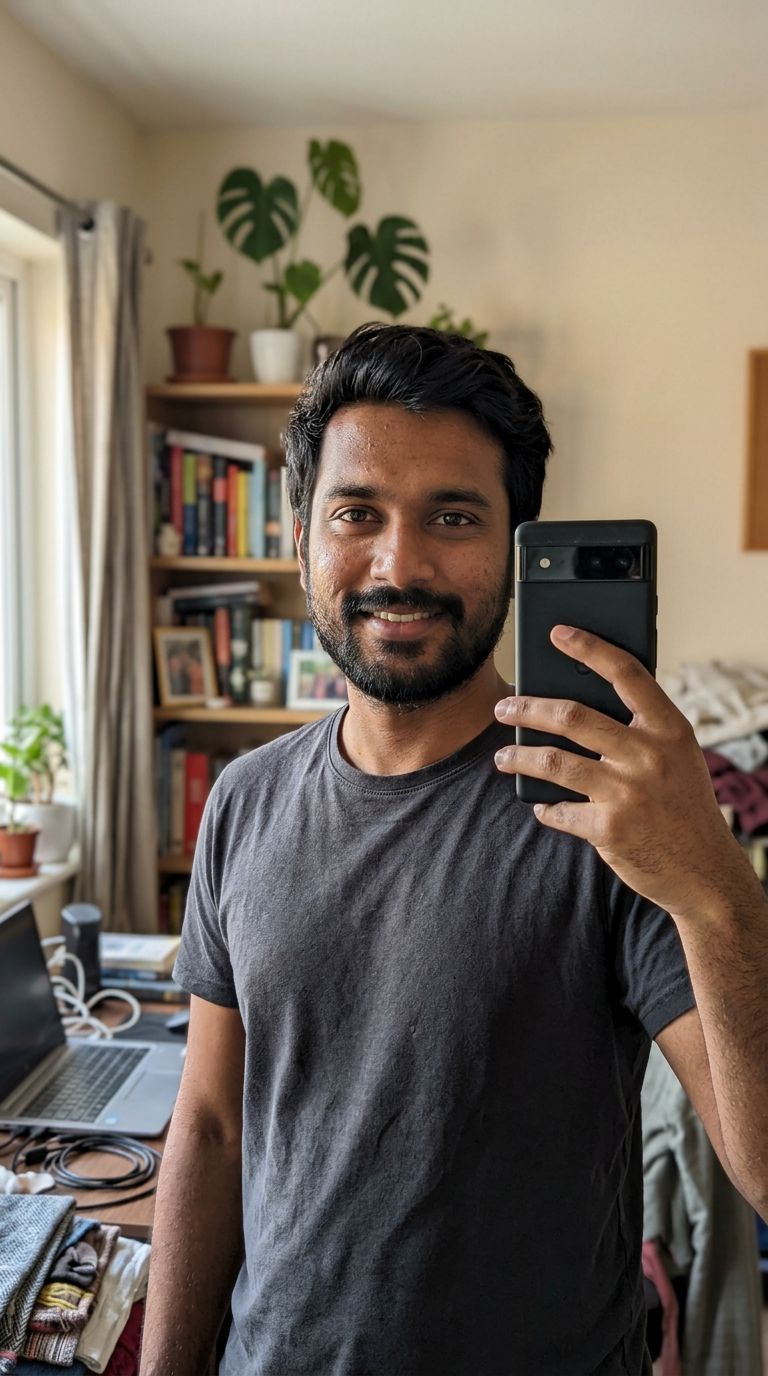
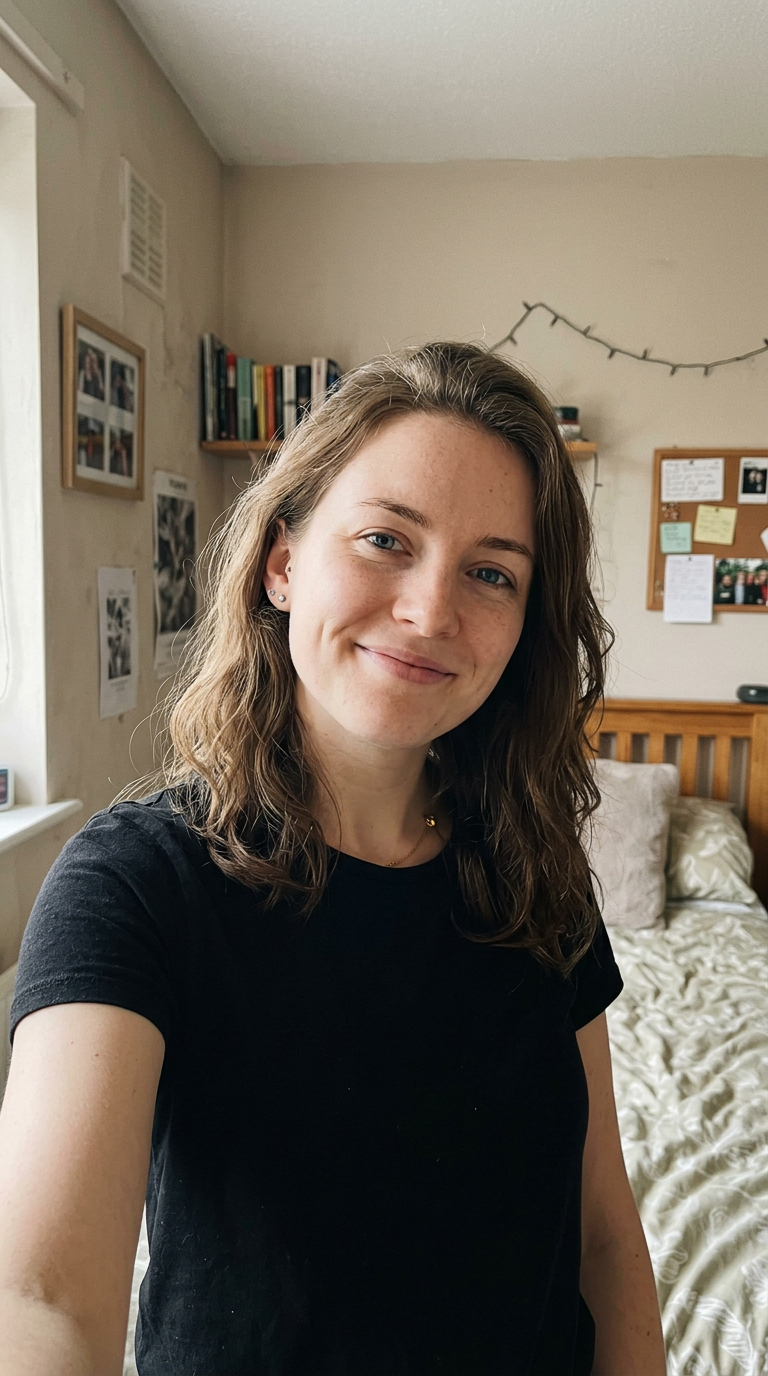
Get a polished result from a casual selfie

A clean selfie is often enough to start. If your face is visible and the photo is reasonably sharp, starryai can help turn it into something that feels much closer to a studio-style passport image.

Get a polished result from a casual selfie

A clean selfie is often enough to start. If your face is visible and the photo is reasonably sharp, starryai can help turn it into something that feels much closer to a studio-style passport image.

Before
After

Frequently Asked Questions

Answers to all your pressing questions about starryai
Is an AI-generated passport photo legally accepted?

Yes, in most countries. Passport authorities care about the technical requirements - white background, correct dimensions, neutral expression, and clear face visibility. Always check your specific country's guidelines before submitting.

What kind of photo should I upload for best results?

A recent, clear selfie taken in good natural lighting works best. Face the camera directly, keep your expression neutral, and avoid heavy shadows. It is usually safer to remove glasses before taking the photo.

Can I use a passport photo for other ID documents?

Yes. The same format is often accepted for driver's licenses, visa applications, national ID cards, and other verification documents.

How long does it take to generate a passport photo?

The AI can process your photo in seconds, usually in under 30 seconds from upload to download-ready result.

What if my photo does not meet the requirements after generation?

You can regenerate with adjusted settings and try a better source photo if needed. A clearer original image usually gives the best result.

Background Texture

starryai is loved by millions

See what our users are saying about starryai
Almost don’t wanna give it a review so It doesn’t get more attention, but it is deserved. Great range of art styles and every one looks so cool I love it.
saltybigboi
App Store User
Very intuitive and has a great community! This app just keeps getting better with each update! The UI is a lot smoother and quicker, and there are always more features being added, expanding your options...Such a fun app!
Blenston Shandor
App Store User
This is actually a very nice ai text to image app. I use it quite a bit when I'm mobile and can't access my home Stable Diffusion setup.
ɘlbe spurling
App Store User
Background Texture

Go further with starryai

Want to unlock even more features to make your photos shine? With starryai Pro, you get more generations, faster results, higher quality outputs, and priority access to advanced creation settings.

Explore more

