Apply realistic makeup to any photo with AI

Use starryai as your AI makeup editor to add, adjust, and experiment with makeup looks on any portrait. Upload a selfie, describe the look you want, and the AI applies it naturally — from subtle everyday looks to bold editorial glam.

Free HD Download
No Watermark
upload or drag image here
Trusted by 30 million users
205,650 Reviews
Available on iPhone & Android

How to Use the AI Makeup Editor

Step 1

Upload a photo

Upload a portrait or selfie to the Edit tool. Works on any face photo — front-facing, angled, or group shots. Use your browser or mobile app.

Step 2

Describe the makeup look

Prompt the Edit tool with the makeup you want. Try looks like natural everyday makeup, bold smokey eye with red lips, dewy glass skin with soft blush, editorial high-fashion makeup, or 90s grunge look.

Step 3

Download the result

Preview the makeup look applied to your photo and download in high quality. Perfect for trying looks before buying products, social media content, or creative projects.

Before
After

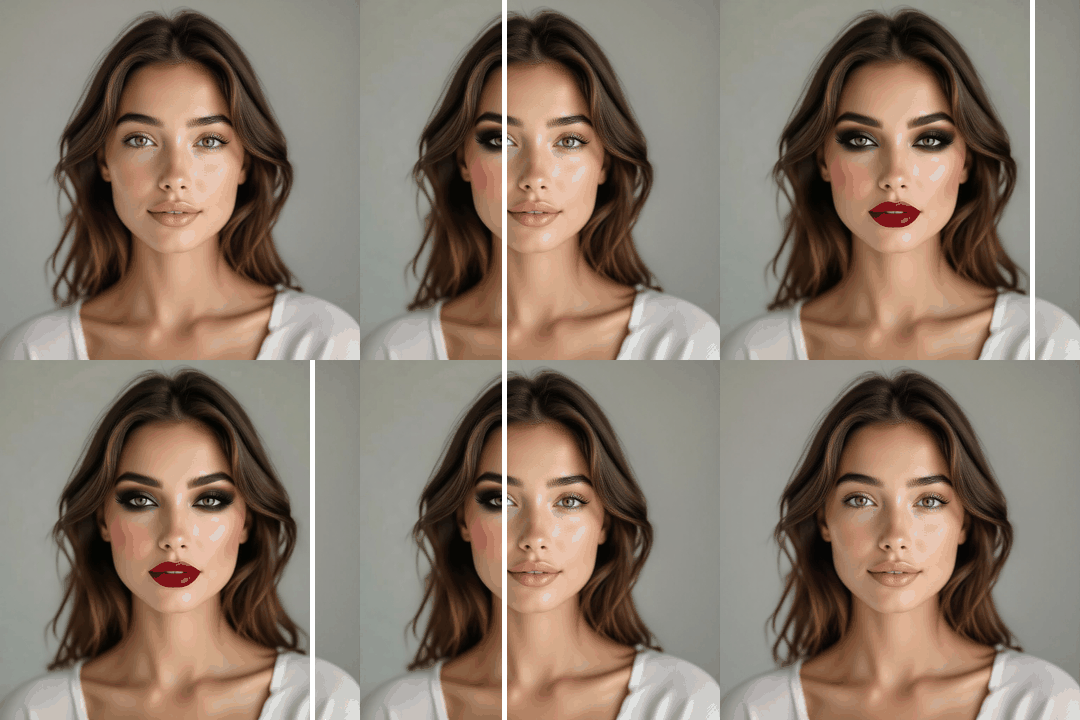
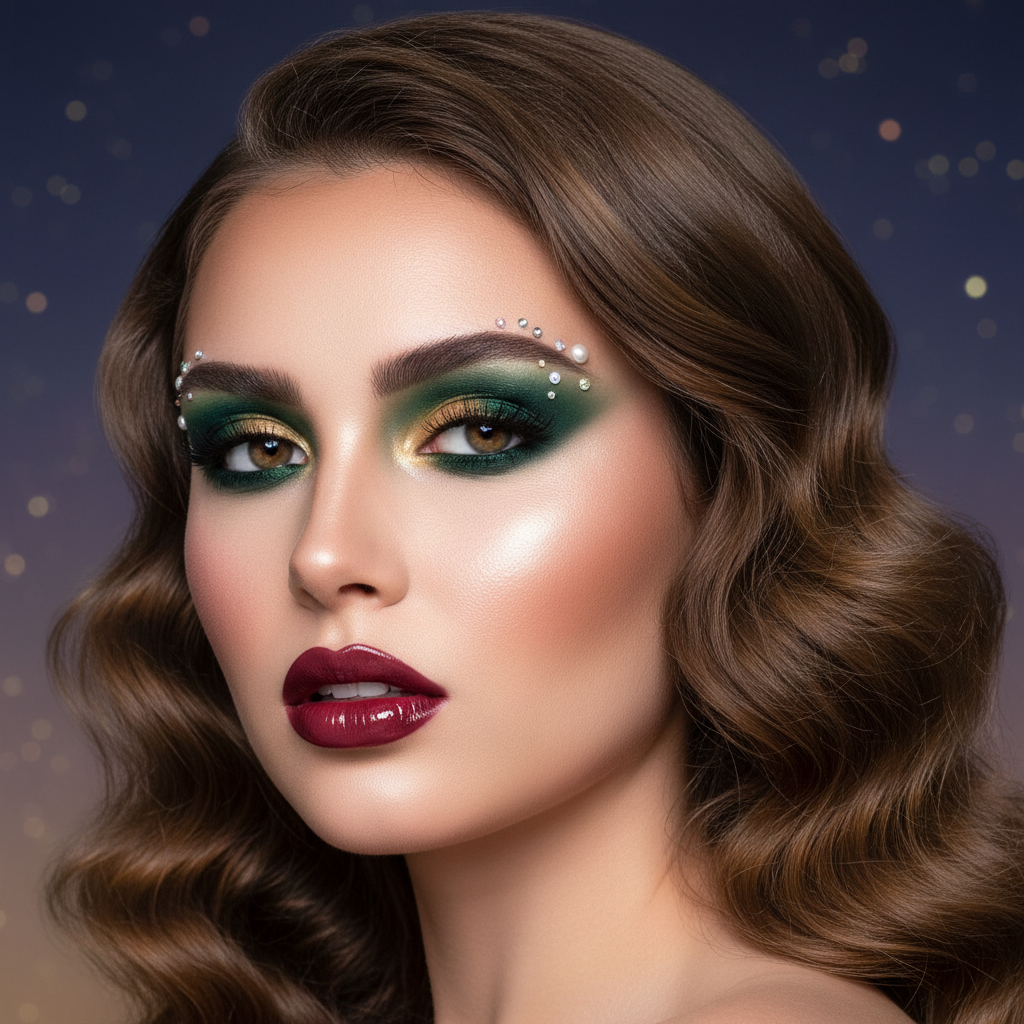
Realistic AI makeup application

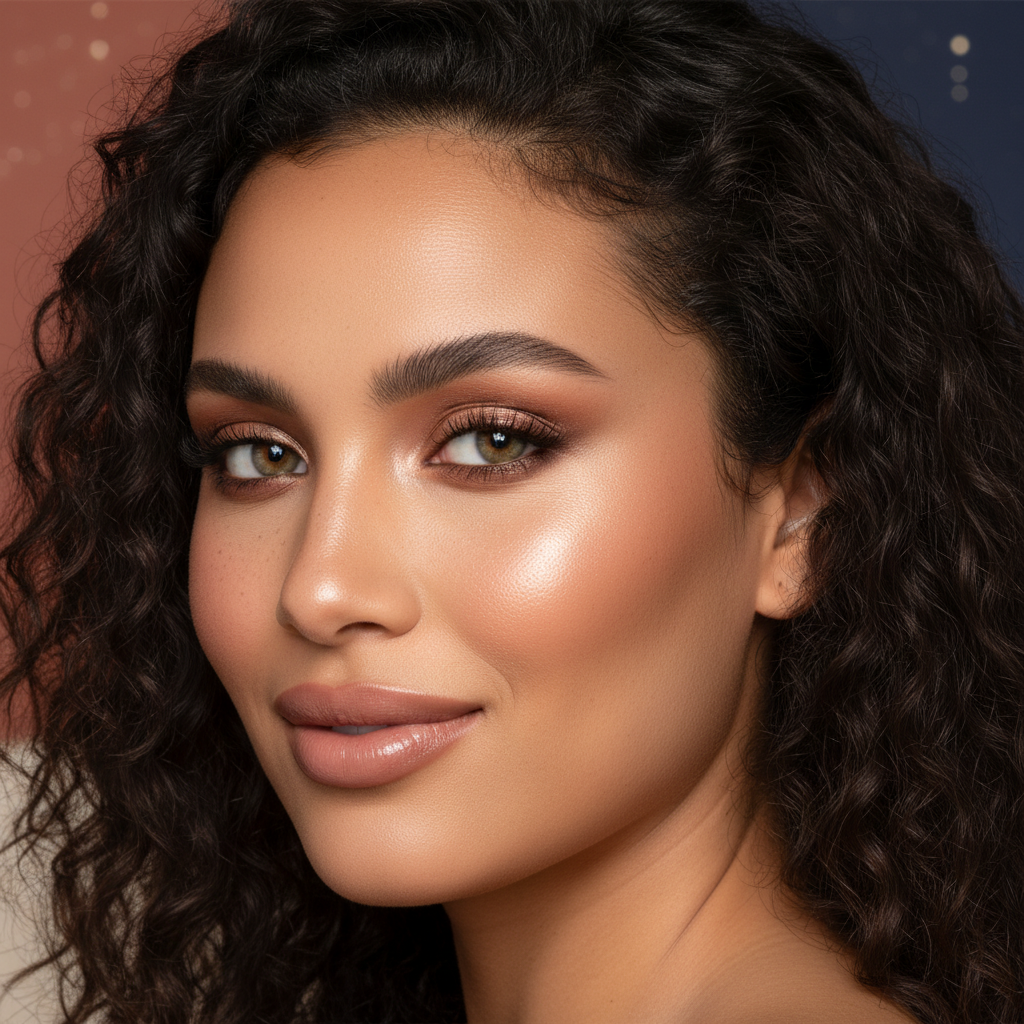
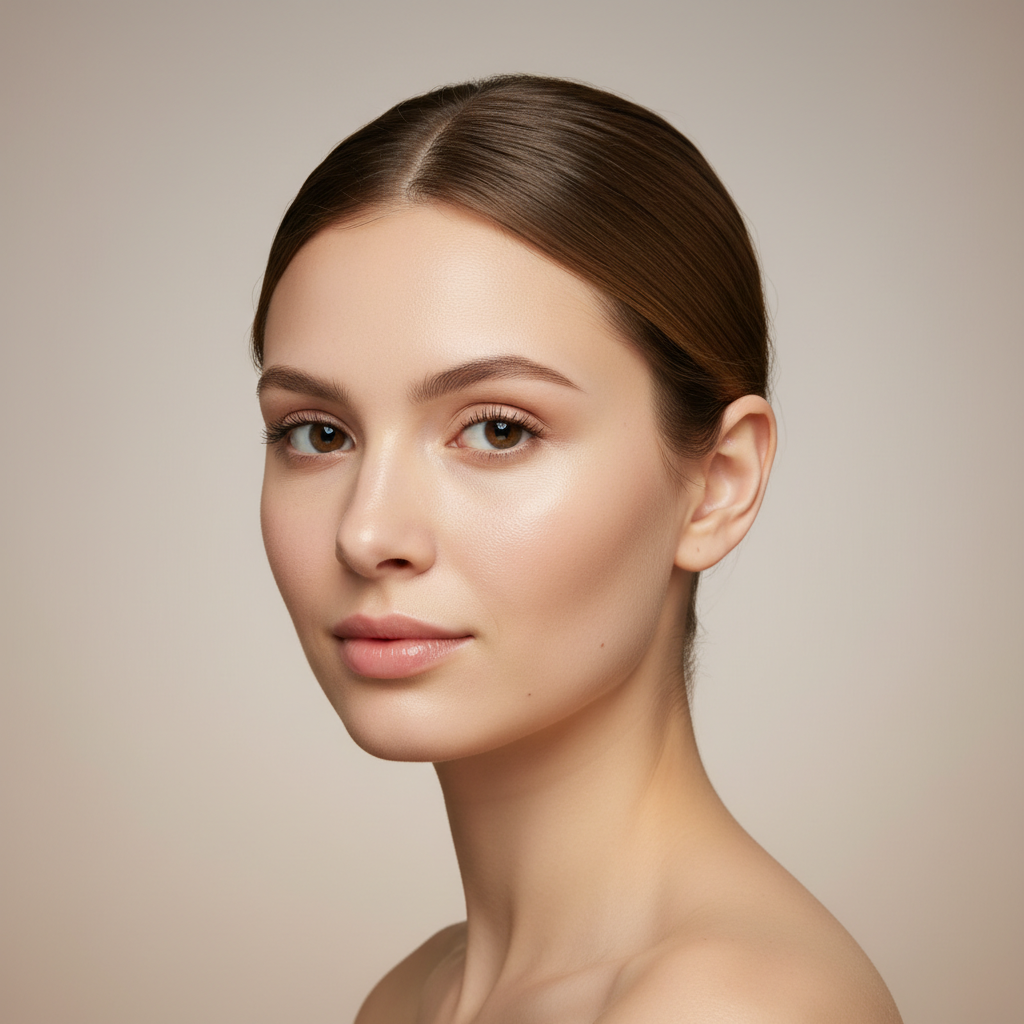
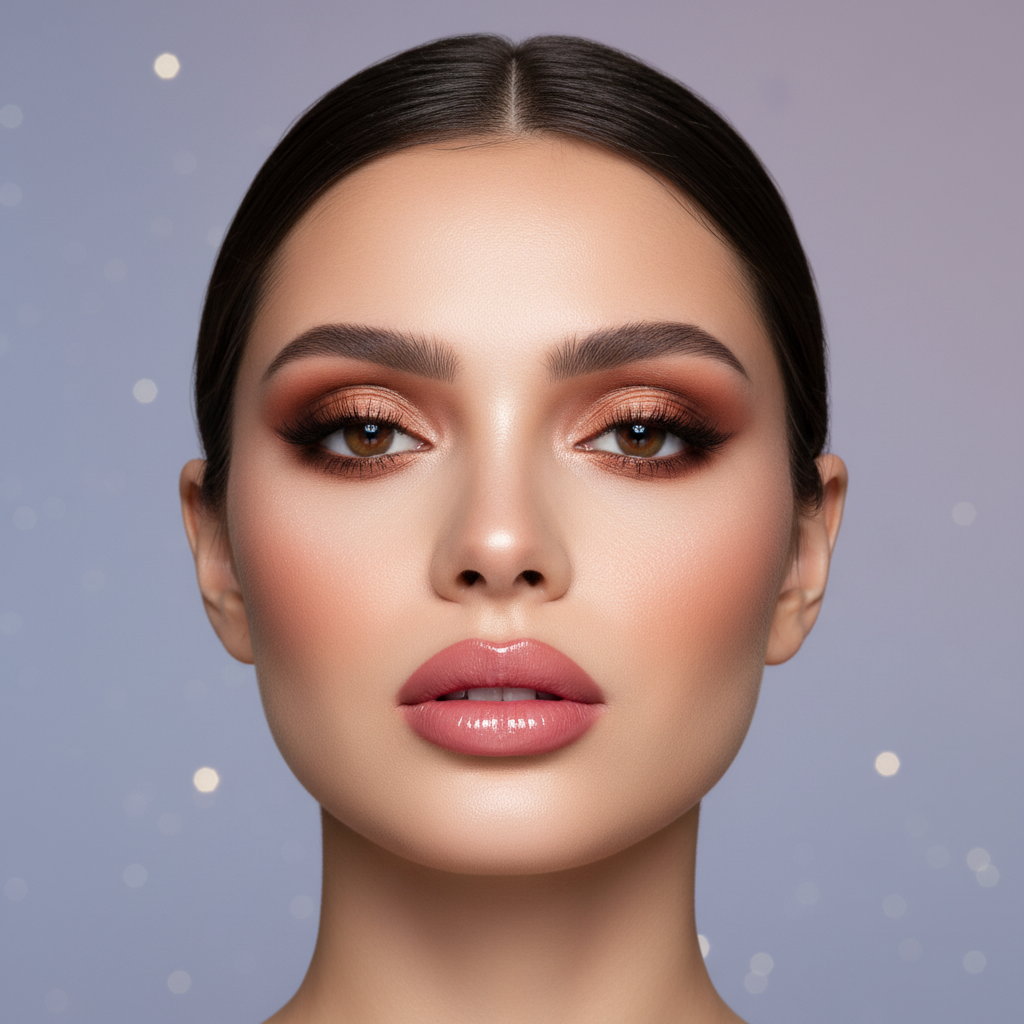
The AI understands facial features, skin tone, and lighting. Makeup is applied naturally — blending with your skin, matching shadows, and looking like it was actually worn, not digitally painted.

Realistic AI makeup application

The AI understands facial features, skin tone, and lighting. Makeup is applied naturally — blending with your skin, matching shadows, and looking like it was actually worn, not digitally painted.

Before
After
Before
After

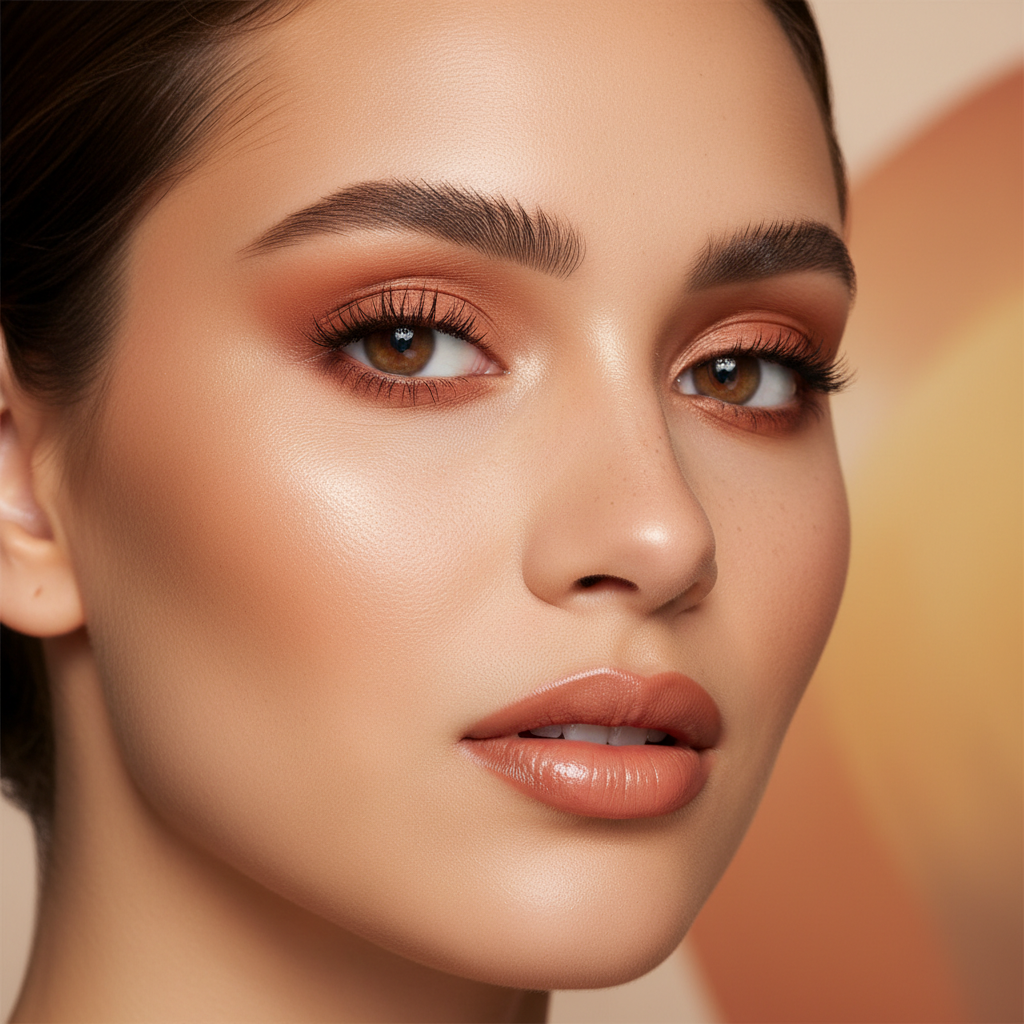
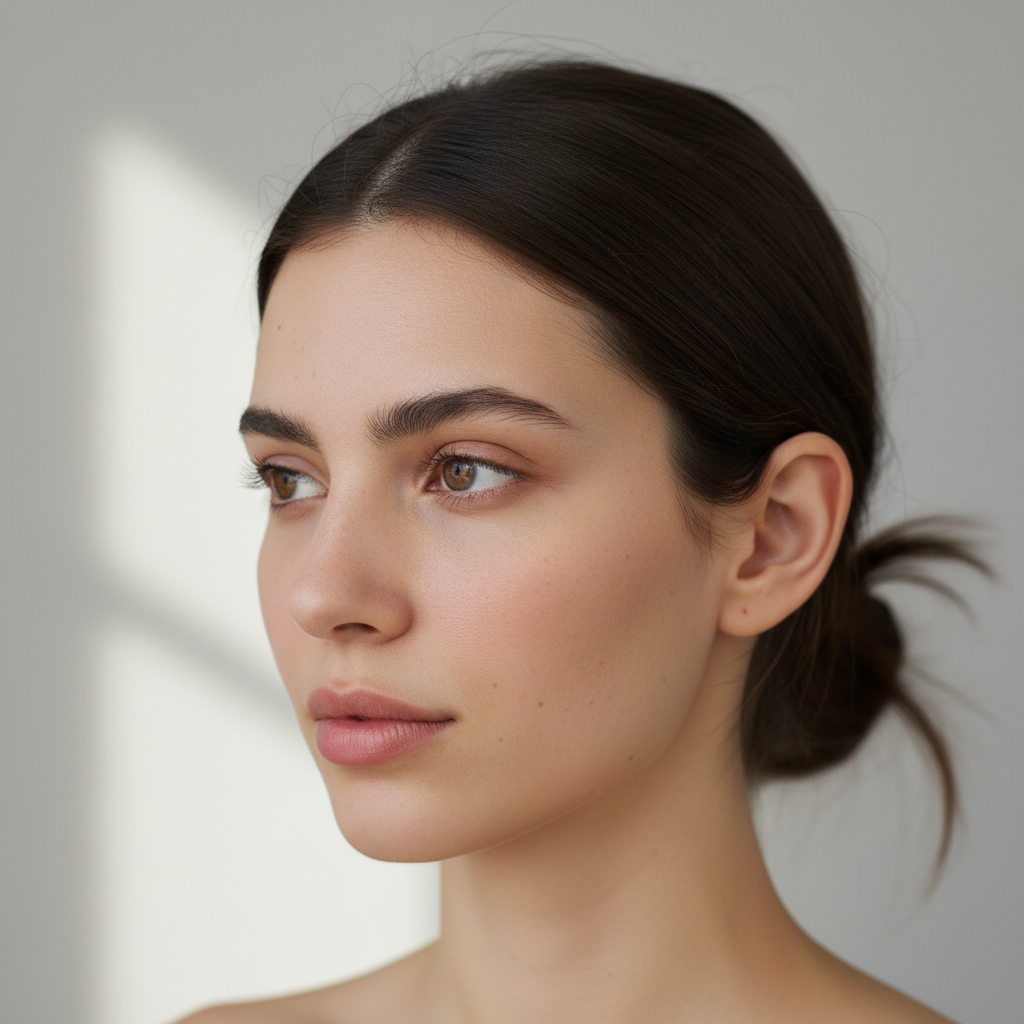
Any makeup look, instantly

From natural no-makeup makeup to full glam, editorial, bridal, cosplay, or fantasy looks — just describe it and the AI creates it. Experiment with styles you'd never try in real life.

Any makeup look, instantly

From natural no-makeup makeup to full glam, editorial, bridal, cosplay, or fantasy looks — just describe it and the AI creates it. Experiment with styles you'd never try in real life.

Before
After
Before
After

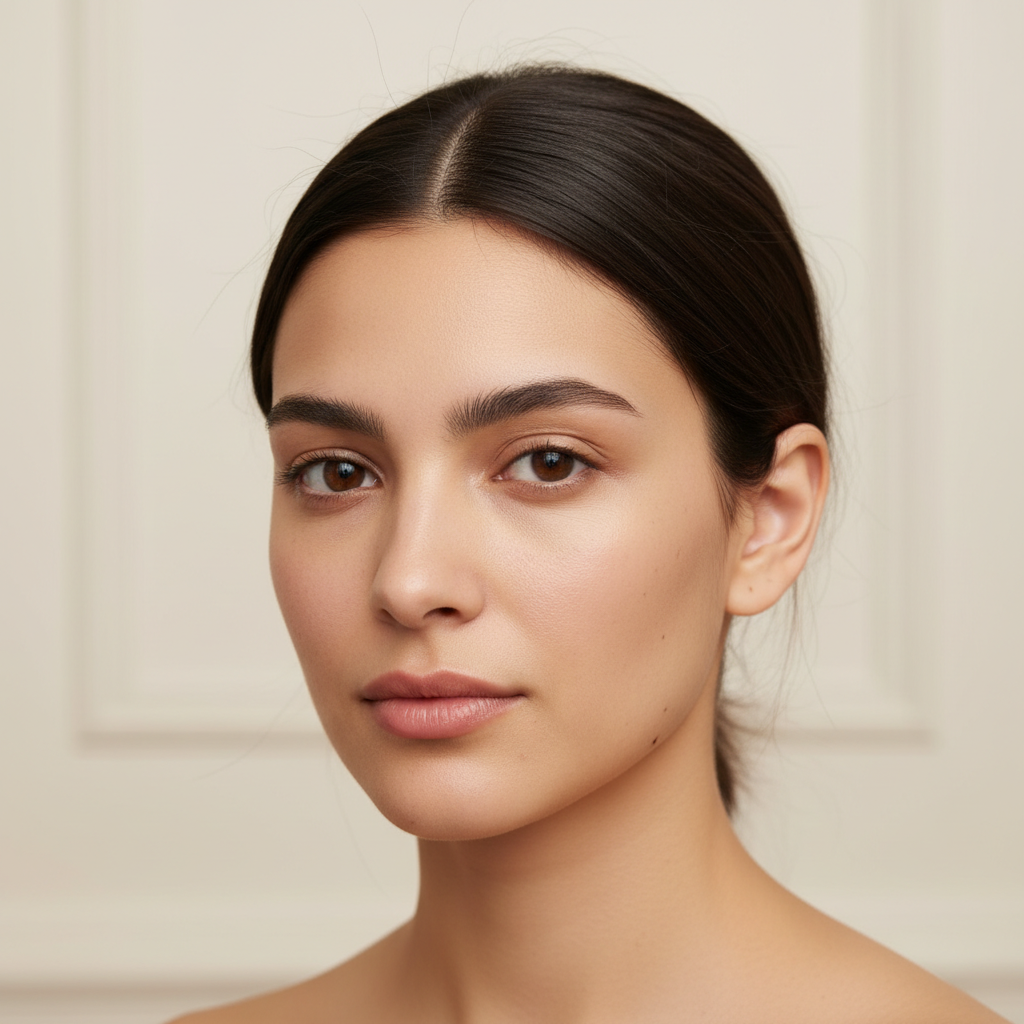
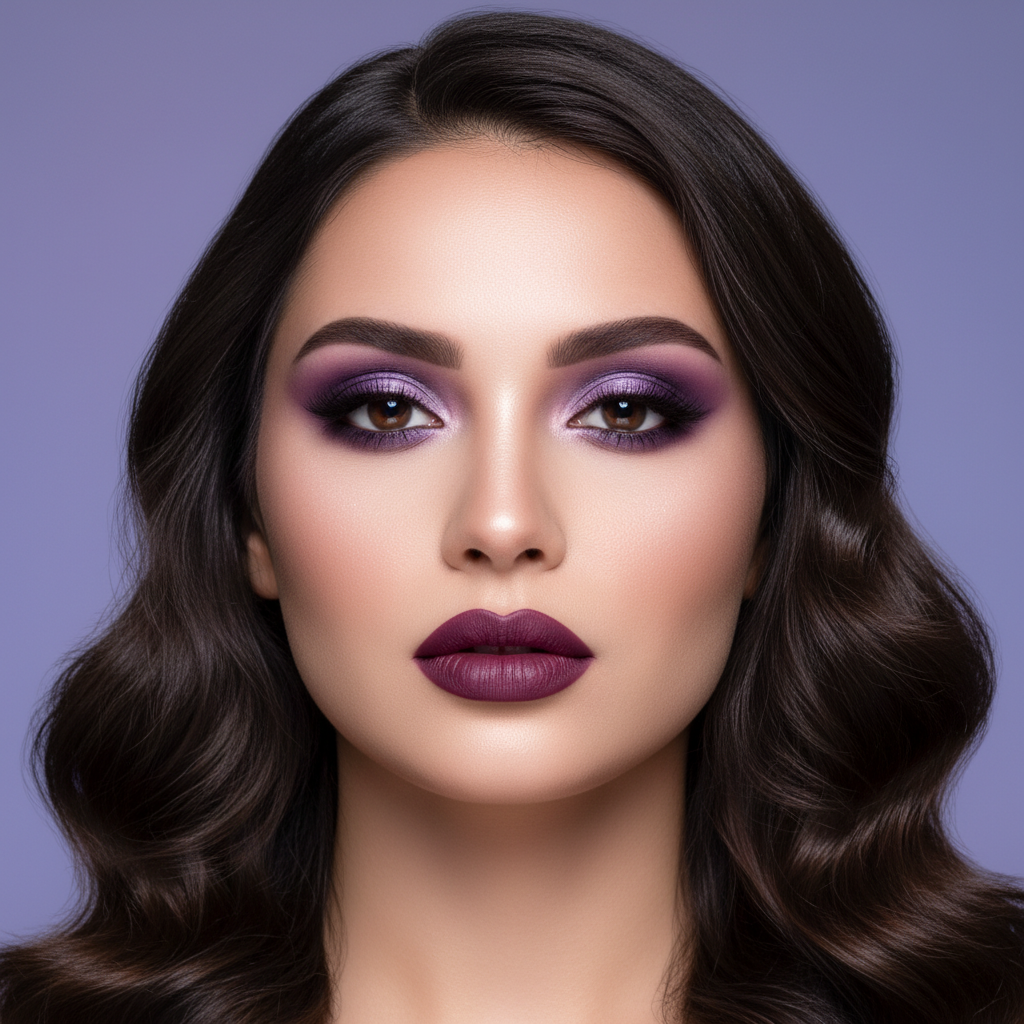
Try before you buy

Want to see how a bold lip color or dramatic eyeshadow looks on you? Use the AI makeup editor to preview looks before spending money on products.

Try before you buy

Want to see how a bold lip color or dramatic eyeshadow looks on you? Use the AI makeup editor to preview looks before spending money on products.

Before
After
Before
After

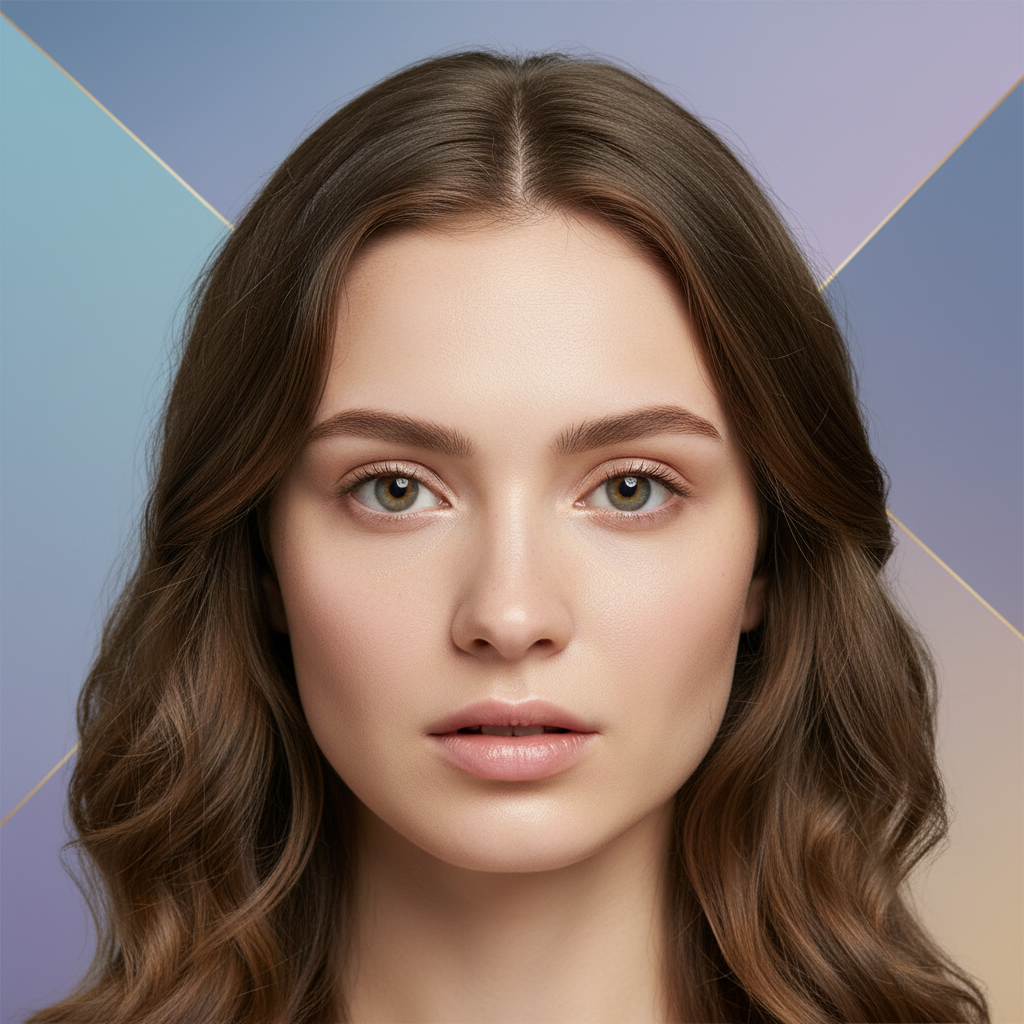
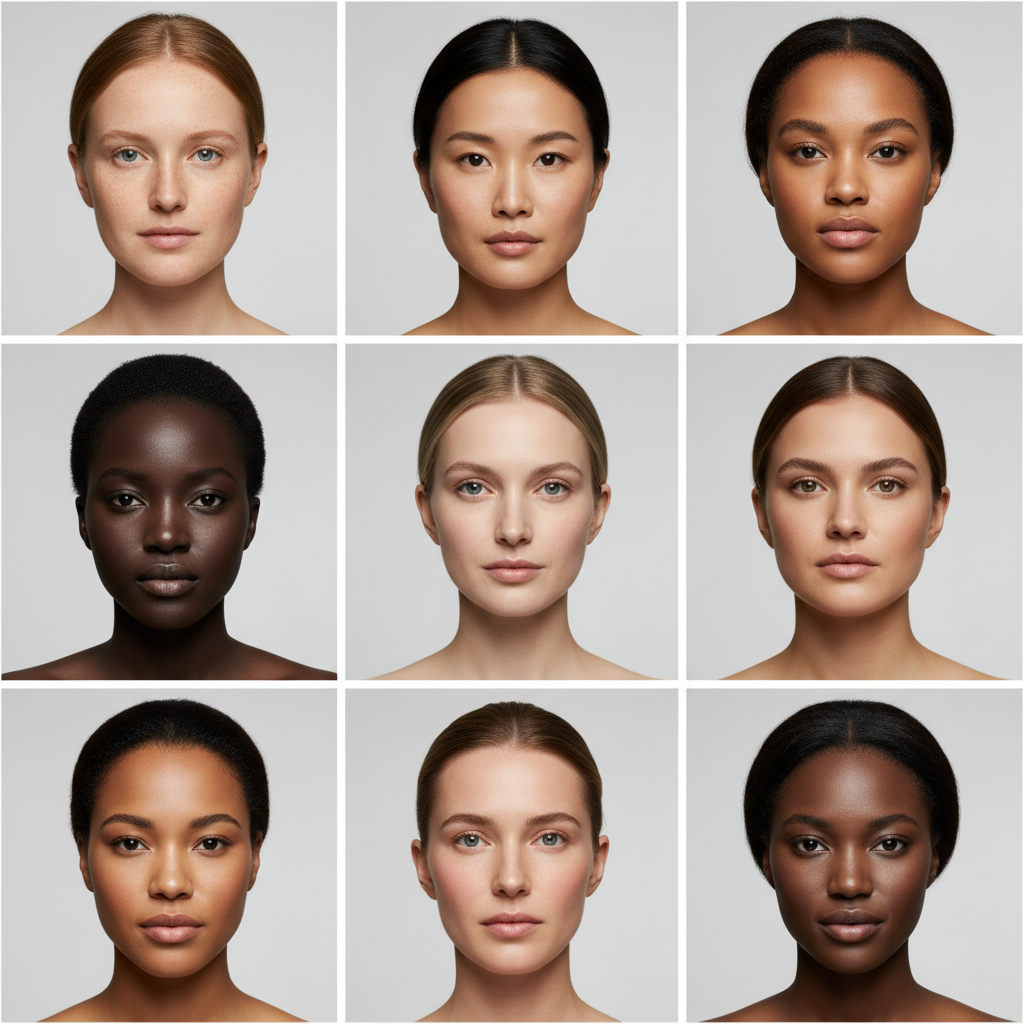
Works on any skin tone

The AI adapts to all skin tones and types, applying makeup that complements your natural features rather than masking them.

Works on any skin tone

The AI adapts to all skin tones and types, applying makeup that complements your natural features rather than masking them.

Before
After
Before
After

No editing skills needed

Forget about manual touch-up tools and layer masks. Just describe the makeup look in plain language and the AI does everything.

No editing skills needed

Forget about manual touch-up tools and layer masks. Just describe the makeup look in plain language and the AI does everything.

Before
After

Frequently Asked Questions

Answers to all your pressing questions about starryai
Is the AI makeup editor free?

Yes. starryai offers free AI makeup editing with optional upgrades for more features.

Does it look realistic?

Yes. The AI matches your skin tone, facial features, and photo lighting to apply makeup that looks natural and worn, not filtered.

Can I try specific makeup products or brands?

You can describe specific colors, finishes, and styles. While it won't replicate exact branded products, it creates accurate visual approximations.

Does it work on any face photo?

Yes. Selfies, portraits, group photos, professional headshots — the AI detects faces and applies makeup accordingly.

Do I need to know makeup terminology?

No. Describe looks in plain language — "make my eyes look dramatic" or "add a soft pink lip" works just as well as technical terms.

Background Texture

starryai is loved by millions

See what our users are saying about starryai
Almost don’t wanna give it a review so It doesn’t get more attention, but it is deserved. Great range of art styles and every one looks so cool I love it.
saltybigboi
App Store User
Very intuitive and has a great community! This app just keeps getting better with each update! The UI is a lot smoother and quicker, and there are always more features being added, expanding your options...Such a fun app!
Blenston Shandor
App Store User
This is actually a very nice ai text to image app. I use it quite a bit when I'm mobile and can't access my home Stable Diffusion setup.
ɘlbe spurling
App Store User
Background Texture

Go further with starryai

Want to unlock even more features to make your photos shine? With starryai Pro, you get more generations, faster results, higher quality outputs, and priority access to advanced creation settings.

Explore more

