

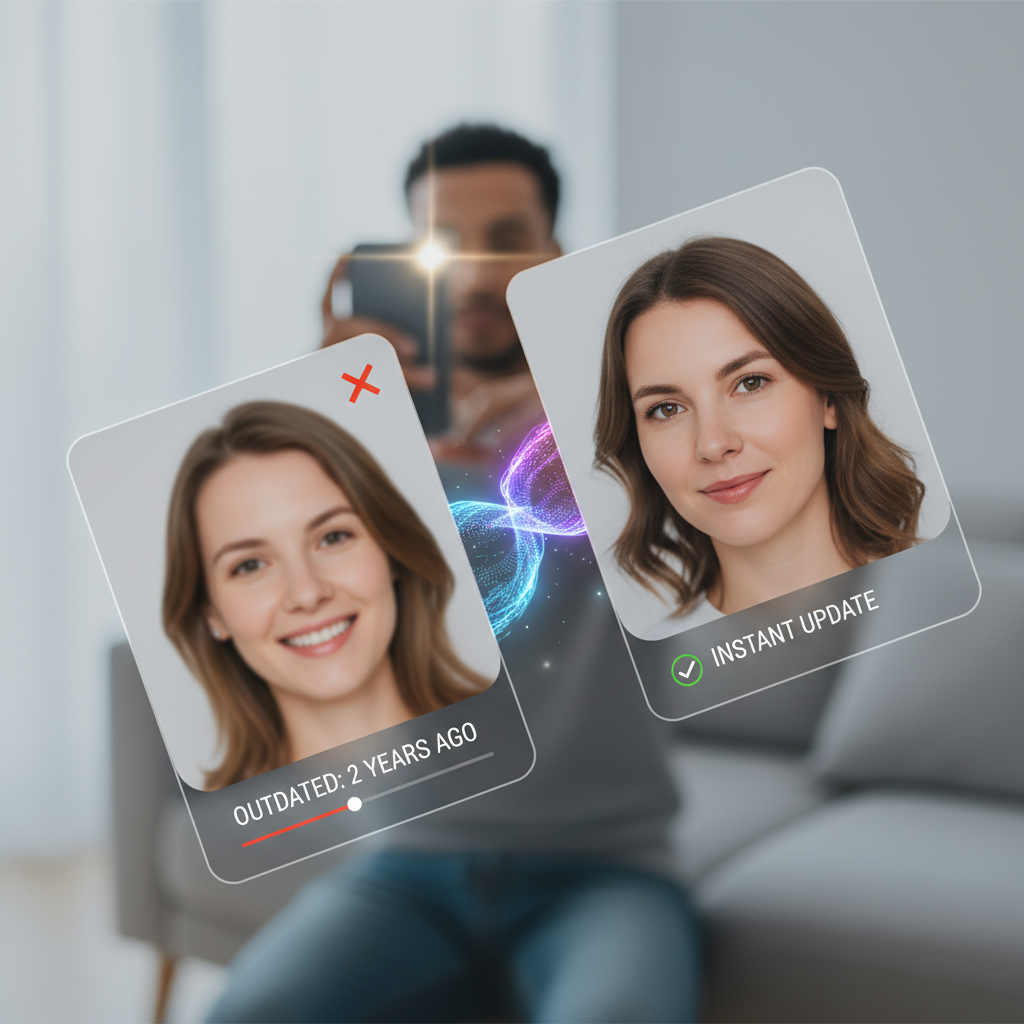

Animated before and after LinkedIn headshot transformation

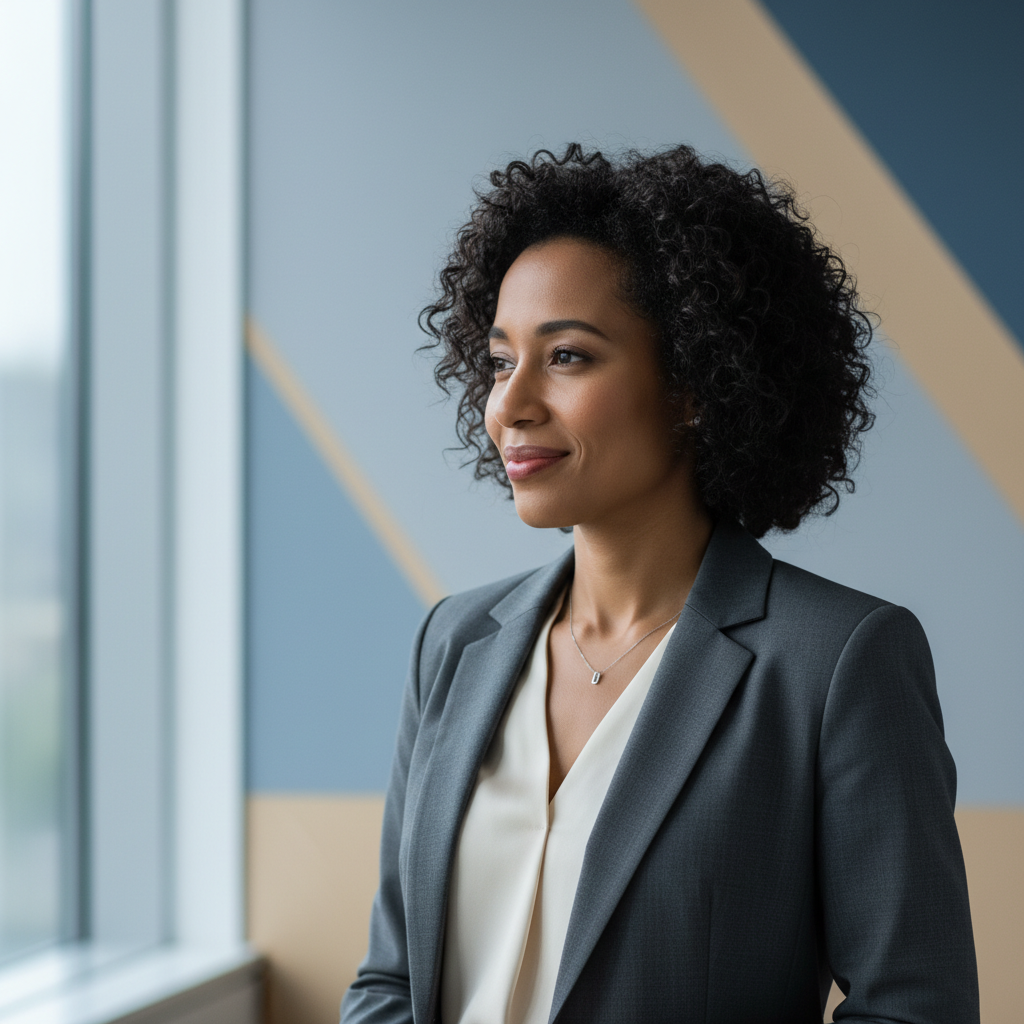
A professional LinkedIn headshot - without the photoshoot

Create a polished LinkedIn headshot from any photo with starryai. Improve the background, lighting, and overall professionalism in minutes without booking a photoshoot.

Free HD Download
No Watermark
upload or drag image here
Trusted by 30 million users
205,650 Reviews
Available on iPhone & Android

How to create a LinkedIn headshot with AI

Step 1

Upload or describe your headshot

Either upload an existing photo and describe the professional styling you want, or describe the type of professional image you want to create from scratch, including industry, clothing, expression, and presentation style.

Step 2

Generate your professional photo

starryai enhances or creates your professional headshot with appropriate lighting, background, and composition for a LinkedIn profile. The AI applies the kind of clean, well-lit, confidence-projecting aesthetic that professional portrait photographers aim for.

Step 3

Download and update your profile

Download your professional photo and upload it to LinkedIn. The result is a profile image that presents you credibly, consistently, and professionally whether you are job searching, building your network, or establishing your industry presence.

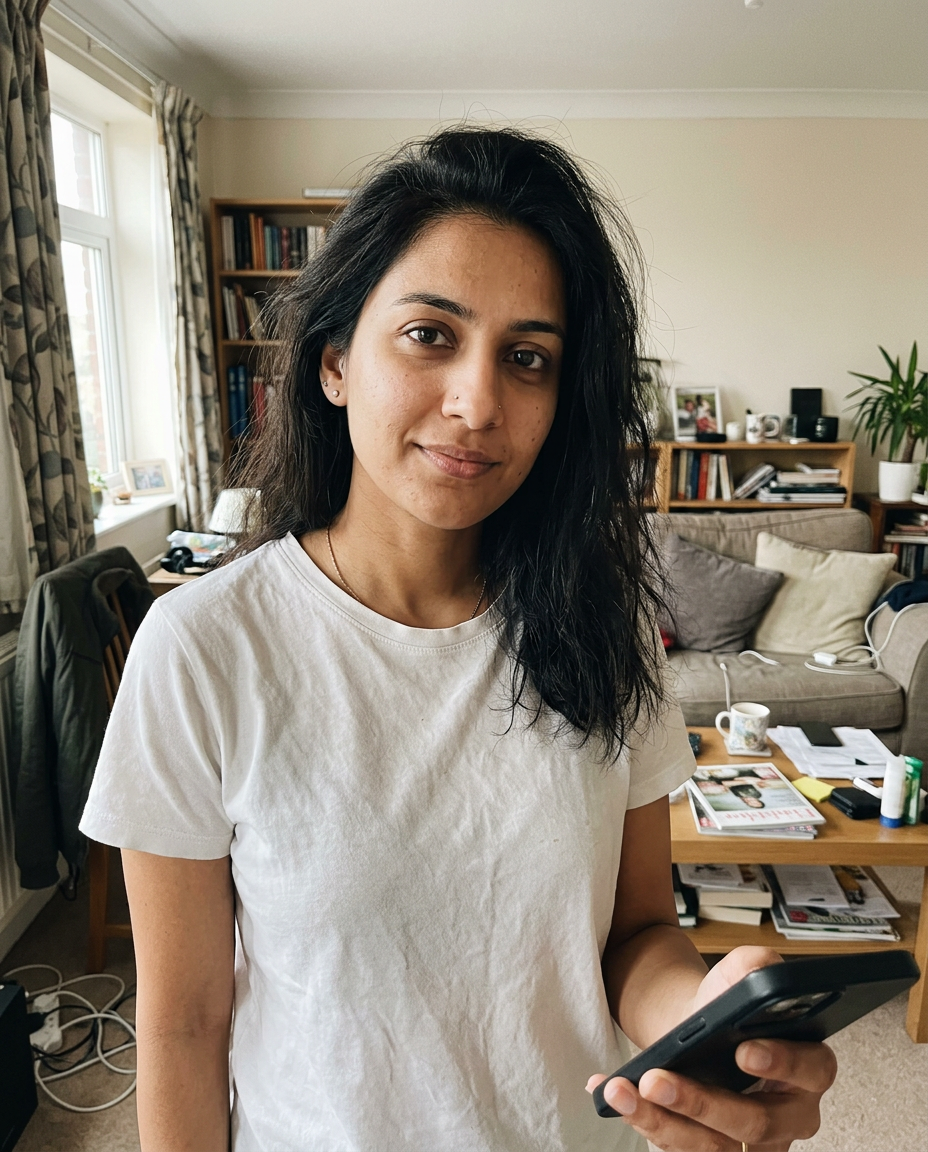
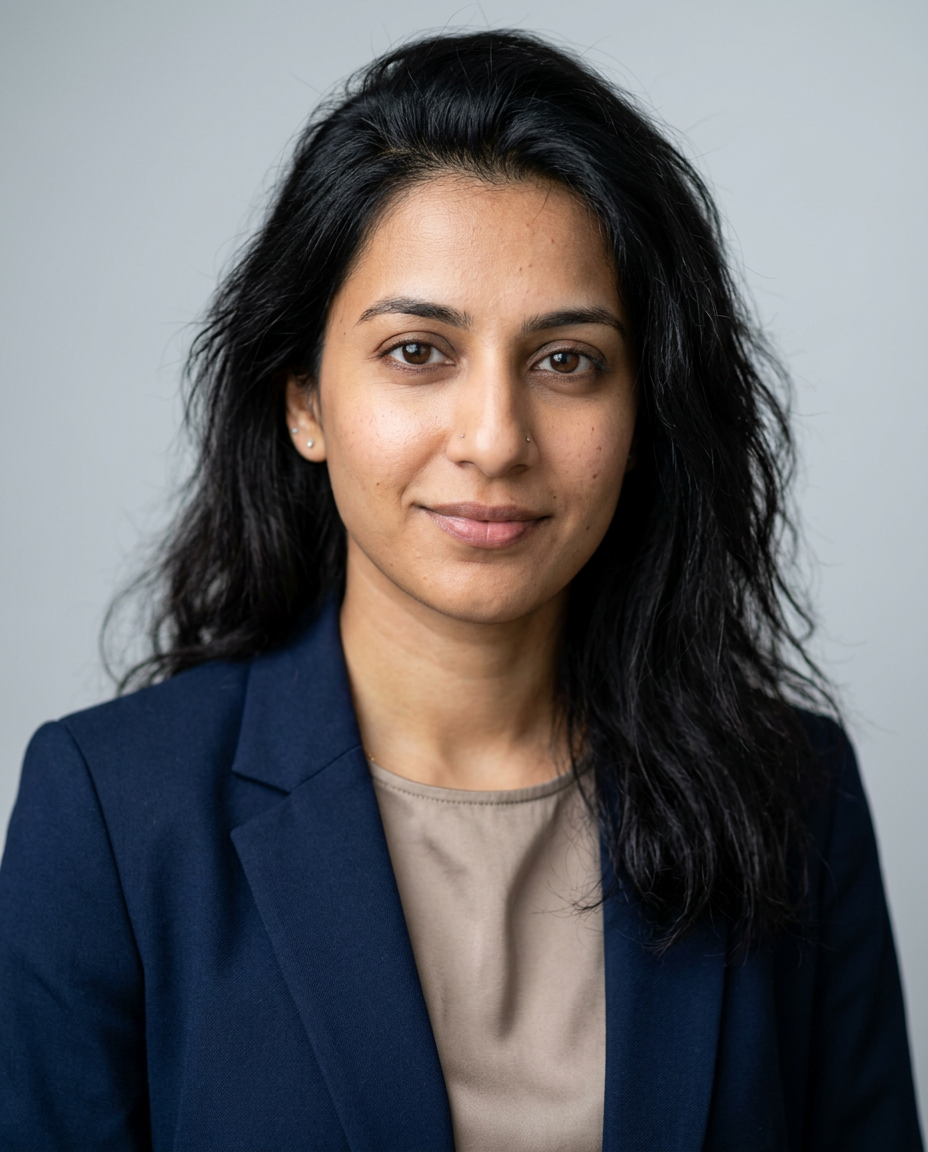
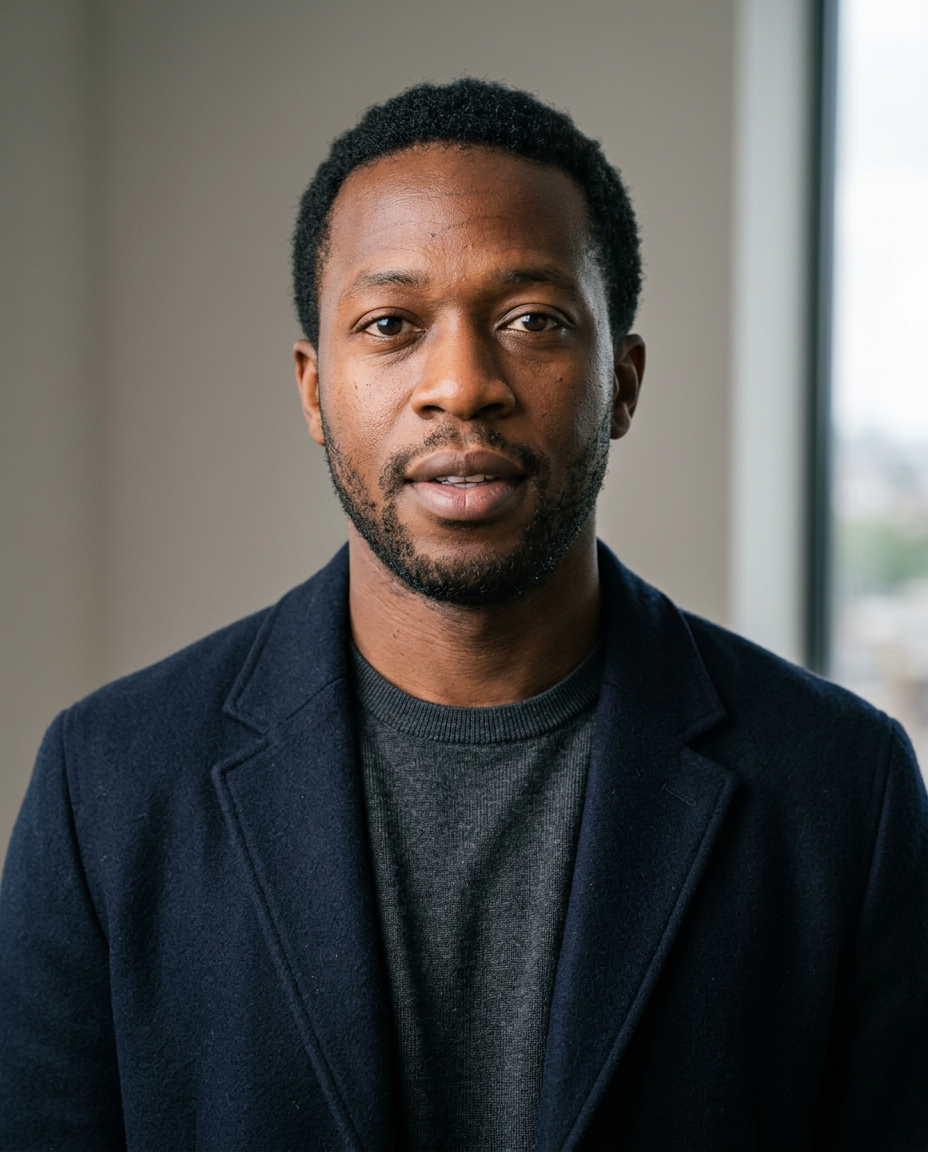
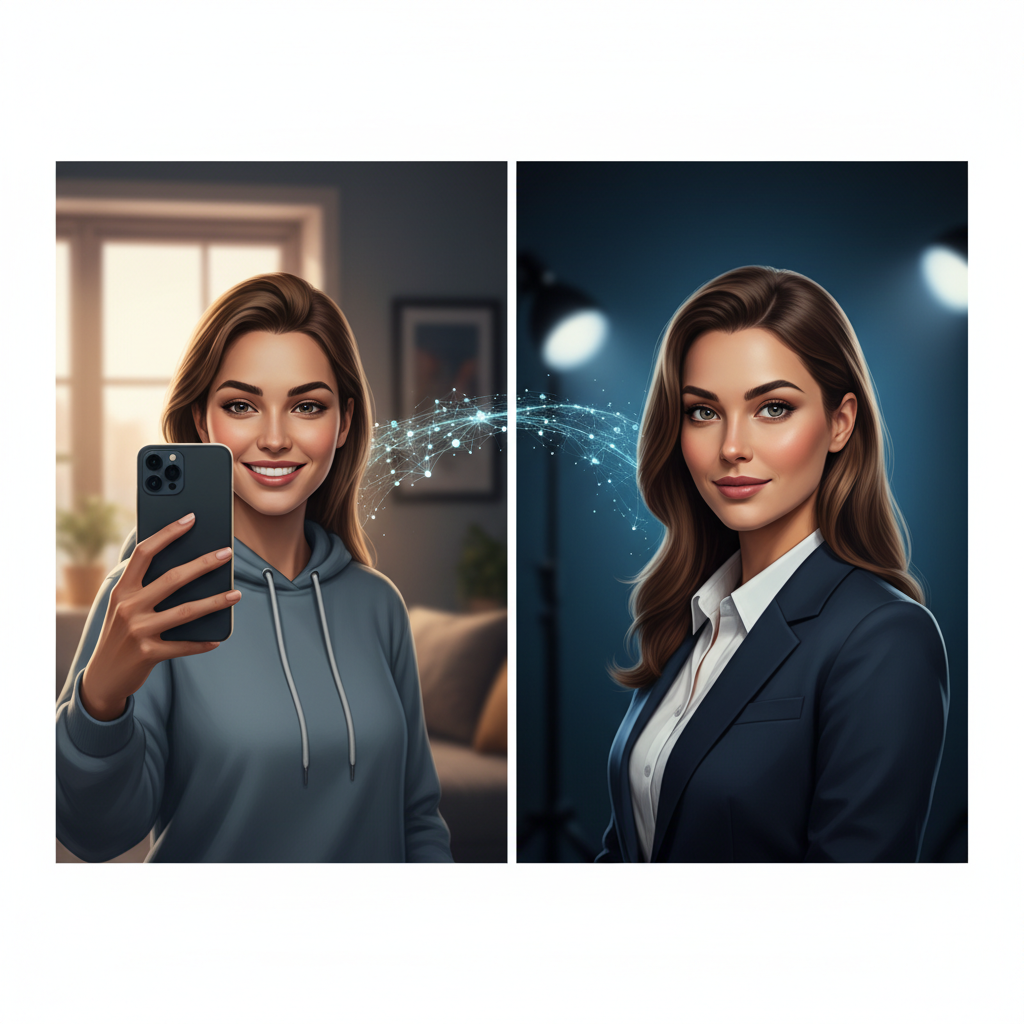
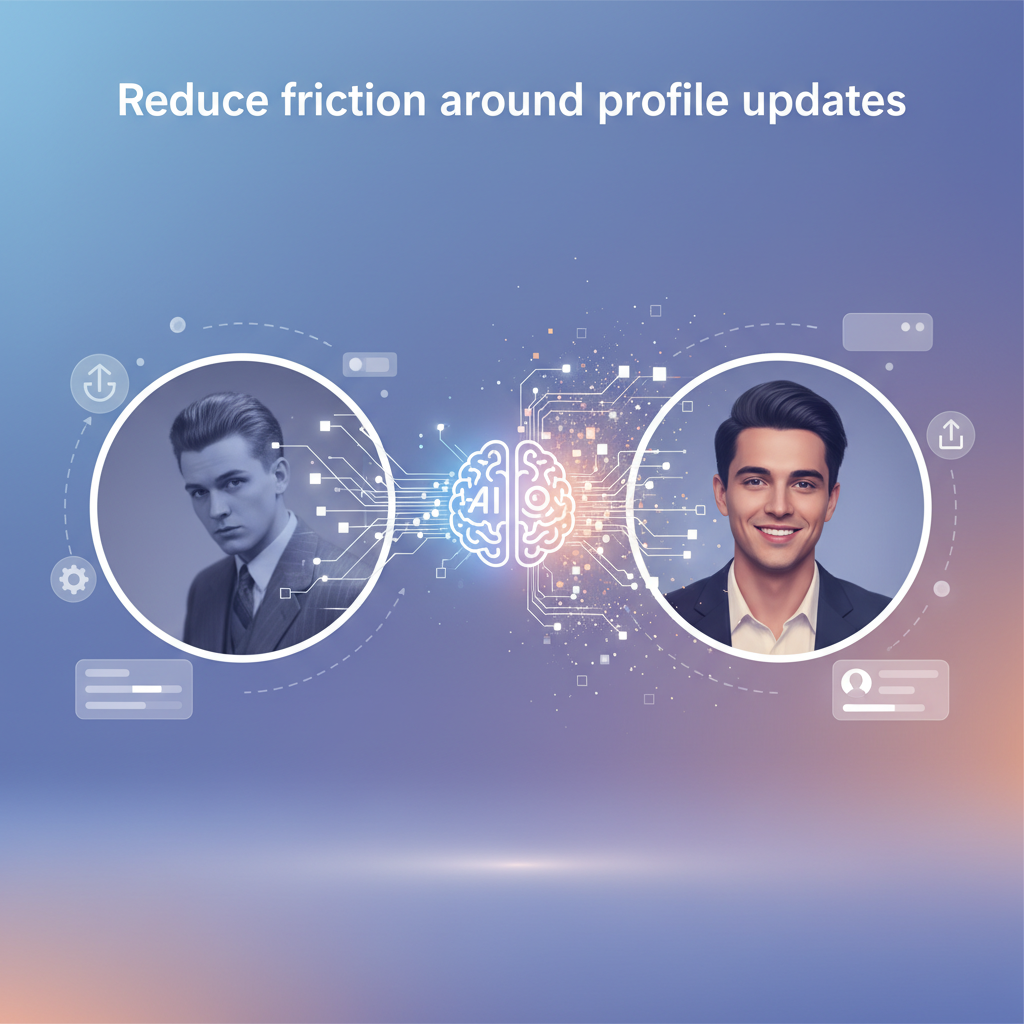
Casual before photo for LinkedIn headshot exampleProfessional after photo for LinkedIn headshot example
Before
After

Turn a casual photo into a LinkedIn-ready headshot

Use an everyday portrait as the starting point and let starryai help refine lighting, background, and polish so the final image feels much more professional.

Turn a casual photo into a LinkedIn-ready headshot

Use an everyday portrait as the starting point and let starryai help refine lighting, background, and polish so the final image feels much more professional.

Casual before photo for LinkedIn headshot exampleProfessional after photo for LinkedIn headshot example
Before
After
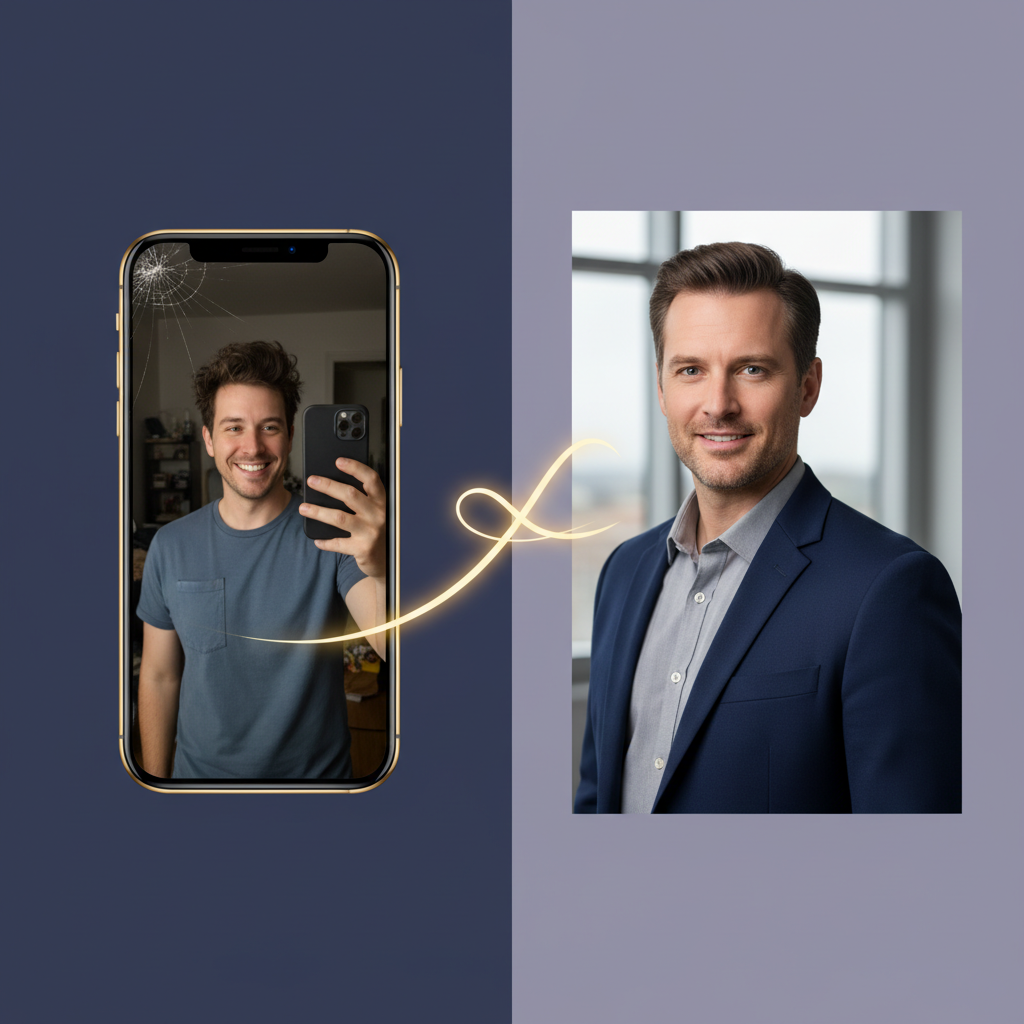
Casual founder-style before photo examplePolished founder-style after photo example
Before
After

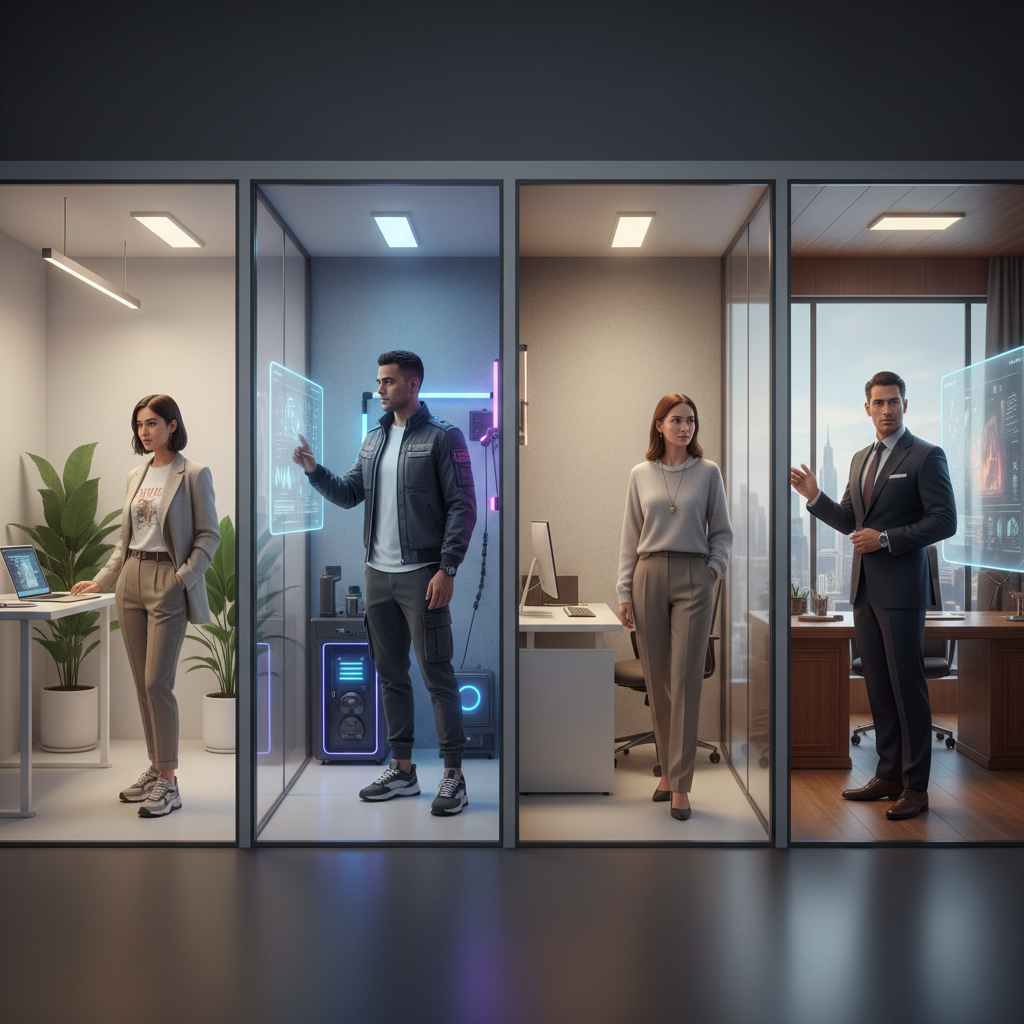
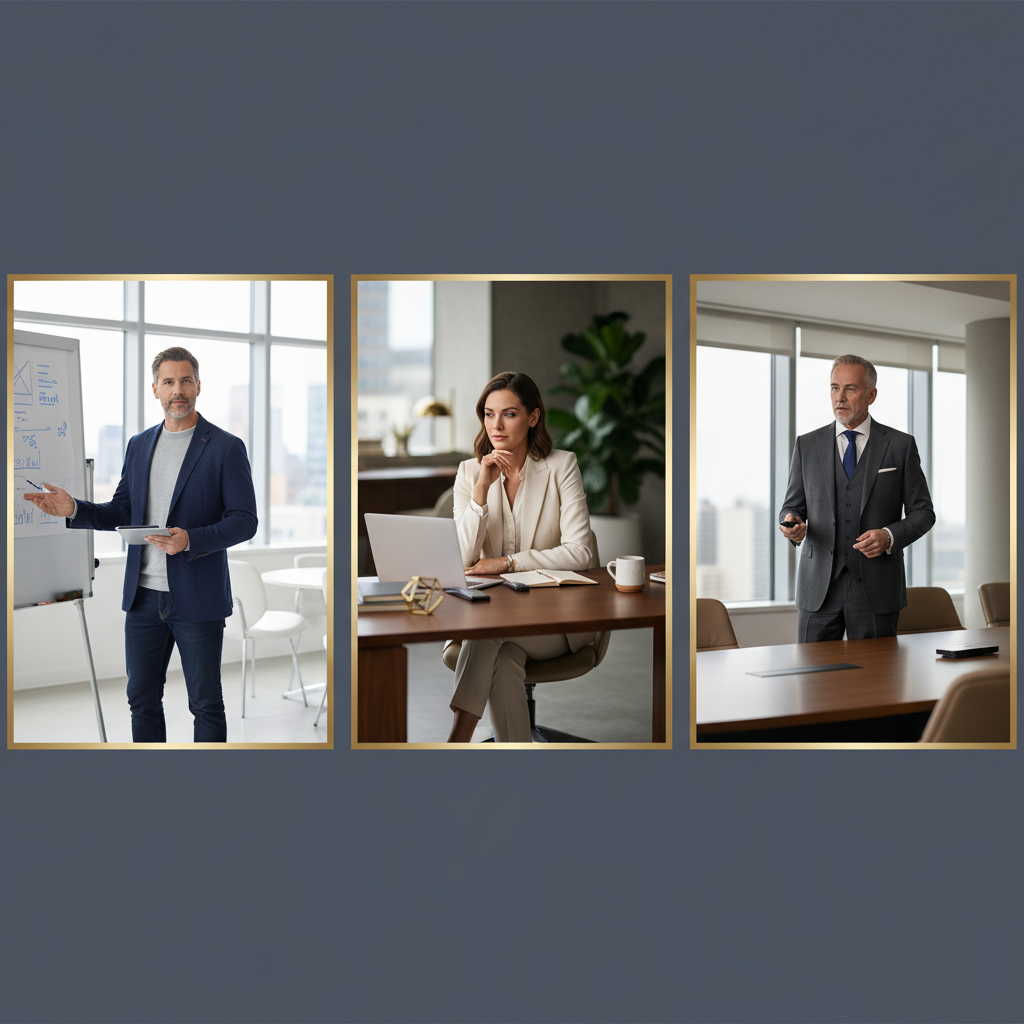
Explore different professional styles quickly

Test corporate, creative, founder-style, or minimalist headshot directions without booking multiple shoots. Prompting makes it easy to compare looks fast.

Explore different professional styles quickly

Test corporate, creative, founder-style, or minimalist headshot directions without booking multiple shoots. Prompting makes it easy to compare looks fast.

Casual founder-style before photo examplePolished founder-style after photo example
Before
After
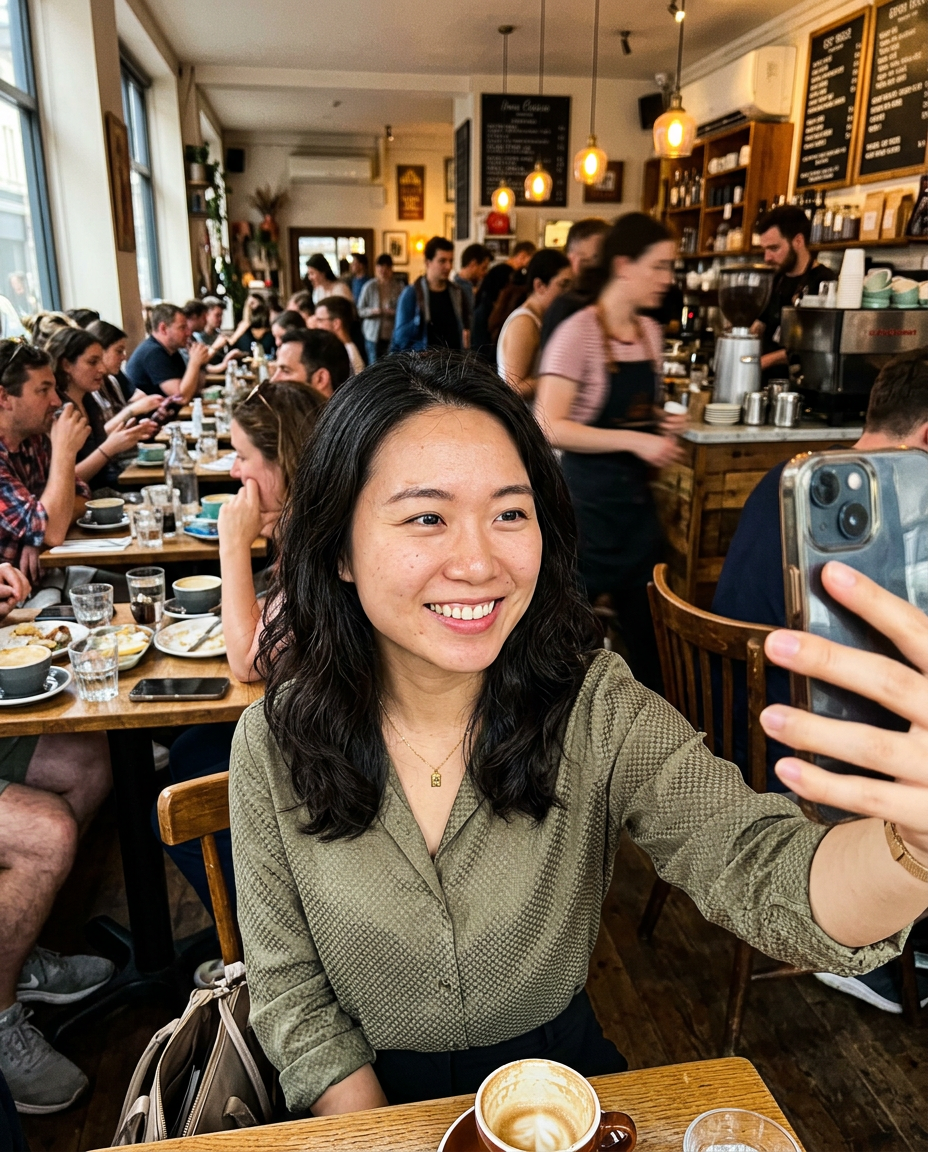
Busy background before portrait exampleClean background after portrait example
Before
After

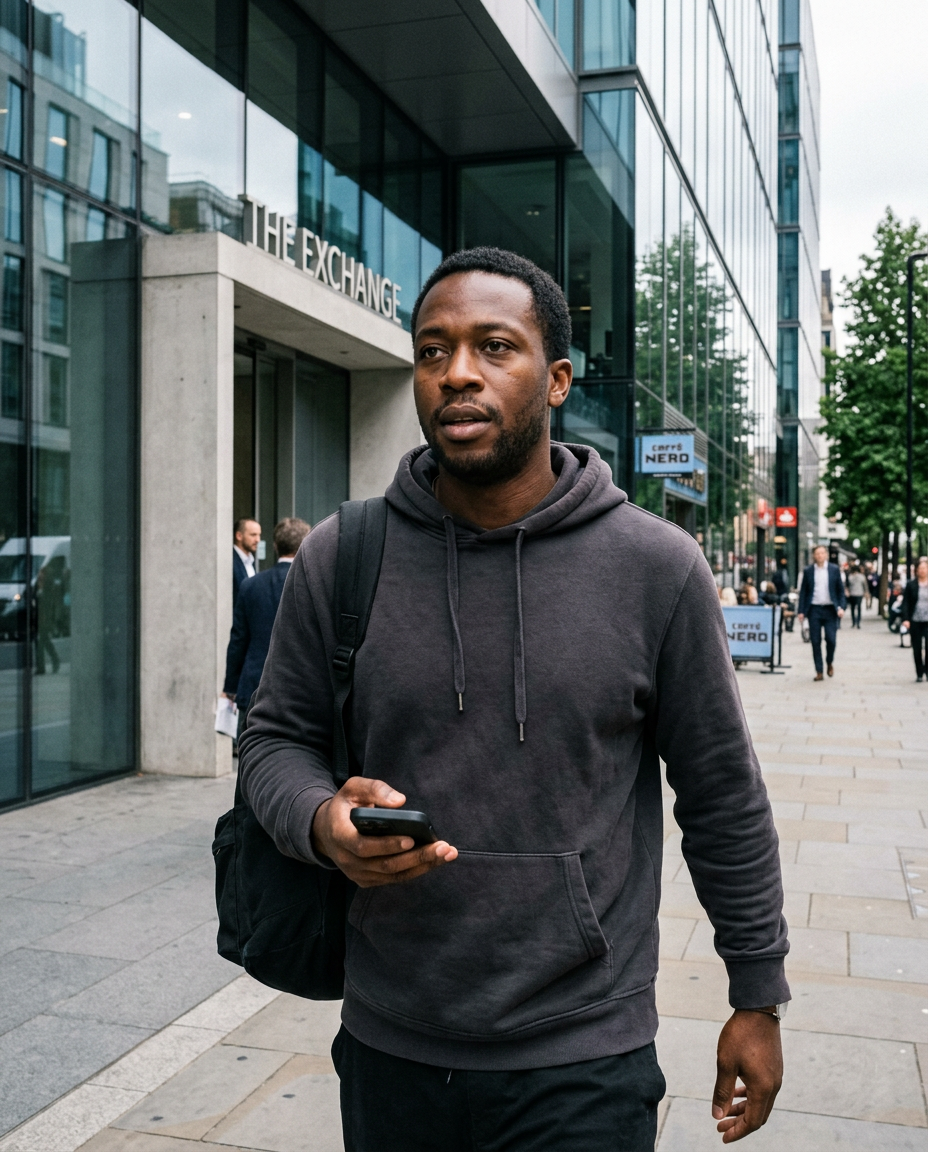
Clean up distracting backgrounds

Messy rooms, busy streets, or awkward backdrops can make a profile image feel less credible. starryai helps simplify the scene so the focus stays on you.

Clean up distracting backgrounds

Messy rooms, busy streets, or awkward backdrops can make a profile image feel less credible. starryai helps simplify the scene so the focus stays on you.

Busy background before portrait exampleClean background after portrait example
Before
After
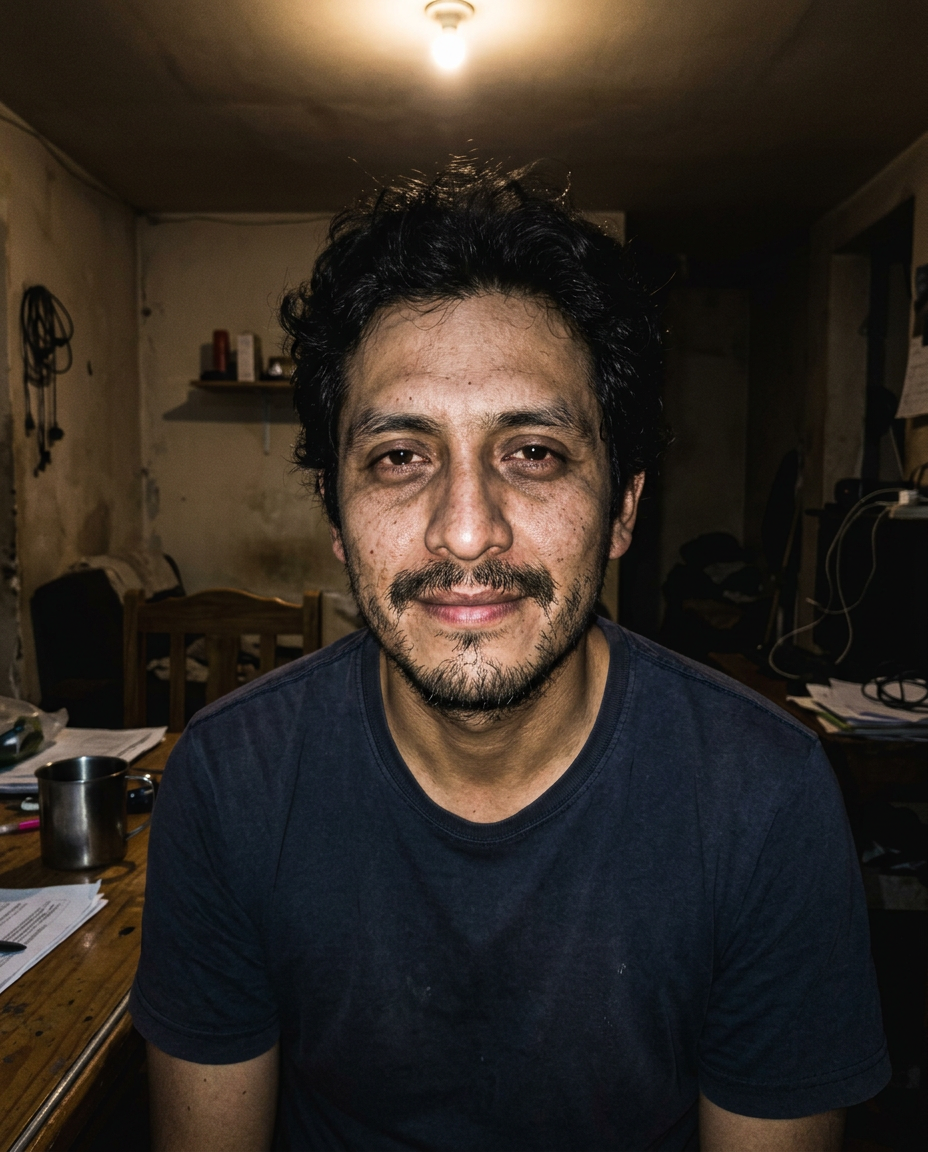
Poor lighting before portrait exampleBalanced lighting after portrait example
Before
After

Improve lighting and facial clarity

Flat or uneven lighting can weaken a professional photo. With the right prompt, starryai can lift shadows, improve clarity, and create a sharper profile image.

Improve lighting and facial clarity

Flat or uneven lighting can weaken a professional photo. With the right prompt, starryai can lift shadows, improve clarity, and create a sharper profile image.

Poor lighting before portrait exampleBalanced lighting after portrait example
Before
After
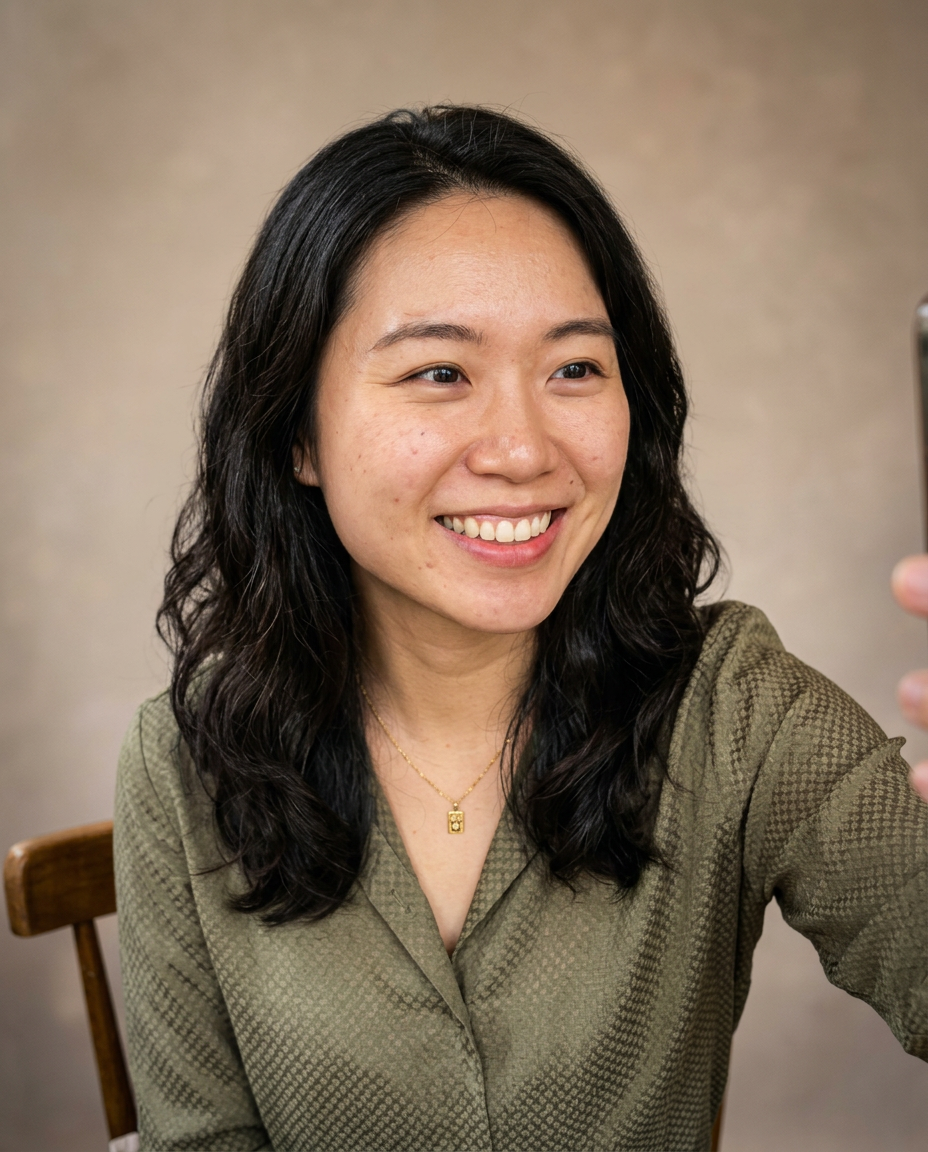
Informal portrait before examplePolished multi-use professional portrait after example
Before
After

Create profile photos for more than LinkedIn

A strong professional portrait also works for resumes, speaker bios, portfolio sites, team pages, and social accounts where first impressions matter.

Create profile photos for more than LinkedIn

A strong professional portrait also works for resumes, speaker bios, portfolio sites, team pages, and social accounts where first impressions matter.

Informal portrait before examplePolished multi-use professional portrait after example
Before
After

Frequently Asked Questions

Answers to all your pressing questions about starryai
Will people know my LinkedIn photo is AI-generated?

With a well-crafted professional portrait, the result is very convincing. Quality AI-generated headshots are difficult to distinguish from real professional photography. You can also use AI as an enhancement tool for a real photo by improving the background, adjusting lighting, or refining the overall professional polish of an existing image.

What style works best for LinkedIn?

Professional LinkedIn photos work best with a clean background, front-facing or slight angle composition, confident and approachable expression, professional but not overly formal attire, and even, well-lit lighting. Avoid dramatic artistic styles because credibility matters more than creative expression.

Can this help me look more professional even if I do not have professional photos?

Absolutely. Many people only have casual photos available and no easy way to get a proper professional headshot. AI generation helps create the professional image you need without requiring a photography session.

Is it appropriate to use an AI-generated photo on a professional platform like LinkedIn?

This is a personal decision. Many people use AI-enhanced or AI-generated profile photos on professional platforms. The key consideration is whether the image accurately represents your actual appearance, since using AI to achieve professional polish is very different from creating a misleading image that does not look like you.

What industries or roles benefit most from a strong LinkedIn photo?

Any professional benefits from a strong LinkedIn photo, but it is especially impactful in client-facing roles, public-facing professions, and any role where building trust with strangers online is important. A polished photo signals that you take your professional presence seriously.

Background Texture

starryai is loved by millions

See what our users are saying about starryai
Almost don’t wanna give it a review so It doesn’t get more attention, but it is deserved. Great range of art styles and every one looks so cool I love it.
saltybigboi
App Store User
Very intuitive and has a great community! This app just keeps getting better with each update! The UI is a lot smoother and quicker, and there are always more features being added, expanding your options...Such a fun app!
Blenston Shandor
App Store User
This is actually a very nice ai text to image app. I use it quite a bit when I'm mobile and can't access my home Stable Diffusion setup.
ɘlbe spurling
App Store User
Background Texture

Go further with starryai

Want to unlock even more features to make your photos shine? With starryai Pro, you get more generations, faster results, higher quality outputs, and priority access to advanced creation settings.

Explore more

