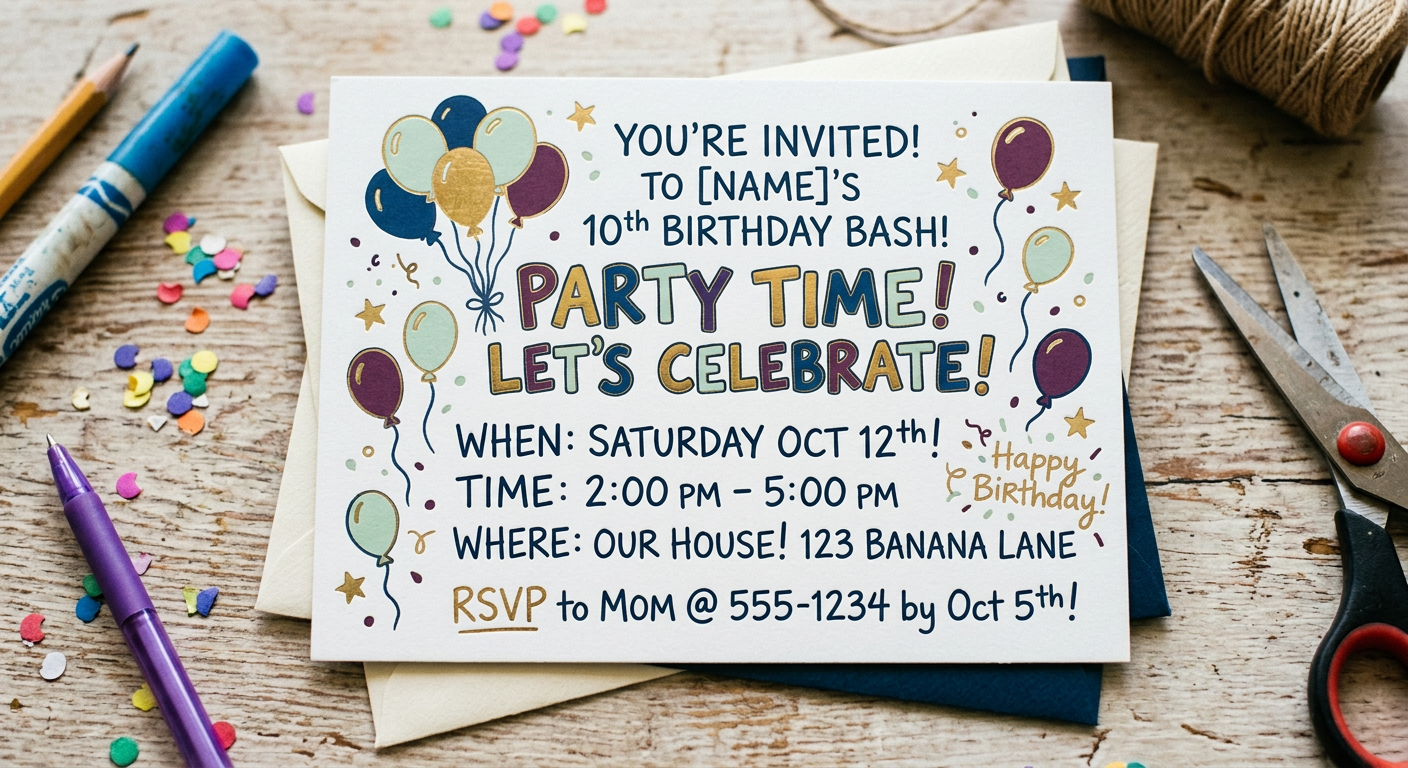
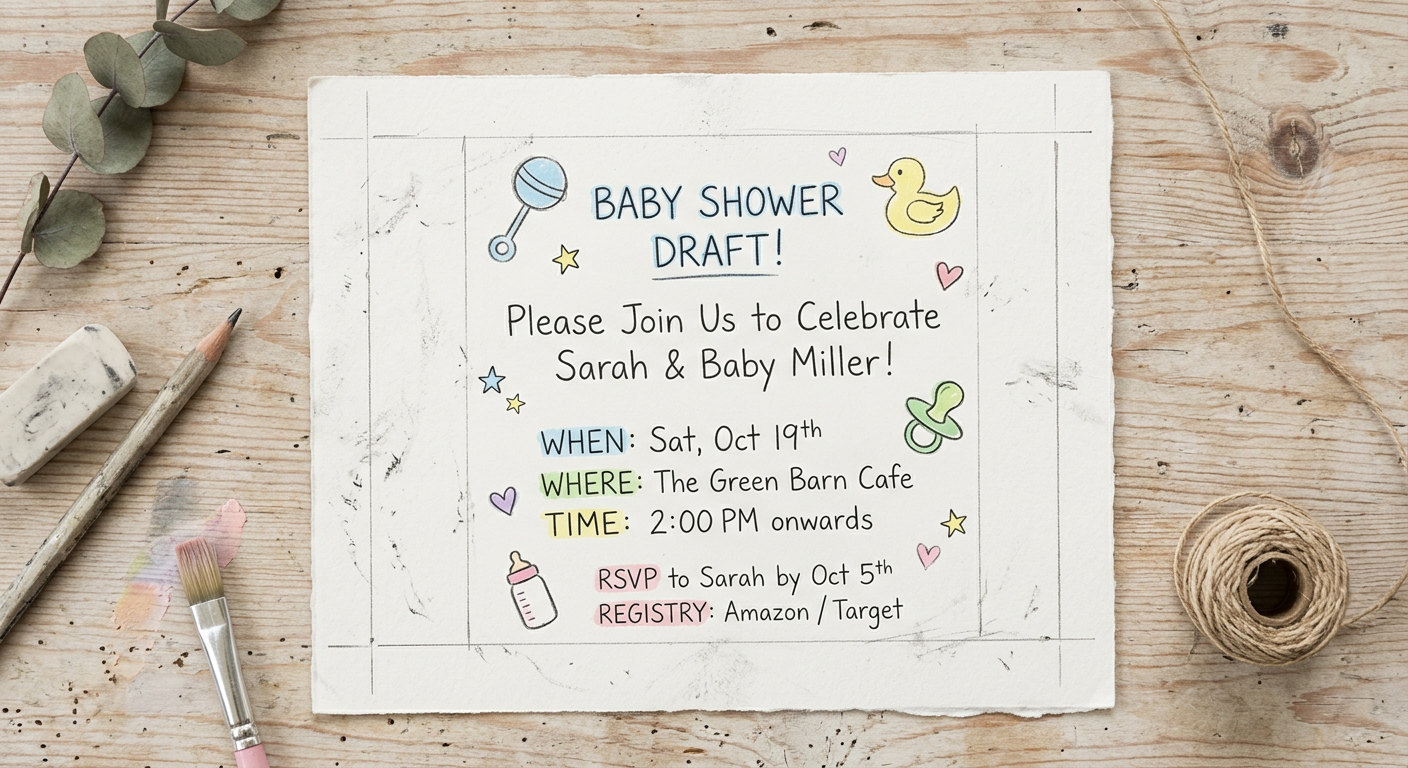
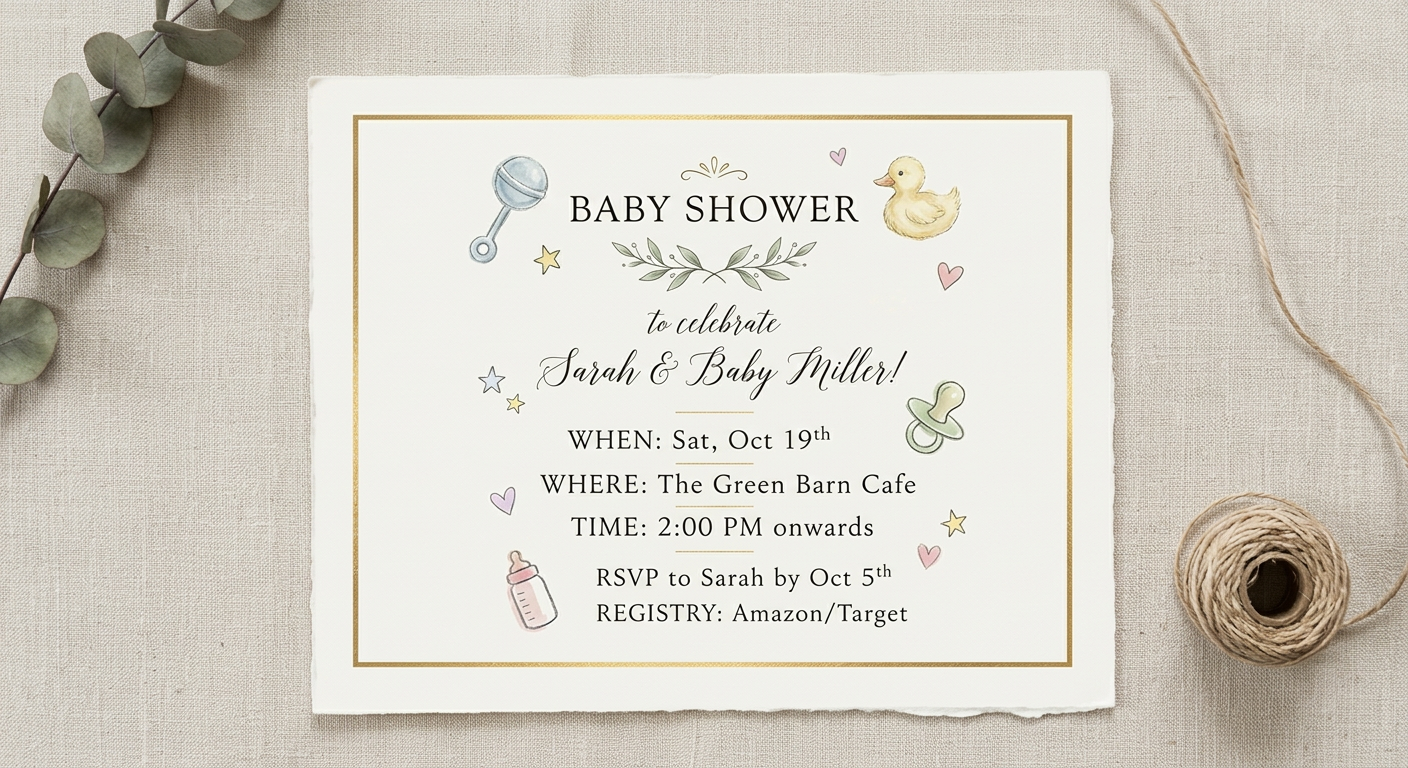
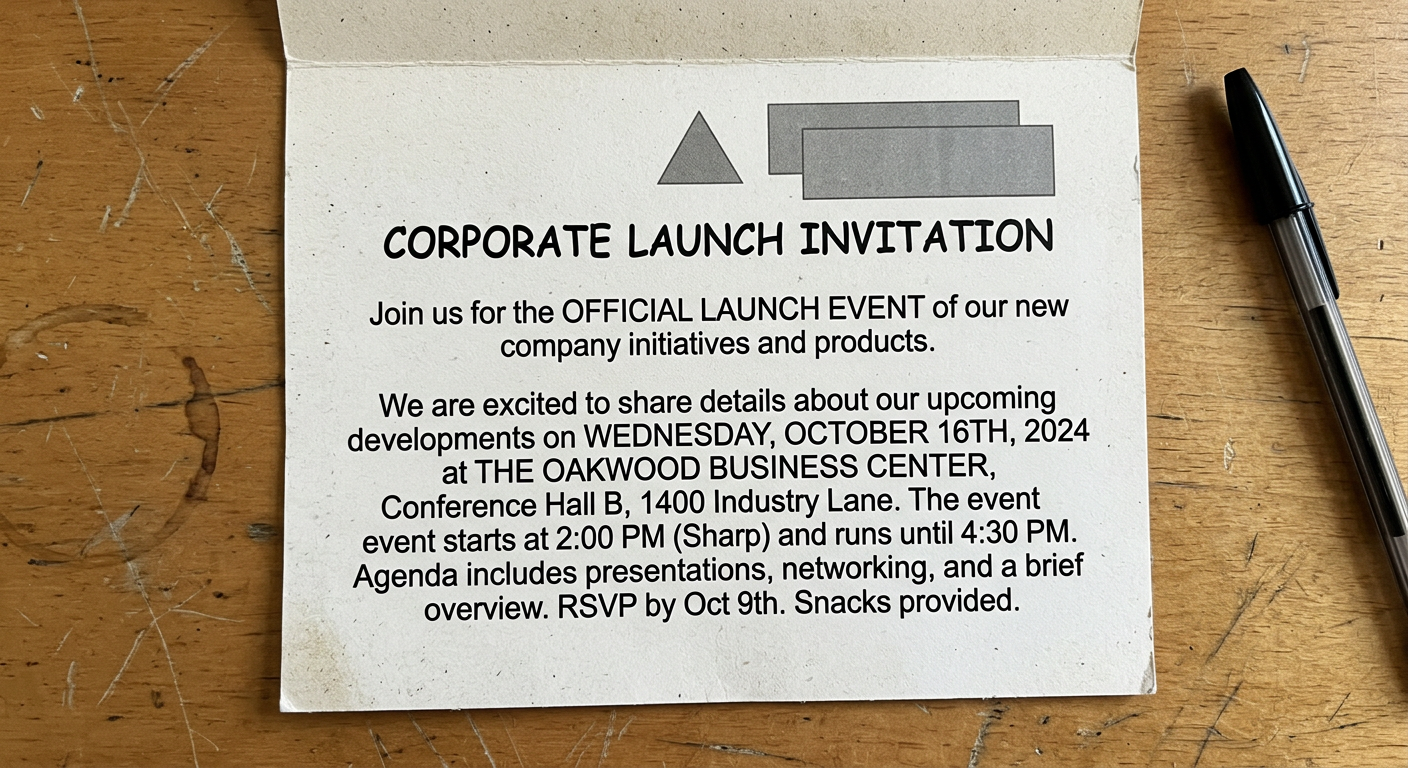
Beautiful, personalized invitations designed by AI - in minutes

Use starryai's AI invitation maker to create elegant, playful, or premium invitation designs for weddings, birthdays, launches, and everything in between.

Free HD Download
No Watermark
upload or drag image here
Trusted by 30 million users
205,650 Reviews
Available on iPhone & Android

How to create invitations with AI

Step 1

Describe your invitation style

Share the event type, color palette, mood, and design direction you want, including details like florals, modern patterns, vintage touches, or playful illustration.

Step 2

Generate your design

starryai creates invitation artwork that matches your brief, giving you original visual directions for layouts, decorative details, and overall atmosphere.

Step 3

Download and customize

Download the design in high resolution and add your event details in any tool that supports text overlay before printing or sending it digitally.

Before
After

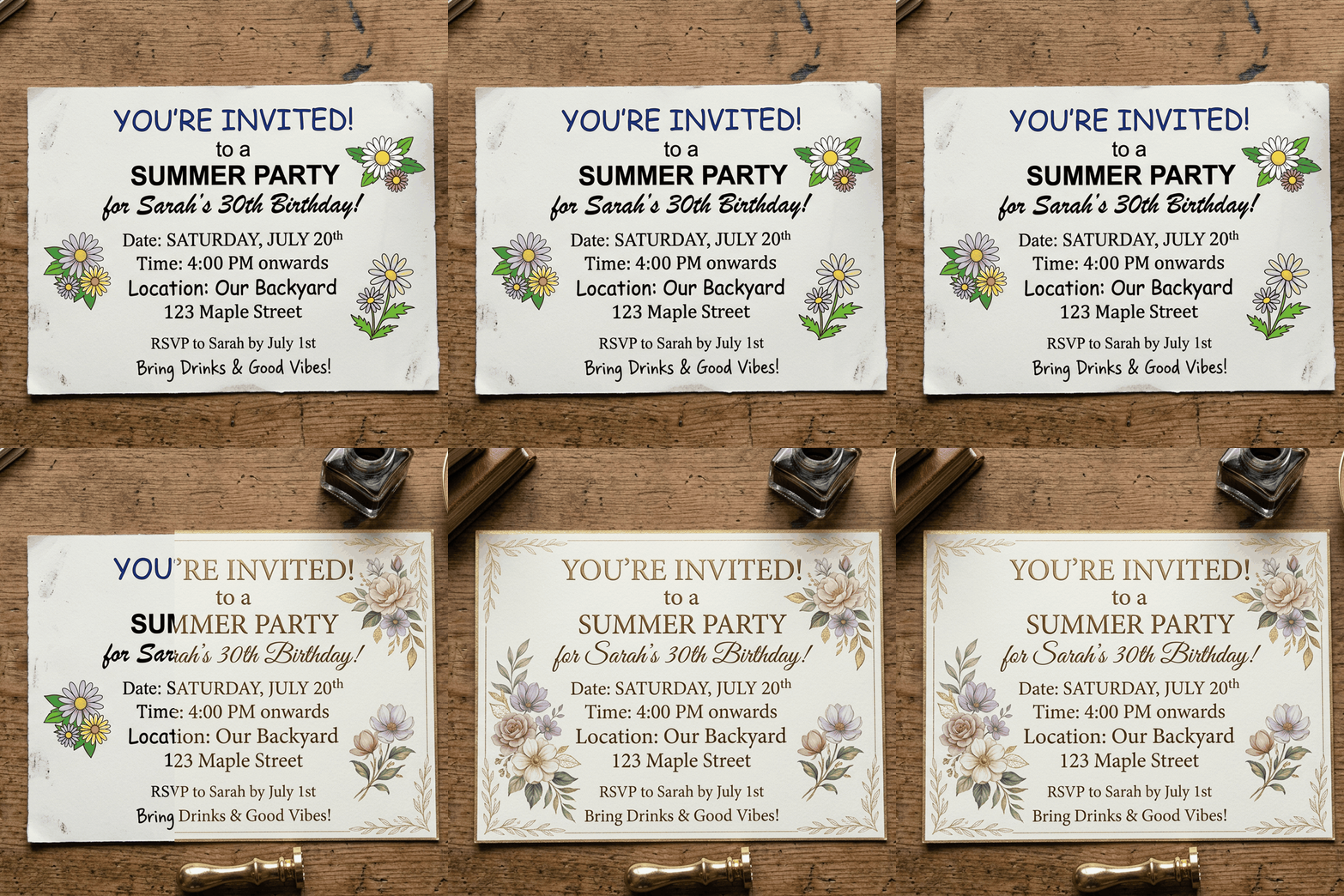
Design invitations without starting from a blank canvas

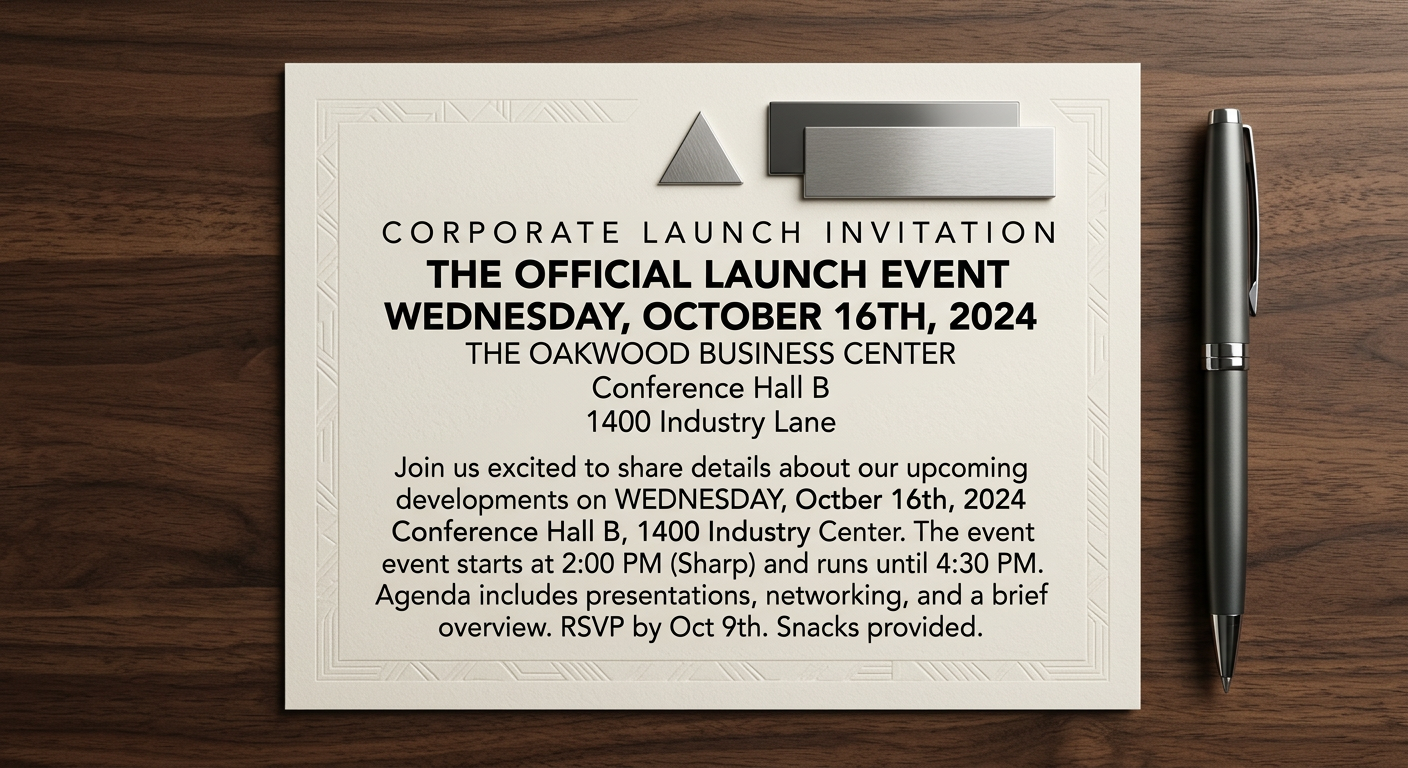
Use starryai to generate invitation concepts for birthdays, weddings, showers, launches, or holiday events with less design friction.

Design invitations without starting from a blank canvas

Use starryai to generate invitation concepts for birthdays, weddings, showers, launches, or holiday events with less design friction.

Before
After
Before
After

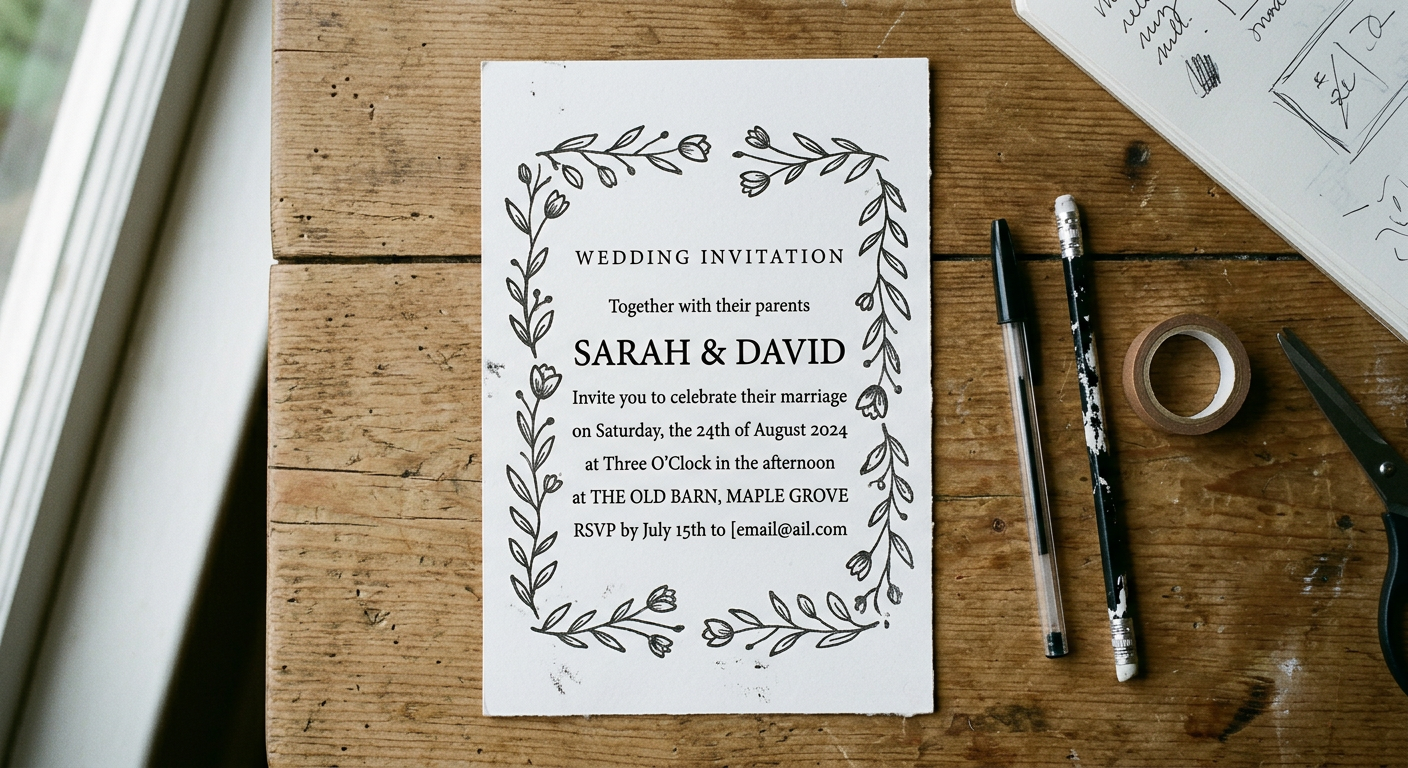
Match the invitation to your event theme

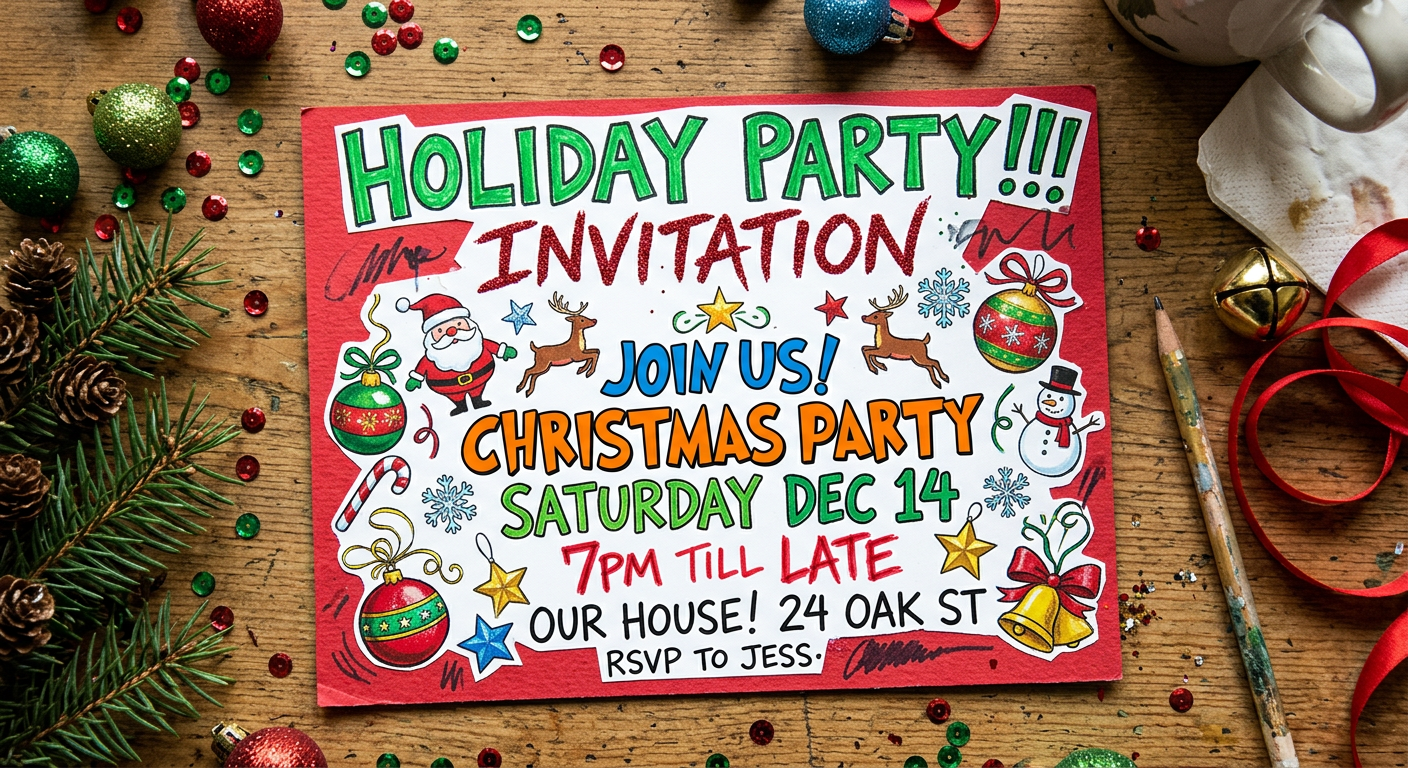
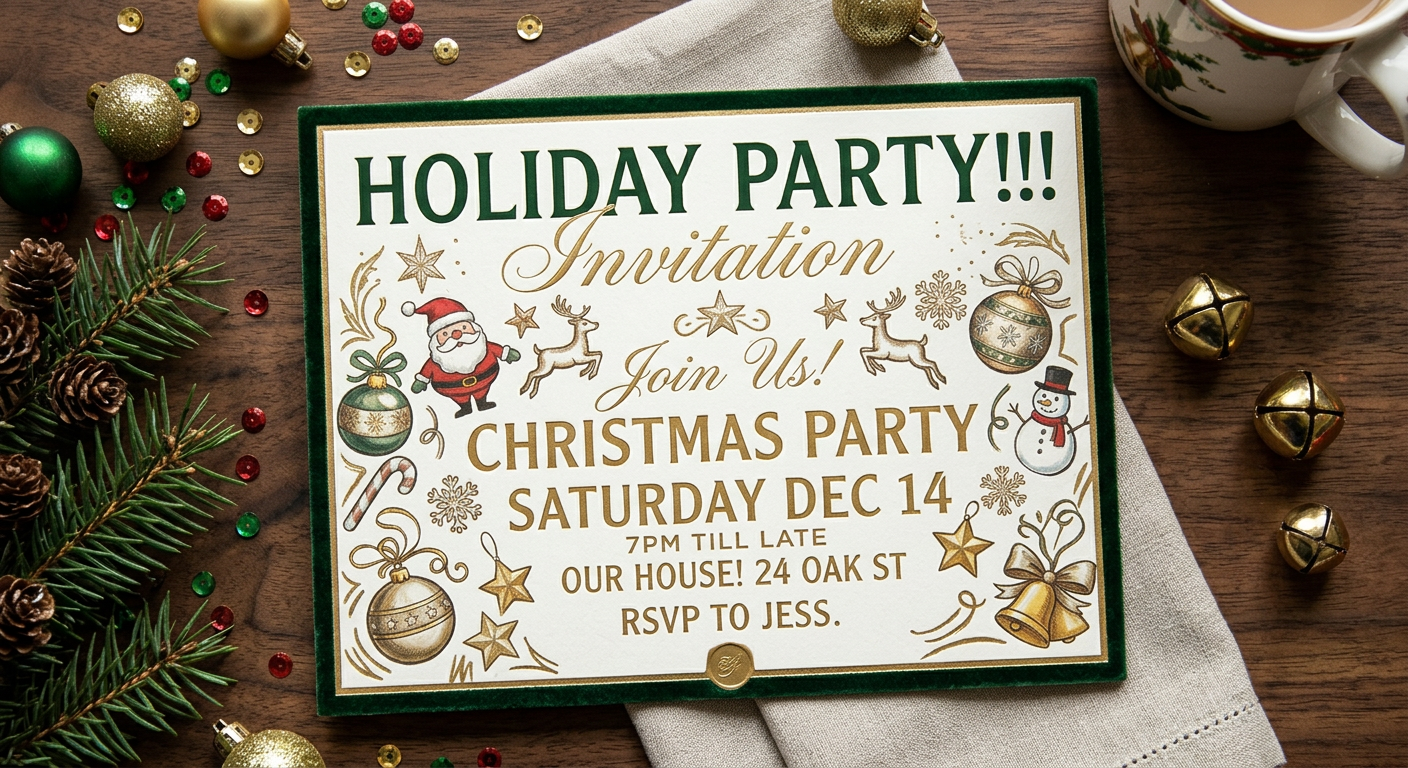
Prompt for elegant, playful, modern, floral, luxury, retro, or seasonal aesthetics so the invitation feels specific instead of generic.

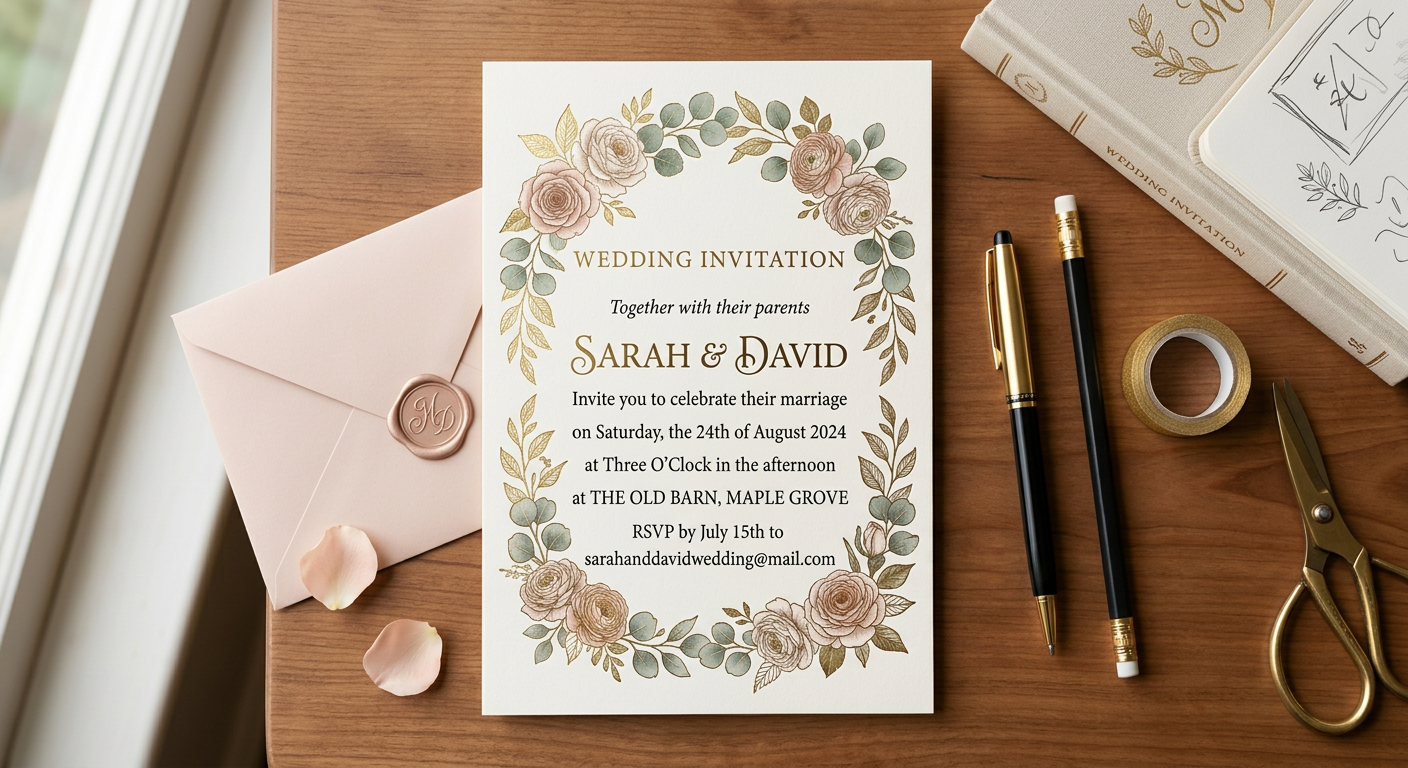
Match the invitation to your event theme

Prompt for elegant, playful, modern, floral, luxury, retro, or seasonal aesthetics so the invitation feels specific instead of generic.

Before
After
Before
After

Create visuals for digital and print use

Invitation designs can be adapted for email, messaging apps, story posts, printed cards, and event landing pages.

Create visuals for digital and print use

Invitation designs can be adapted for email, messaging apps, story posts, printed cards, and event landing pages.

Before
After
Before
After

Generate multiple creative directions fast

Compare several invitation looks in minutes instead of spending hours manually rebuilding layouts and color systems.

Generate multiple creative directions fast

Compare several invitation looks in minutes instead of spending hours manually rebuilding layouts and color systems.

Before
After
Before
After

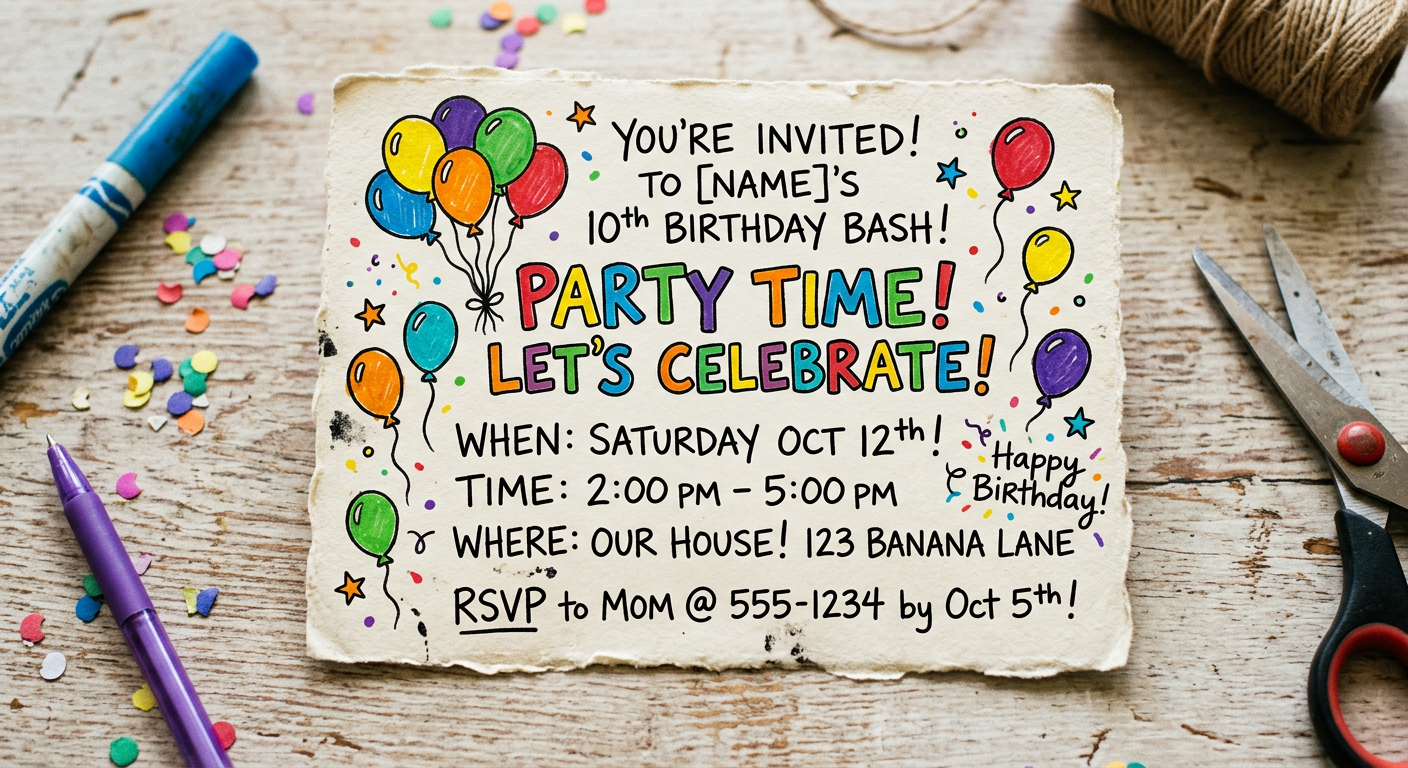
Personalize invitations for niche events

Whether the event is formal, casual, business-focused, or highly themed, starryai helps you shape the tone with prompts and visual references.

Personalize invitations for niche events

Whether the event is formal, casual, business-focused, or highly themed, starryai helps you shape the tone with prompts and visual references.

Before
After

Frequently Asked Questions

Answers to all your pressing questions about starryai
What kinds of events can I create invitations for?

starryai works for weddings, birthdays, baby showers, graduations, corporate events, holiday gatherings, and nearly any other occasion that benefits from custom invitation art.

Can I add text after generating the design?

Yes. The AI handles the visual direction, and you can add names, dates, venue details, and RSVP information later in Canva, Photoshop, Google Slides, or any other editor with text tools.

How do I match the invitation to an event theme?

Use a specific prompt with color palette, style references, and decorative details. The more clearly you describe the mood and event theme, the more closely the design will match your vision.

Can I create digital invitations as well as print ones?

Yes. The generated designs work well for email, messaging apps, social sharing, event platforms, and print shops, so you can adapt the same concept across both formats.

Can this help me match an existing wedding or event aesthetic?

Absolutely. If you already have a color story, font direction, or overall event mood, starryai can generate visuals that fit naturally with the rest of your materials.

Background Texture

starryai is loved by millions

See what our users are saying about starryai
Almost don’t wanna give it a review so It doesn’t get more attention, but it is deserved. Great range of art styles and every one looks so cool I love it.
saltybigboi
App Store User
Very intuitive and has a great community! This app just keeps getting better with each update! The UI is a lot smoother and quicker, and there are always more features being added, expanding your options...Such a fun app!
Blenston Shandor
App Store User
This is actually a very nice ai text to image app. I use it quite a bit when I'm mobile and can't access my home Stable Diffusion setup.
ɘlbe spurling
App Store User
Background Texture

Go further with starryai

Want to unlock even more features to make your photos shine? With starryai Pro, you get more generations, faster results, higher quality outputs, and priority access to advanced creation settings.

Explore more

