
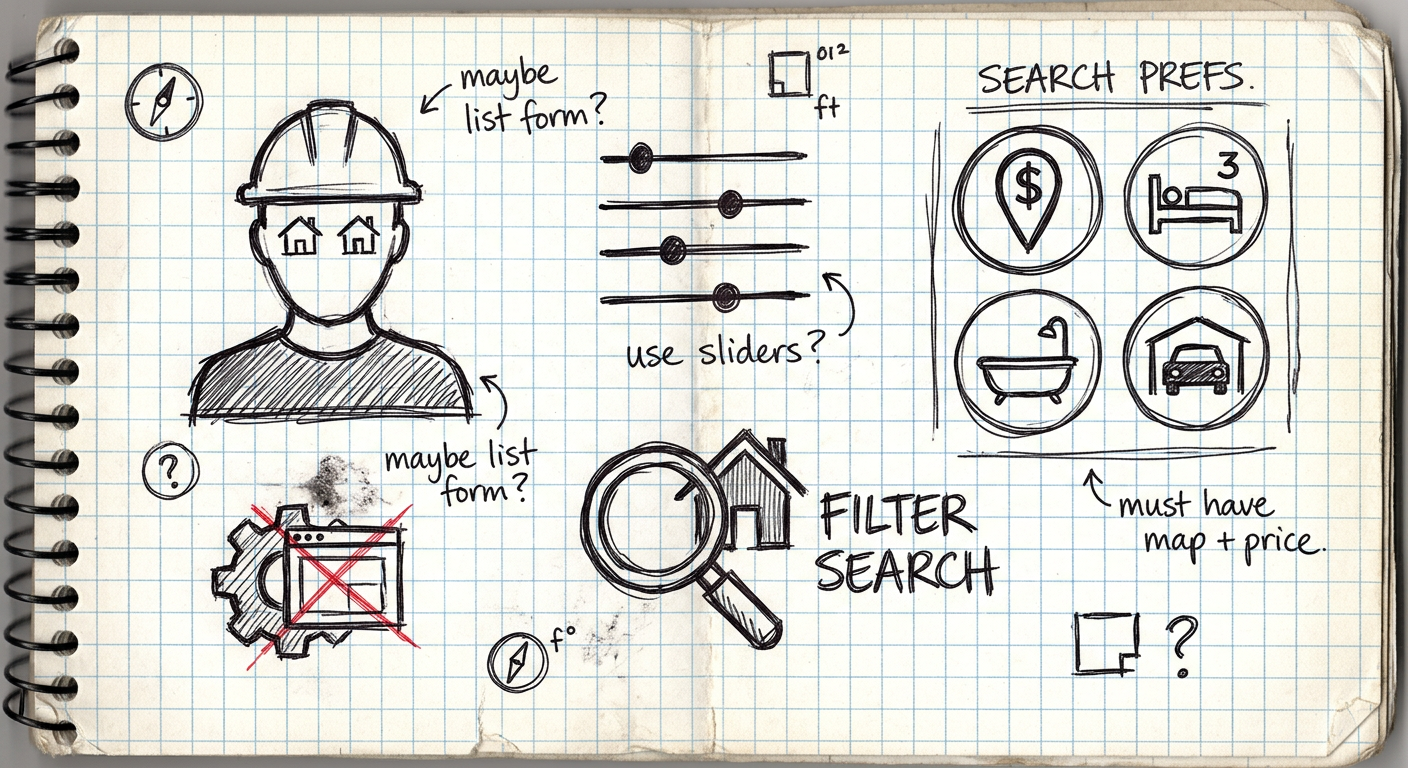
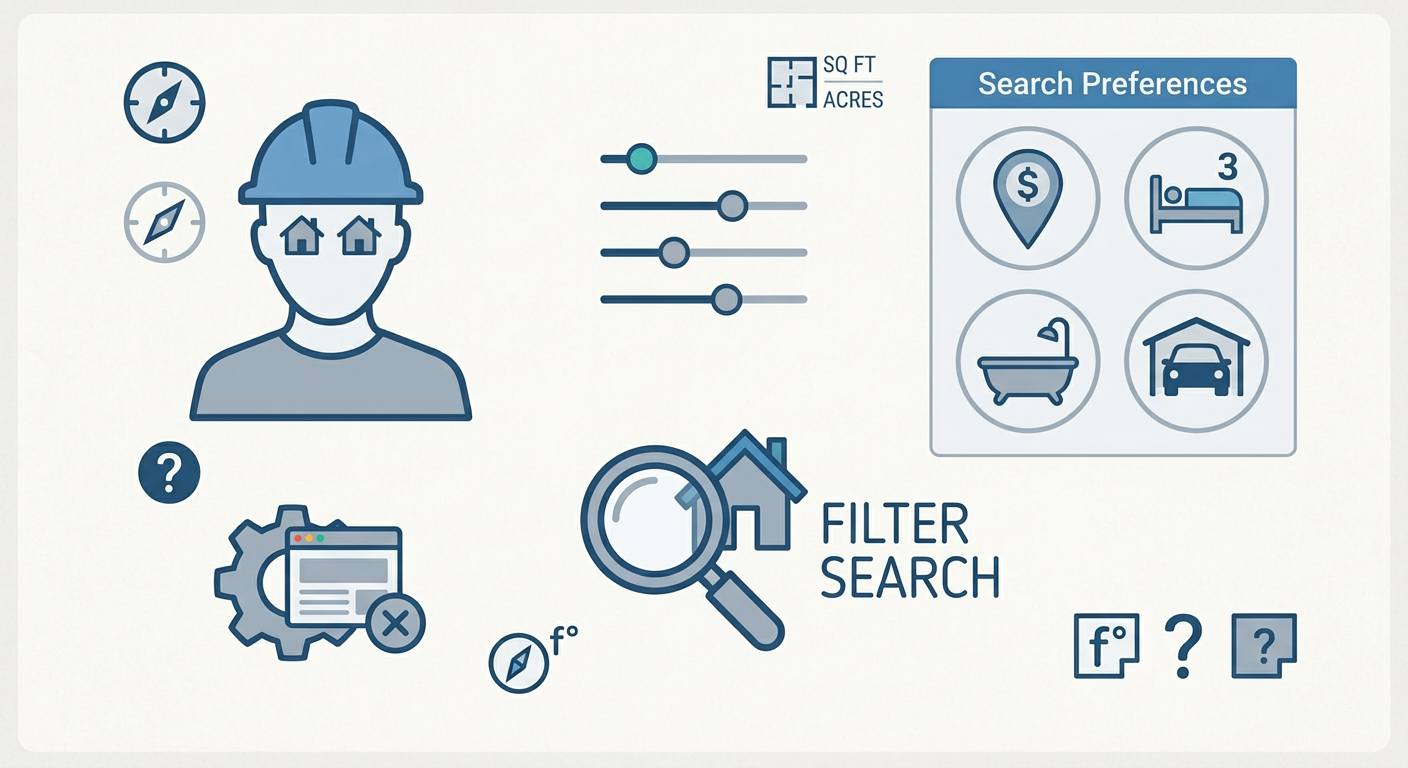
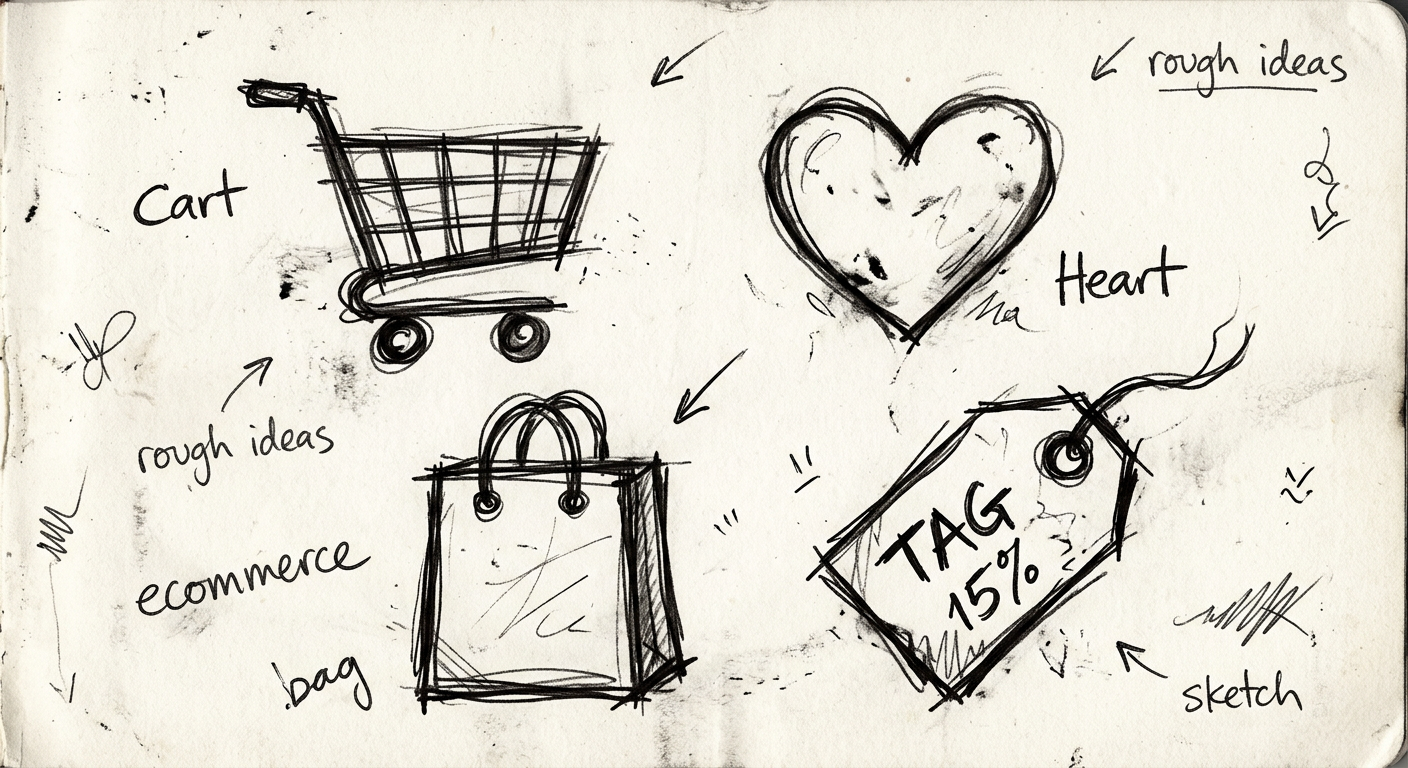
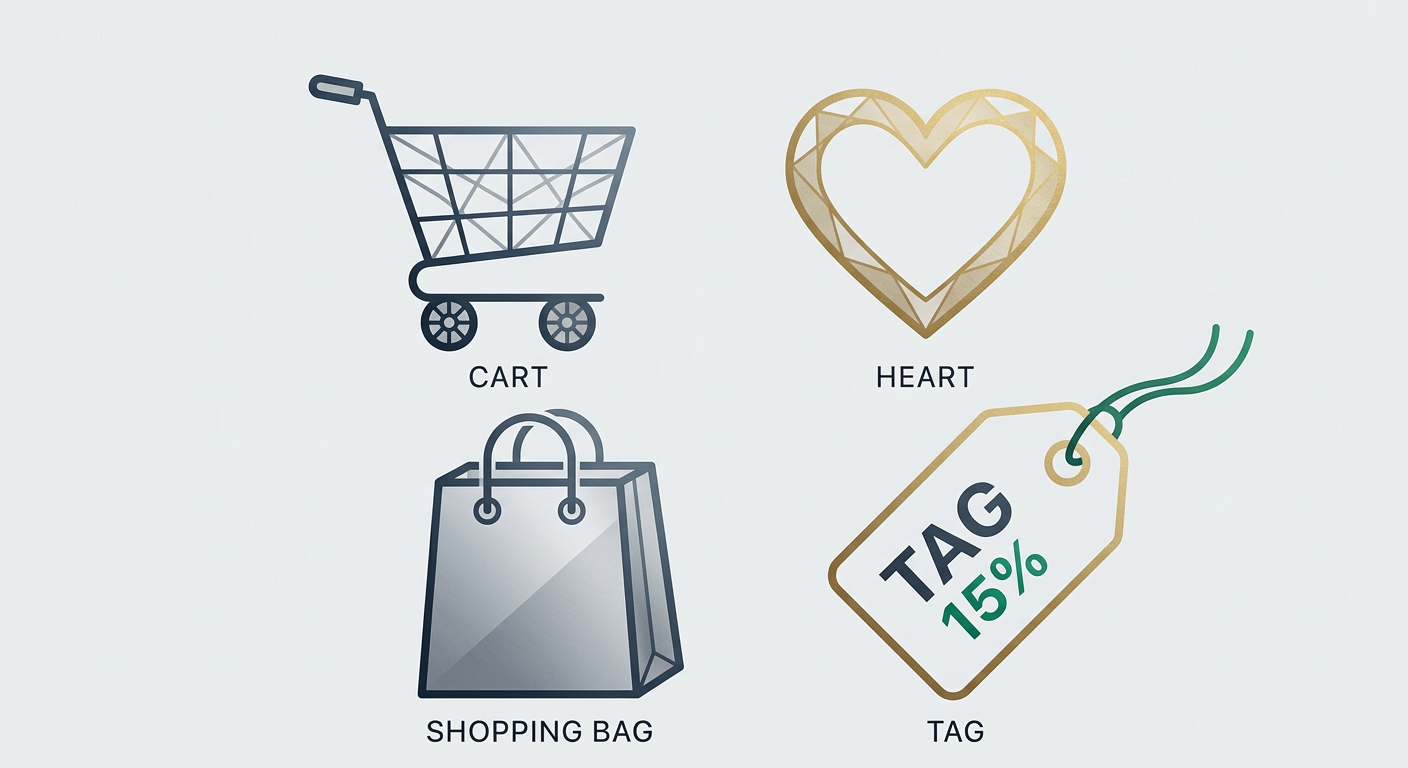
Create polished icons for apps, websites, and UI projects with starryai's AI icon generator, whether you need flat, outlined, playful, or production-ready visual directions.
Tell starryai what kind of icon or icon set you need, including the style, color palette, grid size, and any details about weight, shape, or design language.
starryai creates icon concepts based on your description so you can explore consistent directions for single icons or entire sets without starting from scratch.
Download the icons and use them directly as image assets or refine them into SVGs for your design system, Figma file, or production codebase.


starryai can help you move from a vague concept to a strong icon direction without opening a full design suite.


Try flat, outlined, glossy, geometric, minimal, or playful icon treatments to find the look that fits your product.


A strong icon can work in app UIs, onboarding, social graphics, stickers, presentations, and brand systems.


Icons need clarity at small sizes. Prompting for bold shapes and clean silhouettes helps you get results that stay legible.


If you already know the metaphor or object you want, starryai helps turn that idea into cleaner and more distinctive icon options.


starryai can generate icons in a wide range of styles, including flat, outlined, filled, isometric, hand-drawn, gradient, and more. The clearer your style direction, the better the result will match your interface.
Yes. You can describe a full visual language and generate multiple related icons that feel cohesive as a set, then iterate on any symbols that need refinement.
Yes, especially for concepting and early production work. Teams often use AI-generated icons as a fast way to explore directions before refining final vectors.
Yes. starryai-generated icons can be used in commercial projects, though it is always smart to check the latest usage terms for the most current guidance.
SVG is usually preferred for scalable product interfaces, but the generated images can also be used directly as raster assets or traced into vector format later.


Want to unlock even more features to make your photos shine? With starryai Pro, you get more generations, faster results, higher quality outputs, and priority access to advanced creation settings.

