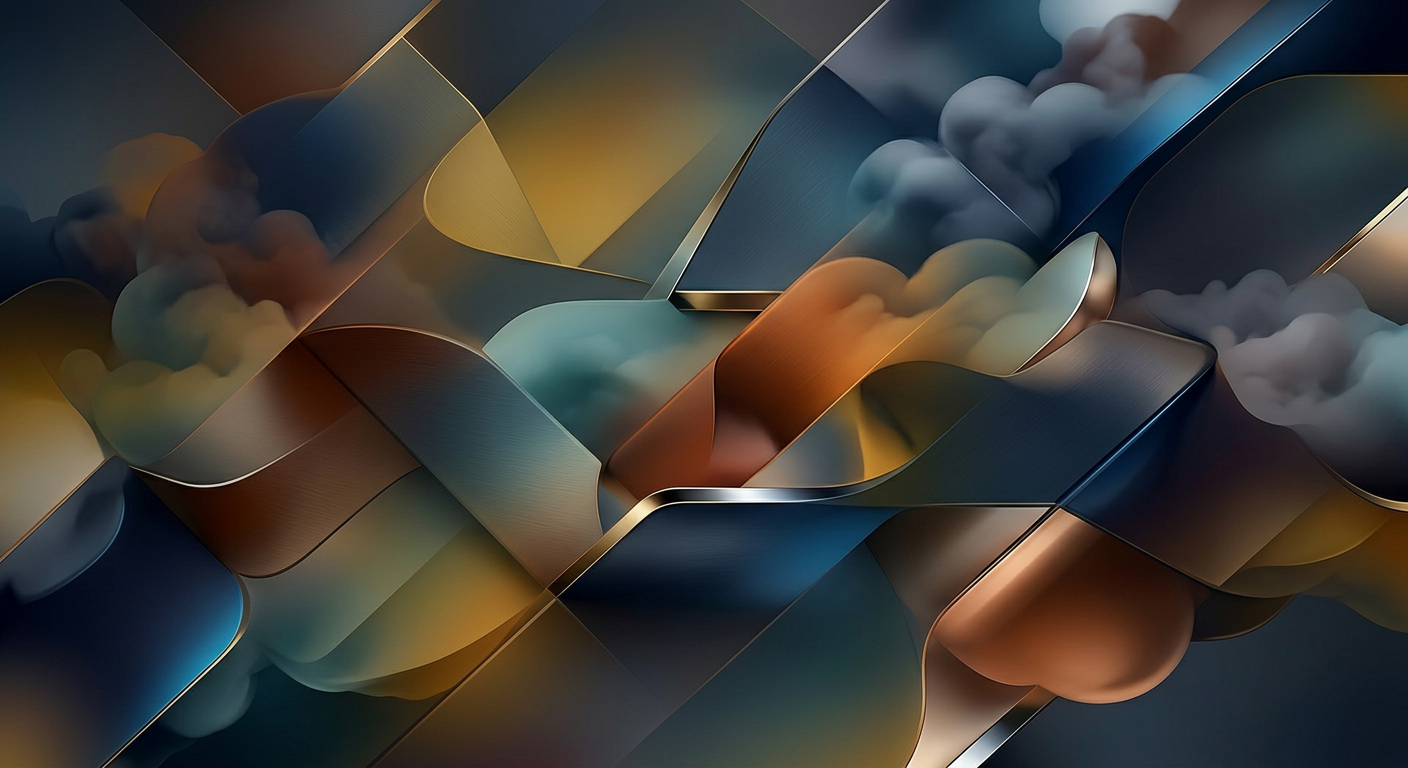
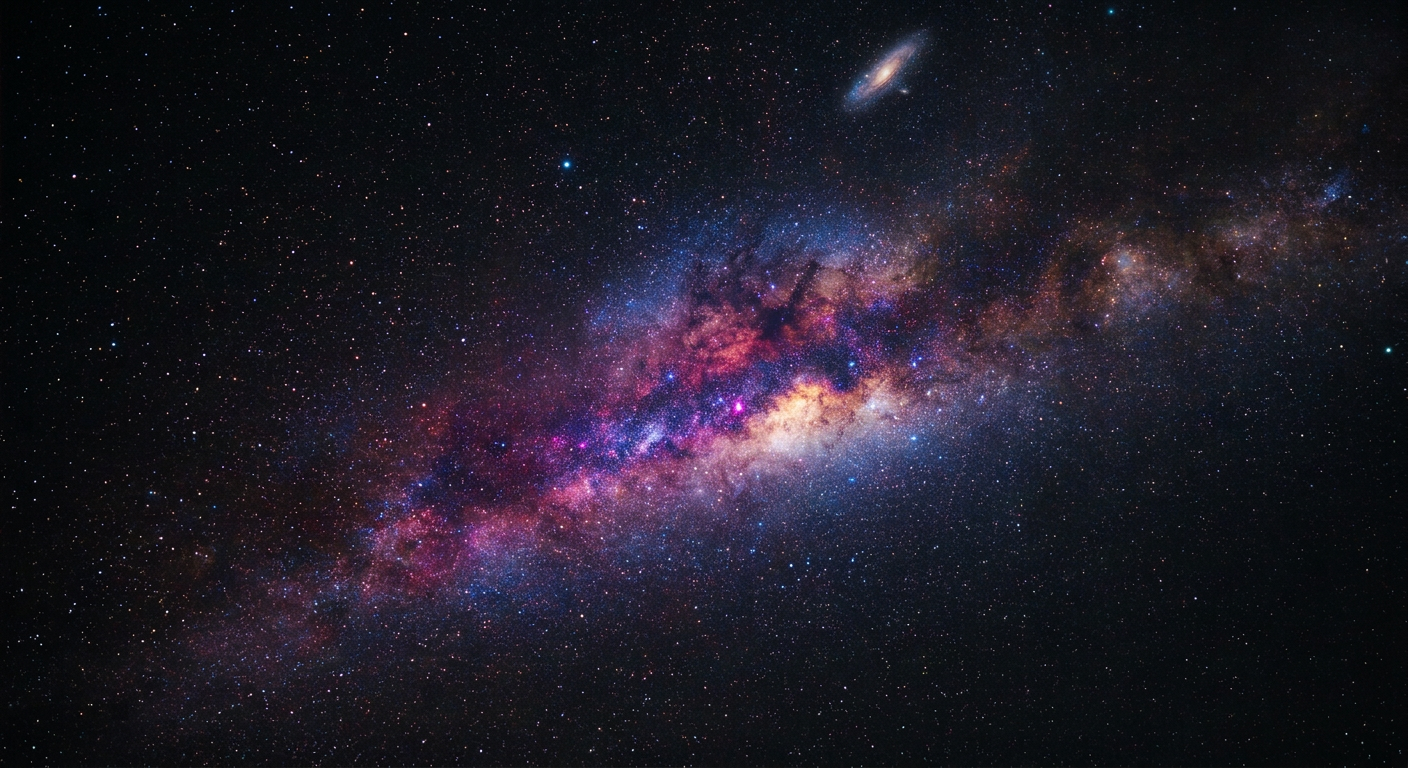
Design wallpapers that feel made for your screen

Create custom wallpapers for desktop, phone, and lock screens with starryai in any aesthetic, from fantasy landscapes to abstract art and cinematic environments.

Free HD Download
No Watermark
upload or drag image here
Trusted by 30 million users
205,650 Reviews
Available on iPhone & Android

How to create wallpapers with AI

Step 1

Choose the screen and aesthetic

Decide whether the wallpaper is for desktop, mobile, or lock screen use, then define the style, palette, mood, and subject you want to see every day.

Step 2

Generate variations and compare

Use starryai to explore multiple directions, adjusting resolution, aspect ratio, atmosphere, and composition until one version feels made for the device.

Step 3

Download and set your favorite

Save the best result in high resolution and use it as a wallpaper, background pack, themed set, or mood-driven visual refresh across your devices.

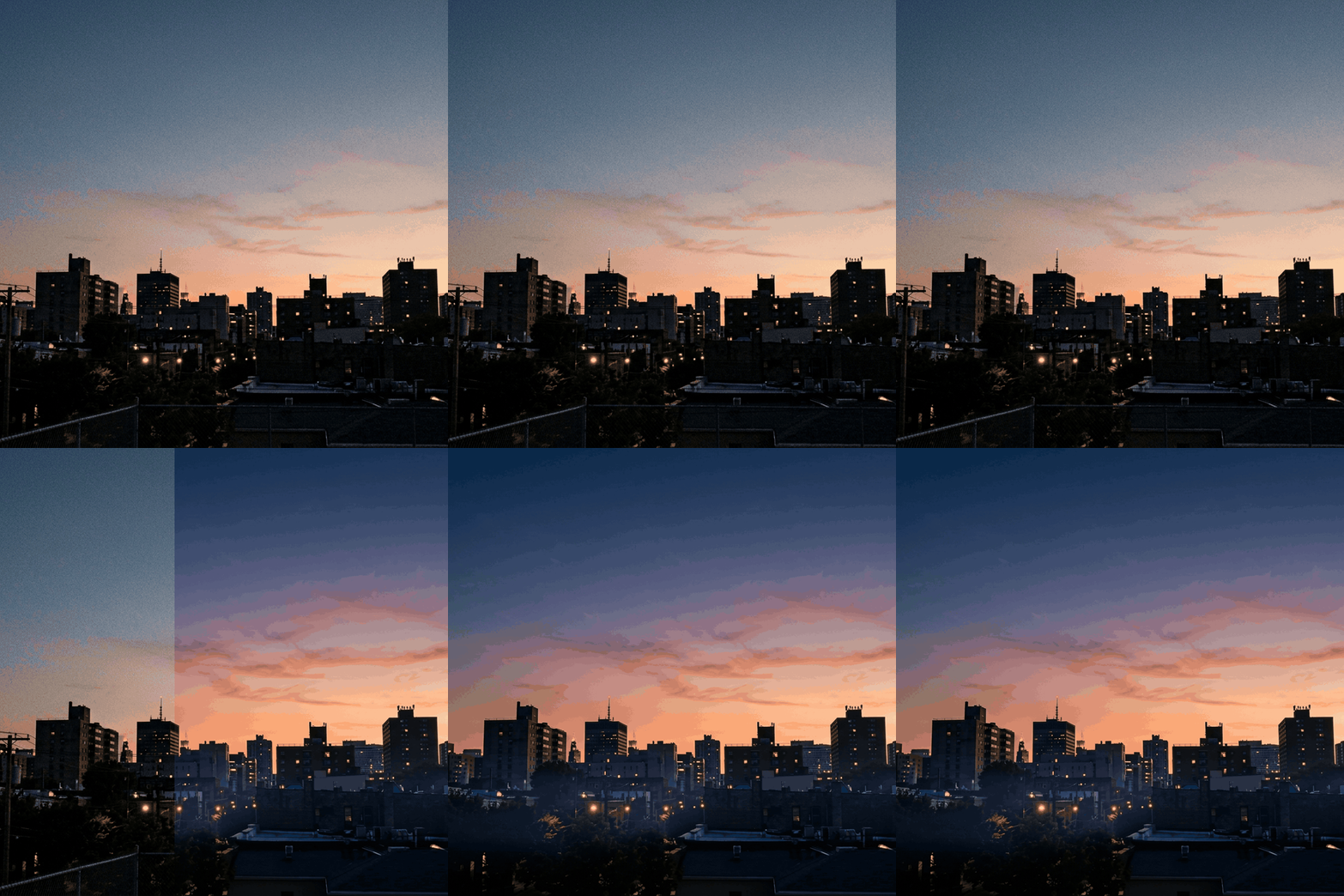
Before
After

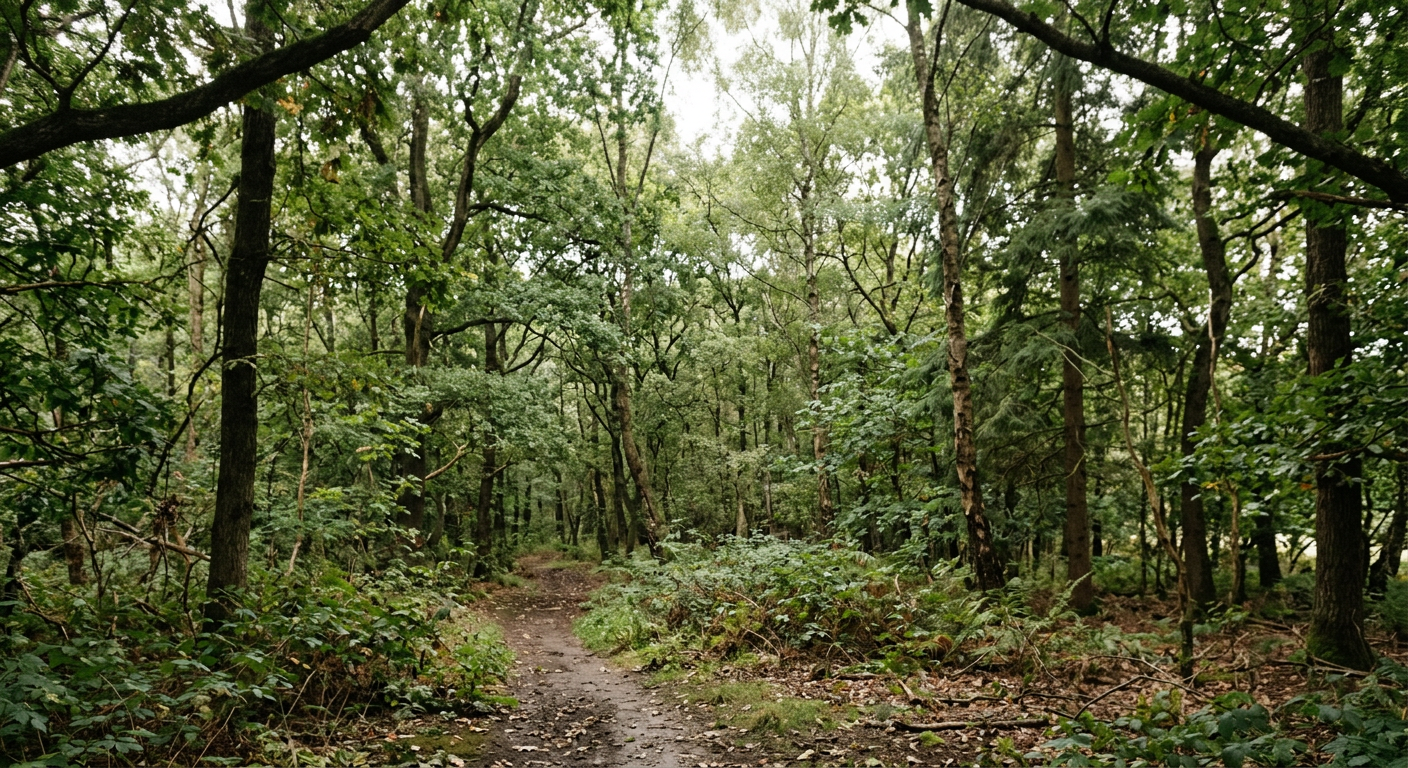
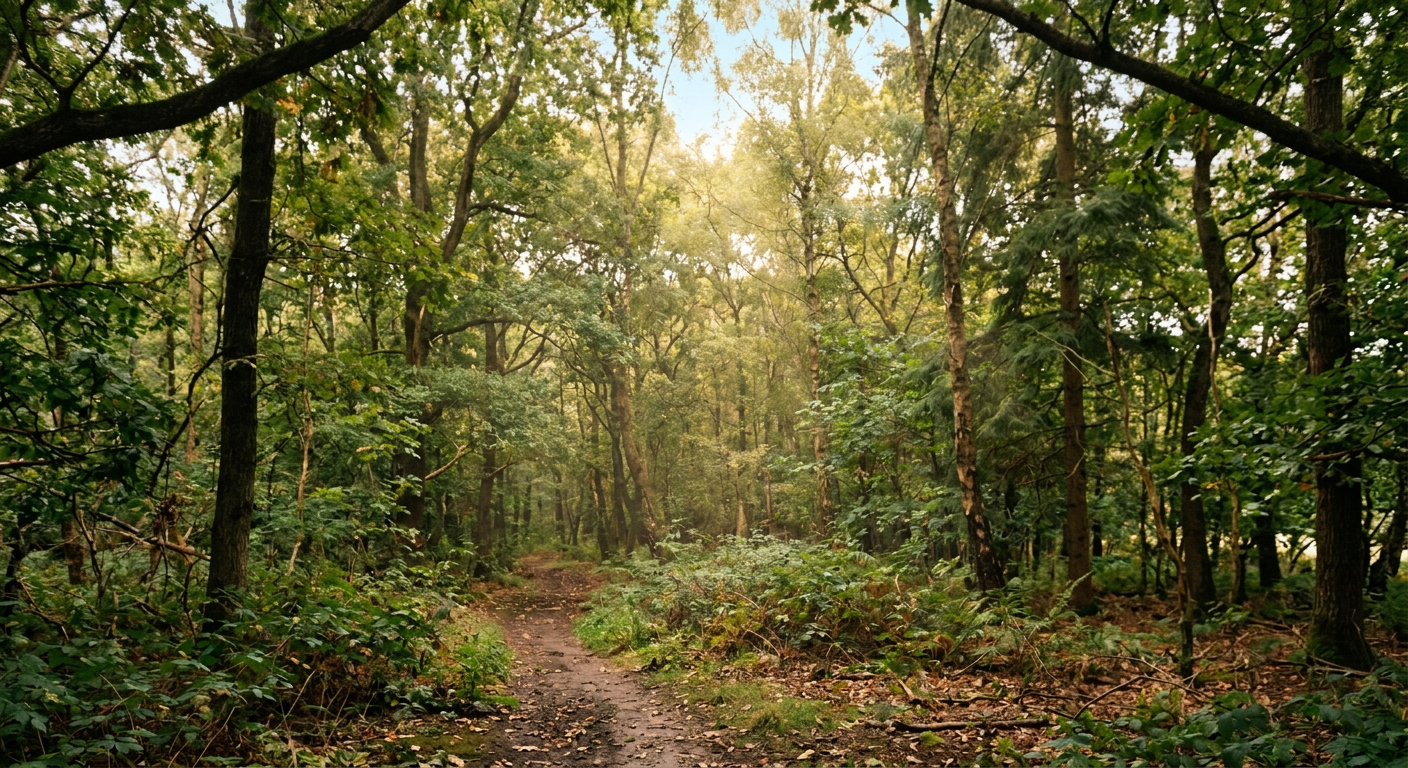
Create custom wallpapers instead of using generic backgrounds

Generate phone and desktop wallpapers that feel more personal, artistic, or brand-aligned than standard stock options.

Create custom wallpapers instead of using generic backgrounds

Generate phone and desktop wallpapers that feel more personal, artistic, or brand-aligned than standard stock options.

Before
After
Before
After

Explore multiple aesthetic directions with ease

Try minimal gradients, anime worlds, cinematic landscapes, abstract color fields, or dreamy surreal scenes depending on your taste.

Explore multiple aesthetic directions with ease

Try minimal gradients, anime worlds, cinematic landscapes, abstract color fields, or dreamy surreal scenes depending on your taste.

Before
After
Before
After

Match wallpapers to mood and device context

A wallpaper can feel calm, energetic, premium, playful, or darkly atmospheric based on the prompt and palette.

Match wallpapers to mood and device context

A wallpaper can feel calm, energetic, premium, playful, or darkly atmospheric based on the prompt and palette.

Before
After
Before
After

Design images for desktop, mobile, and lock screens

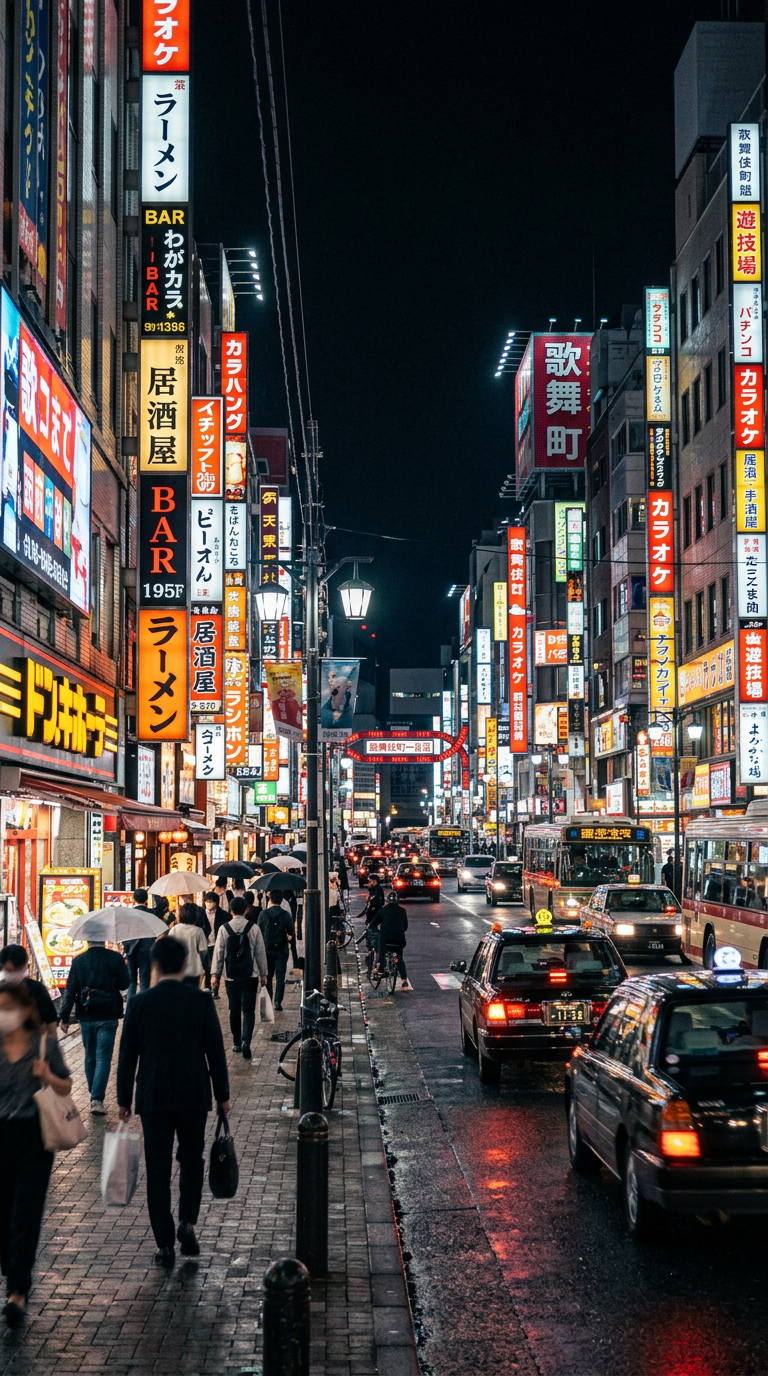
Different aspect ratios and compositions can be generated with the final device in mind so the image feels intentional on-screen.

Design images for desktop, mobile, and lock screens

Different aspect ratios and compositions can be generated with the final device in mind so the image feels intentional on-screen.

Before
After
Before
After

Build themed wallpaper sets

Once you find a direction you like, it becomes easy to create matching series across seasons, moods, or visual identities.

Build themed wallpaper sets

Once you find a direction you like, it becomes easy to create matching series across seasons, moods, or visual identities.

Before
After

Frequently Asked Questions

Answers to all your pressing questions about starryai
What kinds of wallpapers can I create?

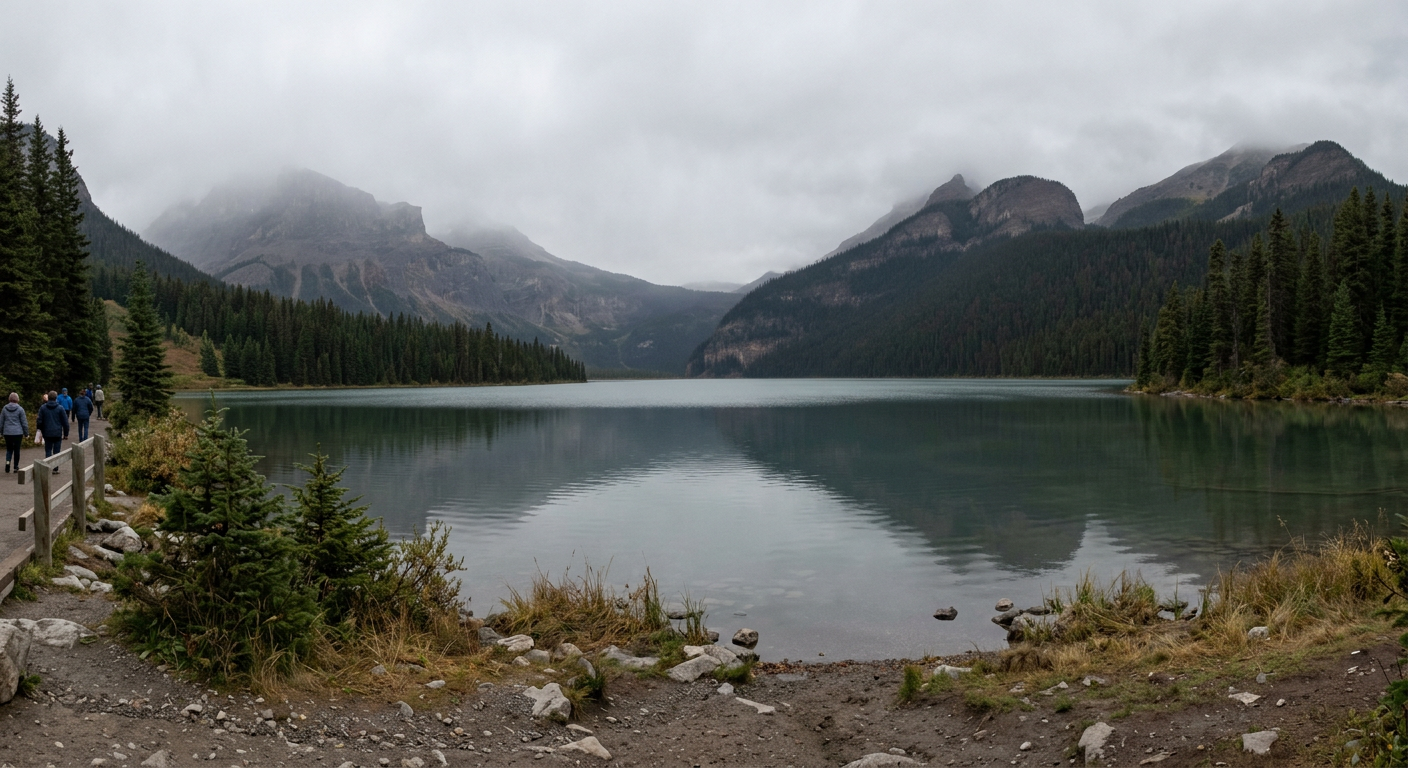
You can create fantasy scenes, nature landscapes, abstract color fields, anime worlds, geometric patterns, sci-fi cityscapes, and many other types of wallpaper art.

How do I make sure the wallpaper fits my device?

Include the orientation and intended use in your prompt, such as desktop, mobile, vertical lock screen, or ultra-wide background, so the composition is designed for that format.

What prompts work best for wallpapers?

The strongest prompts combine a clear subject with lighting, palette, and style. Specific prompts almost always produce more compelling wallpaper art than vague ones.

Can I create matching wallpaper sets?

Yes. Repeating the same visual language across prompts makes it easy to build cohesive wallpaper collections for seasons, moods, or multiple devices.

Why use AI wallpapers instead of stock backgrounds?

AI wallpapers are more personal and more specific. Instead of choosing from a shared gallery, you can generate a background that feels uniquely yours.

Background Texture

starryai is loved by millions

See what our users are saying about starryai
Almost don’t wanna give it a review so It doesn’t get more attention, but it is deserved. Great range of art styles and every one looks so cool I love it.
saltybigboi
App Store User
Very intuitive and has a great community! This app just keeps getting better with each update! The UI is a lot smoother and quicker, and there are always more features being added, expanding your options...Such a fun app!
Blenston Shandor
App Store User
This is actually a very nice ai text to image app. I use it quite a bit when I'm mobile and can't access my home Stable Diffusion setup.
ɘlbe spurling
App Store User
Background Texture

Go further with starryai

Want to unlock even more features to make your photos shine? With starryai Pro, you get more generations, faster results, higher quality outputs, and priority access to advanced creation settings.

Explore more

