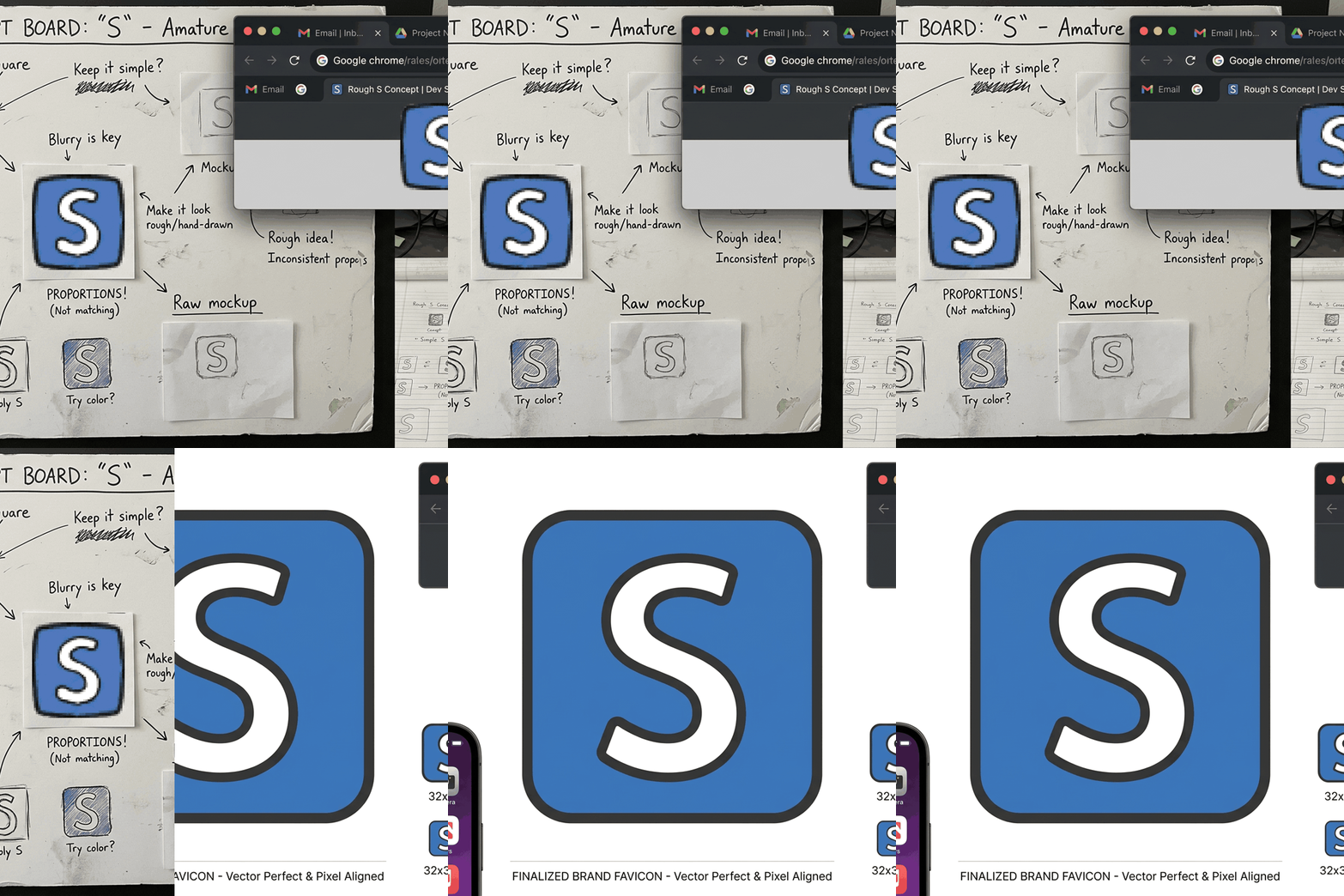
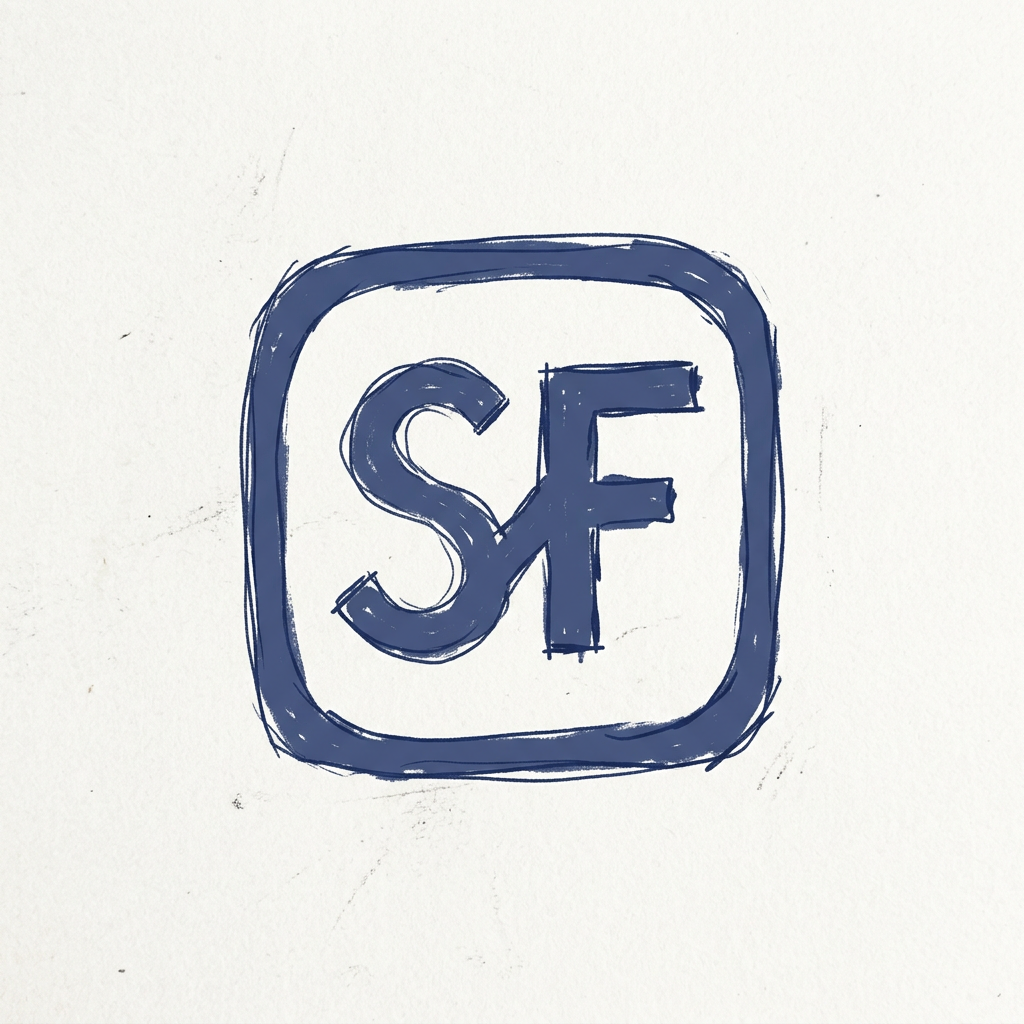
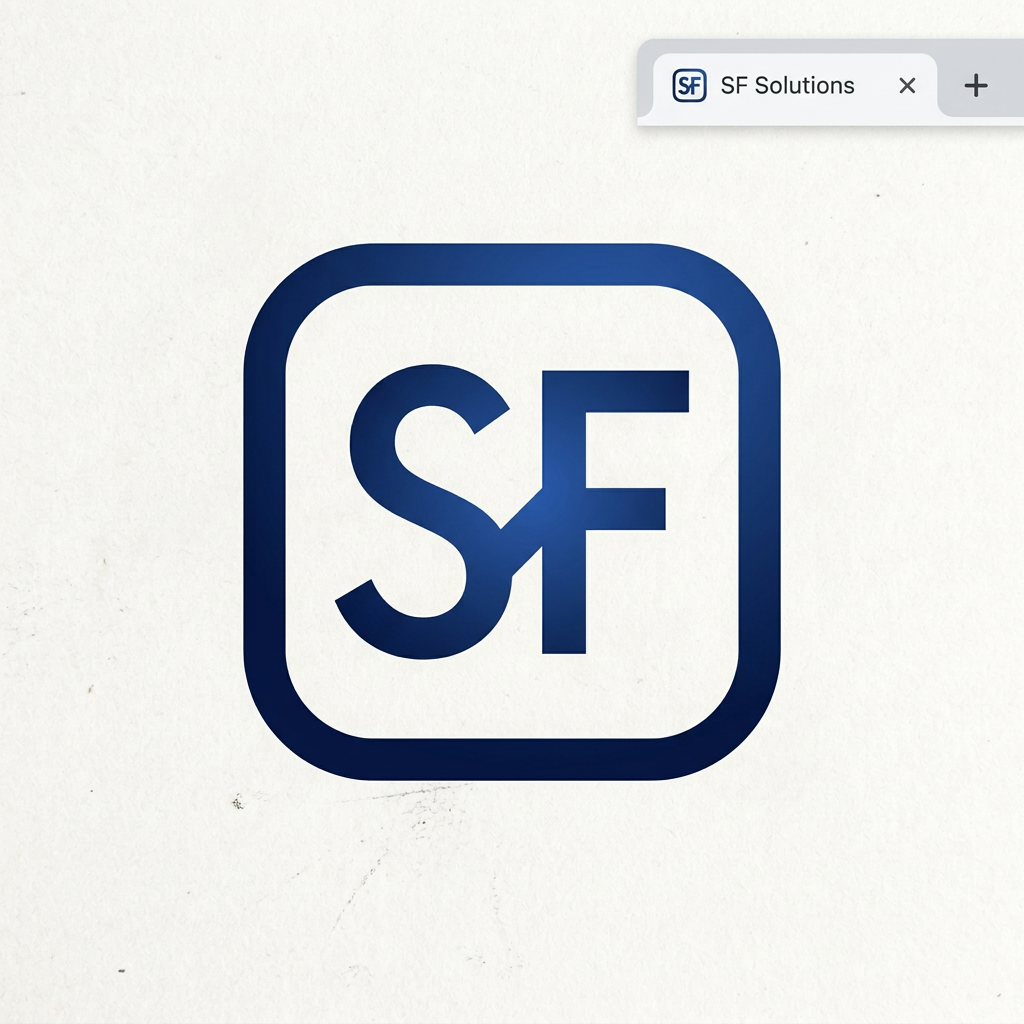
A favicon that makes your site unforgettable - designed by AI in seconds

Use starryai to create clean, distinctive favicon concepts for websites, apps, and products without needing a full branding team.

Free HD Download
No Watermark
upload or drag image here
Trusted by 30 million users
205,650 Reviews
Available on iPhone & Android

How to create a favicon with AI

Step 1

Describe your favicon concept

Tell starryai about the brand symbol, letterform, shape, palette, and style you want, keeping small-size clarity in mind from the beginning.

Step 2

Generate simple, readable options

Use starryai to compare multiple minimal icon directions and focus on strong shapes, contrast, and clarity so the favicon still works at tiny sizes.

Step 3

Optimize and deploy

Download the final icon, export it to the right size or file type, and add it to your website or product so the brand is recognizable everywhere it appears.

Before
After

Generate favicon concepts from your brand identity

Use starryai to turn a lettermark, icon idea, or visual motif into favicon concepts that feel more distinctive than defaults.

Generate favicon concepts from your brand identity

Use starryai to turn a lettermark, icon idea, or visual motif into favicon concepts that feel more distinctive than defaults.

Before
After
Before
After

Test minimal icon directions quickly

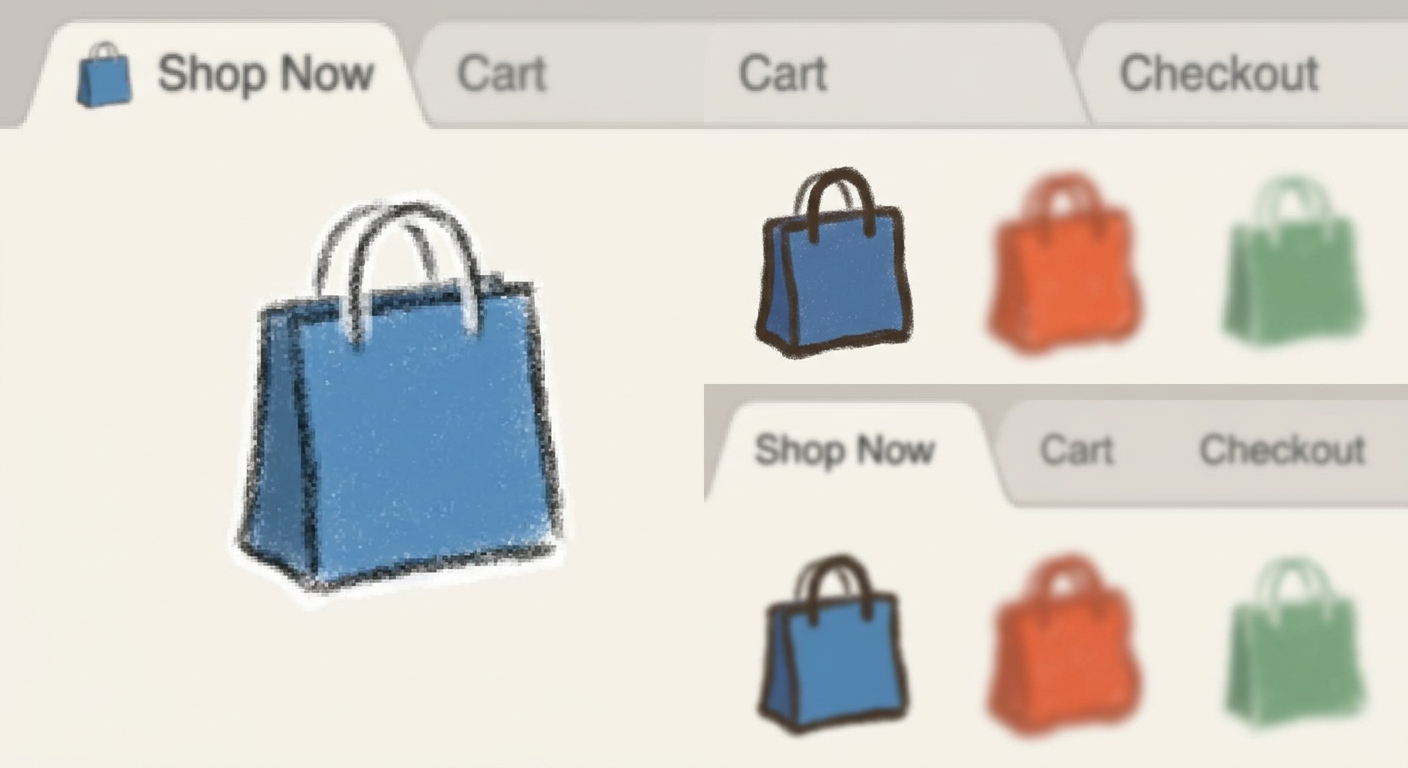
Favicons need to stay readable at tiny sizes, so being able to compare simple geometric, typographic, and symbolic options matters.

Test minimal icon directions quickly

Favicons need to stay readable at tiny sizes, so being able to compare simple geometric, typographic, and symbolic options matters.

Before
After
Before
After

Create concepts for websites, apps, and products

A favicon concept can also inspire app icons, browser branding, lightweight logos, or product marks.

Create concepts for websites, apps, and products

A favicon concept can also inspire app icons, browser branding, lightweight logos, or product marks.

Before
After
Before
After

Focus on contrast and small-size clarity

Strong shapes, simple composition, and good contrast help the design survive reduction to browser-tab scale.

Focus on contrast and small-size clarity

Strong shapes, simple composition, and good contrast help the design survive reduction to browser-tab scale.

Before
After
Before
After

Explore multiple brand signals before choosing one

Sometimes the right favicon is not obvious at first. Prompting several directions helps reveal which symbol feels most ownable.

Explore multiple brand signals before choosing one

Sometimes the right favicon is not obvious at first. Prompting several directions helps reveal which symbol feels most ownable.

Before
After

Frequently Asked Questions

Answers to all your pressing questions about starryai
What size should a favicon be?

Favicons are commonly displayed at 16x16 or 32x32 pixels, so it is best to start with a larger clean concept and then scale it down for legibility.

What makes a good favicon?

A strong favicon is simple, distinctive, high-contrast, and easy to recognize in a browser tab. Tiny details usually disappear, so bold shapes work best.

How do I convert the generated image into a favicon file?

You can export the final concept as PNG and then convert it into favicon formats such as .ico using any standard favicon or image conversion workflow.

Can I create dark-mode-friendly favicon concepts?

Yes. It often helps to test versions with different backgrounds or contrast levels so the mark stays readable in both light and dark browser interfaces.

Does a favicon matter for SEO or brand trust?

Favicons do not directly change rankings, but they improve brand recognition, polish, and the likelihood that users can find and trust your site quickly.

Background Texture

starryai is loved by millions

See what our users are saying about starryai
Almost don’t wanna give it a review so It doesn’t get more attention, but it is deserved. Great range of art styles and every one looks so cool I love it.
saltybigboi
App Store User
Very intuitive and has a great community! This app just keeps getting better with each update! The UI is a lot smoother and quicker, and there are always more features being added, expanding your options...Such a fun app!
Blenston Shandor
App Store User
This is actually a very nice ai text to image app. I use it quite a bit when I'm mobile and can't access my home Stable Diffusion setup.
ɘlbe spurling
App Store User
Background Texture

Go further with starryai

Want to unlock even more features to make your photos shine? With starryai Pro, you get more generations, faster results, higher quality outputs, and priority access to advanced creation settings.

Explore more

