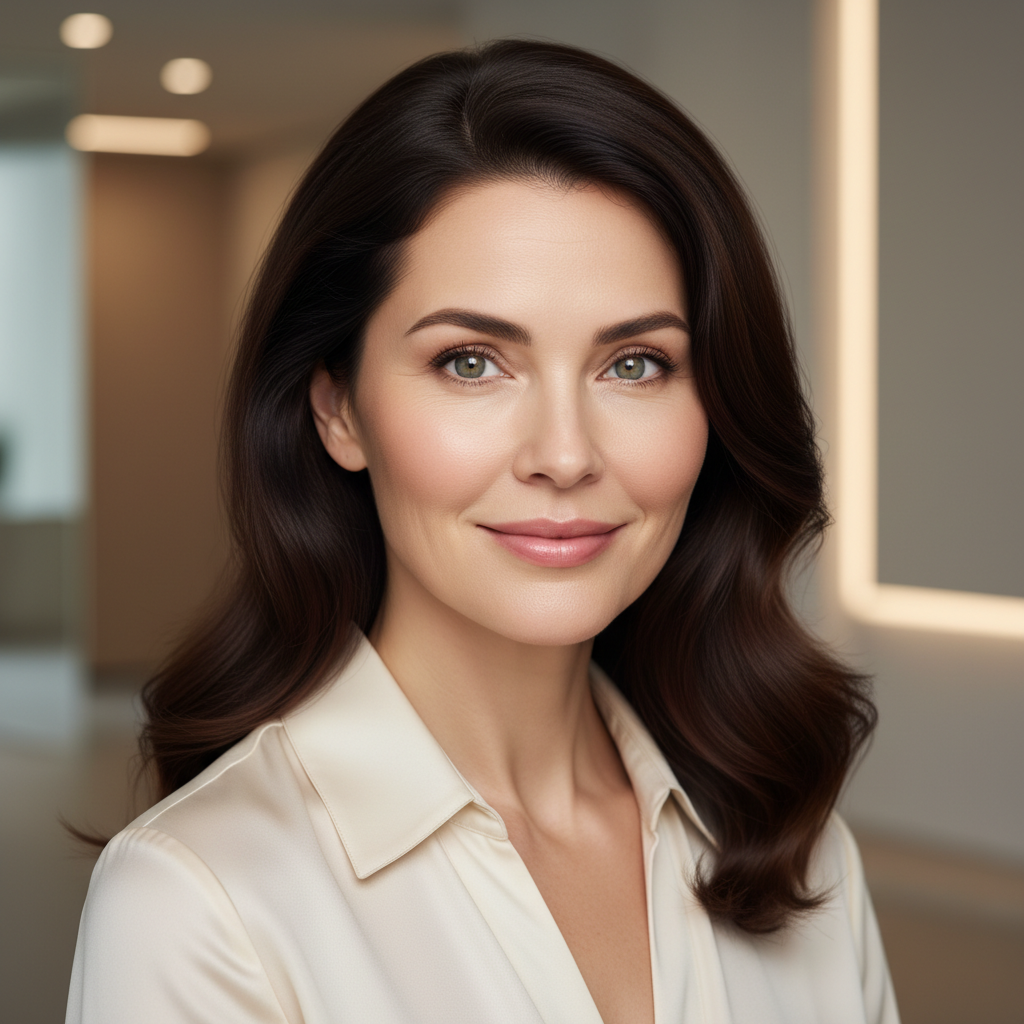


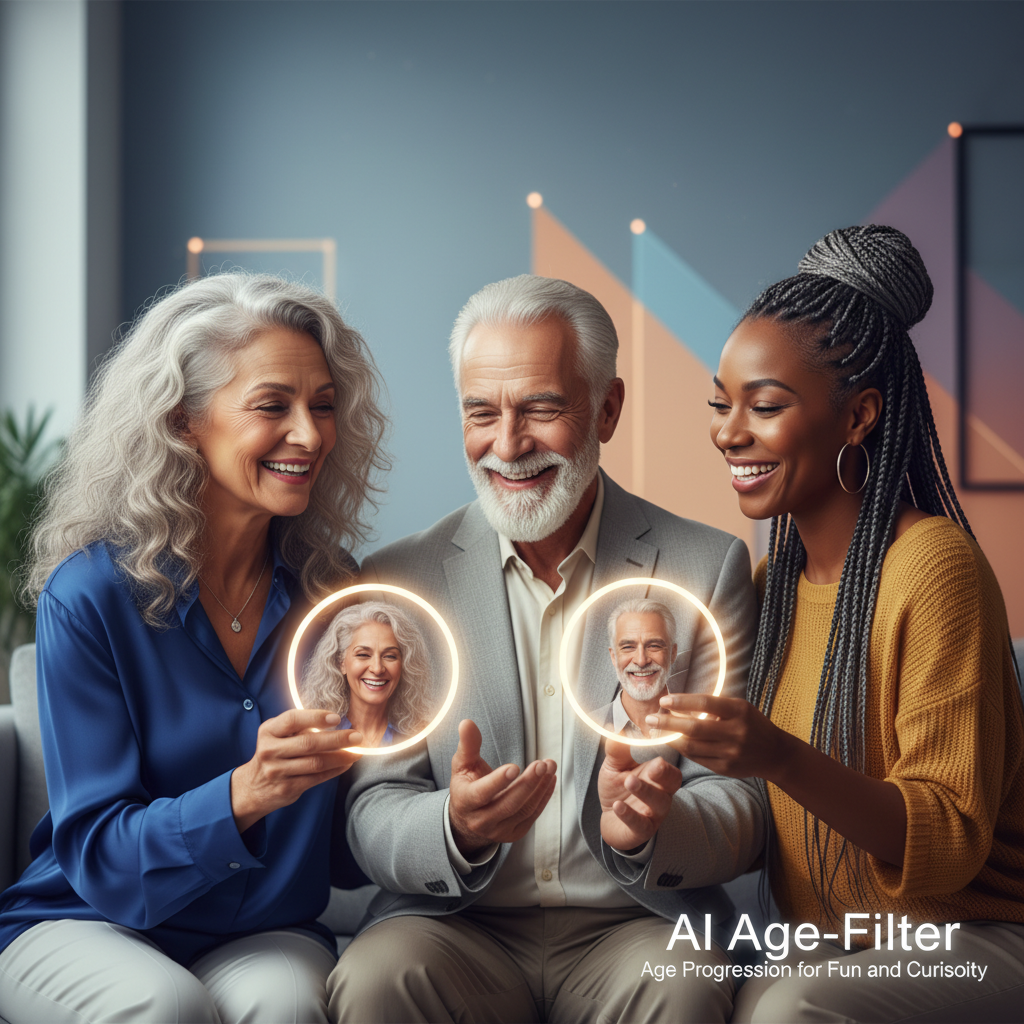
See Yourself Younger or Older with AI Age Progression

Explore AI-powered age progression and regression with starryai. See what you looked like as a kid, preview your future self at 60, or create fun aging timelines - all from a single selfie. starryai's advanced AI generates photorealistic age transformations that go far beyond simple filters.

Free HD Download
No Watermark
upload or drag image here
Trusted by 30 million users
205,650 Reviews
Available on iPhone & Android

How to Use AI Age Progression with starryai

Step 1

Upload Your Selfie

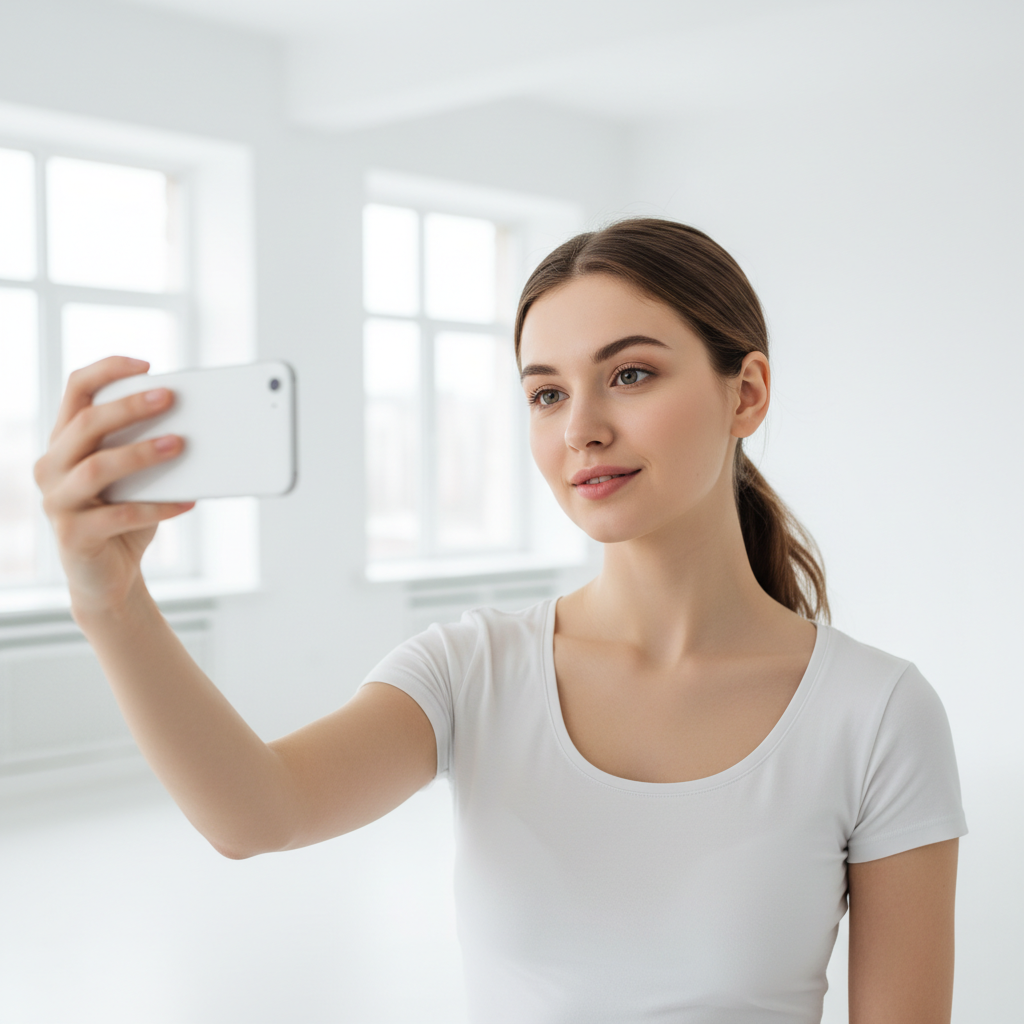
Open starryai and select the Edit tool. Upload a clear selfie or portrait photo for the best age transformation results.

Step 2

Describe the Age Change

Tell the AI exactly what you want - "make me look 20 years older," "show me as a teenager," or "age this person to 80 years old." The AI creates a realistic age progression or regression.

Step 3

Download Your Aged Photo

Preview the AI-generated age transformation and download it in high resolution. Share the fun results with friends and family.

Before
After

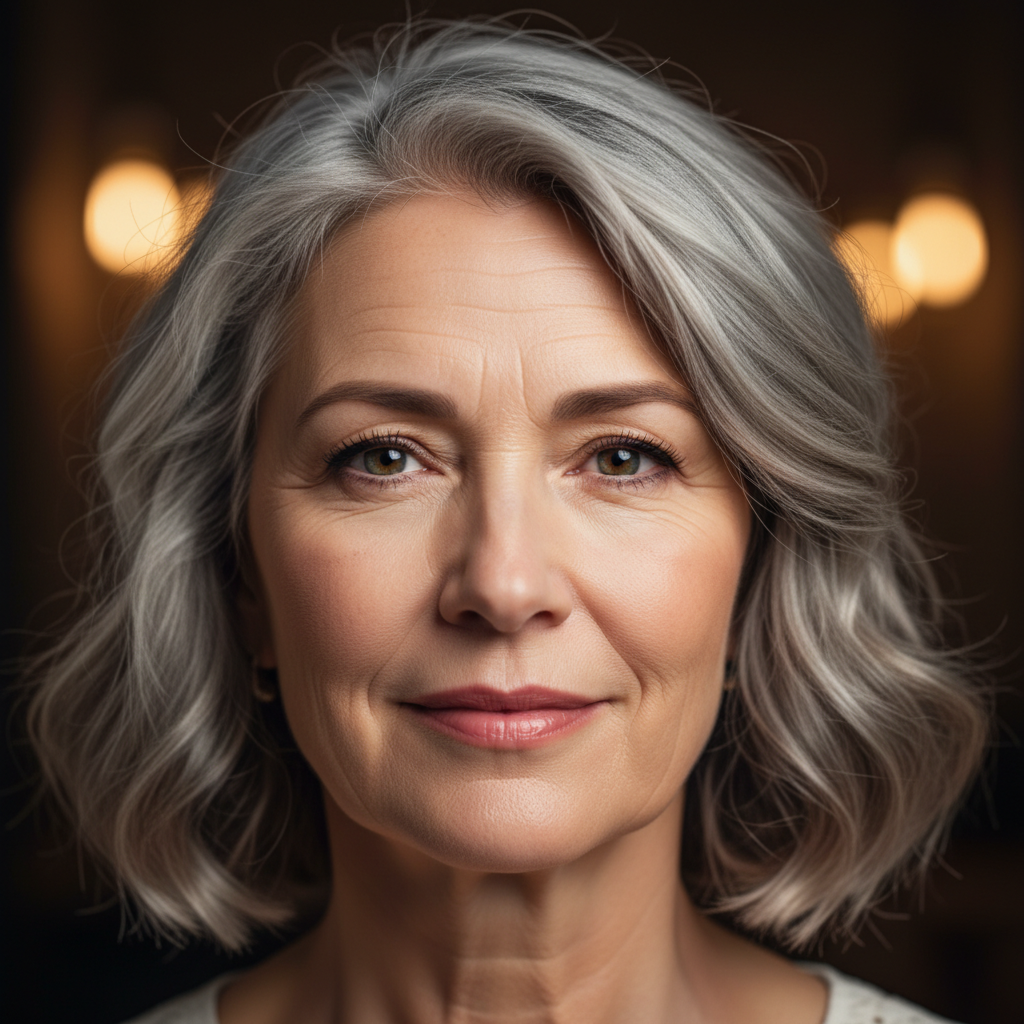
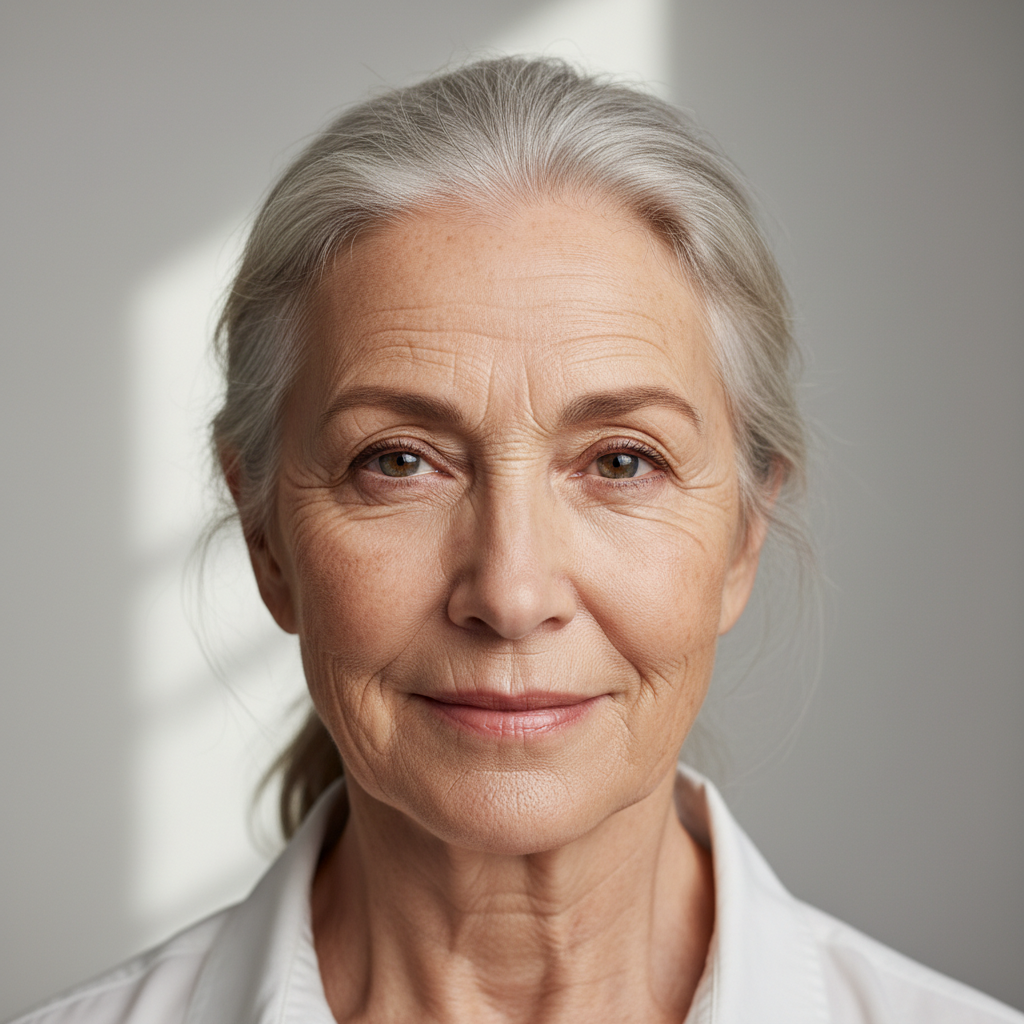
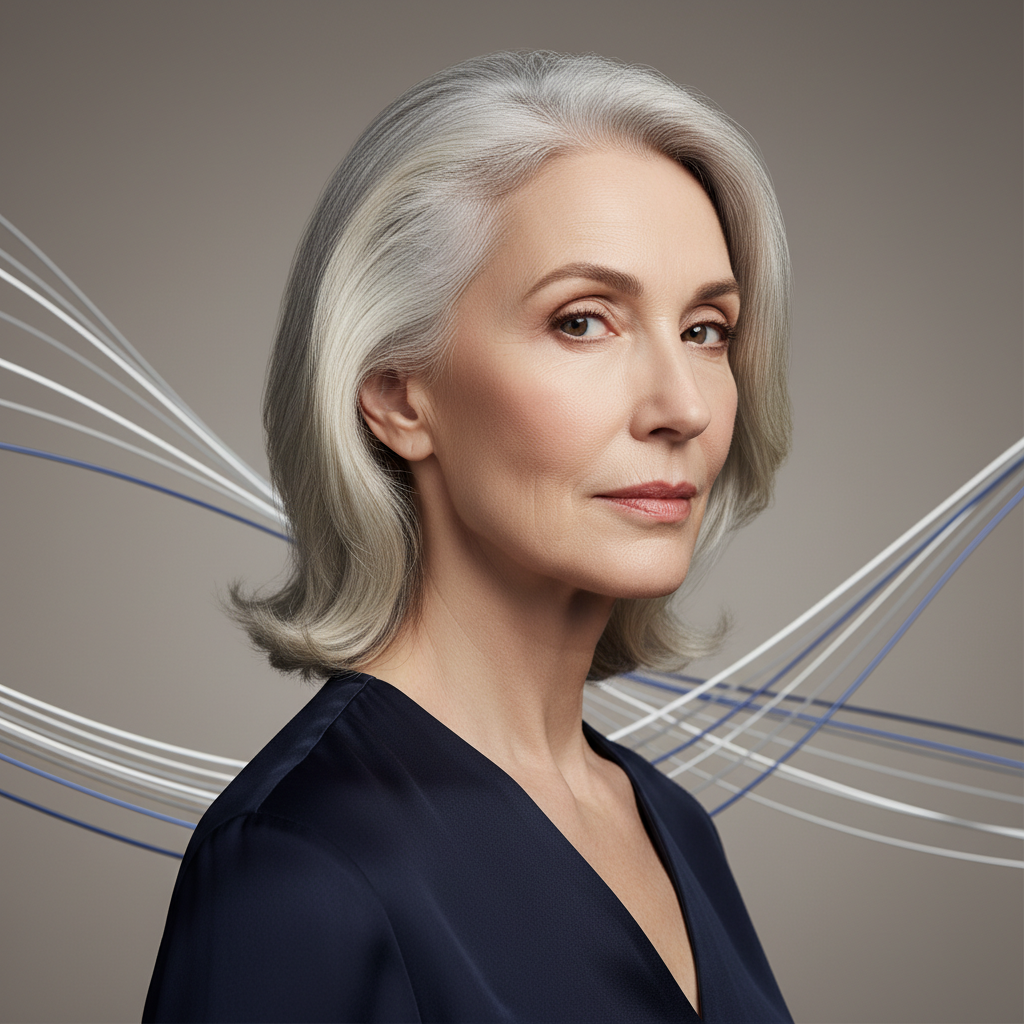
Age Yourself Forward 30 Years

Upload a selfie and see what you might look like decades from now. The AI simulates realistic aging including wrinkles, gray hair, and natural facial changes.

Age Yourself Forward 30 Years

Upload a selfie and see what you might look like decades from now. The AI simulates realistic aging including wrinkles, gray hair, and natural facial changes.

Before
After
Before
After

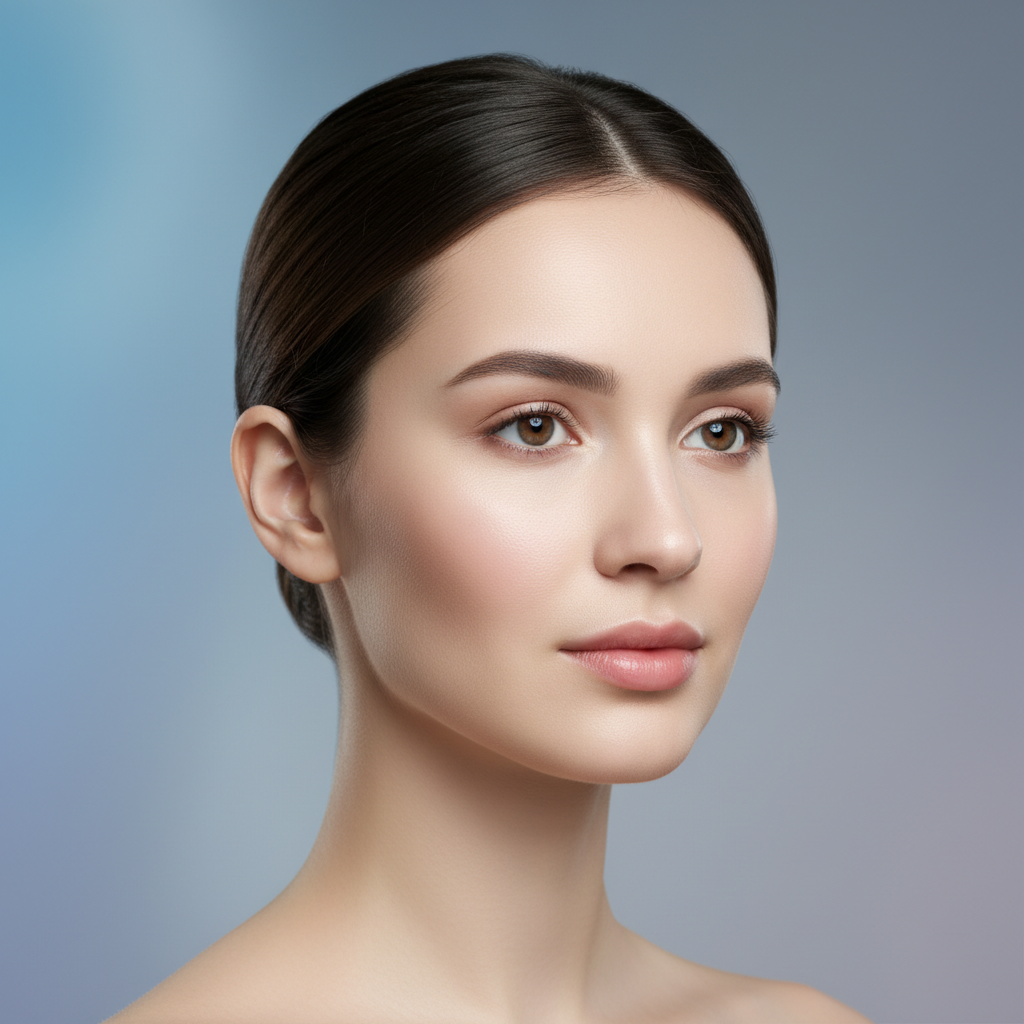
Make Yourself Look Younger

Turn back the clock on any portrait. The AI removes signs of aging and restores a youthful appearance while keeping your features recognizable.

Make Yourself Look Younger

Turn back the clock on any portrait. The AI removes signs of aging and restores a youthful appearance while keeping your features recognizable.

Before
After
Before
After

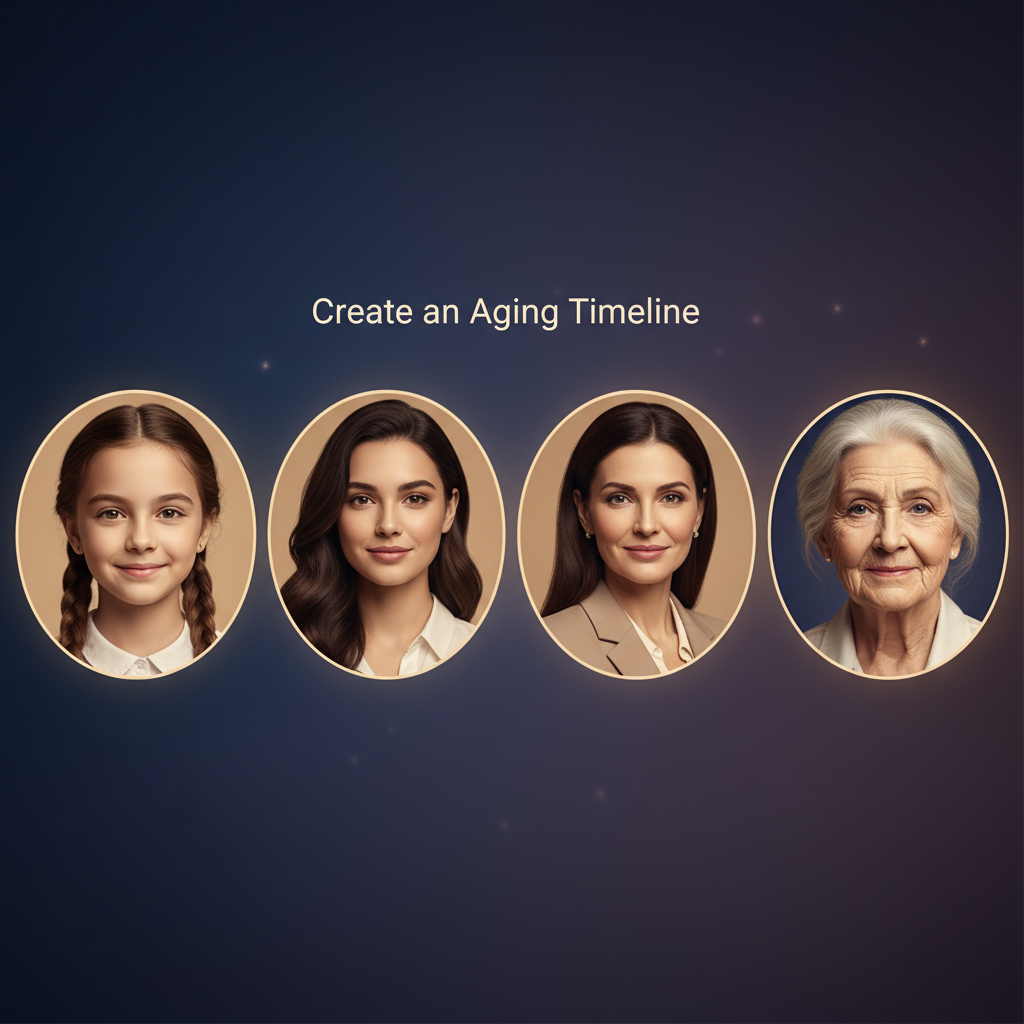
Create an Aging Timeline

Generate multiple age versions from a single photo. See yourself as a child, young adult, middle-aged, and elderly - all from one selfie.

Create an Aging Timeline

Generate multiple age versions from a single photo. See yourself as a child, young adult, middle-aged, and elderly - all from one selfie.

Before
After
Before
After

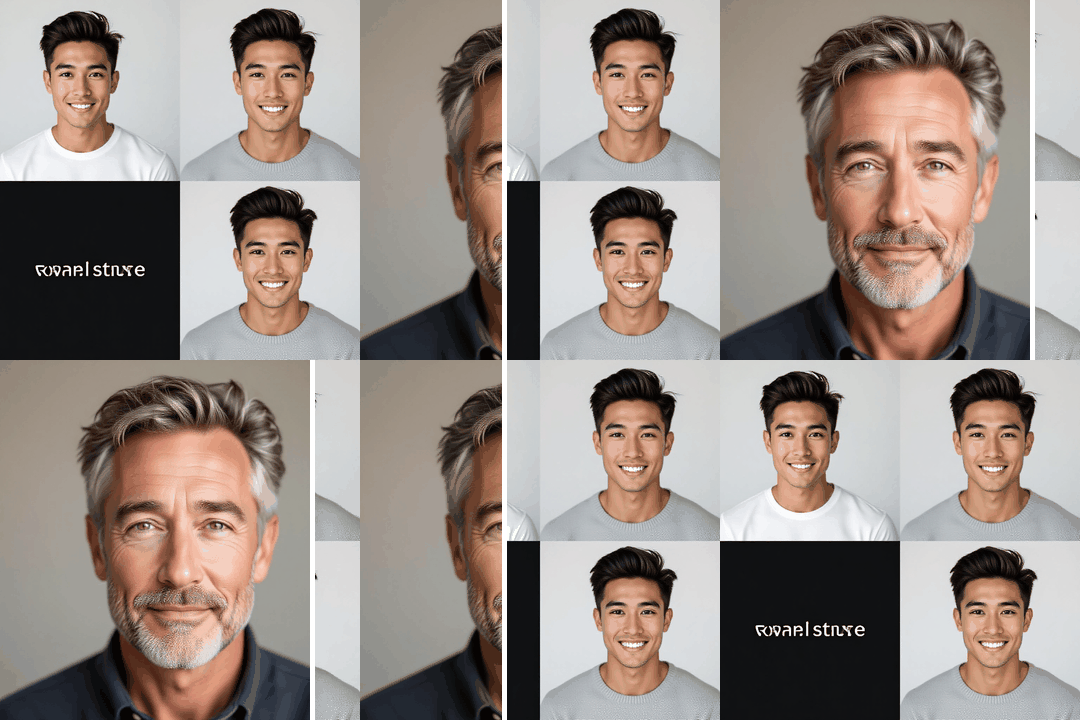
Realistic Bone Structure Changes

Unlike basic filters, starryai's AI age progression adjusts facial bone structure, jawline, and proportions for truly believable age transformations.

Realistic Bone Structure Changes

Unlike basic filters, starryai's AI age progression adjusts facial bone structure, jawline, and proportions for truly believable age transformations.

Before
After
Before
After

Age Progression for Fun and Curiosity

Share hilarious aged selfies with friends or satisfy your curiosity about the future. AI age progression is the perfect party trick and conversation starter.

Age Progression for Fun and Curiosity

Share hilarious aged selfies with friends or satisfy your curiosity about the future. AI age progression is the perfect party trick and conversation starter.

Before
After

Frequently Asked Questions

Answers to all your pressing questions about starryai
How does AI age progression work on photos?

starryai's AI analyzes your facial features and realistically simulates how aging would affect your skin, hair, and bone structure - creating a believable older or younger version of you.

Can I make myself look younger in a photo with AI?

Yes. Upload your photo to starryai and prompt "make me look 20 years younger." The AI smooths wrinkles, restores hair color, and adjusts features for a realistic younger appearance.

Is the AI age filter free to use?

starryai provides free daily credits you can use for AI age progression and regression. No subscription needed to see yourself younger or older.

Can AI show what my baby will look like grown up?

You can upload a child's photo and prompt starryai to age them forward. The AI generates a plausible prediction of how they might look as a teenager or adult.

What is the difference between an age filter and AI age progression?

Traditional age filters apply surface-level effects like wrinkles or gray hair. AI age progression with starryai uses deep learning to realistically transform bone structure, skin texture, and facial proportions for a much more believable result.

Background Texture

starryai is loved by millions

See what our users are saying about starryai
Almost don’t wanna give it a review so It doesn’t get more attention, but it is deserved. Great range of art styles and every one looks so cool I love it.
saltybigboi
App Store User
Very intuitive and has a great community! This app just keeps getting better with each update! The UI is a lot smoother and quicker, and there are always more features being added, expanding your options...Such a fun app!
Blenston Shandor
App Store User
This is actually a very nice ai text to image app. I use it quite a bit when I'm mobile and can't access my home Stable Diffusion setup.
ɘlbe spurling
App Store User
Background Texture

Go further with starryai

Want to unlock even more features to make your photos shine? With starryai Pro, you get more generations, faster results, higher quality outputs, and priority access to advanced creation settings.

Explore more

