


Explore age progression and see your future self with AI

Use starryai’s AI age filter to see how a face might look at different ages. Upload a photo, apply aging with the Edit tool, and get realistic age progression results in a few clicks.

Free HD Download
No Watermark
upload or drag image here
Trusted by 30 million users
205,650 Reviews
Available on iPhone & Android

How to Use the Age Filter with starryai

Step 1

Upload your photo

Upload your image to the Edit tool. The age filter works on photos online and supports clear portraits with good lighting for best results. You can upload from your device or browser.

Step 2

Choose a target age

Prompt the Edit tool with the age you want to explore. For example, age progression into senior years, aging a face into adulthood, or making a person look younger.

Step 3

Download the result

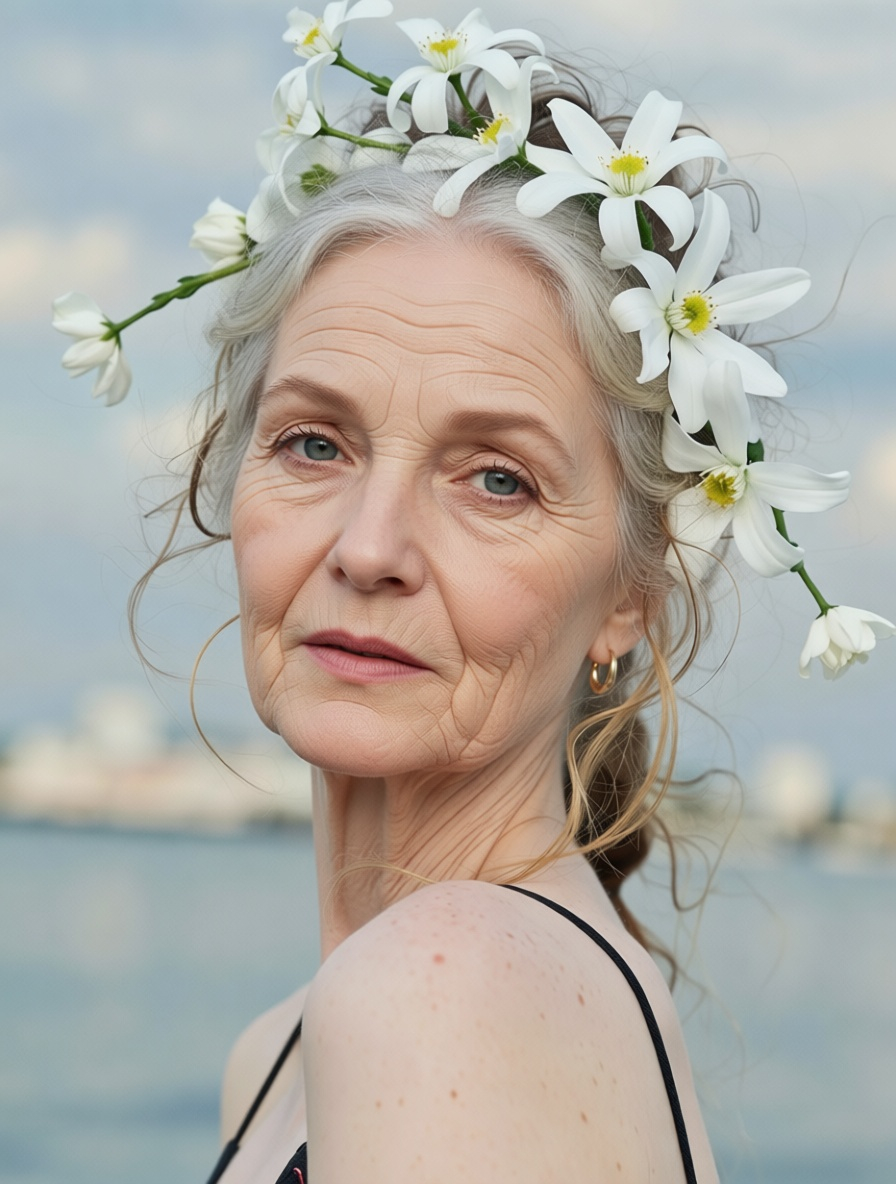
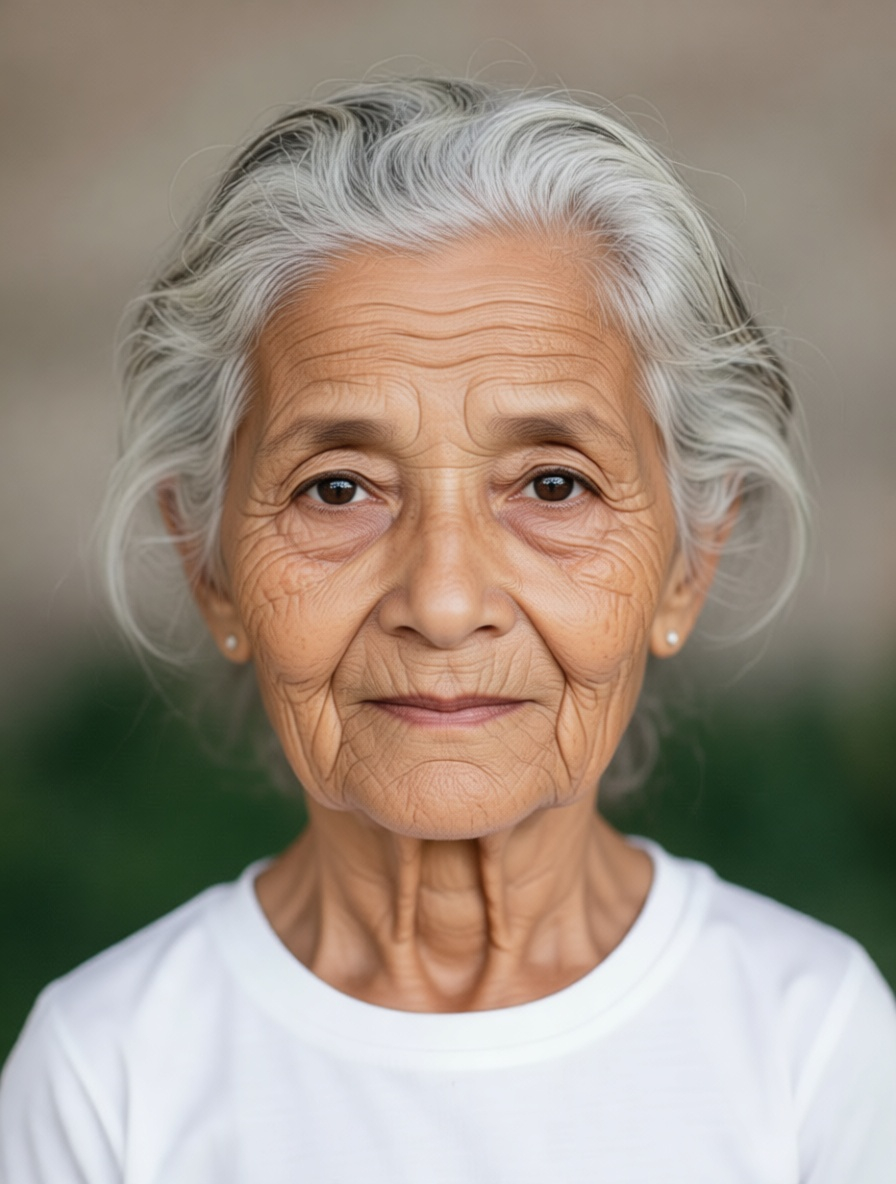
Download the transformed image instantly. The result shows accurate age changes, including wrinkles, grey hair, youthful features, or age spots, while keeping the image high resolution and realistic.

AI age filter with realistic results

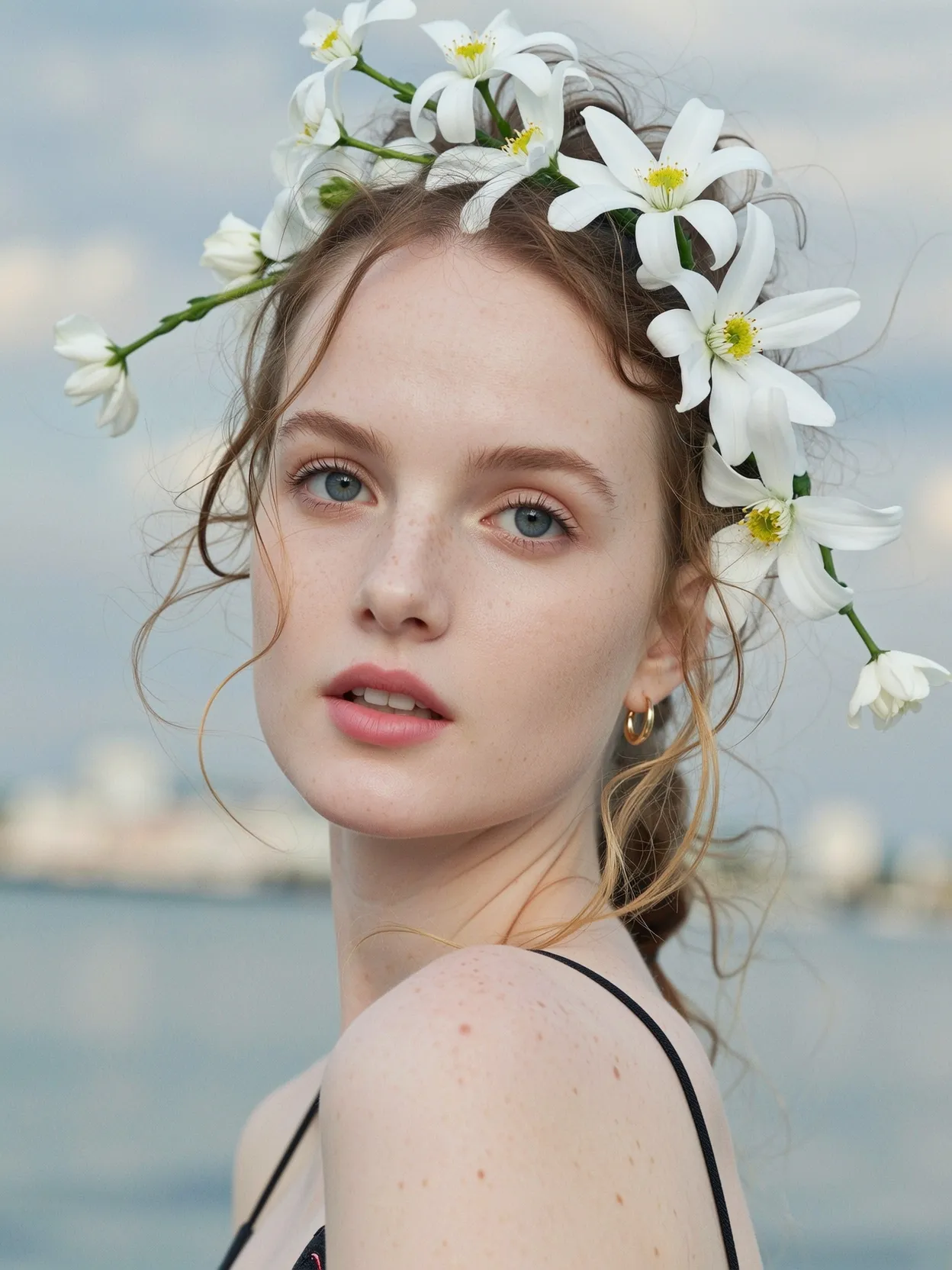
starryai’s AI age filter uses advanced AI technology and artificial intelligence to generate realistic age progression. The tool focuses on facial features, skin texture, and structure for accurate, natural-looking results.

Before
After
Before
After

AI age filter with realistic results

starryai’s AI age filter uses advanced AI technology and artificial intelligence to generate realistic age progression. The tool focuses on facial features, skin texture, and structure for accurate, natural-looking results.

Multiple age options for creative exploration

Explore multiple age ranges, from childhood and teenage years to adulthood and senior years. This makes the age changer useful for fun experiments, creative projects, and social media content.

Before
After
Before
After

Multiple age options for creative exploration

Explore multiple age ranges, from childhood and teenage years to adulthood and senior years. This makes the age changer useful for fun experiments, creative projects, and social media content.

Age progression without a learning curve

There’s no complicated setup or learning curve. Simply upload a photo, prompt the age change, and let the AI handle the transformation in a single click-style workflow.

Before
After
Before
After

Age progression without a learning curve

There’s no complicated setup or learning curve. Simply upload a photo, prompt the age change, and let the AI handle the transformation in a single click-style workflow.

Works on browser, iOS, and Android

Use the age filter on your computer browser or on iOS and Android phones. Start editing on one device and continue on another without changing your process.

Before
After
Before
After

Works on browser, iOS, and Android

Use the age filter on your computer browser or on iOS and Android phones. Start editing on one device and continue on another without changing your process.

Frequently Asked Questions

Answers to all your pressing questions about starryai
Is starryai a dedicated age filter app?

starryai is an AI image creation and editing app. The age filter is a supported creative use case within the Edit tool, not a standalone age filter product.

Can I see my future self using AI age progression?

Yes. You can use AI age progression to visualize how your face might look in the future or at a specific target age.

Are the aging effects realistic?

The tool aims to produce realistic aging effects by adjusting facial features, wrinkles, hair, and skin texture, though results can vary depending on the photo.

Is this free to try?

Yes. starryai offers free credits, allowing you to try the AI age filter online for free before upgrading.

Can I use the results for social media or creative projects?

Yes. Many users share age filter results with friends, use them in creative projects, or post them on social media.

Background Texture

starryai is loved by millions

See what our users are saying about starryai
Almost don’t wanna give it a review so It doesn’t get more attention, but it is deserved. Great range of art styles and every one looks so cool I love it.
saltybigboi
App Store User
Very intuitive and has a great community! This app just keeps getting better with each update! The UI is a lot smoother and quicker, and there are always more features being added, expanding your options...Such a fun app!
Blenston Shandor
App Store User
This is actually a very nice ai text to image app. I use it quite a bit when I'm mobile and can't access my home Stable Diffusion setup.
ɘlbe spurling
App Store User
Background Texture

Go further with starryai

Want to unlock even more features to make your photos shine? With starryai Pro, you get more generations, faster results, higher quality outputs, and priority access to advanced creation settings.

Explore more

