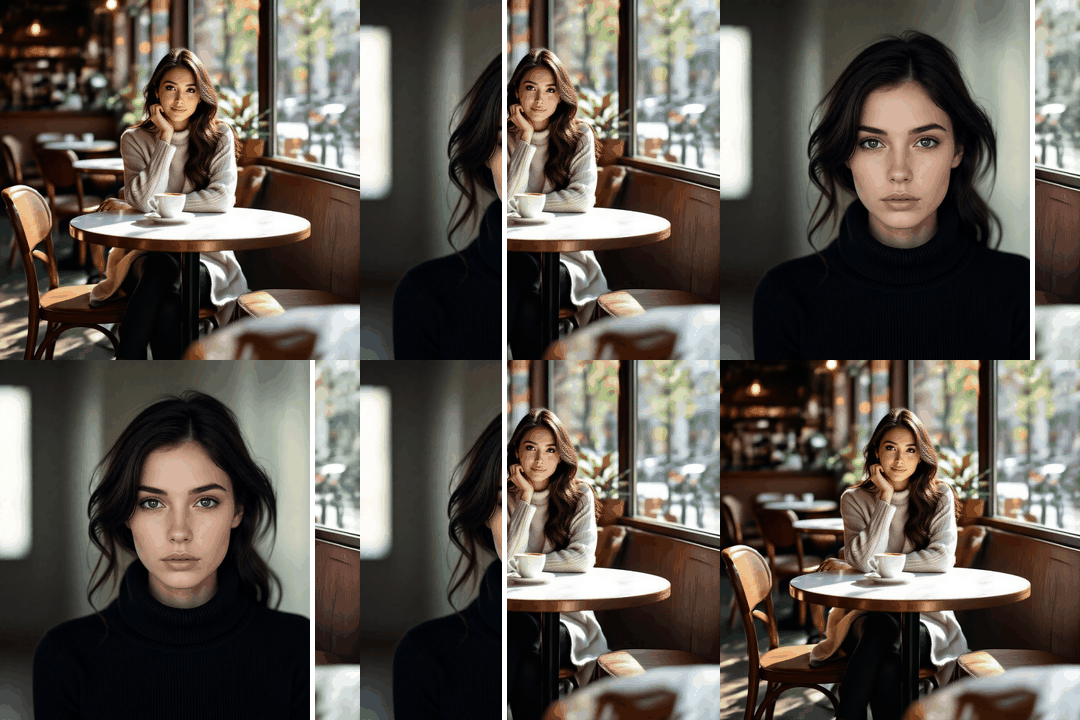
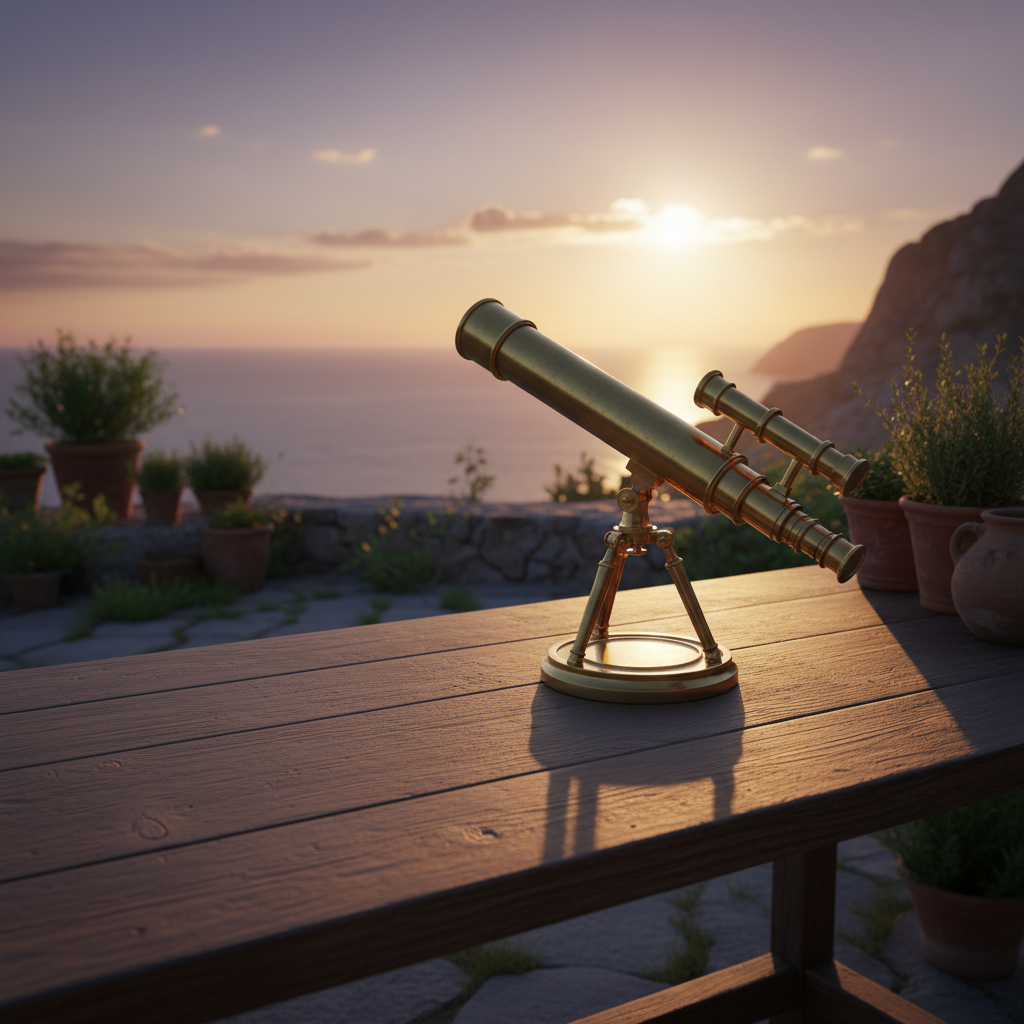
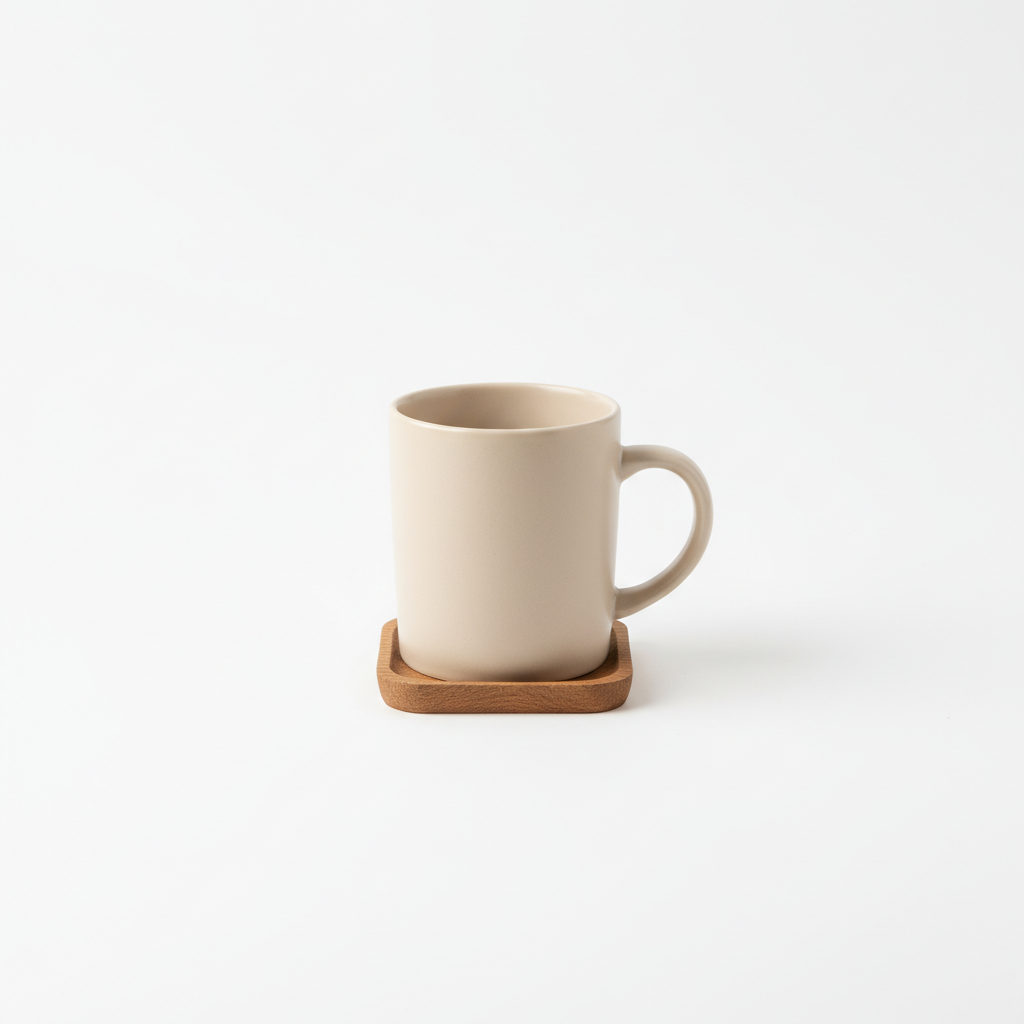
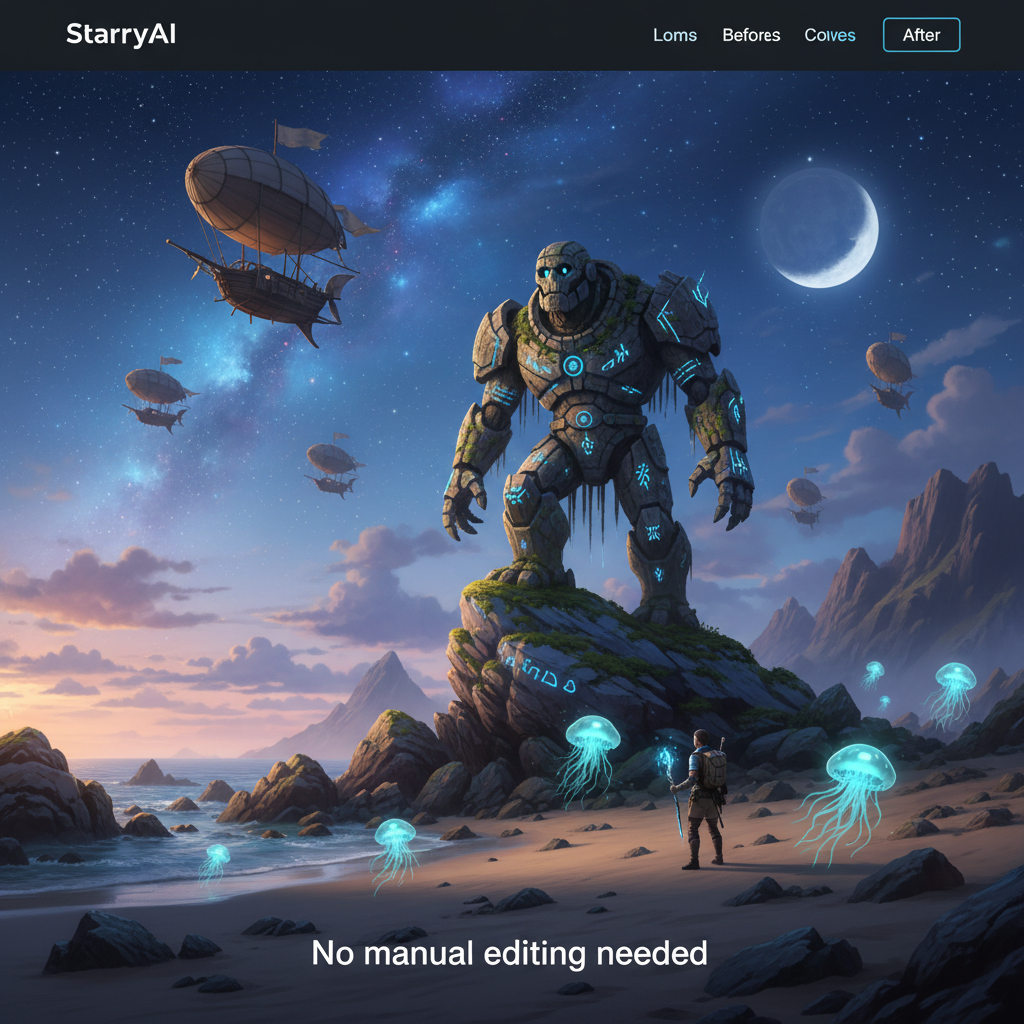
Use starryai to add objects to photos instantly. Place a hat on someone, add sunglasses, drop a product into a scene, or insert anything — just upload your photo, describe what you want, and the AI places it naturally.
Upload the image you want to edit to the Edit tool. Works in your browser or on the mobile app — supports all common image formats.
Prompt the Edit tool with exactly what object you want added and where. Be specific — add a red baseball cap, place a coffee cup on the table, or add a moon in the sky. The AI understands context, lighting, and perspective.
Preview the edited image with the added object and download in high quality. The object blends naturally with the original photo — matching lighting, shadows, and perspective.


Insert objects, accessories, props, animals, text, logos, or any element you can describe. The AI generates and places objects that match the scene naturally.


The AI understands depth, lighting, shadows, and perspective. Added objects look like they belong in the original photo — not pasted on top.


Describe exactly what you want, where you want it, and how it should look. Adjust size, position, style, and quantity all through natural language prompts.


Place products into lifestyle scenes, add props to flat lays, or create mockups — all without a physical photoshoot.


Forget about layers, masks, and cut-outs. Just describe the object and let AI handle the compositing. Way faster than Photoshop.


Yes. Describe any object — physical items, accessories, animals, food, furniture, fantasy elements — and the AI will generate and place it in your photo.
Yes. The AI matches lighting, shadows, and perspective so added objects blend naturally into the scene.
Yes. Describe the position in your prompt — on the table, in the sky, on the person's head — and the AI follows your instructions.
Yes. Describe all the objects you want in a single prompt and the AI will place them all.
No. Everything is prompt-based. Just describe what you want and the AI does the rest.


Want to unlock even more features to make your photos shine? With starryai Pro, you get more generations, faster results, higher quality outputs, and priority access to advanced creation settings.

