
Deblur AI: Unblur Images Online and Fix Blurry Photos in Seconds


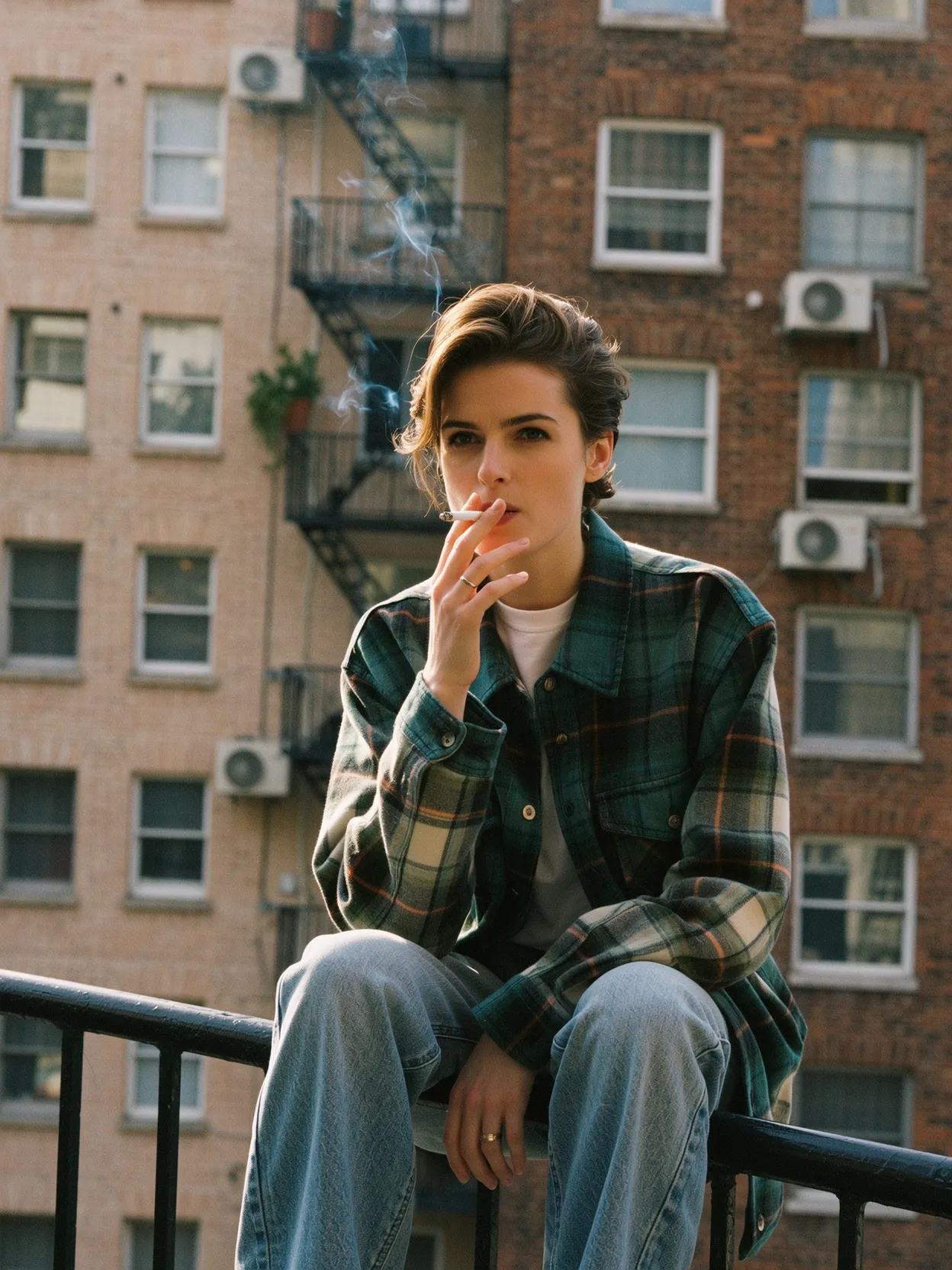


Transform Blurry Photos with Deblur AI
starryai’s AI powered system does more than sharpen photos. It actually rebuilds structure so you get a crystal clear image, not an artificially sharpened mess.
With this unblur image tool you can:
✔ Unblur images online instantly
✔ Fix motion blur from shaky cameras
✔ Make blurry text readable
✔ Restore old damaged photos
✔ Repair pixelated product photos and product shots
✔ Clean up fuzzy photos
✔ Remove blur and improve image clarity
✔ Recover fine details lost in compression
✔ Turn blurry portraits into clear images
✔ Improve portrait photos in bad lighting conditions
✔ Reduce noise with advanced noise reduction
If your photos suffer from blur, AI can restore clarity quickly.
.png)

Transform Blurry Photos with Deblur AI
starryai’s AI powered system does more than sharpen photos. It actually rebuilds structure so you get a crystal clear image, not an artificially sharpened mess.
With this unblur image tool you can:
✔ Unblur images online instantly
✔ Fix motion blur from shaky cameras
✔ Make blurry text readable
✔ Restore old damaged photos
✔ Repair pixelated product photos and product shots
✔ Clean up fuzzy photos
✔ Remove blur and improve image clarity
✔ Recover fine details lost in compression
✔ Turn blurry portraits into clear images
✔ Improve portrait photos in bad lighting conditions
✔ Reduce noise with advanced noise reduction
If your photos suffer from blur, AI can restore clarity quickly.
Transform Blurry Photos with Deblur AI
starryai’s AI powered system does more than sharpen photos. It actually rebuilds structure so you get a crystal clear image, not an artificially sharpened mess.
With this unblur image tool you can:
✔ Unblur images online instantly
✔ Fix motion blur from shaky cameras
✔ Make blurry text readable
✔ Restore old damaged photos
✔ Repair pixelated product photos and product shots
✔ Clean up fuzzy photos
✔ Remove blur and improve image clarity
✔ Recover fine details lost in compression
✔ Turn blurry portraits into clear images
✔ Improve portrait photos in bad lighting conditions
✔ Reduce noise with advanced noise reduction
If your photos suffer from blur, AI can restore clarity quickly.
How to Unblur an Image Using starryai
The workflow is simple. You can unblur an image in a few clicks.
1. Go to starryai
Open the site in your browser.
2. Select the Edit Tool
This is where the blur remover works.
3. Upload your blurry photo
Just upload your image. You can add blurry pictures, blurry portraits, pixelated photos, or old photos.
4. Enter your prompt
Examples:
- “Unblur this image and restore details.”
- “Fix blurry text and improve image quality.”
- “Remove blur and enhance clarity.”
- “Sharpen images and remove noise.”
- “Fix motion blur and make blurry text readable.”
Keep it simple. The AI understands blur instantly.
5. Generate the unblurred image
The AI will restore clarity, remove noise, and sharpen edges.

How to Unblur an Image Using starryai
The workflow is simple. You can unblur an image in a few clicks.
1. Go to starryai
Open the site in your browser.
2. Select the Edit Tool
This is where the blur remover works.
3. Upload your blurry photo
Just upload your image. You can add blurry pictures, blurry portraits, pixelated photos, or old photos.
4. Enter your prompt
Examples:
- “Unblur this image and restore details.”
- “Fix blurry text and improve image quality.”
- “Remove blur and enhance clarity.”
- “Sharpen images and remove noise.”
- “Fix motion blur and make blurry text readable.”
Keep it simple. The AI understands blur instantly.
5. Generate the unblurred image
The AI will restore clarity, remove noise, and sharpen edges.
How to Unblur an Image Using starryai
The workflow is simple. You can unblur an image in a few clicks.
1. Go to starryai
Open the site in your browser.
2. Select the Edit Tool
This is where the blur remover works.
3. Upload your blurry photo
Just upload your image. You can add blurry pictures, blurry portraits, pixelated photos, or old photos.
4. Enter your prompt
Examples:
- “Unblur this image and restore details.”
- “Fix blurry text and improve image quality.”
- “Remove blur and enhance clarity.”
- “Sharpen images and remove noise.”
- “Fix motion blur and make blurry text readable.”
Keep it simple. The AI understands blur instantly.
5. Generate the unblurred image
The AI will restore clarity, remove noise, and sharpen edges.
Why Use starryai’s Deblur AI
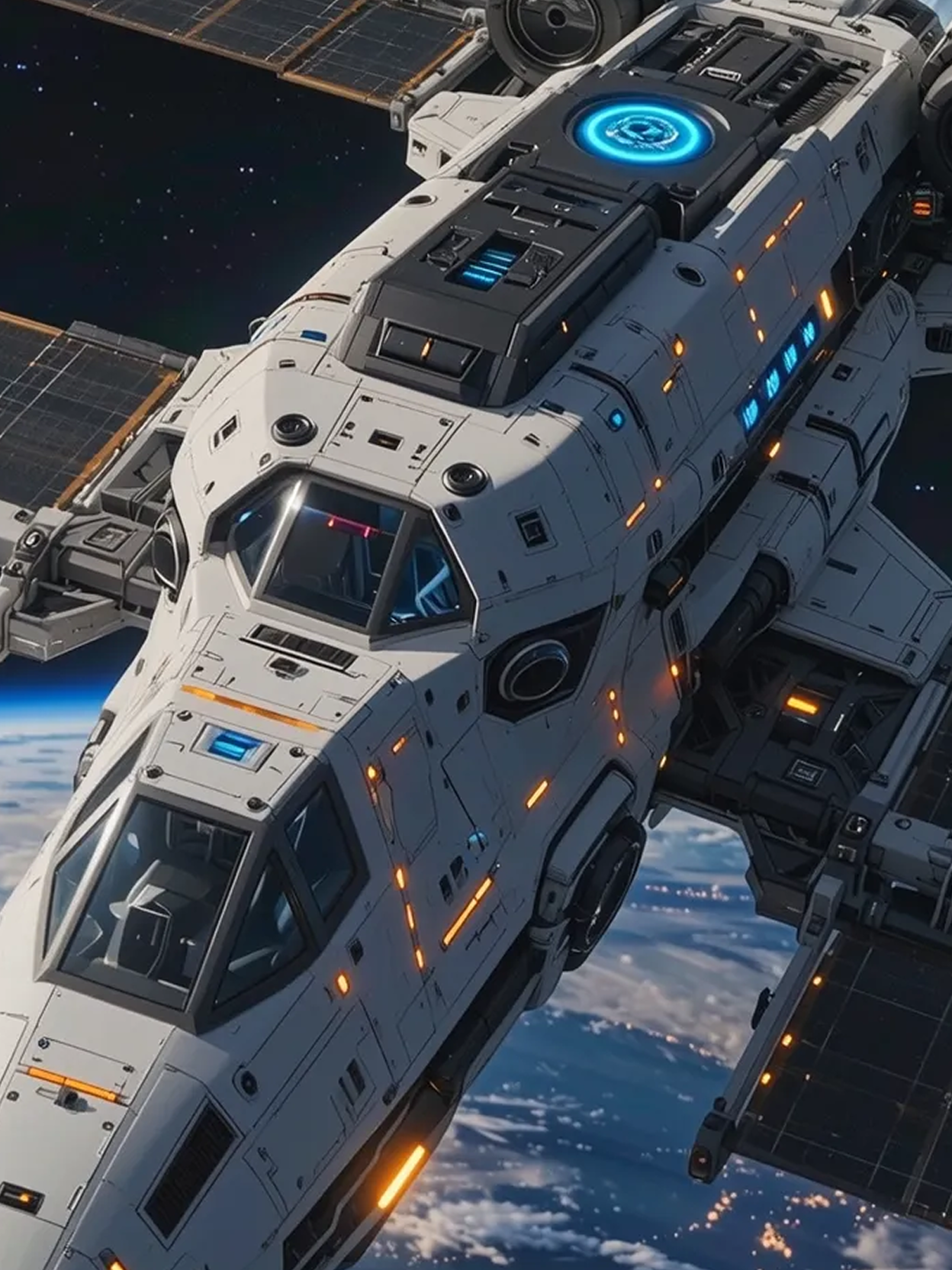
starryai uses advanced AI models that understand blur, texture, and lighting instead of applying fake sharpening.
What you get:
✔ A user friendly workflow
✔ Natural looking clarity
✔ Strong detail recovery
✔ Better image quality for prints and digital use
✔ Works on all skill levels
✔ Browser based, no app install
✔ Ability to remove blur from any kind of photo
✔ Great for photos online, group shots, and portraits
✔ Easy handling of photos automatically
This image tool is simple but powerful. You get clear images fast.
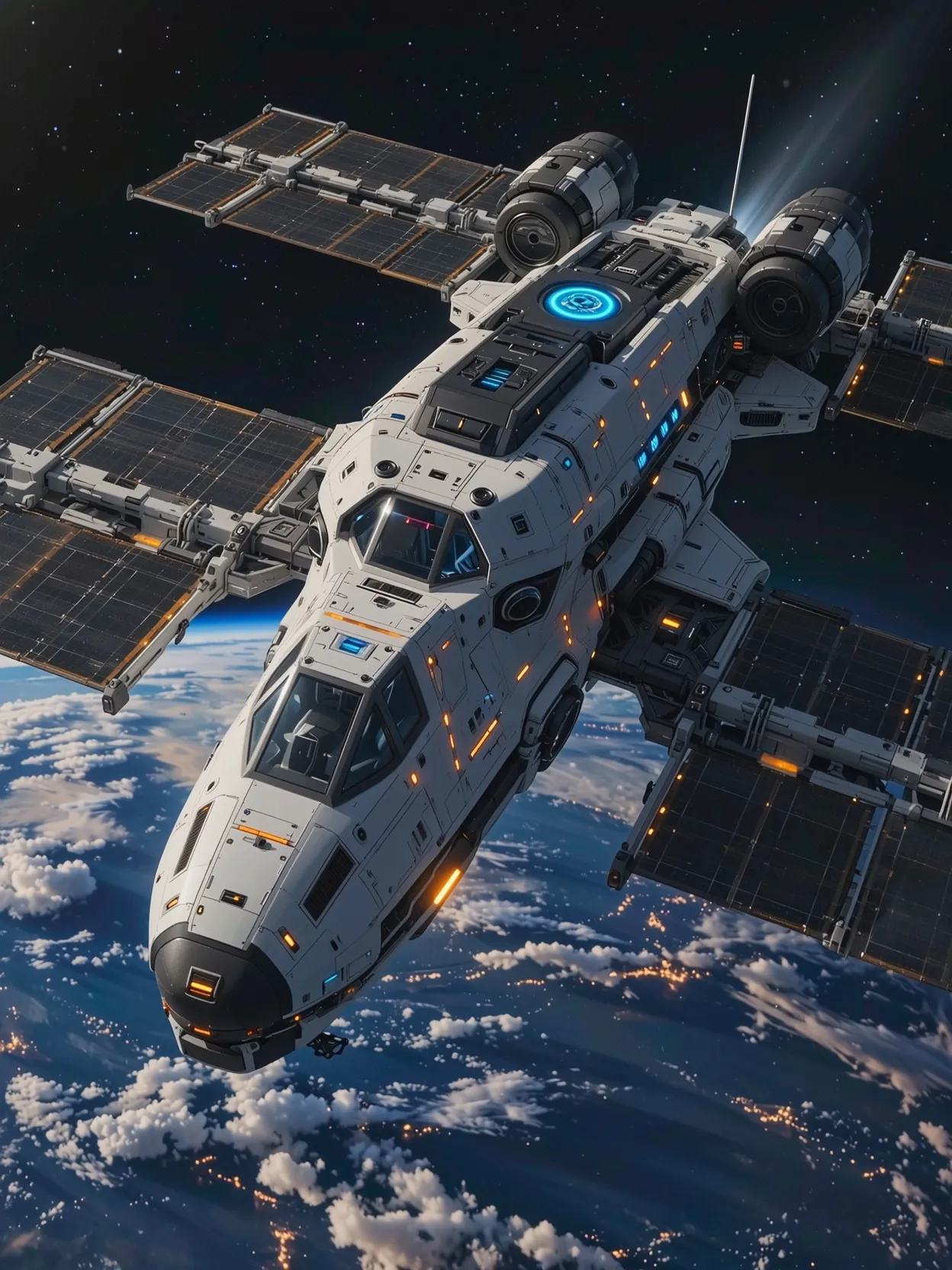
Why Use starryai’s Deblur AI
starryai uses advanced AI models that understand blur, texture, and lighting instead of applying fake sharpening.
What you get:
✔ A user friendly workflow
✔ Natural looking clarity
✔ Strong detail recovery
✔ Better image quality for prints and digital use
✔ Works on all skill levels
✔ Browser based, no app install
✔ Ability to remove blur from any kind of photo
✔ Great for photos online, group shots, and portraits
✔ Easy handling of photos automatically
This image tool is simple but powerful. You get clear images fast.
Why Use starryai’s Deblur AI
starryai uses advanced AI models that understand blur, texture, and lighting instead of applying fake sharpening.
What you get:
✔ A user friendly workflow
✔ Natural looking clarity
✔ Strong detail recovery
✔ Better image quality for prints and digital use
✔ Works on all skill levels
✔ Browser based, no app install
✔ Ability to remove blur from any kind of photo
✔ Great for photos online, group shots, and portraits
✔ Easy handling of photos automatically
This image tool is simple but powerful. You get clear images fast.
What Deblur AI Can Fix
A good image unblurring tool should fix all common blur problems.
- Motion blur
- Out of focus images
- Photo blur from shaking
- Soft or fuzzy edges
- Blurry pictures with low detail
- Blurred text
- Blurry screenshots
- Damaged old photos
- Bad lighting
- Compression artifacts
- Pixelated photos
If the photo is blurry, AI can restore clarity.
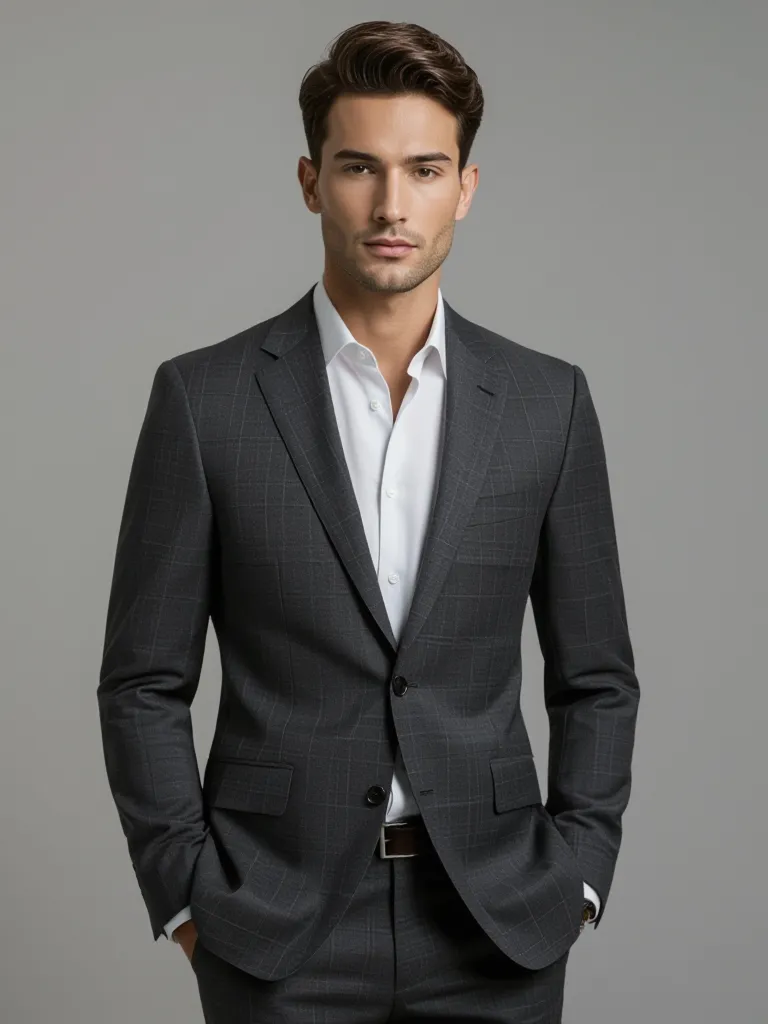
What Deblur AI Can Fix
A good image unblurring tool should fix all common blur problems.
- Motion blur
- Out of focus images
- Photo blur from shaking
- Soft or fuzzy edges
- Blurry pictures with low detail
- Blurred text
- Blurry screenshots
- Damaged old photos
- Bad lighting
- Compression artifacts
- Pixelated photos
If the photo is blurry, AI can restore clarity.
What Deblur AI Can Fix
A good image unblurring tool should fix all common blur problems.
- Motion blur
- Out of focus images
- Photo blur from shaking
- Soft or fuzzy edges
- Blurry pictures with low detail
- Blurred text
- Blurry screenshots
- Damaged old photos
- Bad lighting
- Compression artifacts
- Pixelated photos
If the photo is blurry, AI can restore clarity.
%201.png)
%202.png)
Tips for Better Results
To get the best output:
- Use the highest resolution photo you can
- Avoid tiny low quality uploads
- Make sure objects have some visible structure
- Try slight further adjustments in your prompt
- Simply upload again with a different line if needed
Better input means better clarity.
Perfect For
- Portrait and profile pictures
- Restoring family albums
- Fixing photo editing mistakes
- E commerce product photos
- Travel photos
- Text images and documents
- Unblur screenshots
- Cleaning up photos for social media posts
- Removing unwanted objects or distractions
If you want blurry photos clear, this is the fastest way to get there.

Perfect For
- Portrait and profile pictures
- Restoring family albums
- Fixing photo editing mistakes
- E commerce product photos
- Travel photos
- Text images and documents
- Unblur screenshots
- Cleaning up photos for social media posts
- Removing unwanted objects or distractions
If you want blurry photos clear, this is the fastest way to get there.
Perfect For
- Portrait and profile pictures
- Restoring family albums
- Fixing photo editing mistakes
- E commerce product photos
- Travel photos
- Text images and documents
- Unblur screenshots
- Cleaning up photos for social media posts
- Removing unwanted objects or distractions
If you want blurry photos clear, this is the fastest way to get there.
How to Create images Using our AI
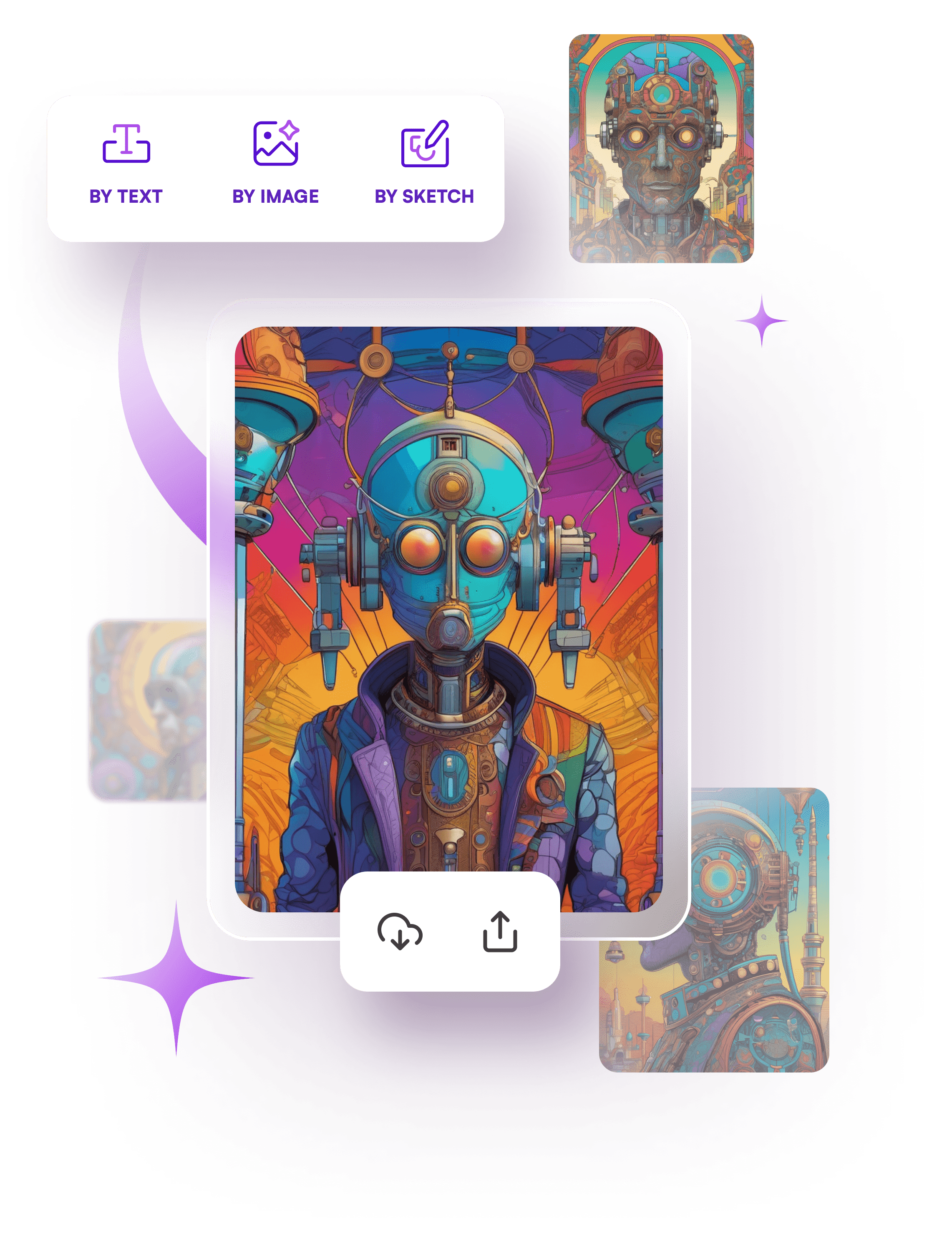
Start your own creative journey.


people using our AI generator:
It can fix most types of blur including photo blur, motion blur, and soft focus. Extremely damaged images will still improve.
No. Everything works in a few clicks.
Yes. The tool is very good at restoring blurry text and unblur text from screenshots.
Yes. It can restore detail, reduce noise, and bring old photos back to life.
Yes. It enhances edges and smooths pixelation.


.svg)