
AI Texture Upscaling – Enhance Textures & Upscale Images to HD in Seconds


Restore Texture Quality With AI Powered Precision
The AI image upscaler analyzes patterns, fills in missing details, enhances resolution, and generates sharper textures automatically.
Whether you're improving game textures, printing art, or preparing visuals for modern displays, this ai tool rebuilds detail instead of just stretching pixels.
✔ AI image upscaling increases image resolution
✔ Upscaling textures for games + 3D assets
✔ Ideal for HD textures, concept art, and print
✔ Fix low quality images without blur
✔ Upscale jpg, jpeg, png and more
✔ Sharper detail, realistic edges, cleaner colors
Your low-res assets become usable again.
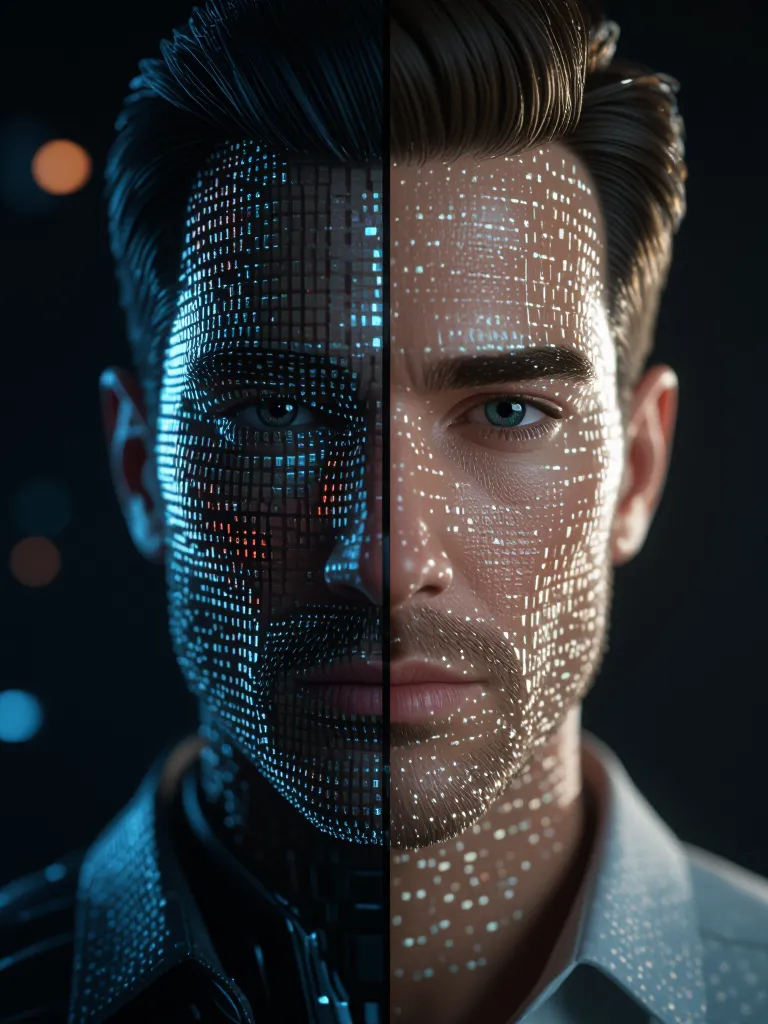
Restore Texture Quality With AI Powered Precision
The AI image upscaler analyzes patterns, fills in missing details, enhances resolution, and generates sharper textures automatically.
Whether you're improving game textures, printing art, or preparing visuals for modern displays, this ai tool rebuilds detail instead of just stretching pixels.
✔ AI image upscaling increases image resolution
✔ Upscaling textures for games + 3D assets
✔ Ideal for HD textures, concept art, and print
✔ Fix low quality images without blur
✔ Upscale jpg, jpeg, png and more
✔ Sharper detail, realistic edges, cleaner colors
Your low-res assets become usable again.
Restore Texture Quality With AI Powered Precision
The AI image upscaler analyzes patterns, fills in missing details, enhances resolution, and generates sharper textures automatically.
Whether you're improving game textures, printing art, or preparing visuals for modern displays, this ai tool rebuilds detail instead of just stretching pixels.
✔ AI image upscaling increases image resolution
✔ Upscaling textures for games + 3D assets
✔ Ideal for HD textures, concept art, and print
✔ Fix low quality images without blur
✔ Upscale jpg, jpeg, png and more
✔ Sharper detail, realistic edges, cleaner colors
Your low-res assets become usable again.
How to Upscale Textures or Images (Step-By-Step)
1️⃣ Simply Upload Your Image
Textures, photos, game assets, product images, artwork, anything.
2️⃣ Choose Your Upscaling Level
2x, 4x, 8x+ resolution options depending on your detail needs.
3️⃣ AI Image Upscaling Works Automatically
The system enhances clarity, removes blur, recovers missing details.
4️⃣ Download Your High Resolution Image
No watermark, no heavy software, perfect for digital or print use.
Done. A low-res mess becomes clean, HD detail.
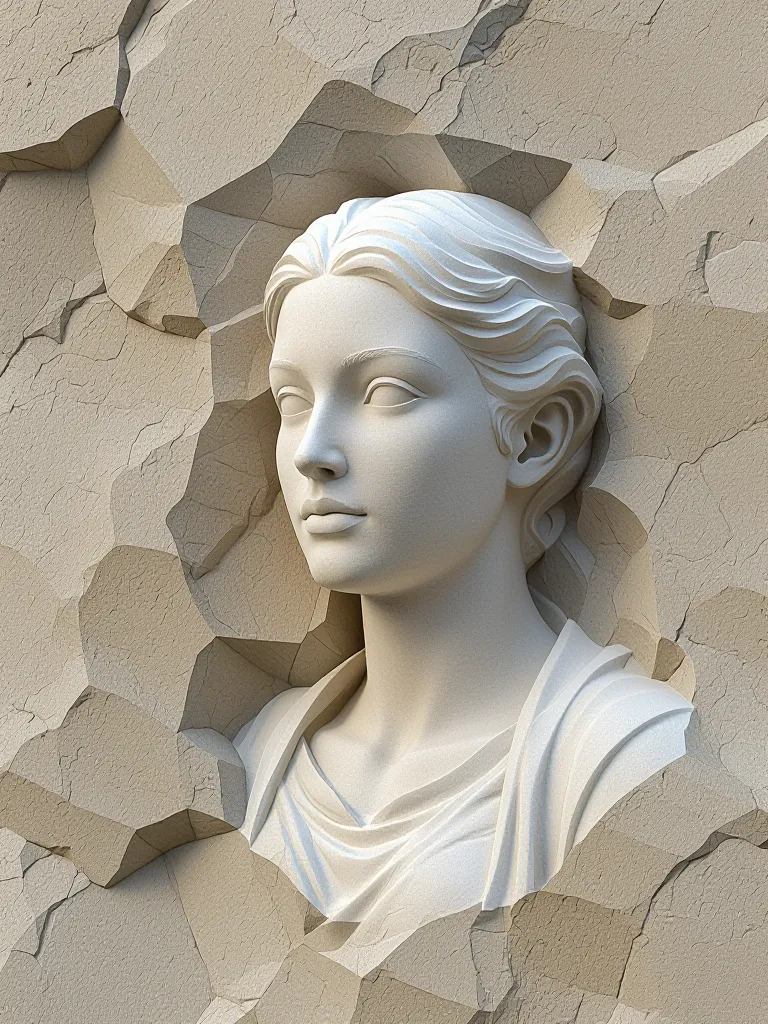
How to Upscale Textures or Images (Step-By-Step)
1️⃣ Simply Upload Your Image
Textures, photos, game assets, product images, artwork, anything.
2️⃣ Choose Your Upscaling Level
2x, 4x, 8x+ resolution options depending on your detail needs.
3️⃣ AI Image Upscaling Works Automatically
The system enhances clarity, removes blur, recovers missing details.
4️⃣ Download Your High Resolution Image
No watermark, no heavy software, perfect for digital or print use.
Done. A low-res mess becomes clean, HD detail.
How to Upscale Textures or Images (Step-By-Step)
1️⃣ Simply Upload Your Image
Textures, photos, game assets, product images, artwork, anything.
2️⃣ Choose Your Upscaling Level
2x, 4x, 8x+ resolution options depending on your detail needs.
3️⃣ AI Image Upscaling Works Automatically
The system enhances clarity, removes blur, recovers missing details.
4️⃣ Download Your High Resolution Image
No watermark, no heavy software, perfect for digital or print use.
Done. A low-res mess becomes clean, HD detail.
Why Use an AI Texture Upscaler?
Because manual restoration is slow, and traditional methods generate noise.
AI upscaling is best for:
🎮 Game Textures
Upscale old titles to modern resolutions. No retro fuzz.
🖼 Artwork + Posters
Turn a small graphic into a large HD texture without destroying detail.
🛍 Product Images
Make ecommerce photos crisp for zoom-view shoppers.
👕 Design + Print
Get a high resolution image suitable for large format printing.
📷 Photo Recovery
Fix low quality images, blurry photos, pixelated textures and more.
If it looks low-res, AI makes it sharp.
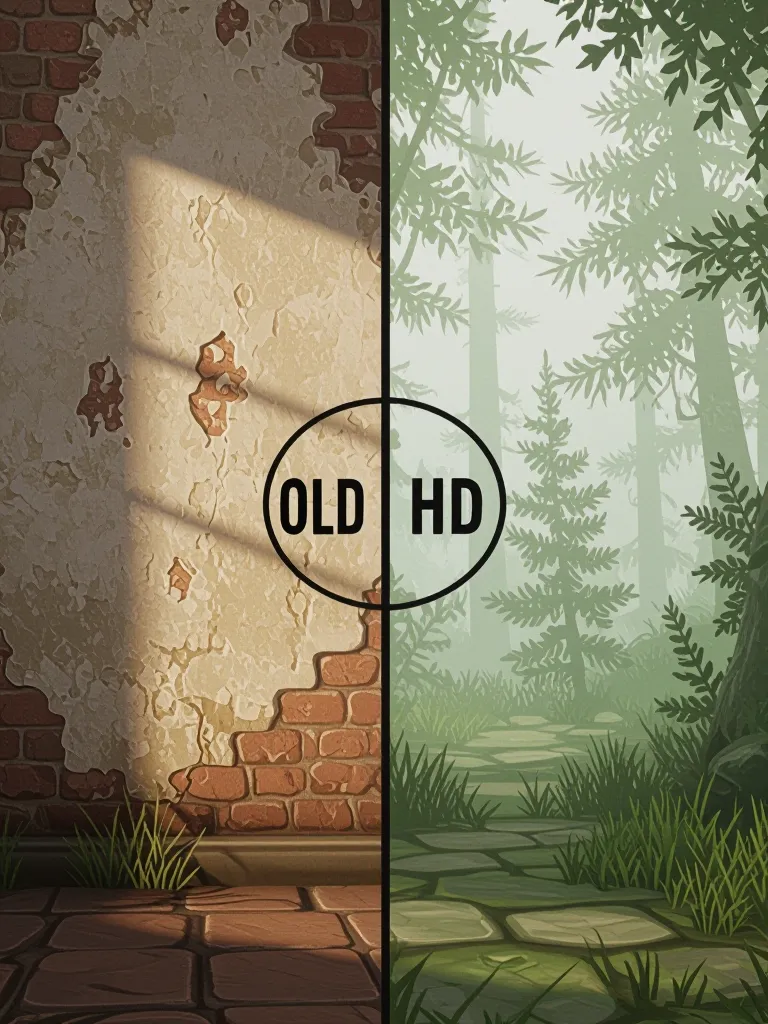
Why Use an AI Texture Upscaler?
Because manual restoration is slow, and traditional methods generate noise.
AI upscaling is best for:
🎮 Game Textures
Upscale old titles to modern resolutions. No retro fuzz.
🖼 Artwork + Posters
Turn a small graphic into a large HD texture without destroying detail.
🛍 Product Images
Make ecommerce photos crisp for zoom-view shoppers.
👕 Design + Print
Get a high resolution image suitable for large format printing.
📷 Photo Recovery
Fix low quality images, blurry photos, pixelated textures and more.
If it looks low-res, AI makes it sharp.
Why Use an AI Texture Upscaler?
Because manual restoration is slow, and traditional methods generate noise.
AI upscaling is best for:
🎮 Game Textures
Upscale old titles to modern resolutions. No retro fuzz.
🖼 Artwork + Posters
Turn a small graphic into a large HD texture without destroying detail.
🛍 Product Images
Make ecommerce photos crisp for zoom-view shoppers.
👕 Design + Print
Get a high resolution image suitable for large format printing.
📷 Photo Recovery
Fix low quality images, blurry photos, pixelated textures and more.
If it looks low-res, AI makes it sharp.
What Makes AI Upscaling Better?
Traditional methods = pixel stretching and mud.
AI upscaling = rebuilt structure + sharper details.
This tech understands:
• lighting + sharpness
• surface patterns + textures
• shape reconstruction
• fine detail recovery
It generates hd textures that look like they were created that way originally.

What Makes AI Upscaling Better?
Traditional methods = pixel stretching and mud.
AI upscaling = rebuilt structure + sharper details.
This tech understands:
• lighting + sharpness
• surface patterns + textures
• shape reconstruction
• fine detail recovery
It generates hd textures that look like they were created that way originally.
What Makes AI Upscaling Better?
Traditional methods = pixel stretching and mud.
AI upscaling = rebuilt structure + sharper details.
This tech understands:
• lighting + sharpness
• surface patterns + textures
• shape reconstruction
• fine detail recovery
It generates hd textures that look like they were created that way originally.
🔥 Where starryai Fits In
If you’d like a simple online workflow, starryai offers ai image upscaling inside its browser-based editor.
You upload → upscale → download. Clean for modding, photo work, or texture editing. No install, no Photoshop, no skill required. A solid option for fast upgrades and test workflows.

🔥 Where starryai Fits In
If you’d like a simple online workflow, starryai offers ai image upscaling inside its browser-based editor.
You upload → upscale → download. Clean for modding, photo work, or texture editing. No install, no Photoshop, no skill required. A solid option for fast upgrades and test workflows.
🔥 Where starryai Fits In
If you’d like a simple online workflow, starryai offers ai image upscaling inside its browser-based editor.
You upload → upscale → download. Clean for modding, photo work, or texture editing. No install, no Photoshop, no skill required. A solid option for fast upgrades and test workflows.

How to Create images Using our AI
Start your own creative journey.


people using our AI generator:


.svg)