
AI Face Editor – Edit Faces With AI in Just a Few Clicks


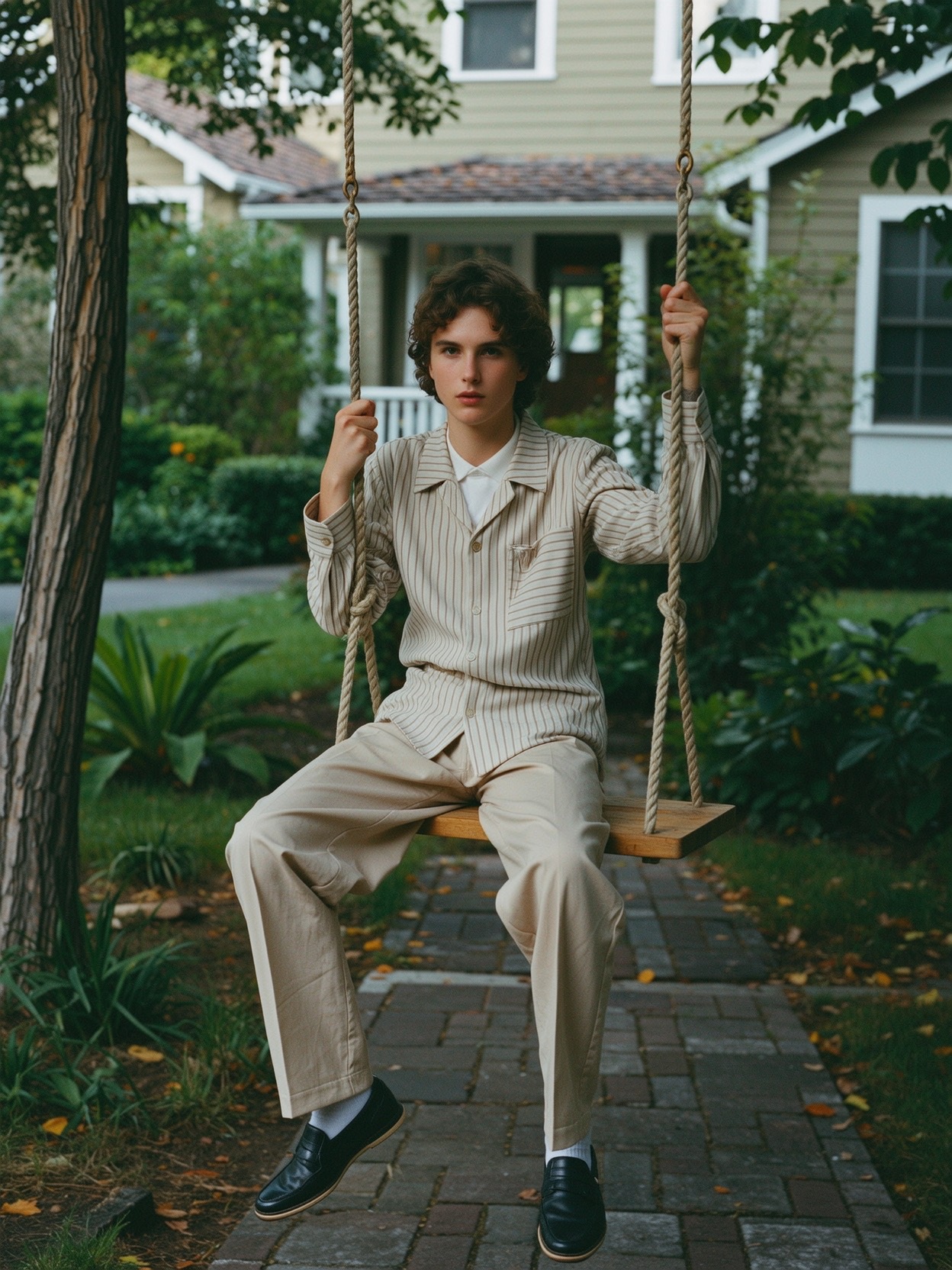
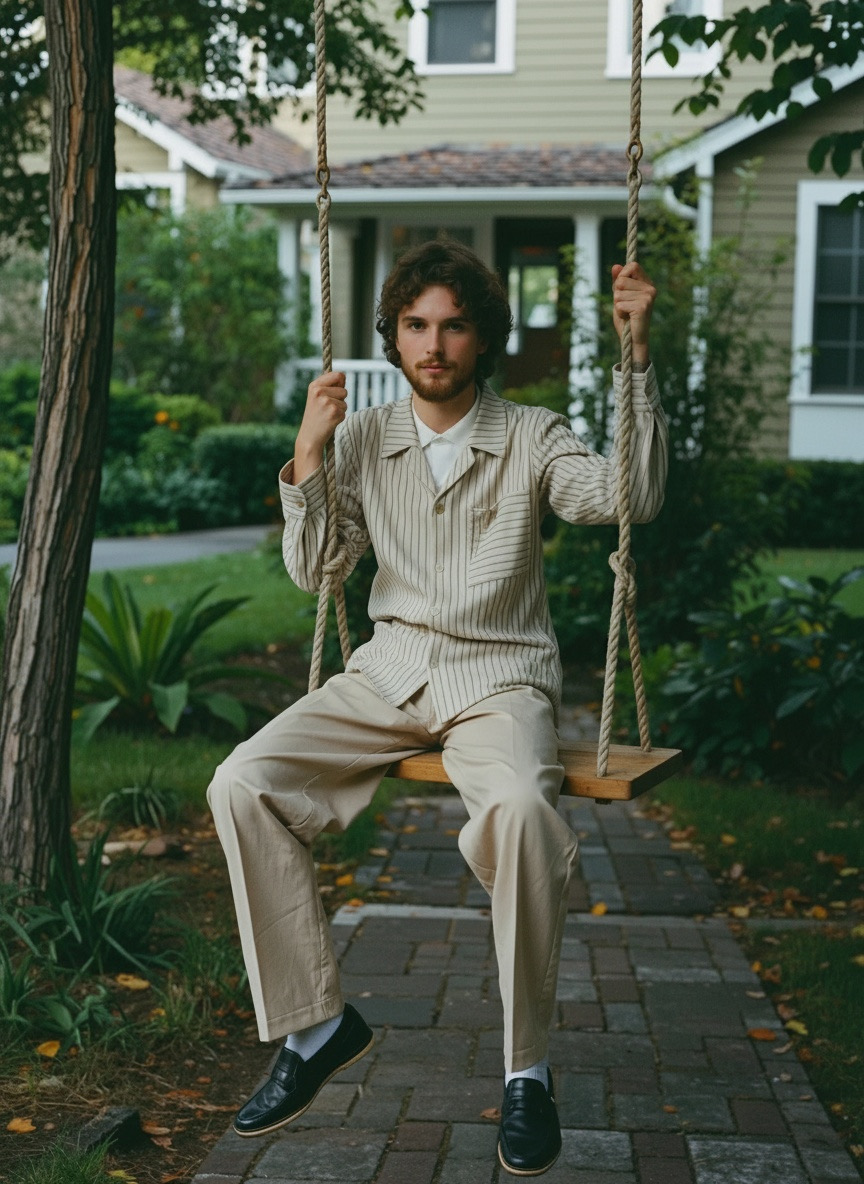


Transform Any Face Instantly
Stop struggling with old-school photo editors. Our AI face editor uses advanced AI models to understand every detail of the face, including expressions, mood, lighting, skin tone, and background. The tool lets you enhance photos with subtle touch ups or dramatic changes in just a few clicks.
✔ Add smiles and natural facial expressions
✔ Fix lighting and adjust skin tone
✔ Face swap with clean blending
✔ Edit multiple faces in group portraits
✔ Create different looks and moods
✔ Apply filters and creative effects
✔ One click enhancements
✔ High quality, professional results
This tool works for users of all skill levels and delivers studio quality edits instantly.
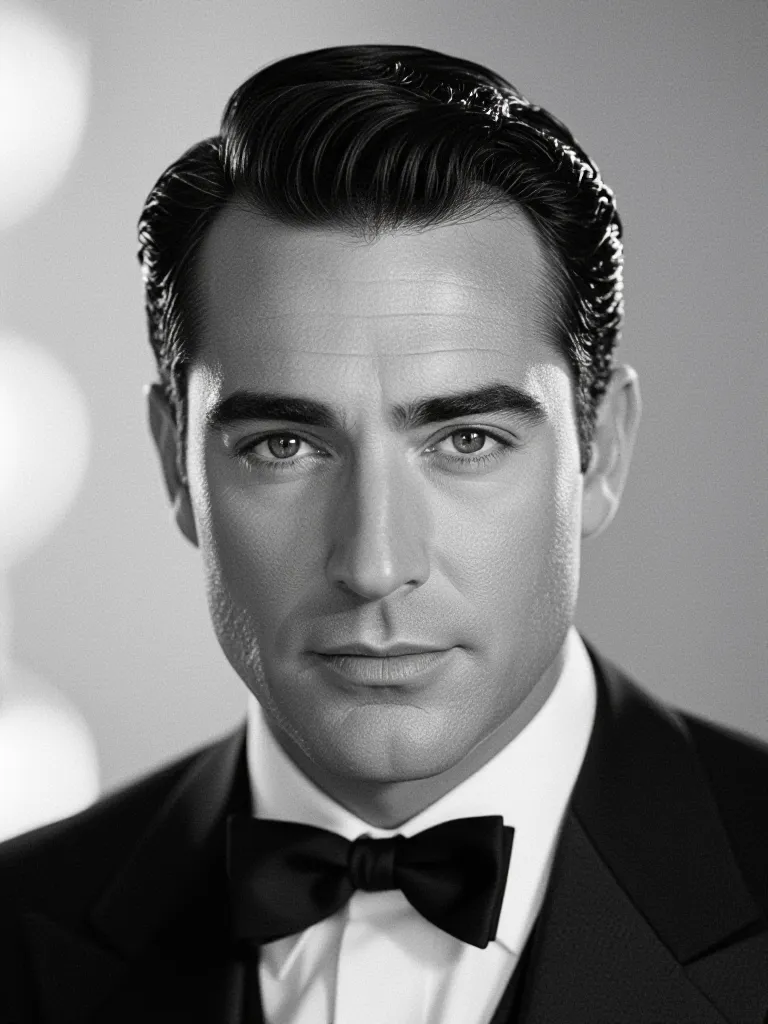

Transform Any Face Instantly
Stop struggling with old-school photo editors. Our AI face editor uses advanced AI models to understand every detail of the face, including expressions, mood, lighting, skin tone, and background. The tool lets you enhance photos with subtle touch ups or dramatic changes in just a few clicks.
✔ Add smiles and natural facial expressions
✔ Fix lighting and adjust skin tone
✔ Face swap with clean blending
✔ Edit multiple faces in group portraits
✔ Create different looks and moods
✔ Apply filters and creative effects
✔ One click enhancements
✔ High quality, professional results
This tool works for users of all skill levels and delivers studio quality edits instantly.
Transform Any Face Instantly
Stop struggling with old-school photo editors. Our AI face editor uses advanced AI models to understand every detail of the face, including expressions, mood, lighting, skin tone, and background. The tool lets you enhance photos with subtle touch ups or dramatic changes in just a few clicks.
✔ Add smiles and natural facial expressions
✔ Fix lighting and adjust skin tone
✔ Face swap with clean blending
✔ Edit multiple faces in group portraits
✔ Create different looks and moods
✔ Apply filters and creative effects
✔ One click enhancements
✔ High quality, professional results
This tool works for users of all skill levels and delivers studio quality edits instantly.
How to Use the AI Face Editor
Using it is simple:
1️⃣ Go to starryai
Open the app in your browser. No sign up required to start.
2️⃣ Upload a clear photo
Upload your picture (JPG or PNG). Clear lighting helps the AI do an amazing job.
3️⃣ Enter your prompt
Tell the tool exactly what you want. For example:
- “Add a natural smile to the face.”
- “Fix skin tone and brighten the picture.”
- “Try a face swap with a happy expression.”
- “Edit this portrait and smooth the skin.”
- “Create a new version with different emotions.”
The intuitive interface makes it easy to explore different edits and switch between styles.
4️⃣ Click Generate
AI handles the creative process and edits your image instantly.
5️⃣ Download your final photo
Save in high quality, share with friends, or keep editing.
Boom. Your perfect shot is ready.
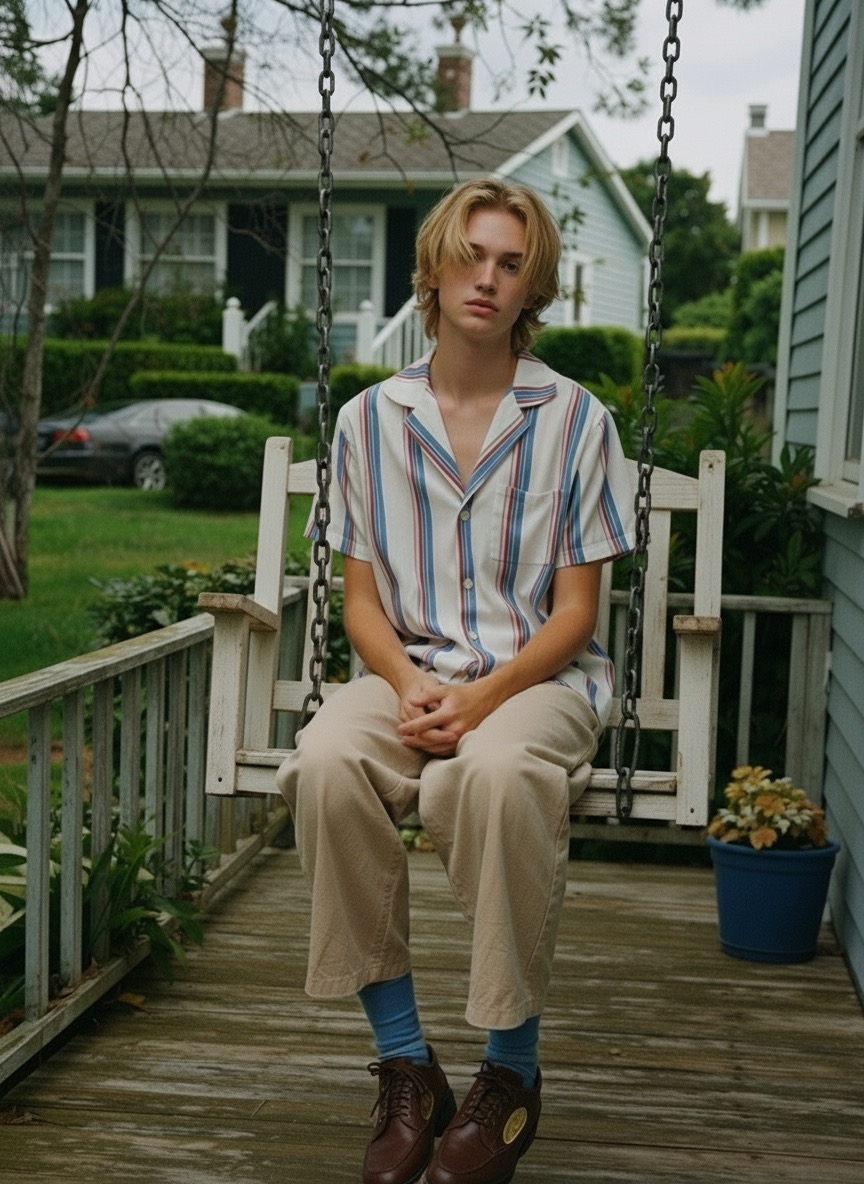
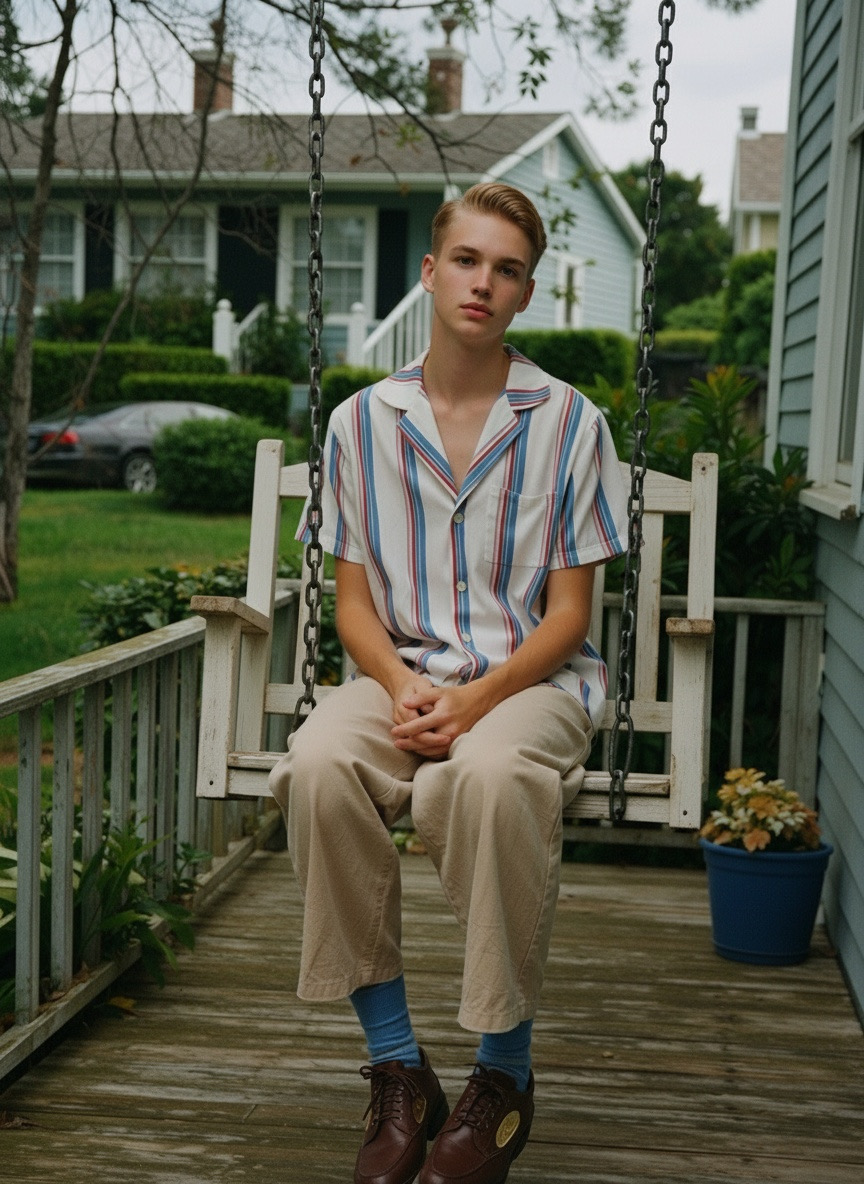
How to Use the AI Face Editor
Using it is simple:
1️⃣ Go to starryai
Open the app in your browser. No sign up required to start.
2️⃣ Upload a clear photo
Upload your picture (JPG or PNG). Clear lighting helps the AI do an amazing job.
3️⃣ Enter your prompt
Tell the tool exactly what you want. For example:
- “Add a natural smile to the face.”
- “Fix skin tone and brighten the picture.”
- “Try a face swap with a happy expression.”
- “Edit this portrait and smooth the skin.”
- “Create a new version with different emotions.”
The intuitive interface makes it easy to explore different edits and switch between styles.
4️⃣ Click Generate
AI handles the creative process and edits your image instantly.
5️⃣ Download your final photo
Save in high quality, share with friends, or keep editing.
Boom. Your perfect shot is ready.
How to Use the AI Face Editor
Using it is simple:
1️⃣ Go to starryai
Open the app in your browser. No sign up required to start.
2️⃣ Upload a clear photo
Upload your picture (JPG or PNG). Clear lighting helps the AI do an amazing job.
3️⃣ Enter your prompt
Tell the tool exactly what you want. For example:
- “Add a natural smile to the face.”
- “Fix skin tone and brighten the picture.”
- “Try a face swap with a happy expression.”
- “Edit this portrait and smooth the skin.”
- “Create a new version with different emotions.”
The intuitive interface makes it easy to explore different edits and switch between styles.
4️⃣ Click Generate
AI handles the creative process and edits your image instantly.
5️⃣ Download your final photo
Save in high quality, share with friends, or keep editing.
Boom. Your perfect shot is ready.
Why Use starryai’s Face Editor?
🧠 Advanced AI for facial feature detection
⚡ Fast edits in one click
🎭 Expression control: smiles, emotions, new moods
📸 Edit multiple faces automatically
🖼 Natural results that blend seamlessly
🧰 Free features for basic editing
🧑🎨 Total control for creative projects
💻 Browser based editor, no Photoshop needed
📱 Works perfectly on mobile devices
From subtle touch ups to full creative transformations, the tool gives your photos new life.
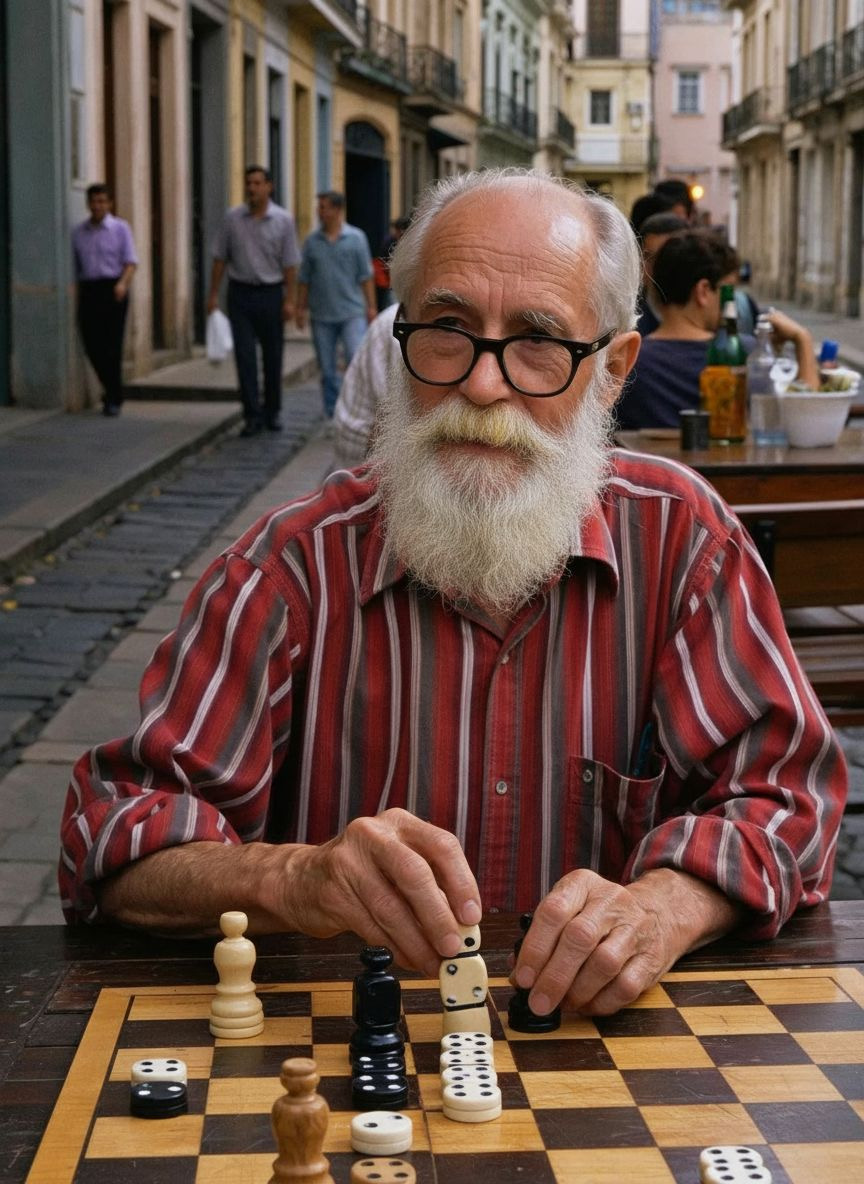

Why Use starryai’s Face Editor?
🧠 Advanced AI for facial feature detection
⚡ Fast edits in one click
🎭 Expression control: smiles, emotions, new moods
📸 Edit multiple faces automatically
🖼 Natural results that blend seamlessly
🧰 Free features for basic editing
🧑🎨 Total control for creative projects
💻 Browser based editor, no Photoshop needed
📱 Works perfectly on mobile devices
From subtle touch ups to full creative transformations, the tool gives your photos new life.
Why Use starryai’s Face Editor?
🧠 Advanced AI for facial feature detection
⚡ Fast edits in one click
🎭 Expression control: smiles, emotions, new moods
📸 Edit multiple faces automatically
🖼 Natural results that blend seamlessly
🧰 Free features for basic editing
🧑🎨 Total control for creative projects
💻 Browser based editor, no Photoshop needed
📱 Works perfectly on mobile devices
From subtle touch ups to full creative transformations, the tool gives your photos new life.
Example Prompts to Try
Retouching
- “Smooth skin tone and brighten the face.”
- “Fix shadows and adjust lighting.”
- “Enhance facial features while keeping it natural.”
Expressions
- “Add a soft smile.”
- “Change expression to surprised.”
- “Give the face a happy mood.”
Face Swaps
- “Swap face with a smiling version of the same person.”
- “Do a clean face swap with natural blending.”
Creative Edits
- “Create a watercolor portrait version.”
- “Add flowers around the face with soft lighting.”
- “Make a cinematic portrait with dramatic shadows.”
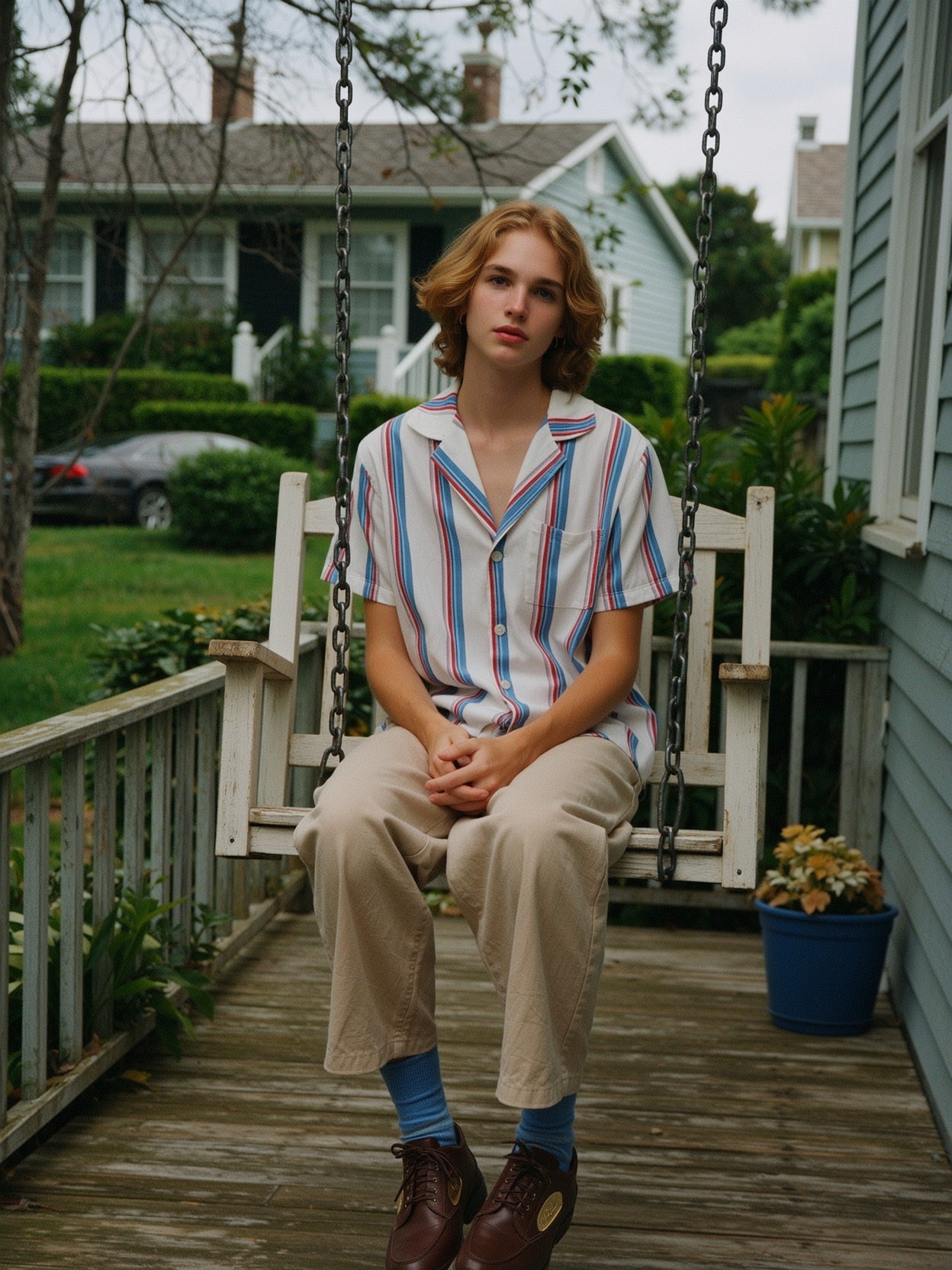
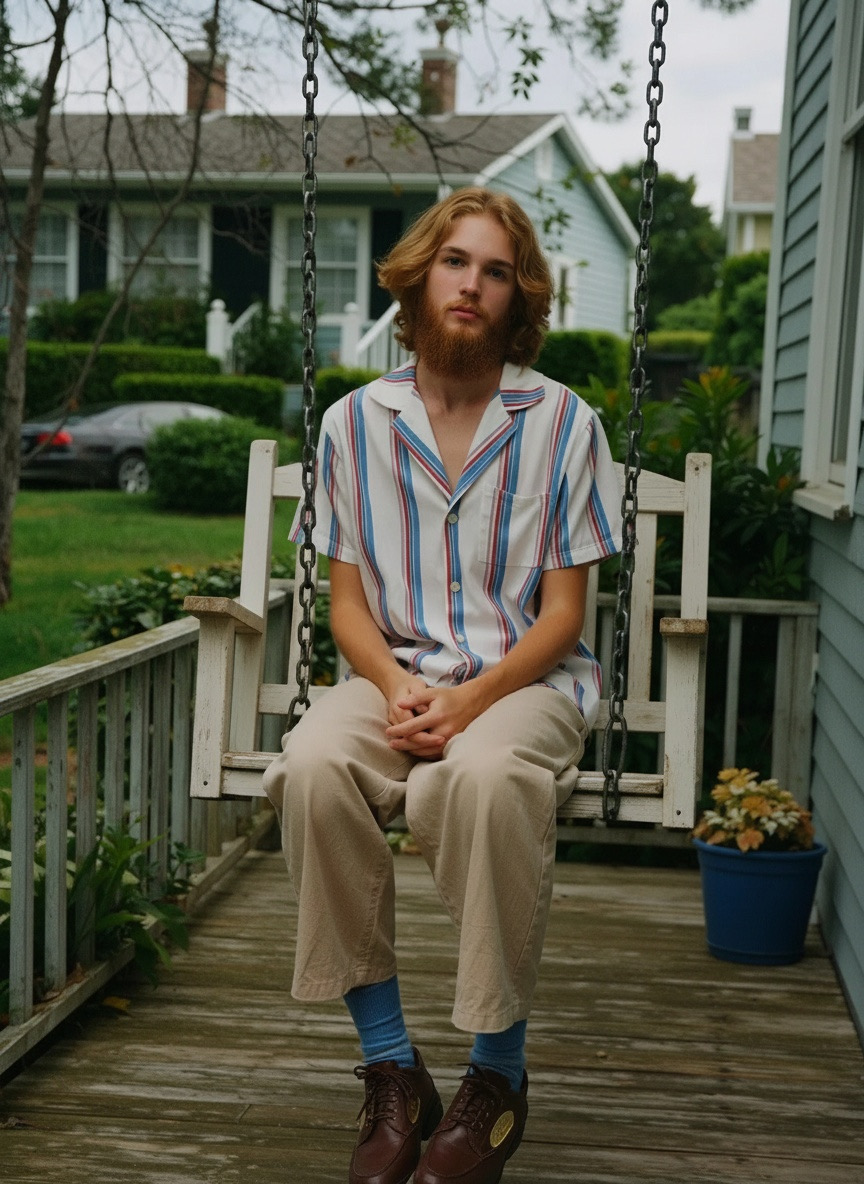
Example Prompts to Try
Retouching
- “Smooth skin tone and brighten the face.”
- “Fix shadows and adjust lighting.”
- “Enhance facial features while keeping it natural.”
Expressions
- “Add a soft smile.”
- “Change expression to surprised.”
- “Give the face a happy mood.”
Face Swaps
- “Swap face with a smiling version of the same person.”
- “Do a clean face swap with natural blending.”
Creative Edits
- “Create a watercolor portrait version.”
- “Add flowers around the face with soft lighting.”
- “Make a cinematic portrait with dramatic shadows.”
Example Prompts to Try
Retouching
- “Smooth skin tone and brighten the face.”
- “Fix shadows and adjust lighting.”
- “Enhance facial features while keeping it natural.”
Expressions
- “Add a soft smile.”
- “Change expression to surprised.”
- “Give the face a happy mood.”
Face Swaps
- “Swap face with a smiling version of the same person.”
- “Do a clean face swap with natural blending.”
Creative Edits
- “Create a watercolor portrait version.”
- “Add flowers around the face with soft lighting.”
- “Make a cinematic portrait with dramatic shadows.”
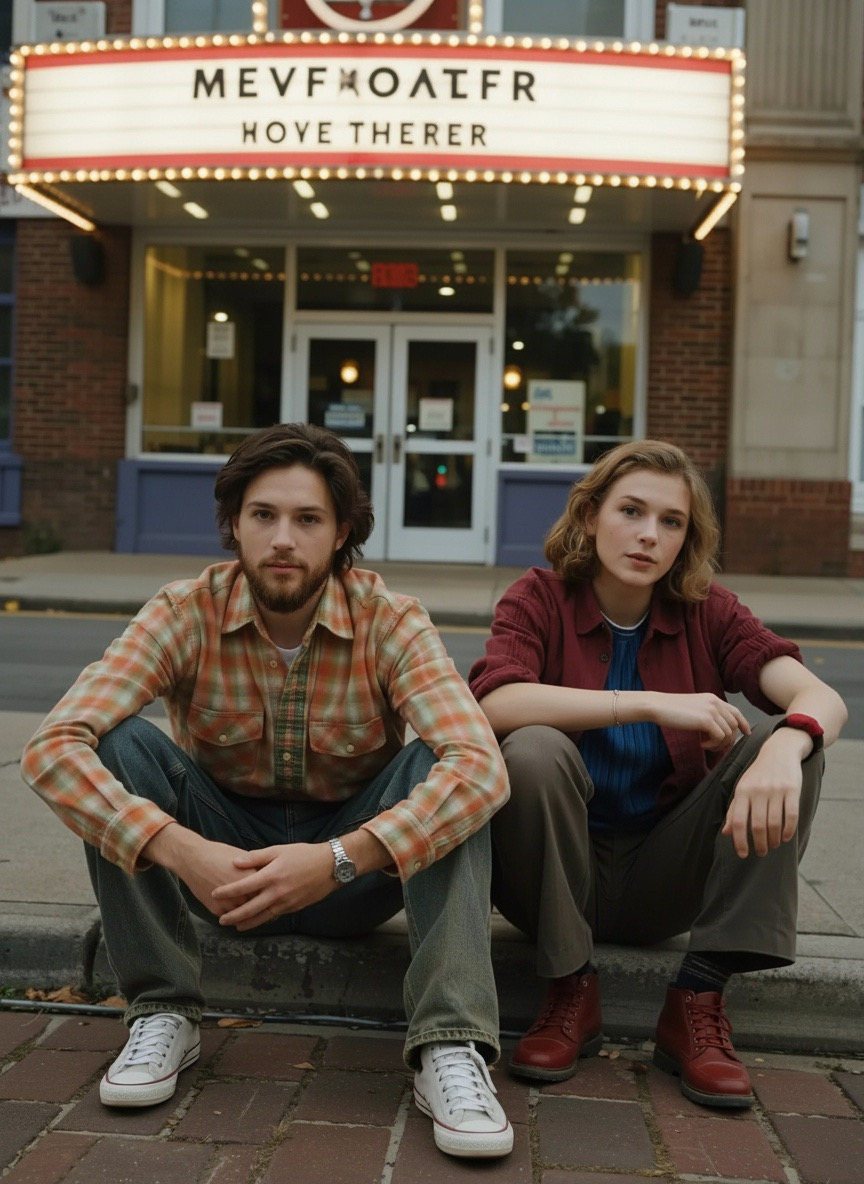
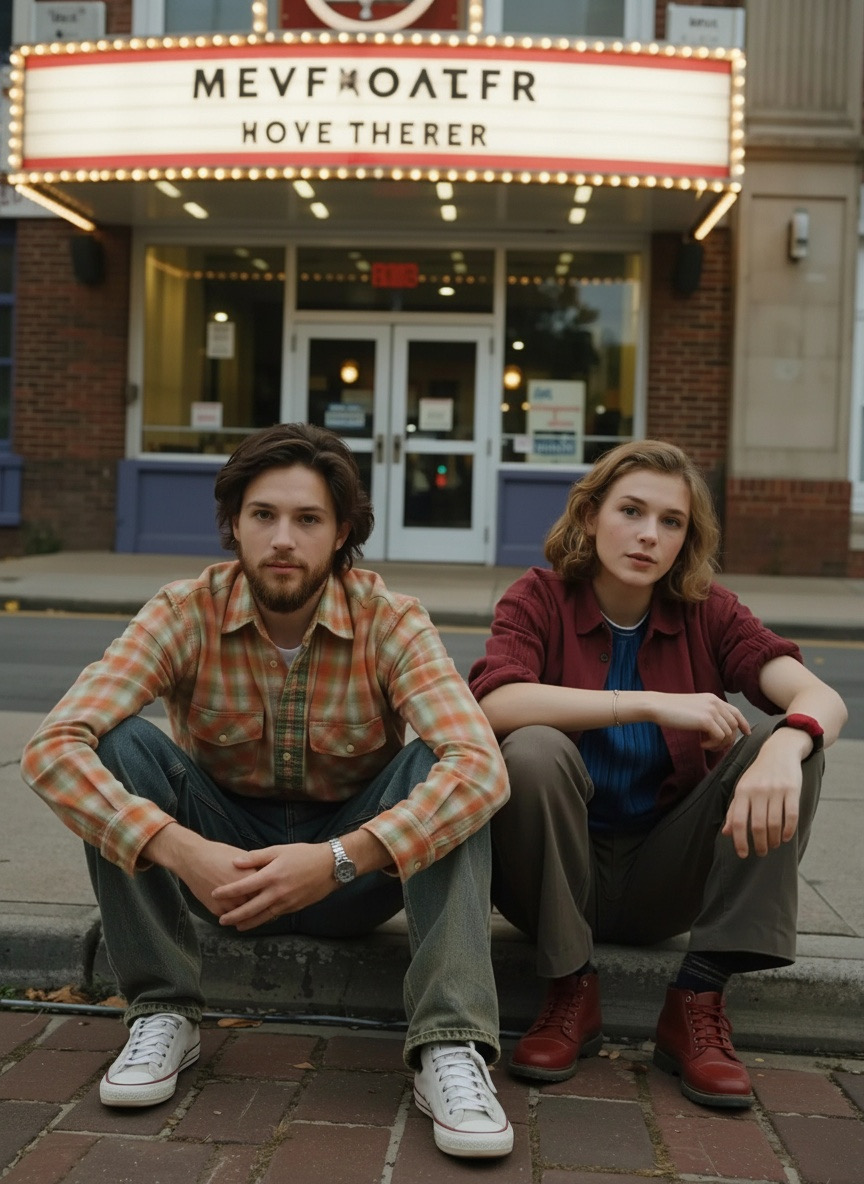
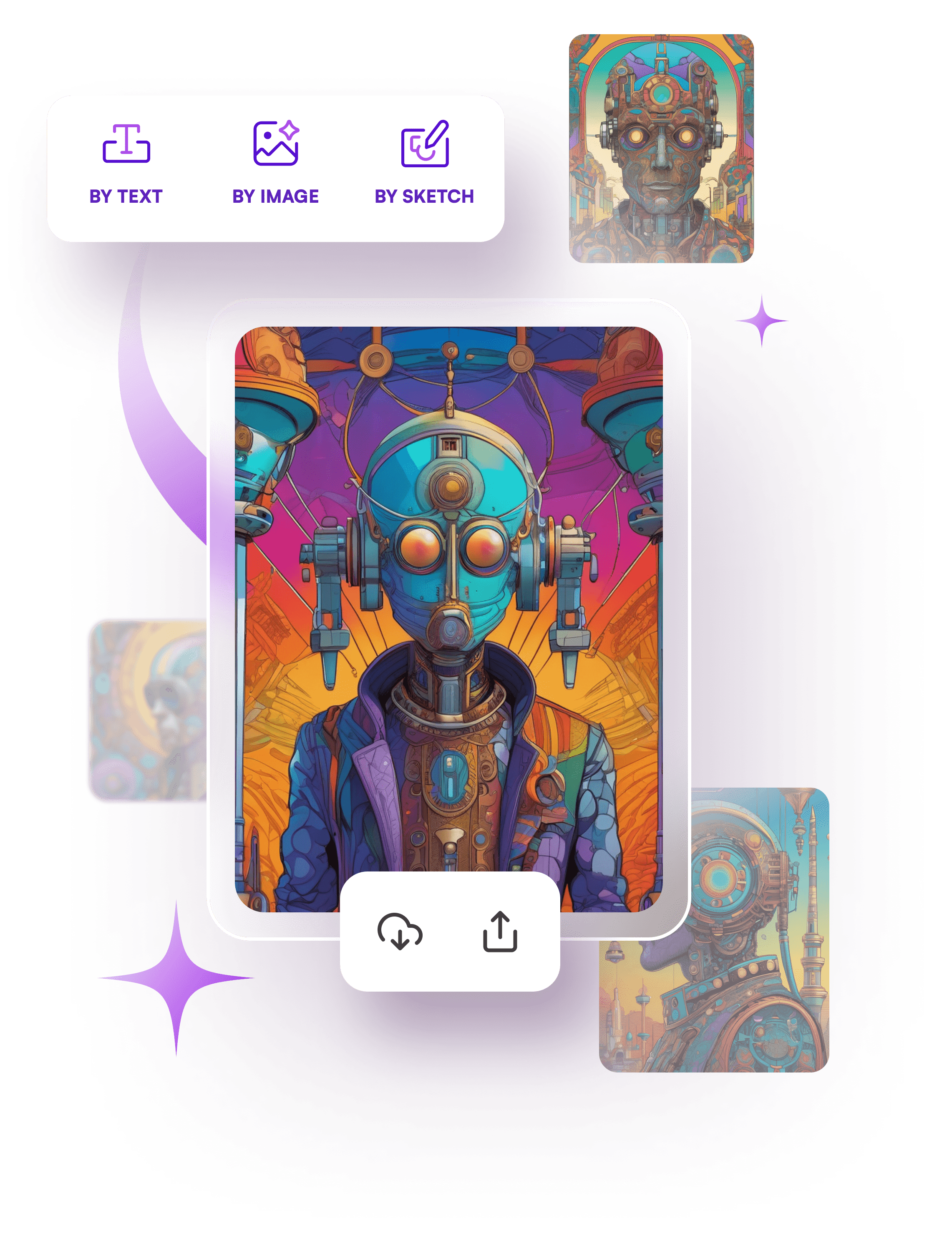
How starryai Creates Images
- Describe Your Idea
Tell the AI what expression, style, or edit you want. - Customize Settings
Pick the model, style, and canvas size. - Generate
AI creates your image instantly. Download in seconds.
What Makes starryai Stand Out
✔ Handles complex face swaps and multiple faces
✔ Gives you total control over expressions and mood
✔ Produces realistic, natural edits that look professional
✔ Generates videos and animations from edited images
✔ Works at any scale, from quick fixes to big creative projects
✔ Perfect for portraits, social content, family photos, and creative fun
No Photoshop, no learning curve. Just upload, edit, and enjoy.
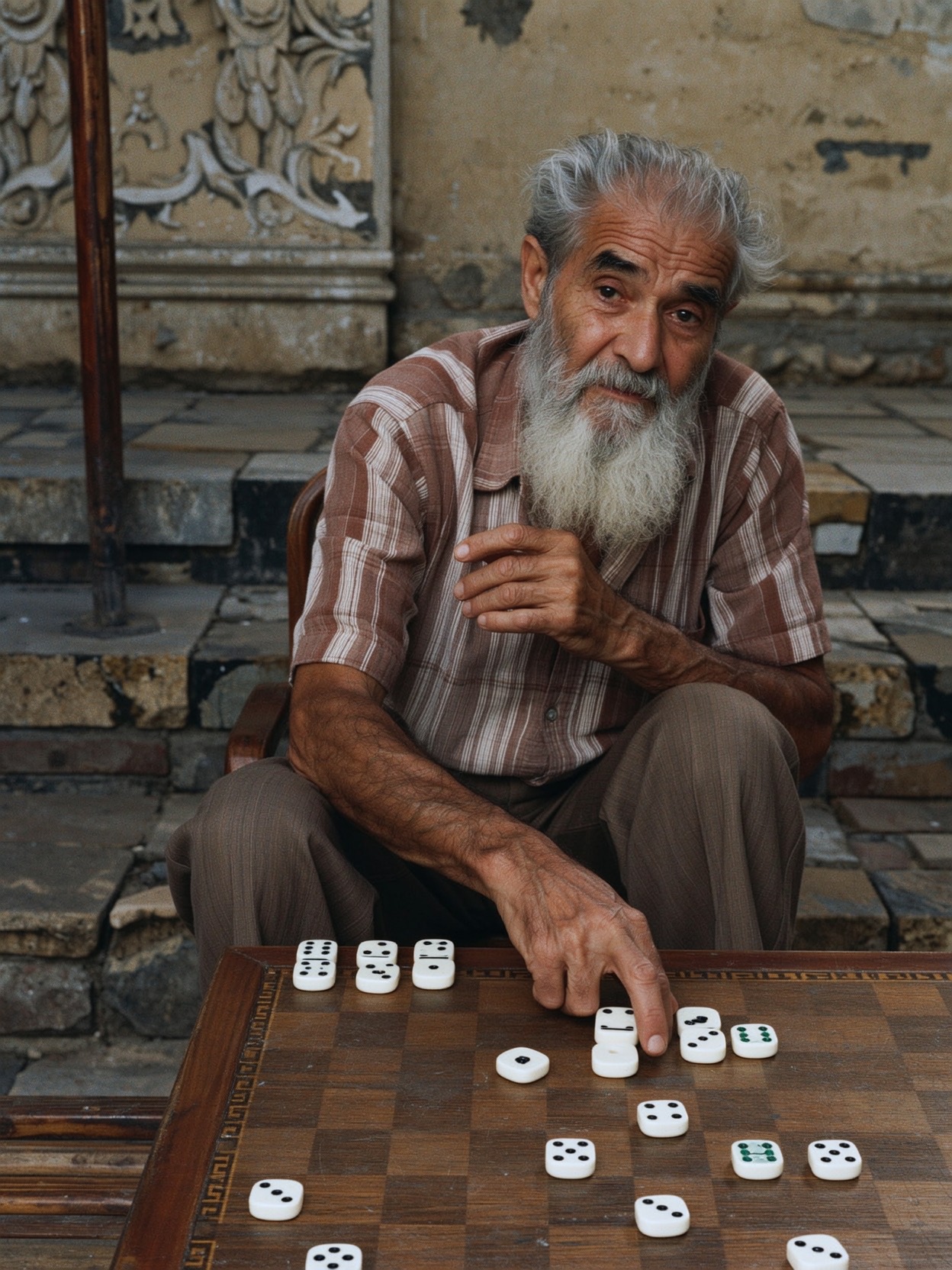
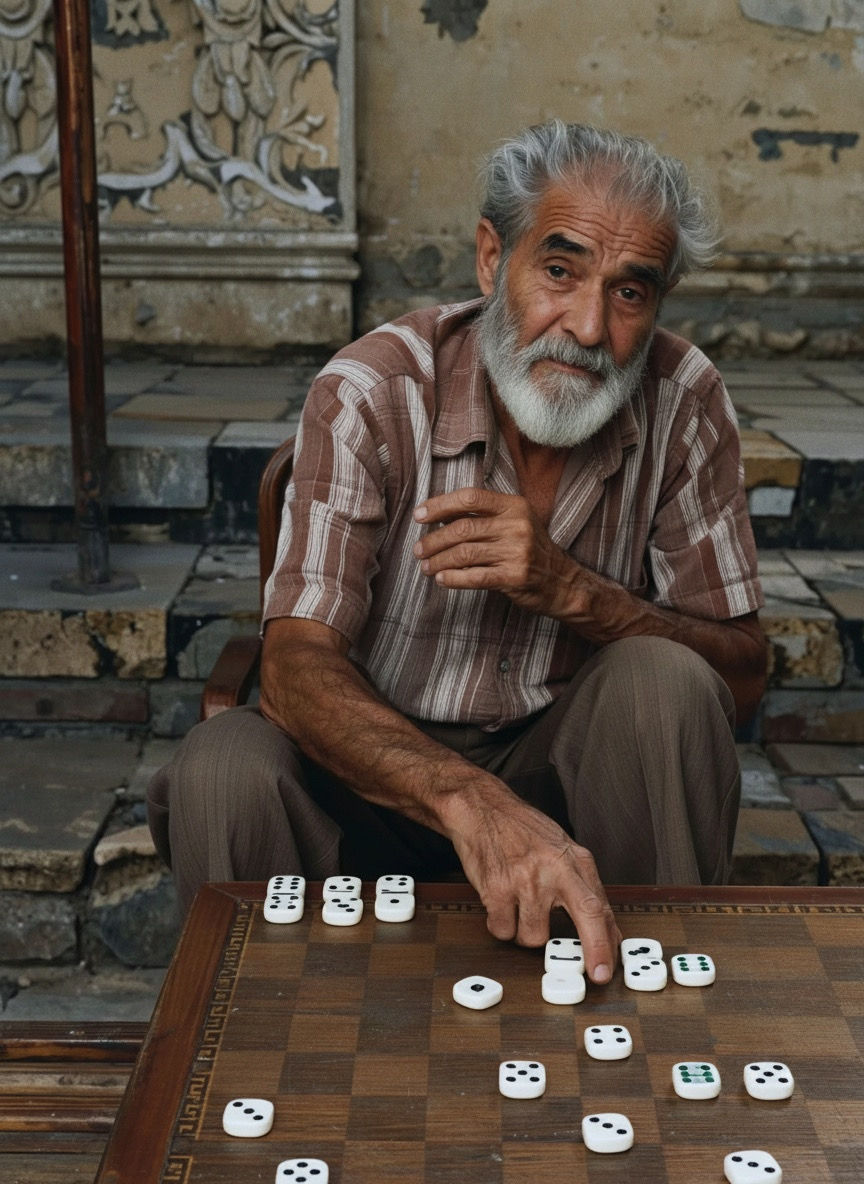
What Makes starryai Stand Out
✔ Handles complex face swaps and multiple faces
✔ Gives you total control over expressions and mood
✔ Produces realistic, natural edits that look professional
✔ Generates videos and animations from edited images
✔ Works at any scale, from quick fixes to big creative projects
✔ Perfect for portraits, social content, family photos, and creative fun
No Photoshop, no learning curve. Just upload, edit, and enjoy.
What Makes starryai Stand Out
✔ Handles complex face swaps and multiple faces
✔ Gives you total control over expressions and mood
✔ Produces realistic, natural edits that look professional
✔ Generates videos and animations from edited images
✔ Works at any scale, from quick fixes to big creative projects
✔ Perfect for portraits, social content, family photos, and creative fun
No Photoshop, no learning curve. Just upload, edit, and enjoy.
How to Create images Using our AI
Start your own creative journey.


people using our AI generator:
It uses advanced AI to detect facial features, expressions, skin tone, and lighting in your photo. You upload a clear photo, enter a prompt, and the AI edits the image automatically.
Yes. The AI detects all faces and edits them individually so the final result looks natural.
Upload a clear photo with good lighting. The AI performs best when it can see facial details clearly.
Very. The tool uses advanced models that match skin tone, lighting, and facial expressions so everything looks like part of the original image.
Absolutely. Many people use it for portraits, content creation, social media, and client images because the output is high quality and looks studio level.


.svg)