
AI Cropping: Instantly Crop Images Online With Precision


Why Image Cropping Matters
Cropping is one of the most important steps in photo editing. It removes distractions, highlights the subject, and improves your picture instantly. A good crop can turn an average photo into something that looks intentional and professional.
Modern online image cropper tools protect image quality, so you never lose sharpness. Whether you crop a single picture or batch edit multiple images, AI keeps everything consistent. It is perfect for social media posts, websites, ads, or personal projects.
.png)
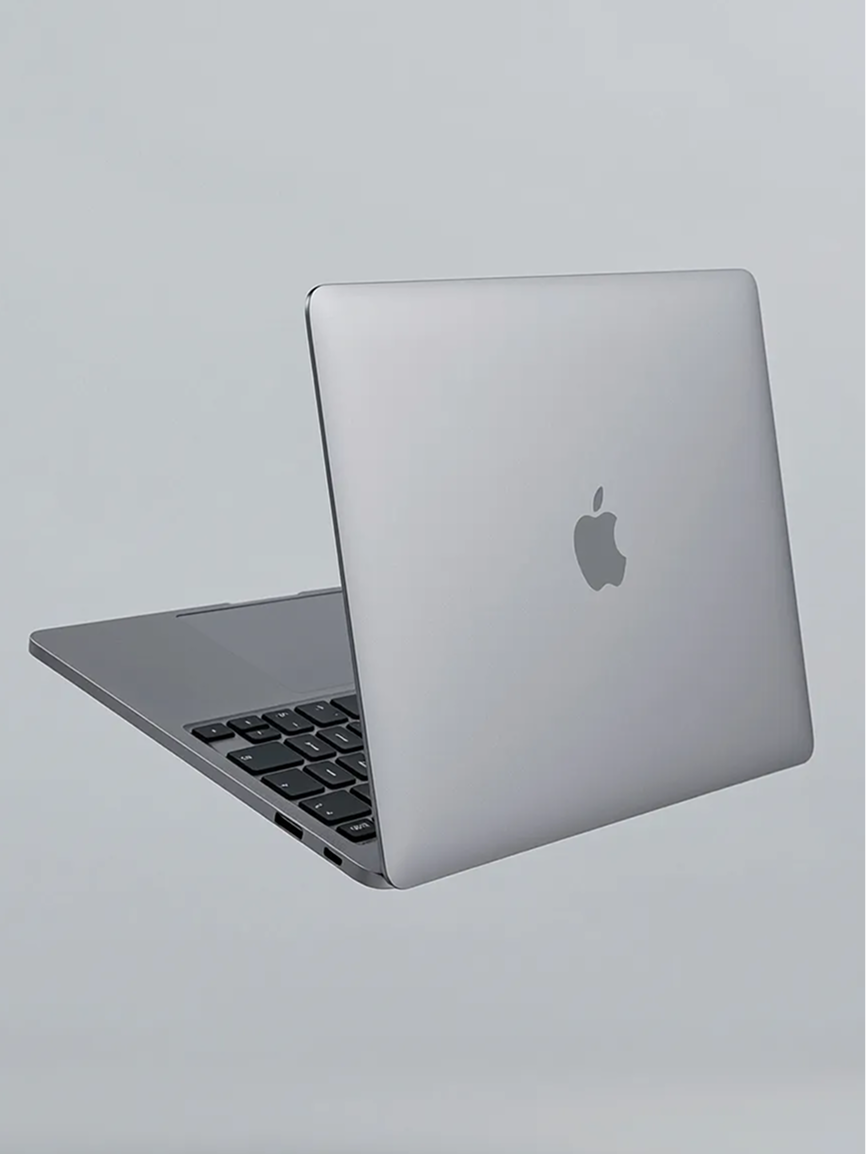
Why Image Cropping Matters
Cropping is one of the most important steps in photo editing. It removes distractions, highlights the subject, and improves your picture instantly. A good crop can turn an average photo into something that looks intentional and professional.
Modern online image cropper tools protect image quality, so you never lose sharpness. Whether you crop a single picture or batch edit multiple images, AI keeps everything consistent. It is perfect for social media posts, websites, ads, or personal projects.
Why Image Cropping Matters
Cropping is one of the most important steps in photo editing. It removes distractions, highlights the subject, and improves your picture instantly. A good crop can turn an average photo into something that looks intentional and professional.
Modern online image cropper tools protect image quality, so you never lose sharpness. Whether you crop a single picture or batch edit multiple images, AI keeps everything consistent. It is perfect for social media posts, websites, ads, or personal projects.
What AI Cropping Tools Can Do
A strong crop image tool can do much more than trim edges. It can:
✔ Auto detect the subject for the perfect crop
✔ Suggest the best aspect ratio for social media
✔ Keep high resolution without losing quality
✔ Center faces for clean headshot crops
✔ Fix bad framing and awkward angles
✔ Remove empty space around the subject
✔ Crop for banners, thumbnails, and product pages
✔ Support JPG, PNG, JPEG
✔ Handle batch photo cropping
✔ Provide rotation, resizing, flipping, and other tools
✔ Help you create designs for social media and websites
You get cleaner, more balanced images without manual dragging.
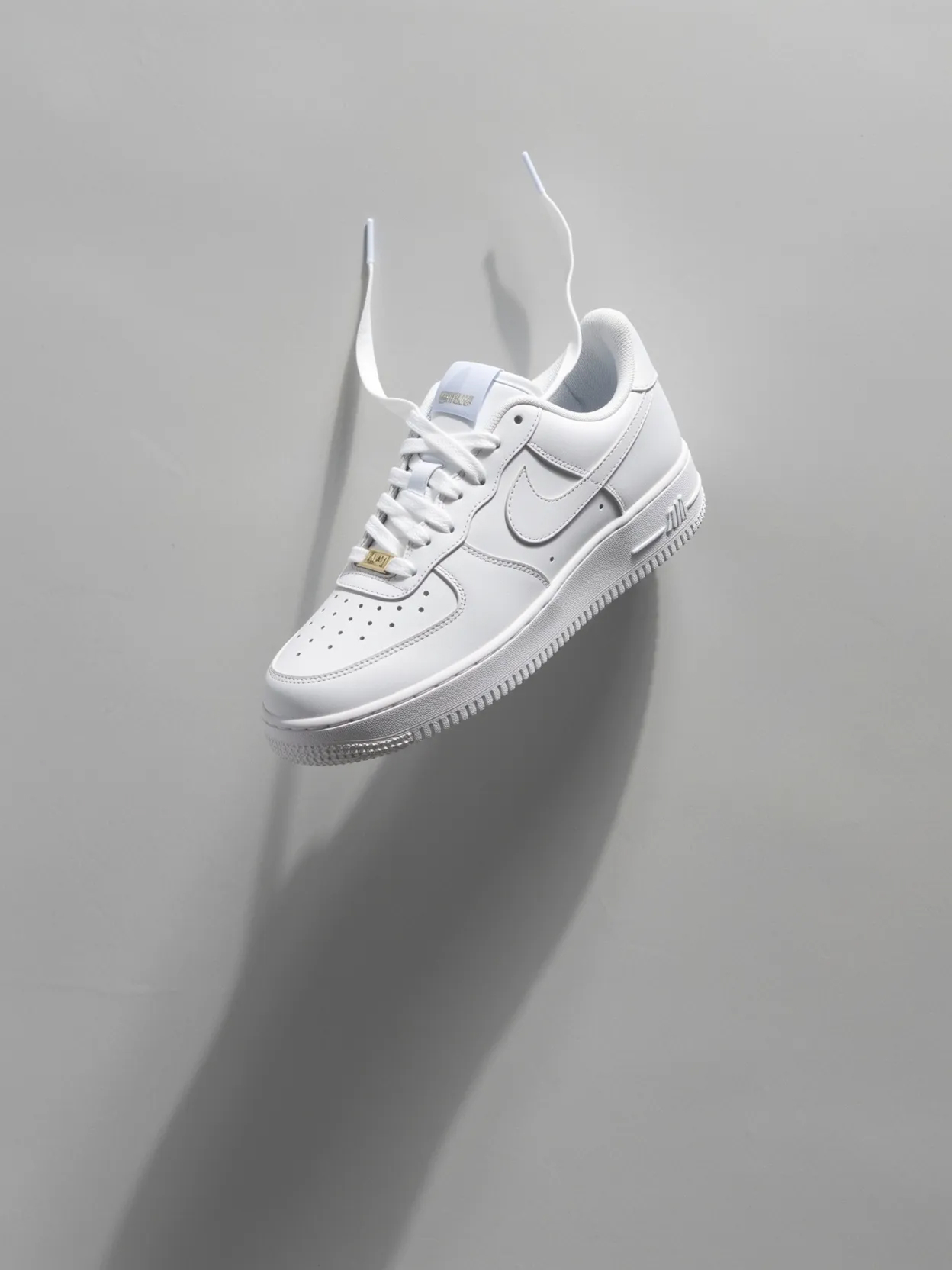
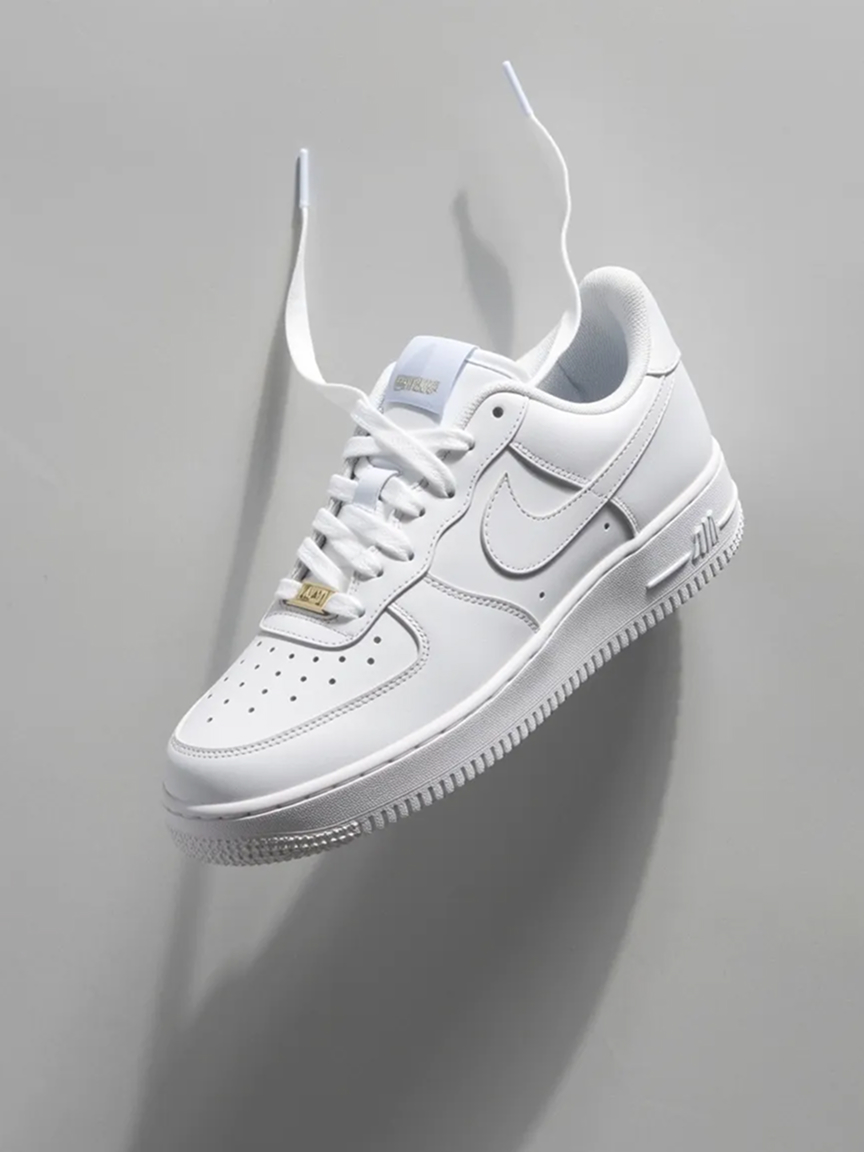
What AI Cropping Tools Can Do
A strong crop image tool can do much more than trim edges. It can:
✔ Auto detect the subject for the perfect crop
✔ Suggest the best aspect ratio for social media
✔ Keep high resolution without losing quality
✔ Center faces for clean headshot crops
✔ Fix bad framing and awkward angles
✔ Remove empty space around the subject
✔ Crop for banners, thumbnails, and product pages
✔ Support JPG, PNG, JPEG
✔ Handle batch photo cropping
✔ Provide rotation, resizing, flipping, and other tools
✔ Help you create designs for social media and websites
You get cleaner, more balanced images without manual dragging.
What AI Cropping Tools Can Do
A strong crop image tool can do much more than trim edges. It can:
✔ Auto detect the subject for the perfect crop
✔ Suggest the best aspect ratio for social media
✔ Keep high resolution without losing quality
✔ Center faces for clean headshot crops
✔ Fix bad framing and awkward angles
✔ Remove empty space around the subject
✔ Crop for banners, thumbnails, and product pages
✔ Support JPG, PNG, JPEG
✔ Handle batch photo cropping
✔ Provide rotation, resizing, flipping, and other tools
✔ Help you create designs for social media and websites
You get cleaner, more balanced images without manual dragging.
Why starryai Works for Smart Cropping
starryai uses advanced AI to detect the subject, understand scene layout, and deliver a perfectly framed crop. It comes with a user friendly interface and works on desktop and mobile devices.
With starryai you can:
✔ Crop images online in one click
✔ Use smart subject detection
✔ Pick any crop shape or ratio: square, 4x5, story, wide
✔ Maintain full image quality after the crop
✔ Prep photos for social media instantly
✔ Cleanly crop product images
✔ Reframe portraits without distortion
✔ Skip complicated photo editing tools
You upload your image, describe the crop, and the AI handles the rest.

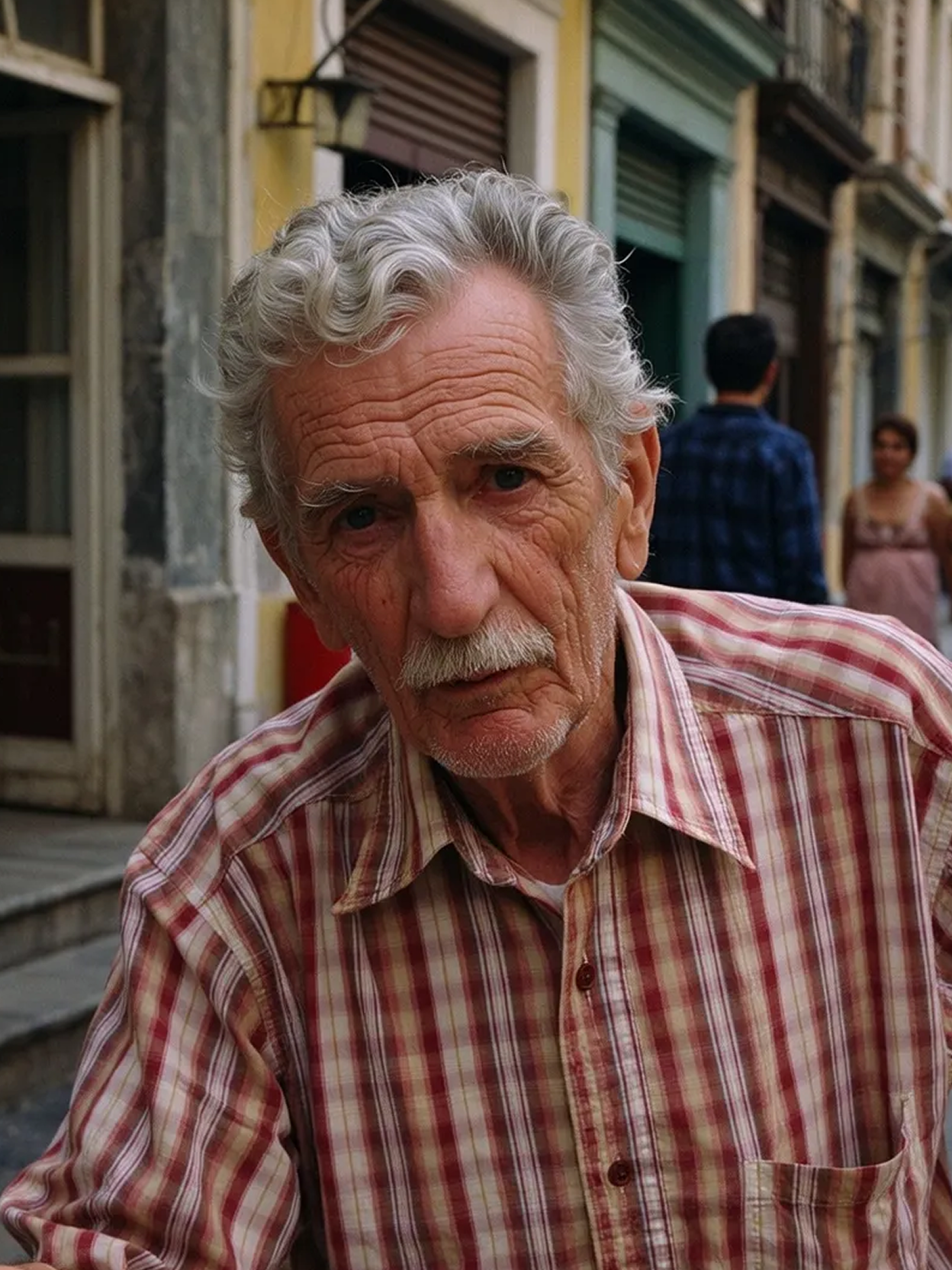
Why starryai Works for Smart Cropping
starryai uses advanced AI to detect the subject, understand scene layout, and deliver a perfectly framed crop. It comes with a user friendly interface and works on desktop and mobile devices.
With starryai you can:
✔ Crop images online in one click
✔ Use smart subject detection
✔ Pick any crop shape or ratio: square, 4x5, story, wide
✔ Maintain full image quality after the crop
✔ Prep photos for social media instantly
✔ Cleanly crop product images
✔ Reframe portraits without distortion
✔ Skip complicated photo editing tools
You upload your image, describe the crop, and the AI handles the rest.
Why starryai Works for Smart Cropping
starryai uses advanced AI to detect the subject, understand scene layout, and deliver a perfectly framed crop. It comes with a user friendly interface and works on desktop and mobile devices.
With starryai you can:
✔ Crop images online in one click
✔ Use smart subject detection
✔ Pick any crop shape or ratio: square, 4x5, story, wide
✔ Maintain full image quality after the crop
✔ Prep photos for social media instantly
✔ Cleanly crop product images
✔ Reframe portraits without distortion
✔ Skip complicated photo editing tools
You upload your image, describe the crop, and the AI handles the rest.
How to Crop an Image Using starryai
Same trusted workflow as your other service pages.
1. Go to starryai
Open the site in your browser.
2. Upload your image
Drop your JPG, PNG, or JPEG into the crop tool.
3. Describe the crop you want
Add a short prompt telling the AI how to frame the subject.
Try prompts like:
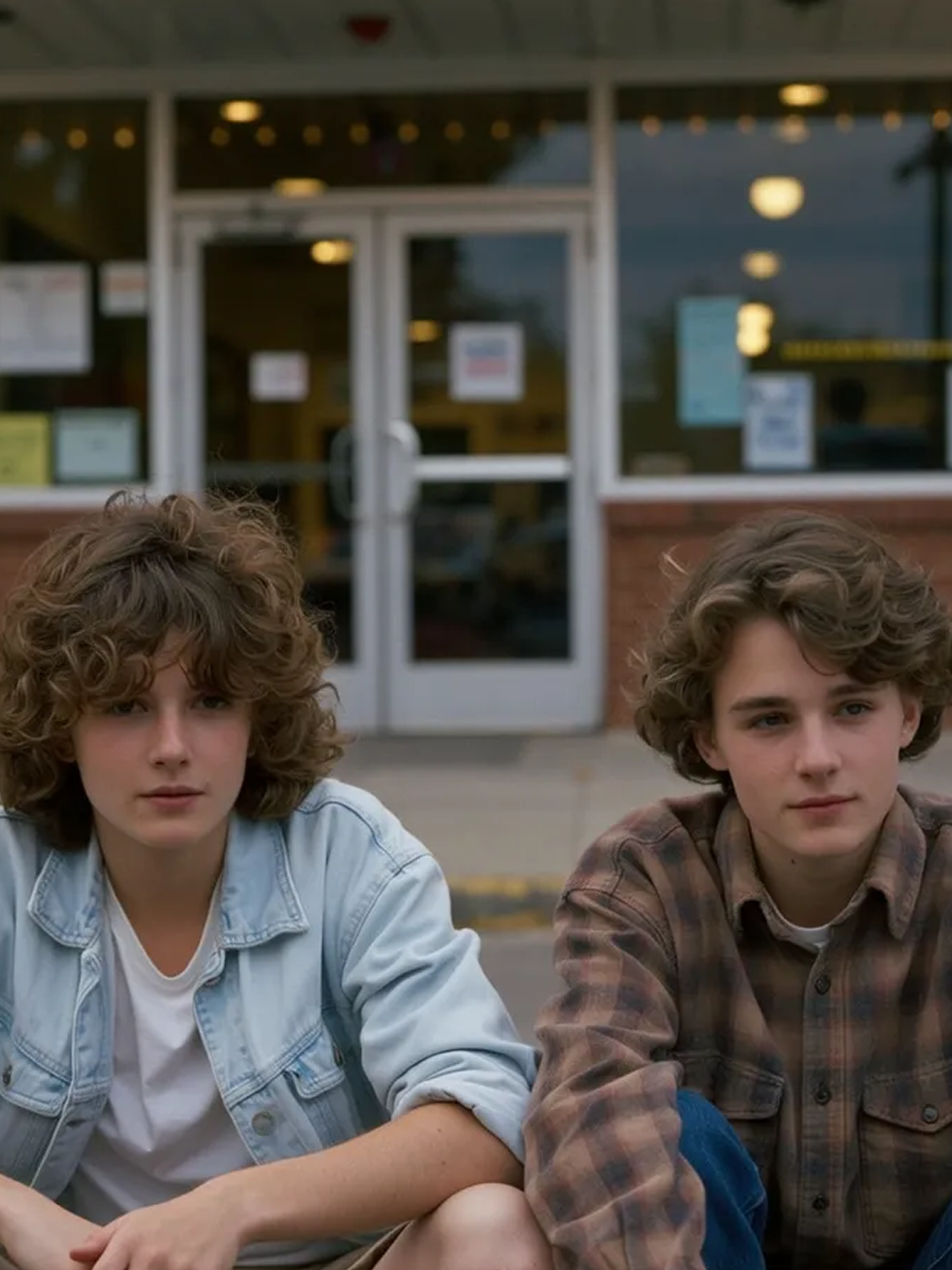
- “Crop this to a clean square headshot.”
- “Reframe so the subject is centered.”
- “Tight product crop, remove empty space.”
- “Make this a vertical portrait crop.”
4. Let the AI crop automatically
The AI detects the subject, adjusts the frame, and creates a clean, polished crop.
5. Download your final image
Save your high quality cropped picture instantly.

How to Crop an Image Using starryai
Same trusted workflow as your other service pages.
1. Go to starryai
Open the site in your browser.
2. Upload your image
Drop your JPG, PNG, or JPEG into the crop tool.
3. Describe the crop you want
Add a short prompt telling the AI how to frame the subject.
Try prompts like:
- “Crop this to a clean square headshot.”
- “Reframe so the subject is centered.”
- “Tight product crop, remove empty space.”
- “Make this a vertical portrait crop.”
4. Let the AI crop automatically
The AI detects the subject, adjusts the frame, and creates a clean, polished crop.
5. Download your final image
Save your high quality cropped picture instantly.
How to Crop an Image Using starryai
Same trusted workflow as your other service pages.
1. Go to starryai
Open the site in your browser.
2. Upload your image
Drop your JPG, PNG, or JPEG into the crop tool.
3. Describe the crop you want
Add a short prompt telling the AI how to frame the subject.
Try prompts like:
- “Crop this to a clean square headshot.”
- “Reframe so the subject is centered.”
- “Tight product crop, remove empty space.”
- “Make this a vertical portrait crop.”
4. Let the AI crop automatically
The AI detects the subject, adjusts the frame, and creates a clean, polished crop.
5. Download your final image
Save your high quality cropped picture instantly.
Crop Settings and Precision
A smart image cropper lets you:
✔ Adjust aspect ratio
✔ Resize and rotate
✔ Flip horizontally or vertically
✔ Crop manually if needed
✔ Apply a smart crop with one click
✔ Batch crop multiple images
You always get a perfect crop with consistent framing and strong image quality.
When AI Cropping Helps the Most
AI cropping works great for:
- Profile photos and headshot crops
- Product photos for Amazon, Etsy, and Shopify
- Thumbnails for YouTube or TikTok
- Travel photos with too much empty space
- Cleaning up poorly framed older pictures
- Resume and job application photos
- Social media posts needing fixed ratios
- Ads, website assets, and promo images
- Professional photographers who need consistency
- Branding and online photo content creation
It saves time and works even if you are not experienced with photo editing tools.

When AI Cropping Helps the Most
AI cropping works great for:
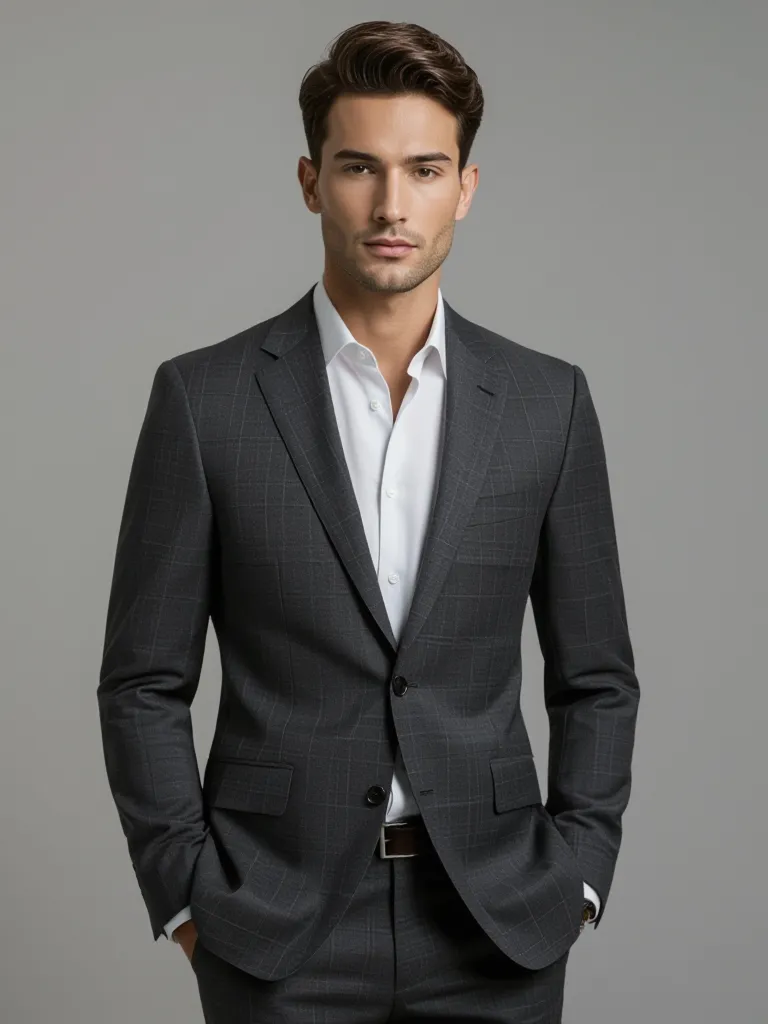
- Profile photos and headshot crops
- Product photos for Amazon, Etsy, and Shopify
- Thumbnails for YouTube or TikTok
- Travel photos with too much empty space
- Cleaning up poorly framed older pictures
- Resume and job application photos
- Social media posts needing fixed ratios
- Ads, website assets, and promo images
- Professional photographers who need consistency
- Branding and online photo content creation
It saves time and works even if you are not experienced with photo editing tools.
When AI Cropping Helps the Most
AI cropping works great for:
- Profile photos and headshot crops
- Product photos for Amazon, Etsy, and Shopify
- Thumbnails for YouTube or TikTok
- Travel photos with too much empty space
- Cleaning up poorly framed older pictures
- Resume and job application photos
- Social media posts needing fixed ratios
- Ads, website assets, and promo images
- Professional photographers who need consistency
- Branding and online photo content creation
It saves time and works even if you are not experienced with photo editing tools.
How to Create images Using our AI
Start your own creative journey.


people using our AI generator:
AI cropping uses artificial intelligence to detect the main subject in an image and create a clean, centered crop automatically.
No. starryai preserves image quality so you never lose sharpness, even after resizing.
Yes. You can crop an image online using starryai for free with no app download.
You can upload JPG, PNG, or JPEG files.
Absolutely. It works for portraits, landscapes, product shots, thumbnails, and more.


.svg)