


Written by Mo Kahn on
July 22, 2026


You've got an image you like. Maybe it's a dreamy character portrait for BookTok, a neon selfie transformation for TikTok, or a print concept you want to list on Etsy tonight. The part that usually gets skipped is the part that decides whether that image lands well: the sharing options behind the export, the crop, the metadata, the privacy setting, and the platform you post to first.
Most creators don't lose momentum because the art is weak. They lose it because the file is wrong for the destination, the listing image looks compressed, the social post gets awkwardly cropped, or a shareable link never activates because the work wasn't published first. Sharing is distribution, but it's also packaging.
A strong share starts before you touch the Share button. If the export is soft, oddly cropped, or too compressed, every platform will amplify those flaws. That matters even more when you're posting detail-heavy fantasy art, product mockups, or portraits with subtle lighting.
Users can download creations in full resolution before sharing by using the download or save button in the bottom or top right corner, which helps preserve fidelity for commercial use or social uploads, as shown in this walkthrough of the full-resolution export flow. Use that version as your master file. Don't build your workflow around a screenshot.

The app preview is only a preview. The exported file is what your audience sees, what a print provider processes, and what an Etsy buyer zooms into.
Use this order of operations:
If you're planning physical products, the print side of image prep deserves its own pass. This guide on image resolution for printing is useful when you need to think beyond phone screens and prepare files for merchandise, posters, or covers.
Practical rule: One exported file should almost never serve every channel unchanged.
JPEG and PNG each have a job. JPEG is usually the practical choice for social posting because it's lighter and easier to move between apps. PNG is often better when you need crisp edges, transparency, or cleaner layering for mockups and design work.
For social-first creators, I'd keep it simple:
The hidden mistake is exporting once and hoping every platform will “figure it out.” They won't. Each platform compresses differently, frames differently, and rewards different compositions. A centered portrait might survive a square crop but fail in a tall story format.
Creators who think about long-term discoverability should also think about what their shared image says about their brand footprint. These digital footprint tips for Prescott businesses are written for business visibility, but the principle applies to artists too. Every posted image, profile link, and product page contributes to how searchable and credible your work feels.
Social sharing options look simple on the surface. Tap a button, choose Instagram or TikTok, post. In practice, each platform expects a different kind of visual behavior. The same artwork can feel dead on one feed and native on another.
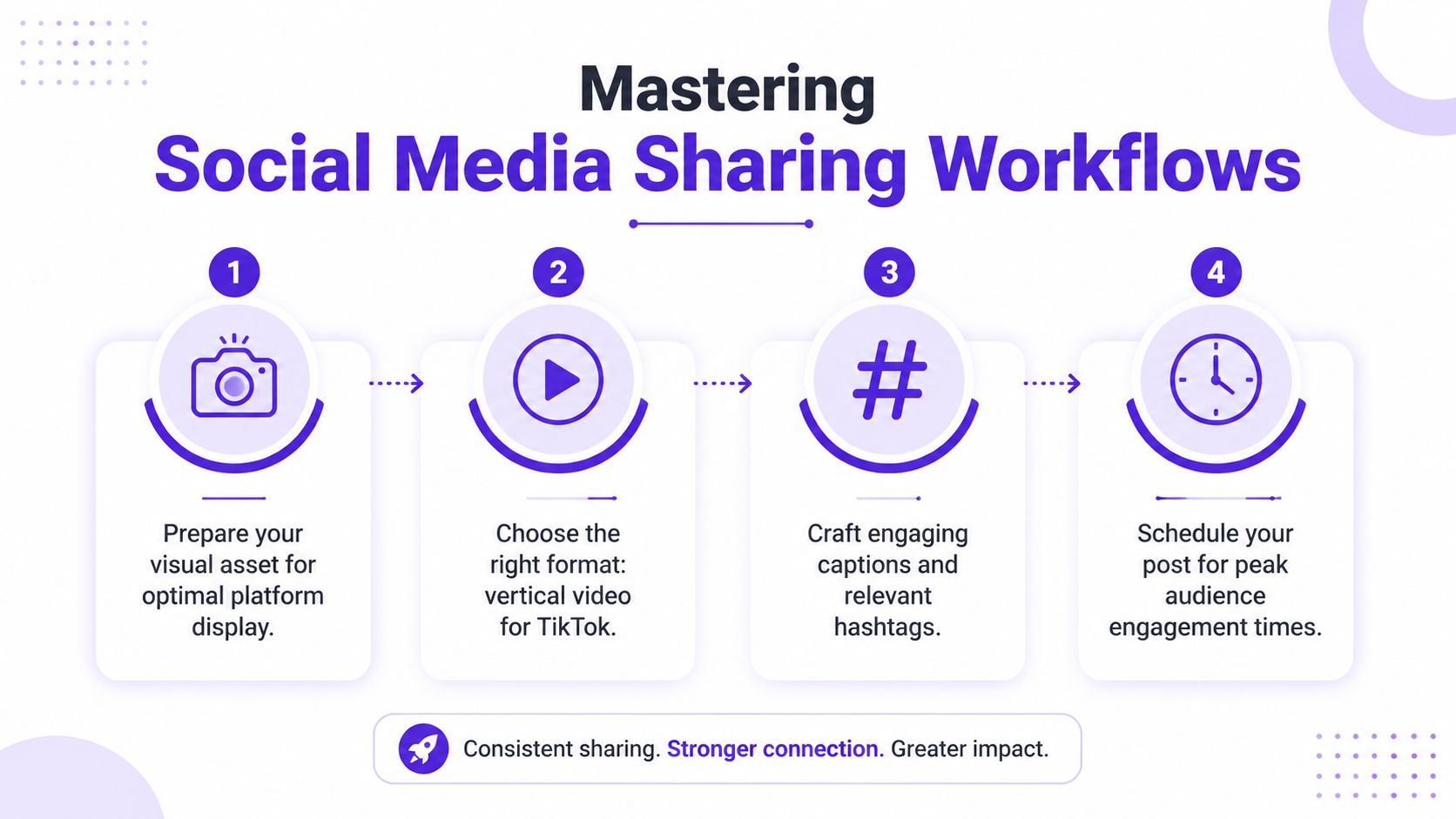
One useful industry benchmark is that for AI-generated image platforms, pre-rendering the image as a JPEG with embedded EXIF metadata containing the prompt string increases re-post success rates by 41% on TikTok and Instagram according to this sharing overview reference. That doesn't mean metadata replaces good creative. It means the technical packaging can help the image travel better once people start reposting it.
TikTok rarely rewards a plain still upload the way creators hope it will. A still image can work, but it usually performs better when you turn it into a short vertical video with movement, timing, and context.
A practical TikTok workflow looks like this:
That's especially true for transformation art, trend aesthetics, and character reveals. The strongest TikTok posts usually make the image feel like part of a mini story rather than a static upload.
A quick demo helps if you want to think in platform-native terms before posting:
If your image needs explanation to stop the scroll, make the explanation part of the post itself.
Instagram is less forgiving about messy crops. If TikTok is about movement, Instagram is about polish and sequence.
The direct sharing menu in starryai includes integrations for platforms like Instagram, Facebook, and Twitter (X), with platform-specific format considerations such as square and vertical layouts, as noted in this overview of the app's social sharing options. Even with direct sharing, it still pays to prep a version for the exact placement.
For Instagram, I'd treat the same artwork in three possible ways:
Captions matter, but not because they need to be long. They need to give the viewer a reason to save, share, or comment. For AI art, that often means naming the aesthetic, the character idea, the mood, or the use case.
| Platform | Ideal Dimensions (Pixels) | Recommended Format |
|---|---|---|
| TikTok | 1080 x 1920 | JPEG |
| Instagram feed square | 1080 x 1080 | JPEG |
| Instagram vertical post | 1080 x 1350 | JPEG |
| Instagram Story | 1080 x 1920 | JPEG |
Likes are nice. Listings are better. If a piece has commercial potential, the true test isn't whether people react to it. It's whether they can imagine buying it as wall art, a shirt graphic, a bookmark, a journal cover, or a digital download.

Commercial sharing options only matter if you know what you're allowed to sell. One of the most practical details for creators is that starryai grants users up to five free artworks daily without watermarks and allows users to retain full ownership of their creations, according to this overview of getting started with the app. For Etsy sellers, indie authors, and side-hustlers, that changes the conversation from “Can I post this?” to “How do I package this well?”
That doesn't remove every business decision. It just removes one of the biggest blockers.
The listing side has its own hidden risk. Industry analysis cited in a review of AI copyright and provenance issues notes that 70% of creators assume AI-generated content shared publicly is automatically copyright-free for commercial use, while legal treatment remains ambiguous, and 45% of indie authors and Etsy sellers have faced account rejections due to unexplained AI metadata in shared images. The practical takeaway is simple: public sharing, resale, and platform compliance are not the same thing.
A raw image file rarely does the whole job on Etsy. Buyers respond to context. They want to see how the art lives in the world.
That usually means building a listing around presentation:
For book creators, a character portrait can become a cover concept, a promo graphic, or a preorder teaser. For merch sellers, a single visual can become a print, sticker, tote, and phone wallpaper if the composition is planned well from the start.
If you're building a shop around that workflow, this guide on how to sell AI art on Etsy is a useful companion because it gets into listing strategy and product positioning, not just image creation.
Commercial shortcut: Don't ask whether a piece is “sellable.” Ask which product format makes the artwork feel most natural.
The most satisfying shares often don't happen in public feeds. They happen in places where people already know the reference, the campaign, the fandom, or the inside joke.
A creator makes a moody elf ranger portrait for a tabletop session. Another turns a sci-fi selfie into a server avatar. Someone else posts a set of matching icons for their guild chat. None of those images need mass reach. They need identity.
That changes how you prepare them. A community avatar has to read clearly at tiny sizes. A server post needs a version that won't turn to mush when compressed. Character art for a Discord group works better when the silhouette is strong and the face remains readable even after the image is reduced.
I'd pressure-test niche community art with three questions:
Gaming communities care less about polished brand aesthetics and more about whether the image feels like your character. That's why custom portraits and avatars work so well in these spaces.
A dungeon master might share portraits before session night. A streamer might rotate themed profile images for events. A friend group might generate matching fantasy classes and use them across chat servers and game profiles. The image becomes a social object, not just a post.
The best niche-community share is the one other people immediately adopt into the group's language.
That's also why generic exports don't perform as well here. Community images need stronger facial framing, simpler backgrounds, and clearer identity cues than gallery images do. What looks dramatic in a full-screen feed can look unreadable in a circular avatar.
A lot of creators assume sharing starts when they tap a social icon. It starts one step earlier, when they decide whether the artwork is public at all.
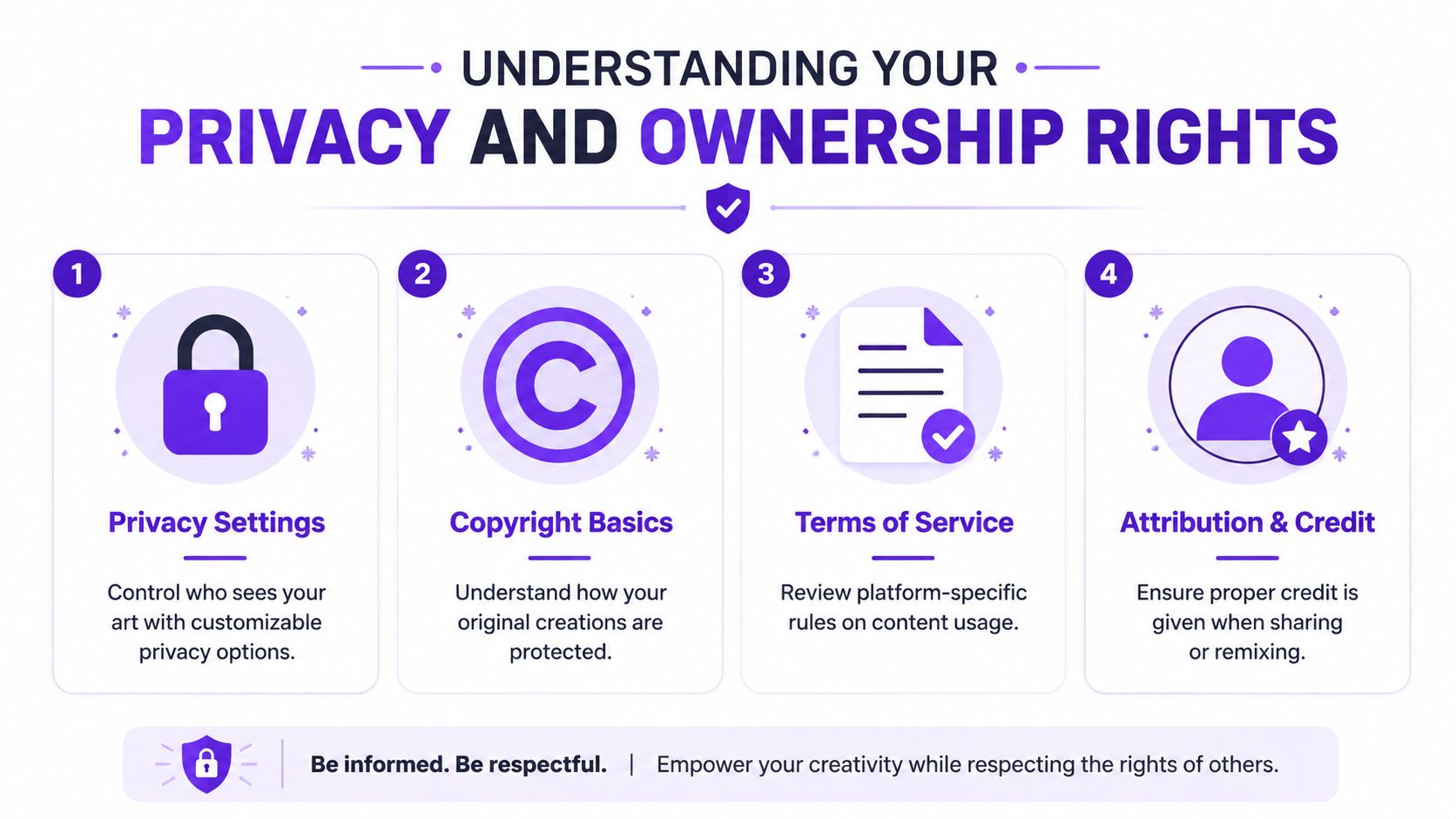
To share a creation on the platform, you must first make that artwork public by setting your username and saving it, because the share option remains inactive until that publish step is completed, as shown in this video explanation of the publishing requirement. That distinction matters. Creating an image and publishing an image are not the same action.
If you want to review the platform terms directly, read the starryai license information. That's the place to check before you build a selling workflow, publish client-facing work, or decide how widely you want a piece distributed.
Creators often worry about the obvious thing, which is whether someone can see the image. The less obvious question is what rides along with the image. Metadata, prompt traces, watermark behavior, provenance signals, and platform-level processing can all affect where and how the work appears later.
That's why it helps to challenge the common assumption that a share button is just a convenience feature. In practice, it can also be a rights and disclosure moment.
A useful wider context comes from research discussed in this analysis of AI creativity and disclosure gaps, which notes that less than 15% of AI image tools explicitly disclose whether user-uploaded content shared socially is retained for model training. The takeaway isn't panic. It's that privacy-conscious creators should read the publishing and licensing terms before treating any platform's sharing options as neutral.
There's also a broader behavioral point. Content sharing is mainstream. Ipsos found that 71% of online consumers across 24 countries shared some type of content in the past month, which you can review in the Ipsos research on global sharing behavior. Because sharing is so normal, people often move too fast through privacy decisions.
Share publicly when you want distribution. Keep work private when you're still evaluating identity, licensing, or commercial timing.
Before you post, sell, or drop a link into a group chat, run one fast check. Good sharing options are less about more buttons and more about better decisions.
One final platform note matters beyond art apps. Email still leads web content sharing in multiple methodologies, with 59% in one analysis and 46% in another, while Twitter stands out for click engagement with 40% of recipients clicking shared links according to the Social Media Explorer summary of sharing data. If you're promoting a shop drop, launch, or portfolio update, don't limit yourself to social alone.
If you want a simpler way to turn prompts, selfies, and style ideas into share-ready visuals, explore starryai and build a workflow that fits the way you post, print, and sell.


.svg)