

Written by Mo Kahn on
July 22, 2026


You've probably had this happen today. A TikTok trend starts moving, your Etsy listing needs fresh mockups, or a book cover idea finally clicks, and then the primary bottleneck shows up. Not the idea. The waiting.
Quick turnaround time matters most when the asset has a short shelf life. If your visual lands while the trend is hot, it can pull attention immediately. If it arrives after the moment passes, you're left polishing something nobody needed anymore.
Creators usually lose time in three places: writing prompts from scratch, babysitting renders, and cleaning up exports one file at a time. The fix isn't just “go faster.” It's building a workflow that lets you move quickly without letting quality drift.
Quick turnaround time in visual creation isn't just “getting an image soon.” It means getting a usable image fast enough that the content still fits the moment you made it for.
For social-first workflows, that threshold is tight. In AI-driven image workflows aimed at viral aesthetics, a quick turnaround benchmark is sub-5-second latency from prompt to final high-resolution render, and elite pipelines reach 92% success rates for user-acceptable outputs within that window when optimized quantized models are used, according to engineering benchmark data on high-performing teams. Most solo creators won't build that kind of stack themselves, but the benchmark is still useful because it tells you what “fast” looks like.
If you're making visuals for a TikTok post, an Instagram Story, or a same-day product launch, the primary unit of speed is the full prompt cycle. That includes writing the prompt, generating options, choosing one, and deciding whether to rerun.
A tool like fast custom apparel shows the same principle outside AI art. The value of speed isn't abstract. It matters because the product or asset reaches the audience while intent is still active.
Practical rule: A render isn't fast if you still spend more time fixing the process than using the result.
Traditional creative pipelines often break momentum. You brief, wait, revise, export, then resize. AI compresses that cycle, but only if the workflow stays clean.
The common mistake is treating every image like a one-off art project. That slows down trend response, ad tests, and product experiments. For side-hustlers, speed affects publishing rhythm. For sellers, it affects how quickly new listings go live. For social creators, it affects whether the visual arrives before the trend cools.
Here's the metric that matters most day to day:
| Workflow stage | Fast enough | Too slow |
|---|---|---|
| First concept draft | Near-immediate | Long enough to lose the idea |
| Variation selection | Same session | Pushed to later |
| Final publish prep | Minimal edits | Manual cleanup across files |
When your turnaround stays short, you make more decisions while the brief is still fresh. That usually leads to stronger visuals than a slower process filled with rework.
The first speed win comes before you generate anything. Most creators waste time by opening the app, typing something vague, and adjusting settings only after the first weak result. That's backwards.
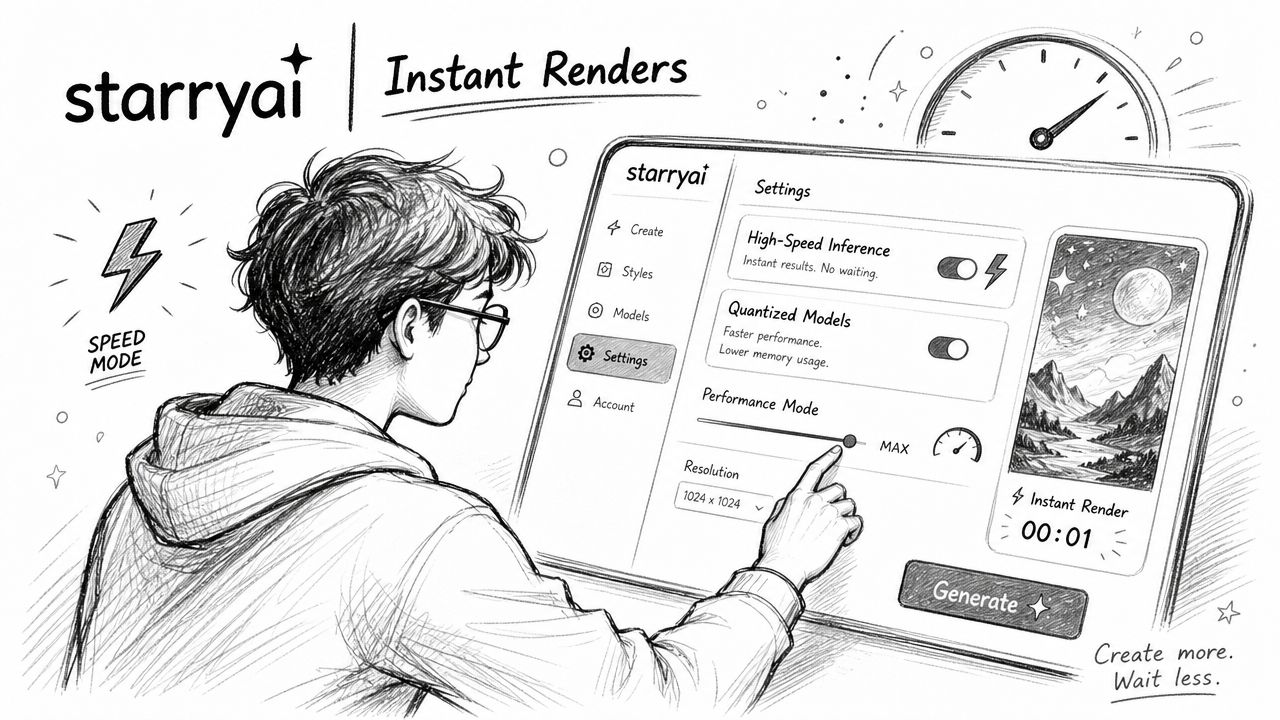
A faster setup starts with a simple rule set. Decide your target format, your preferred style family, and whether you need quick concept art or a more polished commercial asset. Make those decisions once at the start of a work block, not on every prompt.
One practical option is starryai, which generates four image variations from a single text prompt in approximately 30 to 60 seconds, based on this starryai workflow overview. That matters because variation count affects turnaround as much as render speed. Seeing multiple directions at once cuts the time you'd normally spend rerunning near-identical prompts.
If you're still getting started, the starryai quick start guide is worth keeping open in a separate tab during your first few sessions.
A clean setup usually looks like this:
Speed also depends on avoiding dead time. According to this tools overview of starryai, users get 5 free credits daily at 5 AM PST, there are no watermarks, and the free tier allows up to 25 artwork generations per day. If you work in short daily bursts, that reset matters.
If your content sprint happens at the same time every day, line it up with your available credits so you're not interrupting a batch halfway through.
That's especially useful for side-hustlers who create before work, after classes, or during a fixed evening window. A lot of “slow” workflow problems are scheduling problems.
Use this before any visual sprint:
The goal isn't to make every render perfect. It's to make the first pass usable fast enough that editing becomes selective instead of constant.
Prompt templates save more time than most creators expect. Not because writing is hard, but because repetition creates hesitation. You pause, rewrite a phrase, second-guess the style wording, then drift into unnecessary detail.
That's a problem when commercial assets need to move quickly. For indie authors and Etsy sellers using AI image tools, the benchmark for on-time delivery is 95% or higher within a 10-minute turnaround window, and top-tier services reach 98% compliance using parallelized inference and pre-warmed model instances, according to this benchmark summary for on-time delivery. You may not control the backend, but you do control the prompt layer. Templates make that layer faster.
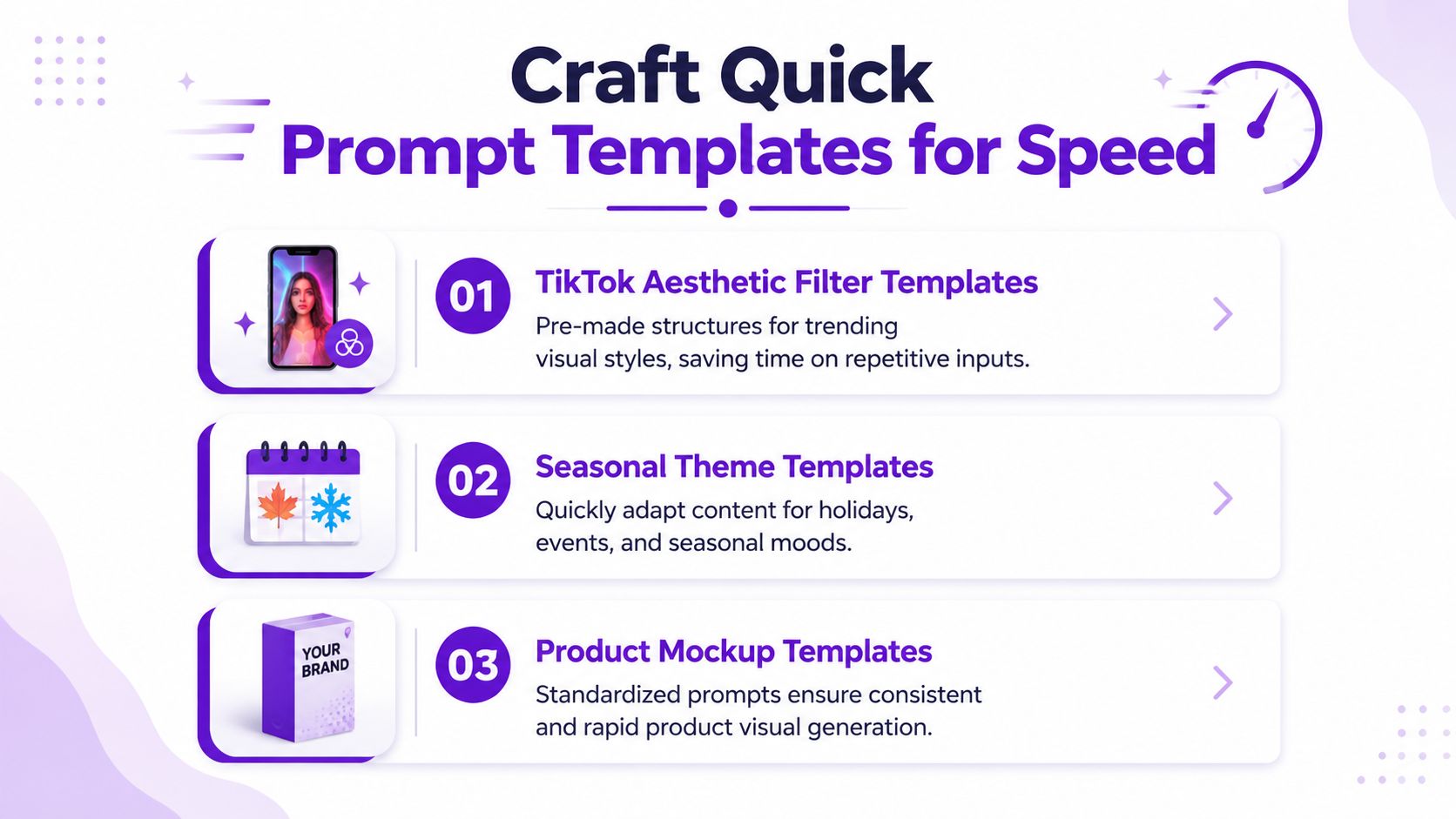
The starryai prompt engineering guide for beginners is a useful reference if you want examples of how wording changes outputs.
Don't organize templates by mood alone. Organize them by business use.
Here are three prompt categories that usually earn a permanent place in a creator library:
These aren't meant to be fancy. They're meant to remove blank-page friction.
The best templates force quick choices. Instead of asking yourself to invent a full prompt every time, they ask for a handful of variables.
A simple template library often includes fields like:
| Template field | Example input |
|---|---|
| Subject | fantasy heroine, ceramic mug, streetwear model |
| Style | cinematic, pastel, retro anime |
| Palette | muted earth tones, neon purple, cream and gold |
| Framing | close-up, centered product shot, wide scene |
| Output use | TikTok cover, Etsy listing, paperback concept |
A strong template doesn't make prompts generic. It makes them reusable.
Creators overcomplicate prompt libraries. You don't need a big database. A plain note with naming conventions works.
Try a format like this:
Add one short note under each template about what it does well and where it breaks. That tiny habit prevents rerunning prompts that looked good once but fail under pressure.
A quick turnaround time gets easier when you stop treating each visual as a separate task. Batch generation changes the unit of work from “one image” to “one production run.”
That matters for creators juggling content, listings, and experiments in the same week. Instead of opening your app every time a new need pops up, build a queue and process visuals in themed blocks.

The strongest batch workflows are simple enough to repeat when you're tired. Mine usually comes down to four phases.
First, collect references in one place. A Pinterest board, a Notion page, or a folder of screenshots is enough. What matters is having visual direction ready before prompting starts.
Second, sort requests by asset type. Product mockups belong together. Character portraits belong together. Seasonal content belongs together. Mixing categories increases prompt drift and review time.
Third, queue prompt families instead of isolated prompts. If one concept needs three or four angles, write them all at once while the language is still in your head.
Fourth, route finished files immediately. Put selects into pre-named folders so exports don't become a scavenger hunt later.
If you work with a partner, VA, editor, or client, the workflow gets faster when approvals happen outside chat clutter. Slack, Trello, or Notion can all work if each asset has a status. Draft, selected, revise, export, published.
A lightweight board often beats a complicated system:
The handoff matters as much as the render. If nobody knows which file is final, the workflow isn't fast.
Use a folder naming pattern that tells you everything at a glance. For example:
Inside each, keep subfolders for refs, raw outputs, selects, and final exports.
That structure sounds basic because it is. Basic systems survive busy weeks. Complicated ones collapse as soon as you're balancing multiple content deadlines.
A lot of creators think generation is the time sink. It usually isn't. Instead, the time-consuming work begins after the image is chosen, when you resize, rename, crop, and tweak the same file in three different tools.
That's where quick turnaround time often breaks down. You move fast up front, then lose momentum in cleanup.

If you publish to the same platforms repeatedly, create fixed export presets in Photoshop, Photopea, Canva, or your preferred editor. One preset for vertical social posts. One for square marketplace images. One for cover drafts.
If aspect ratio is the issue, the starryai aspect ratio converter is a practical reference point for standardizing output before you do manual cleanup.
Use presets to standardize:
The fastest post-processing workflow is selective, not expansive. Fix only what changes usability.
That often means:
| Keep | Skip |
|---|---|
| Cropping for platform fit | Endless micro-retouching |
| Light color balancing | Rebuilding the image by hand |
| Batch renaming | Manual filename cleanup |
| Simple brand overlays | Heavy effects on every file |
One trade-off matters here. Speed can create visual inconsistency if you don't control the finishing stage. Content about quick turnaround often ignores that. Yet sub-24-hour AI image delivery correlates with a 30% increase in brand inconsistency for social media managers, according to this discussion of speed-versus-quality trade-offs.
You don't need a long review cycle, but you do need a checkpoint. Before export, ask three things:
Fast publishing works when the review standard is short and consistent, not when it disappears.
For commercial-use visuals, do your licensing and usage checks before the asset enters your final export folder. Even a fast workflow slows down if legal uncertainty forces you to revisit old files later.
A fast visual workflow doesn't come from one app setting. It comes from stacking small decisions that remove waiting. Prompt templates remove hesitation. Batching removes context switching. Export presets remove repetitive cleanup.
That combination matters more now because speed alone isn't the whole game. Existing coverage often treats fast production as the goal, but an emerging trend shows 65% of TikTok creators prioritize aesthetic fidelity over speed, according to this analysis of turnaround-time priorities in digital content. That matches what many creators already feel in practice. A rushed image that looks off-brand or obviously unfinished costs more than the minutes it saved.
The sweet spot is a workflow that lets you produce multiple viable options quickly, then apply a light but consistent quality filter. That's how side-hustlers keep listings moving without chaos. It's how social creators react to trends without posting filler. It's also how small teams avoid burnout, because they stop reinventing the process every time a new asset is needed.
Quick turnaround time is a competitive advantage when the system is repeatable. Not frantic. Not improvised. Repeatable.
If you want a simpler way to generate prompt-based visuals, test variations quickly, and keep your content pipeline moving, try starryai.


.svg)