

Written by Mo Kahn on
July 25, 2026


Your selfie looks good in camera roll, then it dies as a tiny circle on LinkedIn, Discord, or Instagram. The crop is off, the background is messy, and the image doesn't read the way you want it to across every place people see you. That's where a profile picture generator earns its keep, because the core job isn't just making one polished avatar, it's making a face that still feels like you when it gets compressed, framed, and repeated across platforms.
You can have a strong bio, a sharp portfolio, and a perfect username, then lose people at the avatar. The reason is simple, the profile image is often the first thing someone registers in a feed, a comment thread, or a search result. A profile picture generator helps because it turns one usable source image into a version that survives those small, high-pressure placements.
Profile images are not just decoration. They're portable identity markers across professional and social networks, and the platform itself decides how much of your face survives. That's why clean backgrounds, face-centering, and correct sizing matter so much, especially for circular profile frames on LinkedIn, Discord, Instagram, Slack, and similar platforms, as described in the profile-picture category overview from VisualGPT's guide to the profile picture generator category.
A good example is the user who has one decent selfie but needs it to feel credible on LinkedIn, recognizable in a TikTok comment section, and still readable in a storefront badge. Those are different audiences, but they all depend on the same visual shorthand. When that shorthand breaks, recognition breaks too.
Practical rule: if someone can't identify you at thumbnail size, the image is failing its core job.
The psychological side matters too. Research indexed on PubMed Central found that users who chose a self-photograph as their social-network profile picture reported higher subjective life satisfaction than users of other picture types, which is a strong sign that profile images affect more than aesthetics. You can read that 2021 paper in the PubMed Central profile-image study. That doesn't mean every selfie is better than every avatar, but it does show that profile-photo choice tracks with real human behavior, not just design taste.
If you're trying to tighten your Instagram presence specifically, the 2026 Instagram profile picture tips from Sup Growth are a useful companion read because they focus on framing and platform fit rather than generic avatar advice. The bigger point is that a profile photo is a distribution problem. One image has to move cleanly through multiple systems, and the generator is the tool that helps you solve that.
The generator can only work with what you feed it. Weak inputs usually produce weak outputs, no matter how polished the interface looks, so the first win is choosing photos that give the model a clear read on your face. The most reliable starting set is 5 to 10 clear source photos taken in even natural light, with a neutral background and unobstructed facial features, matching the guidance in Wireflow's walkthrough on how to make AI profile pictures for social media.
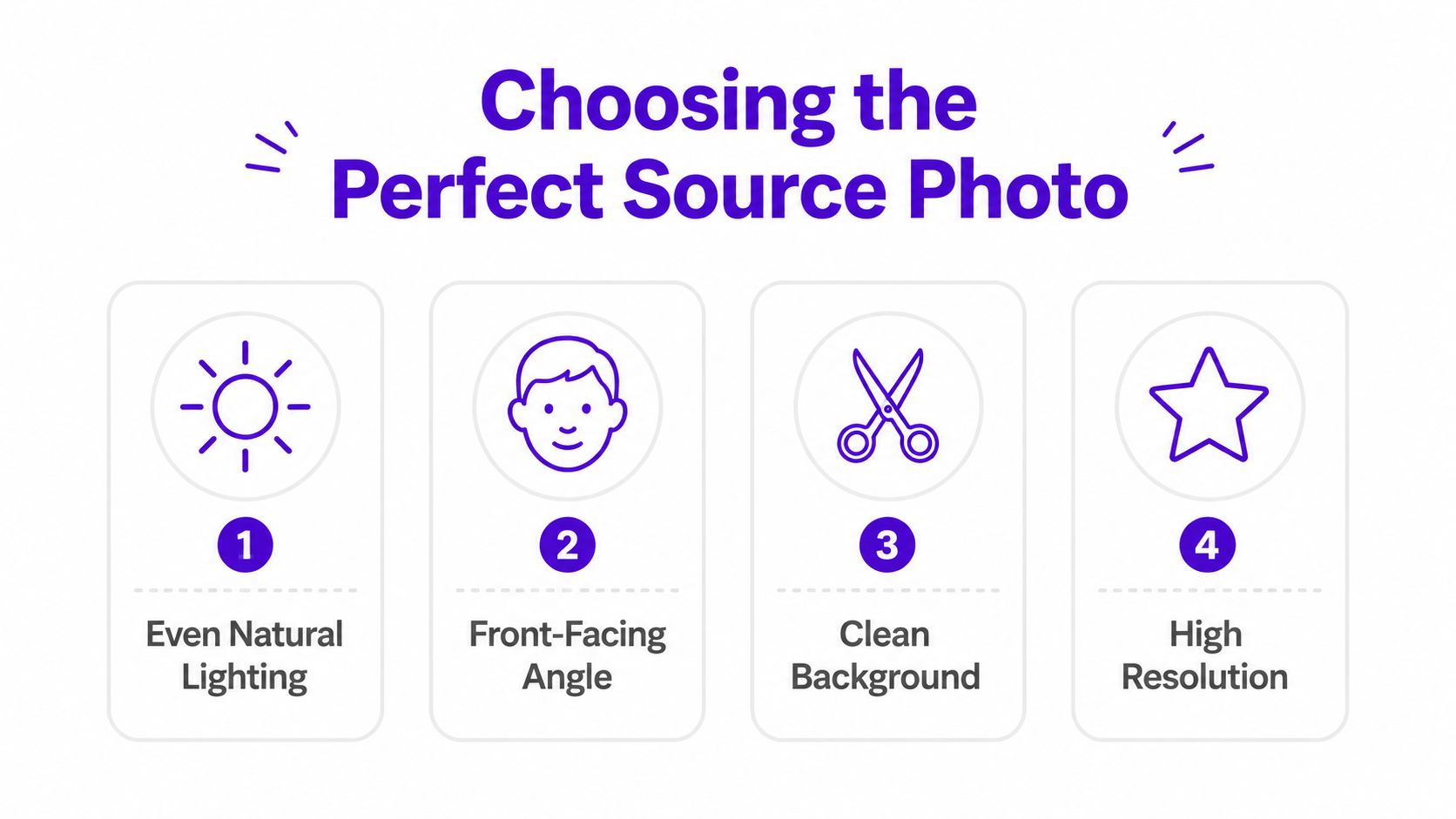
Front-facing photos usually work better than side angles because the model can anchor your facial structure more cleanly. Eyes need to be visible, busy backgrounds should be removed before generation, and the crop should leave enough head-and-shoulders context for the system to understand proportions. If the source image is blurry, heavily shadowed, or taken from a harsh angle, the final avatar tends to drift into uncanny territory.
A practical prep checklist keeps the process sane:
Clear inputs beat clever prompts. A sharp face under ordinary light usually outperforms a dramatic selfie with bad shadows.
Older phone cameras and low-light selfies are a common pain point. Newer tools can do a lot, but they still struggle when the original image is grainy, underexposed, or cropped too aggressively. That's why guidance from Pixelbin's profile-picture maker page focuses so heavily on clear, front-facing, well-lit images, and on the limits of AI reconstruction when the source is weak. You can see that emphasis in their notes on image quality and fairness constraints.
If you only have one rough selfie, don't force it. Shoot a few new photos first, then generate. The extra ten minutes usually save you from wasting time on outputs that don't resemble you closely enough to use.
A vague prompt gives you a vague avatar. If the model doesn't know whether you want a corporate headshot, a creator portrait, or a stylized social avatar, it fills in the blanks with generic lighting, mushy detail, and random fashion choices. The best prompts work like a concise creative brief, and they benefit from concrete photography language, not just mood words.
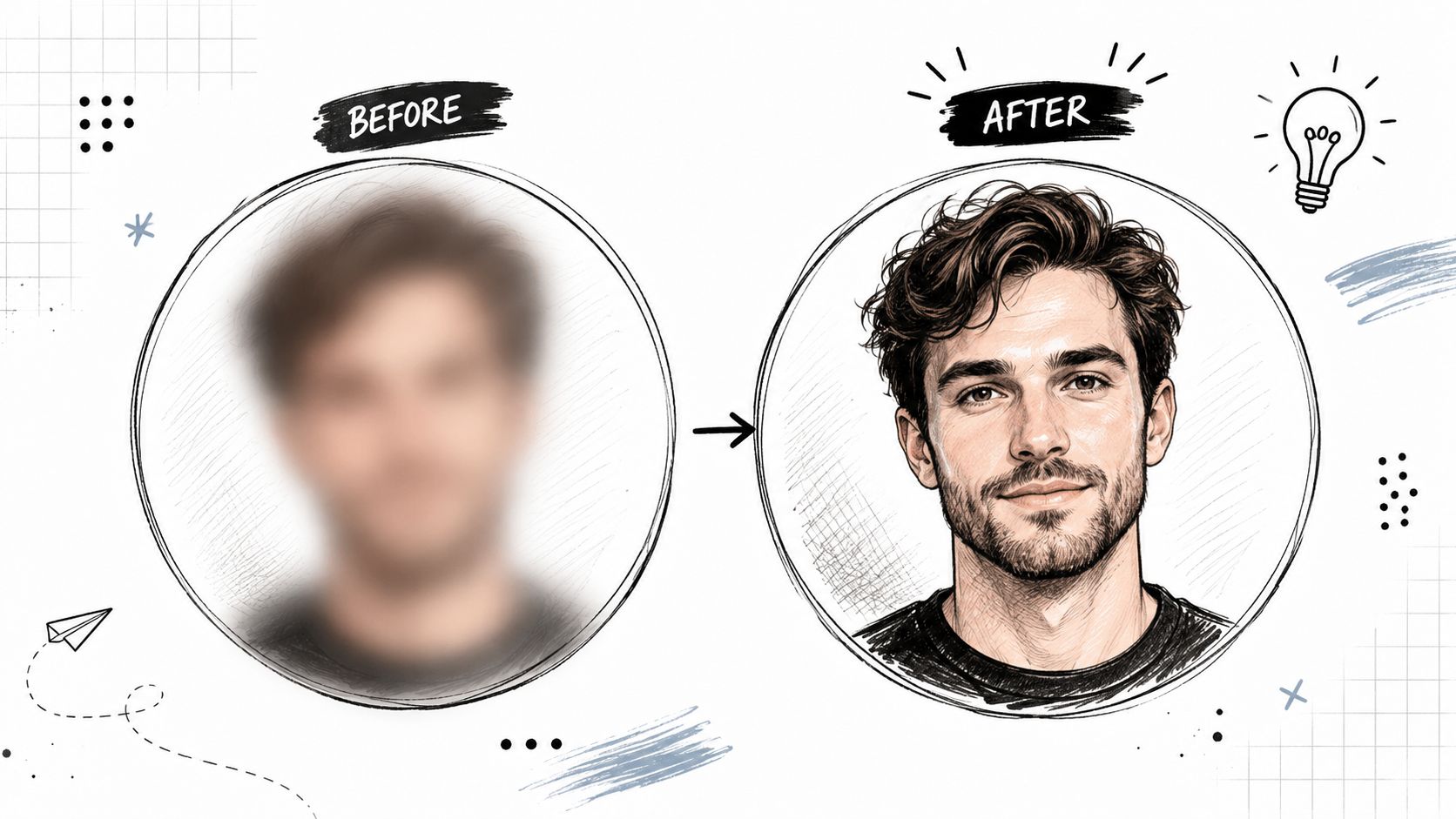
Terms like 85mm lens, soft key light, and shallow depth of field help steer the model toward cleaner portrait structure and less distracting background noise, which aligns with the prompt-tuning advice in Wireflow's profile-picture guidance. A concrete background description does the same job. Saying “plain office backdrop with soft grey tones” is much more useful than saying “professional.”
Here's the difference in practice:
Those prompt choices matter because they limit drift. The model gets a clearer instruction set, so it spends less effort inventing random decor and more effort preserving the face.
The best workflow isn't one generation, one download. It's 5 to 10 generations, then shortlisting the strongest outputs, then refining with prompt tuning, seed locking, or inpainting. That iterative loop is called out in the Wireflow guide, and it matches what works when you're trying to get a face that still looks good at small sizes.
You can also use a focused prompt-building resource like how to write AI prompts when you want to tighten language before generating. I've found the same thing across many tools, the more specific the prompt about light, background, and mood, the fewer rescue edits you need later.
The worst prompts are the ones that ask for too much style and too little structure. If the result looks oddly waxy, over-saturated, or anatomically off, the issue is usually not the face photo alone. It's the prompt not giving the model enough guardrails.
A polished studio headshot does not belong everywhere. LinkedIn rewards restraint, while a gaming community may welcome a more playful look, and a social creator may want something in between. The mistake is treating style as personal preference alone, because each platform pushes the image into a different social context. If you want the same face to work across LinkedIn, TikTok, Discord, and storefronts, the style has to support recognition, not just look good in one upload.
Some profile picture generators, including starryai, let you upload a face photo and generate profile-style portraits from prompts in seconds. That makes it easier to test different identity directions without rebuilding from scratch. Other tools go deeper into style families, and Renoise describes re-rendering a photo in anime, painterly, illustration, or photoreal studio styles, plus exports for social platforms like Discord, X, and Instagram in square images up to 4K, according to its AI profile picture guide.
For LinkedIn, a clean photoreal look usually carries best because it reads as direct and credible. For Discord or fan communities, a little more stylization can fit the room as long as the face still stays recognizable. If you want a sharper breakdown of what works on the professional side, our LinkedIn profile picture guide covers the trade-offs that matter most for business-facing avatars.
| Style | Best Platforms | Use Case |
|---|---|---|
| Photoreal studio | LinkedIn, resumes, professional bios | Credibility, trust, and polished personal branding |
| Painterly | Creator pages, author profiles, portfolio sites | Distinctive visual identity with softer styling |
| Illustration | Discord, creator storefronts, fandom communities | Friendly recognition without full realism |
| Anime | Gaming profiles, fan communities, casual social accounts | High personality and strong stylistic signal |
Style choice should follow the audience's expectation, not your favorite filter. A photoreal image can feel stiff in a playful space, while an anime avatar can weaken a business-facing profile. The better test is whether the image signals expertise, creativity, or community belonging in the place where it will be seen.
Practical rule: if the platform is about trust and work, keep the style grounded. If it is about fandom or play, you can push the style harder.
Circular framing changes everything. A busy background or extreme head turn can look fine in a full preview, then disappear in the avatar crop. That is why the final image needs enough face-centered composition to survive in a small circle.
Adobe's profile-picture workflow highlights cropping, backgrounds, and quick platform sharing, which is a useful reminder that style alone does not make a usable avatar. You can review that angle in Adobe Express's profile picture workflow. The best result is the one that still reads cleanly at thumbnail size, not the one that looks most dramatic full-screen.
Most guides stop after making one good avatar. That's too narrow for anyone who uses the same face across LinkedIn, TikTok, gaming profiles, and storefronts. Recognition across channels is harder than novelty, and consistency usually matters more than chasing a new visual idea for every platform.
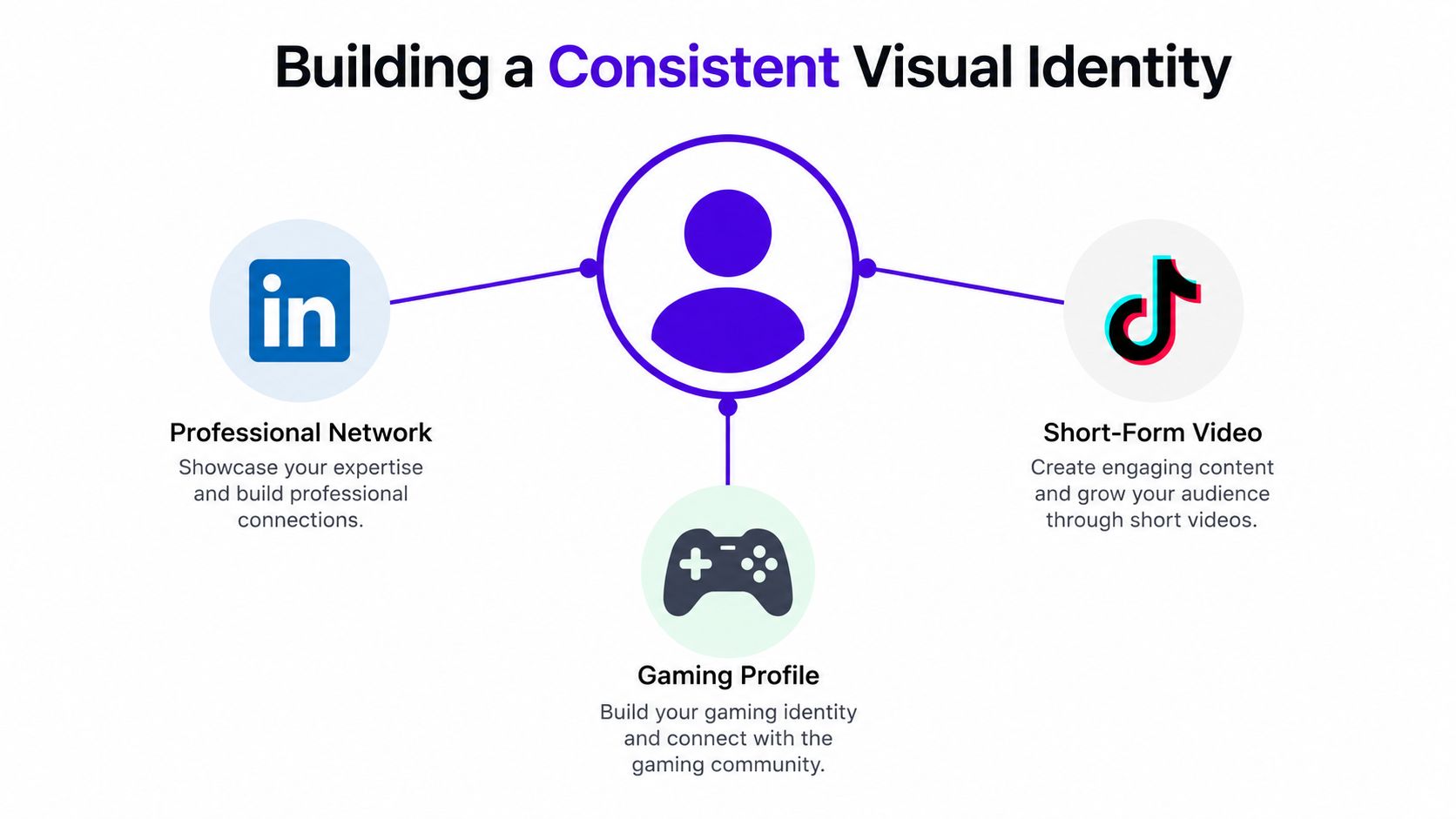
A restrained visual system gives people something to lock onto. If the lighting, background tone, and facial framing keep changing, users may not realize the avatars belong to the same person. That's the hidden trade-off in profile picture generation. More style variation can look impressive in a gallery, but it can also weaken recognition when someone sees you in a feed, then later in a comment thread or storefront card.
The useful move is to standardize a few things across outputs:
Adobe's profile-picture workflows emphasize platform-friendly cropping and background handling, while other tools push one-click style variety. That contrast matters because the market often sells the idea of infinite variation, but creators and small businesses usually need repeatability more than novelty. The hardest question is not how to make one attractive avatar. It's how to make several avatars that still read as the same person.
Visual restraint often wins. A strong LinkedIn image can share the same background family and framing logic as a TikTok profile picture, even if the style treatment differs a little. The result feels deliberate instead of random.
If you change too much, people stop recognizing you. If you change too little, the images can feel stale. The sweet spot is controlled variation anchored by the same facial identity and composition rules.
The final mile is where a lot of good avatars fail. You can generate a great image, then wreck it with the wrong export format, the wrong crop, or a small-size preview that hides the face. A profile picture generator is only useful if the output survives the destination, which usually means circular cropping, platform-specific sizing, and a quick readability check before upload.
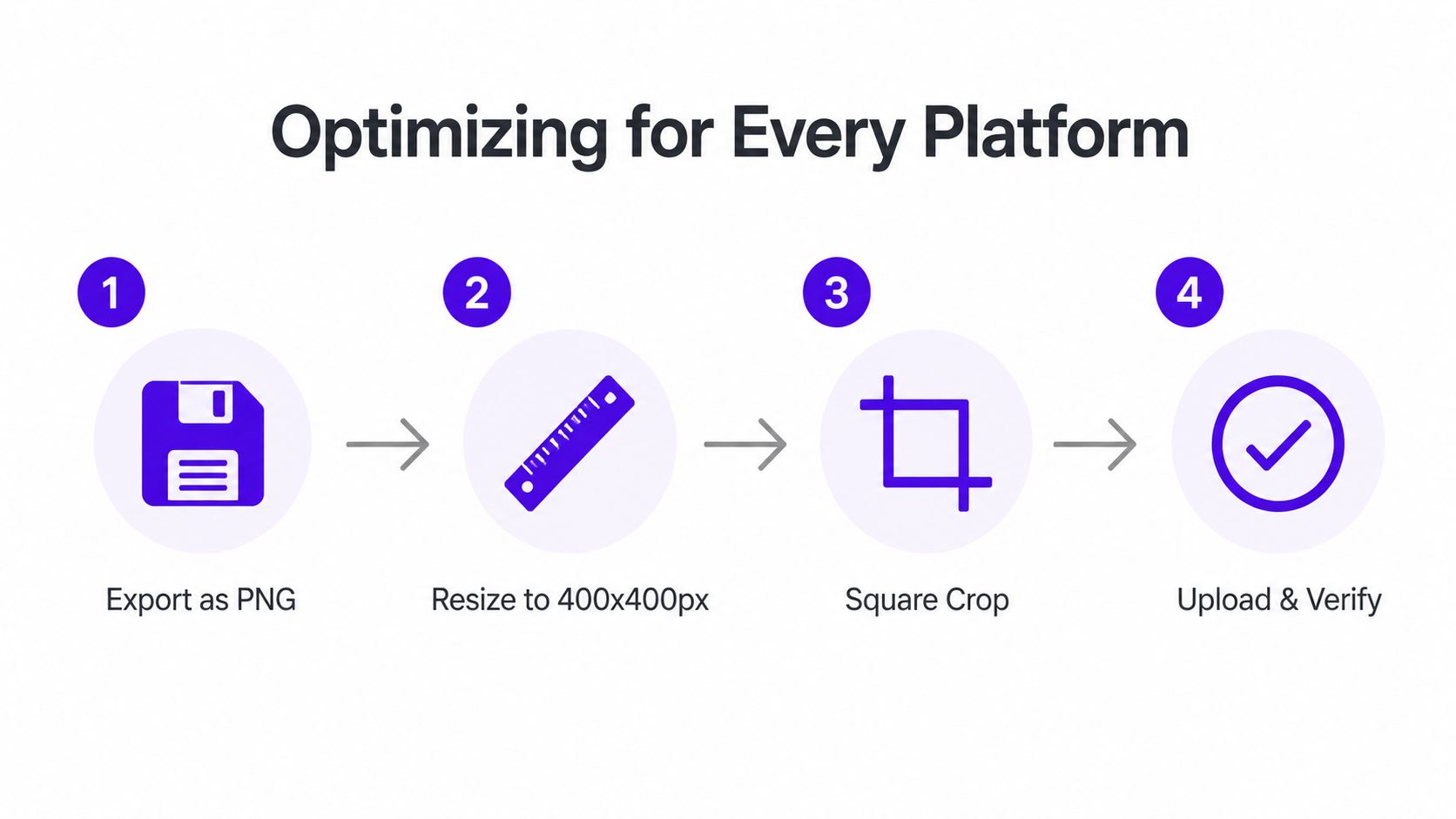
Modern tools commonly support JPG, JPEG, PNG, and WEBP, which makes upload and download workflows faster. For a clean avatar, PNG is often the safest choice when you want sharper edges or background work preserved, while JPG is handy when file size matters more than perfect edge fidelity. The right format still depends on what the platform accepts and how the final image looks once compressed.
A practical export routine looks like this:
The image shouldn't just look good in the editor. It should look good inside the actual app UI, where the circle crop and interface chrome can hide important detail.
Tools like Pixlr make the mechanics more explicit. Their profile picture maker can remove the background with AI, then replace it with a solid color, gradient, pre-made design, or even a background generated from text. It also supports outline styles that can be thin, thick, or blurred, plus shadows with adjustable size, direction, and color, which shows how much of a profile image is really about framing rather than facial generation. You can read that setup in Pixlr's profile picture maker.
Before publishing, zoom out. Test the avatar at small size, because a face that looks crisp full-screen can turn muddy in a feed. That small-size test is the single fastest way to catch a crop problem, especially when the image needs to live in a circular frame on Instagram, Discord, or Slack.
Here's a short platform check that keeps the process sane:
For aspect-ratio handling, the aspect ratio for social media guide is useful when you're adjusting the same portrait across multiple placements. If the image fails in thumbnail form, no amount of color grading will save it.
A profile picture generator can make the creative part easy, but the legal part still needs attention. If you plan to use the avatar for business profiles, merch, prints, or public-facing branding, check that the tool's commercial-use terms match the way you will use the image. If the output looks too much like someone else, stop and regenerate. Likeness confusion can create avoidable problems.
Keep your source photos clearly yours, and avoid prompts that try to mimic a real person's face or a public figure's look. That matters even more on platforms that are experimenting with AI image features. The BBC's coverage of Meta's AI image tool points to the risk of non-consensual reuse of public profile images, which is a useful reminder whenever AI is reconstructing or remixing a face from loose inputs.
A final checklist should focus on choices that reduce confusion and make future reuse easier:
The best avatar is not the most stylized one. It is the one that reads clearly, fits the platform, and still feels like the same person next month.
If you are building a repeatable profile image workflow, treat it like a brand asset rather than a one-off experiment. Start with clean source photos, use precise visual language in the prompt, export in the right format, and check the result at small size before uploading. For a fast place to try that workflow, use starryai to generate and compare profile-style images from your own photos and prompts.


.svg)