


Written by Mo Kahn on
July 22, 2026


You've probably done this before. You get an idea for a new profile picture, a book character, a merch mockup, or a fast TikTok visual. You open an AI art app, tap through the first screen, and then the mood dies at the payment wall.
That tiny credit card field changes the whole experience. It turns playful experimentation into a commitment. It also makes people wonder what they're agreeing to before they've even seen a usable result.
For creators, no credit card needed isn't just a pricing detail. It's a trust signal. It says you can try the tool first, decide later, and keep your wallet out of the process while you figure out whether the app fits your workflow.
A creative paywall usually shows up at the worst moment. You've already imagined the image. You already know the vibe. Maybe it's a dreamy fantasy portrait, a slick product concept, or a stylized selfie for social. Then the app asks for payment details before you've had the chance to test anything.
That's why no credit card needed lands so well with creators. It removes the single biggest interruption between idea and output. You don't need to dig through your wallet, wonder whether a free trial will roll into a subscription, or decide whether this app deserves your trust after thirty seconds.
This matters to a big audience. 46% of internet users in major markets like the U.S. report they do not own a credit card, and that group includes many 18 to 24-year-olds, who are a core social creation audience according to GWI's credit card trends analysis. If an app requires a card to start, it doesn't just create friction. It excludes people outright.
Practical rule: If a creative app asks for payment before you've made anything, treat that as a product decision, not a minor inconvenience.
Creators usually want three things at the start:
Those are the conditions that make experimentation feel safe. That's also why free AI art tools get attention when they let you begin immediately, especially for text-to-image play and lightweight concepting like free AI image generation from text.
The emotional side matters more than many app makers admit. A paywall says, “Trust us first.” A no-card flow says, “See for yourself.” For creators, the second approach usually wins.
“No credit card needed” sounds simple, but it does two jobs at once. For users, it removes anxiety. For the app, it removes signup drag.
The first win is immediate. You can open the app, register, and test the experience without tying your experiment to a billing instrument. That matters because many people don't hesitate over price first. They hesitate over the feeling that they might get pulled into a subscription flow before they understand the product.
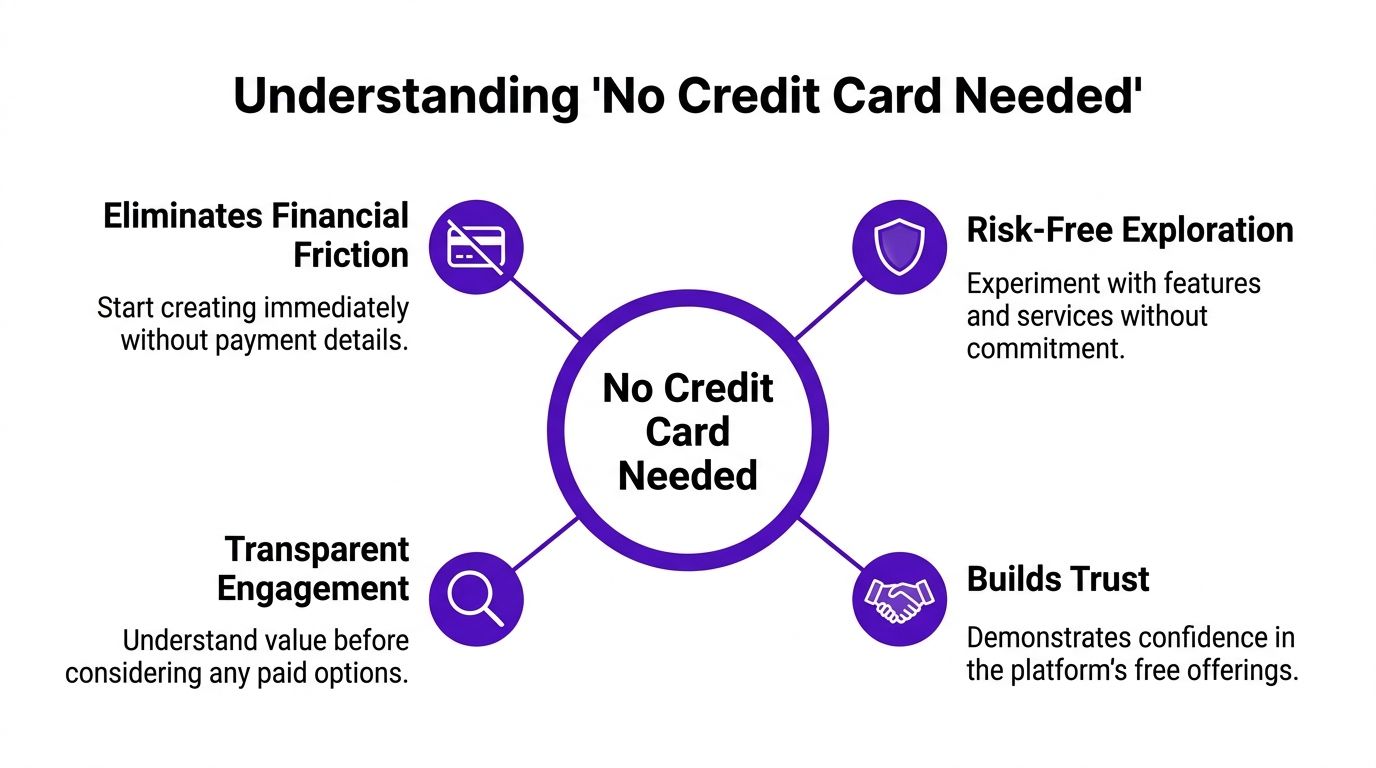
When the card field disappears, people read the app differently. They expect a trial in the plain-English sense of the word. They expect room to explore features, test outputs, and decide later whether any paid tier is worth it.
That same principle shows up outside AI art too. If you use creator utilities that let you access complimentary Instagram tools before committing to a paid stack, the experience usually feels more transparent because you can judge usefulness before money enters the conversation.
“No card required” works best when the product also makes the upgrade path easy to understand.
This model isn't charity. It's smart onboarding.
From a conversion economics perspective, removing the credit card field boosts acquisition because it strips out friction tied to financial verification, including checks around identity and income history. That's particularly relevant for 18 to 20-year-olds, who often don't have the financial profile for easy approval, as outlined in Citi's overview of credit card requirements.
For a creative app, that means more people get to the moment that matters. The first result.
Instead of asking users to prove they can pay, the app asks them to see value. That's a much better exchange early on. People who get a good first image are more likely to keep testing. People who hit a billing screen before any output often leave.
There's another quiet advantage on the business side. If a platform doesn't collect or transmit card data, it can avoid the extra compliance burden tied to cardholder information. That simplifies the product architecture and keeps the signup path focused on access rather than payments.
The strongest no-card experiences all share the same trait. They let curiosity lead, then introduce monetization after the user has context.
The practical question isn't whether a no-card promise sounds good. It's whether you can make enough inside the app to judge it properly.
With starryai, the free path has historically mattered because people could start generating without entering payment details. Official materials have also emphasized that entry point, and user feedback shows there are still non-monetary ways to keep creating even when free generation limits shift.

For creators, the useful part is the range of low-stakes experiments you can run early.
A few examples:
The key is to treat early generations as discovery, not final delivery. Free usage is best for testing prompts, finding style lanes, and seeing how the app interprets your inputs.
A lot of users leave value on the table. If you're willing to engage with the app's community mechanics, you may be able to keep generating without using a card.
According to App Store review details, users can earn free credits through specific actions without a credit card: posting on social media earns 3 credits, watching one daily ad earns 2 credits, and getting likes on AI art can earn up to 50 credits, as described in the starryai App Store review page.
| Action | Credits Earned | Frequency |
|---|---|---|
| Post on social media | 3 credits | Up to 3 per platform every 3 days |
| Watch a daily ad | 2 credits | Daily |
| Reach 500 likes on AI art | 25 credits | Per milestone |
| Reach 1000 likes on AI art | 50 credits | Per milestone |
That structure changes how you should use the app. Don't burn credits on random prompts. Build around intent.
A simple approach works well:
Working habit: The free tier is better for direction-finding than endless browsing. The more specific your concept, the further your credits go.
For active creators, the no-card path is less about unlimited output and more about maintaining momentum.
A free signup lowers one risk. It doesn't erase every other one.
The first thing to keep straight is the difference between no credit card needed for access and no chance of later billing issues. Those aren't the same promise. Many users treat them as if they are, and that's where confusion starts.
One overlooked cost of free AI tools is data use. Recent analysis has pointed to a real privacy concern: uploaded selfies and prompts may be used to train models without clear opt-outs, which turns “free” into a data exchange rather than a money-free experience, as discussed in this analysis of free AI image generator risks.
That matters more for creators than casual users often realize.
If you upload your face, a client concept, an original character design, or unreleased visual ideas, you're not just testing a tool. You may also be feeding a system. Before uploading anything sensitive, check the platform's privacy policy details and decide whether the convenience is worth the trade.
Use this checklist before you rely on any free AI app for regular creative work:
Don't assume a no-card signup means a no-surprises product. Trust comes from clear terms, current documentation, and predictable upgrade behavior.
The safest mindset is simple. Treat free AI apps like creative sandboxes until you've verified how they handle billing and data. That keeps experimentation fun without being careless.
If you want a fast win, don't begin with a complicated prompt. Begin with one image goal that would look good on a social feed today.
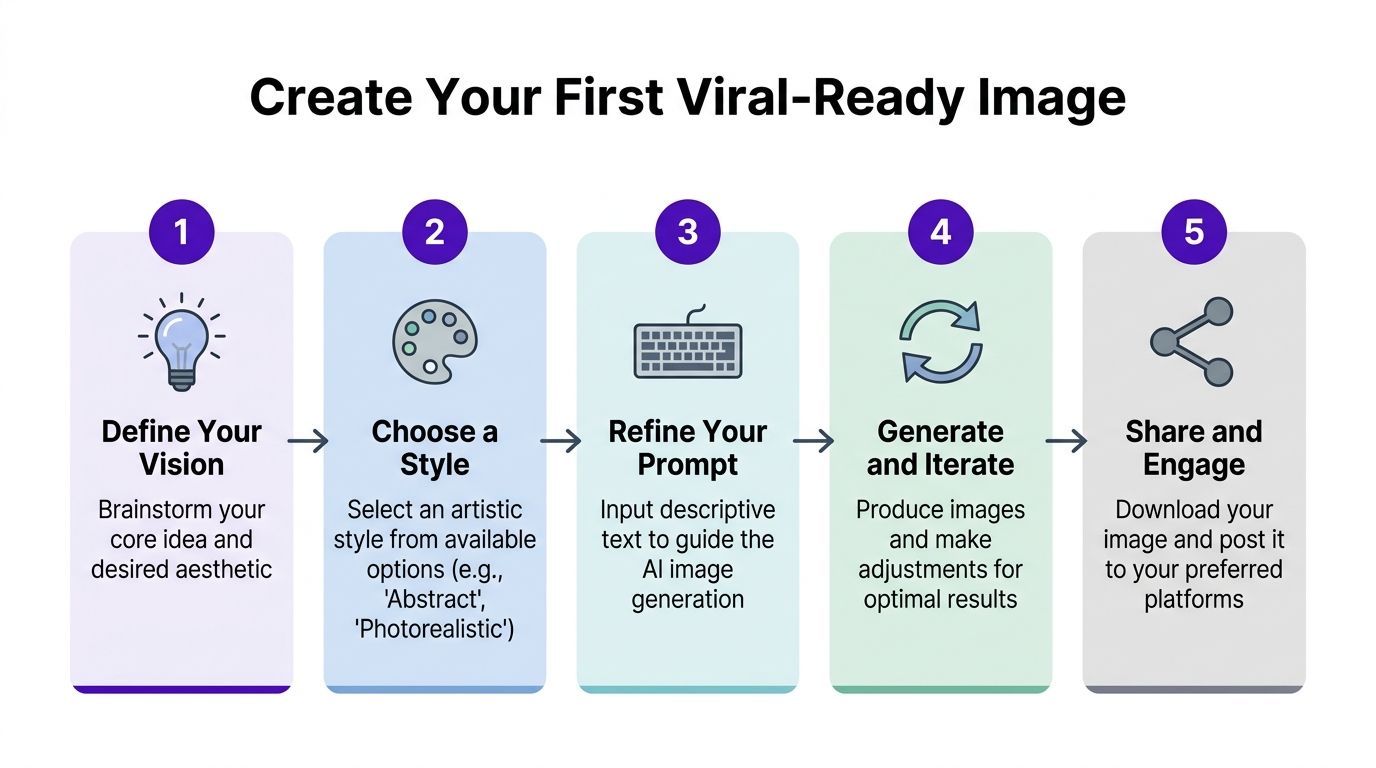
Use this workflow for a selfie glow-up, a character portrait, or a stylized promo visual:
For users who want a quick visual walkthrough, this tutorial is a helpful reference point:
If you want platform-specific setup guidance, the official quick start guide for using the starryai app is worth checking before your first session.
Most bad outputs come from one of three problems:
A cleaner approach is to change one variable at a time. Keep the subject, adjust the mood. Keep the mood, adjust the lighting. Keep both, then change the art style.
That method feels slower for one minute and saves time for the next twenty.
For signup and initial access, that's the published promise. The bigger issue is that free access terms can change over time, so it's smart to verify the live product experience before assuming a specific amount of free generation.
There's a documented mismatch here. The official Help Center says users can generate “up to 5 artworks for free every day,” while independent 2026 reviews report that this specific free path no longer exists in the current product, as noted in this starryai review covering the discrepancy. That means you should treat older documentation as a starting point, not a guarantee.
You're safer from the most obvious kind of accidental charge, but you still need to read the terms if you ever tap into a paid feature or trial. The safest move is to check renewal language before opting into anything beyond the free path.
Usually it's one of three things: limited usage, ads or engagement mechanics, or data-related trade-offs. Free doesn't always cost money. Sometimes it costs time, attention, or control over what you upload.
Use it for testing ideas, refining prompts, and creating lightweight social visuals first. Save paid decisions for the moment you know the output quality and workflow fit your actual needs.
If you want to test an AI art workflow without starting at a billing screen, try starryai and judge it the practical way: make a few images, see how the free path behaves today, and only consider upgrading if the results earn that step.


.svg)