

Written by Mo Kahn on
July 1, 2026


Your LinkedIn photo is often the last thing you update. Everything else gets refreshed first: headline, recent role, featured work, maybe even your banner. Then you look at the profile picture and realize it's three jobs old, badly cropped, or pulled from a wedding where you happened to be wearing a blazer.
That's where LinkedIn profile picture AI has become useful. Not as a gimmick, and not as a way to invent a fake version of yourself, but as a practical shortcut when you need a clean, current, professional image without booking a studio shoot.
The trick is getting a result that still feels human. A lot of AI headshots look polished but strangely vacant. The lighting is too perfect, the skin is too plastic, and the expression looks like a stock photo pretending to be a person. The better approach is to treat AI as a controlled editing and generation tool. You keep your likeness, your expression, and your professional tone. The AI helps with styling, cleanup, and consistency.
A fresh headshot used to mean coordinating outfits, finding a photographer, paying for the session, waiting for edits, and hoping you liked at least one frame. For a lot of people, that's why the old photo stays up for years.
AI changes that math. According to a 2025 study on AI headshot adoption in job applications, 65% of job seekers use AI during their application process, with 9% specifically using AI for headshots. The same source notes that studio portraits can cost hundreds of dollars, which helps explain why AI headshots have moved into the mainstream.
That shift makes sense in practical terms. A LinkedIn photo doesn't need editorial-fashion-level production. It needs to look current, credible, sharp, and recognizably like you. AI can do that when you guide it well.
Practical rule: Use AI to improve access and consistency, not to manufacture a different identity.
There's also a broader creative upside. Instead of taking one expensive set of photos and living with whatever expression you captured that day, you can test different visual directions: softer light, cleaner background, slightly more relaxed smile, more formal wardrobe, less formal wardrobe. You're not just generating a face. You're tuning a professional first impression.
Tools now make this workflow approachable for non-designers too. If you want to build a LinkedIn-ready image from a selfie or prompt-driven edit, that's become a realistic option rather than a technical experiment. The result can look polished without looking sterile, which is the sweet spot for a modern professional profile.
The quality of the output starts before you type a prompt. If your source photo is blurry, heavily filtered, backlit, or taken from an odd angle, the AI has to guess too much. That's when you get the waxy skin, drifting eye line, or “almost you but not quite” effect.

Use soft natural light if you can. A window-facing shot usually works better than overhead office lighting or direct sun. Keep your face fully visible, remove beauty filters, and aim for a clean front-facing angle with your head upright.
If you want a tool to clean up the image before generation, a simple selfie editing workflow can help you remove distractions without changing your core features.
The source guidance is straightforward. Fotor's LinkedIn profile picture maker guide notes that the best results come from clear, front-facing photos with good natural lighting, and that outcomes improve when the input is non-filtered and high-resolution.
You don't need to dress exactly as you want the final image to look, but your selfie should still give the AI useful information.
A plain wall is ideal, but any uncluttered background works. What matters is separation between you and the background so the model can read your face shape cleanly.
The AI can only preserve the details it can actually see. Hidden jawline, blurred hair edges, and shadowed ears often lead to a less believable result.
Before you upload, make sure your selfie passes this test:
| Check | What good looks like |
|---|---|
| Face angle | Straight or nearly straight to camera |
| Lighting | Even light across both sides of the face |
| Expression | Neutral to slight smile |
| Background | Simple and non-distracting |
| Image quality | Sharp, unfiltered, high-resolution |
If one of these is off, retake the selfie. That usually saves more time than trying to rescue a weak source image later.
Once your selfie is solid, generation becomes a mix of direction and restraint. You want the AI to enhance the image, not bulldoze it.
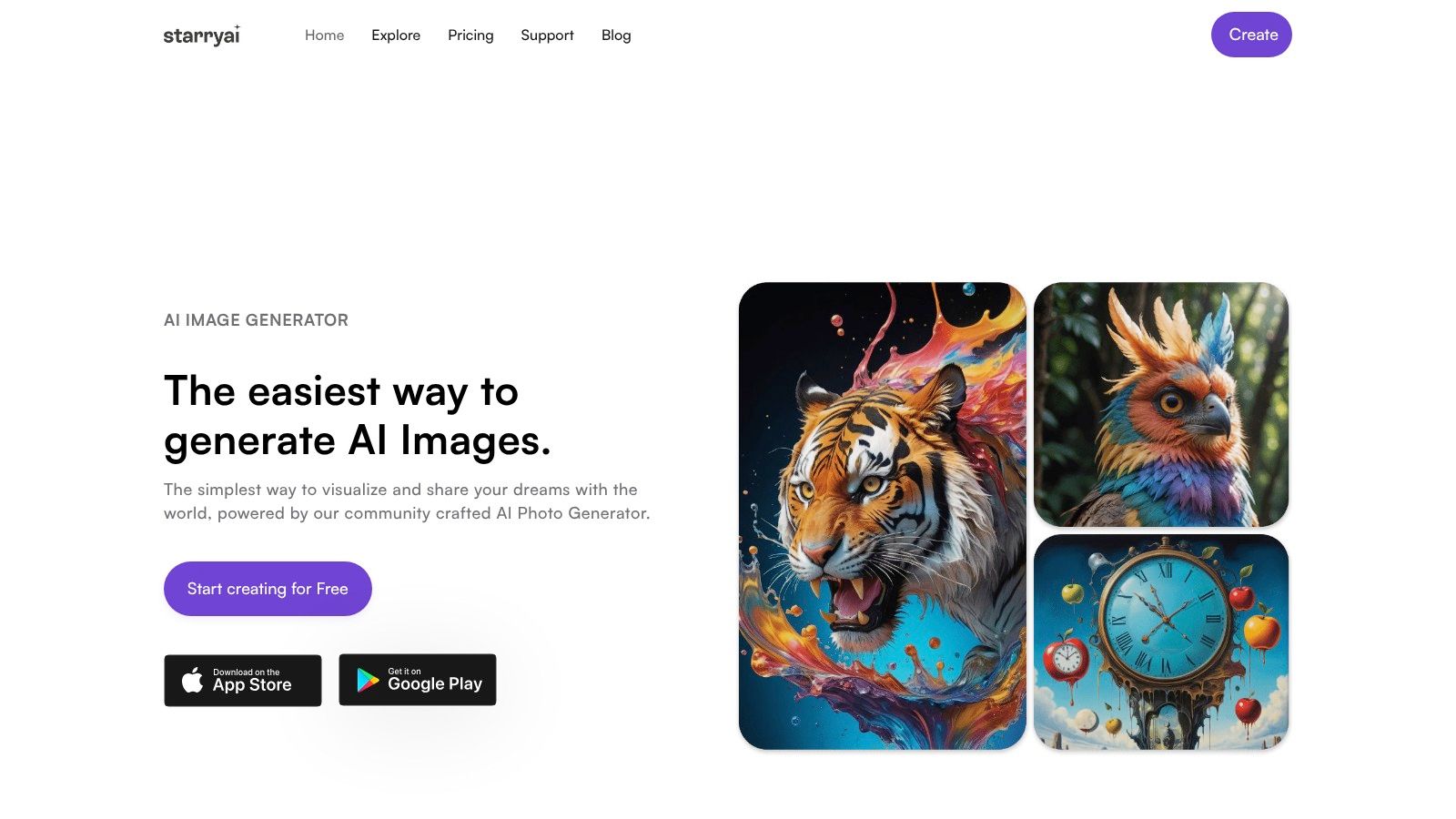
A simple way to approach this is to use an image editing flow rather than pure text-to-image from scratch. That gives the model a real face to anchor to. One option is starryai, which can generate or edit visuals from prompts and selfies, and its quick-start guide for the app is useful if you want the interface basics first.
Upload one clear selfie rather than several mismatched photos. Mixed references often produce blended facial details that don't feel true to life. A single good image usually gives a stronger identity lock.
Use the selfie as the anchor, then define the professional setting in the prompt. Think like you're writing a mini creative brief, not tossing in keywords.
Bad prompt:
Better prompt:
That extra specificity matters. Clothing, light, background, and expression all help the model produce something believable instead of generic.
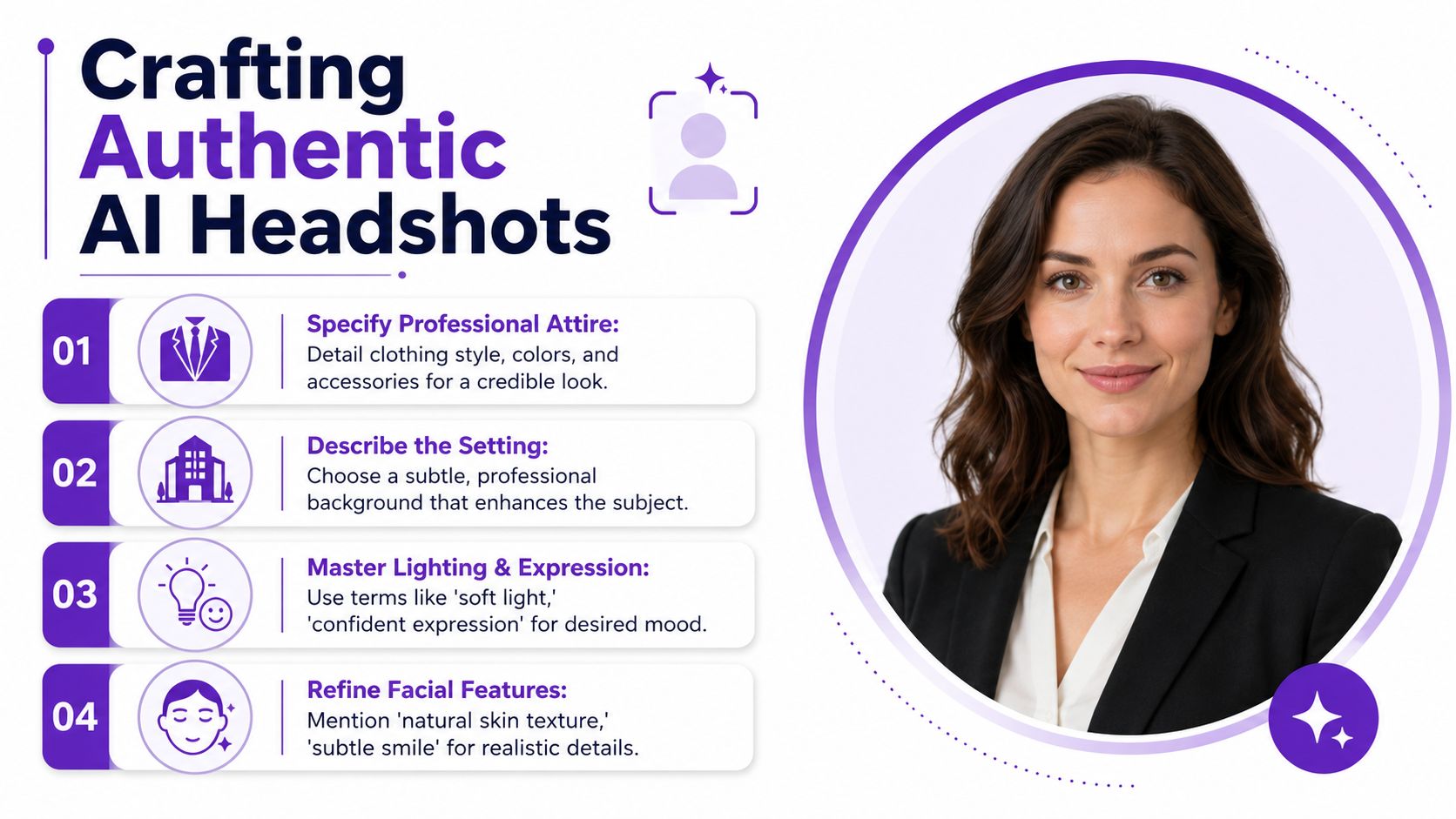
I like prompts that specify four things clearly:
Identity anchor
“Same person as the uploaded selfie” or “preserve facial structure and likeness.”
Expression
“Subtle smile,” “confident neutral expression,” or “warm approachable look.”
Environment
“Soft-focus office,” “minimal studio backdrop,” or “clean indoor natural light.”
Finish
“Natural skin texture,” “realistic detail,” and “professional portrait photography.”
Here's a solid starter prompt you can adapt:
realistic LinkedIn headshot of the same person as the uploaded selfie, preserve facial structure and likeness, natural skin texture, soft daylight, direct eye contact, subtle confident smile, tailored blazer, clean blurred office background, realistic portrait photography, polished but human, no heavy retouching
After your first pass, don't chase perfection by rewriting everything. Change one or two variables at a time.
A short visual walkthrough can help if you're new to prompt-led image generation:
The fastest way to improve a result is controlled iteration.
What works is patience with small adjustments. What doesn't work is throwing in every aesthetic idea at once. AI headshots get weird when the prompt asks for realism, glamour, cinematic contrast, startup founder energy, luxury magazine polish, and casual friendliness all at the same time.
Users often fail not because the tool is bad. They fail because the prompt is vague. “Professional headshot” tells the model almost nothing about who you are, how you want to come across, or what kind of realism you need.
That gap is bigger than it seems. AI Journal's 2025 roundup of AI profile picture generators says 78 million professionals globally used AI headshots, yet only 14% of users aged 28 to 43 successfully achieved authentic results without custom prompts. That tracks with what I've seen. Generic prompts produce generic faces.
Try these as starting points, then swap in your own clothing, hair details, and expression.
Warm and approachable coach
realistic headshot of the same person as the uploaded selfie, preserve likeness, soft natural light, relaxed shoulders, gentle smile, smart casual blazer in muted earth tones, clean indoor background with subtle depth, natural skin texture, calm and trustworthy expression, professional portrait photography
This works because it avoids over-formality. The language pushes warmth without drifting into influencer gloss.
Sharp tech innovator
realistic professional portrait of the same person as the uploaded selfie, preserve facial structure, modern tech professional look, dark fitted blazer or minimal jacket, crisp neutral background, soft directional light, confident direct eye contact, slight smile, realistic skin detail, polished and intelligent, contemporary startup aesthetic
This one narrows the aesthetic. “Modern tech professional” plus minimal styling tends to produce a cleaner and more current image than “corporate executive.”
Polished corporate leader
realistic LinkedIn profile headshot of the same person as the uploaded selfie, preserve identity and natural proportions, tailored formal attire, subtle studio lighting, soft gray or office background, composed confident expression, refined but natural appearance, realistic portrait photography, no glamour retouching
This is useful if your industry still expects a formal visual tone.
If you're building wardrobe ideas before you prompt, a guide for modern professional women is a helpful reference for translating real workwear into prompt language that feels current instead of generic.
The most effective prompt usually includes these ingredients:
Ask for a person, not a persona. The more your prompt sounds like a casting brief for a real professional, the more believable the result gets.
A useful trick is to describe what you don't want in plain language. “No excessive smoothing,” “no exaggerated jawline,” “no fashion-magazine styling,” and “no artificial grin” can rescue a prompt from that oddly synthetic look.
AI gets you close. The final polish comes from knowing what to fix, what to crop, and what to reject.
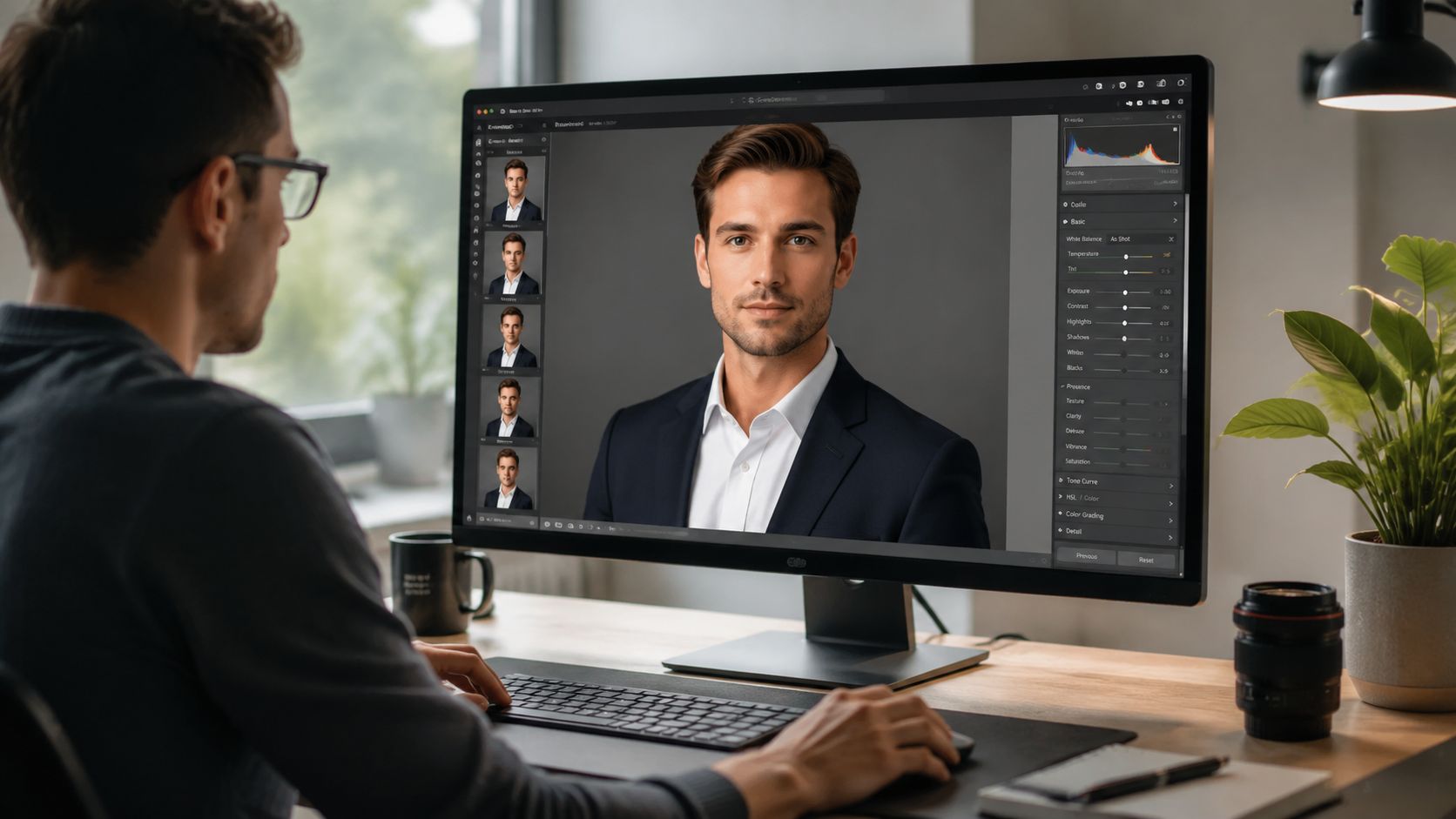
A headshot can look impressive at first glance and still fail on a second look. Ears may be slightly asymmetrical. Hairlines can melt into the background. Shirt collars may bend in odd ways. If the image feels subtly uncanny, recruiters will notice even if they can't explain why.
Some issues are easy to touch up in a basic editor. Others mean the image should be regenerated.
Use quick edits for:
Regenerate when you see:
Lorka's guide to AI LinkedIn profile picture prompts warns about a few common failure points. It notes that 30 to 40% of AI-generated headshots fail likeness accuracy when input lacks clear ear or hair definition, and it also highlights the importance of a 1:1 aspect ratio and 85mm lens simulation for a more professional finish.
For LinkedIn, square framing is the safe default. Keep your face large enough to read well on mobile, with a little breathing room above the head and around the shoulders.
A good export checklist looks like this:
| Final check | What to aim for |
|---|---|
| Crop | 1:1 square |
| Framing | Head and upper shoulders, face centered |
| Sharpness | Clear eyes and hair edges |
| Background | Clean, not distracting |
| Overall feel | Looks like you on a very good day |
If you hesitate because the image looks “too good,” tone it down. The strongest LinkedIn photo is usually the one that looks credible at thumbnail size and honest at full size.
The core ethical question isn't whether AI touched the image. It's whether the final photo still represents a real person accurately.
That matters because the profile photo has real influence. Research summarized in the earlier adoption data shows that having a profile photo makes a LinkedIn profile 14 times more likely to be viewed by others, and 73% of recruiters reported they could not distinguish AI headshots from professional photos in the same source discussed above. Acceptance has clearly shifted, but that doesn't mean anything goes.
The responsible line is simple. Use AI to create a polished version of your real appearance, not a fictional upgrade. Keep your age, facial structure, expression, and general presentation grounded in reality. If someone met you after seeing your profile, they shouldn't feel misled.
LinkedIn's rules don't explicitly ban AI-generated profile images, but that doesn't remove judgment from the process. It's worth reviewing the platform-facing standards in starryai's content policy if you're generating or editing portraits with AI tools.
A few practical boundaries keep you on safe ground:
Used that way, LinkedIn profile picture AI is less about fabrication and more about removing friction. You're not pretending to be someone else. You're making sure your profile looks as current and professional as the work behind it.
If you want to try this workflow yourself, starryai is a practical place to experiment with selfie-based edits and prompt-driven profile images. Start with one clear selfie, keep your prompts grounded, and aim for a result that looks polished, current, and unmistakably like you.


.svg)