

Written by Mo Kahn on
July 22, 2026


It is Monday morning. You need a week of social posts, one product visual, a short promo video, and a follow-up email, but another software bill is not getting approved. That is the reality for a lot of small businesses. The practical question is not which AI app looks impressive in a demo. It is which free tools can handle real work together.
Free AI tools let you test real workflows before committing money. That matters because small teams usually do not need ten separate apps on day one. They need one repeatable process that saves time this week. As noted earlier, small businesses are adopting free AI tools because they lower the cost of experimenting before a paid plan makes sense. If you want to compare image tools before choosing one for your content workflow, this AI image generator comparison for business use is a useful starting point.
The better approach is to build around a job, not a tool.
A simple example: draft campaign ideas in one tool, generate the supporting image in another, polish the copy, turn it into a short video, schedule the post, then automate the handoff to your inbox or CRM. That is how free AI becomes useful for a small business. It stops being a collection of experiments and starts becoming a working system.
This guide follows that logic. It focuses on how these free AI tools for small business fit together to help you create, publish, and follow up without adding another monthly subscription before you are ready.
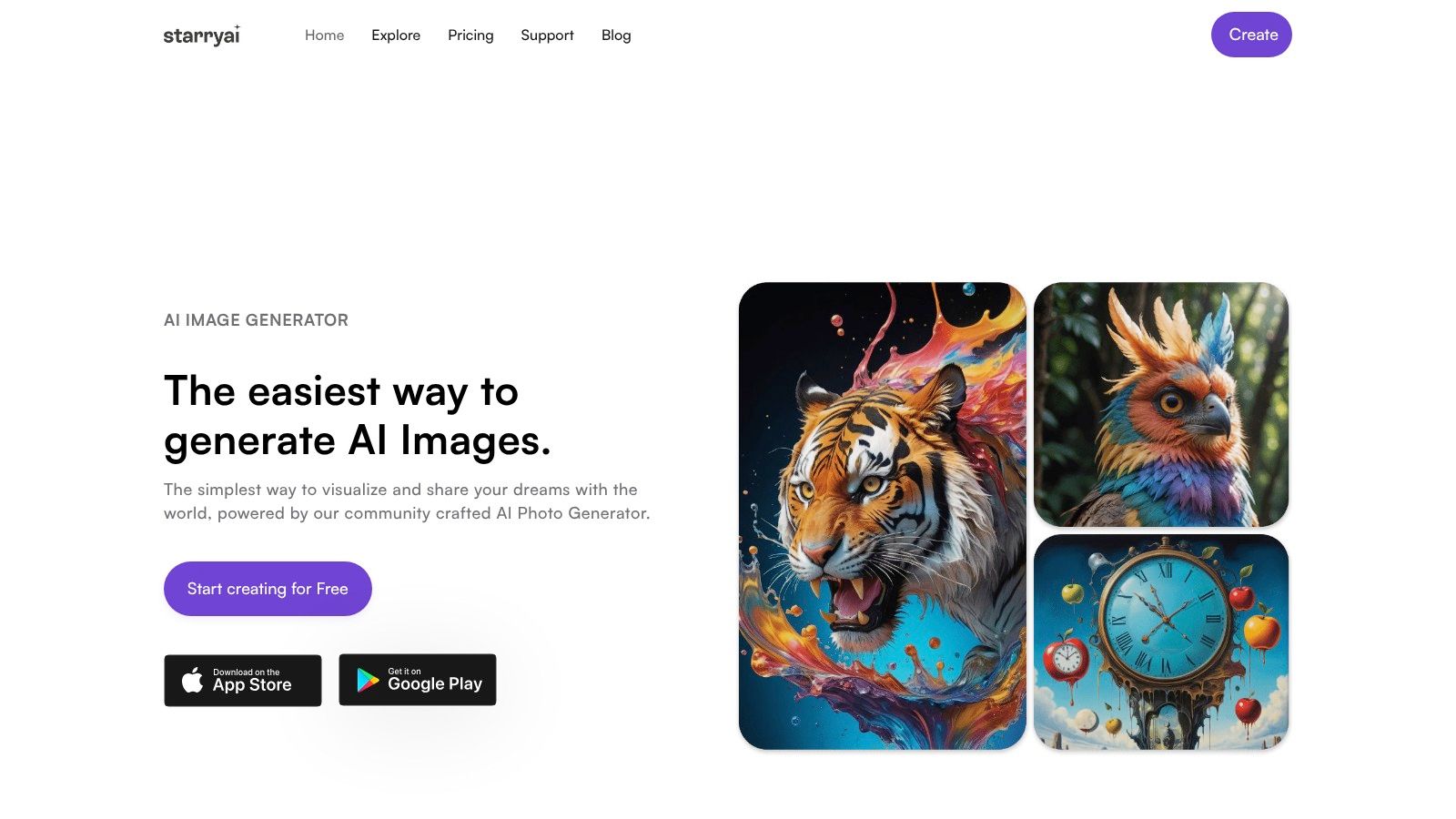
starryai is the image tool I'd put near the front of almost any no-cost marketing stack. It's fast, mobile-friendly, and built for people who need publishable visuals without learning a full design suite first. That matters when you're trying to keep social channels active, test offer creative, or create product art for a side hustle.
It's also one of the clearest examples of where a free tool can produce work a business can use. Indie authors and self-publishers can save up to 40% on book cover design costs with starryai, and that same commercial-use angle is why Etsy sellers, content creators, and marketers keep reaching for it.
starryai is good at the first draft problem. You have an idea, but not yet a visual. It turns prompts, selfies, and simple concepts into images quickly enough that you can test several directions before lunch.
For small businesses, that speed changes the workflow:
Practical rule: Use starryai for concept generation first, then move the winning image into a layout tool for final text placement and resizing.
If you sell products online, starryai works best when you need visuals that don't look like stock assets. Etsy sellers using AI-generated commercial-use merch have seen an average 25% increase in listing conversion rates when visuals are customized with unique style prompts. That doesn't mean any random prompt will work. It means specificity matters.
For marketers, the biggest win is production speed. Social media managers using free AI tools for on-brand visuals can reduce image production time from 3 hours to under 15 minutes. That's exactly the kind of gap that lets a small team respond to trends instead of missing them.
If you want to compare image-generation options before committing to one workflow, this starryai image generator comparison is a good next read.
The trade-off is simple. starryai is excellent for speed, experimentation, and creator-friendly output, but heavy production work will eventually hit free limits. For many small businesses, though, it's one of the best places to start because it turns “we need a visual” into “we already have three options.”
Microsoft Copilot is a practical choice if your business already lives in Microsoft's ecosystem or just wants a mainstream assistant with a lower learning curve. It handles drafting, summarizing, brainstorming, and quick web-grounded lookups well enough for daily business use.
Its free version is useful because it doesn't ask you to rebuild your process around AI. You can use it for customer reply drafts, meeting recaps, policy summaries, and light planning without much setup.
Copilot works well as a front-end thinking tool. Use it early in the process when you need rough output, not final copy. Ask it to summarize competitor pages, draft FAQ answers, or turn a messy note dump into a clearer action list.
The built-in image and design help is also helpful for businesses that want a general-purpose assistant rather than a specialized visual app first.
Keep Copilot in the drafting lane. Let it help you organize the work, then move final customer-facing copy through a human review step.
That last part matters. The U.S. Small Business Administration recommends human review of AI-generated customer outreach to protect brand accuracy, ethics, and trust, as noted in this SBA guide for small business AI use. Copilot is solid at the first pass. Your team still needs to own the last pass.
A common small business bottleneck looks like this. You need a week of posts for a promotion, a few email subject lines, and a cleaned-up product description, but you do not want to open five different apps just to get the first draft. Google Gemini works well in that situation, especially for teams already using Gmail, Drive, Chrome, and Android.
Gemini is a practical first-step tool. Use it to generate campaign angles, rewrite rough copy, summarize research notes, translate short customer-facing text, or turn scattered ideas into an outline your team can work from.
Where Gemini earns its place in a free stack is speed inside the Google ecosystem. If your files, notes, and daily communication already live there, setup stays simple and adoption is easier than with a tool that asks your team to change habits first.
Use Gemini at the planning and drafting stage, not at the finish line. It is good at producing options fast. It is less reliable for final messaging that needs sharp brand voice, current facts, or tight compliance wording.
One workable no-cost workflow looks like this:
That combination is the primary value. Gemini does not need to do everything. It just needs to give you a usable starting point so the rest of your free tools can do their jobs faster.
The trade-off is consistency. Gemini features can vary by account, region, and Google product connection, and some of the more useful Workspace-related functions are still tied to paid plans. For a small business testing AI without budget approval, that is usually acceptable. For a team that needs repeatable outputs across multiple staff accounts, it is something to check early before building the process around it.
A common small business bottleneck looks like this. The offer is ready, the product photos exist, and someone still has to turn all of that into emails, captions, FAQs, and follow-up messages before the week ends.
ChatGPT earns its place in a free workflow because it handles that middle layer of work fast. It takes rough inputs and turns them into usable drafts your team can review, trim, and publish. For small businesses testing AI without budget approval, that flexibility matters more than having one tool built for only one department.
ChatGPT works best when the prompt includes context, audience, format, and constraints. Ask for “social posts for our bakery” and you will get generic filler. Ask for “five Instagram captions for a bakery's Father's Day promo, written in a warm local tone, each under 120 words with one clear call to action,” and the output usually gets much closer to publishable.
Used well, it becomes the writing engine inside a no-cost stack:
That is the advantage. ChatGPT does not need to own the whole workflow. It just needs to produce a strong first draft that saves your team an hour of blank-page time.
One practical use case is a social campaign built from scratch. Feed ChatGPT your offer, customer pain points, and brand voice notes. Ask for one campaign theme, three post concepts, two email subject lines, and a short promo blurb for a simple graphic. Once the copy direction is approved, move the visual brief into Canva, and if you need help shaping the creative layout, use this advertisement banner design guide as a reference before building the asset.
The trade-off is reliability. ChatGPT is quick, but it can still flatten your brand voice, invent details, or overstate benefits if the prompt is loose. Treat it like a capable junior draft partner. Give it structure, review facts, and keep a human check before anything goes live.
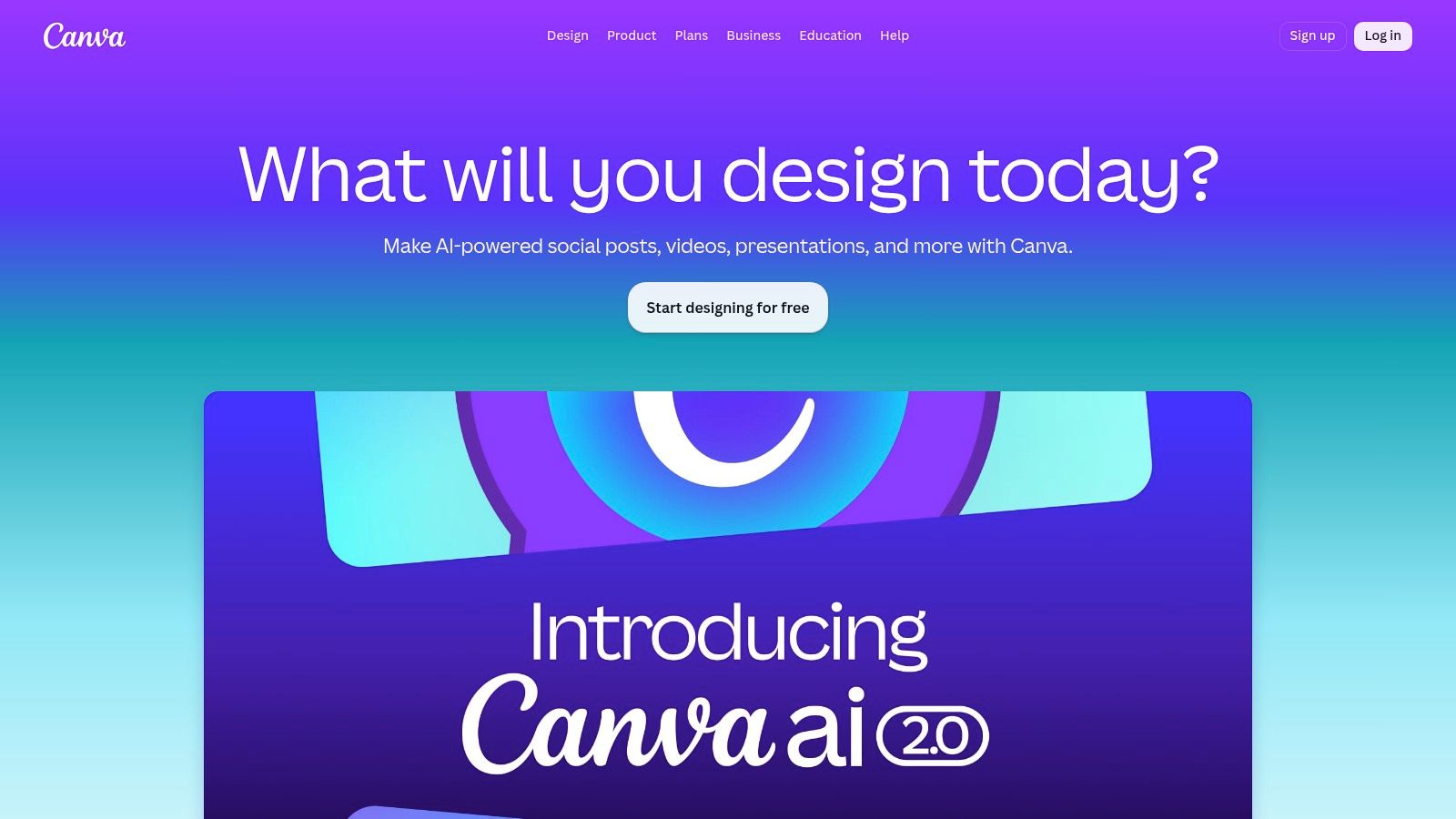
A small business owner often has the copy ready, the offer ready, and no finished graphic to post. Canva is one of the few free AI tools that closes that gap fast enough for day-to-day marketing.
Canva earns its place in a no-cost workflow because it helps non-designers turn approved ideas into usable assets. Social posts, event flyers, promo graphics, simple decks, and short videos are all manageable in one place. That matters when the true bottleneck is not ideation. It is production.
Canva works best in the middle of the workflow, after the message is set and before distribution. Draft the offer and hook in ChatGPT or Gemini. Build the first visual in Canva. Then adapt it for each channel and send the finished pieces to Buffer for scheduling. Used that way, Canva becomes the production layer inside a practical free stack.
Start with one asset, not six. Build a square post first, lock the headline, image style, and call to action, then use resize and template variations to create the rest.
A simple process looks like this:
If you need help judging layout before building paid or organic creatives, this advertisement banner design guide gives useful visual direction.
The main trade-off is control. Canva is fast, but speed can make teams publish generic work if they rely too heavily on templates or auto-generated copy. Free users will also hit limits on some AI features and premium assets. For small businesses, the smart move is to use Canva for repeatable formats, promos, testimonials, announcements, and leave highly custom brand work for tools with tighter design control.
That is where Canva pays off. It gives small teams a repeatable way to produce decent creative without waiting on a designer every time.
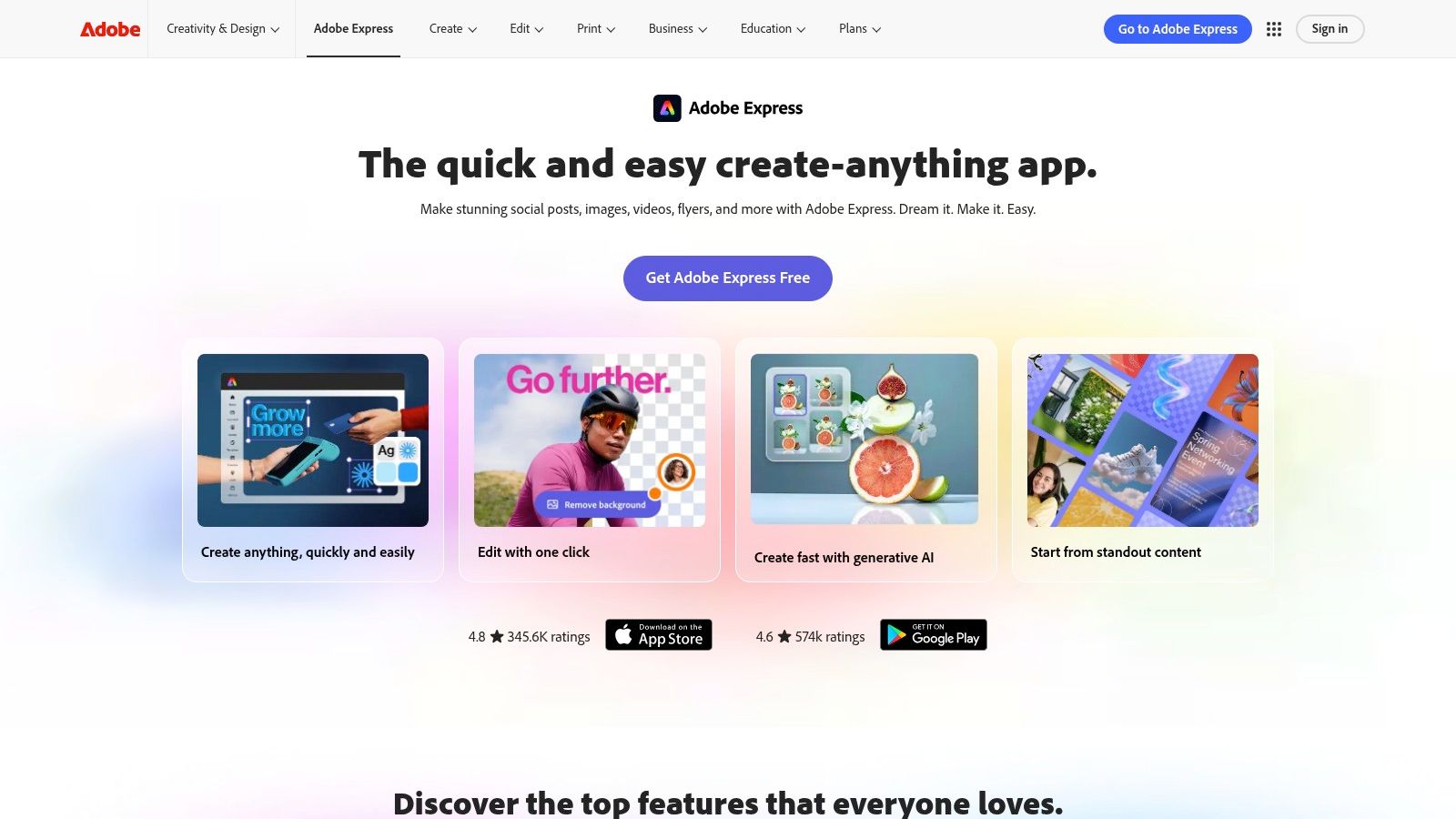
Adobe Express is the tool I'd pick when brand control matters more than raw speed. It gives small teams a simpler Adobe environment with templates, resizing, background editing, and Firefly-powered generative features.
It's especially useful for businesses that make one-pagers, promos, event graphics, digital flyers, and lightweight print assets. If Canva feels broad and template-heavy, Adobe Express often feels more structured.
The best use case is commercial brand content that may eventually move into a larger Adobe workflow. If your business already uses Photoshop or other Creative Cloud apps, Express gives you a cleaner on-ramp than stitching together unrelated free tools.
It's also helpful for teams that want a single place to manage:
The trade-off is credit limits. Free generative allowances won't support endless experimentation, and some templates or assets are gated. But for businesses that care about consistent brand presentation and may scale into Adobe later, Express is a smart middle ground between beginner simplicity and professional control.
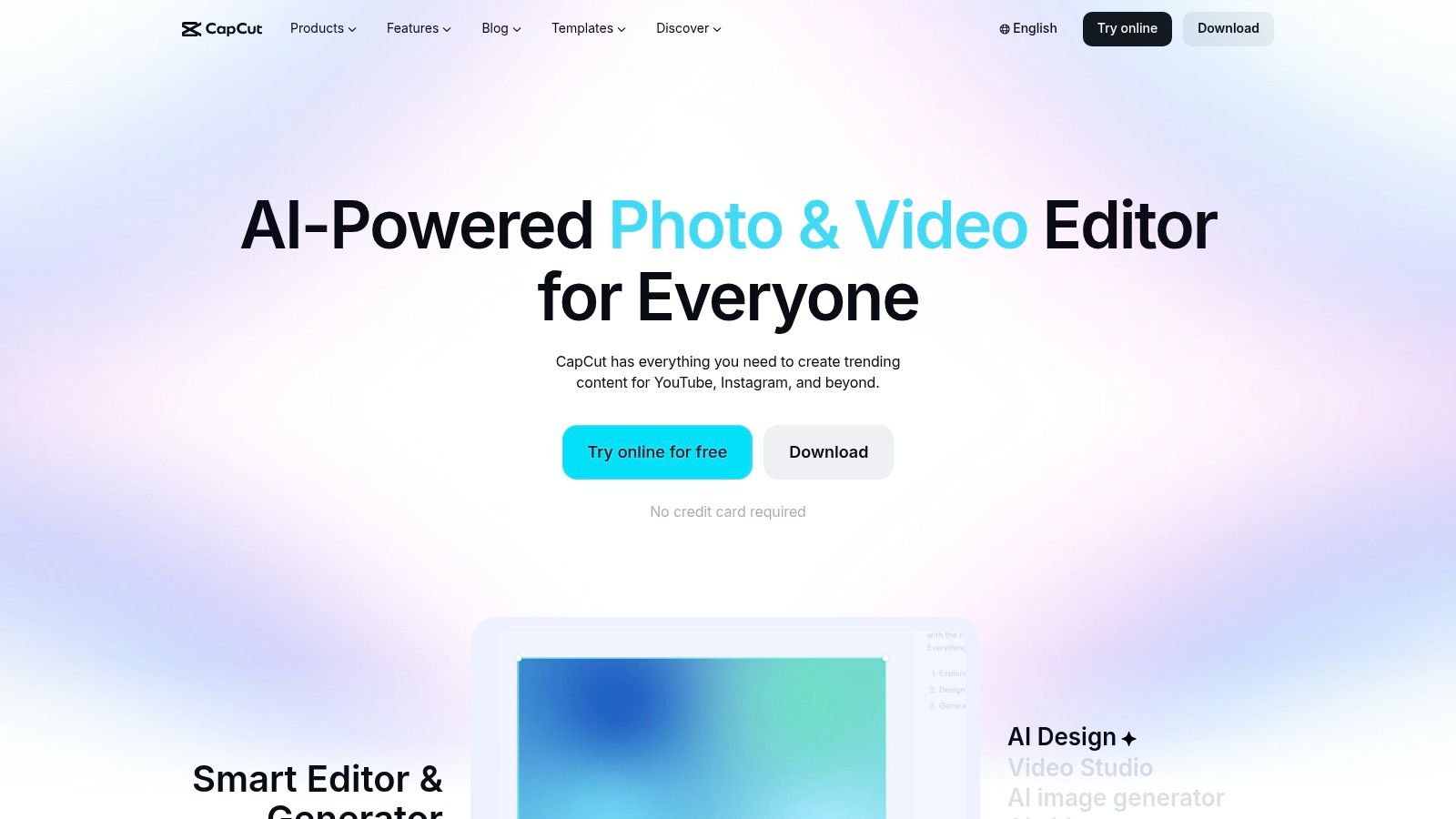
CapCut is one of the fastest ways to produce short-form video without hiring an editor. If your business relies on TikTok, Reels, or Shorts, it can cut production time enough to make consistent posting realistic.
Its free tools for captions, templates, effects, and mobile editing are the main draw. You can move from a talking-head clip to a platform-ready post quickly, which matters when trends move fast.
CapCut works best as the assembly layer, not the idea layer. Use another tool to plan the message, then use CapCut to package it for social.
A simple stack looks like this:
If you need inspiration for pacing and visual flow, this video transitions guide can help you think beyond basic cuts.
CapCut's downside is instability in what stays free. Some features that used to be open have shifted behind paid plans, and availability can vary by region. Still, for creator-style marketing on a budget, it's hard to beat for speed.
Buffer is the tool that keeps a no-cost AI content workflow from stalling at the finish line. A small business can draft a week of posts with ChatGPT or Gemini, build graphics in Canva, and cut video in CapCut. If nobody schedules and ships the content, that work sits in drafts.
Buffer handles the publishing step with AI caption help, scheduling, queue management, and lightweight analytics. That focus is the point. Small teams usually do better with a tool that publishes reliably than with a larger platform full of features they will not use.
Buffer works best after the creative work is done. Use it to turn a pile of drafts into an actual posting rhythm.
A practical setup looks like this:
That combination is useful because it solves a real small business problem. The bottleneck is often not ideas. It is getting approved content published on time, across a few channels, without turning it into a daily chore.
Buffer is a good fit for solo operators, owners who handle marketing themselves, and lean teams with a short list of channels to manage. The free plan is enough to test a system, but the limits show up fast if several people need access or if analytics matter to reporting.
One caution. AI-generated captions still need review before they go live. Brand voice can drift, repeated phrasing can creep in, and platform-specific details such as character count, hashtags, or tone still need a human check.
If the problem is inconsistent posting, Buffer is often the missing operational layer. It does not replace your writing or design tools. It makes sure the work they produce gets published.
Zapier is the handoff layer in a free AI stack. It connects the tools that generate work with the tools that move work forward, so leads, drafts, and approvals do not stall in someone's inbox.
A small business usually feels the need for Zapier at the same moment. A form gets filled out, someone forgets to log it, the follow-up goes out late, and a good lead cools off for no good reason. That is not a content problem or a design problem. It is an operations problem.
The best first Zap is simple. When a lead form comes in, send the submission to a spreadsheet or CRM, create a draft follow-up email, and notify the owner by email or Slack to review it.
That setup does two useful things at once. It shortens response time, and it gives you a clear place to check whether leads are being handled consistently. If you are building a no-cost workflow, that matters. ChatGPT or Gemini can help write the reply, but Zapier is what moves the lead into the next step without manual copying.
A practical small-business stack might look like this:
That is the bigger value of Zapier. It is not just another tool on the list. It is the glue between the others.
A few trade-offs matter:
Zapier is a strong fit for lead routing, intake forms, internal alerts, and status updates. It is less useful if your business process is still changing every week, because automating a messy workflow usually makes the mess run faster.
Used well, Zapier turns a group of free AI tools into a working system instead of a pile of separate apps.
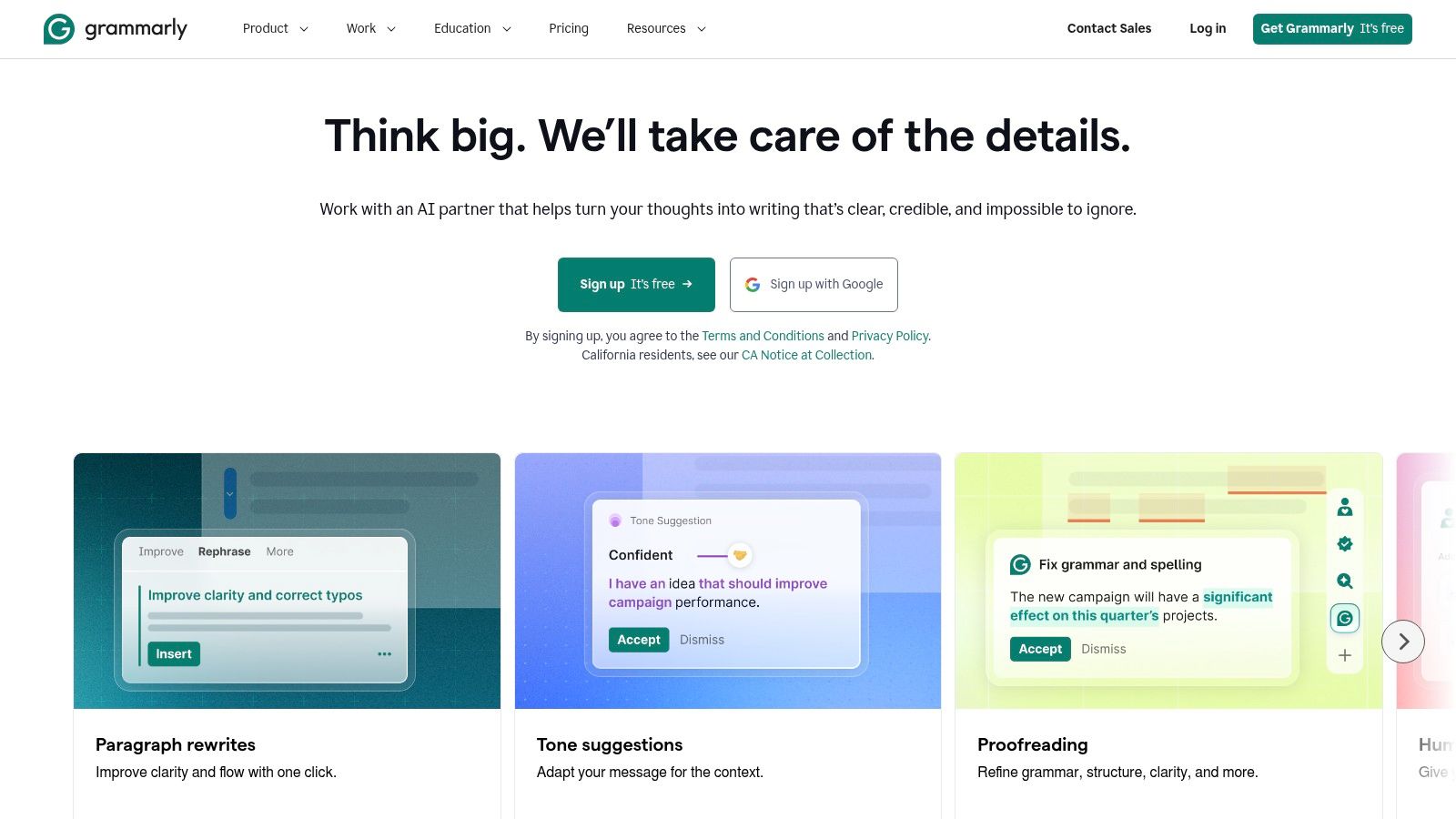
Grammarly is the tool I put at the end of the chain. A small business can draft a promo email in ChatGPT, turn it into a graphic in Canva, schedule it in Buffer, and still lose trust if the copy sounds sloppy or off-brand. Grammarly fixes that last-mile problem.
That role matters because free AI workflows usually create more words than they improve. Grammarly helps clean up grammar, tighten phrasing, and smooth out tone inside the apps your team already uses.
Grammarly works best as an editor, not a generator. Use ChatGPT or Gemini to produce the first draft. Use Canva or Adobe Express to place the copy in the asset. Then run the final text through Grammarly before it reaches a customer, lead, or partner.
It is a practical fit for:
The trade-off is straightforward. The free plan is useful for cleanup, but limited if you want Grammarly to do heavier rewriting or strategic content generation. Small businesses usually do not need it to handle the whole writing process anyway. They need it to catch preventable errors before a message goes out.
For a no-cost workflow, that makes Grammarly a strong final checkpoint. ChatGPT or Gemini gives you speed. Canva or Buffer helps with execution. Grammarly is the quality check that keeps the finished piece readable, consistent, and ready to send.
| Product | Core Features | UX / Quality | Value (Price) | Target Audience | Unique Selling Points |
|---|---|---|---|---|---|
| starryai 🏆 | ✨ Mobile-first AI image gen; selfies, prompts, emojis; upscaling & BG removal | ★★★★☆ 4.7/5, fast & stable | 💰 Freemium: daily free images + lumens credits; pay-as-you-go top-ups | 👥 Social creators, indie sellers, authors, gamers | ✨ 1,000+ styles, instant TikTok-ready outputs, full commercial rights |
| Microsoft Copilot | Chat assistant + web grounding; Designer image gen; cross-platform | ★★★★☆ mainstream, governed experience | 💰 Free web/mobile access; limits; paid for deep 365 integration | 👥 Office teams, business users, admins | ✨ Integrated MS ecosystem, citations & account controls |
| Google Gemini | Chat + image generation; Drive/Android/Chrome integrations | ★★★★☆ strong mobile/web flow | 💰 Free base with upgrades to raise limits/Workspace features | 👥 Google account users, researchers, creatives | ✨ Deep Google service integration and file/photo understanding |
| ChatGPT | Multimodal chat, text/image gen, lightweight file analysis | ★★★★☆ broad adoption & strong writing | 💰 Free with usage caps; Plus/Pro/Business for higher limits | 👥 Writers, product teams, testers of AI workflows | ✨ Extensive community templates; versatile ideation & analysis |
| Canva (Magic Studio) | AI copy & image/video gen; templates; Magic Resize/Switch | ★★★★☆ extremely beginner-friendly | 💰 Free tier; Pro upsell for brand kits & assets | 👥 Non-designers, marketers, social creators | ✨ Fast path to publish-ready creatives & large template library |
| Adobe Express | Firefly-powered image/text gen; templates & brand kits | ★★★★☆ design-first, commercially positioned | 💰 Free monthly generative credits; paid for premium assets | 👥 Brands, designers needing quick collateral | ✨ Firefly commercial-safety + CC handoff for upscaling |
| CapCut | Short-form video editor: templates, auto-captions, effects | ★★★★☆ rapid trend-driven workflow | 💰 Free core tools; some features/assets behind paid tiers | 👥 TikTok/Reels creators, video-first influencers | ✨ Trend templates, auto-captions & social-optimized exports |
| Buffer | AI caption ideation + scheduling; basic analytics | ★★★★☆ streamlined scheduler & composer | 💰 Free limited channels; paid for deeper analytics | 👥 Social managers, small teams | ✨ AI-assisted copy straight into scheduled posts |
| Zapier | No-code automations; AI actions & integrations | ★★★★☆ powerful prototyping, task-limited | 💰 Free Zaps with task limits; scalable paid plans | 👥 Marketers, ops, automators | ✨ Massive app ecosystem + AI orchestration steps |
| Grammarly | Grammar, clarity checks; AI rewrites & tone tools | ★★★★☆ reliable writing improvements | 💰 Free checks + monthly AI prompts; paid for advanced | 👥 Writers, professionals, non-native speakers | ✨ In-context rewrites, tone control & browser integrations |
Monday morning, a small business owner sits down to “use AI” and ends up with five tabs open, three half-finished drafts, and nothing scheduled by lunch. That pattern is common. Free tools create value when they are assigned to one job, in one workflow, with one review step.
Start with a task you already repeat every week. Social content is usually the best place to begin because the inputs are simple, the output is visible, and mistakes are easy to catch before they spread into sales, finance, or support.
A practical no-cost workflow looks like this. Use ChatGPT or Gemini to draft the core message and a few caption options. Build the visual in Canva or starryai. Run the copy through Grammarly to tighten tone and fix weak phrasing. Schedule everything in Buffer. Add Zapier only if you need a follow-up action such as sending published posts to Slack or logging leads in a spreadsheet.
That stack works because each tool has a clear role. It also exposes the trade-offs early. Free plans often cap prompts, exports, automations, or brand controls, so the key consideration is not whether the tools are free today. The important question is whether the workflow saves enough time to justify a paid upgrade later.
Measure one thing first. Time saved is usually the cleanest metric.
For example, if your team spends two hours building three social posts from scratch, try to cut that to one hour with a repeatable prompt, a visual template, and a simple review checklist. Then check quality. Are the posts on-brand, factually correct, and different enough from each other to avoid sounding machine-written? If the answer is yes for two or three weeks in a row, keep the process and document it.
Human review stays in the loop. AI can draft fast, but it still misses product nuance, local context, and the small phrasing choices that make a business sound credible instead of generic.
The goal is not to collect ten free AI tools. The goal is to build one working system, prove it saves effort, and only then add the next layer.
If original visuals are the bottleneck, start there. starryai is useful for businesses that need fast creative for social posts, promos, avatars, merch concepts, or campaign artwork without adding design overhead.


.svg)