

Written by Mo Kahn on
August 18, 2026


You've seen the selfie already. It has cinematic lighting, a fantasy costume, or an anime-style face that still somehow looks like the person who posted it. You tap through the comments, find a vague mention of a free AI selfie generator app, and wonder whether you're about to create something useful or download a teaser that asks for payment before the first decent export.
The right question isn't which app is trending. It's what you want the selfie to do. A TikTok creator needs fast, recognizable transformations. An indie author may need a character reference. An Etsy seller needs to investigate commercial rights and output quality. A tabletop role-playing gamer may care more about character consistency than a polished headshot. Once you define the job, the category becomes much easier to navigate.
A viral AI selfie usually begins with a familiar moment. You're scrolling TikTok or Instagram, see someone appear as a painted hero, a retro game character, or a polished editorial portrait, and stop because the transformation feels personal. It isn't just an illustration. It's recognizably built around a real face.
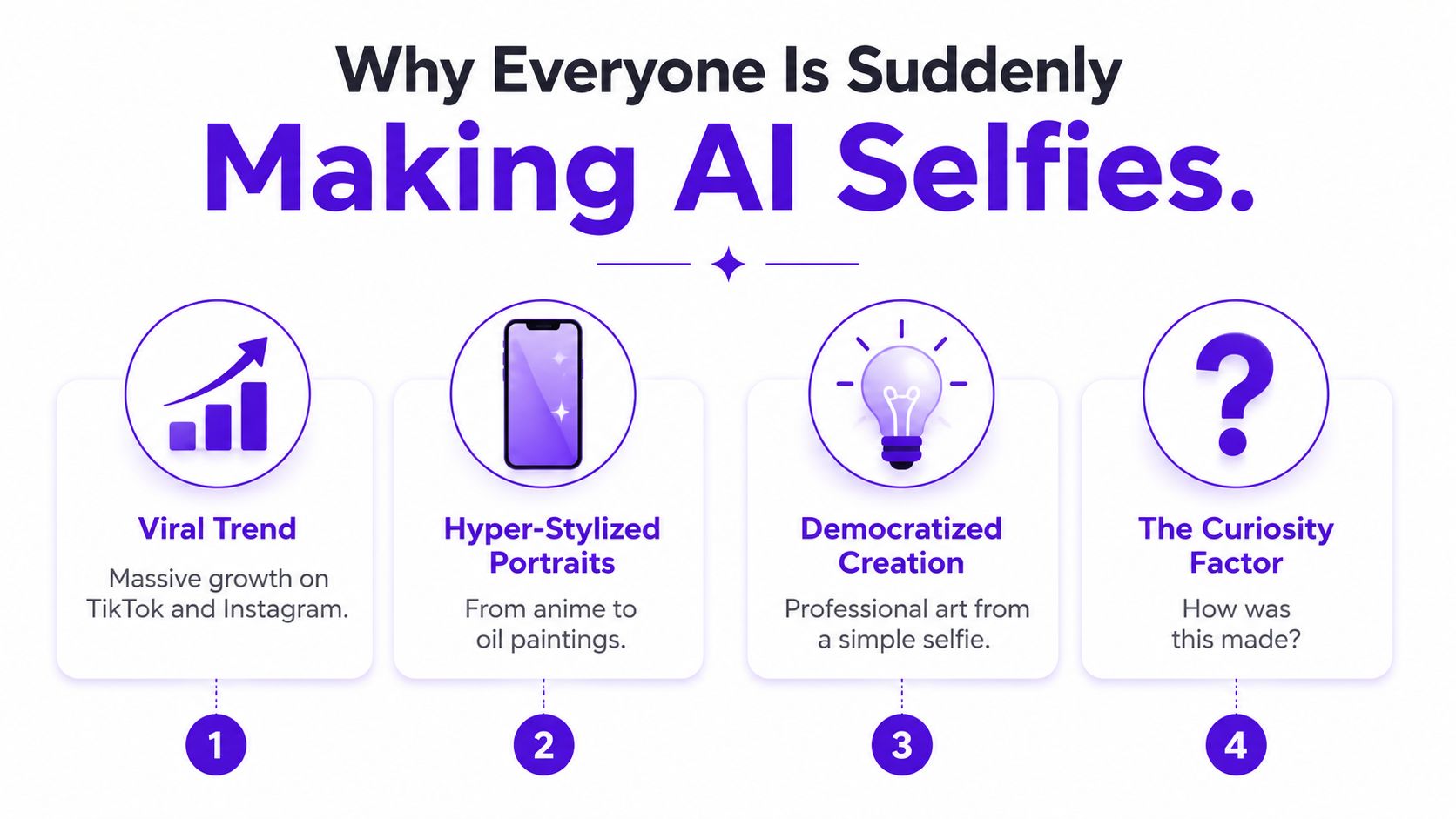
That combination explains the appeal. The input is simple, the result is visually dramatic, and the finished image is easy to share. You don't need drawing skills, advanced retouching experience, or a complicated desktop workflow. You start with a photo and describe the direction you want.
The wider market has also moved beyond the experimental stage. The global AI image generator market reached USD 412.51 million in 2025 and is projected to reach USD 1,747.63 million by 2034, with a projected 17.40% CAGR from 2026 to 2034. North America represented 40.34% of the market in 2025, according to Fortune Business Insights' AI image generator market analysis. Those figures describe the broader market, not selfie apps alone, but they show why consumer image tools are appearing everywhere.
The app economy reinforces that shift. AI apps generated USD 4.5 billion in 2024, a 136% increase from the previous year, according to independent reporting on AI image generation statistics. That commercial momentum helps explain the familiar freemium structure. An app can let you experiment at no upfront cost while charging for higher limits, faster processing, premium models, or exports intended for serious work.
Treat “free” as an invitation to test the workflow, not a promise that every useful feature is unlimited. Before uploading a photo, decide whether you want a social post, a profile image, a reference for a creative project, or an asset you may sell. The same transformation can be delightful in one context and unsuitable in another.
A free AI selfie generator app takes an existing image, interprets the person and the requested change, then creates a new visual based on both. That makes it different from a conventional filter, which usually applies a fixed overlay, color treatment, blur, or facial adjustment to the original pixels.
A filter might add warm lighting. A generative tool can place you in a candlelit medieval tavern, change your clothing, redesign the background, or reinterpret the whole image as an oil painting. It isn't polishing the selfie. It's constructing a new image while attempting to preserve the identity cues that make the subject recognizable.
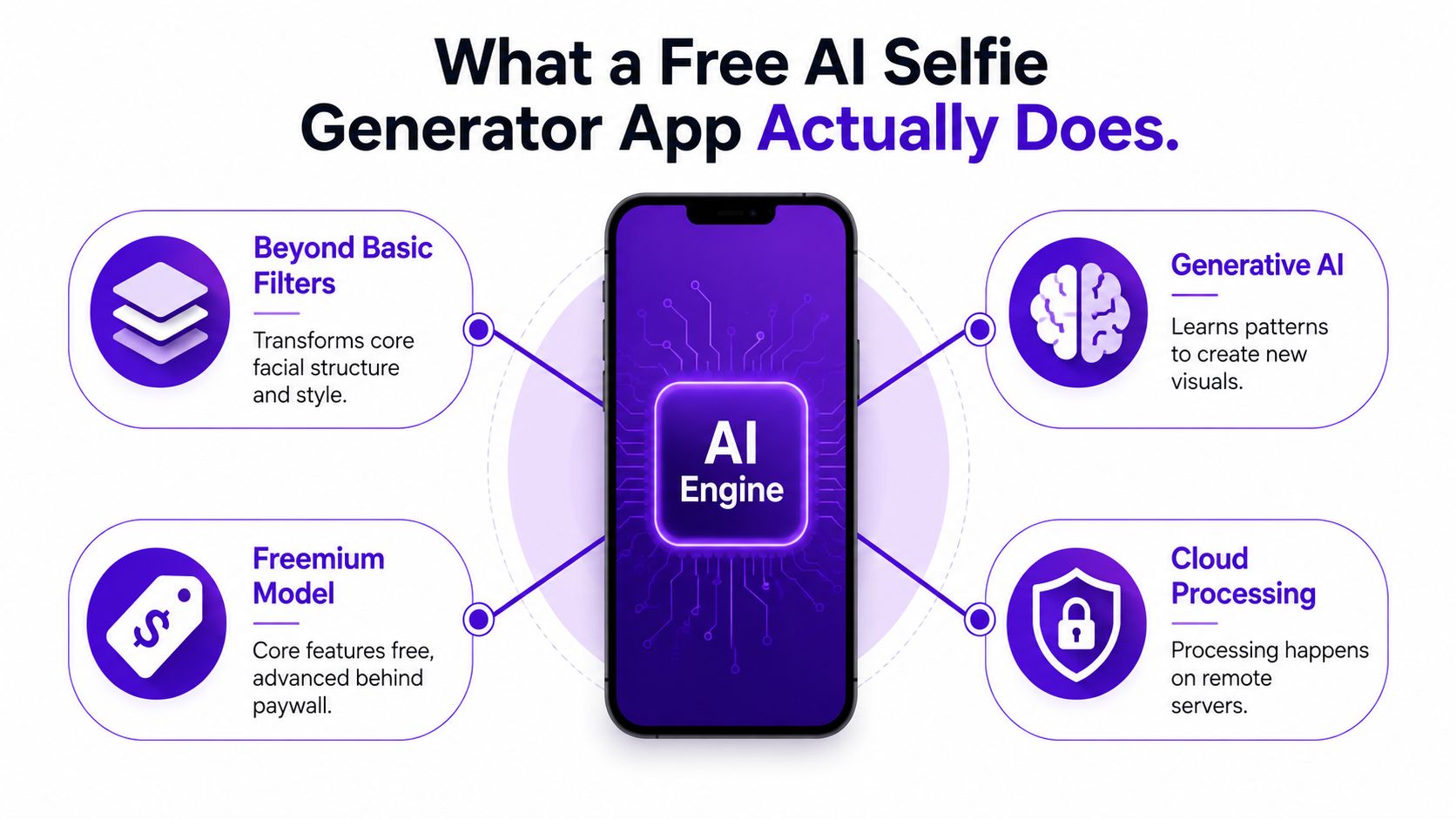
Free access commonly comes with conditions. The app may provide a limited number of generations, require an account, place a watermark on downloads, restrict resolution, or reserve commercial rights for a paid plan. Some tools also make the generation free but charge when you try to remove the watermark or download the image at a larger size.
A bakery sample. You can taste enough to decide whether you like the recipe, but the sample doesn't mean the bakery will provide every cake you need for free. A good test should answer three practical questions:
The processing model matters, too. Some apps generate on your phone, while others upload your selected image to remote servers. Google's MobileDiffusion research reported sub-second generation on premium iOS and Android devices for a 512×512 image, while a separate mobile diffusion implementation needed about 11.5 seconds on a Galaxy S23 Ultra for Stable Diffusion 1.4 at 512×512 with 20 steps. That difference shows why architecture, denoising steps, decoder cost, and memory movement affect whether an app feels instant.
For a plain-language overview of the workflow, see how an AI selfie image generator works. The core mental model is simple: photo plus instruction plus model equals a new image, with the app's free tier determining how often and under what terms you can repeat the process.
A playful result can be enough for a one-off post. A creator tool needs to behave predictably when the image becomes part of a larger project. Test the following features before you decide that a free AI selfie generator app fits your workflow.
The first question is blunt: does the output still look like you? A good transformation can change clothing, setting, color palette, and mood without changing the person into a vaguely similar stranger. Try two edits with different settings and compare the eyes, face shape, hairline, and distinctive features.
Face consistency matters more for character development, serialized social content, and branding than for a single novelty image. If each generation invents a different face, you'll spend time correcting the tool instead of creating with it.
Preset styles are useful for a quick start, but they can't describe every job. Look for an app that accepts ordinary language and lets you specify subject, setting, lighting, mood, and visual style.
“Portrait” is broad. “Front-facing portrait, soft window light, natural skin texture, muted green jacket, quiet bookshop background, realistic phone-camera framing” gives the model more direction. You don't need technical vocabulary, but you do need to name the details that affect the final image.
A useful app should handle more than one aesthetic. Test a realistic portrait, a fantasy interpretation, and a graphic or painterly version. Then check whether you can make targeted changes, such as replacing the background without rewriting the entire image.
An image can look excellent inside an app and disappoint at download. Check the actual export for watermarks, resolution limits, compression, and file format. Neutral comparisons of free image tools note that free tiers often include daily caps, account requirements, watermarks, or variable quality, while commercially suitable options may not remain free, as discussed in this comparison of AI image generator tools and trends.
Practical test: Generate one image, download it, zoom in on the face and hands, and read the usage terms before you build a campaign around it.
Starting from a real selfie is usually more useful than trying to describe yourself from nothing. An upload-and-edit flow gives the app a visual reference and lets you make a controlled change. That's the difference between “create a person with red hair” and “use my photo, keep my face recognizable, and change the hair to a copper bob.”
The most important question may not be whether an app can produce a stylish portrait. It may be what happens to your face after you upload it.
Cloud processing is common in selfie apps. TechCrunch reported in 2019 that FaceApp said most processing happened in the cloud and that users uploaded only the selected photo for editing, as summarized in coverage of AI photo app privacy. Remote processing can support more powerful models, but it means your image may leave your device.
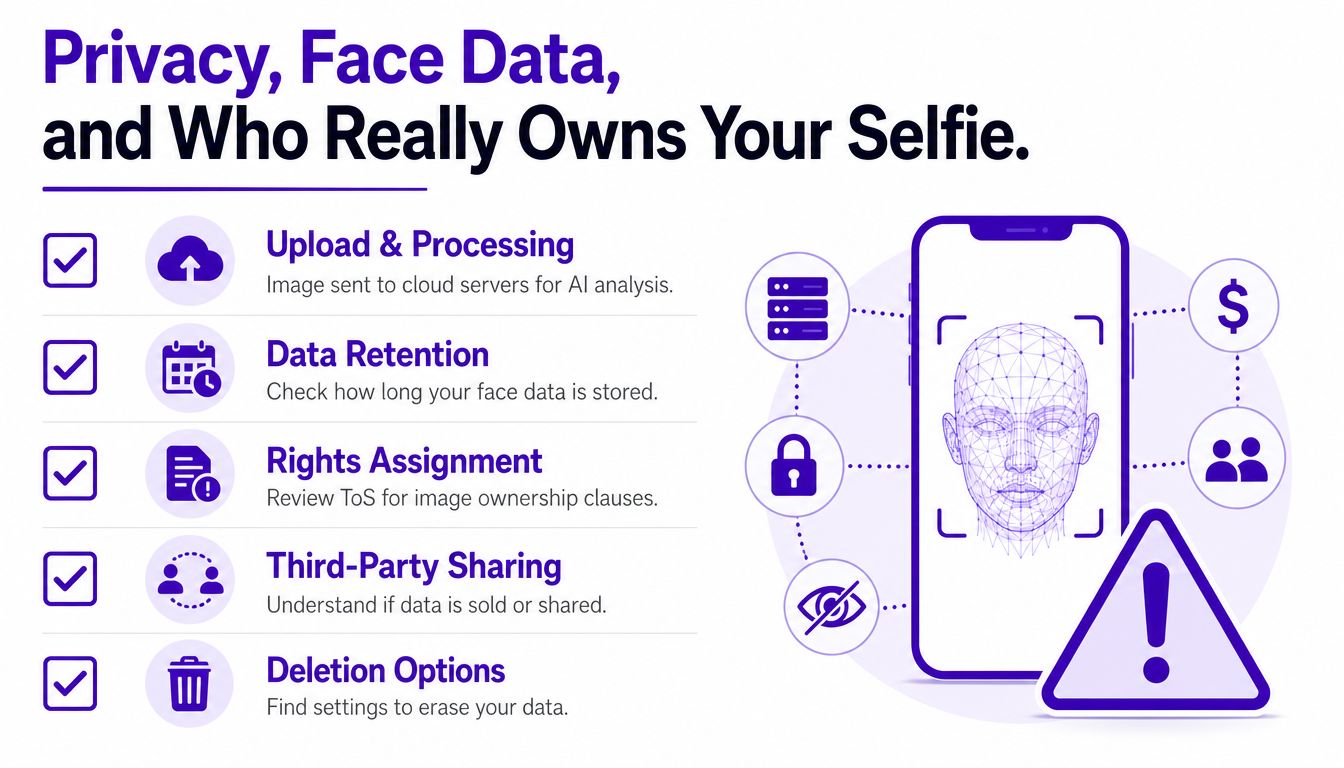
Independent coverage has identified uncomfortable gaps. A 2023 study found that 75% of analyzed apps required users to grant rights to use personal photos for promotional activities, while 20% did not permit data deletion requests, according to reporting on privacy concerns in AI photo apps. A separate summary of the same area of research reported that 1 in 4 of 20 popular AI photo apps stored facial data after an image was created, as described by Digit's privacy coverage.
Those findings don't prove that every app has the same policy. They do show why you shouldn't treat a cheerful interface as evidence of safe data handling.
Run this audit before you use a new service:
Google Play's AI-Generated Content policy covers apps that create content from text, voice, and image prompts, including image-to-image tools. On Apple devices, the App Privacy Report is available on iOS 15.2 or later and iPadOS 15.2 or later, and lets users review how often apps access sensitive information such as the camera, microphone, and location.
The safest habit is selective uploading. Use a photo you have permission to share, avoid images containing other people unless they've agreed, and don't assume that deleting the finished image also deletes the original facial data.
For one example of a service's published approach to privacy, review the starryai privacy policy before deciding what to upload.
A strong selfie prompt gives the generator a hierarchy of information. Start with the person and the framing, then add the style, lighting, mood, and important exclusions.
Use this structure:
Golden rule: Describe the change you want, then state what must remain stable.
An upload-and-edit workflow works especially well because the original selfie supplies the identity reference. Choose a sharp photo with clear lighting and a straightforward expression. Avoid starting with a heavily filtered image, since the generator may reproduce the smoothing or distortions you didn't intend.
For a glow-up portrait, try: “Use my uploaded selfie, keep my face recognizable, improve the lighting with soft studio light, add a clean neutral background, natural skin texture, polished but realistic editorial portrait.”
For a fantasy avatar, try: “Transform my uploaded selfie into a forest mage character, preserve my facial structure and expression, add emerald robes, warm magical light, detailed woodland background, painterly fantasy style.”
For a seasonal look, try: “Edit my selfie into a cozy autumn portrait, keep my face and hairstyle recognizable, add a rust-colored sweater, falling leaves, soft overcast light, warm social-media-friendly composition.”
If the first result misses, change one variable at a time. Replacing the whole prompt makes it difficult to learn what caused the problem. Ask for a different background, then a different lighting setup, then a different style.
Your device also affects the experience when processing happens locally. If you're comparing phones for mobile creation, this guide to buy refurbished iPhones UK can help you evaluate hardware and condition before choosing a device for image-heavy apps.
The same selfie generator can serve four completely different creative jobs. The output only becomes “good” when it meets the needs of the person using it.
A TikTok trend-hopper wants speed and recognizability. They may start with a front-facing selfie, apply a current fantasy or animated look, and export a vertical portrait for a short video. Their success test is simple: does the transformation read immediately on a small phone screen, and does the face remain recognizable from the original clip?
An indie author or self-publisher may use the same workflow for character exploration. They're not necessarily looking for a final book cover. A series of edits can help establish a protagonist's clothing, age, setting, and emotional tone before the author commissions or designs the finished cover. For this user, consistency and prompt control matter more than a fast novelty result.
An Etsy seller has a stricter evaluation. A generated portrait might become part of a printable, apparel design, promotional graphic, or product mockup. The seller needs to check export quality, visible watermarks, commercial permissions, and whether the app's terms grant the creator enough rights for the planned use. A visually attractive image isn't production-ready if its license is unclear.
A TTRPG player or avatar creator may care about worldbuilding. They can use a selfie as a starting point for a rogue, cleric, space pilot, or campaign NPC. The valuable result is a repeatable character identity, not necessarily photorealism. Hair, facial structure, costume motifs, and expression should remain coherent across revisions.
| Creator type | Primary output | Key app requirement |
|---|---|---|
| TikTok trend-hopper | Viral transformation or short-form video visual | Fast generation, strong style presets, recognizable face |
| Indie author or self-publisher | Character concept or book-cover direction | Face consistency, prompt control, useful composition |
| Etsy seller or side-hustler | Merch, print, or product promotion | Export quality, watermark-free output, clear commercial terms |
| TTRPG or avatar creator | Character portrait and campaign identity | Repeatable features, costume control, style flexibility |
The app hasn't changed. The definition of success has. Start with the destination, then judge the generator against that destination instead of rewarding the most dramatic preview image.
The category includes several workflow types. Some tools focus on preset transformations, some place generation inside a broader design editor, and some rely on conversational prompts. A creator choosing among them should compare the path from source photo to usable export, not just the gallery on the homepage.
starryai offers an edit-from-upload flow in which a user can provide a selfie and describe changes in plain language. Those changes can include lighting adjustments, skin cleanup, blemish removal, background changes, or broader style transformations. Its prompt experience also supports simple text and emoji-based direction, which suits creators who want to move quickly from an idea to a visual without learning a technical interface.
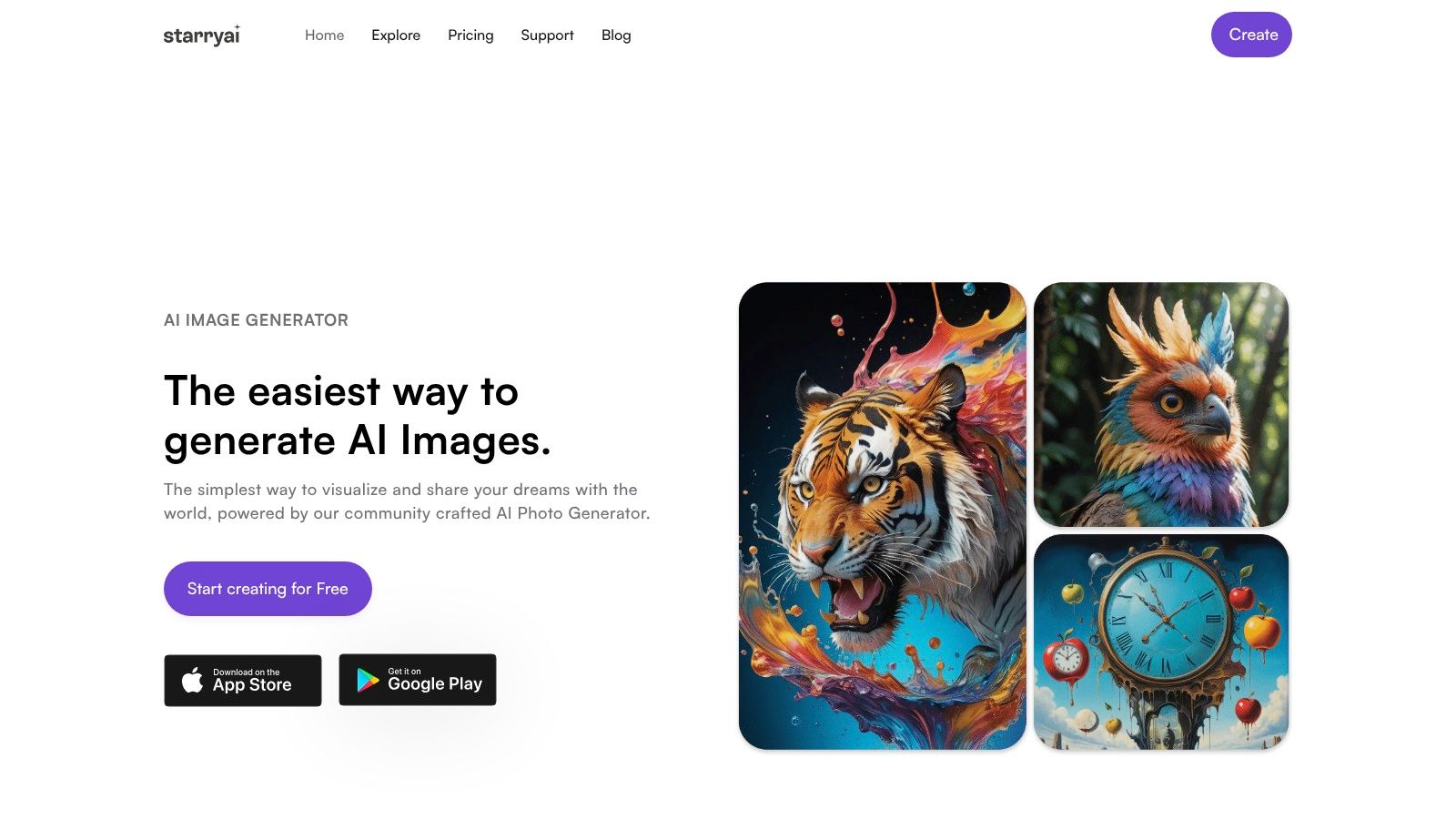
That workflow fits TikTok-first users who want recognizable transformations, but it can also serve a more deliberate creative process. An indie author can use an uploaded face as a character starting point. An Etsy seller can explore visual directions before checking the relevant usage terms for a finished product. A gamer can test avatar concepts without beginning from a blank canvas.
The distinction is practical. A preset-only app may be faster for a single trend. A broad design platform may be more convenient if the final image immediately needs a poster, social layout, or product mockup. An upload-and-edit tool sits between those uses, giving the creator a real reference image while leaving room for plain-language creative direction.
No free tier should be judged by generation alone. Test the complete path, including the prompt box, edit controls, download experience, privacy policy, and licensing language. For social experimentation, convenience may be the deciding factor. For commercial work, the terms and export conditions deserve equal weight.
Choose an app by answering three questions.
What am I making? A quick trend post needs speed and style variety. A book concept or TTRPG avatar needs identity consistency. A product asset needs reliable exports and clear commercial permissions.
Where will it live? A phone-screen image can tolerate limitations that a printed product, book cover, or client deliverable can't. Download the actual file and inspect it before committing to a larger project.
Am I comfortable with the privacy trade? Confirm where processing happens, how long uploads remain stored, whether facial data is used for other purposes, and whether you can request deletion. If the policy is vague, choose a different photo or a different service.
A memorable checklist is job, destination, rights, privacy. starryai is a strong fit for creators who want to upload a selfie, describe a transformation in ordinary language, and explore social, character, or marketing visuals from that starting point. Another tool may suit you better if you need a specialized headshot workflow, a built-in design editor, or terms adjusted to a specific production use.
You can also review free image generation without a credit card before testing a new workflow. Start with one non-sensitive photo, make one controlled edit, inspect the export, and read the terms before expanding the project.
starryai lets you turn selfies, text prompts, and emojis into AI visuals for social posts, character concepts, and creative experiments. Visit starryai to upload a photo, try a plain-language transformation, and see whether its edit-from-upload workflow matches the way you create.


.svg)