

Written by Mo Kahn on
August 29, 2026


You're choosing a fantasy identity, but the right tool depends on what that identity needs to do. A gamer may want a dramatic portrait for a Discord profile, while a tabletop player needs a character with specific armor, pose, and equipment. An indie author might need a repeatable protagonist reference, and an Etsy seller may need a clean, commercially usable image that can move from a mockup to a product listing.
This roundup compares each fantasy avatar maker by its input method, creative control, output purpose, licensing considerations, and practical limitations. You'll find selfie transformations, editable creative suites, anime identity tools, layered avatar builders, tabletop character creators, and manually controlled 3D design platforms.
For low-friction prompt and selfie experimentation, starryai is a strong starting point. It's quick enough for trend-led social content but flexible enough for character concepts, fantasy portraits, and commercial creative work. If you're building a wider creator workflow, you can also compare it with this best creator tools guide. The best choice still depends on whether you need speed, consistency, editability, or precise character control.
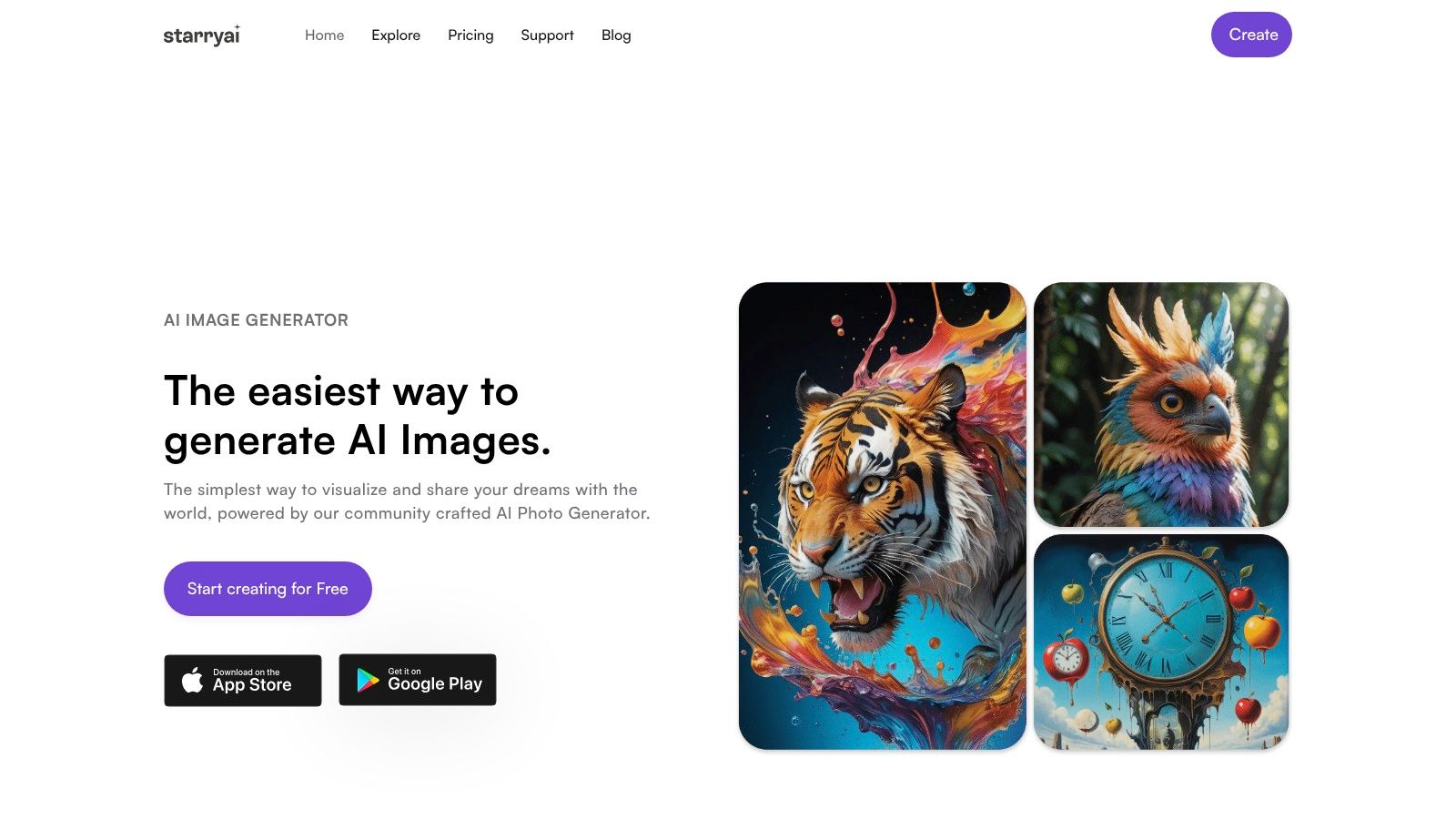
starryai is the most versatile first stop on this list because it supports several ways to begin. You can upload a selfie, describe a character with text, or use an emoji as a creative prompt. That makes it useful for a gamer who wants a fantasy version of themselves, an author developing a character, or a creator testing several visual identities without learning a complex design program.
The mobile-first experience keeps the process approachable. You can move from an idea to a shareable image quickly, then use tools such as the upscaler, background remover, avatars workflow, and video features for additional formats. Its style library includes more than 1,000 styles, according to the platform's own product positioning, so the practical challenge isn't finding a fantasy look. It's narrowing the look down to one that remains consistent across future images.
starryai is also appealing for sellers and authors because its product materials state that users retain ownership of generated images and receive commercial rights. That's useful for book concepts, merch graphics, social campaigns, and custom RPG artwork. Still, commercial rights from a platform don't automatically eliminate every legal concern. You should avoid recognizable third-party characters, protected logos, and prompts that deliberately imitate a living artist's signature style.
Use it when you need a fast visual starting point with room to iterate:
New accounts can start with a short sign-up flow and introductory generation access, while the free experience includes daily image creation without watermarks according to starryai's current product messaging. Heavy users will likely need additional credits or a subscription, and polished results still depend on prompt quality. A vague request such as “fantasy avatar” can produce attractive but inconsistent faces, costumes, and backgrounds.
Practical rule: Treat the first generation as a visual direction, not the finished identity. Keep the strongest prompt, reference image, palette, and costume language so later variations have something stable to follow.
starryai's own website displays a 4.7 out of 5 rating across approximately 40,000 reviews, but that social proof shouldn't replace testing your intended workflow. Generate the kind of avatar you need, inspect facial consistency, and confirm that the output suits the platform where you'll publish it.
Website: starryai
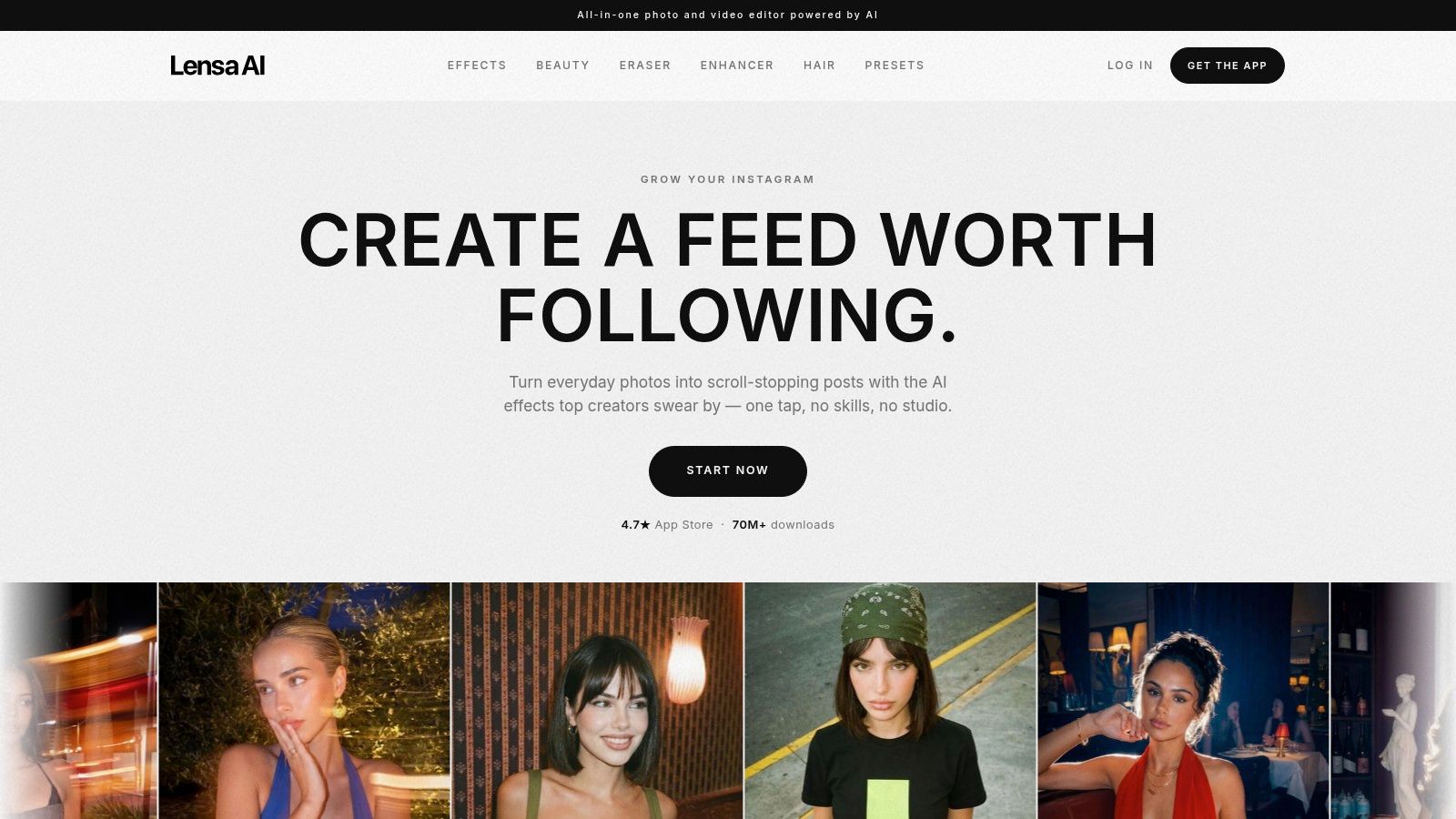
Lensa is built for the person who has a folder of selfies and wants a polished fantasy identity without writing elaborate prompts. Its Magic Avatars flow uses a batch of 10 to 30 selfies to create a set of stylized portraits, including fairy, cosmic, anime, and other fantasy directions. The batch approach is convenient because you're not judging a single transformation. You're choosing from a group of interpretations.
That makes Lensa particularly effective for social profiles, messaging apps, and quick identity refreshes. The app's guided flow removes most of the decisions that slow beginners down, and its mobile export experience fits the way people usually use profile artwork. You can get a cohesive set of fantasy portraits without opening a desktop editor or learning layer-based compositing.
The trade-off is control. Lensa can suggest the feeling of a paladin, enchantress, or cosmic hero, but it isn't the strongest option when you need exact armor construction, a particular weapon, or repeatable costume details. It also treats Magic Avatars as a paid add-on separate from the main subscription, so check the current purchase path before uploading a large batch of selfies.
Choose Lensa when the input is your face and the output is a collection of attractive profile images. It's less suitable for an author who needs a tightly specified fictional character or a seller who wants to control every visual element in a product design.
For a broader comparison of selfie-focused workflows, see this AI selfie generator guide. Also review the app's current privacy information and terms before submitting personal photos. Selfie-based services process facial imagery, and convenience shouldn't prevent you from understanding how uploads, storage, and deletion are handled.
Website: Lensa
Remini takes a different route from highly stylized character generators. Its core strength is facial enhancement, image cleanup, and photorealistic transformation, so it's a good fit when you want a fantasy avatar that still looks recognizably like the original person. A weak or soft selfie can first pass through enhancement tools before you apply a themed AI Photo or filter.
That workflow helps with realistic fantasy portraits. A ranger, royal mage, or space-fantasy pilot can retain believable facial detail rather than looking like a fully redrawn illustration. For creators who want a polished profile picture, this realism is often more valuable than elaborate worldbuilding.
Remini is available through web and mobile experiences, but feature access and pricing can differ by platform and region. That makes it important to test the exact version you'll use. A feature visible in a mobile app may not behave the same way in a browser workflow.
Remini is approachable because it reduces the number of design decisions. You don't need to understand model selection, complex prompting, or manual compositing to get a credible result. You also get practical enhancement tools that can improve the source selfie before transformation.
The limitation is specificity. If your brief calls for a layered dragon-scale cuirass, a silver staff with a defined shape, and a particular moonlit setting, Remini may give you an attractive approximation rather than a controlled design. It's strongest for realistic fantasy portraits, not detailed character sheets.
Read this AI photo editor comparison if you're deciding whether enhancement or generation should lead your workflow. Before commercial publication, review Remini's current legal and privacy documentation, especially when your project involves client photos or recognizable likenesses.
Website: Remini
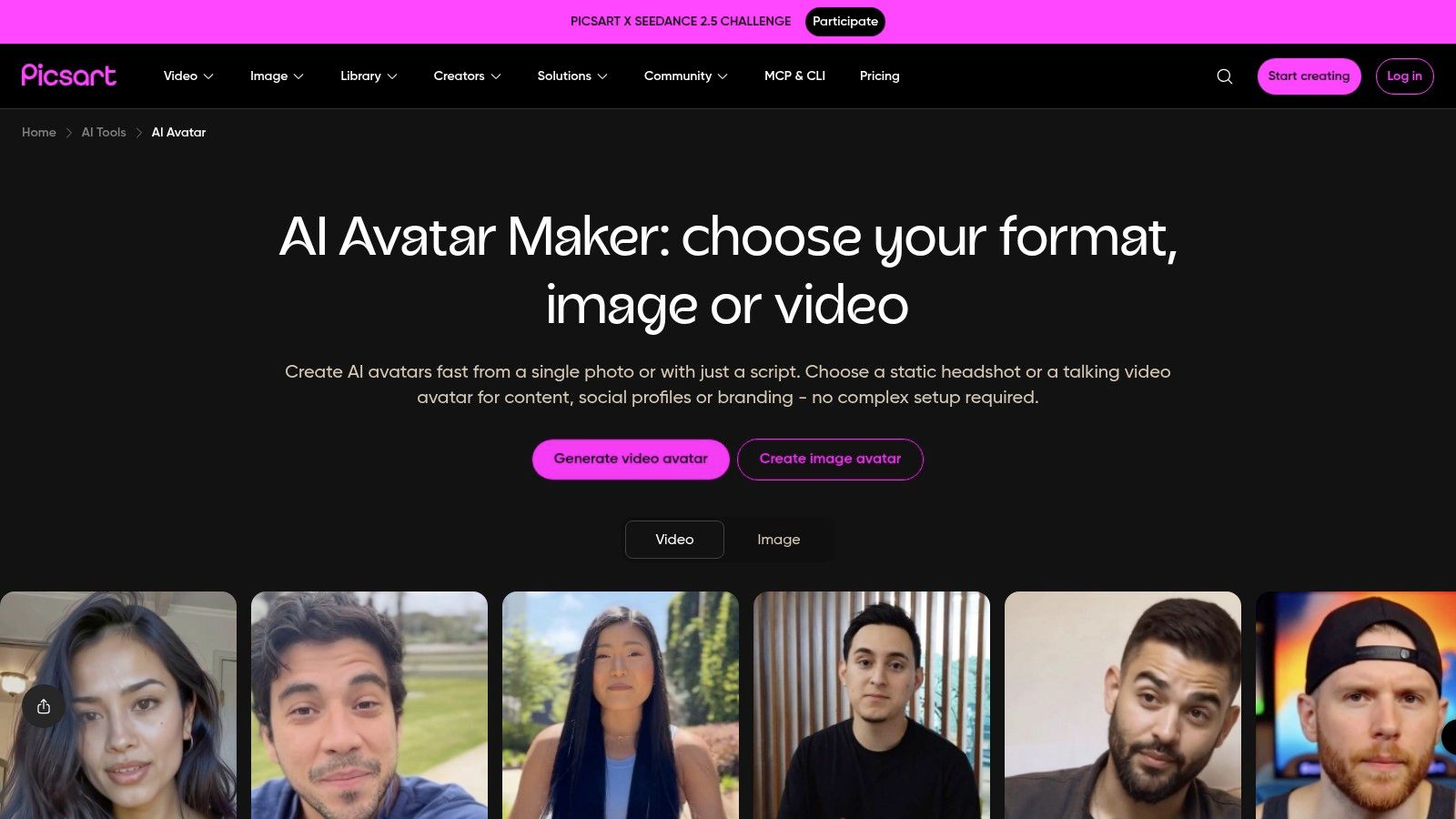
Picsart is the better choice when avatar generation is only the first stage. Its AI Avatar tool can create fantasy, anime, 3D, and cartoon interpretations from selfies, but the broader platform is designed for what happens next. You can place the avatar into a campaign graphic, add a background, build a social template, apply stickers, or create a coordinated set of posts.
That makes Picsart practical for social media managers and creators who don't want to export an avatar into another editor. A fantasy persona can become a profile image, story graphic, thumbnail, or promotional visual inside the same general environment. The platform also provides developer and API resources, which may interest teams exploring scaled avatar production rather than one-off personal use.
AI generation rarely delivers the final composition exactly as needed. You may get the right face but the wrong crop, a strong character but a distracting background, or a useful portrait that needs brand colors and text before publication. Picsart handles those downstream tasks better than narrowly focused avatar apps.
The cost is complexity. Its subscription and in-app purchase structure can be harder to evaluate than a simple one-time generator, and availability can change by platform or region. For a casual user who only wants one fantasy profile image, the larger creative suite may feel like more than necessary.
Use a precise prompt for the initial identity, then rely on Picsart for layout and polish. Specify the character's role, age range, expression, wardrobe, palette, and framing before adding promotional elements.
Website: Picsart AI Avatar
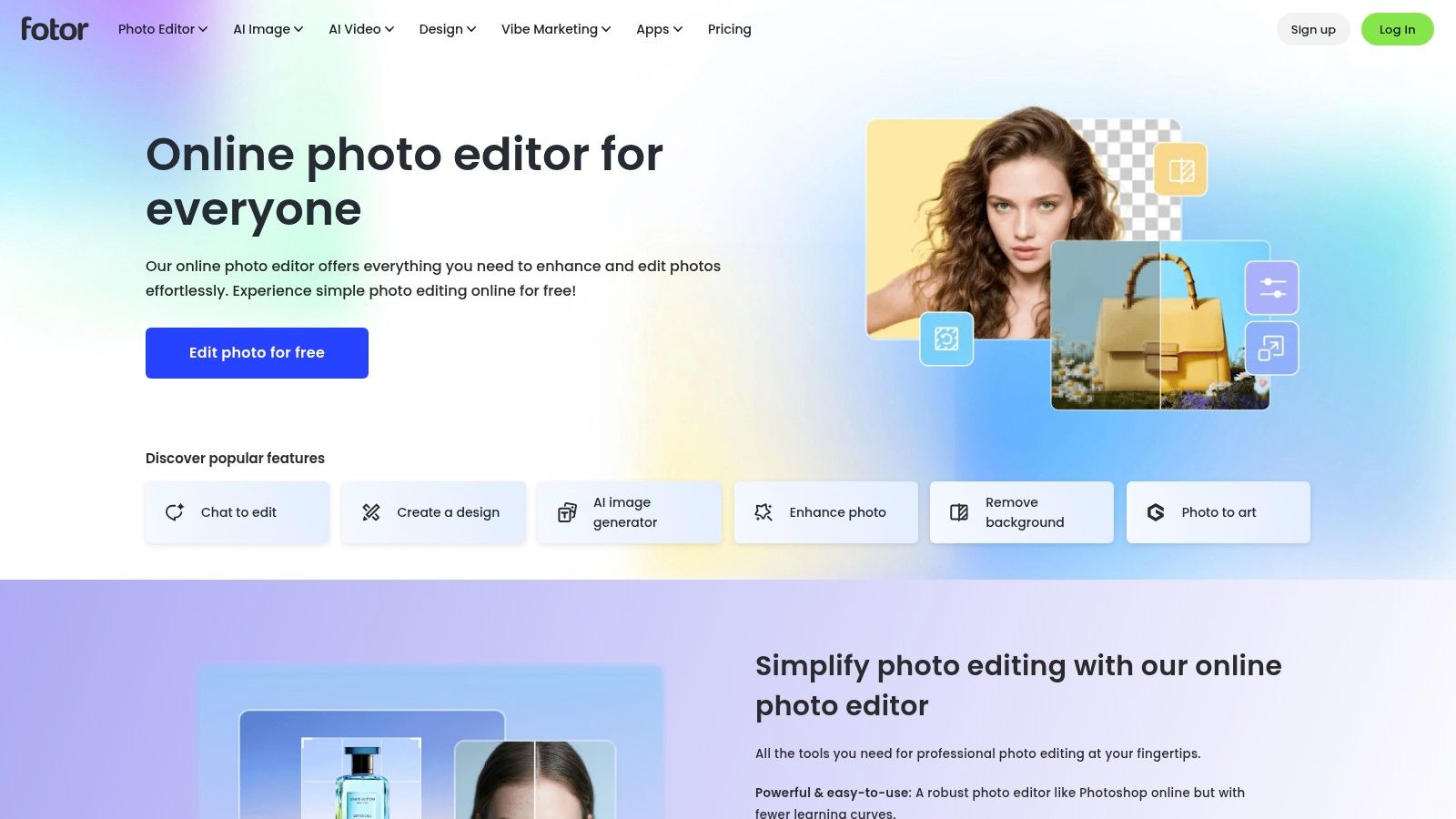
Fotor is a browser-first option for users who want avatar creation and design finishing in one place. Its toolset includes AI Avatar, AI Portrait, and Character Generator workflows, so it can support both selfie-based fantasy portraits and more fictional character concepts. Because it runs in the browser, it's convenient for people working across devices or preparing assets for clients and online shops.
The practical advantage appears after generation. Fotor includes templates and editing tools aimed at social content, ecommerce visuals, and advertising creatives. An Etsy seller could create a fantasy avatar, remove or change the background, add product context, and prepare a promotional graphic without moving between several apps.
Fotor uses credits and subscription tiers, including Pro and Pro+ options, with avatar-pack discounts associated with subscriber plans. Exact pack pricing isn't always visible outside the checkout flow, and regional or purchase-path differences can affect what you see. That makes Fotor easier to recommend for users who already need its broader editor than for someone comparing only the cost of a single avatar.
Its batch-editing orientation can help when a client needs several related assets. Still, don't assume that a set of generated images will automatically maintain the same face, clothing, or proportions. Save the original prompt and reference material, and compare outputs before using them as a branded identity.
Fotor is a sensible middle ground between a one-tap portrait app and a full manual character builder. It gives you more finishing control than Lensa or Remini, but less deliberate character construction than Hero Forge.
Website: Fotor
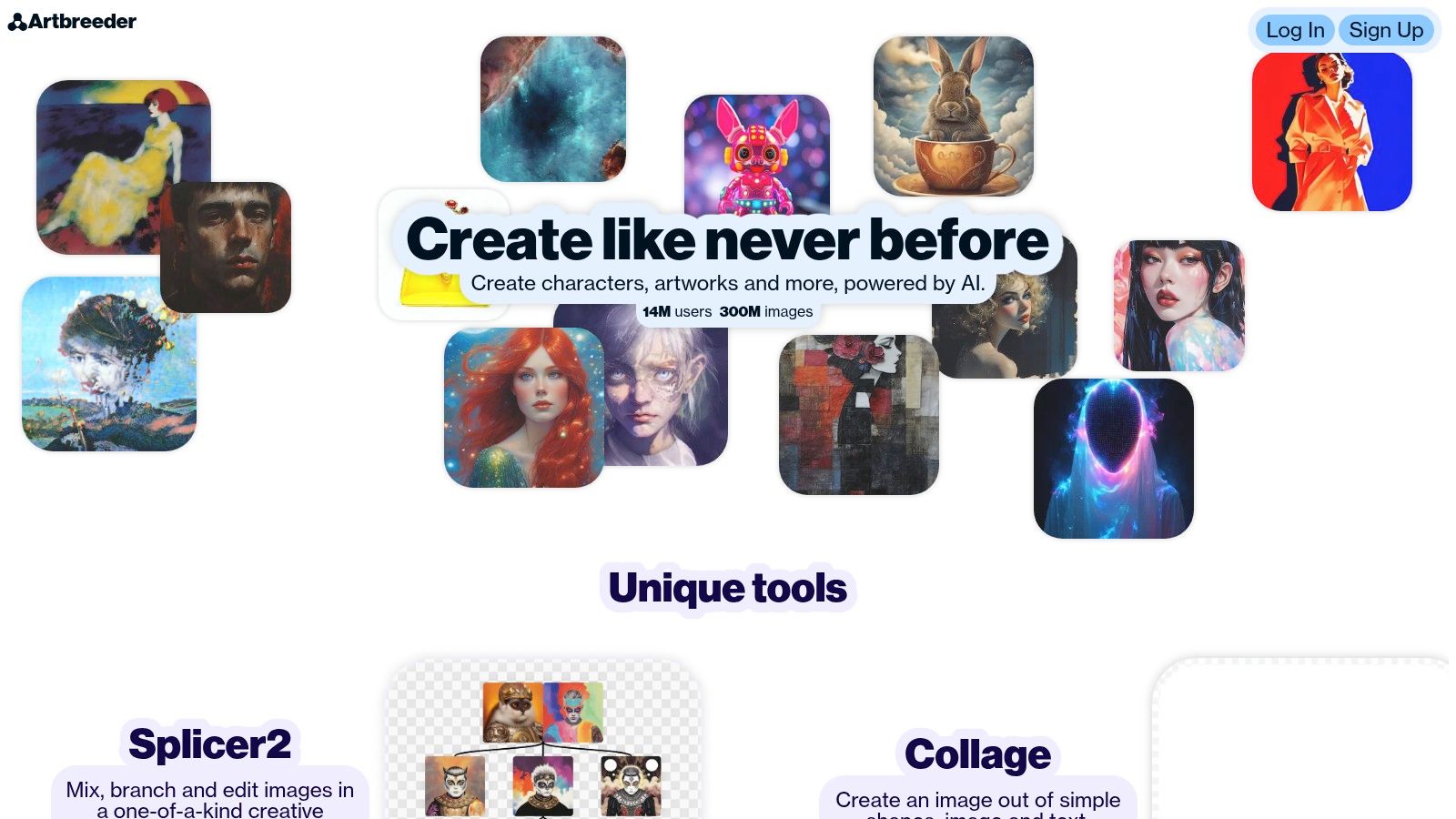
Artbreeder suits creators who care more about evolving a character than getting an instant profile picture. Its gene-based sliders let you adjust facial characteristics and gradually move an image toward a preferred version. Splicer tools support image blending and variations, while Composer, outpainting, and community remixing open up more exploratory workflows.
That makes it valuable for authors, tabletop players, and concept artists. You can begin with an elf-like portrait, push it toward a human interpretation, compare several expressions, and develop a visual reference that feels deliberately shaped rather than randomly selected. The platform's community also makes it easier to discover starting points and remixable ideas.
Artbreeder has a real learning curve. The controls are more expressive than a one-tap mobile generator, but they require patience and a willingness to understand how changes affect the image. A creator who needs a social avatar immediately may find the process slower than starryai, Lensa, or Waifu Labs.
It also produces 2D still images, not rigged 3D character exports. That distinction matters if your goal is a game-ready model, animated VTuber asset, or fully poseable character. Artbreeder can help establish the look, but another tool would be needed for downstream 3D production.
Paid tiers offer higher-resolution and credit-related options, and privacy settings matter if the character is commercially important or still in development. For a novel protagonist or RPG NPC, the strongest workflow is to save the source version, record the slider decisions, and treat the final portrait as a reference sheet rather than assuming every future generation will match it.
Website: Artbreeder
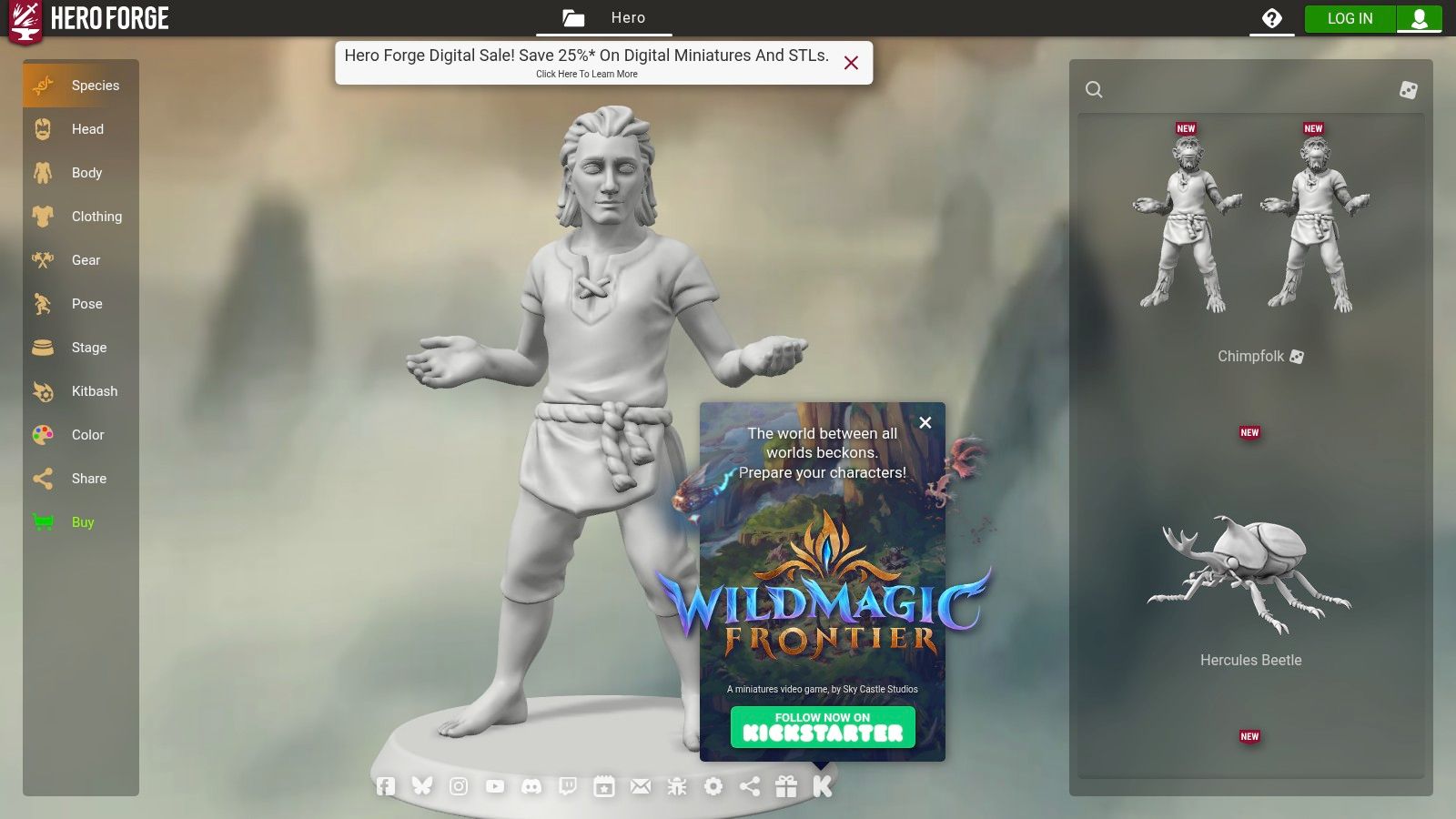
Hero Forge is the strongest option here for manually controlled fantasy character design. It was built around custom tabletop miniatures, and that origin shows in the depth of its asset library. You can choose a character's species, class direction, weapons, armor, mounts, pose, and scene details instead of hoping an AI model interprets those requirements correctly.
That control is especially useful for a tabletop campaign. If your character must carry a specific sword, wear a particular helmet, hold a staff in a defined position, or appear with a recognizable silhouette, Hero Forge gives you direct choices. You're designing the character rather than transforming a photograph.
The result can still work beyond physical miniatures. Digital downloads, portrait images, VTT token exports, and the scene or screenshot maker support RPG profiles, campaign documents, stream overlays, and community posts. You can use it even if you never order a printed model.
Hero Forge takes longer than selfie generators because every meaningful detail requires a decision. That's the benefit when accuracy matters, but it's unnecessary overhead for someone who only wants a quick fantasy profile picture. Some higher-quality image export features and downloads sit behind Pro or Pro+ subscriptions, so check the current export options before building a production workflow.
If the character's equipment is part of the identity, manual assembly usually beats prompt interpretation.
Hero Forge is also not a selfie-based tool. It won't preserve your face automatically or turn a personal photo into a fantasy persona. Choose it for character control, not likeness transformation.
Website: Hero Forge
Picrew offers a large collection of creator-made 2D avatar makers rather than one unified generation model. Each image maker has its own art direction and layered parts, so you choose an artist's visual system and assemble a character from available options. For a stylized fantasy avatar, that can be faster and more coherent than asking an AI tool to invent every visual element.
The workflow is simple. Pick a maker with the right fantasy theme, select the face, hair, clothing, accessories, colors, and other available components, then export the result as a PNG where the maker permits it. This makes Picrew a good fit for a brand persona, forum identity, stream icon, or casual RPG profile.
Picrew's biggest practical limitation is also the one users are most likely to overlook. Each creator sets their own usage permissions and licensing terms. A maker may allow personal use but restrict commercial publication, editing, merchandise, or redistribution. You must inspect the individual maker's rules before putting the image on products, a book cover, a monetized channel, or paid client work.
Picrew is also less flexible than Hero Forge for pose, lighting, and three-dimensional equipment. You're working within the parts supplied by the creator, and the final look reflects that artist's design choices. That constraint is a strength when you want a consistent, cohesive style, but a weakness when you need a custom composition.
Use Picrew for fast stylized identity work, then save a record of the specific maker and its permissions. Don't treat the platform's general availability as blanket commercial authorization.
Website: Picrew
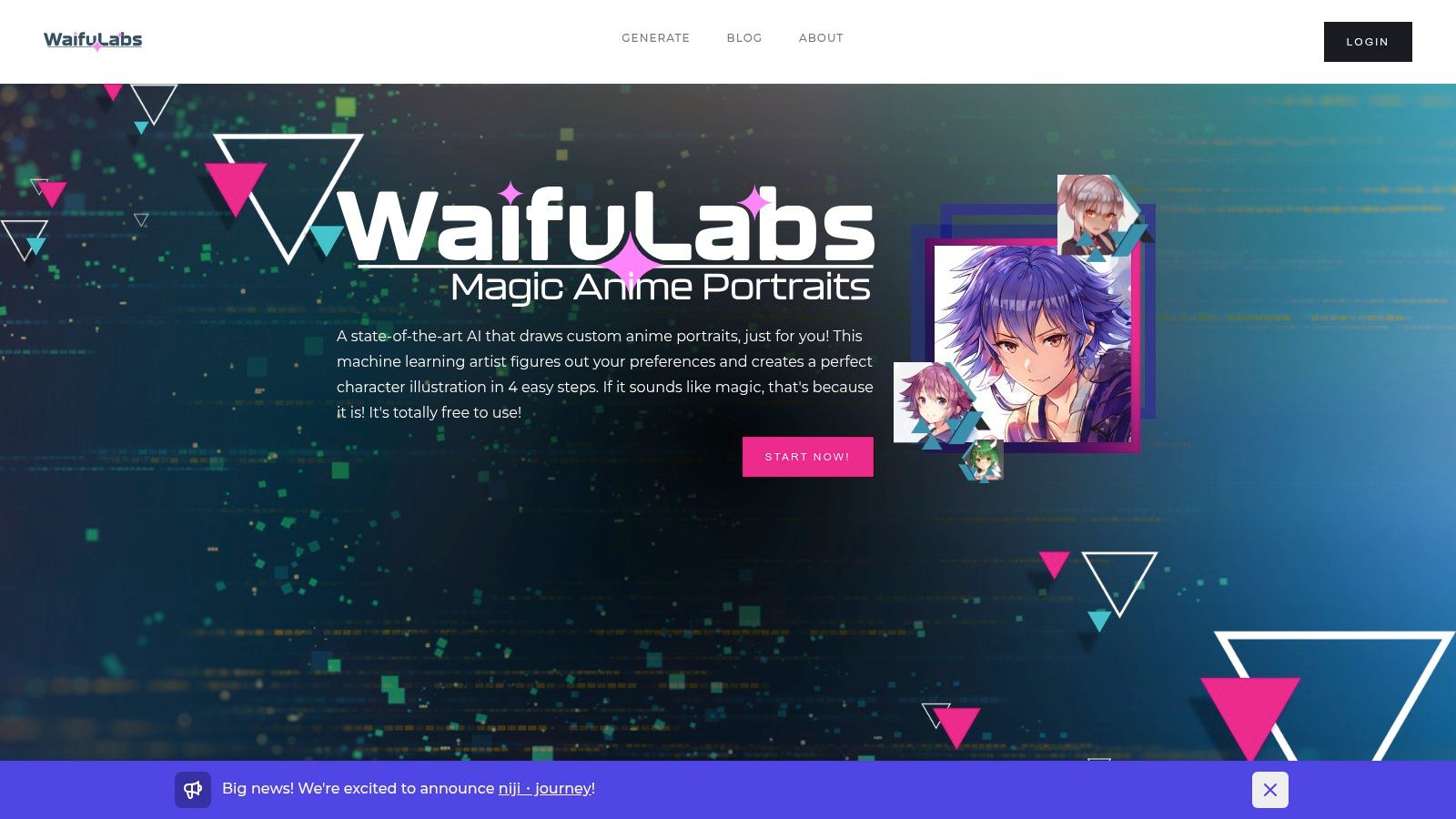
Waifu Labs excels at guided anime refinement, producing consistent portraits with expressive eyes, clean linework, and a polished illustrated finish. Rather than writing a long prompt, you select visual options and gradually steer the character toward your preferred design. This suits an anime-fantasy identity when you want creative direction without learning prompt engineering.
The consistent style works well for anime profile images, character references, and VTuber-adjacent identities. Newer versions include backgrounds and male character options, giving the tool more range than its original character focus. It remains especially useful when a recognizable anime persona matters more than photorealism or exact object placement.
Waifu Labs is less suited to gritty western-fantasy portraits, realistic knights, or manually specified tabletop miniatures. You can guide the overall direction, but control over props, armor construction, poses, and output formats is narrower than in specialist tools. For a tabletop character, that means you may need a separate illustration or modeling workflow after creating the initial identity.
The web experience is free to try and supports portrait downloads. Check the downloaded file before using it in print or a large design, since resolution and format flexibility are more limited than in paid professional tools. Also review the current usage terms if the avatar will represent a monetized channel, client project, or product.
Choose Waifu Labs when anime identity is the main requirement. Its guided choices can maintain facial proportions and line style more reliably than a broad generator that produces a different character with each prompt.
Website: Waifu Labs
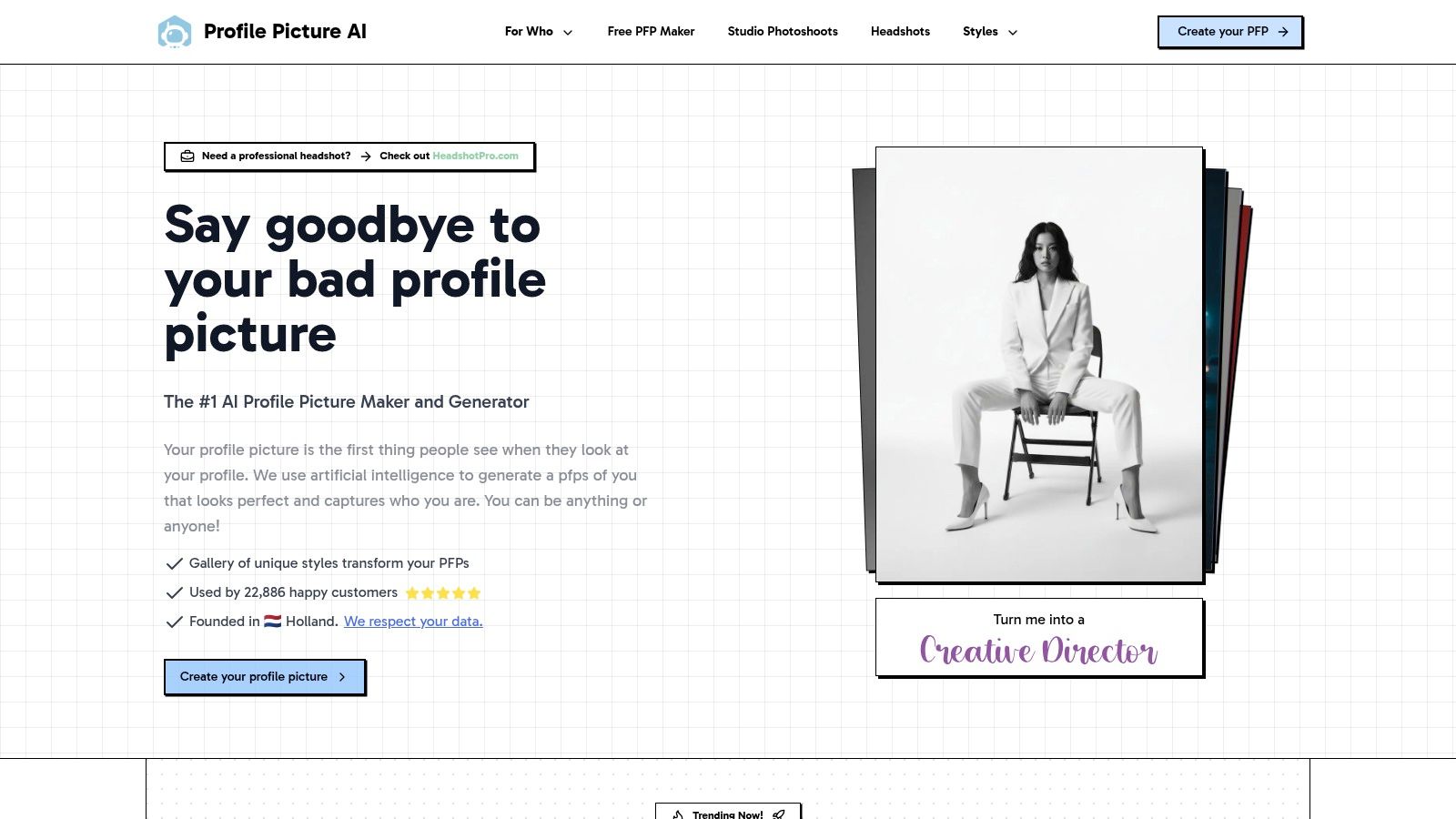
ProfilePicture.ai is aimed at users who want a broad selection of themed profile images from uploaded selfies. Its catalog includes fantasy niches such as paladin, vampire, and Norwegian goddess directions, making it useful when you want to test several distinct identities rather than build one character from scratch.
The web-first workflow requires no installation, and one-time packs or subscription options can suit someone who wants a batch of outputs for a particular project. A creator might use it to explore different profile directions before choosing a final look for a channel, author page, or gaming community.
Live pricing can vary by region and may appear more clearly at checkout than on the public landing page. The same applies to the exact contents of packs, so confirm how many outputs, styles, and downloads you're receiving before purchase.
Quality also varies by selected style. Some categories may preserve facial identity well, while others produce more generic fantasy interpretations. Per-image micro-control is limited, so ProfilePicture.ai is better for breadth and speed than for precise armor, prop, pose, or environment direction.
Its legal documentation and information about cloud processing should be reviewed before uploading personal or client images. If you intend to sell the finished avatar, verify the current commercial-use terms rather than assuming a paid pack grants every possible right.
For more options focused on profile imagery, this profile picture generator guide provides useful context. ProfilePicture.ai makes the most sense when you want many themed tests quickly and can accept less control over each individual result.
Website: ProfilePicture.ai
| Product | Core features ✨ | UX / Quality ★ | Pricing / Value 💰 | Target audience 👥 | USP / Notes |
|---|---|---|---|---|---|
| 🏆 starryai | Selfies, text & emoji → AI images; 1,000+ styles; upscaler, bg remover, avatars, video | ★4.7/5 (~40k reviews), polished, stable | 💰 Free tier + starter lumens; daily free images; commercial rights | 👥 TikTok trend‑hoppers, indie authors, Etsy sellers, gamers | 🏆 Free start + commercial ownership; huge styles library |
| Lensa – Magic Avatars (Prisma Labs) | Batch 10–30 selfies → stylized avatars; fantasy/anime packs; social export | ★ High, viral, beginner‑friendly | 💰 Paid add‑on / pack purchases | 👥 Social sharers, trend followers, mobile users | ✨ Fast batch avatar flow; trendy fantasy looks |
| Remini – AI Photos | Face enhancement pipeline + AI Filters; realistic fantasy transforms | ★ Good, polished, realistic | 💰 Freemium; pricing/features vary by region | 👥 Non‑designers, profile pics, portrait polishers | ✨ Strong face/detail enhancement before stylizing |
| Picsart – AI Avatar | AI avatar maker + full editor (templates, stickers, background tools) | ★ Good, full‑featured creative suite | 💰 Freemium / subscription tiers (complex) | 👥 Social marketers, creators, teams | ✨ All‑in‑one editing + campaign templating |
| Fotor – AI Avatar | Web‑first avatar/portrait/character tools; templates & batch editing | ★ Good, browser friendly | 💰 Credits + Pro/Pro+ subscriptions | 👥 Teams, e‑commerce sellers, marketers | ✨ Browser‑based finishing toolkit; credit discounts |
| Artbreeder | Slider “genes”, splicing, evolve characters & variations | ★ Moderate, granular control, learning curve | 💰 Freemium; paid tiers for hi‑res/credits | 👥 Authors, concept artists, RPG players | ✨ Fine‑grain evolution & community remixing |
| Hero Forge | 3D character builder: race/class/gear/pose; digital downloads & VTT tokens | ★ High, industry‑leading customization | 💰 Pay per asset + optional Pro subscriptions | 👥 Tabletop players, streamers, miniatures fans | ✨ Deep 3D asset library; portrait & token exports |
| Picrew | Creator‑made 2D avatar makers; layered part assembly, PNG export | ★ High, instant, simple | 💰 Free to use; licensing varies by maker | 👥 Casual users, stylized brand personas | ✨ Massive variety of distinct artist styles |
| Waifu Labs | Guided multi‑step anime portrait breeding; backgrounds & male options | ★ High, consistent anime output | 💰 Free to try/download (web) | 👥 Anime fans, VTuber‑adjacent creators | ✨ Fast, curated anime refinement flow |
| ProfilePicture.ai | Upload selfies → hundreds of curated styles; batch pack processing | ★ Good, broad curated catalog | 💰 One‑time packs or subscription; pricing at checkout | 👥 Creators wanting many themed outputs quickly | ✨ Wide fantasy style catalog + batch outputs |
The best fantasy avatar maker depends on the job, not the size of the style catalog. For a fast transformation of your own face, start with starryai, Lensa, Remini, or ProfilePicture.ai. These tools reduce the distance between a selfie and a finished fantasy portrait, but they vary in how much control you get over costume, props, and repeatability.
Choose a creative suite such as Picsart or Fotor when the avatar needs to become part of a larger asset. Their editing tools matter when you're preparing a thumbnail, campaign graphic, shop listing, social template, or book-related visual. Generation is only one stage in those workflows, and the ability to adjust backgrounds, add text, and build a finished layout can save more time than switching to a separate editor.
For a stylized anime identity, Waifu Labs is the focused option, while Picrew works well when you prefer layered parts and a specific artist's look. Those choices offer a more controlled visual language than open-ended image generation, but Picrew requires especially careful review of each maker's usage permissions.
Artbreeder and Hero Forge are better when character control takes priority. Artbreeder helps you evolve a 2D character through variations and adjustable traits. Hero Forge gives you direct control over fantasy equipment, poses, species, and scene composition, making it the strongest choice for a tabletop character whose gear and silhouette need to be exact.
Before generating, write a compact brief that covers:
Generate several variations instead of accepting the first attractive result. Check whether the face remains recognizable, whether hands and accessories look usable, and whether the image contains accidental text, logos, extra limbs, or inconsistent costume details. Then save the strongest version as your visual reference for future avatars.
Commercial-use check: Platform permissions, model licenses, likeness rights, and third-party intellectual property are separate questions. Confirm each one before selling, publishing, or advertising with the image.
Commercial use deserves particular care because paid access doesn't always mean identical rights across tools. One licensing guide reports that paid tiers from major AI image models generally grant commercial rights, while free tiers commonly may not, and its Midjourney example distinguishes paid commercial use from free-tier images labeled CC BY-NC 4.0. Review the current terms for the exact service and plan you're using, then keep a record of the terms and the source image.
Consistency also improves when you preserve your character's defining choices. Store the prompt, reference portrait, wardrobe description, palette, preferred framing, and any manual edits. If you're building a recurring author character or creator persona, a structured system such as the Fanerse DNA character system can help you organize those identity traits across future outputs.
The broader market context supports treating these tools as more than novelty apps. The global 3D avatar creator market was estimated at $3.66 billion in 2025, with a projection of $4.3 billion in 2026 and $8.08 billion by 2035, representing a projected 17.5% CAGR from 2026 to 2035, according to The Business Research Company's 3D avatar creator market report. A separate market estimate places the AI avatar market at USD 2.5 billion in 2024, with a projection of USD 63.5 billion by 2034 and a projected 38.2% CAGR, as reported by Market.us. The estimates use different market definitions, so they shouldn't be combined as one measurement, but both indicate growing demand for digital identity creation.
Start with the tool that matches your next deliverable. Don't choose Hero Forge for a quick selfie makeover, and don't rely on a one-tap portrait app when your character's armor, pose, and equipment must remain exact.
starryai combines selfie transformations, text and emoji prompting, fantasy avatar creation, and creative tools such as upscaling and background removal in one approachable workflow. If you want to test fantasy identities quickly while keeping commercial projects in view, visit starryai and create your first avatar.


.svg)